


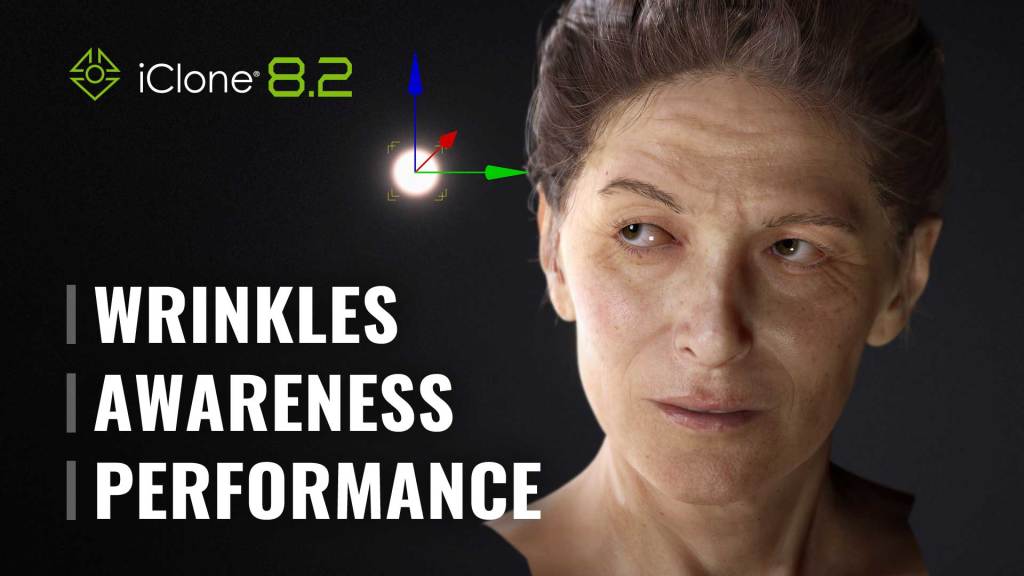

Reallusion’s latest release of iClone 8.2 and Character Creator 4.2 represents a significant breakthrough for 3D character artists everywhere. With a focus on providing a comprehensive solution, this release introduces an advanced Look-At Mechanism that lets your digital actors express realistic awareness of their surroundings in real-time simulations.
But that’s not all. The new Dynamic Wrinkle System takes character animation to new heights, injecting photo-realistic facial features and expressions into your CC characters. This system breathes life into lip-syncs and emotive performances, adding a level of detail that will set your characters apart.
iClone 8.2 is more than just a visual upgrade; it takes software performance to the next level with Progressive Texture Loading. Animators can now begin editing animations immediately, without having to wait for all the heavy textures and materials to load. This innovative feature not only accelerates the LiveLink pipeline between iClone and Unreal or Omniverse but also sets the stage for concurrent GPU rendering, delivering faster, smoother results than ever before.
As if that weren’t enough, the Auto Setup plugin for Unreal, Blender, and Unity can now import and utilize realistic wrinkle animations from iClone, giving your characters an unprecedented level of detail and realism.
Whether you’re working on a big-budget project or just starting out, iClone 8.2 provides a powerful suite of tools that will take your animations to the next level. With cutting-edge features like progressive texture loading and Auto Setup for wrinkle animations, you’ll be able to work faster and more efficiently than ever before.
Release note: iClone 8.2 | iClone Unreal Live Link 1.2
1. Engaging Look-At Constraints – Know More
Morph & Wrinkle Actuate Eye Movement
- Simulate natural awareness of an object, or maintain eye contact with the camera.
- Eyelids and eyebrows naturally move with the eyeballs when the character is looking around. Automatic asymmetry helps to overcome the uncanny valley.
- Subtle wrinkles are triggered around the eyes and forehead for all types of facial expressions like frowns and smirks.

Eye-Neck-Torso Weight
- Adjustable look-at constraint ratio between the eyes, neck, and torso can alter the actor’s mannerism.
- Enhanced morph shapes for head up and down movements.

Keyable Engagement Levels


- Choose between different engagement levels from quick glances to intense gazes.
- Recruit the correct body parts to sell the motion, from isolated eye movements to coordination with the rest of the body.
- Set keys to alternate the eye, neck, and torso engagement ranges.


2. Exquisite Expressions with Dynamic Wrinkles – Know More
The Wrinkle System is highly customizable and can simulate exceptional facial expression details in real-time. It can upgrade your CC characters and redefine the realism of their talking facial features by triggering dynamic wrinkles through any facial movement.
Custom Wrinkle Settings
- Expression Wrinkles are divided into 13 common facial regions that govern the wrinkle lines, crow’s feet, smile lines, and more.
- Intensify or neutralize any target region of the face, down to the individual channel map like Normals, AO, and Redness.
- Alter the Rate of Appearance to delay or preempt the micro-movements of the fasciae while the expression-driven muscles are flexed.
Reactive Expression Wrinkles
Upon activation, the expression wrinkles are synchronized with the facial movements that are triggered by a range of animation tools in iClone, including Face Key Editor, Face Puppet, Look-at Constraints, as well as features such as Lip-sync and Facial Mocap.

Works with Any CC Character
- General Wrinkles are compatible with SkinGen and can be applied to any CC3+ character to naturally blend with different skin tones.
- The CC Wrinkle shader supports high-res multi-texture blending without compromising real-time performance.

Unreal LiveLink – Dynamic Wrinkles
- Look-at constraints can be driven by a camera or animated objects, simulating different levels of alertness and engagement.
- Dynamic Wrinkles add emotive details to digital human performances and enrich the expressions of stylized characters.

Find the updated iClone Content Resources with the Dynamic Wrinkle System >
3. Progressive Texture Loading – Know More
Realtime Production
iClone 8.2 takes software performance to the next level with progressive texture loading. Animators can now begin editing animations immediately, without having to wait for all the heavy textures and materials to load. This innovative feature not only accelerates the LiveLink pipeline between iClone and Unreal or Omniverse, but also sets the stage for concurrent GPU rendering, delivering faster, smoother results than ever before.
Instant Asset Loading
Get to work right away without waiting. Textures can make up more than 80% of the asset file size. With an adjustable CPU ratio, users can load textures in the background while getting started on scene arrangement and animation. Watch Video >

On-Demand Texture Loading
When “Manual Loading” is enabled, users can press the Load Textures icon overlaid on the viewport to stream in the texture files. The loading speed is determined by your preference settings for the GPU ratio. Watch Video >

Save Untextured Scenes
Enjoy faster performance by working texture-less — and since the textures are never discarded, choose to load them at anytime. Keep the scene untextured when you save and have the texture references stored with the file. Watch Video >

Faster Live Link & Rendering
Reserve GPU Memory for Renderer & Live Link
iClone is commonly used by studios in tandem with Unreal Engine, Unity, Blender, or Omniverse for final rendering. Progressive and deferred texture loading can keep the iClone scene light-weight while freeing precious system resources for GPU-intensive rendering.
Our unique Progressive/Deferred Texture Loading technology allows users to Live Link animations from iClone without taxing the system resources. Keeping the scene texture-less in iClone frees up graphics memory that can be dedicated to rendering in Unreal Engine.

Get the updated MetaHuman Kit >
Know more: Facial Expression | Performance | Unreal LiveLink
Forum: iClone 8.2 Discussion