


The rise of AI-powered animation has given rise to fresh aesthetics, yet due to the limitations of the current AI technology, the shapes of objects and characters from one frame to another tend to shift about in a sort of amorphous fashion. Some individuals view the instability of the generated images as an aesthetic side-effect of nascent technology — a je ne sais quoi, while others opt for incorporating additional tools into their pipelines to smooth over the animation, regarding the visual artifacts as unsightly glitches.
Amelia Player, co-founder of Prompt Muse, seamlessly incorporated Headshot, Character Creator, and iClone into her AI-generated animation workflow. By utilizing CC Character and iClone Animation, Amelia effectively addresses the instability that commonly occurs in video-driven AI animations. Reallusion’s tools were chosen for their user-friendly approach to 3D character creation, what she referred to as a “zero-learning curve” solution. These tools integrated with the animation pipeline, alongside MetaHuman and Blender, enhancing the overall user experience.
I use Character creator to create a puppet. You do not need to know any 3D. There is no learning curve to this software. You’re basically using sliders and dragging and dropping assets onto your 3D character. It is super simple to use.
Amelia Player, co-founder of Prompt Muse
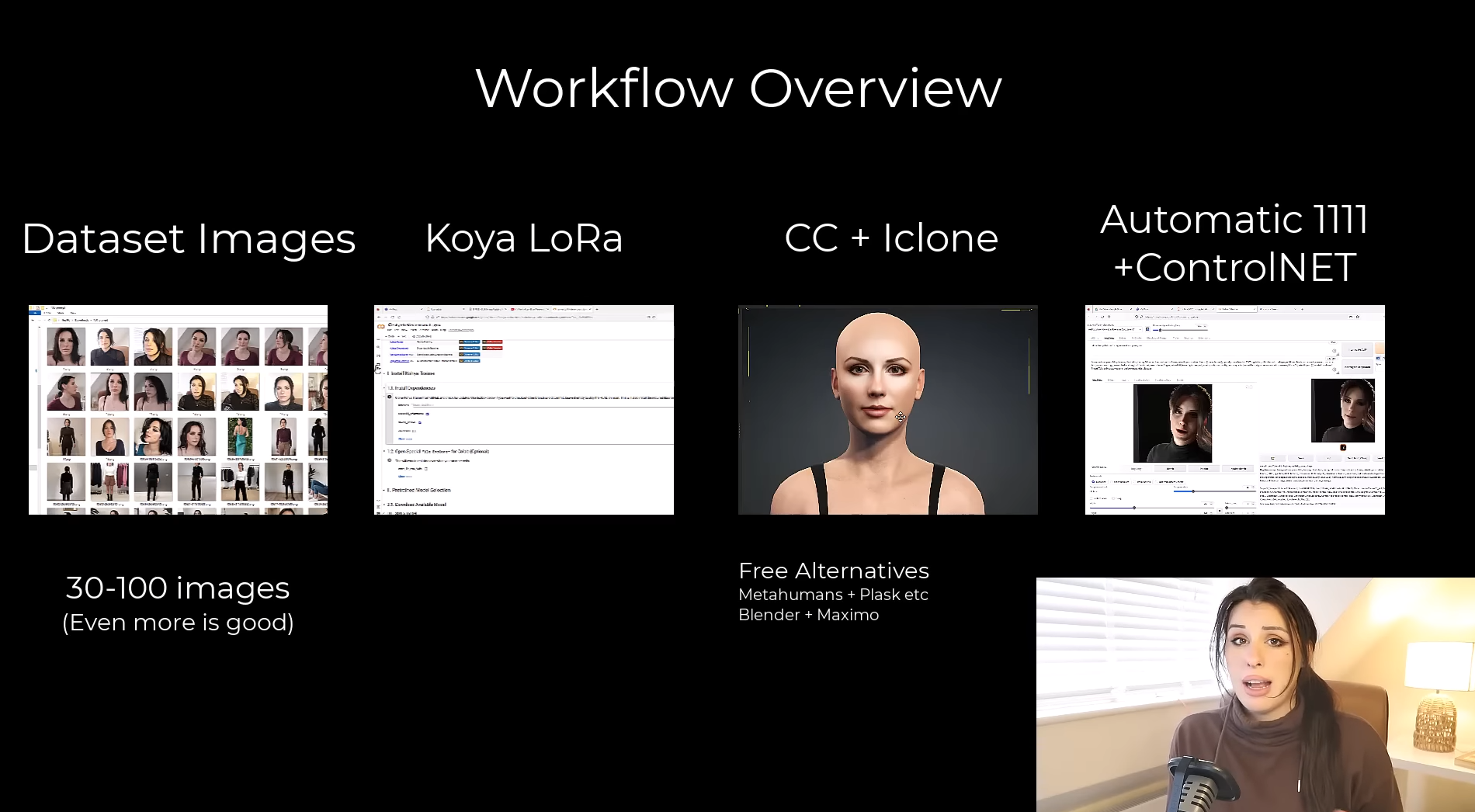
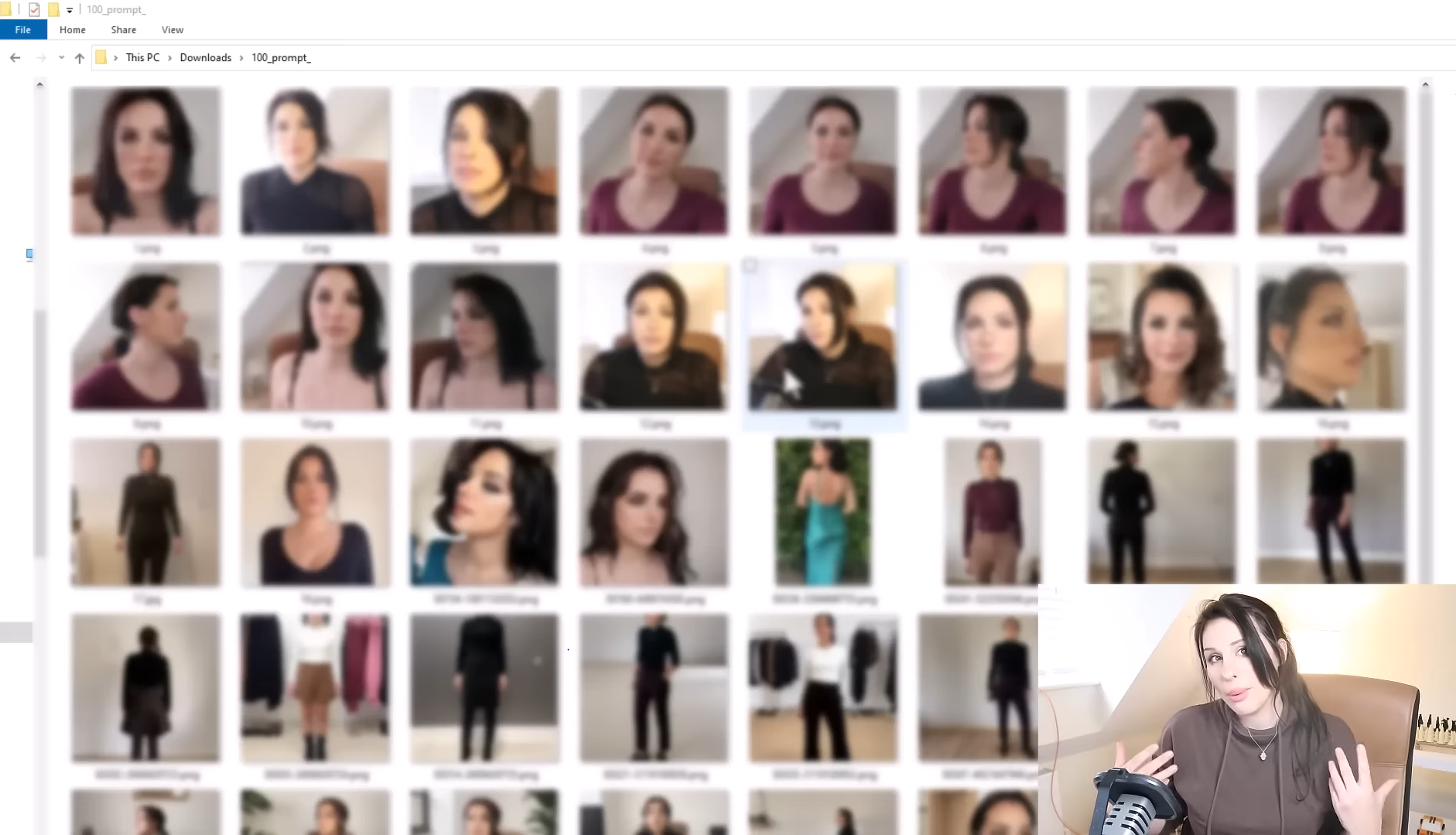
After preparing the data and getting the AI model trained using Google Colab, Amelia simply uploaded her images into Headshot and AI-generated a 3D character of remarkable resemblance.
I’m going to be taking this bald image of myself and dragging and dropping that into the Headshot plugin, which then generates a 3D model of my face. I can go in and sculpt this further if I want to, but I’m just using this as a puppet or a guide for the AI.
Amelia Player, co-founder of Prompt Muse


Next, she explored Reallusion‘s content ecosystem, carefully selecting and incorporating her preferred hair and clothing options onto her 3D character.
Once I’m happy with the face and the body shape, I then add some hair. Again, it’s super easy. I’m just dragging and dropping from a library.
Amelia Player, co-founder of Prompt Muse

The extensive asset library included in Character Creator 4 and iClone 8 provides fully-rigged characters, over two thousand 3D outfits, hairstyles, dynamic wrinkles, expression morphs, light presets, and more. >> Learn more

Upon finalizing the design of her 3D character, Amelia proceeded to export it to iClone. Additionally, she downloaded the free facial motion capture application, LIVE FACE, with the intention of capturing her expressive performance data. The data was then used in iClone Motion Live to enhance the realism of the facial animation.
iClone is more of an animation programme. So this is where I’m going to be adding the facial animation as well as the body idle.[…] It’s super easy to use. All you’re doing is recording your facial movement and that’s being applied to your 3D model in real time.
Amelia Player, co-founder of Prompt Muse


After speaking with Amelia, her motivations for selecting Reallusion tools became evident:
- Headshot and Character Creator conditioned the source videos, leading to more stable AI-generated animations.
- Character Creator provided the flexibility to have complete control over the appearance of a character. It eliminated the need to hire a dress-up model for AI rendering.
- With the extensive ecosystem of content available in Character Creator, including options for hair, clothing, shoes, and more, the desired look can be achieved effortlessly.
- iClone provided the freedom to create top-notch animations, with adjustable camera distances and angles to capture the best visuals.
- Different lighting setups were readily available to establish the desired atmosphere for each shot.
It has been truly delightful to witness how Amelia utilized Reallusion’s tools and resources to streamline her workflow and produce professional-level, AI-generated animations with such efficiency. To see the complete process, watch the detailed steps below, and for additional professional tips, be sure to visit Prompt Muse’s website.

How to create your own AI-generated animation with state-of-the-art techniques :
- Step 1. Preparing Your Data for Training
- Step 2. Training Your AI Model with Google Colab
- Step 3. Creating and Animating Your 3D Character with Headshot, Character Creator and iClone
- Step 4. Rendering and Finalizing Your AI-Generated Animation
- Step 5. Batch Rendering Frames with Automatic 111

Free Download :
• Headshot
• iClone
Learn more :
• Prompt Muse : YouTube, Website
• Fully Controllable MetaHuman Creation (CC to MetaHuman)