


Make It Move Media
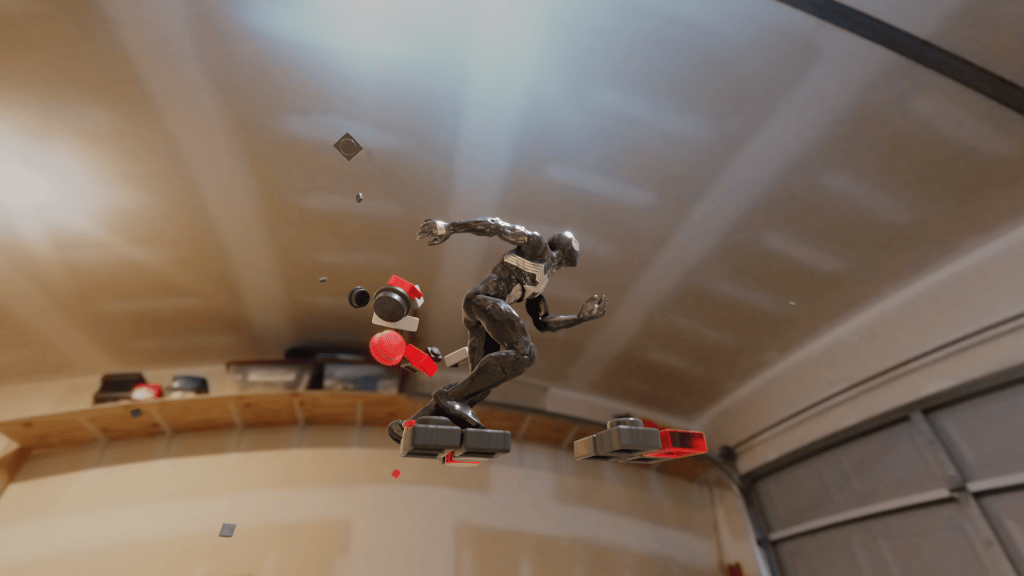
Hello everyone! I’m the face behind Make It Move Media. Over the past decade, my journey into 3D scanning and animation has been nothing short of exhilarating. It’s been an adventure that transformed my Instagram channel, where I showcase 3D-scanned action figures brought to life. I’ve immersed these characters into dynamic scenarios, and yes, many, many fight scenes.
To breathe life into my creations, I’ve used a myriad of software. One suite that stands out in my toolkit is Reallusion; Their 3D animation software, iClone, is truly game-changing.
Today, I’m diving deep into the specifics of how I use iClone 8 to enhance my animations.
Why Reallusion, You Ask? Here’s My Take
- User-Friendly Interface: For beginners and seasoned animators alike, Reallusion presents an interface that is both intuitive and powerful. This combination accelerates the learning curve and enhances productivity.
- Streamlined Workflow: My process, from scanning to animating, is significantly more efficient thanks to Reallusion. The integration capabilities of their tools, like ActorCore for rigging, save me countless hours.
- Vast Library of Assets: No need to start from scratch! With Reallusion, I’ve access to a plethora of templates, mocap motions, and 3D assets. This is a boon when working on tight deadlines or seeking inspiration.

- Seamless Integration: Importing animations from other platforms, like Mixamo, is a breeze with iClone 8. It truly bridges the gap between different animation tools.
- High-Quality Results: The proof is in the pudding, or in my case, the animation. The realism, smoothness, and dynamic range I achieve with Reallusion are testimony to its prowess.
My Workflow with Reallusion Software
- Rigging and Animating: Once my action figure is 3D scanned, I upload the file to start the rigging. Tools like AccuRIG are instrumental in this phase, helping me rig right from the hands to the entire body.
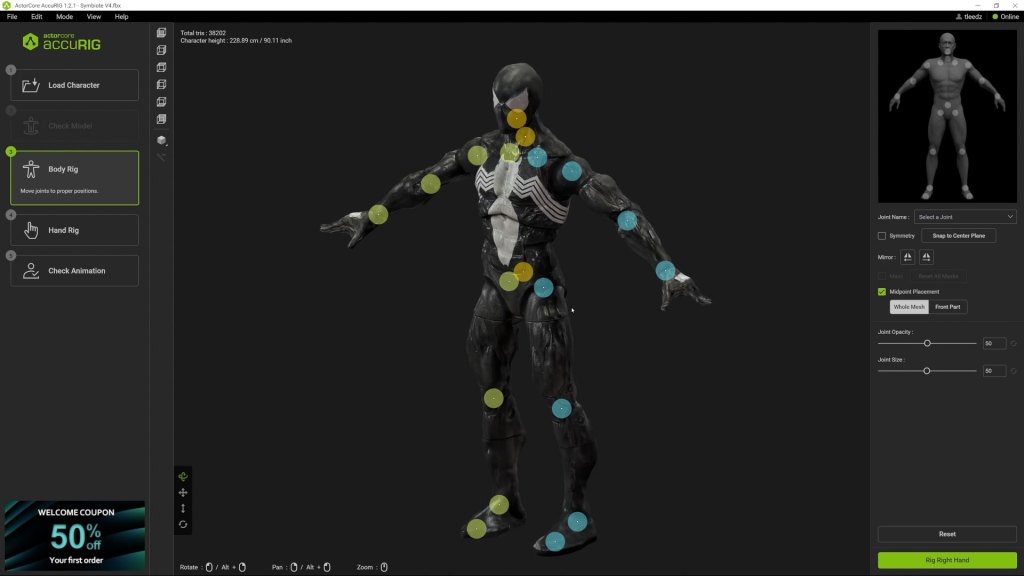
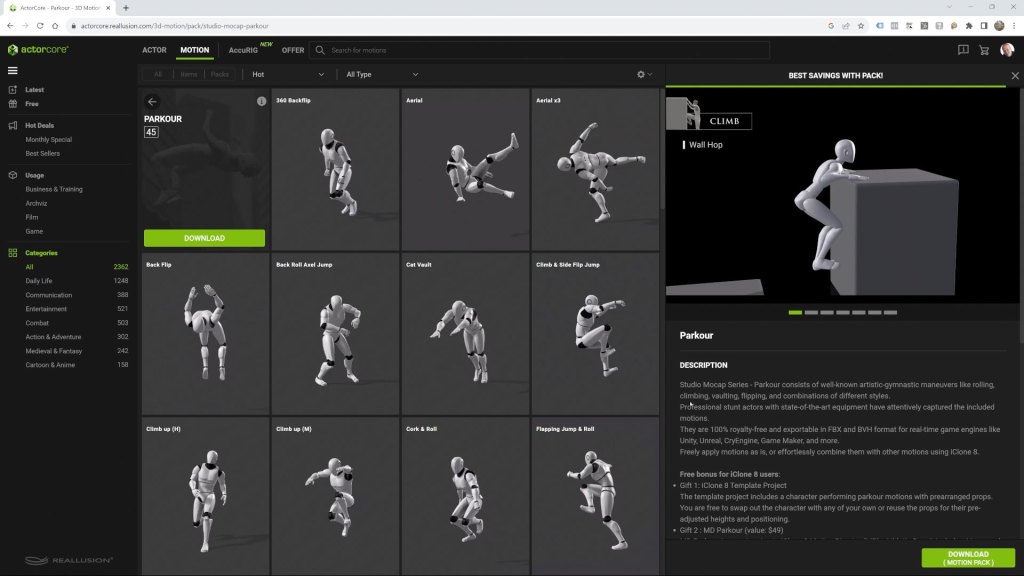
- Motions and Movements: Next, I head to ActorCore to source high-quality motion capture files compatible with iClone 8. After rigging, I can easily import these animations and witness the magic unfold. Using iClone 8, I bring my Spider-Man character to life. This software enables me to select from templates, custom packs, or even create from scratch. With a few clicks, my character is animated and moving seamlessly.
- Merging Animations and Custom Motion Capture Files: The motion blending function of iClone 8 ensures smooth transitions between various motions, making the character’s movements appear natural. One unique feature of iClone 8 is its ability to merge animations from different sources. For instance, I can import animations from Mixamo, retarget them, and blend them into my existing animation.


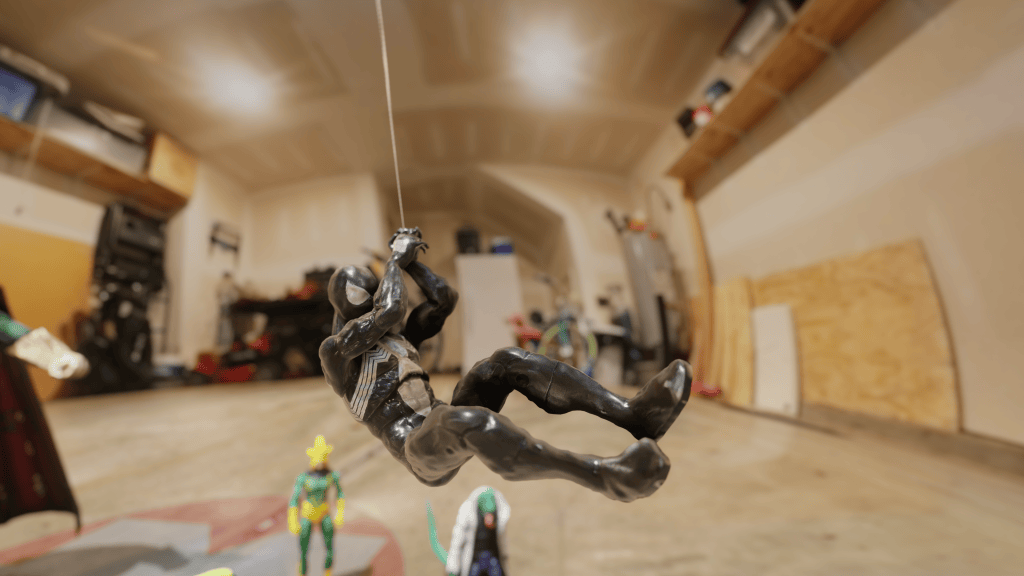
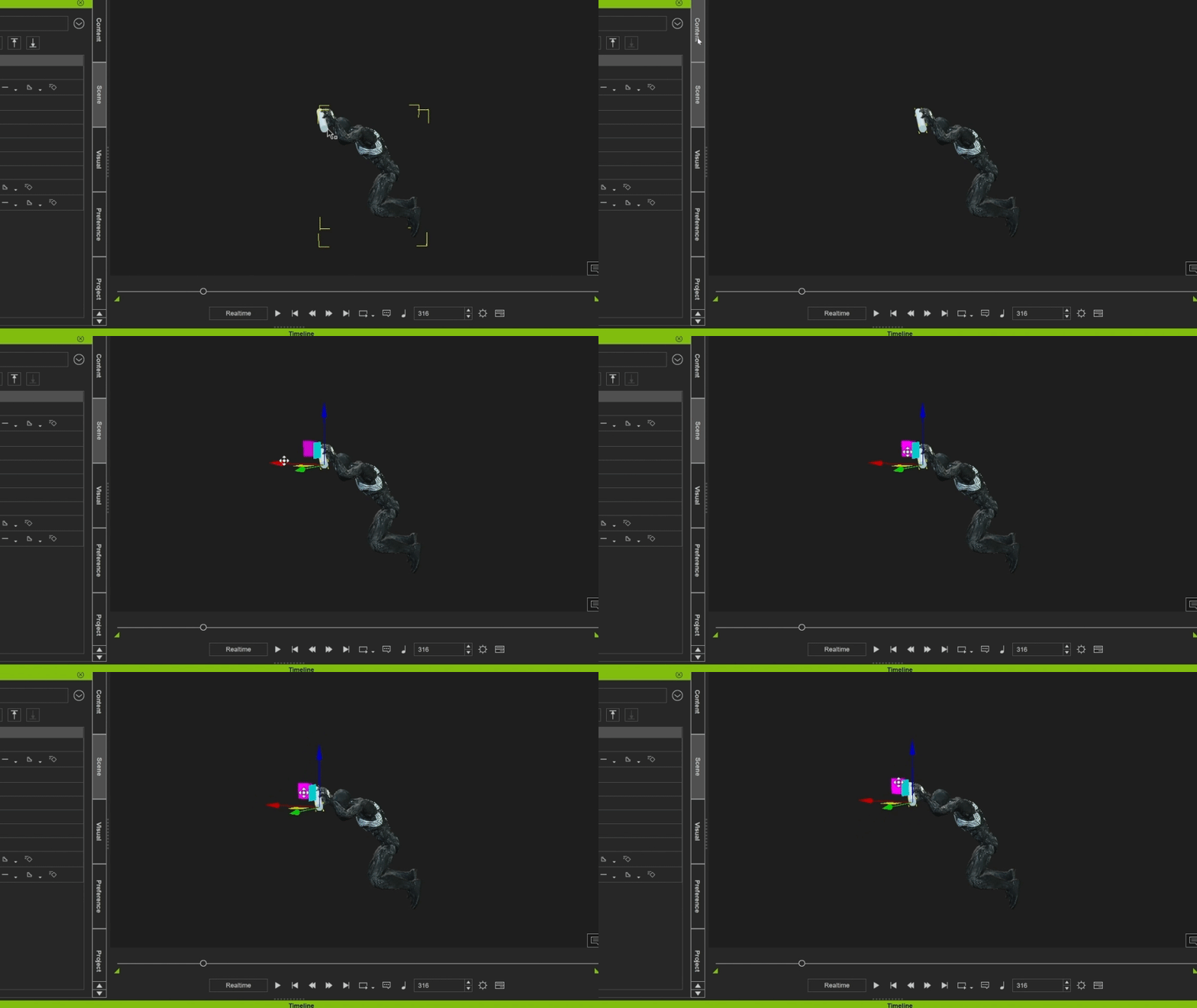
- Perfecting the Movements: With iClone 8, I can refine my animation, ensuring details like hand positions remain accurate. The Edit Reach Target tool is particularly useful for this, ensuring Spider-Man’s hands remain fixed on a cylinder during a swing sequence.

- Blender Render and VFX: A mesmerizing animation ready for export. Taking it to Blender for final touches is as easy as exporting the animation optimized for Blender in FBX format.


In conclusion, the capabilities of iClone 8 and other tools in my arsenal have enabled me to create compelling, realistic animations. Whether you’re an animator, a fan, or someone intrigued by the world of 3D, I hope this behind-the-scenes look offers you insights and inspiration.
Keep moving, and keep creating!
Learn More
- Check out this Spider-Man Instagram Reel created from Reallusion’s Tools.
- Edit accurate 3D motion with iClone
- Get mocap motions from ActorCore
Related Posts

