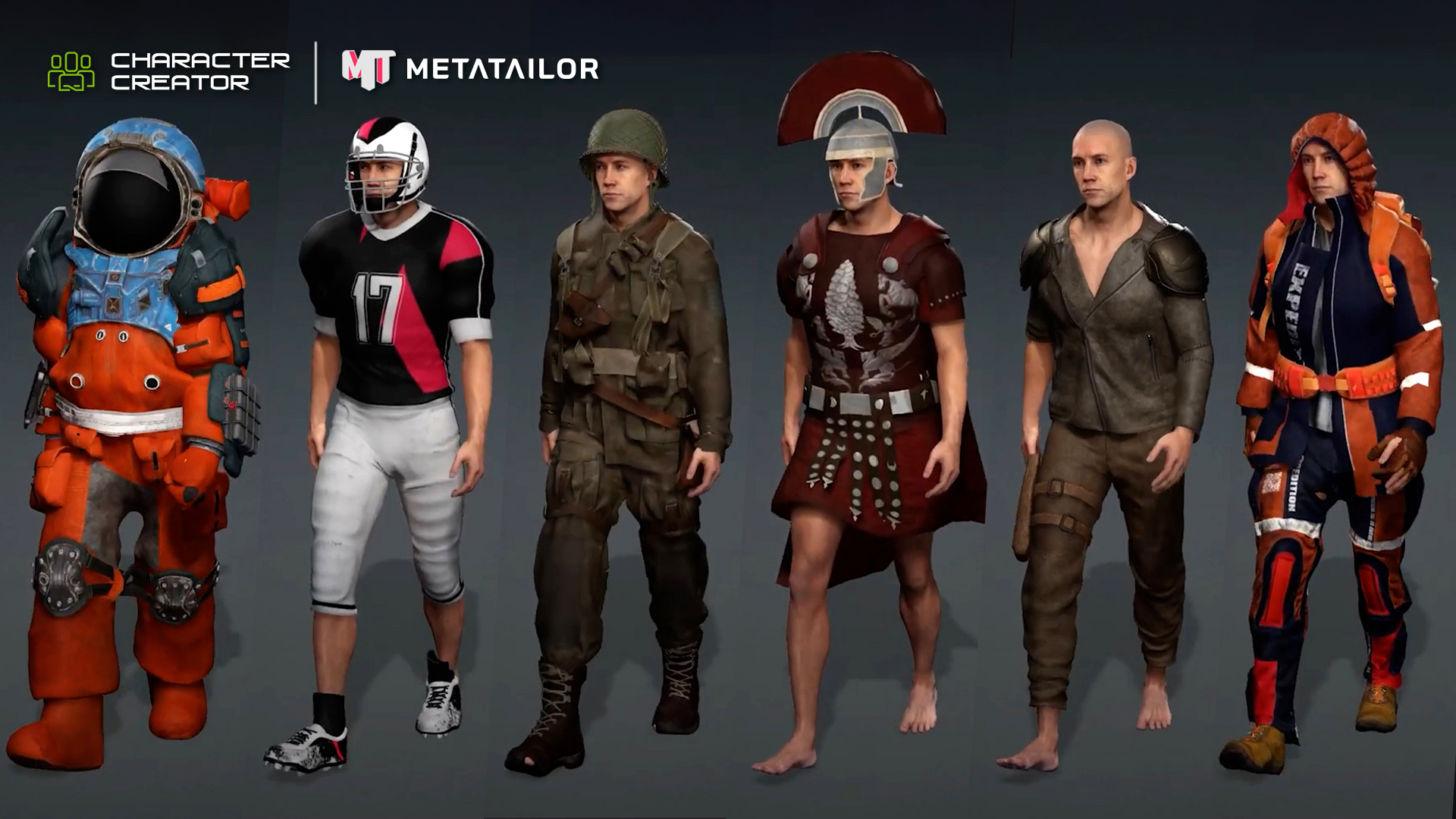
A Smarter Bridge Between Character Creator and Cinema 4D
The wait is over — CC4D Tools 1.0.5 is now released, delivering the most powerful bridge yet between Character Creator 5 (CC5) and Cinema 4D.
Developed by Reallusion partner Benjamin Broschinski, the CC4D plugin has become the go-to solution for Cinema 4D artists who want to import, rig, and animate Reallusion characters with professional precision.
What was once a tedious import and rigging process has evolved into a seamless, production-ready workflow, allowing artists to transfer, rig, and animate characters faster than ever.
This new update introduces full support for CC5 characters and the advanced CC5 HD facial profile, bringing next-generation facial detail and animation control right into Cinema 4D.
Face Rig HD — Next-Level Facial Animation
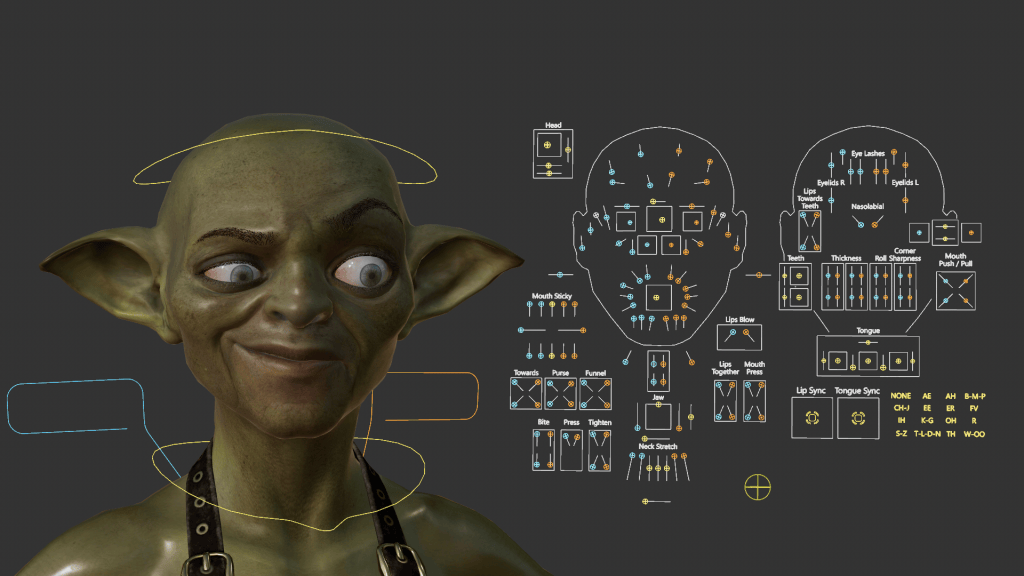
The headline feature in this update is the CC4D Face Rig HD, bringing Metahuman-style facial control straight into Cinema 4D.
Built for CC5’s HD facial profile, the rig lets you drive micro-expressions, corrective morphs, and constraint-based deformations using predefined Xpresso setups.
In practice, this means you can now animate complex facial movements in Cinema 4D with the same fine-tuned precision you’d expect directly inside Character Creator 5. It’s a game-changer for anyone focusing on cinematic storytelling or realistic character performances.
Sharper, More Realistic Eye Shader
Visual realism takes a noticeable leap forward with two new shader templates: EyeTearline Plus and EyeOcclusion Plus.
These subtle but crucial additions smooth out the transition between the eyeball and eye socket, creating a soft fade that eliminates harsh edges and prevents visible mesh intersections.
The result: a more natural, polished look, especially in close-up shots where every pixel counts.

Complete Character Pipeline for Cinema 4D Artists
Beyond the new headline features, CC4D Tools 1.0.5 continues to deliver a comprehensive, artist-friendly pipeline that connects your Reallusion characters with Cinema 4D in just a few clicks.
- Import Character – Automatically imports FBX files with optimized joints, cleaned morph targets, and optional rig and material setups.
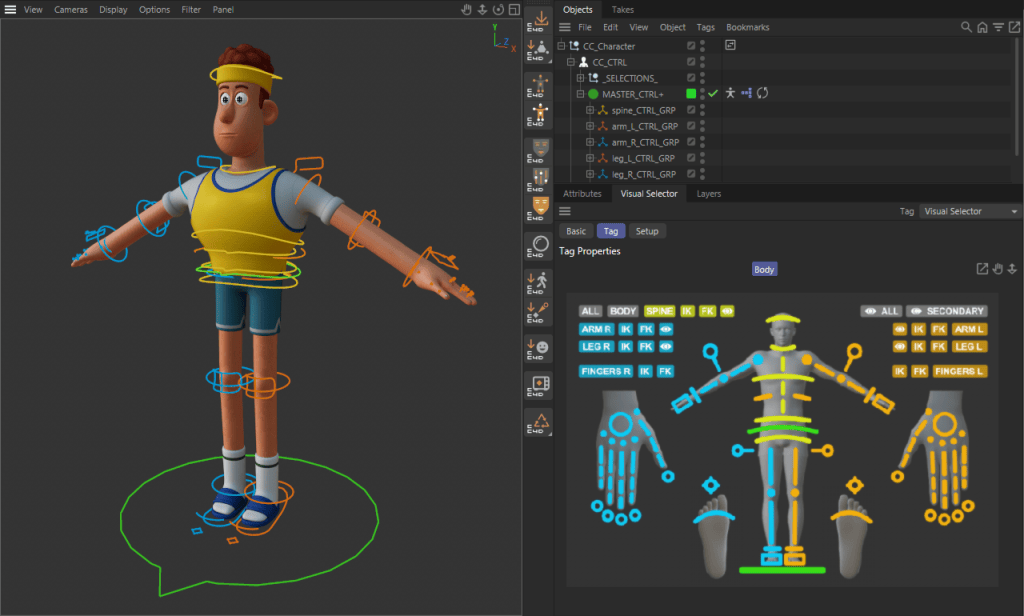
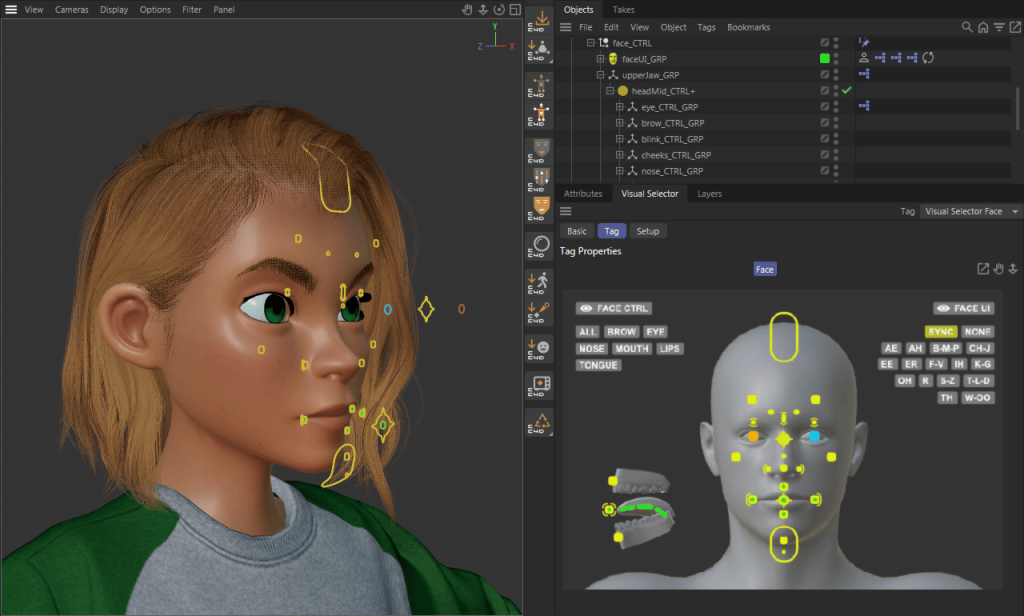
- Control & Face Rigs – Attach fully-featured FK/IK control rigs or facial systems directly to your character—no manual rigging required.
- Auto Material Setup – Convert imported textures into Redshift materials in seconds, complete with wrinkle maps and properly configured parameters.
- Motion Import Tools – Bring in body and facial animation seamlessly from Character Creator, iClone, ActorCore, Mixamo, Rokoko, or Moves by Maxon.
A Refined Workflow for Artists
With version 1.0.5, the CC4D Tools not only keep pace with Character Creator 5—they fully embrace its next-gen capabilities.
Whether you’re an independent creator refining cinematic performances or part of a studio pipeline, CC4D Tools 1.0.5 ensures a consistent, efficient workflow from Character Creator to Cinema 4D—ready for animation, lighting, and rendering in minutes.
FAQ
What’s new in CC4D Tools 1.0.5?
The update introduces full support for CC5 characters, HD facial rigging, and new eye shaders for enhanced realism in Cinema 4D.
Can I import animations from iClone or ActorCore?
Yes. Motion import is supported from iClone, ActorCore, Mixamo, Rokoko, and Moves by Maxon.
Which render engine does it support?
The Auto Material Setup creates materials for Redshift, ensuring instant compatibility and realistic renders.
Do I still need to rig manually?
No. CC4D Tools automatically apply full FK/IK and facial rigs — no manual setup required.
Are CC4 characters still compatible?
Absolutely. CC4D 1.0.5 supports CC4, CC5, and AccuRig characters for a unified workflow.
Related Posts
- Fail Forward Faster: Why Nick Shaheen Recommends CC4D Plugin for CC Cinema 4D Pipeline
- Design Toon-Shaded, Sci-Fi 3D Characters Using CC & Cinema 4D