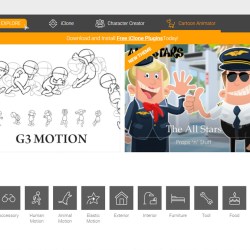
Reallusion’s 2D Marketplace is a wonderful opportunity for artists of any style to sell their works to a huge audience of eager customers looking for content to use in their animation and media projects. Both professionals and hobbyists are constantly looking for the best content including backgrounds, props, characters and more. And best of all, uploading your art to the Marketplace is free.
Welcome! If you are new to Reallusion and are interested in any of the products you’ve seen at our virtual IWO booth then please see the coupon details below.
_______________________________
Join us and more than 200 exhibitors as we celebrate indie games for a week full of fun activities!
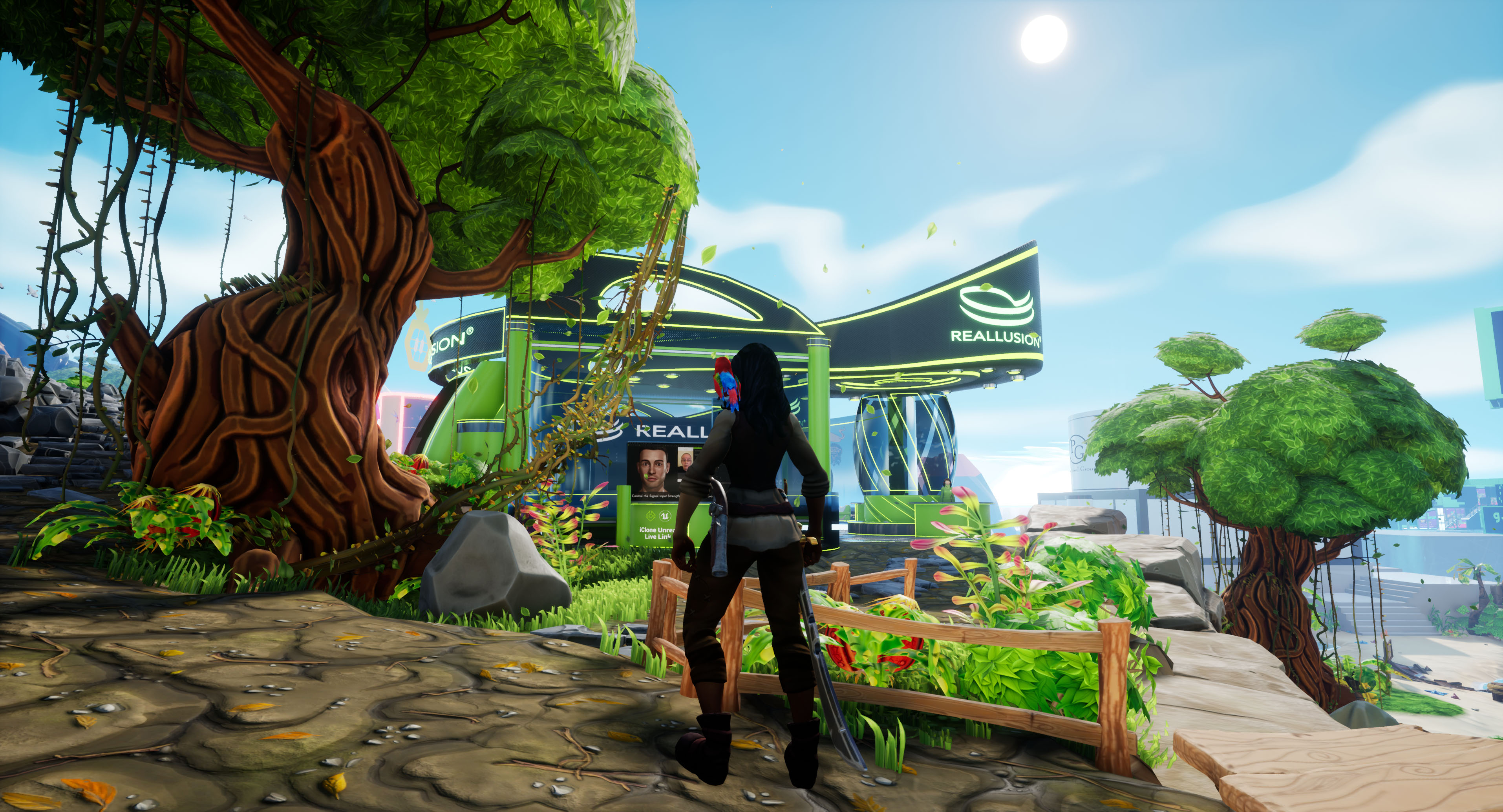
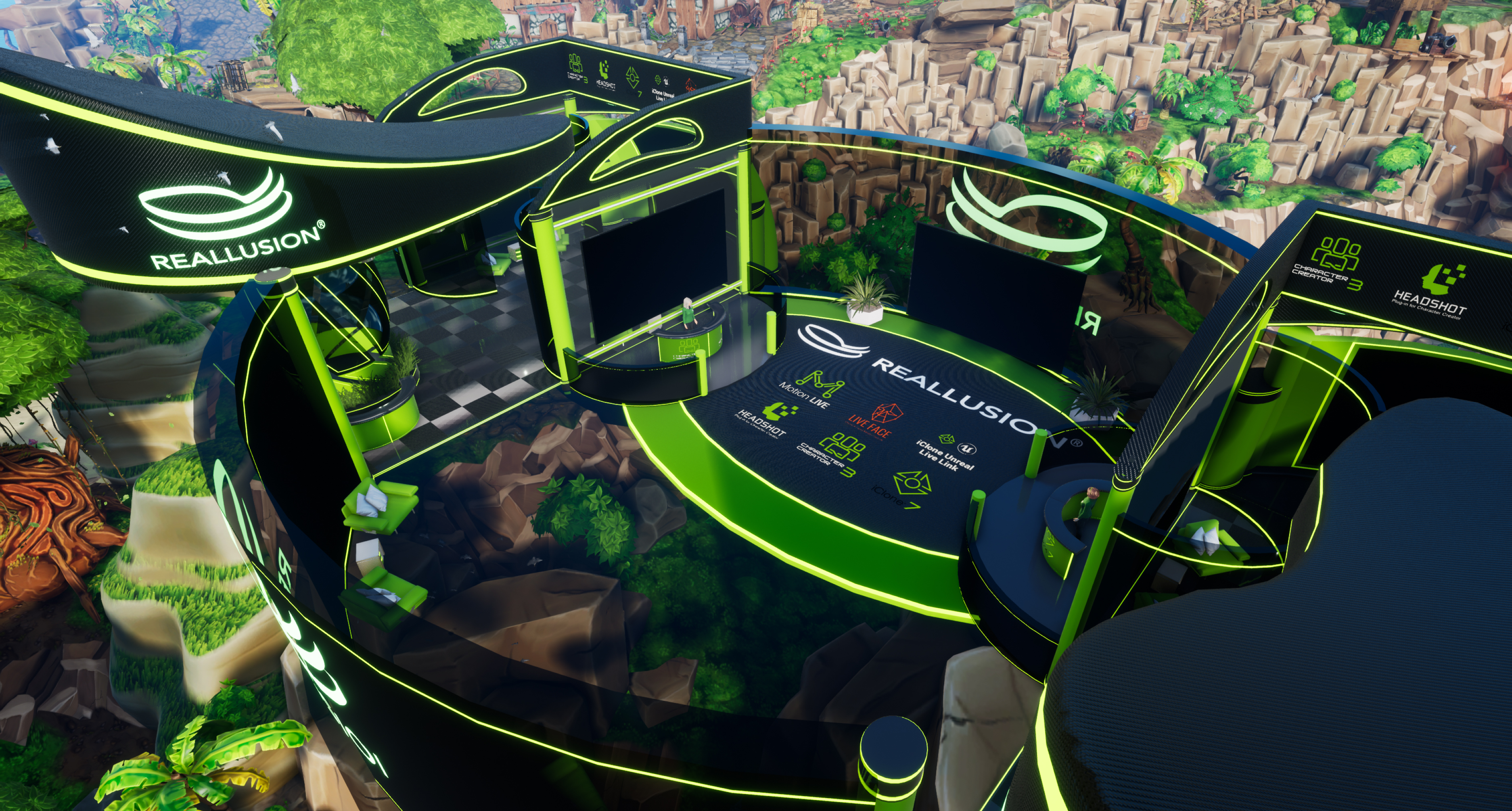
Sail the open seas, explore the beautiful islands and uncover treasures and indie games in the beautifully rendered islands of IWOCon! A stress-free interactive environment, where you can easily get information to an endless number awesome indie games, in a safe and stylized pirate-themed environment! https://www.indieworldorder.com/
IWOCon 2021 is a free indie game convention based on a stylized pirate theme. There is a collection of islands, each island hosting several booths. Conference attendees can select their avatar & travel around these islands, where they can explore different booths, watch trailers, get information on games and products, enter giveaways, & engage in extra activities, all while having a bit of light-hearted, pirate-themed fun!
Epo is a lighting artist from Million Volt – a Korean animation company. Through the love of arts, he is constantly creating personal projects, and learning new things as he is looking to devote himself in the VFX industry, and spread Korean VFX to the world.
“The trend in the industry is shifting towards creating high-quality works in a short period of time. As technology and AI development come together, this speed is increasing. It’s like the industry is telling us, ‘Don’t worry about anything else, just focus on Artwork.’ ”
The second-generation Japanese American artist known as IPaintCreatures (IPC) is a professional award-winning performance poet, painter, filmmaker, Twitch streamer, and 21st-century folklorist who specializes in imaginary creatures including yokai (supernatural beings from Japanese folklore).
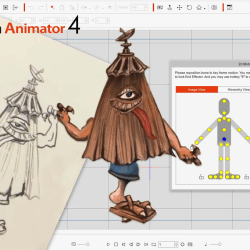
IPC has done everything from graphic design to commercial illustration, concept character development, and creative writing for cutting-edge entertainment and technology companies such as Lucasfilm, Intel, and Apple. In recent years, he has started converting his traditional paintings into drawings with the help of Cartoon Animator 4. Below, IPC shares his creative journey from traditional paintings to digital animation.
From traditional animation drawing methods like hand-drawn cell animation to stop motion photography, Matt Bissett-Johnson has done it all.
But he has finally settled on 2D animation drawing and Cartoon Animator (CTA), producing award-winning music videos and animation shorts that have been recognized around the world.
In this interview, Matt tells his personal journey in art and animation from before he even owned a computer, to today, where he finds himself being able to work fast and efficiently thanks to Cartoon Animator.
“I like Reallusion products because they are fairly easy to use, stable, and had direct compatibility with Photoshop, which I use all the time.”
Formation Animation was founded in 2017 by Dr. Farayi Chinyanga in Johannesburg South Africa. The intention of the company was to create world-class animated content with a distinctly African flavor. The hope was to help redefine and expand the scope of ‘African’ animation, and in the process create content that is truly special.
Formation Animations flagship project – Azania Rises is a science fiction epic, set in the near future created by a collaboration of talented African artists who have pooled their skills and resources for this animated series. The team employed the iClone Ecosystem in their production with help from Character Creator 3 and Unreal Engine.
” Reallusion software has automated the mundane to make way for the exceptional. ”
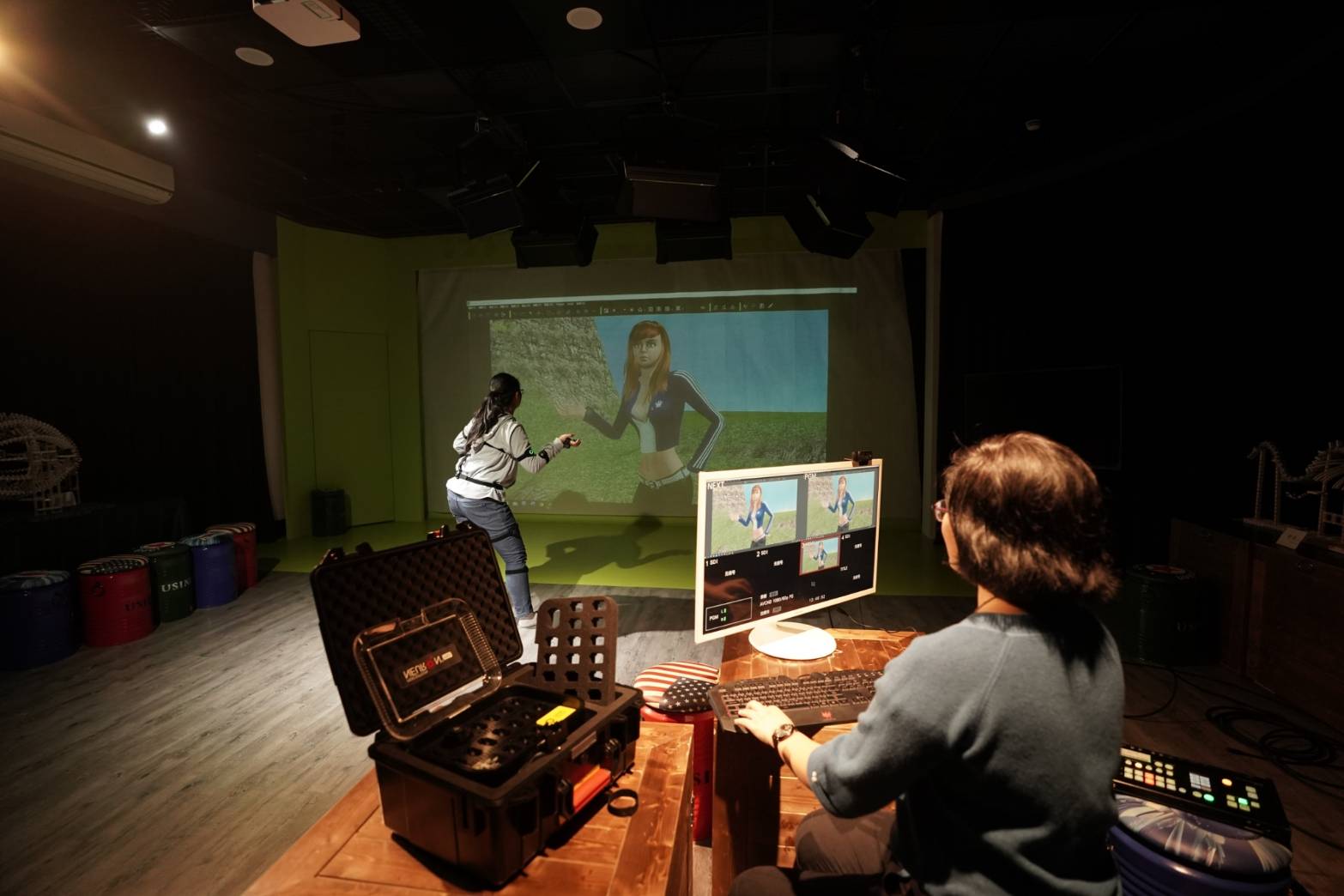
Reallusion, a pioneer 3D / 2D software developer, has developed a partnership with Pingtung University in Taiwan to establish a real-time animation lab for young people – The Media Learning and Research Center for Youth. Reallusion supports Pingtung University 2D and 3D software to boost industry-academia cooperation. Pingtung University integrates innovative technologies from international 2D and 3D animation software to animate research projects, VFX, and previz courses that foster animation talents.
Pingtung University procures $75,000 in software to fully equip their labs and classrooms with iClone, Character Creator, Cartoon Animator, Motion Live mocap, and a massive library of assets to build characters and animation for making animated videos, government projects, and research.
Besides training talents in the university, Reallusion is also supporting Pingtung University to create educational 3D/2D animation programs for elementary schools and senior high schools. With the help of this revolutionary technology, students can easily turn anecdotes into animation to promote the beauty of their hometowns. To encourage more talents, the county governments also hold animation contests to raise awareness of the importance of animation education.
Bringing a picture book to life – Malin Who Turns in A Stone
Huang Wen Ju, a professor at Pingtung University invites new immigrant women from Southeast Asia to write about their hometown tales, and then completes a picture book “Southeast Asian Bilingual Folktales Series”.
However, to fully convey the ideas of these folktales, students from the Department of Science Communication have a big ambition. They have decided to turn the storybook into 2D animations while adding the voice of new immigrants to tell the stories with their dialects in the project. They started this ambitious animation project with 2D software – Cartoon Animator.
YU JIA HAO, the leader of the animation team, chose the Indonesian folktale “Malin Who Turns in A Stone” and made the script. The story talks about a seditious boy who did not want to accept a poor lady as his biological mother, which caused him to be cursed into a stone.
With a team of seven members, students completed the animation in one month. Making animated videos should have been time-consuming, but thanks to Cartoon Animator’s fast workflow, students were able to spend more time thinking about how to make the story more engaging rather than spending too much time in the animation process. On top of faster production, Cartoon Animator was also able to help with natural movements and good visual results. This really elevated the story and successfully showed the beauty of their tales.
Television Commercial Animations on a Budget: Ubik’s Story with Reallusion iClone.
In this story, Italian commercial production house UBIK shares how it applied real-time animation tools iClone, Motion LIVE, and 3DXchange to successfully overcome a challenging deadline within budget.
Paolo Lato, owner of Ubik Studio and their iconic showcase: Findus Carletto Capolavoro (Image credit: Ubik Studio)
Formed in 1994, Ubik Visual Effects (UBIK) has developed projects for many reputable clients over 2 decades, including the Findus brand from Nomad Foods Ltd. UBIK brought their chameleon mascot Carletto (originally created by Jim Henson Studios) to life in a 3D animated version, helping Findus gain huge success throughout the country.
After seeing the initial results, Findus was convinced of the communication potential of using a 3D version of Carletto, and gave UBIK a tougher challenge: to complete a 5-episode web series featuring Carletto to celebrate 45 years of Sofficini products. The concept was to make Carletto the protagonist, rummaging around in the attic and coming across a photo album from the past.
The challenge: the traditional pipeline can’t meet our deadline and budget
The challenge was to conceive and create a minute-and-a-half of 3D character animation in just two months, but all the while keeping the quality and artistic standard high – despite the episodes being intended only for web and social channels. Therefore, with a considerably lower budget than that of television commercial productions, UBIK was eager to find a solution that would help them complete the production. Being impossible both in terms of time and cost, producing the commercials with UBIK’s traditional 3D production software like Maya, was no more an option, and they started looking for an alternative production method.
Finding the right tools for motion capture & animation
(Image credit: Reallusion)
Although UBIK had had some experience using motion capture in the past, it had always been for human animations and never for stylized characters. Following some in-depth research into online blogs and demos, UBIK’s team realized that of the many hardware and software options, it would utilize Noitom’s Perception Neuron Pro for motion capture, and Reallusion’s iClone for real-time animation. Before putting this real-time pipeline to the test, their key concern was transferring the model from Maya to iClone, and the complexity of facial and body rigs too.
Putting it to the test
(Image credit: Ubik Studios)
UBIK began to carry out tests using a copy of the 3D model without optimisations. This helped them understand where to intervene in order to adapt the characteristics of the Carletto character to the technical needs of real-time software. The first animation test gave satisfying results, and from these, it was easy to understand how and where to intervene to correct the defects caused by overly complex models and rigs.
Then, after making all the necessary corrections, UBIK immediately moved on to the animations. These had to restore Carletto’s personality of typical funny and somewhat clumsy gestures, accentuated by the fact that the original character was a puppet. Both the client and the agency’s creative directors loved the first tests. So the production was immediately begun: the realisation of each 15 and 20 second episode with simple and complex features like lipsyncing, the addition of props, with accessories and clothes which took on average a full week’s work.
The tests brought extraordinary results when compared to the animation requirements of using Maya. Moreover, given the differences between Maya animations and iClone, combining the two was no sure-fire certainty.
Final results & feedback
(Image credit: FIndus.it)
In the end, the studio was pleased that both from a technical point of view, and considering the ease and versatility of the hardware and software used, the final results proved to be both highly effective and economical. Indeed the final results were so convincing that the clients decided to use the animations of the character for TV commercials.
Paolo Lato’s feedback: iClone and Motion LIVE are intuitive and a perfect fit for facial and body animation
“Carletto Sofficini is our first production with iClone and Perception Neuron Pro. We are satisfied with the results, and seeing real-time production as an alternative method for 3D animation projects. It did not take us too long to figure out how to animate Carletto in iClone, because the UI was pretty intuitive, and Motion LIVE did serve as a good platform for capturing both facial animation and body animation. We were able to find online tutorials if we needed help, and you can also turn to the Reallusion forum and learn from other users. It is good to know that now we have other ways to complete a production quicker without compromising the quality, while keeping our customers happy!’
Since the beginning of 2020, we were hoping to create an open platform for script and plugin development. Our goal was to invite new and advanced developers to create tools for sharing and pushing the boundaries of the iClone application. Therefore we’ve produced the iClone Python API, inspired by Maya’s Mel script and 3ds Max’s Maxscript.
The python project overview will be discussed in the following three sections:
How we started
Highlights of 2020
What to expect in 2021
How we started
The iClone Python API officially started production around June 4th, 2018, and was released six months later. It was a daunting endeavor that started from just an idea into a full-fledged working scripting language capable of automating most of iClone’s current innate features. This is evidenced by a comprehensive API covering a range of capabilities such as 3D math, scene elements, animation controls, motion capture, user interface, and much more.
iClone Python API wraps up the year with a combined total of 75 modules representing 688 readily accessible functions. With this many options, there’s something for everyone.
We would also like to take this opportunity to mention some highlights of 2020 during the API’s development:
Python of the Month
Python of the Month was a monthly to bi-monthly event that featured a full-fledged free plugin along with five relevant mini-lessons to acclimate new scripters to the full potential of the iClone Python API. It started in June, 2019 and ended in March, 2020, wrapping up a series of tailor made exercises for all to learn from. These lessons are kept for posterity and will continue to be relevant for anybody who wants to get their feet wet in scripting. We’ve handpicked 2 API courses on the WIKI page, and please refer to our Developer WIKI for more details.
Python of Month culminated to seven free example plugins with powerful features and the accompanying 35 lecture articles -a resource that is invaluable for beginners and veterans alike.
Notable plugins: Sprint Joints and Pose Manager
Spring Joints allows you to apply spring physics to designated bone and prop hierarchies in the scene. The spring effect is calculated using an algorithm that takes into account several physics elements such as stiffness, bounciness, and damping. See the Spring Joints Python API page for more information.
Pose Manager can be used to record a character’s pose for the current frame as snapshots. These pose snapshots can be edited, organized and saved as part of a Pose Library. See the Spring Joints Python API page for more information.
Teaming up with Reallusion
Adolf Navarro working with Reallusion on improving Smooth Camera Follow and Hand Gestures Puppeteering. The process was fruitful and made for a much better and user-friendly product. You can install and start using the much improved version of Smooth Camera Follow 2.0 and Hand Gestures Puppeteering 2.0 right now!
Stand out plugin: Motion Trigger
Our partner Digital Puppets took advantage of our available python scripts to create three fantastic tutorial videos. Taking Motion Trigger as a prime example: one can use hotkeys to quickly invoke custom motions. For anyone interested in getting familiar with the power of iClone scripting, watch this video now to experience the charm of working with this exemplary plugin.
Practical usage in indie filmmaking
Solomon Jagwe is an indie filmmaker who was looking for a specific camera solution for one of his productions. In response to his request, Reallusion advised him to download our free Smooth Camera Follow script to satisfy his directorial needs. Check out The-Any-Key’s Move that Camera plugin.
Old hand weighs in
BigBoss gave us some valuable insights during the API’s evolution. We are also grateful for providing another source of revenue for this established super developer, and he had some nice things to say about the API. Take a look at his Marketplace, and please check out the API documentation.
“I really like the Plugin interface. I found it very solid and quite extensive and powerful. Initially, I thought the documentation was a bit difficult to understand but after a few days, I figured it out and it is not bad at all !!!”
– BigBoss
Most prolific developer: The-Any-Key
The-any-Key hit the ground running and submitted a whopping 17 plugins within a few weeks. We hope to see more from this talented developer, and recommend you to check out his Marketplace.
As you can see, 2020 has been an eventful year, and has now come to a close. We hope you stick around for the exciting events slated for 2021. Here are some samples of what’s to come:
More cooperation with super developers
We will continue to improve our plugins on offer in the Reallusion Marketplace. Check back from time to time, and look forward to announcements of new releases!
If you have a great plugin idea and wish to work with us to make it a reality, please contact marketing@reallusion.com, and include “Python Plugin Development” in the email’s title.