Reallusion, a leader in 3D animation and character creation software, announces a powerful upgrade to its free Blender Auto Setup (BAS), now optimized for Blender 4.2. This update allows seamless integration between Character Creator (CC), iClone, and Blender, moving beyond the constraints of FBX file transfers. The new “Data Link” feature ensures reliable bidirectional data synchronization. The free Auto Setup also includes automatic assignment of CC digital human shaders, advanced character editing tools, scene tools, compatibility with Rigify control rigs, and support for both Eevee and Cycles render engines.
Data Link – Character & Prop Live Synching with Blender
The new Data Link feature streamlines the process of synchronizing characters, poses, morphs, motions, and live sequences between CC, iClone, and Blender with a single click. This eliminates the need for exporting and importing FBX files, making the workflow more efficient. It also allows lighting and camera setups to sync from CC and IClone to Blender, ensuring visual consistency across platforms.

For complex scenes like crowd simulations, the “Send All” option simplifies the process by transferring the entire scene—including props, characters, lighting, and cameras—to Blender with a single click. Mocap and motion director recordings from iClone can also be seamlessly synchronized into Blender.
Enhanced Character Editing Experience for Blender
Blender Auto Setup auto-configures sculpt mode and the multiresolution modifier, making character sculpting effortless. Once sculpting is done, the one-click “Bake & Apply” function finalizes the base shape and sends it back to Character Creator. The proportion editing feature allows direct adjustment of the character’s bone scale, offering precise customization options.
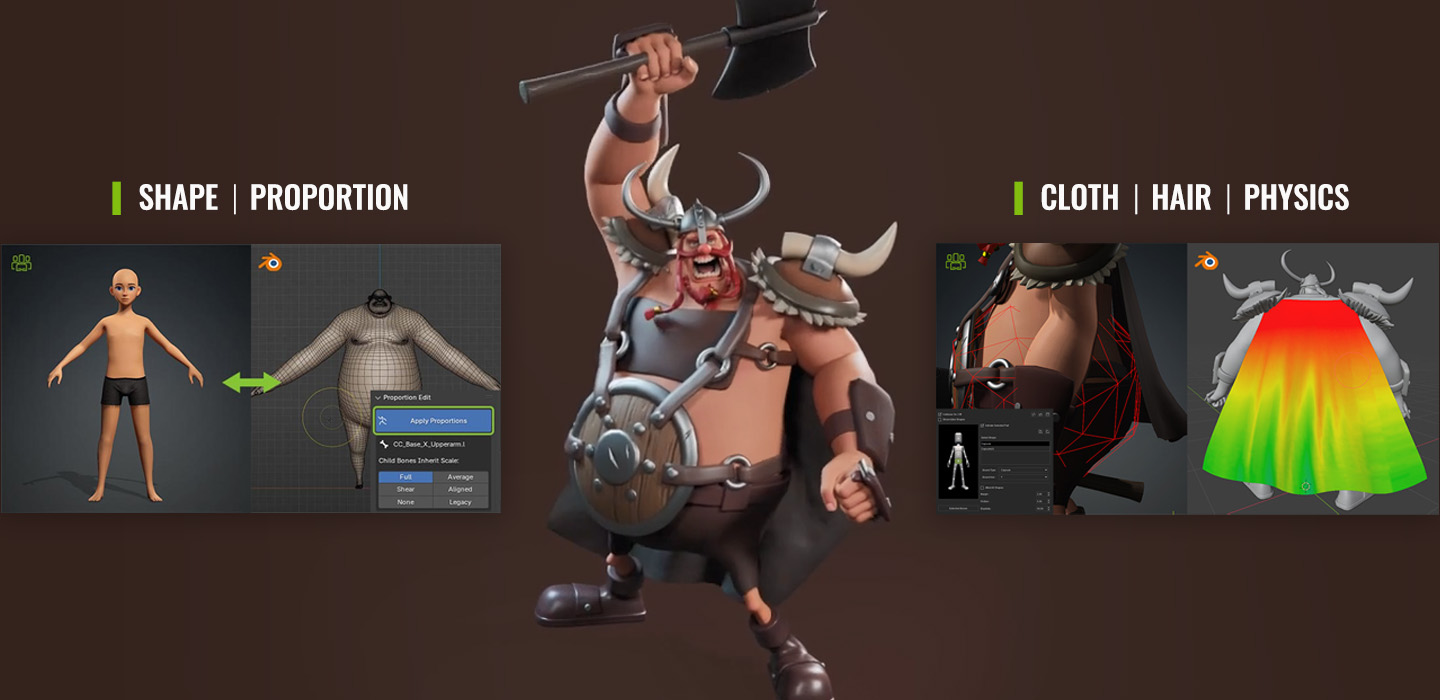
BAS integrates hair spring rigs and cloth physics, enabling adjustments to cloth collision, weight maps, and simulation baking. For hair, it supports bone spring rigs, allowing tweaks to bone parameters and hair binding for more dynamic, realistic movement.
Ultra-Realistic Digital Human Shader
The Blender Auto Setup takes full advantage of Character Creator‘s (CC) Digital Human Shader, automatically generating optimized Blender material graphs for photorealistic rendering. These shaders bring characters to life with ultra-realistic details, supporting customizable parameters for various features, such as skin tone, wrinkles, hair, eyes, and teeth.

Scene Tools and Support for Blender EEVEE and Cycles Rendering
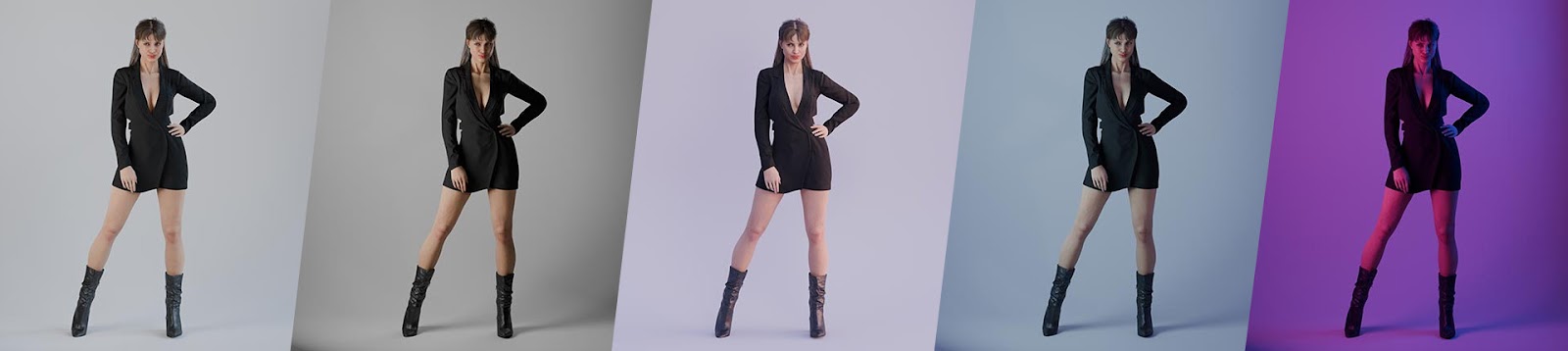
To streamline the lighting and rendering process, Auto Setup includes 12 built-in scene light presets, enabling quick changes to different lighting environments. Additionally, with a one-click transition to Cycles render, users can optimize their workflow for both real-time previews in EEVEE and final high-quality renders in Cycles, boosting efficiency while maintaining visual fidelity.

Advanced Animation and Rigify Control Rig Integration
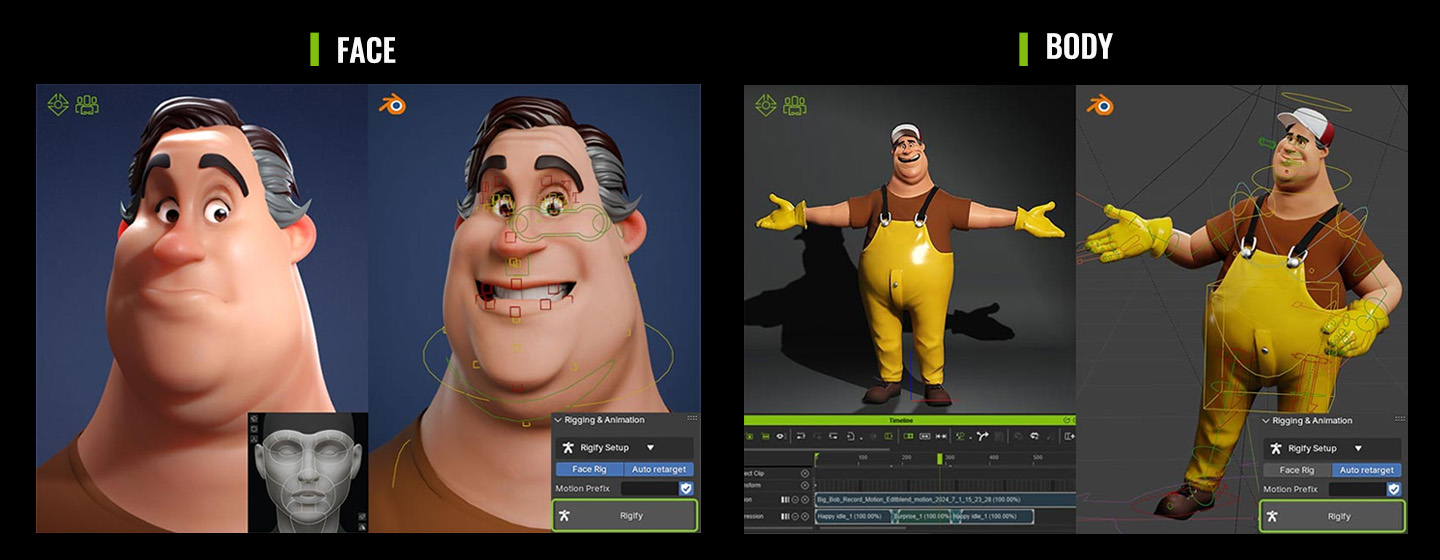
BAS ensures precise animation transfer from CC and iClone to Blender and generates a Rigify control rig. This feature allows fine-tuning of character movements with Inverse Kinematics (IK) and Forward Kinematics (FK), and automatically retargets motions. It enhances flexibility and control over animations in Blender and allows the rig to be sent back to CC or iClone for further editing.
This revolutionary tool is available for free and can be downloaded by registering as a member on the Reallusion website. This release reaffirms Reallusion’s commitment to enhancing the creative workflow for Blender users, making it easier than ever to bring characters and animations to life.
Related resources
Blender Auto Setup – Download for free
Character Creator – Enjoy a 30-day free trial
iClone – Enjoy a 30-day free trial