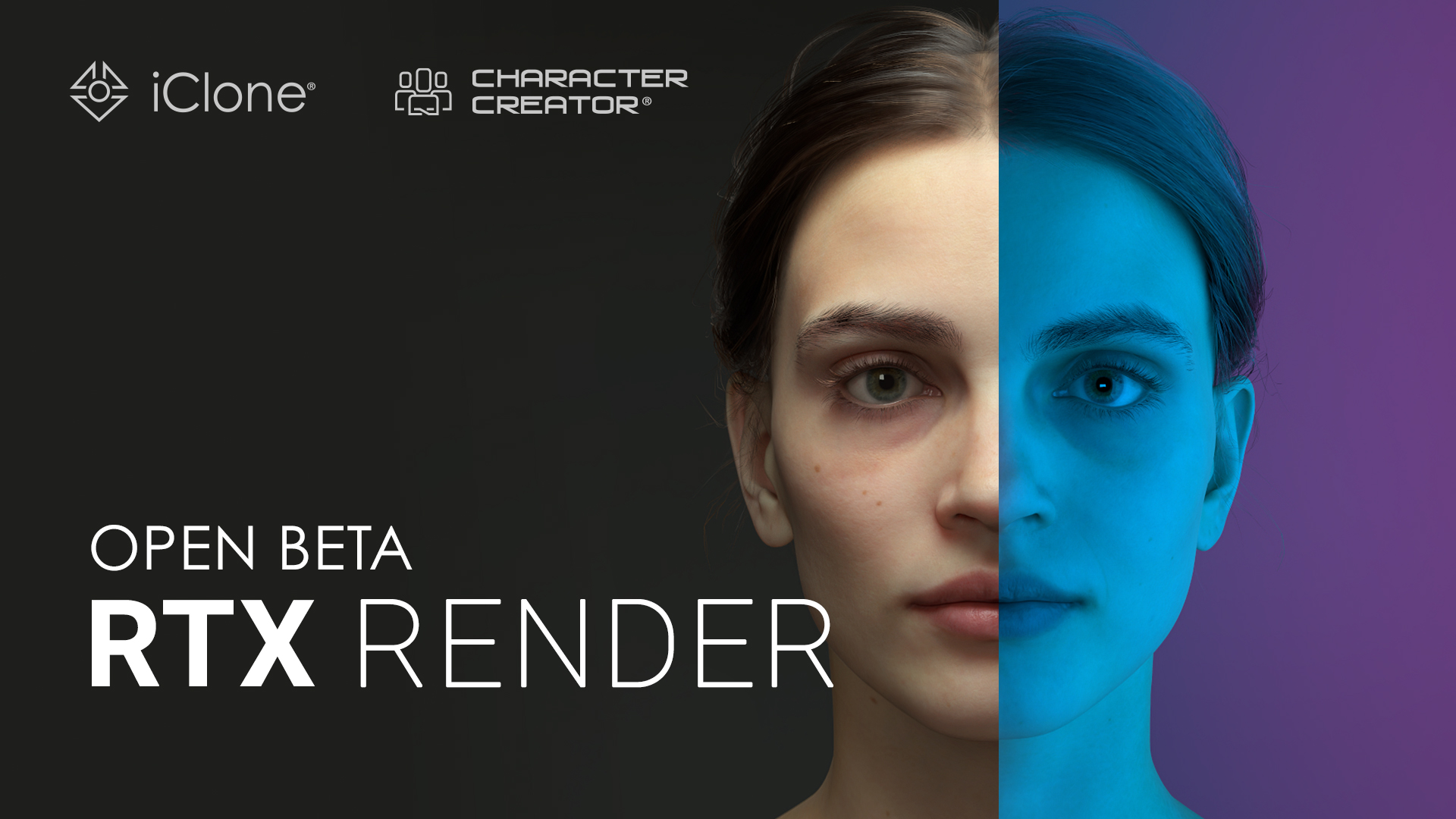
Reallusion has launched the RTX Render open beta, bringing a new path-traced rendering mode to iClone and Character Creator based on NVIDIA RTX Path Tracing technology. The update introduces physically accurate lighting, a new RTX material system with Transmission, Coat, Sheen, and dedicated Hair controls, real camera depth of field, and a dynamic procedural sky, letting creators reach near-offline render quality directly inside their existing workflow. The open beta is free for iClone and Character Creator users: sign up through the beta form, and the official download link will be sent by email when the beta goes live.
What is RTX Render
RTX Render is a new path-traced rendering mode inside iClone 8 and Character Creator 5, built on NVIDIA RTX Path Tracing technology. Instead of approximating light the way a real-time rasterizer does, it simulates how light actually bounces through your scene, so skin, hair, eyes, and PBR materials reach a quality much closer to an offline renderer. The goal is simple: you get near offline visual quality without leaving your app and without exporting to an external renderer.
RTX Render is added as a separate render engine alongside the existing DX11 engine. It does not replace DX11. You can switch between the two at any time, and switching back to DX11 does not require you to reset your scene.
What’s New in RTX Render
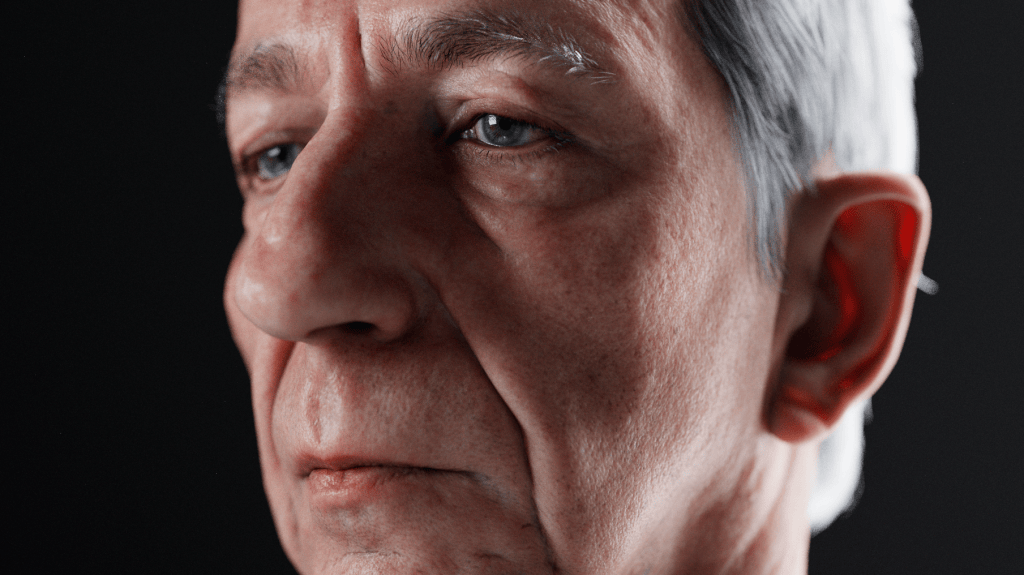
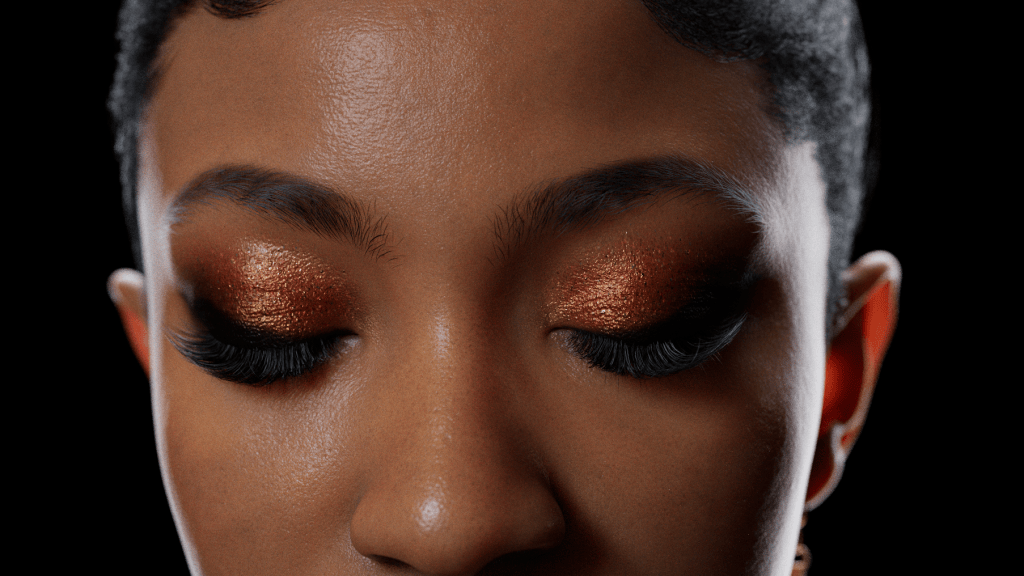
Path-traced digital humans. Subsurface scattering lets light pass through skin the way it does in life: ears glow against backlight, faces carry real translucency. A dedicated hair shader lights strands physically, with absorption control for deep, rich dark hair and true rim-light wrap. Eyes refract like real eyes.
A new RTX material system.
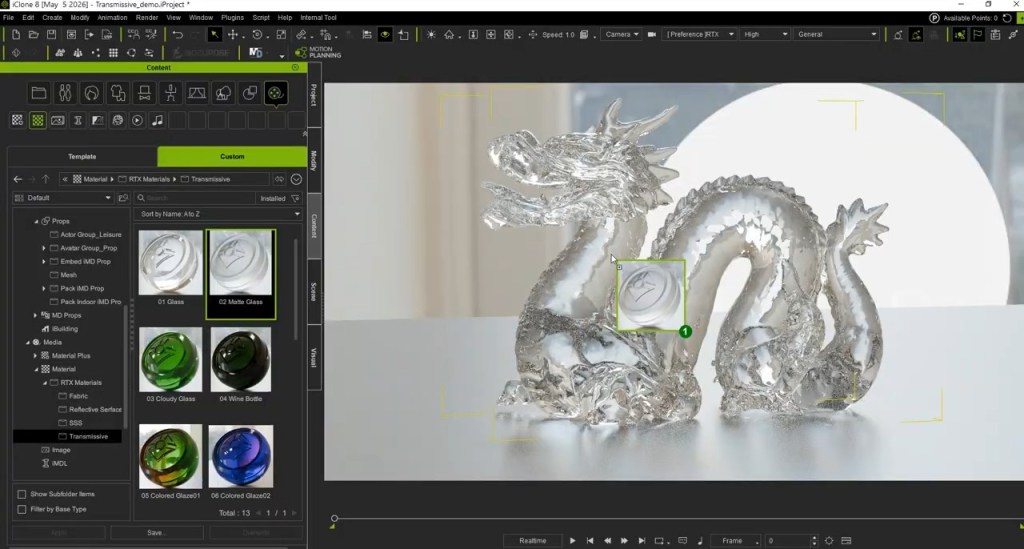
- Transmission: true glass and liquids, with Volume Attenuation so color deepens with the object’s real thickness, plus IOR and Thin Surface for effects like bubbles
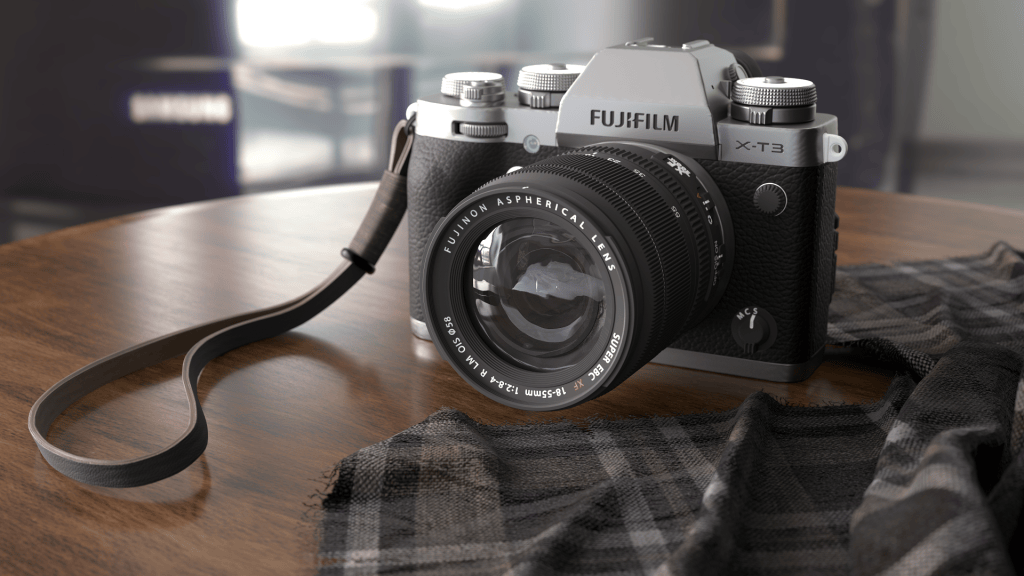
- Coat: a clearcoat layer for car paint, lacquered wood, and carbon fiber, with its own roughness, tint, IOR, and mask

- Sheen: soft fiber highlights that make velvet, silk, and linen read as real cloth
- Emissive: unified glow controls where emissive surfaces genuinely light the scene, neon that actually illuminates
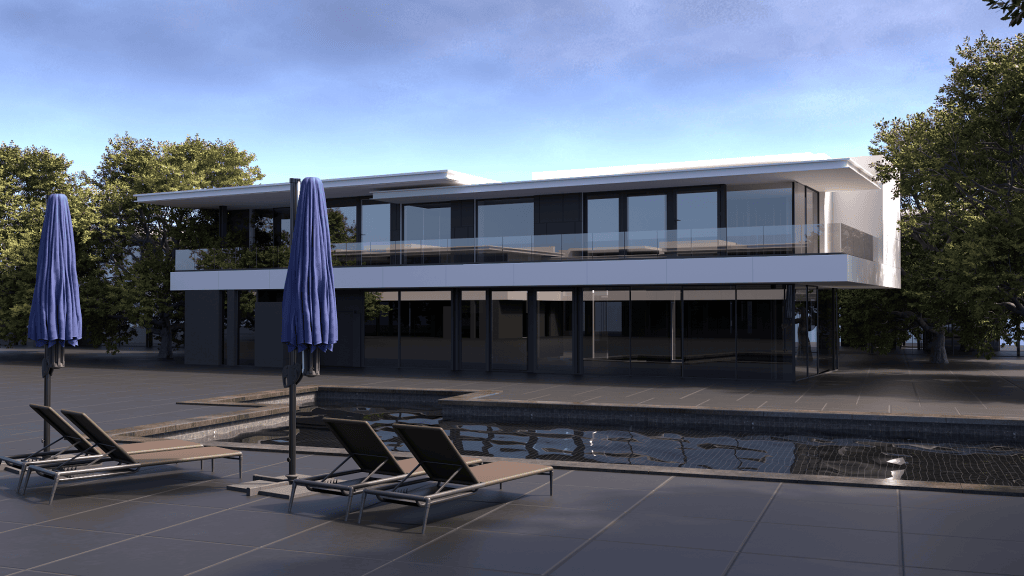
Physically accurate lighting. Soft shadows driven by light size, a new Angle slider for directional light, Radius controls for point and spot lights, and image-based lighting that now casts true shadows.
Procedural sky. A dynamic sky with sun position, time of day, cloud speed and density, acting as a genuine light source under path tracing.
Cinematic camera and color. Real f-stop depth of field that behaves like a physical aperture, plus ACES and AgX view transforms, false color exposure view, gamma, and white balance controls.
Preview and Final quality, separated. Samples, bounce count, and noise controls can be set independently for preview and final render, so you iterate fast and output clean.
A ready-to-use RTX content library. No parameter tuning required to get results: the beta ships with
- 55 ready-made RTX materials across four categories (clearcoat surfaces, transmissive glass, subsurface scattering, and fabrics),
- 18 studio-style light presets built on real portrait-lighting setups from three-point to Rembrandt, and complete demo projects with DX11 vs RTX comparisons. Apply, render, and reverse-engineer the settings to learn.
How to Join the Open Beta
- Fill out the beta signup form: FORM LINK
- Once submitted and approved, the official download link will be sent to your inbox.
- Install the beta build and switch to RTX Render from Project Settings or the toolbar in iClone or Character Creator. Your existing projects convert automatically.
Full documentation is on the Reallusion Forum:
- RTX Render Open Beta (1): Overview & Getting Started
- RTX Render Open Beta (2): Render Settings, Lights, Camera & Sky
- RTX Render Open Beta (3): Material Library
Founding testers get direct access to the development feedback channel, and the best RTX renders from the community will be featured across Reallusion channels, including the 2026 3D Character Contest spotlight.