This guide will take you through the process of creating realistic real-time content for your characters.
by Alex Borre
————————————————————————-
Alex Borre is a 3D Artist from Chicago. He has worked in the game industry for 5 years now, including work on AAA game titles, VR/AR experiences and pinball machines.
Originally from Iran, Farbod is an award-winning director, writer, animator, and composer. In the last four years, Farbod has made more than 5 Films as the Director, Writer, Animator, and Music Composer; and have been an Award Winner/Official Selection at numerous Film Festivals including Festival Du Nouveau Cinema, Kerry Film Festival, Oaxaca Film Festival, American Movie Awards, and others.
His animated thesis Film, ‘Bats and Jokes‘, where he used CrazyTalk 8 for facial animation, has won awards for Best Animation, Best Music and Best Short Film at many Festivals, including IndieFest and WorldFest-Houston International Film Festival. His Feature-length Film, “The Fallers” was recently selected for the Sundance Film Festival’s Film Intensive as a work in progress project.
SIGGRAPH 2018 was held in Vancouver on August 12-16, and Reallusion is pleased to be featured by Cartoon Brew as one of the 12 Cool New Pieces of Animation Tech at SIGGRAPH.
Alongside with NVidia’s single GPU for real-time ray tracing, StarVR’s new headset, A.I. in Allegorithmic’s Substance, Sketchfab’s new way of looking at huge 3d datasets and other industry new tech — iPhone X Face Mocap was selected as one of the coolest new techs in the show.
Face tracking solutions using smartphones were part of several technologies shown at SIGGRAPH, but one that seemed particularly accessible was Reallusion’s LIVE FACE for iPhone X. When Cartoon Brew tried out LIVE FACE, a 3D character head moved and performed lip sync simply from our facial movements live in front of an iPhone.
Hi, I’m Yuan-Chi from Taiwan and I have worked in the field of visual design for over 10 years.
I particularly enjoy associating and transforming everyday observations into unconventional expressions of creativity. I hope everyone can like my artwork!
Lately, I’ve been creating content for CrazyTalk Animator as I see huge potential in advertisement agencies using this powerful software.
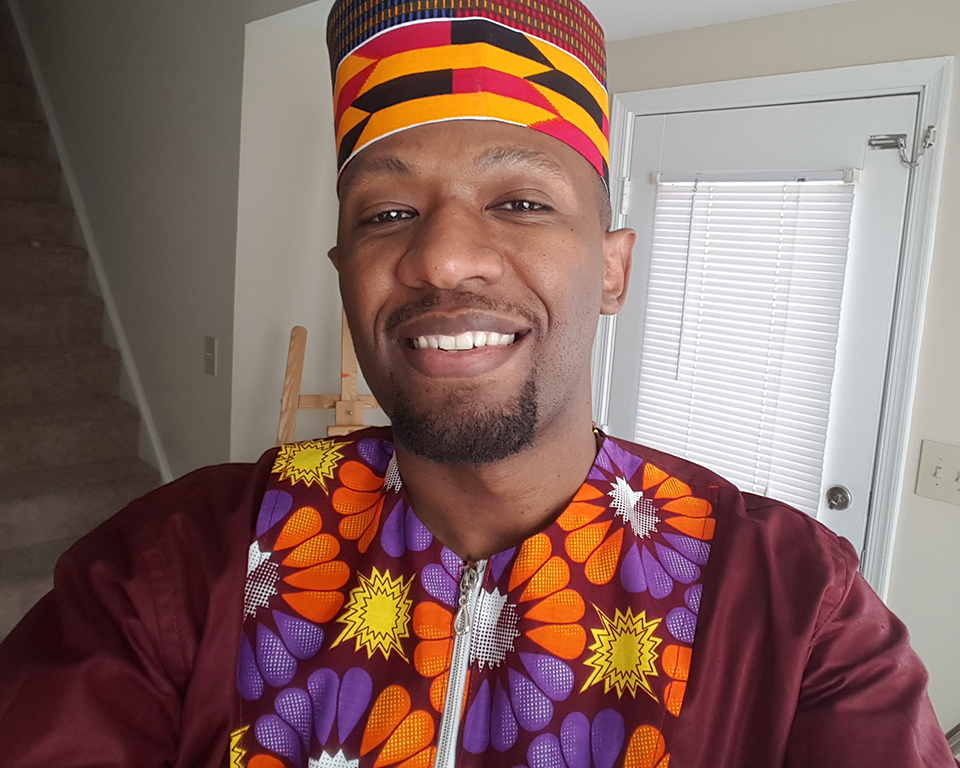
I am a Ugandan 3D Artist and animator based in the USA, with over 15 years’ experience creating content for Games, Cinematics, Simulations and Virtual Reality apps.
This tutorial covers my workflow of how I used iClone to create both Facial and Body animations for the characters in my Ugandan/African animated children’s TV Series, “The Adventures of Nkoza and Nankya.”
I have had this dream since I was a kid growing up in Uganda, of bringing my stories to life using animation, but I didn’t have the funds and team to pull it off. I tried for several years to bring the idea to life with the help of friends, family, and my two close 3D artist friends Bruno Ssekandi (Uganda) and Nateon Ajello (USA), but the progress was slow going because we all had other responsibilities including family obligations.
It wasn’t until I started using iClone, that I truly felt I had finally found a program that made it possible for me to realize that dream. Being able to bring custom characters into iClone, using 3DXchange, opened the animation possibilities to me. Using the iClone facial animation tools, I was able to create convincing dialogue for my series.
In this tutorial, I am using the little girl called Nankya, as the case study. The workflow is applicable to other characters. I am hoping that this process helps others out there who are looking for an affordable solution, to get their dream off the ground, and take it from paper to the screen.
I am 51 years old and my creativity has manifested itself in various ways throughout my life. I made films as a teenager with my Super 8 camera. Later I became a singer/songwriter and performed with my band.
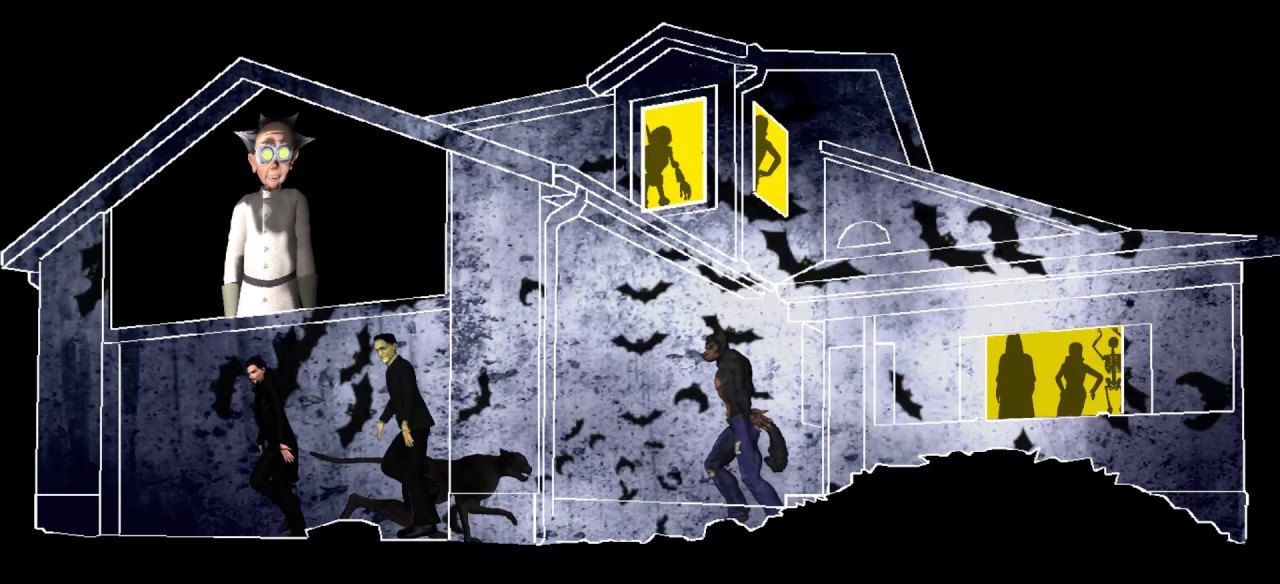
Eventually I settled into a career as a graphic designer and web developer. As a hobby I became a Halloween haunter and that passion grew into quite a production.
Our annual Halloween walk through attracts thousands of visitors every year. In 2011, I began to do 3D projection mapping on my house as part of my Halloween decorating. The videos I created went viral on YouTube with more than a million views. The animations I am able to create with iClone have been critical to my success. I have since turned my passion for projection mapping into a business, helping other people do the same.
48-Hours Live 3D Animation Contest for Students to Win up to US $10,000 Cash Prize
The ASIAGRAPH Reallusion Award 2018 48-Hours 3D Live Animation Contest Final Round will be held in Taiwan on August 20th to 24th. The contest, which started in 2013, includes a qualification round and a 48-hour final round. This year the contest has been extended on a worldwide scale to include a qualification round in the United States, China, Japan, Malaysia and Indonesia. The contest is hosted annually by Reallusion Inc., a real-time 3D & 2D animation company.
Reallusion innovations in motion capture and character creation premiere at Siggraph from August 14 – 16 2018, Booth #406. Experience the new standalone character creation tool- Character Creator 3, the realtime motion capture solution- Motion LIVE and the debut of 3D Face Motion Capture with LIVE Face for iPhone X. Reallusion presents a total solution to build, morph, animate and gamify 3D characters.
Reallusion LIVE FACE app and iClone Motion LIVE combine face, body, and hands for a totally live performance capture and virtual production solution
The popularity of the iPhone X for face tracking has serious power for animators and storytellers. Reallusion, creators of the unified full-body motion capture tool, iClone Motion LIVE announce the addition of iPhone X face mocap. The iPhone X app LIVE FACE works with iClone Motion LIVE to provide a total solution out-of-the-box for full-body and face motion capture. VFX on a budget and innovation meet with the iPhone X for motion capture combined with iClone Motion Live and the LIVE FACE app
Users can download the LIVE FACE app to WiFi stream tracking data from an iPhone X to a workstation client. Then, through Motion LIVE, combine iPhone X facial data with other mocap sources like Xsens, Noitom, Rokoko, OptiTrack and Leap Motion for a complete face and body mocap studio. Besides custom importing character designs, developers can professionally animate characters generated from major character systems like iClone Character Creator and Daz3D. The iPhone X addition to Motion LIVE empowers real-time usage for virtual hosts, interactive characters, live entertainers, and performers. This new solution also compliments a production workflow for editing, rendering and exporting to any game engine or 3D application.


 Tutorial