Erik Larson (Libertas)

Born in Chicago, Libertas started out with a passion for filmmaking at an early age, and ever since he’s had the desire to tell grand and fantastical stories featuring brave heroes on epic quests in lush and vibrant worlds, much like his Assassin’s Creed-inspired micro-short film “Modern Assasin Training Session.”
Libertas admits to always dreaming bigger than his shoestring budget could afford. Even still, he loves creating characters and their costumes to see them come alive, especially in his YouTube short films. Outside of his day job as the Manager of Videography and sole 3D generalist at his company, he spends his free time, once again, dreaming big and crafting new characters, costumes, and props for his digital actors who are instrumental in bringing his epic stories to life for the audience community and not just himself.
My Experience and Honest Review
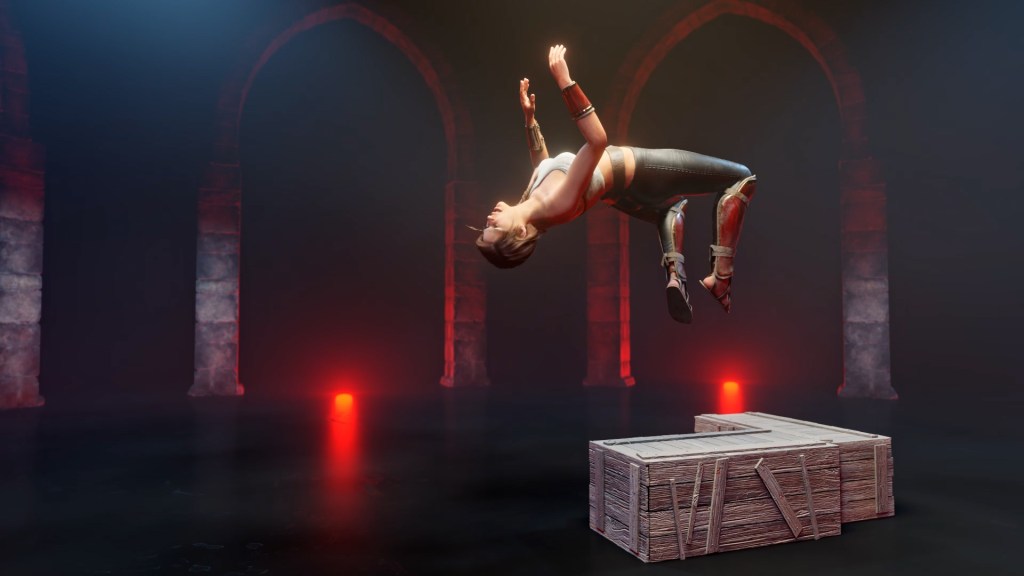
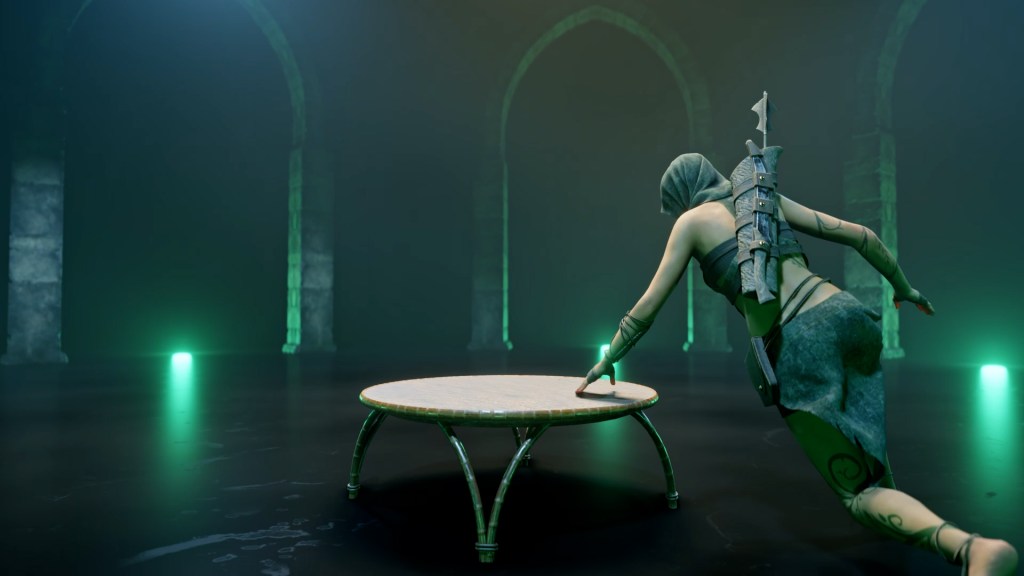
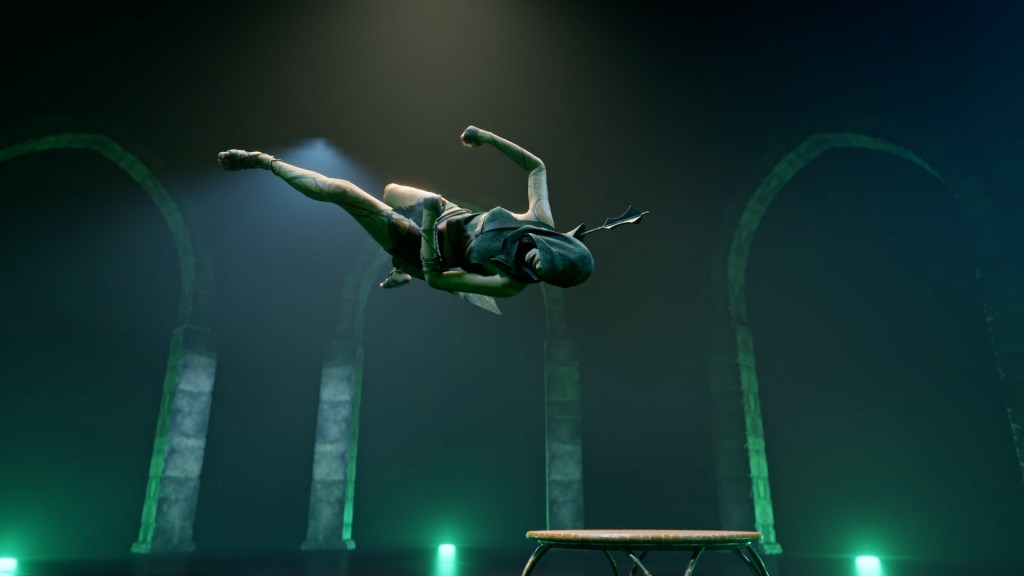
Containing forty-five motions across four categories, whether climbing, vaulting, flipping, or in absorbent daring movements combined together, these 3D animations can be strung together to create some impressive acrobatic movements for your characters whether for games or films. As a fan of Assassin’s Creed and as a person making my own short films, I was very excited about this pack. Because parkour is a great way to show your character’s athletic prowess. Overall, I like this pack and I think there are three distinct merits about this pack.
Diverse motion
What I like about this pack is that you get a good variety of 3D animations available to you that I just haven’t seen elsewhere. Especially in the categories of the vault, flip, and climbs. While you can find other animations say on Mixamo, for vaults and rolls, these packs seem to have been designed purposely to fill in the gap-work that other packs lack. And that makes it great for mixing with other 3D animations.
Motion with good heft
Additionally, because these were motion captured, I find that they have a good sense of weight to them. Typically with parkour animations because they’re so difficult and require a lot of skills, you have to find someone who can even perform it. You typically find that parkour animations will be hand-animated, and therefore lacking in realism when it comes to characters landing on, falling to, or rolling on the ground, and even when they are balancing on their feet. A lot of that natural movement is just so hard to capture. Another benefit to motion capture is that the transitions and movements translate naturally on the character with little input.
Flexible usage
The combined skills subset is a very interesting concept, and it provides a quick weight to showcase a character’s interactions with their environment in a more elaborate manner than seen in other content packs. This makes it easy to quickly put together longer character animation sequences to showcase your character’s abilities. On top of that, I was able to cut up some of these animations within the longer combo sequences and merge them with other character animations to get even more variety out of the pack.
Tips & Tricks: What Magic is This?
Though some of the performance starts a bit slower, and that pack lacks of daring moves. If you do want to make those types of adjustments, let me share three tricks that I use for making compelling acrobatic performances. You can also check out Reallusion’s latest FREE Course and learn how to edit your animated characters with iClone.
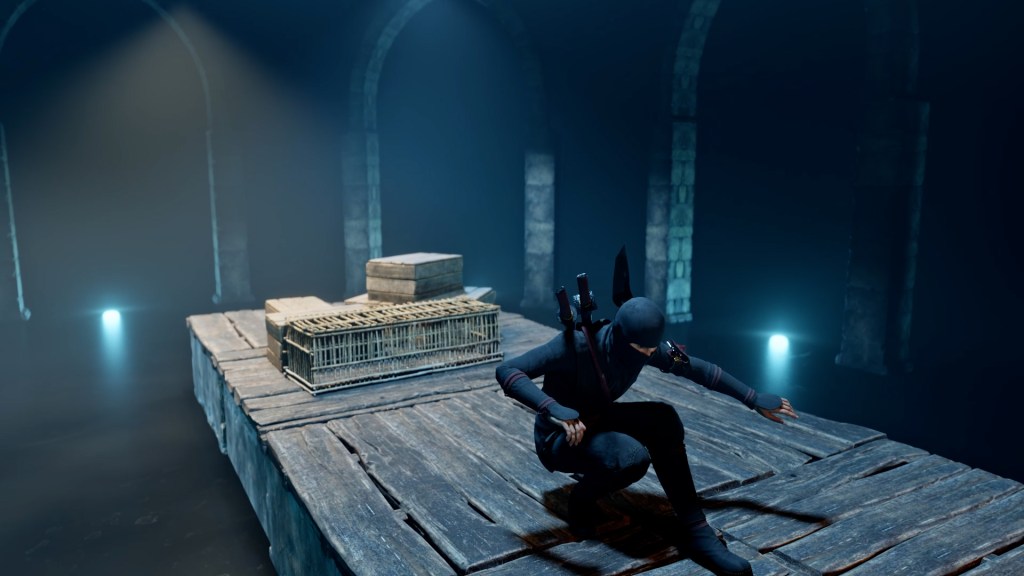

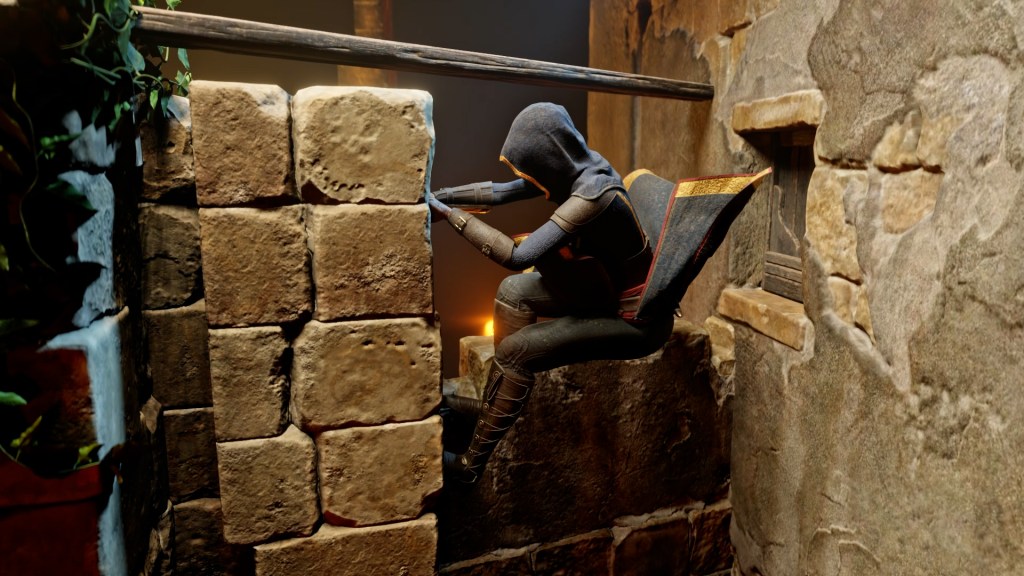
Use transform key
Making the characters jump greater distances than the premade motions allow often results in awkward-looking transitions. The easiest way to fix this is by adding a transform key at the moment the last foot leaves the ground for the leap and a transition key for where you want the character to end up. Now that you have the horizontal movement set up with the transform and transition keys, you can go back and add a vertical key for the apex of the jump in between the two. This technique will keep the modified jump animation looking a little more natural.
Blending with other motion packs
For characters that run and transition into acrobatic moves, I recommend having two run animations to change things up. Either a run cycle from the Spunky Moves Pack on ActorCore or from Mixamo. Both seem to have worked pretty well with this pack.
Playing with the camera
One of the best ways to accentuate the movement of your characters is by supporting them with great camera movement like large sweeping shots combined with wide angles and lenses. Having great camera movement puts the audience where the action is while showcasing the environment. For some inspiration on how this is done, I recommend you watch videos from Devinsupertramp on YouTube
Learn more
If you are interested in using the characters seen from the video, you can get them from Erik’s Content Store Page “Libertas Armory”.
• Erik Larson (Libertas) http://www.libertasvideo.com/
• iClone https://www.reallusion.com/iclone/default.html
• Character Creator https://www.reallusion.com/character-creator/