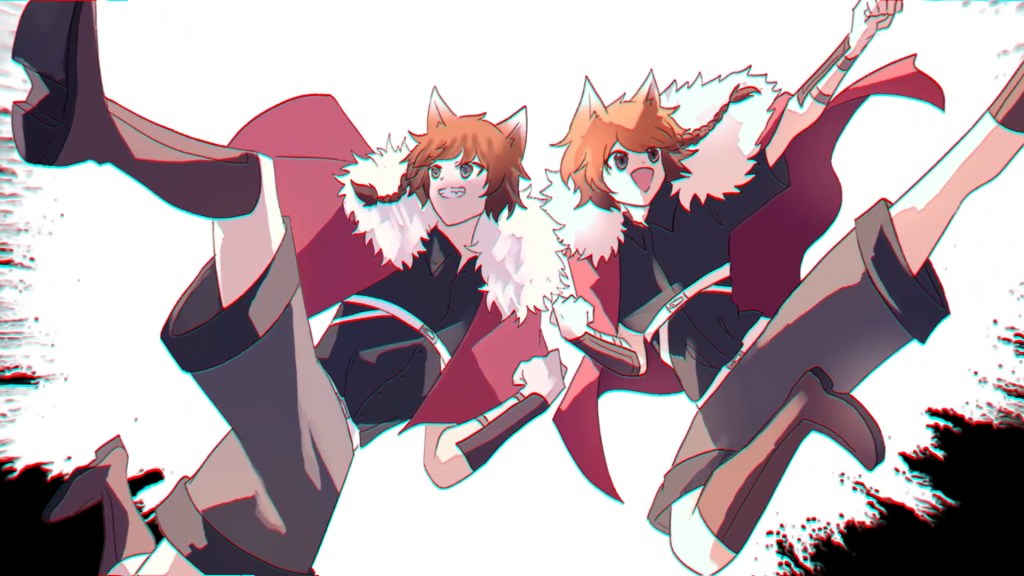
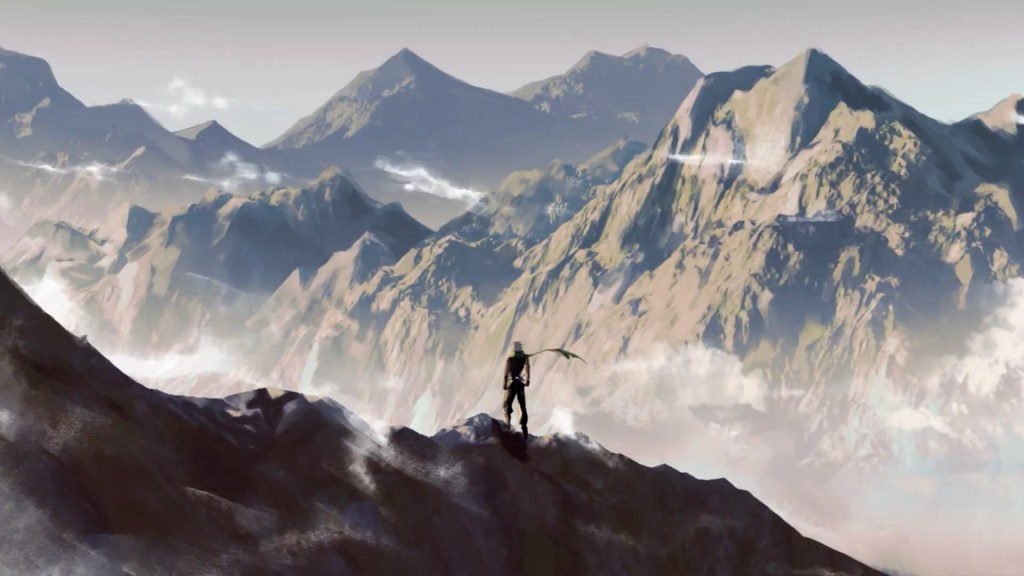
The Winner Tips & Interview series covers practical workflows and techniques shared by winners from the “2023 Animation At Work Contest”. To let users see the full spectrum of the Cartoon Animator pipeline, we are introducing projects that received attention and credit from the community. Let’s now take a look at “Valiant Seven” to see how Astrovique worked her magic with Reallusion Cartoon Animator (CTA).
About Astrovique
Greetings! My name is Astrovique. I’m a full-time illustrator and hobbyist animator. I often create fan art to exhibit and sell at conventions in Australia such as SMASH!, Oz Comic Con, and Supanova. On the sidelines, I also have a webcomic that I’m working on known as Valiant Seven and oftentimes find myself animating characters from my series. I’m also a massive memester and would just about animate anything that I find myself laughing at and sharing that laughter with others.
How I Discovered Cartoon Animator and why I used it
I stumbled upon this software through the Animation at Work competition. About a month after the competition had already started, I saw a sponsored ad on Instagram and thought, “Why not give it a shot?” I’m always eager to learn new software and see what I can create. I selected Cartoon Animator 5 as one of my production tools due to its free-form deformation tool and spring dynamics. I was intrigued by the idea of picking up a new program on the fly, and it turned out to be a user-friendly choice with educational resources readily available to guide me through the process. I particularly appreciated the character rig tool, which allowed me to easily manipulate my character’s limbs and keyframe them, while the applied spring dynamics responded to the movement. The deformation tool proved invaluable for creating quick and simple motions for my characters.
Why did I choose this topic?
I was drawn to the Comics and Art Animation category because I have an existing webtoon series that I wanted to explore further in various digital media, including illustrations and animation. This contest presented an opportunity to create a short animated trailer for my series, and I am satisfied with the result.
My Creation Process
Step 1 – Storyboard
To begin, I crafted a rough storyboard outlining the composition and timing of each scene in sync with the trailer’s music. Underneath each rough sketch would be general notes of how it would be timed to the beat of the trailer music.

Step 2 – Drawing Unique Characters
After finalizing the composition, I worked on detailed character drawings, ensuring that various parts like hair, head, eyes, and clothing were on separate layers for animation. I dedicated extra time to make the final shot in the trailer as detailed as possible, given the limited timeframe that I had.

Step 3 – Animation
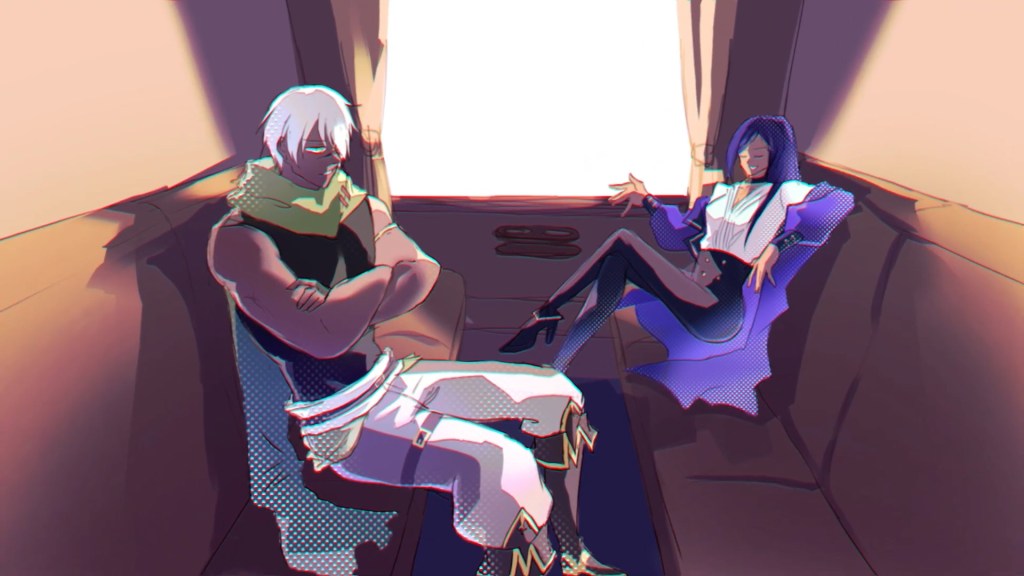
I imported each scene into Cartoon Animator 5, utilizing different layers that needed animation. I used the free deform tool and character rig tool to manipulate and rig them in the program. Additionally, I applied spring dynamics to smaller details, such as strands of hair, to respond to specific keyframes rather than animating them manually.


Step 4 – VFX Composition
Once all the scenes were animated, I exported them as a PNG sequence and imported them into After Effects. There, I edited each shot to match the music, and I used the puppet tool to animate complex layers and create unique distortion effects during scene transitions.

Interview with Astrovique
Q: What do you think makes a winning entry to competitions like this? How does someone make their entry stand out in the crowd and really grab the judges’ attention?
A: Honestly, having something that is uniquely yours and fits whatever category you’ve entered is the best way to go about in a competition like this. On top of that, remember to have fun with what you create! I participated in this competition because I wanted to create an exciting trailer featuring my characters in action scenes, all while learning new software and enhancing my drawing and editing skills.

Q: Some of you are quite new to Cartoon Animator, while some of you would now be considered veterans of the software. For those of you who are new to Cartoon Animator, what surprised you most about working with this 2D animation software?
A: I’ve only been using Cartoon Animator 5 for about a month, so I’m relatively new to the program. However, I managed to pick up a lot in a short time thanks to its user-friendliness. Despite being a new user, I found it straightforward to learn, with abundant resources and tutorials available. The most exciting feature I discovered was the ability to capture mouth movements for lip-syncing and body animations for 2D characters, which I think is a fantastic addition.
Q: Did you find the process of creating characters and content for your entry easy and enjoyable? And how did you find the experience of animating your project with Cartoon Animator? Were there any specific challenges you had to overcome? And if so, how did you overcome them?
A: Creating characters was relatively straightforward since they were already established. My experience with Cartoon Animator has been a positive one! The learning curve isn’t too steep, and anyone can pick it up. My main challenge was finding time to work on the animation alongside my regular job and daily life while learning new software. Additionally, creating initial storyboards and coming up with compelling scene compositions for events that hadn’t occurred in my webtoon were specific challenges. I wish I could have added more details to my drawings, but I’m still happy with the end results.

Q: As a Cartoon Animator user, if you had to choose only one tool or feature of CTA that is your absolute favorite, what would it be?
A: If I had to pick one feature out of them all I would choose the deformation tool. A very simple and straightforward tool to use that allows you to capture movement quickly and easily.
Q: What is your best piece of advice to other Cartoon Animator users who might be considering entering contests like this in the future?
A: Familiarize yourself with the program as much as you can and have characters or illustrations ready beforehand so you don’t rush towards the end. Have a clear plan of what style you want for your animation, the music you’re going to use, and the voice acting you’ll need in your animation, so you are able to schedule everything efficiently and maintain consistent quality in your work.
Q: Now that this year’s contest is finalized, what does the year ahead hold for your work? Are there specific projects you are working on? How does Cartoon Animator fit into your future plans?
A: Some plans I have for the future are continuing my webcomic on the sidelines, drawing more original illustrations and animating some of these illustrations!
Follow Astrovique
Instagram | https://www.instagram.com/astrovique/
YouTube | https://www.youtube.com/@astrovique
TikTok | https://www.youtube.com/@astrovique