
Cartoon Animator has just received a free update packed with brand-new features and tools that are going to have you animating like never before. I’m Garry Pye, and I will be taking you on a tour of what’s new in Cartoon Animator 5.3, including the incredible Puppet Stage, where you can control your actors’ body and face movements in real-time with a new trigger system and Motion Live mocap. Now you can activate motions, performances, and effects for your actors with a single button press for real-time animation. This is the perfect tool for live performances and streaming, so you become the actor in your movie.
Cartoon Animator 5.3 now has multiple cameras which you can cycle through in real time, putting you in the director’s chair with total control. And this update introduces image sequencing for character parts like eyes and mouths, meaning you can create the smoothest lip-synching ever, and even create animated face and body parts with amazing results.
Realtime animation Control with Triggers
Besides working with your custom characters, Puppet Stage lets you build your own scenes using characters and backgrounds from the Content Store and Marketplace. With Motion Live, you can capture your own full-body performances and apply it to your actors.
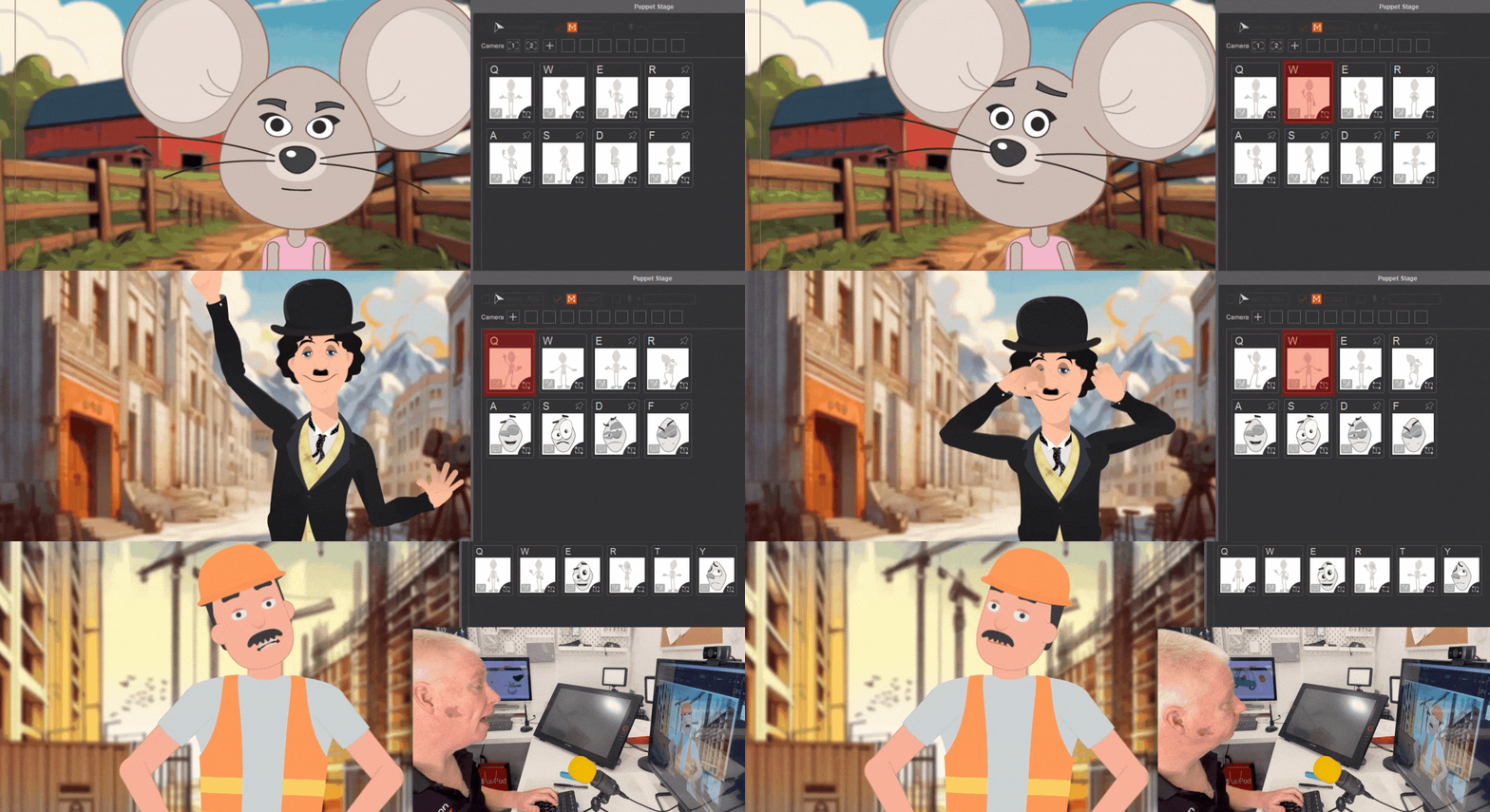
One of the revolutionary features is the use of Triggers, which activate animations including motions, perform actions and more. With Motion Live recording, you can activate these triggers in real time, and your character responds instantly. By pressing the hotkey for each trigger, your actor comes to life. You can even apply Triggers while still capturing your performance with Motion Live and a webcam, so you can perform as your character and even lip-sync them to your voice, all while activating any animation you want.
Customizing Triggers for Unique Performances
Triggers can be fully customized to fit your project needs. You can use preset decks or modify your deck by rearranging, deleting, or adding triggers as required. Each trigger’s parameters can be adjusted to affect different parts of your actor’s face. For example, by disabling the Face Targets, you can still capture facial expressions with a webcam. This allows your character to respond to preset Triggers while also capturing face expressions and lip-syncing simultaneously.

Hotkeys can be set for Triggers, and each Trigger can be configured to play once, loop, or be controlled by mouse movement.
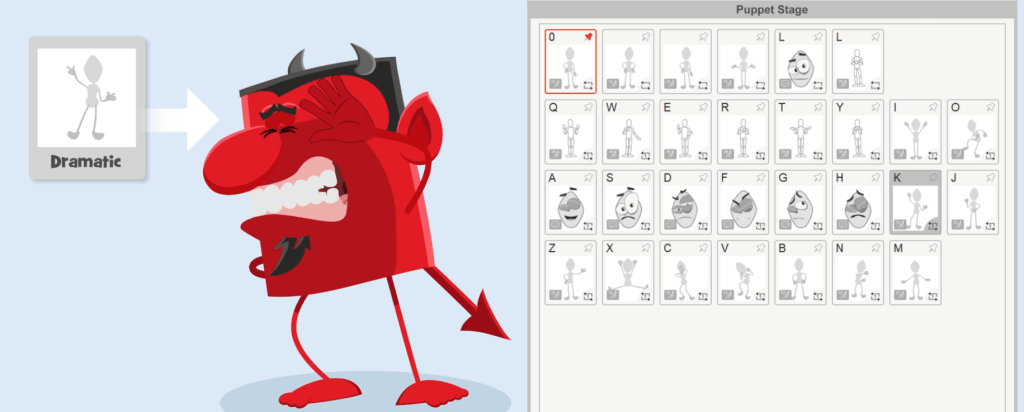
Puppet Stage is ideal for those who want a character to host their videos or live streams. With Puppet Stage, you can embody your character, perform real-time voiceovers, lip sync, and control body movements—all with a single button press using hotkeys. Additionally, you can easily greenscreen your actors over any video.
Compatibility with Various Characters
The best way to introduce yourself to the new Puppet Stage is to load the Klaang character from the Cartoon Puppet Pack, which gives you everything you need to get started including 3 entire new sets of character performances called Chill, Cute and Dramatic. Each of these packs has a number of different Triggers for the face and body which you can activate to change the emotions, expressions and reactions of your characters. And you can apply these packs to any character. Additionally, you can also experience the Anime style live performances from Anime Puppet Pack, which includes the dressing room for changing wardrobes and Pet Bot for 360 head rotation.
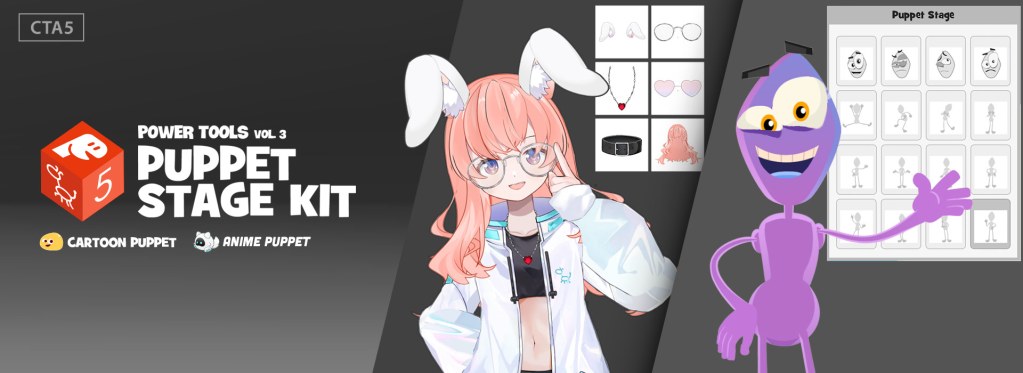
>> Get puppet sample projects and actors from here
Here, you can practice working real-time animation with triggers, cameras and Live Motion to get the results you want. Experiment with the different triggers to see what each of them does. You can use these packs as a guide for learning how to build your own custom Puppet Stage packs for any character.
The best thing about the new Puppet Stage for Cartoon Animator is its compatibility with your actors. This is going to work with many of the actors you already own, and then there are hundreds of quality actors available from independent developers in the Content Store and 2D Marketplace. You can take any actor, find the right scene to place them in, set up your deck of triggers, record your character’s performance in real-time and even add in some fun special effects.

>> Sample characters from azbuss, Tivo Studios, and Garry Pye
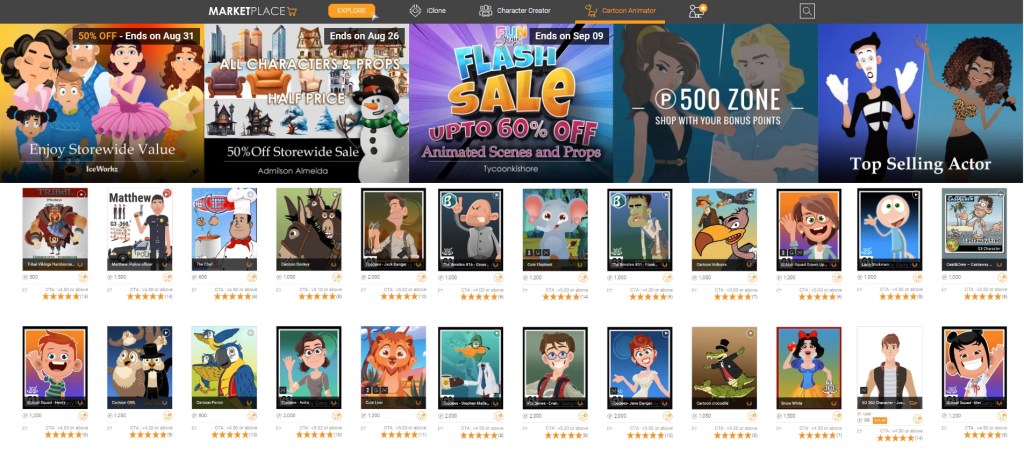
>> Explore the huge character library from Reallusion Marketplace or Content Store, all CTA characters are compatible with Puppet Stage
Live Perform with Effects and Props
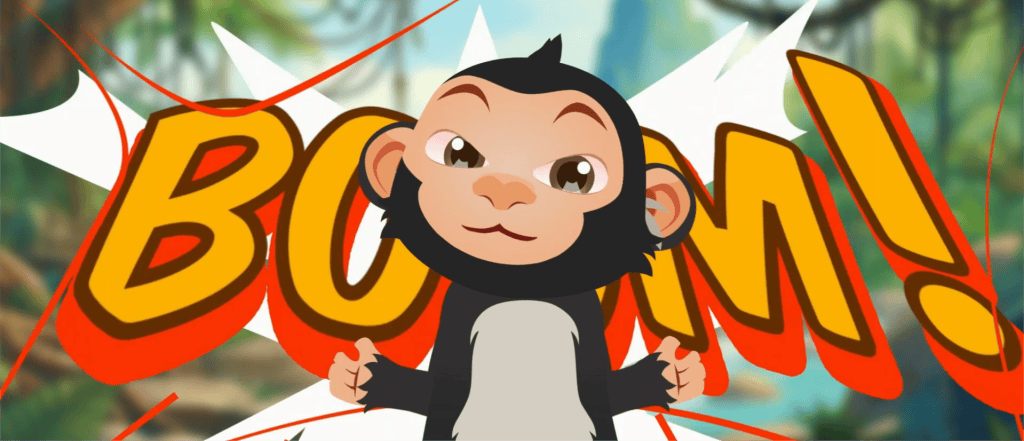
Cartoon Animator 5.3 also has a collection of the most amazing animated effects that you can control using triggers, which have been created by veteran animator Declan Walsh. Declan has contributed a wonderful collection of hand-drawn animated effects that will help your characters express themselves in fun ways. With your actor and props loaded to Stage Mode and with Puppet Stage activated, you can use hotkeys to activate the effects while recording your actors’ performance.

>> Find more VFX from developer DexArt in Reallusion Marketplace
Smoother Animations with Sprite Sequences
Another new feature for the Cartoon Animator 5.3 update is Sprite Sequences which can be applied to actors. In the same way you can create sprite sequences for creating animated props, you can now use Sprite Sequences for body parts like eyes and mouths, so instead of only swapping between single frames, each new sprite selection will play an animated sequence.
With Sprite Sequences, a single mouth movement can be made up of many individual sprites which animate the mouth’s movement, helping to transition between mouth shapes more smoothly and make lip synching more accurate.
You can also use this process to add Sprite Sequences to any face part, including eyes, so you can create some fun emotions and reactions from your actor and you can create all your own animated sequences for every part and even change the speed of the Sprite Sequence in Composer Mode.

Dynamic Camera Tracking
Your cameras now offer a brilliant new feature: they can track and follow actors or objects within a scene, adding a dynamic element to your shots. Camera tracking is simple—just select a camera and lock its focus on your actor or prop. As the actor moves, the camera stays locked onto them, eliminating the need for manual keyframing of camera movements. This innovative tracking capability will transform your storytelling.

Empowering Everyone to Animate
All these new features just add to the incredible lineup of tools we already have in Cartoon Animator. Tools like Spring Bones, Free Form Deformation, SVG Colour Adjustment and Motion Pilot all work together to speed up the animation process and are designed to make real-time animation experience faster, easier and as much fun as possible.
Now anyone can animate. Even if you have no animation experience or any ability to draw, you can be producing quality animations in no time. And you can even do it live! The Cartoon Animator 5.3 update gives you more control over your characters’ performance than ever before, with smoother animation results and advanced camera controls that will have you filming like a pro.
Know more about Garry Pye
Find more Cartoon Animator Assets from Garry Pye
Learn More
Official product page:
2D Animation Software for Cartoon Maker | Cartoon Animator
FREE for 30 days & get 1,700+ ready-made assets:
2D Animation Software Download | Cartoon Animator
Related Posts
- Turning Hosted Podcast into 2D Character Animation
- How to Create Kid-Friendly Educational Animation Step by Step





1 comment
Will it be possible to create a “stand alone app” like Adobe/Macromedia did with the “Flash Projektor”? So (my) customers will be able to use a tool to create the “live situation” as a markting tool e.g. in shops or fairs for promotion events without using the cta sotware itself? So I don’t sell the event but the “tool” for it.