Alejandro de Pasquale
Since the age of 9, Alejandro de Pasquale has been weaving stories across various mediums—from comics to motion graphics, filmmaking, and now immersive 3D animation.
Today, Alejandro leads his sci-fi series, The EVA Project, built in Unreal Engine and powered by Reallusion tools like iClone, Character Creator, and ActorCore.
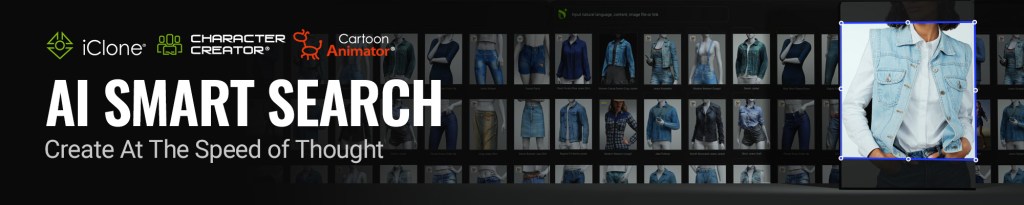
His latest video review shines a spotlight on one game-changing feature that 3D animators, content creators, and indie filmmakers shouldn’t overlook—Smart Search.
What Is Smart Search in iClone & Character Creator?
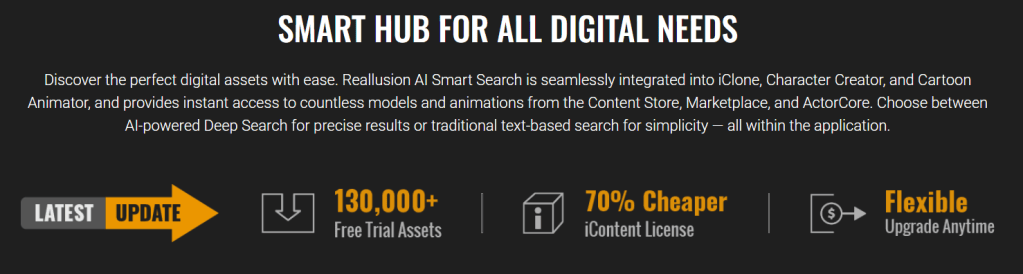
Reallusion’s Smart Search feature, recently upgraded, bridges the gap between creative vision and production efficiency. Available directly within iClone and Character Creator, Smart Search lets users instantly preview and test thousands of assets from:
You can search via keywords or even images, then preview assets on your character before buying. It’s a huge leap from the days of static thumbnails and blind purchases.
“What it lets you do is visualize all the content from the Reallusion Marketplace right inside the program—either in iClone or in Character Creator.”
Alejandro de Pasquale
Visualize Before You Buy: Why It Matters
One of the biggest frustrations in 3D content shopping is asset mismatch. What looks great in a promo render may not work in your scene or fit your character.
Smart Search Solves This
- ✅ Real-Time Previews: Try before you buy directly inside your project
- ✅ Visual Matching: Match textures, colors, and styles with your existing scene
- ✅ Filter by Compatibility: See what works with your base mesh or rig
“You don’t know if what you’re seeing in a photo will actually look good on your character… this approach solves that.”
Alejandro de Pasquale
Reallusion’s Return of iContent—Up to 70% Off
Another big announcement Alejandro covers is the return of iContent at massive discounts—up to 70% off.
If you’re someone who mainly renders inside iClone, this file format makes sense. Unlike FBX or USD formats for export, iContent is:
- 🚀 Optimized for in-app use
- 💰 More affordable
- 🔄 Integrated into Reallusion’s content ecosystem
“For people who are just using iClone and don’t need to export stuff—it’s super convenient.”
Alejandro de Pasquale
ActorCore Integration = Smarter Motion
Alejandro highlights that Smart Search isn’t just for assets like clothing or props—it also extends to animations from ActorCore, Reallusion’s vast motion library.
- Search and test motions instantly
- Preview how ActorCore moves look on your character
- Drag and drop into your iClone timeline
“I didn’t even need to buy it right away. I could test everything first.”
Alejandro de Pasquale
Enhancing Indie Filmmaking Workflows
Alejandro, known for creating cinematic scenes on limited budgets, is the perfect use case. In his EVA Project, Reallusion’s Smart Search and affordable .iContent gave him the flexibility to:
- Build character wardrobes quickly
- Customize and test assets in context
- Save time on rigging and compatibility fixes
- Seamlessly blend into Unreal Engine via CC/iClone-to-Unreal pipeline
Tools Mentioned in the Review
- ✅ iClone 8
- ✅ Character Creator 4
- ✅ ActorCore
- ✅ Reallusion Marketplace
- ✅ Reallusion Content Store
- ✅ MetaHuman (considered, but opted against)
- ✅ Unreal Engine (for final production)
Who Should Care About Smart Search?
This workflow benefits:
- 🎞️ Filmmakers creating pre-viz or final renders
- 🧑🎨 3D artists who need fast iteration
- 💼 Studios looking to reduce pipeline bottlenecks
- 🧪 Indie creators juggling limited budgets and tight timelines
Alejandro’s own creative journey—from no-budget shorts to building the EVA universe—demonstrates how powerful tools like Smart Search and .iContent can be leveraged for high-end results.
Conclusion
Alejandro de Pasquale’s review reveals how Reallusion’s Smart Search is more than just a new feature—it’s a workflow revolution for 3D creators. From easy content previews to discounted iContent, Reallusion continues to lower the barriers for professional-grade animation and indie filmmaking.
Whether you’re working in Unreal, iClone, or Blender, Smart Search helps you make faster, smarter creative decisions.
Explore Smart Search for yourself in iClone or Character Creator, and transform how you find, test, and use 3D assets. Visit Reallusion Marketplace and try it out today.
Follow Alejandro de Pasquale
https://www.youtube.com/user/alerendersoc
https://www.facebook.com/aleRENDER
https://www.instagram.com/alerender_ae
https://www.artstation.com/alerender
FAQ
What is Smart Search in Reallusion tools?
Smart Search allows users to find, test, and preview marketplace and content store assets directly within iClone or Character Creator.
How does Smart Search benefit animators?
It saves time, money, and hassle by showing you what assets look like on your characters before purchase.
What is iContent and why is it back?
iContent is a proprietary format for iClone/CC. It’s optimized for internal use, now offered at discounts up to 70%.
Can I use ActorCore animations with Smart Search?
Yes, Smart Search supports motions from ActorCore, allowing you to preview animation clips live.
Is Smart Search available for MetaHuman?
No, Smart Search is part of Reallusion’s ecosystem and works within iClone and Character Creator.
Related Posts
- Animating with ActorCore, iClone, Motorica & ElevenLabs AI Tools
- Creating Advanced 3D Animations with Perception Neuron Studio
- Motion Designer’s Powerful Tools for 3D Character Animation