Copresence, a Switzerland-based deep tech company, is transforming how we interact in digital spaces. By combining AI-driven deep learning models with robust capture technology, Copresence enables anyone to generate photorealistic 3D avatars in just minutes. Their platform supports industries spanning gaming, VR/AR, telepresence, and digital communication, giving creators and businesses tools to build hyper-realistic avatars at scale.
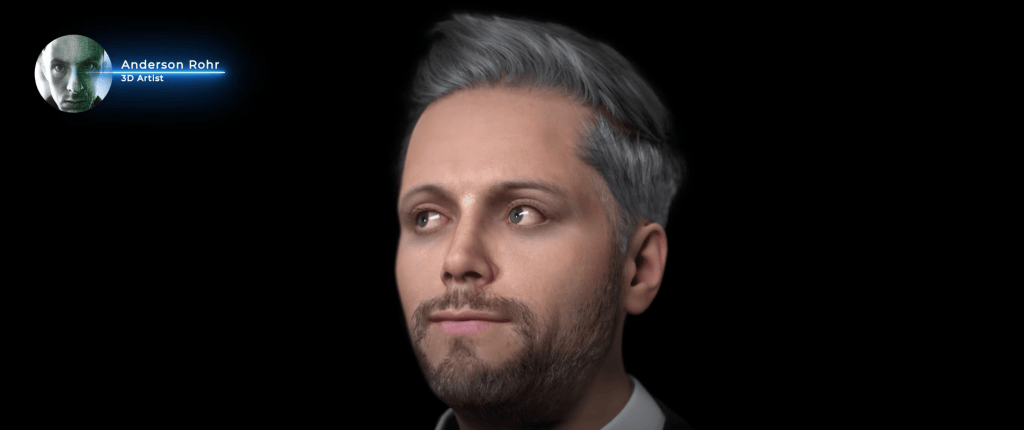
In this article, we’ll walk through a step-by-step workflow shared by Anderson Rohr, a 3D artist from Brazil, who demonstrates how to bring a Copresence face scan into Character Creator 5 (CC5). Whether you’re a 3D animator, content creator, or production studio, this guide shows how to unlock the full potential of Copresence + Reallusion for lifelike character creation.

Why Use Copresence for 3D Face Scans?
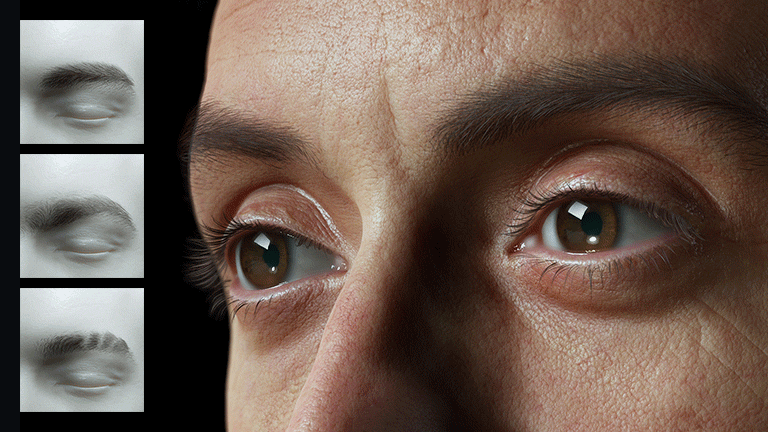
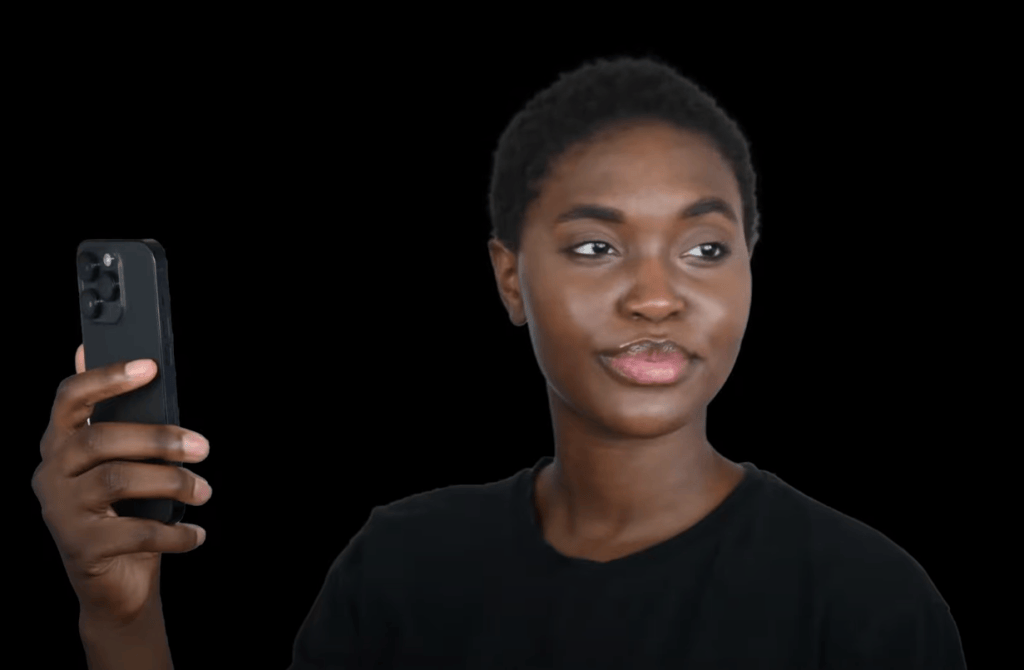
The value of Copresence lies in its accessibility and accuracy. Unlike traditional 3D scanning setups that require expensive hardware and studio environments, Copresence only requires your smartphone. Within minutes, you can create:
- High-fidelity 3D geometry of your face
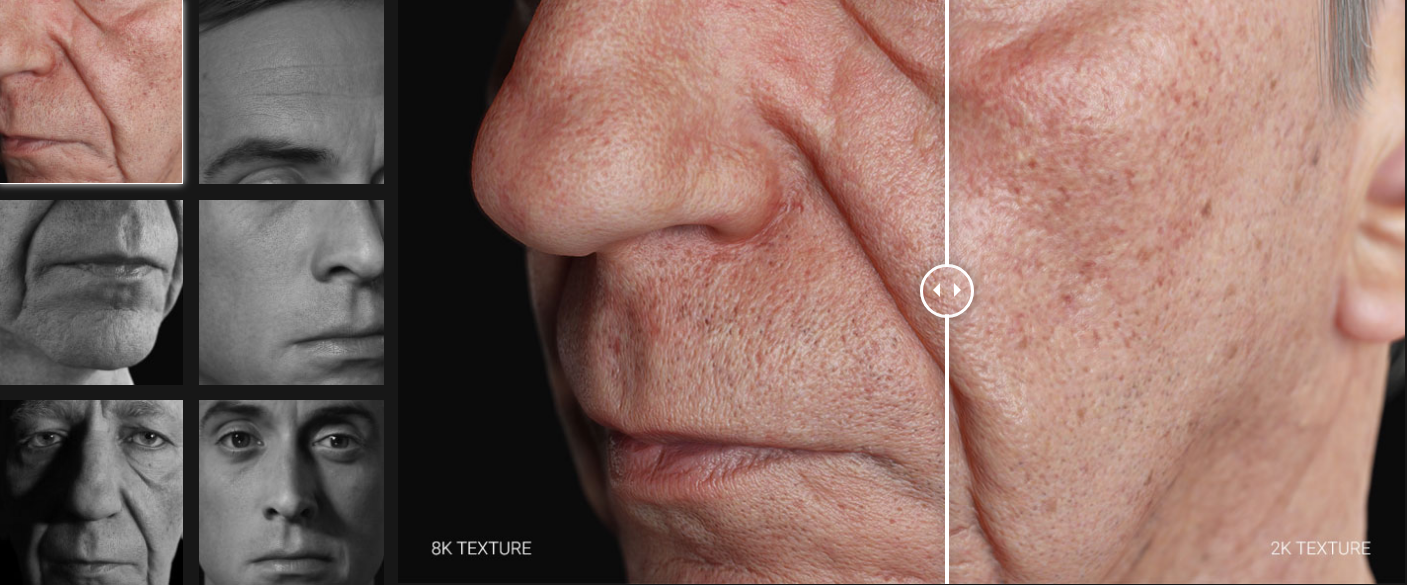
- 4K texture maps for photorealistic detail
- Strand-based hair in Alembic format (currently in CC5 support)
This means creators no longer need to rely solely on manual modeling or limited avatar generators. Instead, they start from a true-to-life digital double, ready to be customized in Character Creator 5.
Step 1: Scanning with the Copresence App
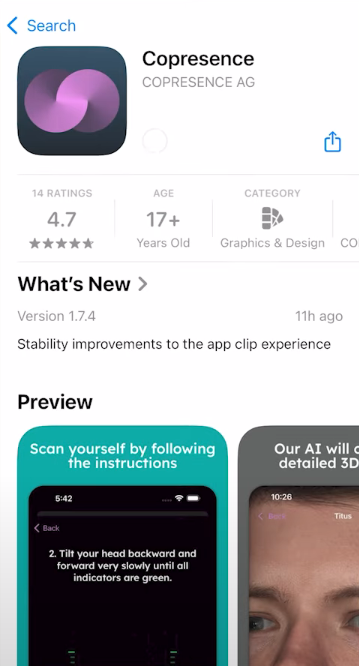
Anderson begins the tutorial by introducing the Copresence mobile app, available in app stores. The process is straightforward:
From there, download the CC5-compatible export package.
Download the app and follow the built-in tutorial.
Capture your face scan using your smartphone camera.
Once complete, upload the scan to the Copresence web app.
This package includes:
avatar.fbx→ the 3D mesh of your face- Texture maps (diffuse, normal, roughness, etc.)
- Hair in Alembic format (not currently supported in CC5)
At this point, you’re ready to bring your scan into Character Creator 5.

Step 2: Importing into Character Creator 5
Once the scan is downloaded, the workflow moves into Character Creator 5, Reallusion’s powerful tool for designing customizable characters. Anderson breaks it down:
- Unzip the Copresence download folder.
- Open Character Creator 5.
- Go to File → Import → Import.
- Select your
avatar.fbxfile. - When prompted, choose:
- Prop
- Keep Original
- Convert All
This imports the 3D scan as a base mesh.

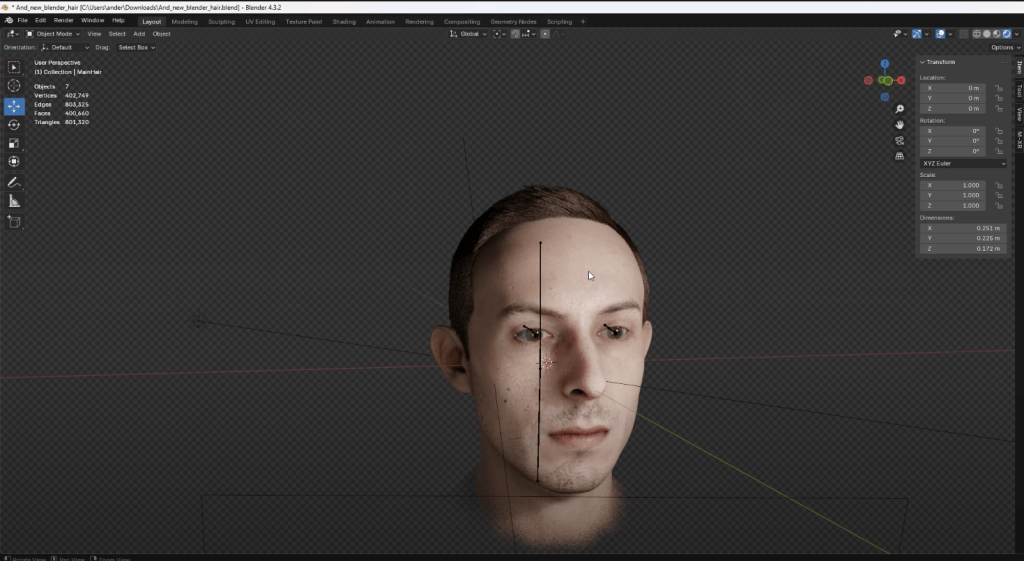
Step 3: Using CC Headshot plugin for Head Generation
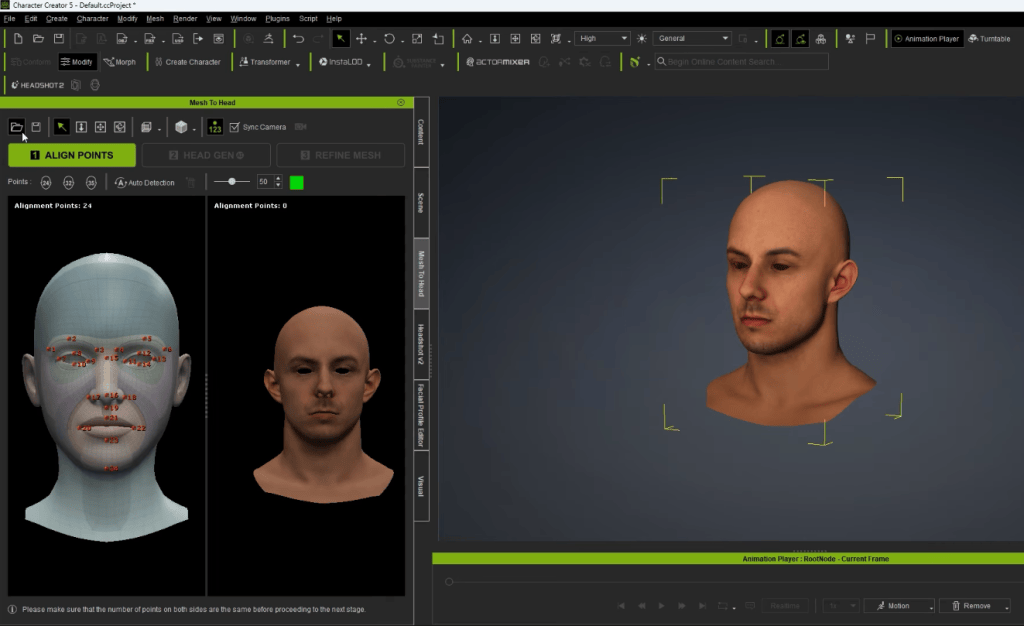
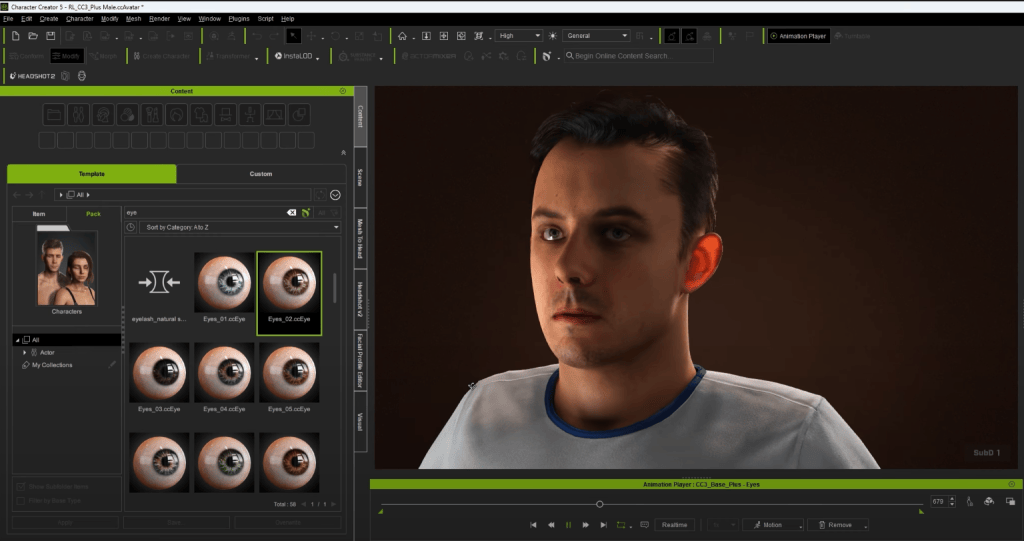
With the Copresence model imported, the next step is refinement using Character Creator’s Headshot 2 plugin.
- Navigate to the Scene Tab.
- Select the root node of your imported mesh.
- Open Headshot 2.
- Select Mesh as input and click Start Head Generation.
Headshot 2 analyzes the Copresence scan and regenerates it as a fully rigged CC5-compatible head, with improved topology optimized for animation and morphing.
This is where the scan truly comes alive—transitioning from a static 3D model into a character that can be animated.

Step 4: Refining Textures and Hair
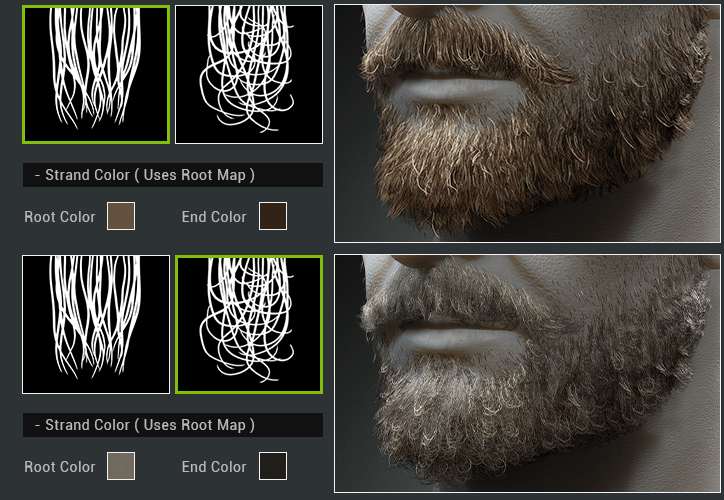
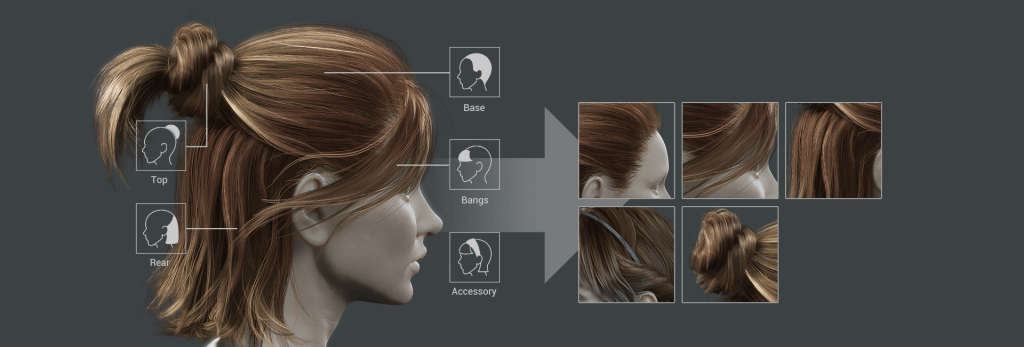
Since CC4 previously didn’t support Alembic-based hair imports, Anderson chooses a preset hairstyle directly within Character Creator.
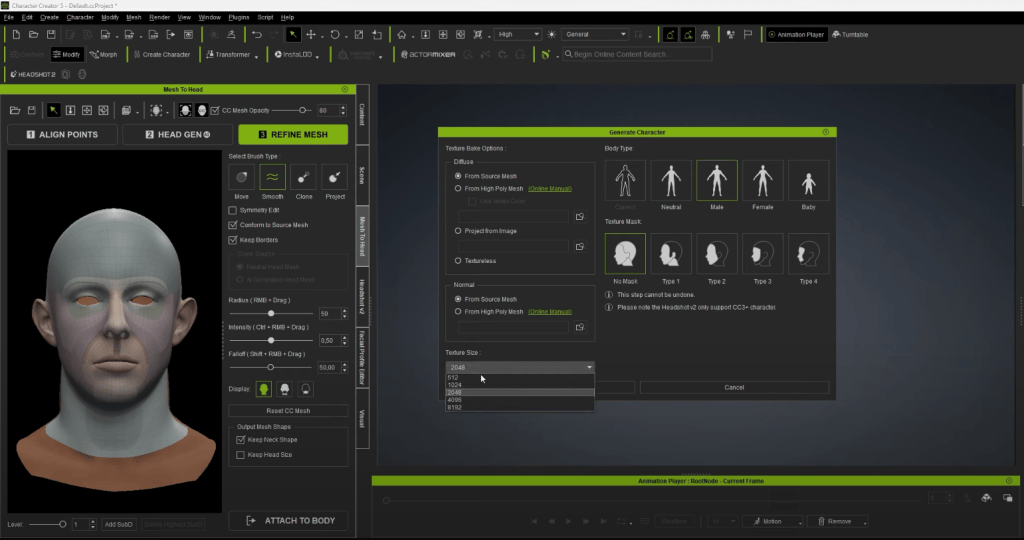
For textures, Copresence provides 4K maps that can be re-applied:
- Base Color → for skin tone accuracy
- Normal Map → for fine detail like pores and wrinkles
- Roughness Map → for realistic lighting and skin reflection
The result is a character that looks remarkably close to the scanned subject—while retaining full CC5 editability.
Step 5: Full Customization in Character Creator 5
One of the advantages of CC5 is that the imported scan isn’t locked. Anderson demonstrates how you can still modify:
- Facial features (nose, eyes, jawline, lips, etc.)
- Skin tones and makeup
- Clothing, accessories, and hairstyles
- Expression profiles for animation
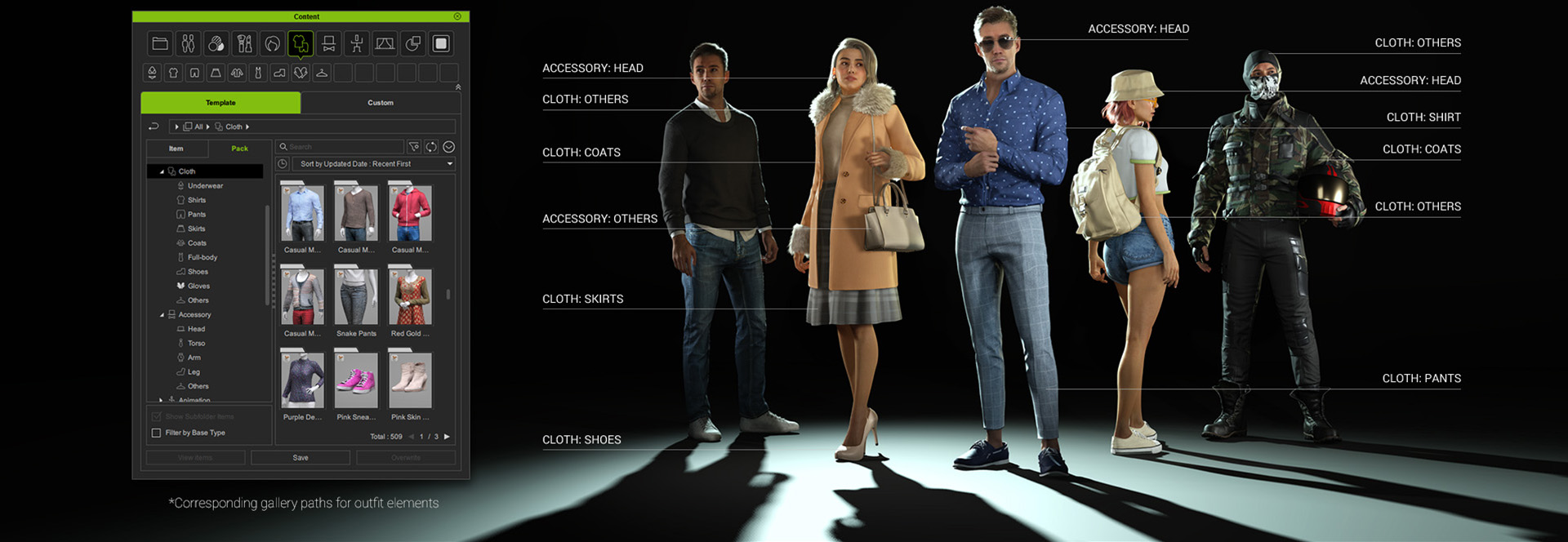
This flexibility makes CC5 a powerful extension of Copresence’s scan. The workflow combines realism from AI-driven capture with creative control in CC5.
Importing CC5 Characters into MetaHuman Animator
One of the most powerful aspects of Character Creator 5 is its flexibility to integrate with pipelines beyond iClone and Unreal Engine. For creators who want to leverage MetaHuman Animator (MHA) for advanced facial performance capture, CC5 provides a streamlined way to bridge assets into the workflow.
By exporting characters from CC5 in Unreal-ready formats (FBX or USD), users can bring their fully rigged and textured avatars directly into Unreal Engine. Once inside, these characters can be linked with the MetaHuman Animator system, enabling detailed facial animation through Epic Games’ powerful capture pipeline.

The benefits of this integration are significant:
- Freedom in character design – While MetaHuman focuses on ultra-realistic humans, CC5 lets you design stylized, fantasy, or hybrid characters, which can still benefit from MHA’s facial fidelity.
- Faster production workflow – You don’t need to build characters from scratch in Unreal. Instead, you can take advantage of CC5’s extensive morph sliders, clothing systems, and asset libraries before plugging into MHA.
- Cross-pipeline compatibility – This means you can combine the best of both worlds: CC5 for creative freedom, MetaHuman Animator for performance capture realism, and Unreal Engine as the final rendering hub.
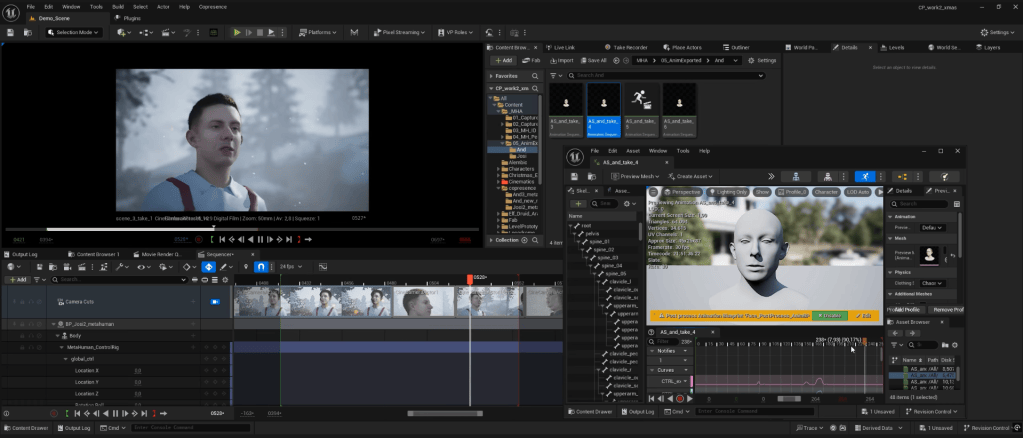
For filmmakers, indie studios, and animators, this compatibility opens doors to creating highly expressive performances without being locked into a single ecosystem.
Applications for Creators and Studios
The combination of Copresence and Reallusion tools opens new possibilities for:
- Game Developers → Build lifelike avatars for NPCs or player characters.
- Animation Studios → Reduce time spent on modeling and rigging digital doubles.
- Content Creators → Clone yourself in 3D for YouTube, TikTok, or VR content.
- Production Houses → Use real faces in pre-visualization and cinematic pipelines.
By eliminating the need for expensive 3D scanners or mocap setups, this workflow lowers the barrier for high-quality avatar creation.
Unlock Flawless 3D Scans
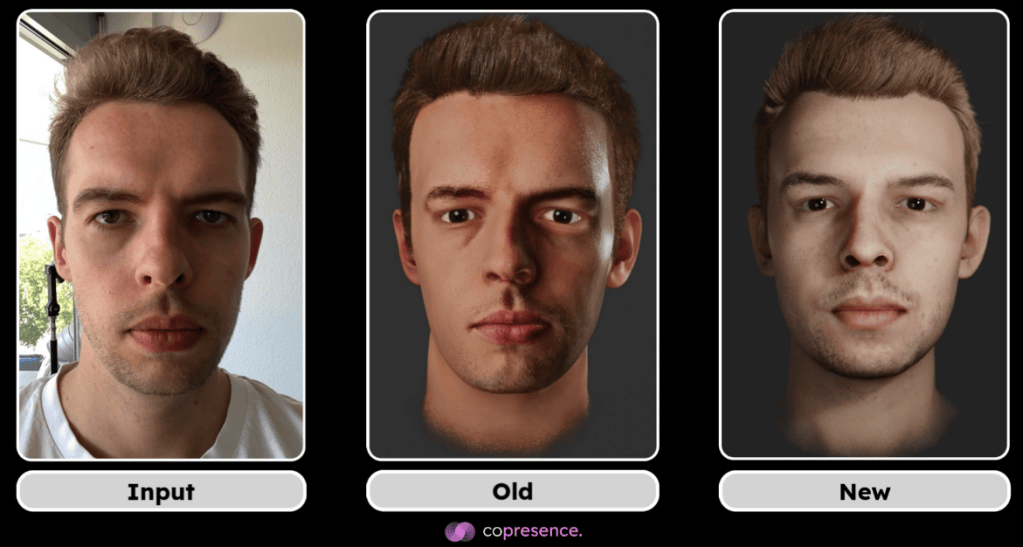
Copresence just released a next-gen pipeline using new deep learning models to eliminate shadows and artifacts. Dive into the update now → https://www.copresence.tech/blog/platform-release/
Conclusion: The Future of Avatar Creation
Copresence and Reallusion’s Character Creator 5 together represent a new standard for digital human creation. With Copresence, anyone can create a realistic 3D scan in minutes. With CC5, that scan becomes a fully editable, animatable avatar ready for games, films, and immersive experiences.
For animators, studios, and creators, this workflow means less time modeling, more time creating. As Anderson Roar shows, the future of avatars is here—and it’s accessible to everyone.

FAQ
Do I need professional equipment for Copresence scans?
No. Copresence works with your smartphone camera and processes everything in the app.
Can I use Copresence hair in Character Creator 5?
Currently, CC5 doesn’t support Alembic hair files. You’ll need to use built-in hairstyles.
Is Headshot 2 required for this workflow?
Yes. Headshot 2 is necessary to convert the Copresence mesh into a fully rigged CC5-compatible head.
Can I animate the imported Copresence avatar in iClone?
Yes. Once processed in CC5, the character can be exported to iClone for full animation.
What industries benefit most from Copresence + CC5?
Gaming, film, VR/AR, and digital content creation all gain from faster, more realistic avatar production.
Related Posts
- Reallusion Officially Launches Character Creator 5, Powering the Next Generation of HD Character Creation
- Spiderman in Action: From 3D Scans to AI-Automated Animation
- Content Creator Clones Himself in 3D with Character Creator 4
- Becoming a Game Character using Headshot and Polycam | Unreal Engine