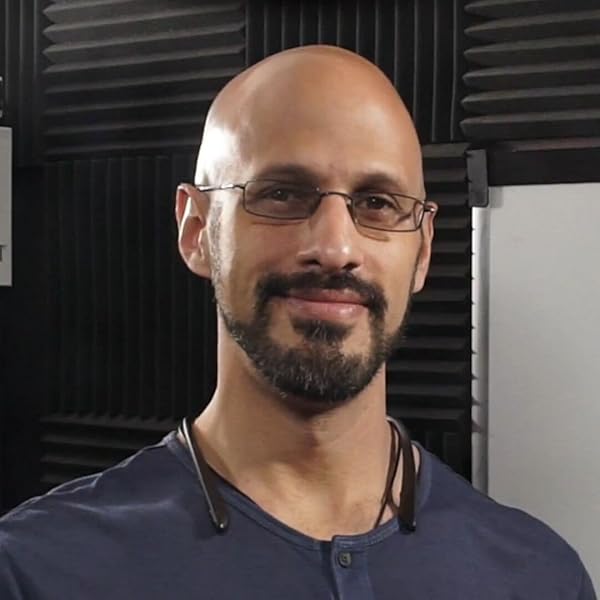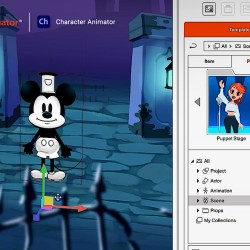

Scott Evans, Digital Puppets
As a professional animator with years of experience using Adobe Character Animator (CA) on projects for clients like Disney, Cartoon Network, and the BBC, I was excited to dive deep into Reallusion’s Cartoon Animator 5 (CTA5).
After being asked countless times which 2D animation software is better, I’ve created this comparison to share my honest perspective, highlighting where each tool shines and how they fit different animation needs.
Check out Digital Puppets’ YouTube Channel
Pipeline: Similar Files, Different Approaches
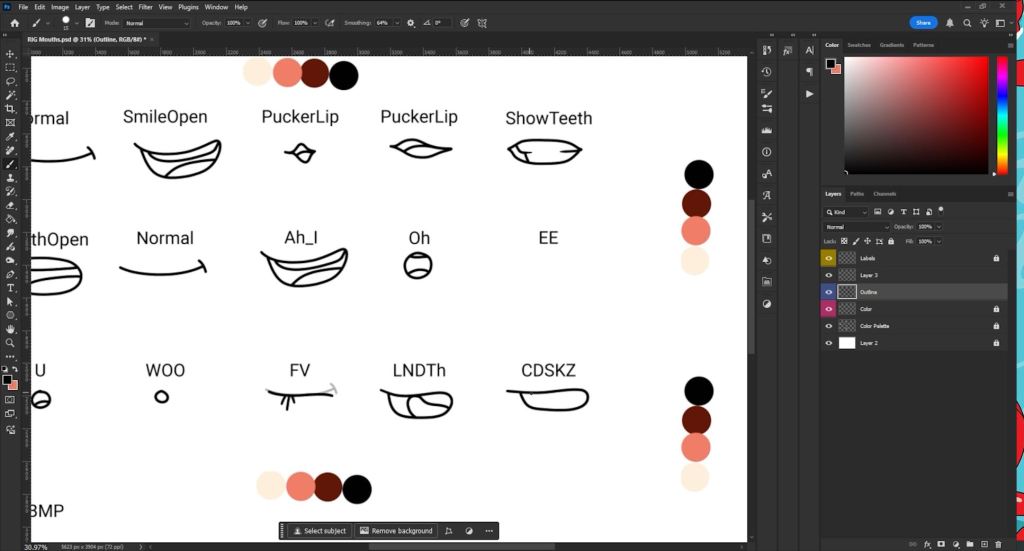
Both CTA5 and CA support PSD and Illustrator imports, offering flexibility for asset creation, but their workflows differ significantly.
Adobe Character Animator allows for highly customized builds, which is great for experienced riggers who need precise control over every joint and puppet behavior. However, this level of detail can be overwhelming for beginners just starting their 2D animation journey.
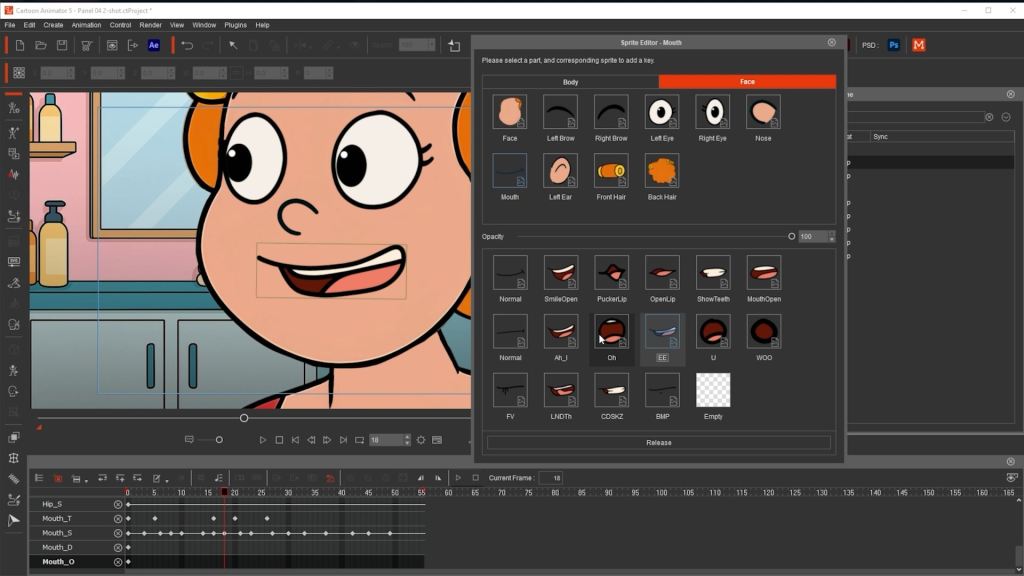
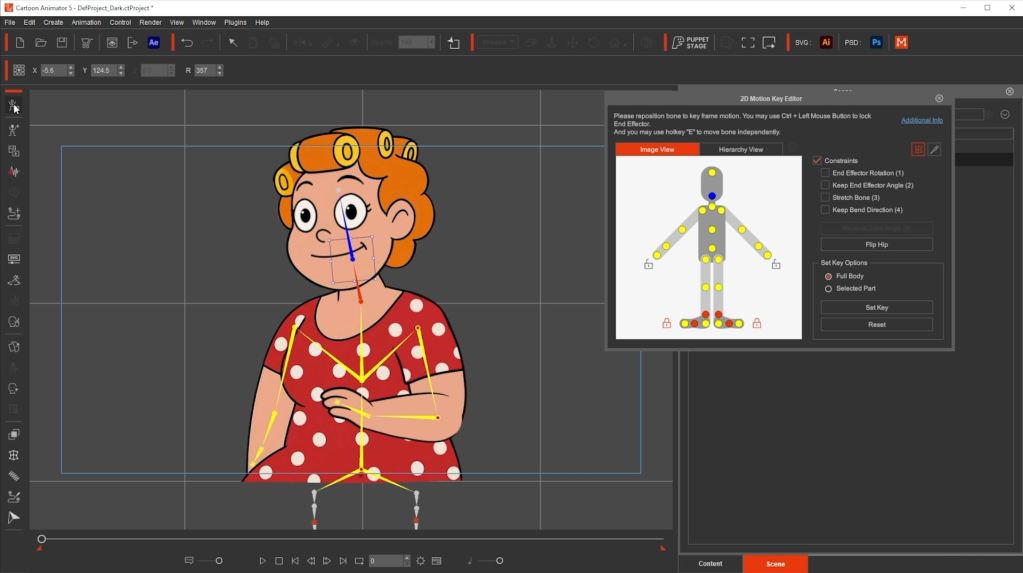
Cartoon Animator 5 simplifies this process with templates and a SMART Rigging system, making it much more approachable for new users. While it offers less flexibility for highly custom, unconventional builds, the streamlined approach is a huge time-saver for most animators.

Speed: Setup Time Matters
When it comes to getting animations off the ground quickly, setup time is crucial.
CA offers deep control, but setup can be time consuming, especially when tagging layers manually for head turns, IK, and lip sync. This meticulous approach can add significant hours to a project.
CTA5 is faster out of the box, with prebuilt motions and streamlined rigging. While CTA5’s auto rigging sometimes needs refinement, the learning curve is much lower, allowing animators to jump into creating compelling 2D animation faster.


Visual Advantages: FFD and Spring Dynamics
Expressive character movement is key in quality 2D animation, and the tools available for deformation and physics play a significant role.
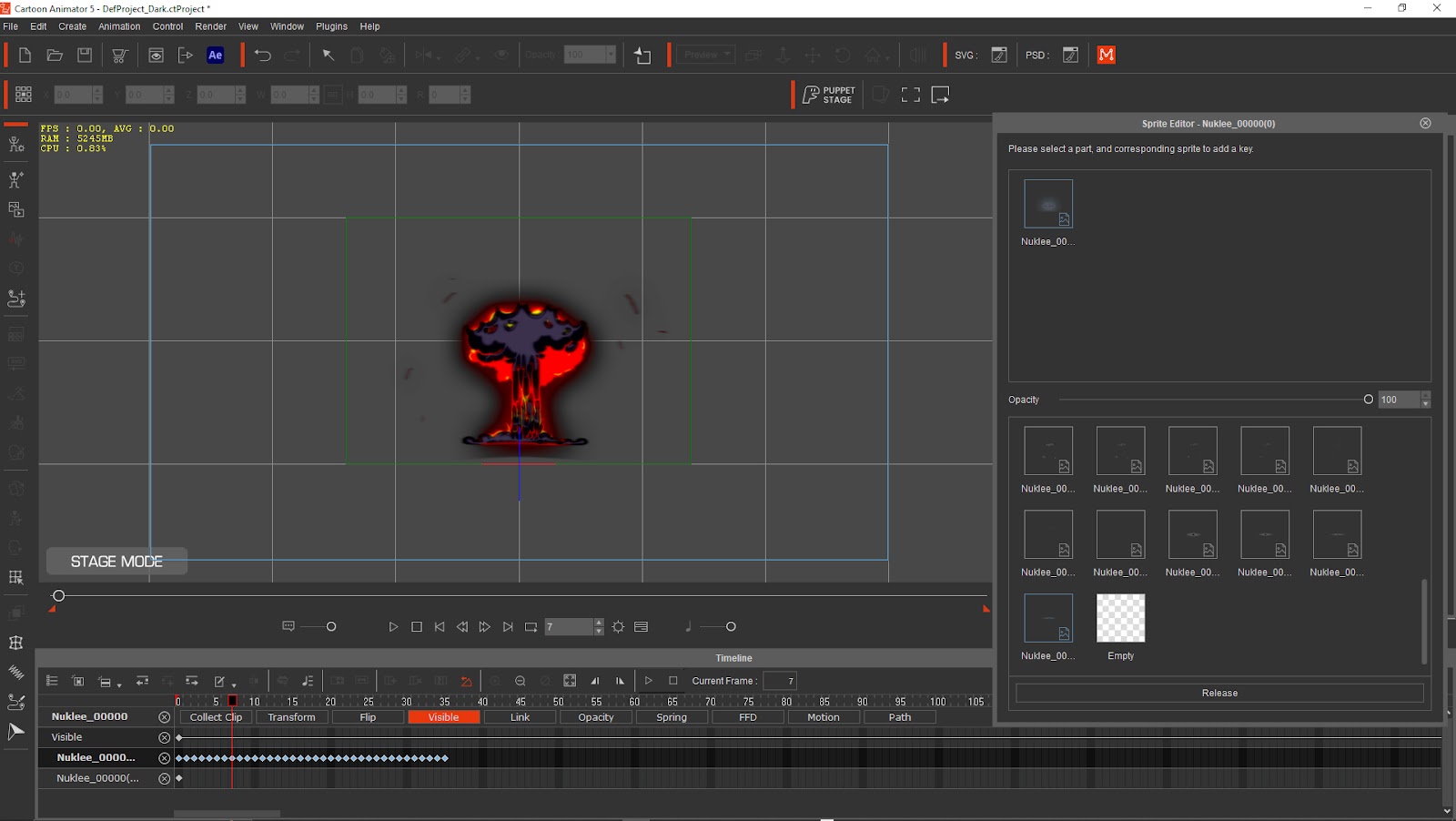
CTA5 includes advanced Free Form Deformation (FFD) and easy-to-apply spring dynamics, allowing for expressive, cartoon-style motion with natural bounce and fluidity. CA, on the other hand, offers only basic physics and deformation capabilities. For animators wanting dynamic movement in their 2D animation projects, CTA5 clearly has the edge.

Trigger Animation: Expression & Tempo Control
Efficiently triggering animations and expressions can dramatically speed up production and enhance character performance.
CTA5’s trigger system is intuitive and powerful. The new puppet panel library lets users apply complex facial expressions and animations with remarkable ease, enabling quick iteration and nuanced performances. CA’s trigger setup is more manual and time intensive, though highly customizable. However, it lacks advanced puppeteering options like motion flocking found in CTA5.


Animation Control: 3D Motion for 2D Characters
CTA5 uniquely enables 3D-style motion in 2D characters and supports detailed motion capture, even finger tracking. Reallusion has a huge library of motion assets which provide multiple angles of 2D motion capability—invaluable for diverse scenes.
While CA focuses on webcam-based performance capture and includes a reliable walk behavior, it lacks external mocap integration and downloadable motion assets. CTA5 offers deeper, more scalable control for complex animations, particularly for studios looking to incorporate motion capture data.


Character Reusability: Streamlining Production
Efficiency in a 2D animation pipeline often hinges on how easily characters can be adapted and reused across projects.
CTA5 allows for standardized, reusable rigs, helping speed up character production, especially for series or projects requiring multiple characters. This allows for applying the same motion to several characters, drastically cutting down on repetitive tasks.
CA, meanwhile, is excellent for updating character graphics—just change the linked PSD or AI file, and the model updates instantly. CTA5’s PSD linking is effective but sometimes less intuitive compared to CA’s seamless approach.
Scene Production: Full Control vs. Focused Simplicity
The scope of your animation projects will often dictate which software is more suitable.
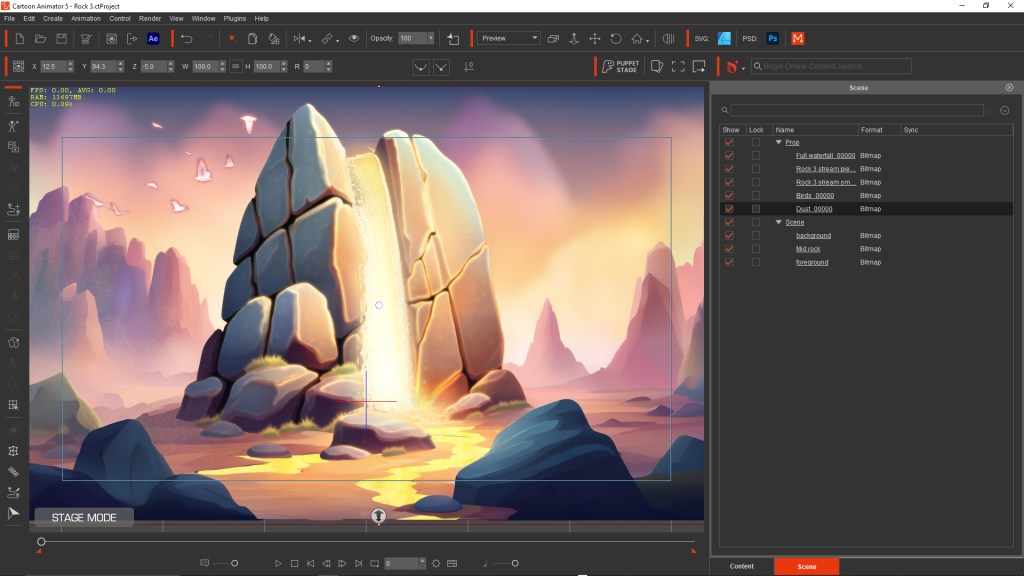
CTA5 is built for full scene animation with multiple characters, props, and cinematic camera movements. It offers robust tools for orchestrating complex interactions within a scene. CA is more limited here, though it does have a simple and effective camera system for zooms and pans. For anything beyond character-centric animation, CTA5 provides much more flexibility for expansive 2D animation scenes.

Timeline Animation: Flexibility vs. Clarity
The timeline is the heart of any animation software, and both tools offer distinct approaches.
CTA5’s timeline is powerful and allows for advanced edits like reordering body part layers mid-scene. This flexibility can be incredibly useful for complex layering and visual effects. However, its lack of named keyframes can make it harder to navigate, especially in intricate sequences.
CA’s timeline is clear and beginner-friendly, with an excellent swap-set system for managing triggers and timing. This makes it intuitive for quick performance-based animation.


Head Turns: CTA5 Dominates
This is where one software truly stands out for expressive character animation.
CTA5 is unmatched when it comes to creating fluid, 3D-style head turns from 2D assets. Users from LIVE2D will find CTA5’s parallax system more advanced and flexible, allowing for incredibly convincing head rotations. CA does allow head turns, but only through multiple rigged heads, which increases file size and complexity—making the process less efficient for subtle shifts.

Updates: CTA5’s Steady Evolution
The continuous development and support directly impact long-term viability.
Reallusion continues to roll out regular updates and feature improvements to CTA5, often driven by user feedback. This commitment ensures the software remains cutting-edge and responsive to animators’ needs. In contrast, CA has seen few major updates in recent years, which can be a concern for animators seeking new capabilities.
Conclusion: Choosing Your Ideal 2D Animation Software
Both tools are excellent 2D animation software solutions, but for different purposes.
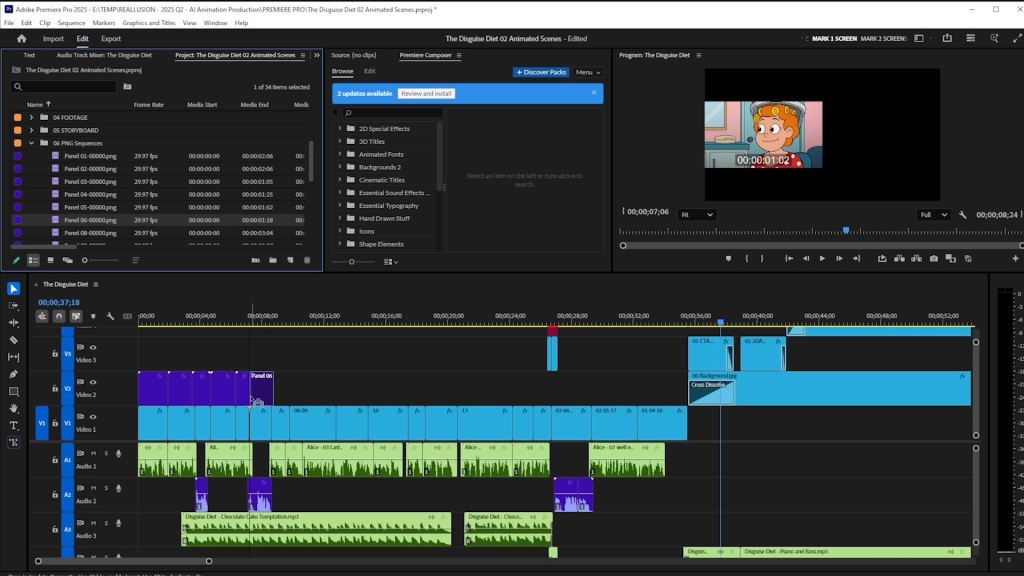
Adobe Character Animator is ideal for real-time performance animation, thanks to its intuitive timeline and trigger system. It’s perfect for live streaming, creating quick reaction videos, or producing content rapidly with a single performer. However, its rigging complexity and lack of recent updates may be limiting for more advanced users seeking long-term production scalability.
Cartoon Animator 5 is designed for animators who want more control, richer visuals, and scalable production tools. With its powerful rigging, deformation, scene control, and continuous development, CTA5 is a robust solution for creating polished, professional animations, especially when working with multiple characters and cinematic sequences.
Consider your primary goals: Are you focused on live performance and rapid content generation, or are you aiming for highly controlled, cinematic 2D animation with deep feature sets? Your answer will guide you to the ideal animation software for your next project.

FAQ
Which 2D animation software is better for beginners?
Cartoon Animator 5 offers a more approachable learning curve with its SMART rigging system and pre-built templates. Adobe Character Animator is user-friendly for real-time puppeteering but requires more complex setup when creating characters from scratch.
Can I use motion capture with both animation software tools?
Yes, but differently. Adobe Character Animator excels in webcam-based facial capture for real-time puppeteering. Cartoon Animator 5 supports facial capture plus external motion capture devices for detailed full-body and finger tracking.
Which software is better for creating full 2D animated scenes with multiple characters?
Cartoon Animator 5 is designed for comprehensive scene production with multiple characters, props, and cinematic camera movements. Adobe Character Animator focuses on individual character performance and works best for single-character projects.
Do these 2D animation tools integrate with other creative software?
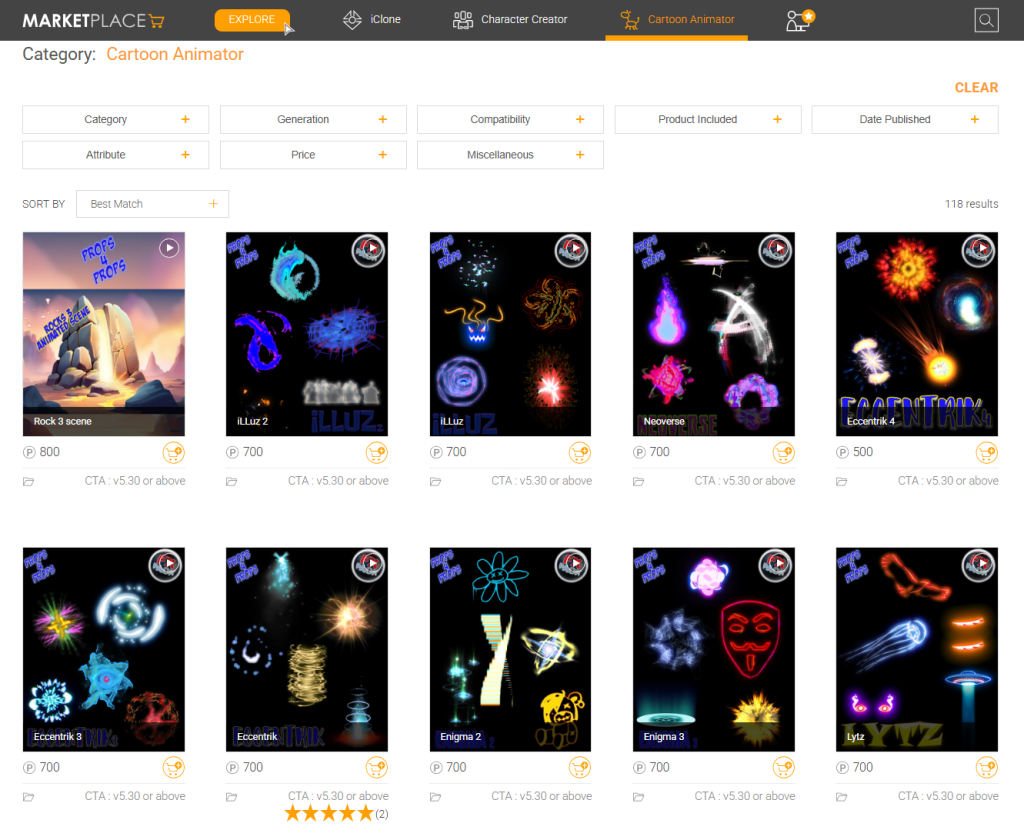
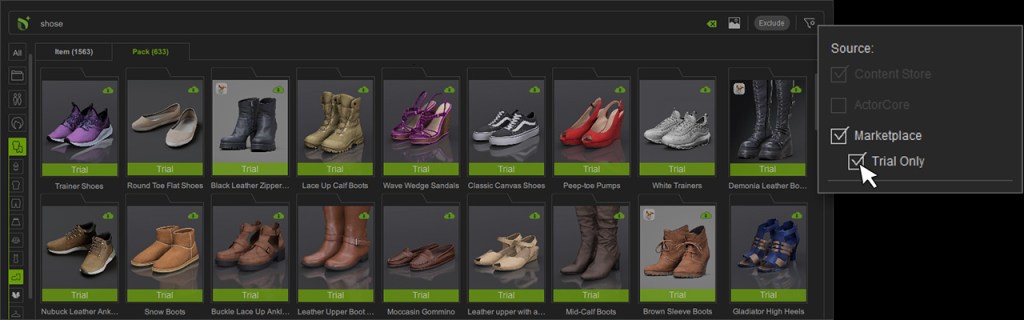
Both support PSD and Illustrator imports. Adobe Character Animator integrates seamlessly within Adobe Creative Cloud, while Cartoon Animator 5 offers robust PSD support and access to Reallusion’s growing content marketplace.
Which animation software offers more creative control over character deformation?
Cartoon Animator 5 provides advanced Free Form Deformation (FFD) and spring dynamics for expressive, cartoon-style motion. Adobe Character Animator offers more basic deformation tools, making CTA5 better for dynamic character movement.
Related Posts
- Nine Reasons Why Cartoon Animator is the Best 2D Animation Software
- Create Walking Talking Mario for Live Performance
- Getting to Know AI Smart Search in Cartoon Animator