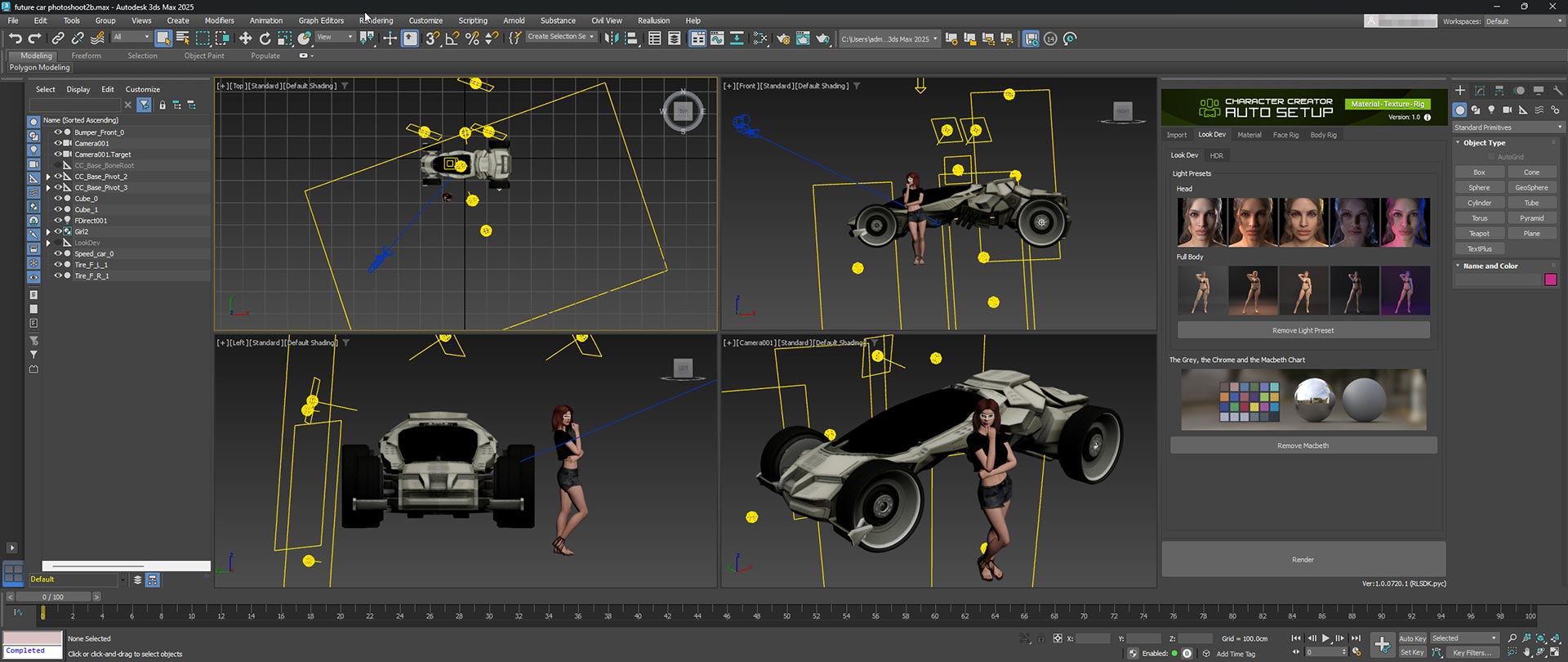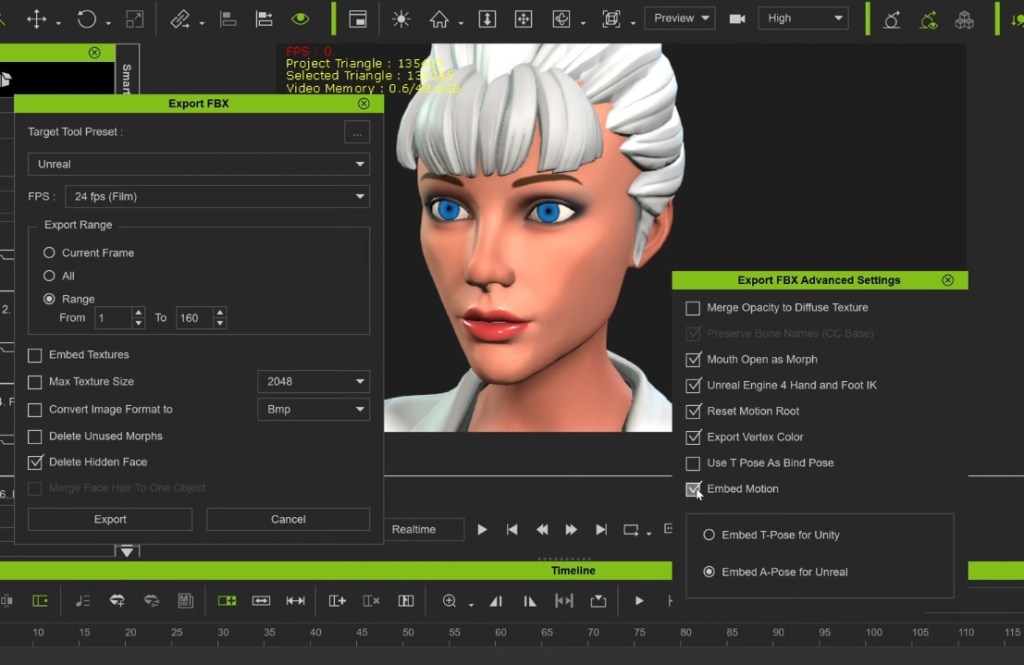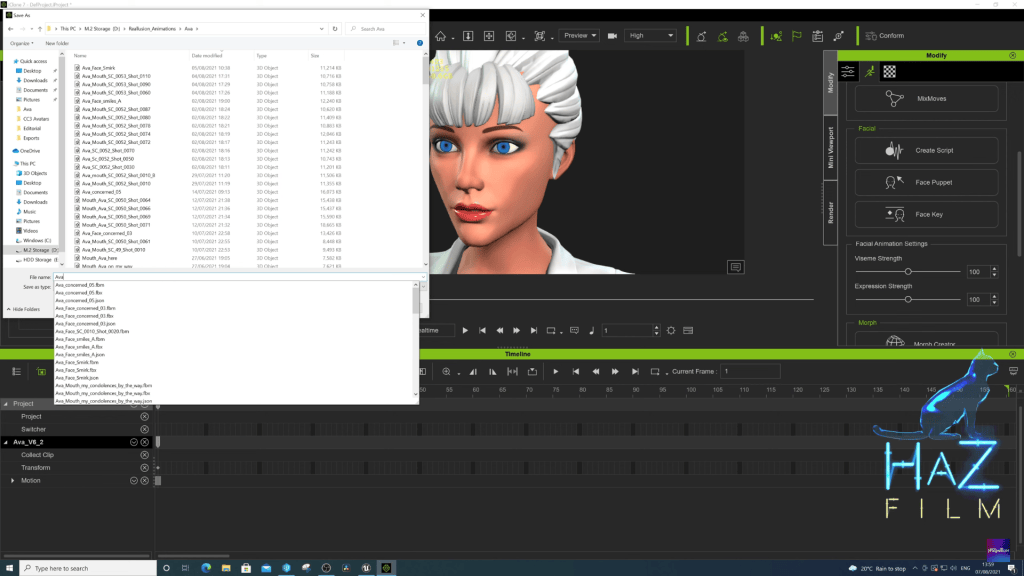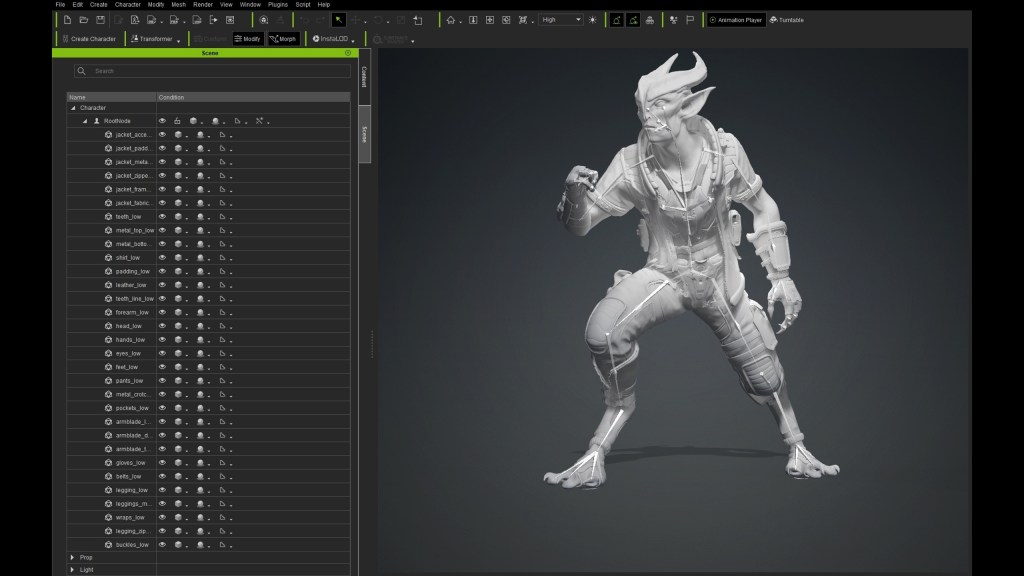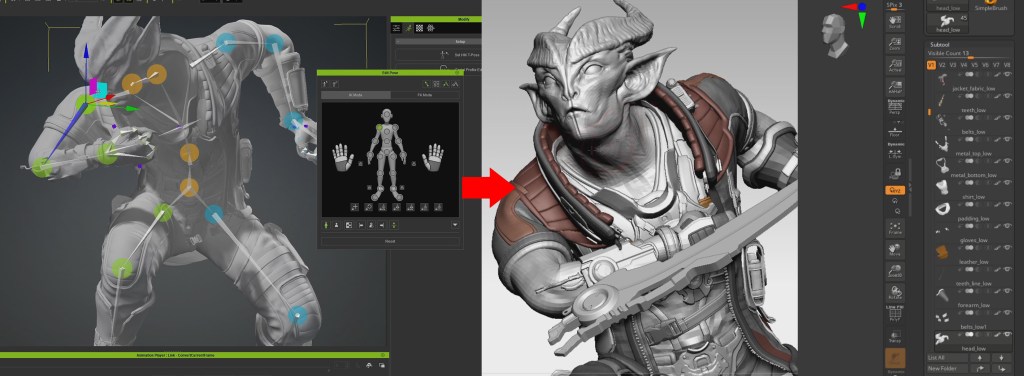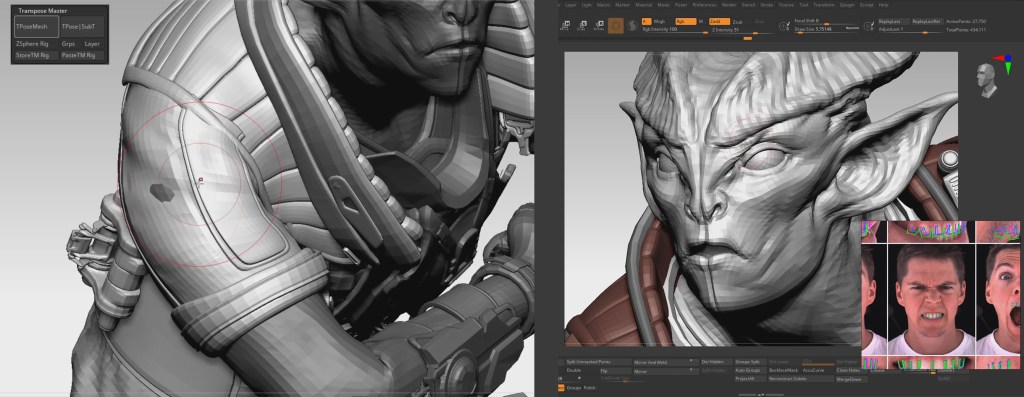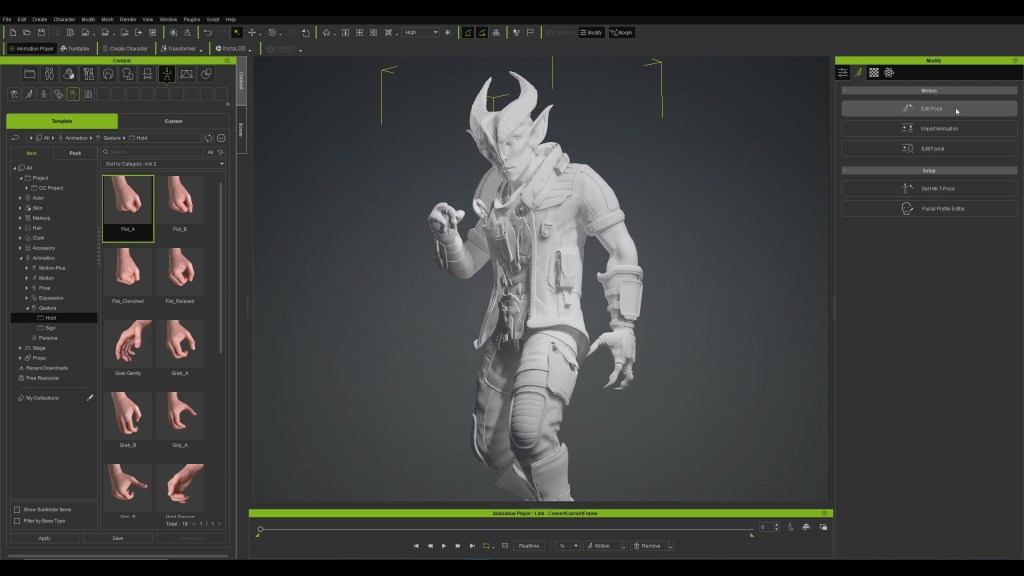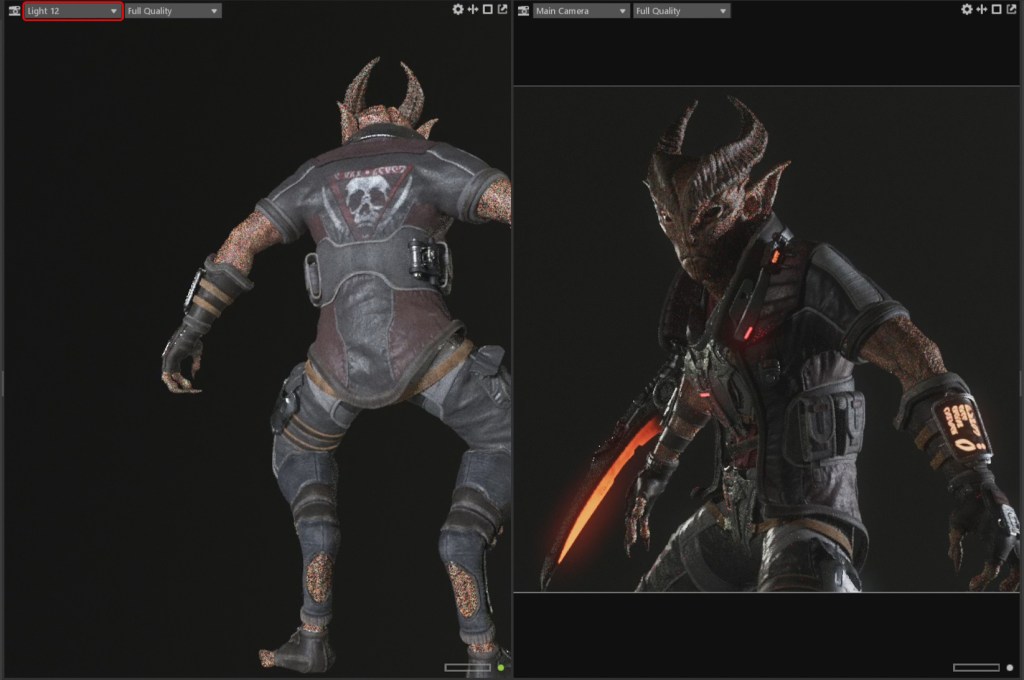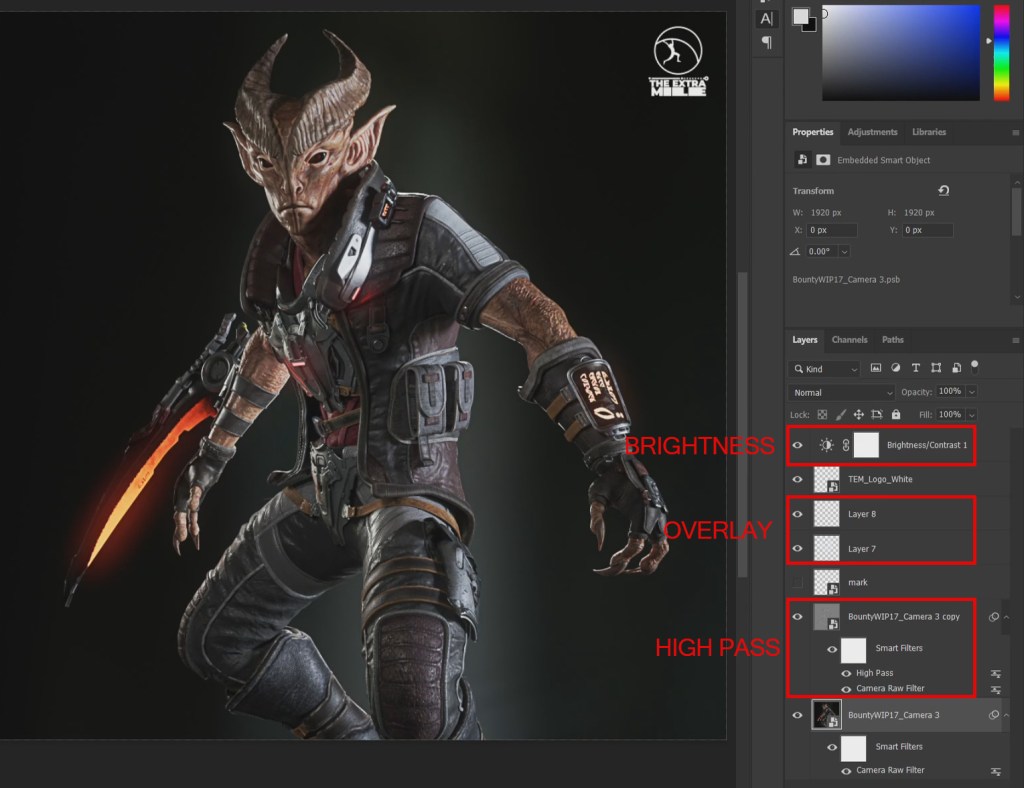
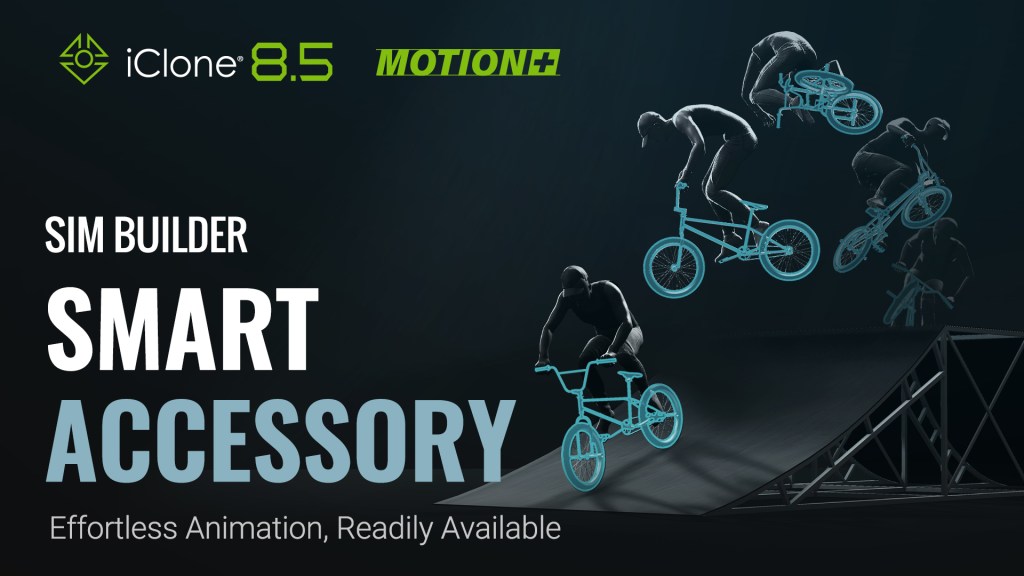
iClone Smart Accessory is a revolutionary system for editing motions and integrating accessories in a streamlined process. Animators can now generate and simulate virtual crowds adorned with unique accessories and props that automatically sync to mocap animations. Handheld objects can also trigger realtime interactions for added dynamism.
MotionPlus – Pairing with Dynamic Accessories
The iClone MotionPlus format seamlessly integrates facial performance and accessory metadata for complex animations like cycling and skateboarding, where precision in motion and accessory alignment is essential. MotionPlus automates accessory attachment, randomizes models and materials, and ensures perfect synchronization between character movement and accessory interaction
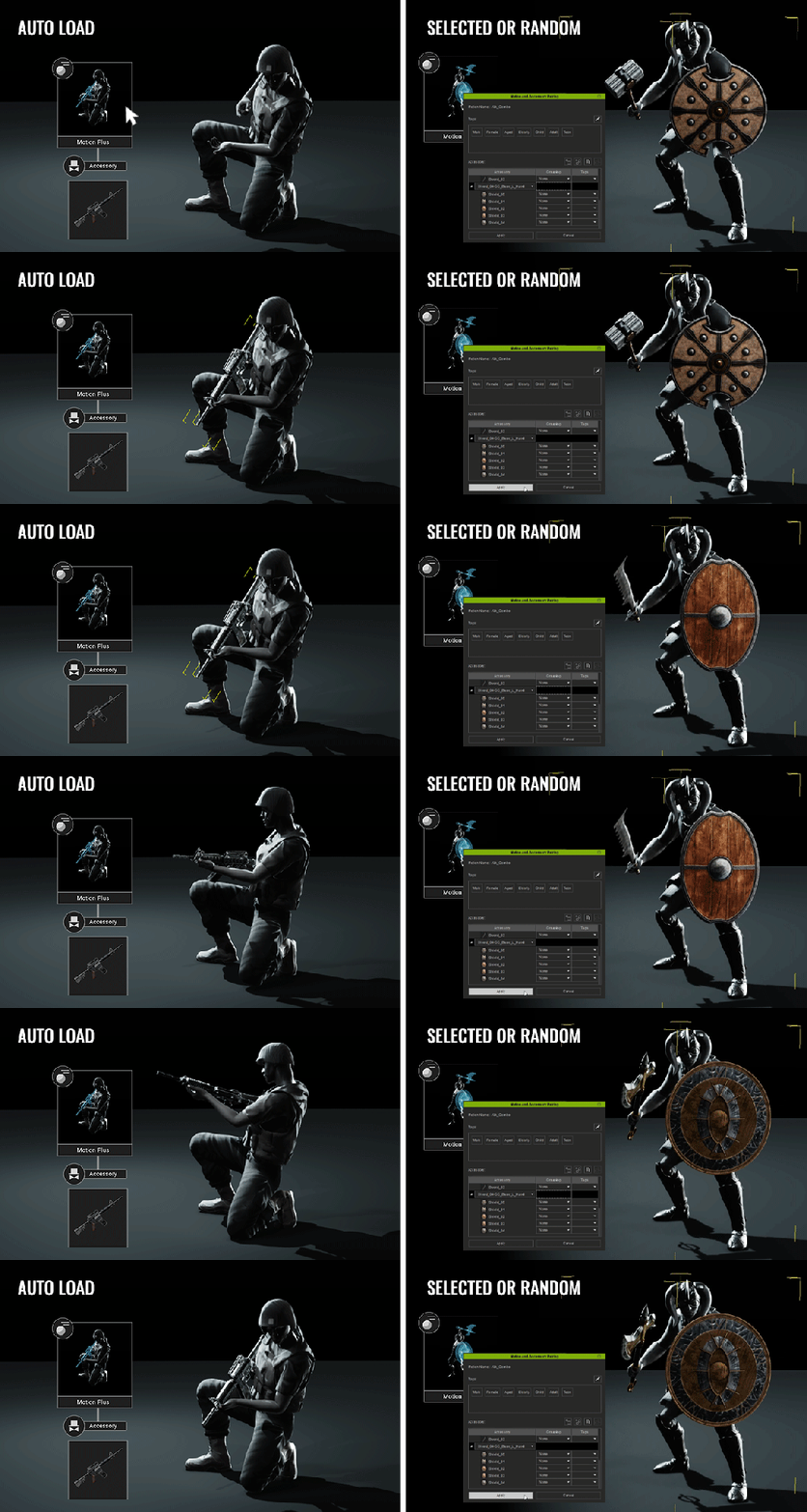
- Auto Load: Once a MotionPlus file is applied to an iClone character, accessories with matching tags will automatically snap to their appropriate positions.
- Selected or Random: Specific accessory items can be picked when right-dragging a motion file to the actor, or the default accessory can be picked by left-dragging instead. These accessories can be further modified with custom models and materials.
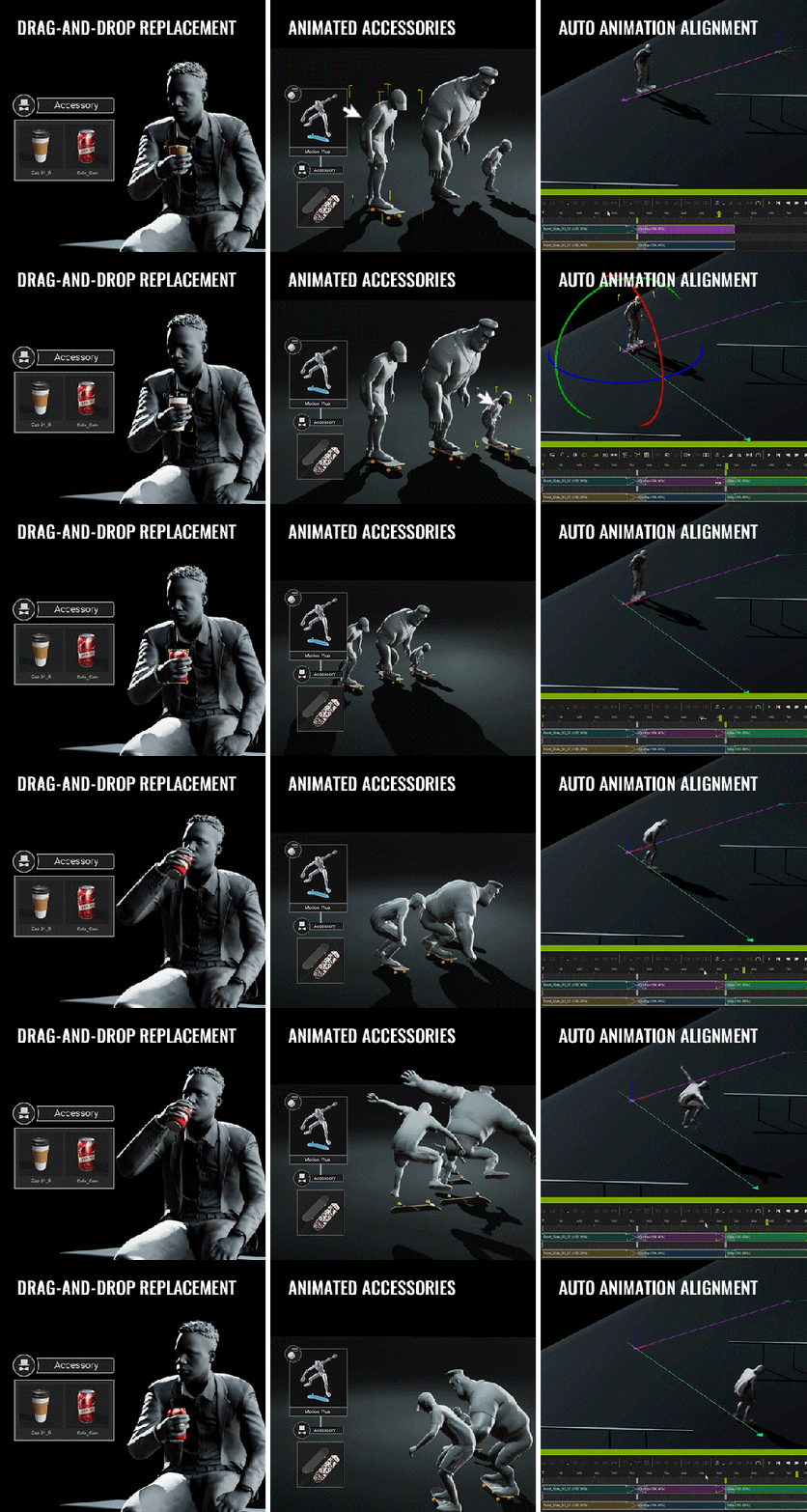
- Drag-n-Drop Replacement: Applied accessory models can be swapped and still retain their original positions and orientation.
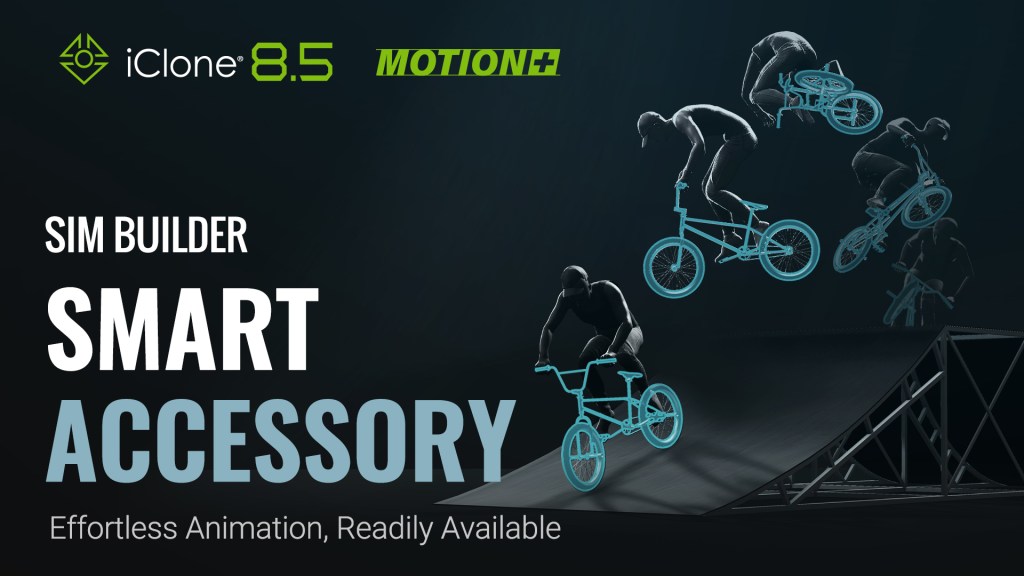
- Animated Accessories: MotionPlus files can store and sync human motion with accessory animations. This level of synchronization comes in handy for coordinated human-object performances such as biking and skateboarding. Animated accessories also dynamically adapt to the proportion and size of the character.
- Animation Auto-Alignment: Human and accessory animation can be aligned for motion editing, making it easy to combine, rotate, or trim MotionPlus clips as one congruent animation.
Creating Smart Accessories
The Smart Accessory system offers robust features for creating and customizing accessories. With Motion-Accessory Pairing, animators can assign multiple accessories to specific motions, restoring default accessories or assigning new ones as needed. This flexibility allows for highly personalized animations, where characters can interact with various accessories in a lifelike manner.
Primary tools allow users to customize their own smart accessories:

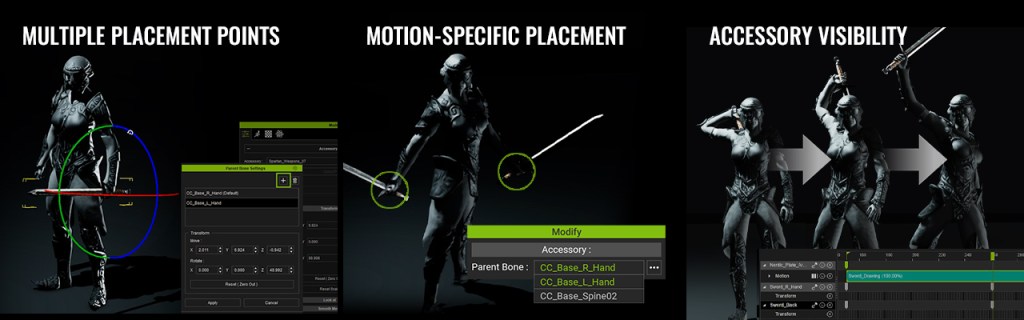
- Multiple Placement Points: One accessory item can store several placement points, for instance, a sword can be held with either one hand or both hands, and sheathed at any designated location on the body. Users can select where this accessory is attached while right-dragging it onto a character.
- Motion-specific Placement: In the Motion-Accessory Pairing pane, the accessory attachment points can be defined for specific MotionPlus files. A motion-accessory relation, like holding a sword with both hands, can be directly stored in the MotionPlus file.
- Accessory Visibility: MotionPlus supports visibility keys, allowing for quick repositioning of accessories during animation. For instance, the accessory can snap to the hands or relocate to other points on the body.
- Downloadable Assets (coming soon): A large library of Smart Accessories that is available in ActorCore. These accessories are perfectly paired with motion files with platform-specific download options.

Creating Animated Accessories
The ability to synchronize human motion with accessory animations adds a new layer of realism to animated projects. The Smart Accessory system simplifies this process, allowing for seamless data handling and enhanced visual fidelity.
The several ways to create animated accessories:
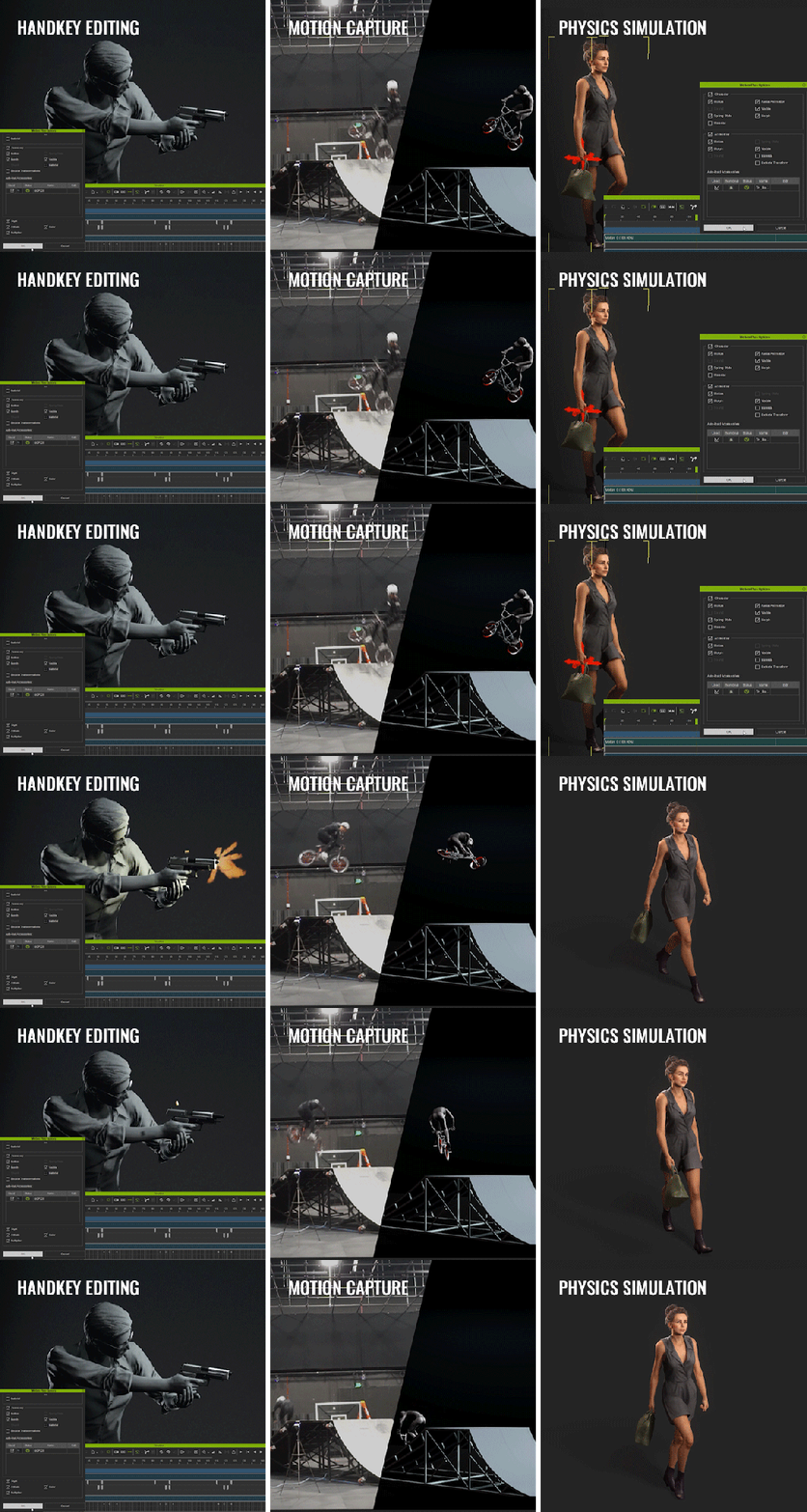
- Handkey Editing: Accessory animations can be produced via keyframes, curve editor, from imported FBX data. VFX made with particles, PopcornFX, material animation, and lighting effects are also supported.
- Motion Capture: Human and prop mocap data can now be combined into a single, fluid MotionPlus sequence, benefiting teams and studios of all sizes by enabling seamless clip connection and unified animation editing.
- Physics Simulation – iClone physics simulation is instrumental in creating lifelike accessory dynamics. Calculated rigidbody and soft-cloth animations can be baked into the base animation of a moving accessory and synced to a loaded motion file.
Flexible Motion Controls
One of the most powerful features of the Smart Accessory system is its support for a wide range of motion controls, which are essential for crowd simulation and interactive animations made by Motion Director.
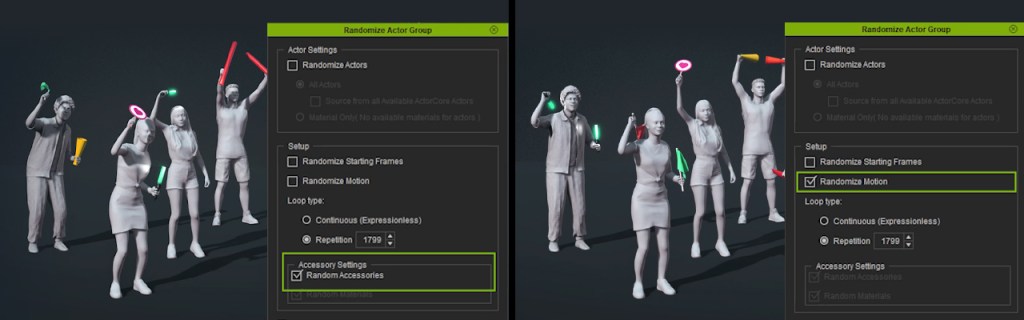
- ActorGroup – Automated accessory placement allows you to define the types of accessories that different Actor Groups can wear or carry. The distribution of these props can be deliberate, random, or a mix of both.
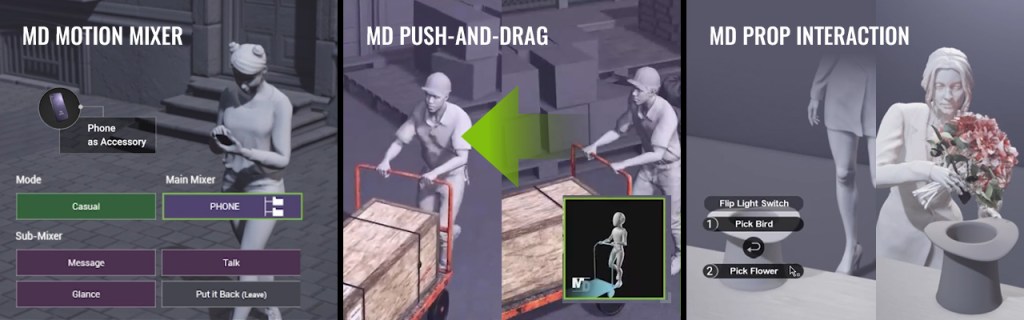
- MD Motion Mixer – Mixer motions allow for dynamic blending of upper- and lower-body movement. Now, animation triggers can spawn corresponding accessories for 3D actors to interact with.
- MD Push-and-Drag – 3D actors can move items around, such as pushing a cart or pulling a wheeled luggage.
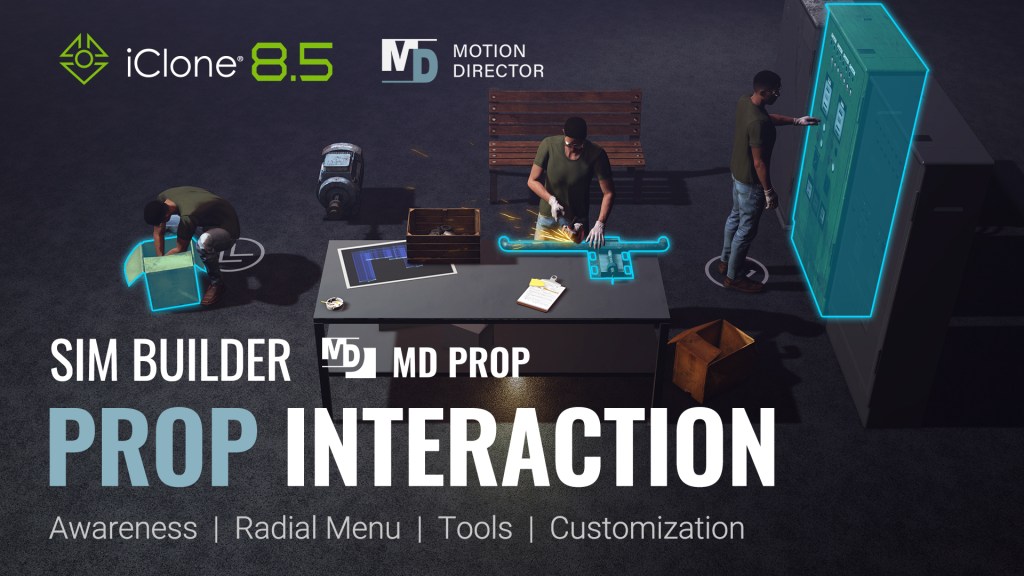
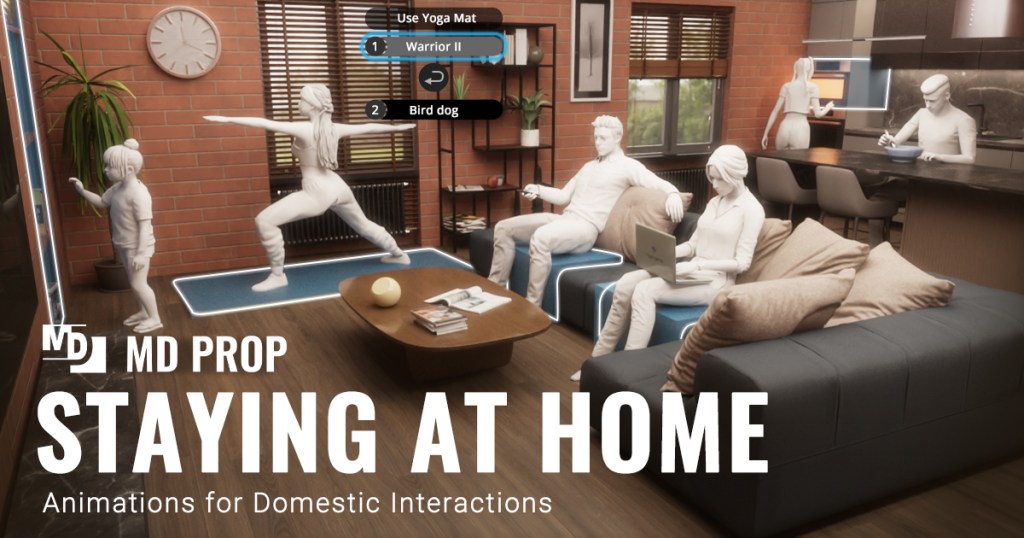
- MD Prop Interaction – Unique MotionPlus animations can be associated with specific MD props, and triggered using customized radial menus.
- Crowd Gen – By adding MotionPlus files with predefined accessory pairings to ActorGen Motion Pool, large crowds can be effortlessly animated with corresponding accessories, significantly reducing the time and effort for manual prop assignment.

ActorCore Library of 3D Assets
Discover a vast collection of high-quality 3D content in ActorCore. From mocap animations and hand-keyed motion to fully rigged characters, accessories, and props—everything you need to enhance your scenes is in store. Why wait? Take your 3D simulations to the next level with Reallusion’s extensive content library today.
More about iClone 8.5: Prop Interaction