
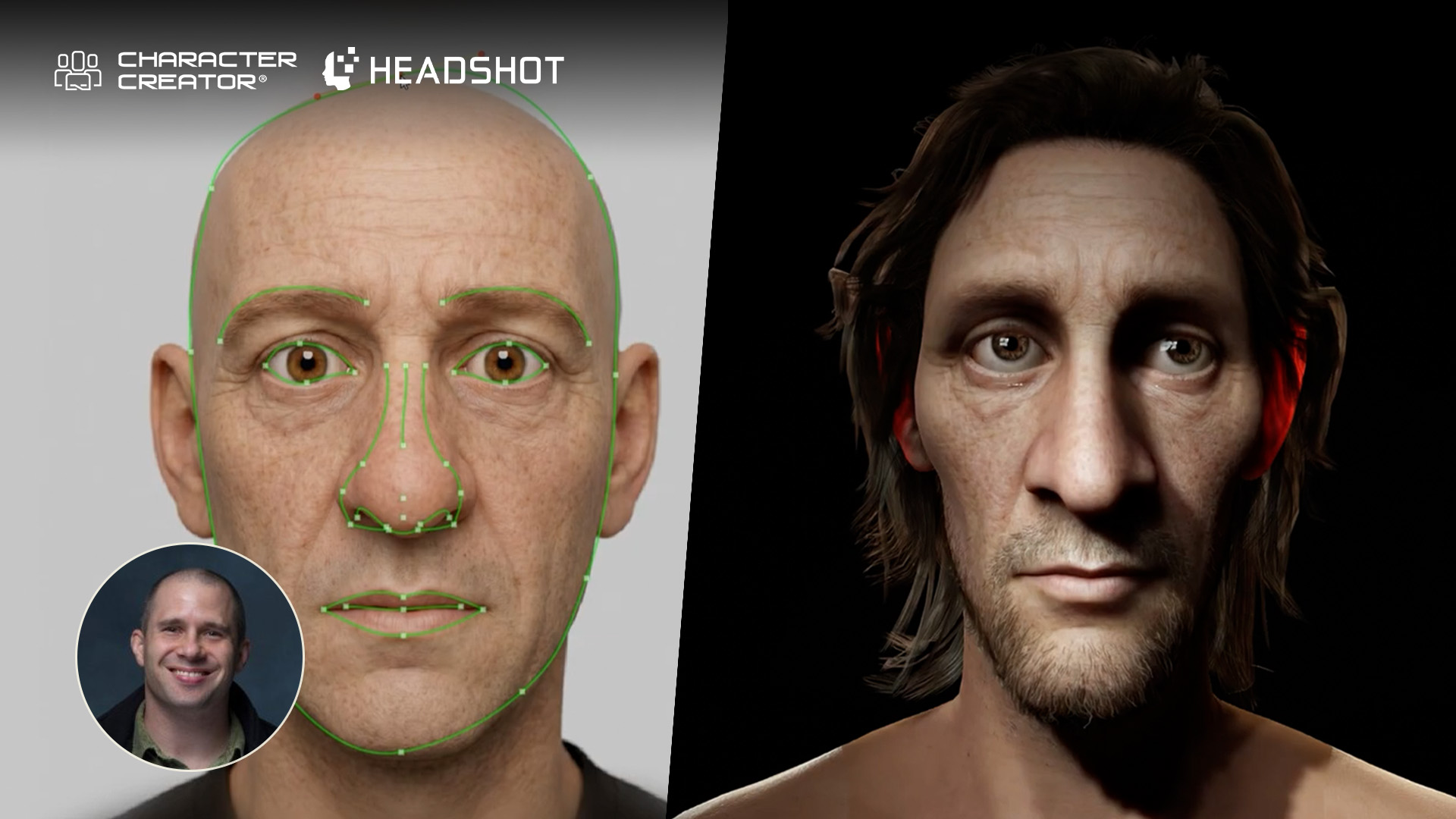
In this 5 part series for – Master Class “Realtime Digital Double with Character Creator and Texturing.xyz”, Sefki Ibrahim shares his tips and tricks on how to take advantage of Character Creator and Texturing.xyz multi-channel face textures to create a real-time character (Ed Harris), and animate Ed’s face and body easily in Unreal Engine.

Sefki Ibrahim is a freelance character artist that specializes in photorealistic digital human works.
He is familiar with employing Texturing.xyz material maps, and has been selected as “2019 Artist of the Year” by Texturing.xyz.
Part #5: Animating in iClone for Unreal Engine
Here are some tips to get you animating your character via Reallusion’s variety of tools and plug-ins.
Facial Expression Editing in Character Creator
Now, with our fully rigged character in Character Creator we can begin by simply dragging and dropping different facial expressions into the scene via the expression content. It’s a really quick and easy way to apply different facial expressions and instantaneously bring life to your character.

For more control, you can also animate your character’s face using Edit Facial. Simply select a region of the face and drag your mouse around to activate different blendshapes and pose your character.

Facial Puppeteering and Motion Capturing in iClone
In iClone, you can animate your character’s face using the Face Puppet tool. First select a suitable facial profile for your character, then select an emotion to start making the character perform the emotion.

Animating in Unreal Engine via iClone Unreal Live Link
Moreover, to bring your character into an engine, you can use the Unreal Engine Live Link. This incredible tool sends the character to Unreal Engine seamlessly building all of the shaders, parameters and the skeleton setup. Additionally, the animation, cameras and lights are all synchronised in real-time. The one-to-one translation from Ed Harris in Character Creator to Unreal Engine is pretty mind-blowing!

Reallusion offers another great plug-in called Motion LIVE. We can animate the character with body and facial motion-capture devices. This one demonstrated in the video is using the iPhone. The iPhone tracks the face with a depth map and analyses subtle muscle movements for this live character animation. Then you can use the Unreal Engine Live Link to translate your facial motion capture into the engine.

Finally, with Reallusion’s motion content packs, you can apply a full body animation to your character to get them moving and finally watch on in pride. Ed is now alive!

I hope you guys have enjoyed this article and tutorial series and have found it a useful stepping stone into using Character Creator and Texturing XYZ to build some really awesome looking characters. Also, thanks to the Reallusion team for letting me be a part of this project!
PART #1 – Project Overview
PART #2 – Sculpting and Utilizing Multi-channel Face Maps
PART #3 – Hair Card Generation
PART #4 – Dynamic Texture Editing with Character Creator SkinGen




1 comment
Well done. Thank you for sharing. Many wonderful tips.