Discover the Power of iClone BuildingGen: The Best-Kept Secret in 3D Architectural Design
José Antonio Tijerín

José Tijerín is a digital illustrator, 3D sculptor, and the creator of the video game “Dear Althea”, available on Steam. You can also find his content pack, “We’re Besties”, for purchase in the Reallusion Content Store. In this article, José will highlight the merits of using iClone BuildingGen plugin to construct 3D buildings and interiors and make a case for why you should use it in your next project.
Why BuildingGen is the Ultimate Tool for Creating Environments
In the world of art and development, creating immersive and lifelike surroundings is crucial. For those of us who love crafting detailed virtual cities, Reallusion’s BuildingGen is a game-changer. As an iClone plugin, it makes building virtual cities not just possible but effortless. I’ll share how BuildingGen has opened up new possibilities for me, from generating unique structures to integrating them seamlessly with other programs like Unreal Engine.
Magic behind BuildingGen
BuildingGen is a fantastic tool that lets you create buildings using modular components. You can start with pre-existing content packs, like Reallusion’s French architectural styles, or get creative and design your own elements.
What I love about BuildingGen is its versatility. It’s not just for urban structures – you can create all sorts of architectural and decorative elements. Imagine designing a palatial garden with various plants and ornaments, or even constructing a train carriage with modular components, like those available on Sketchfab.
Using modular parts downloaded from the internet, even if they’re not traditional buildings, is straightforward. It takes just a few minutes to import models into iClone and prepare them for BuildingGen. Once you have everything set up, configuring the structure’s parameters is intuitive, making it easy to achieve exactly what you envision.

In a matter of minutes, you can create an interior train carriage of any length and arrangement that suits your project’s needs. This flexibility grants artists the freedom to experiment and diversify their projects, incorporating unique and personalized elements that enhance the visual storytelling of any environment.

Creating a BuildingGen Pack
The process begins within iClone, where it is essential to have all the models required for the final building. Reallusion offers a variety of reference models that can serve as a foundation in your favorite 3D creation program. Once the basic elements are established, it is crucial to ensure that the pivot points of each element are correctly positioned to avoid subsequent adjustments. With the models prepared, the next step involves setting up the BuildingGen Packager in iClone. This package will encompass all the elements necessary to construct the building.
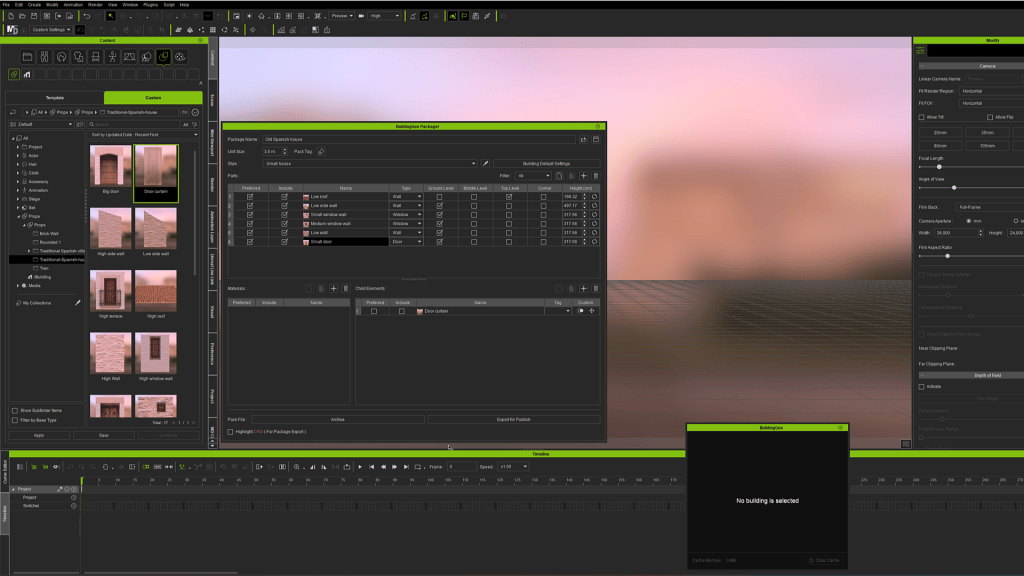
In addition to these modular elements, the tool simplifies the task of adding complementary elements like doors and windows. For example, walls with windows should be assigned the “Window” category type and their model dragged into the “Child elements” area. These elements can be added alongside the modular parts within the BuildingGen Packager. Doing so allows for uploading multiple versions of these elements to randomize the outcome when automatically placed during building generation.
BuildingGen’s ability to generate variations and combinations swiftly is a significant advantage. You can effortlessly create ruins, seaports, or gardens. For instance, with a simple wall model and a shrub, you can compose an attractive outdoor space in a matter of minutes.
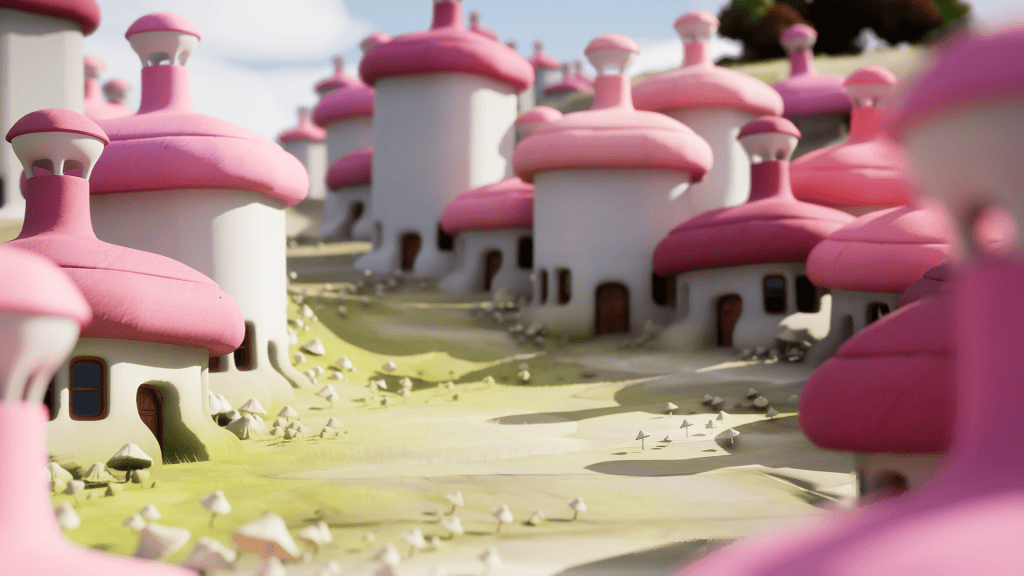
I created this kind of mushroom house in 3D Maya using as reference the modular parts that Reallusion offers. You can download these models from iClone to be able to use them in your 3D program in a very simple way.

Integration with Unreal Engine and Advanced Techniques
One of the most effective ways to render these BuildingGen-generated models is by exporting them to Unreal Engine 5, particularly when utilizing Nanite technology. This technique enables models to have a near-infinite polygon density without distorting the model’s shape or affecting the program’s performance. Employing Nanite significantly enhances the volume’s finish, light incidence, and shadow detail, delivering unprecedented realism.
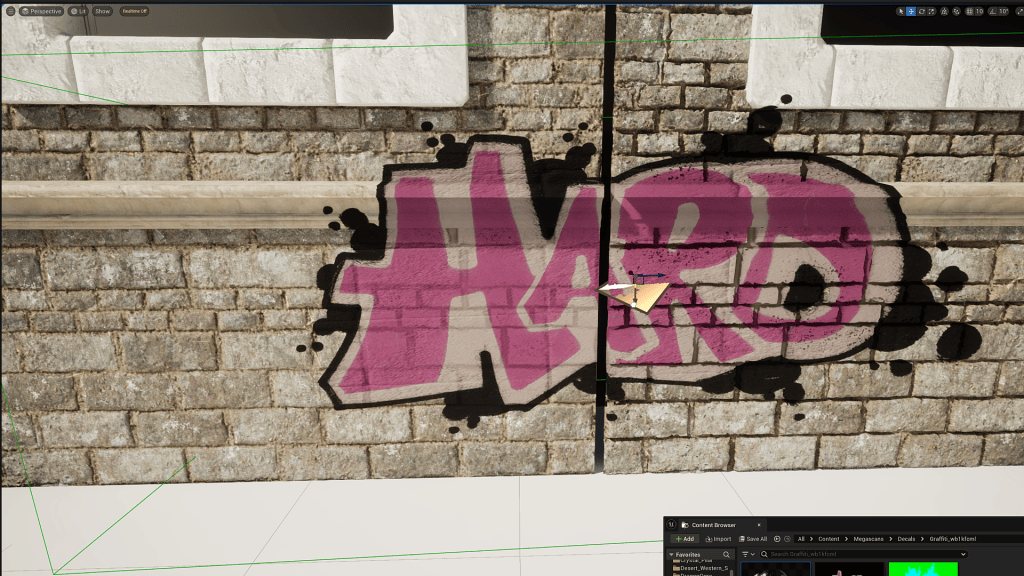
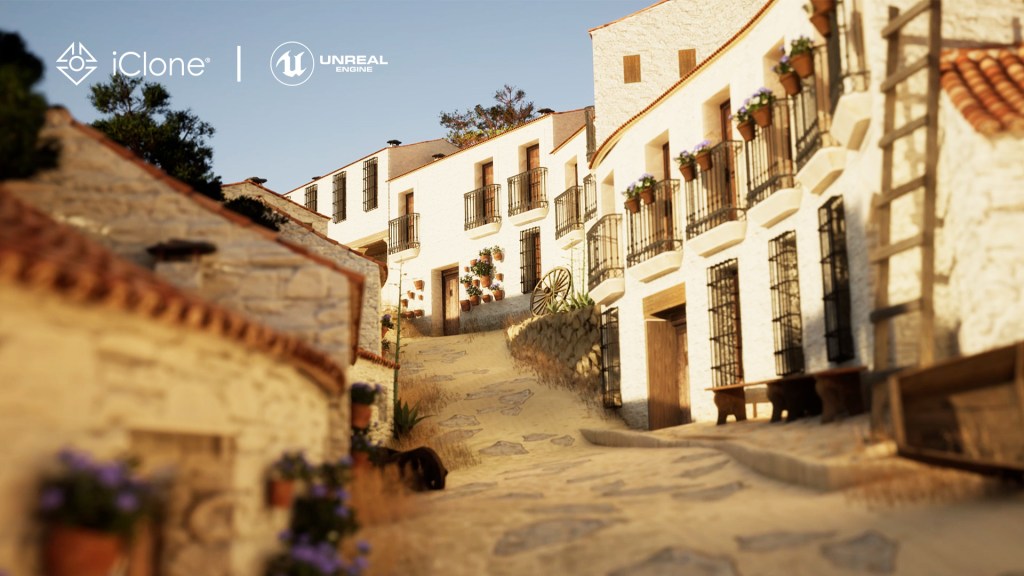
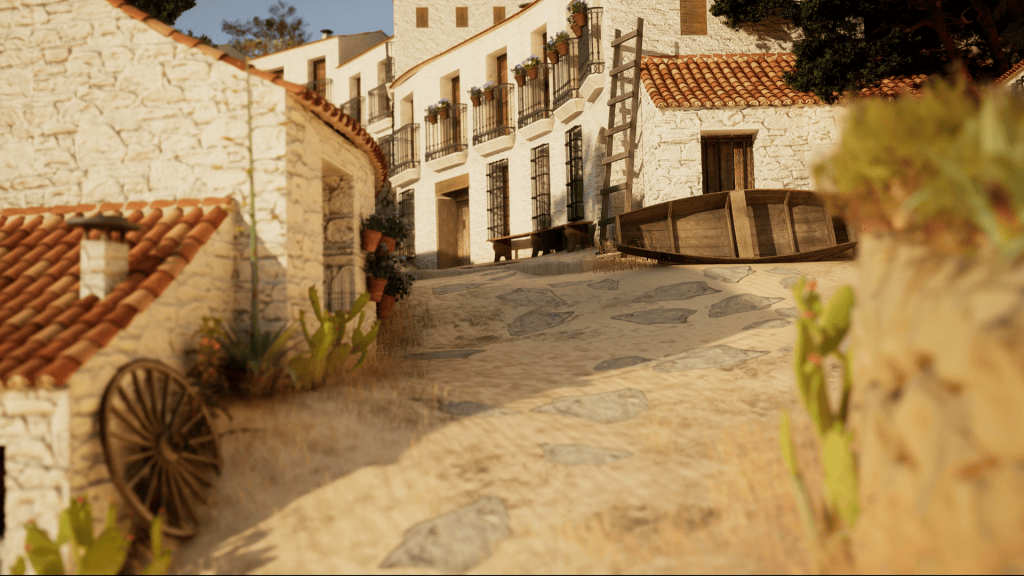
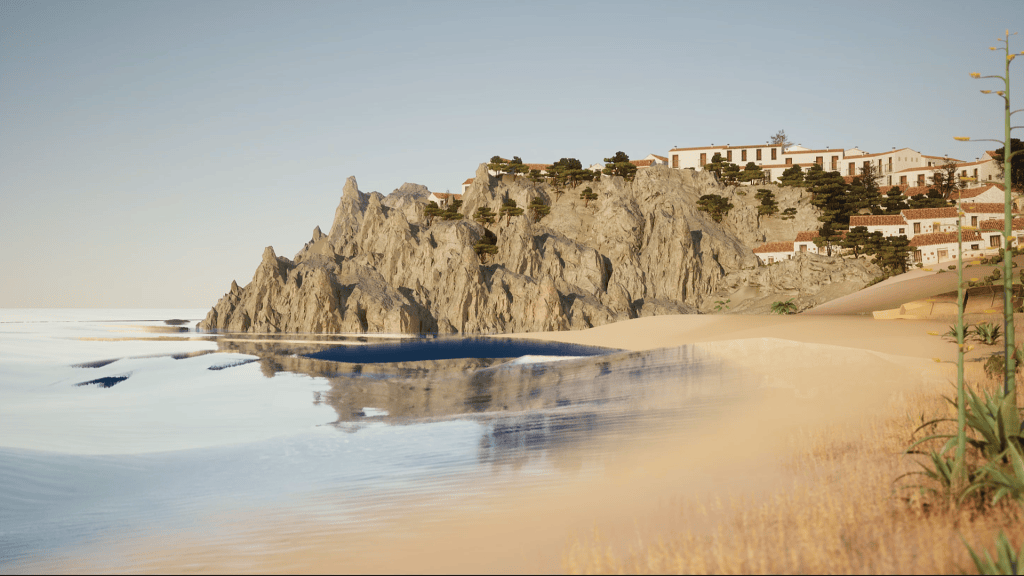
If you refer to the tutorial video associated with this article, you’ll see an example of creating a modular Spanish village with houses featuring rough walls made of unsculpted rocks, subsequently whitewashed for a realistic texture. To replicate this, download the modular elements of “Spanish modular village houses” on Sketchfab. Activate the Nanite properties within the material settings, adjusting options like “Used with Nanite” and “Enable Tessellation.” This transformation converts detailed textures, including ambient occlusion maps, into actual volumes within the 3D model. The result is a surface rich in detail, with defined edges that enhance the visual immersion of the village or city you’re creating.
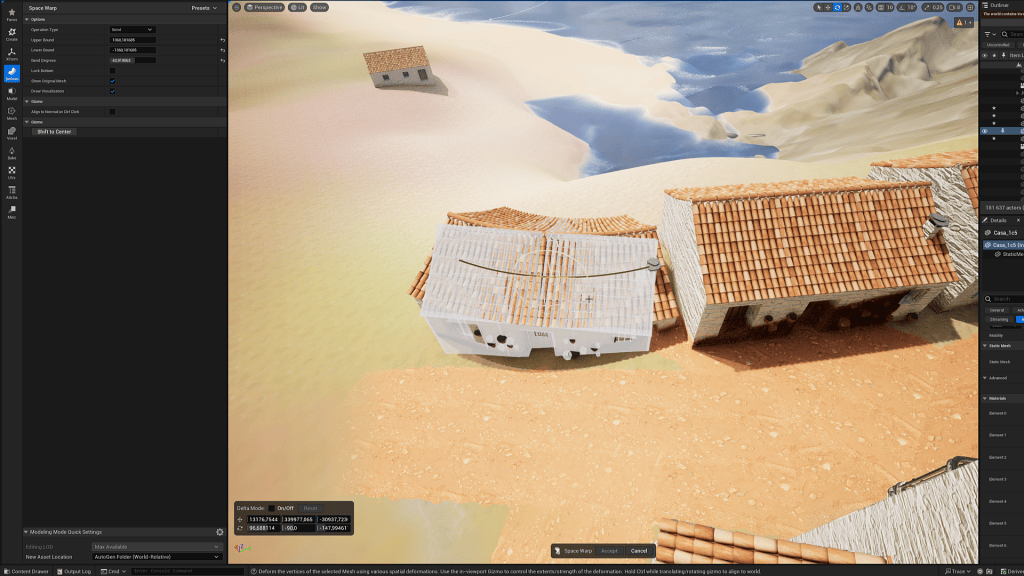
Finally, I must mention a small trick to improve the final outcome of our buildings, especially in villages like the one in this example, where the streets are very narrow, curved, and with significant unevenness. Once the building is placed on the stage, we can enter Unreal’s “Modeling” editing mode. We can select the “Deform” tool on our building to easily and intuitively curve it into the desired shape.
Conclusion
Reallusion’s iClone BuildingGen emerges as an indispensable tool for any 3D designer seeking efficiency and creativity in constructing virtual environments. Its ability to manage modular components, coupled with its integration with Unreal Engine and advanced technologies like Nanite, makes it a powerful option for projects of any scale.

Related Posts
————————————————————————————————————————————————————————————
The original article was written by José Tijerín and is also featured on Creative Bloq.