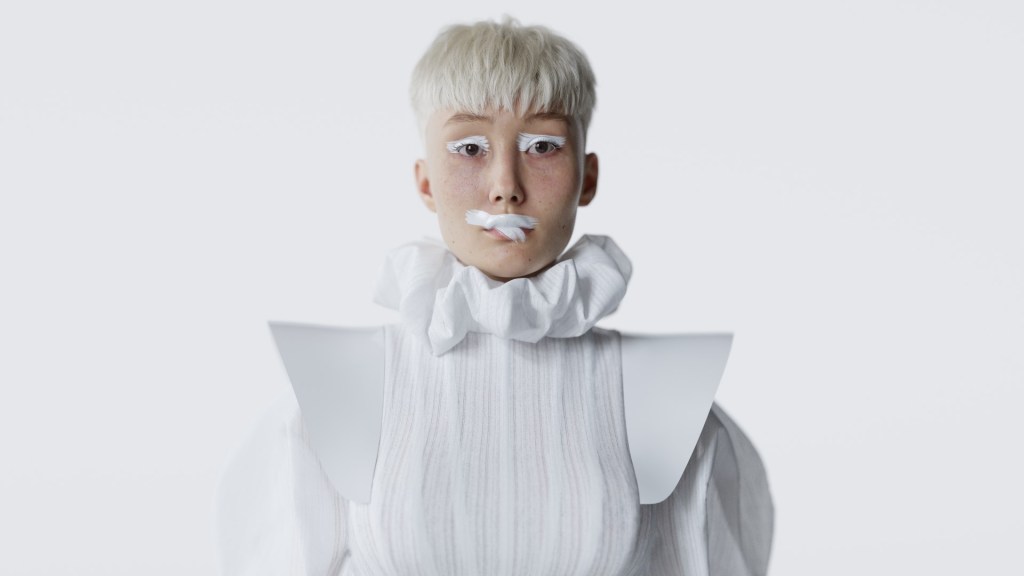
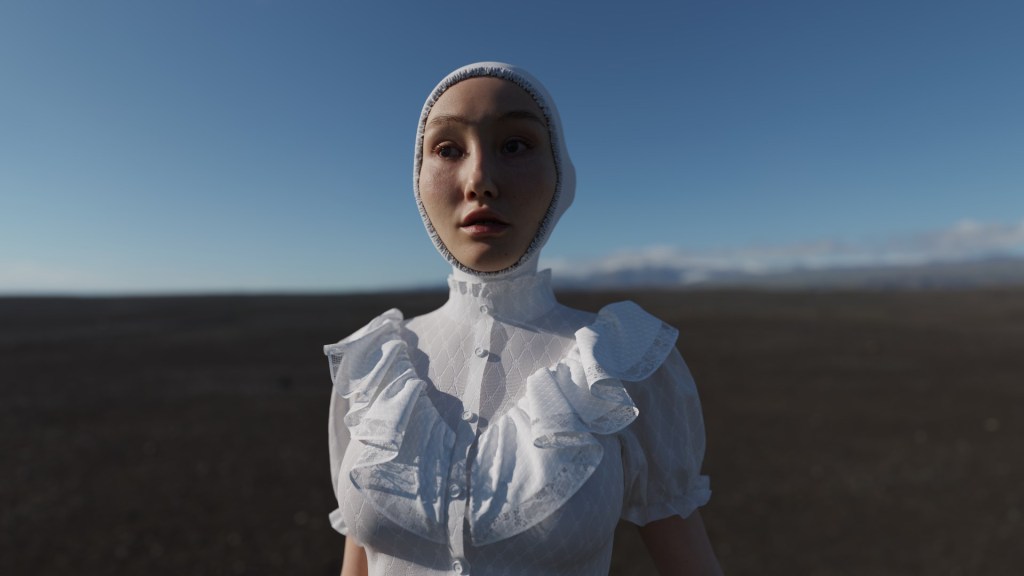
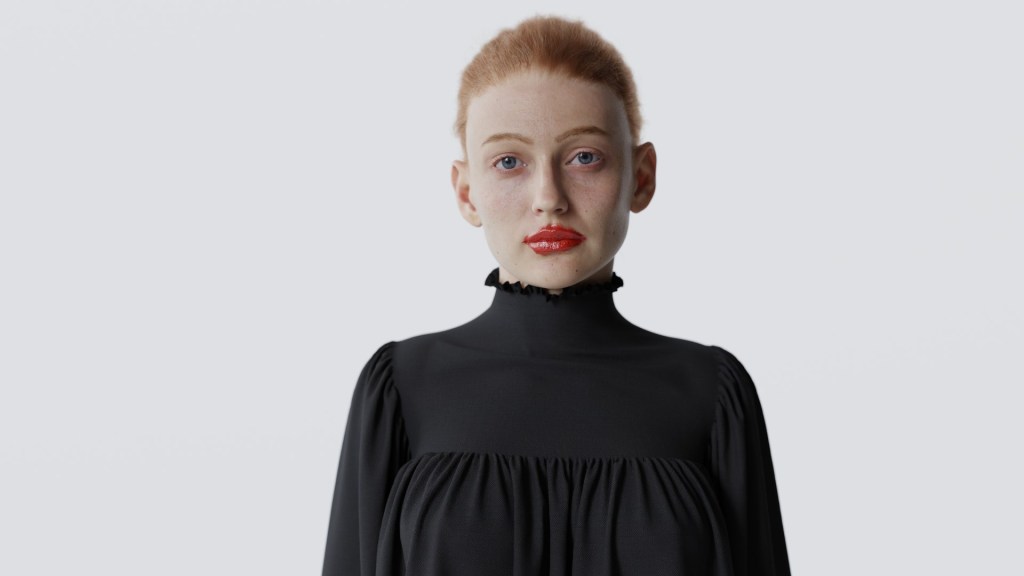
Robert Lundqvist, a self-taught 3D hobbyist, has secured first place in the “Best Animation – Realistic” category of the 2024 Reallusion 3D Character Contest. His success can be attributed to his expert use of Character Creator to design photo-realistic characters, paired with captivating animations in iClone and lifelike renders produced in Blender. As Robert explains, “If you don’t want to wait for some magic AI tool to do all the work for you or spend time pushing 2,048 buttons in Unreal Engine, I believe using the Reallusion suite and Blender is the easiest and fastest way to create characters today.”
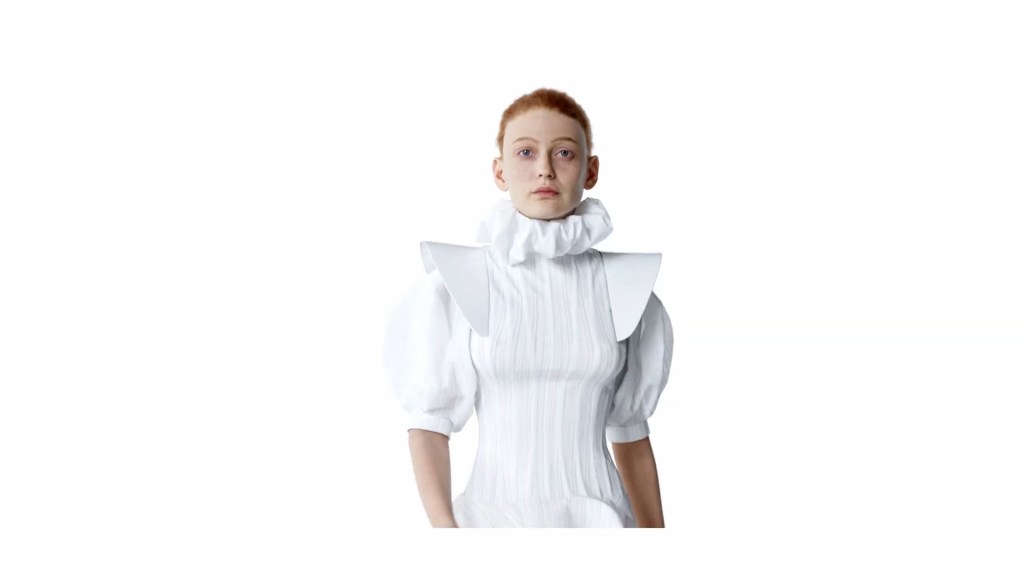
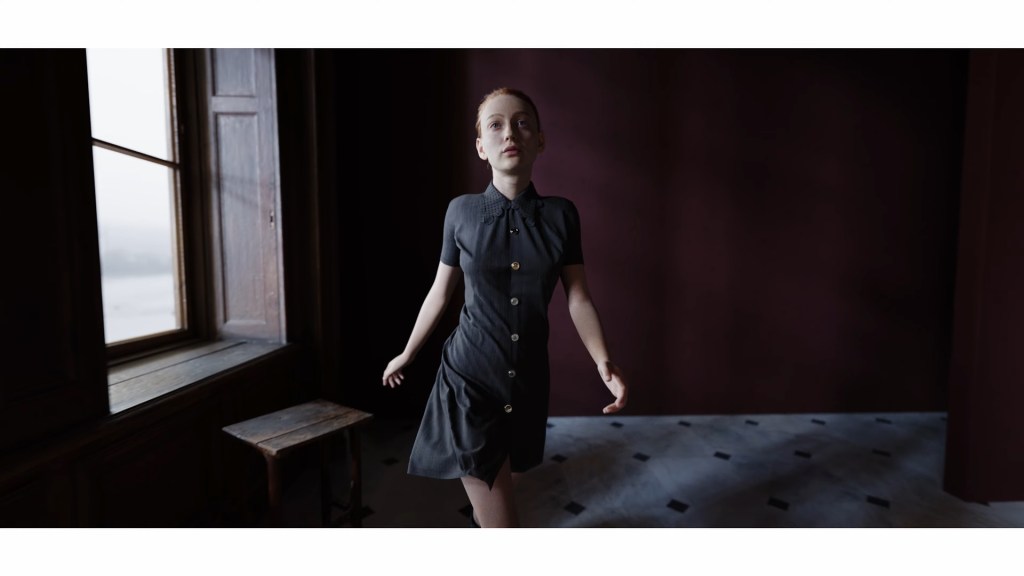
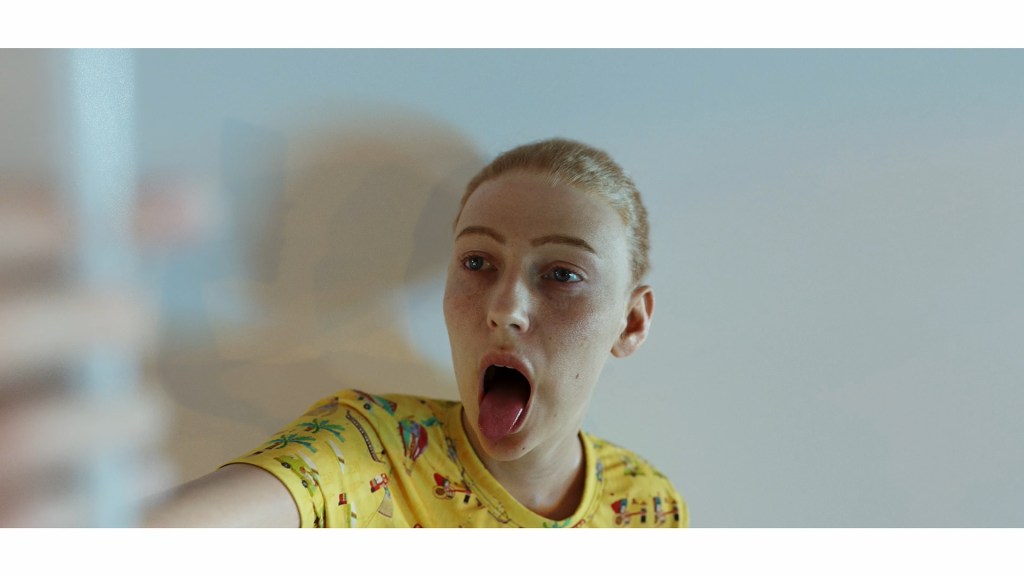

Robert Lundqvist
While working full-time as a sales assistant, Robert spends much of his free time mastering 3D software like Blender, 3ds Max, and Maya. Despite having 15 years of digital art experience, his introduction to Reallusion tools came just a few years ago. Their user-friendly design quickly streamlined his workflow and opened a world of creative possibilities.
Concepting photo-realistic Lisa & Fia
Robert’s creative process for Lisa & Fia was inspired by music. He began by searching for an audio track that would set the right tone for his project. After hours of listening, he discovered a French song that perfectly captured the mood he was after. “When I heard that song, I immediately knew it was the one,” he recalls. With the music in place, he crafted the visual narrative and atmosphere to complement it.
Starting Out with Headshot
Robert used Headshot 2.0 in Character Creator to transform a raw scan model into a functional base mesh. He applied Texturing XYZ V-Face textures to wrap both the albedo and normal maps onto the model.
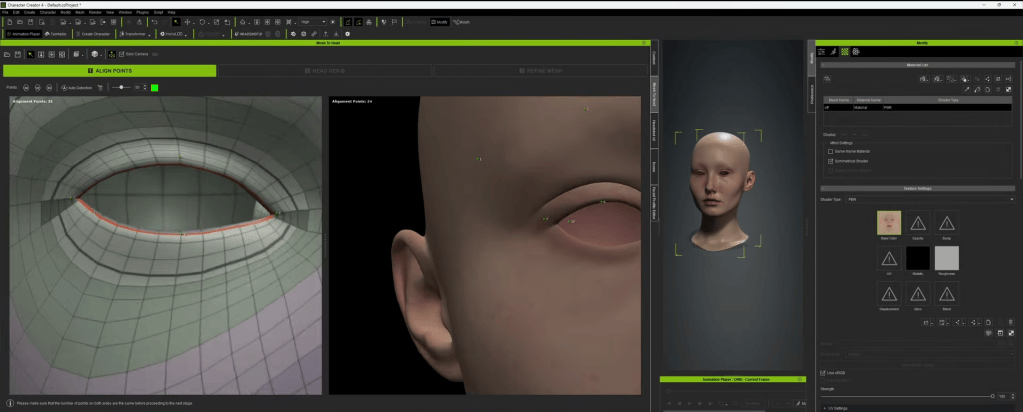
To maintain uniformity, he skipped the refinement step during wrapping, opting to sculpt finer details later in Blender. This seamless integration of tools enabled him to create a clean and realistic foundation for his characters.

Benefits of iClone & Character Creator
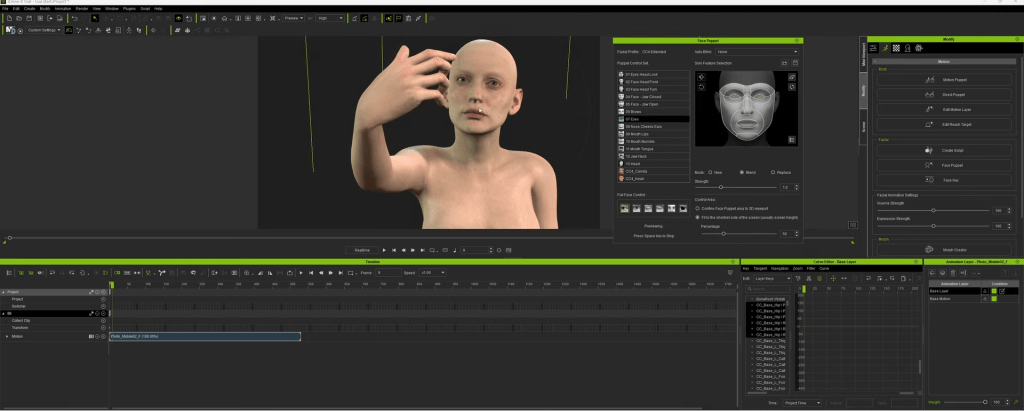
Robert crafted facial expressions in Character Creator and polished the animations in iClone. Leveraging the ActorCore mocap library, he streamlined the animation process, avoiding the need to start from scratch. iClone’s tools further enabled him to refine movements, resolving issues like hand clipping and ensuring smooth cloth simulations.
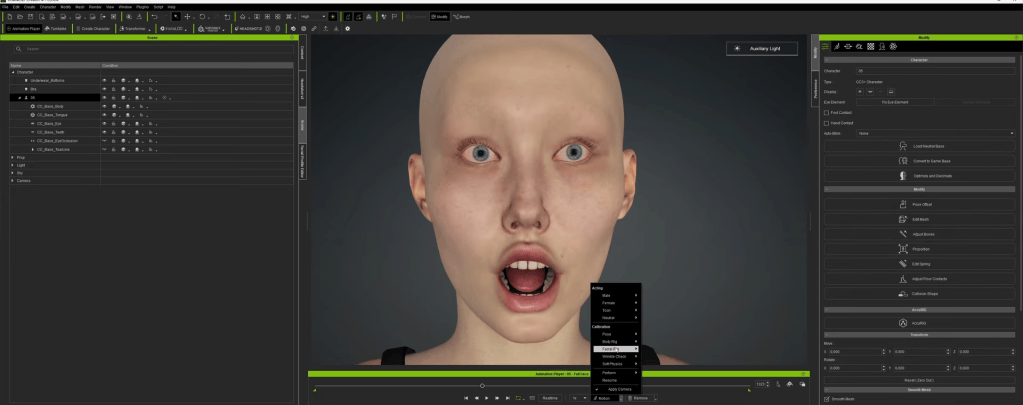
“The animation library and real-time editing features were transformative”, Robert explains. The blend of mocap and CC’s facial puppet tools allowed him to achieve expressive, natural performances with ease.
Cloth Creation with Marvelous Designer
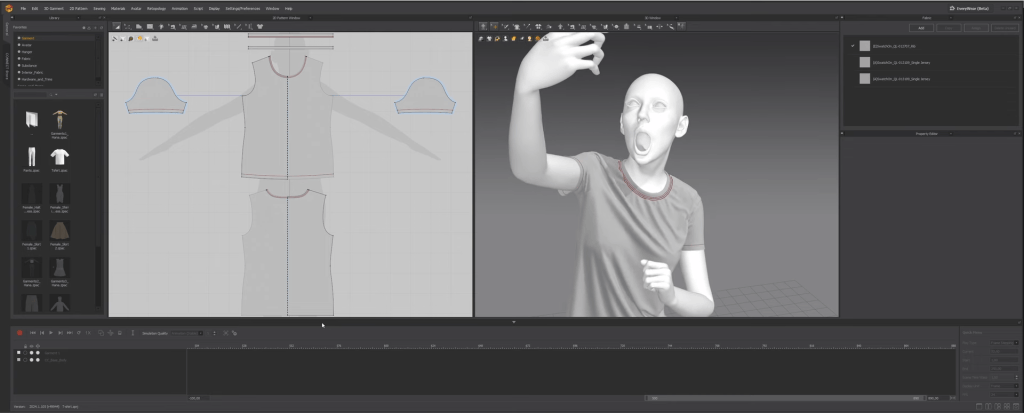
For the clothing, Robert used Marvelous Designer to fit garments onto an exported OBJ mesh of his character. By setting the particle distance between 3 and 5, he was able to achieve realistic wrinkles and fabric folds. Having run several simulations with triangulated meshes and ensured proper UV layouts, Robert then exported the final garments as Alembic files for smooth integration into Blender.
Cycles Render in Blender
The final steps of Lisa & Fia took shape in Blender, where Robert utilized the Cycles render engine. He chose a 35mm lens positioned 50cm from the characters’ faces, creating a cinematic depth that accentuated their intricate details.
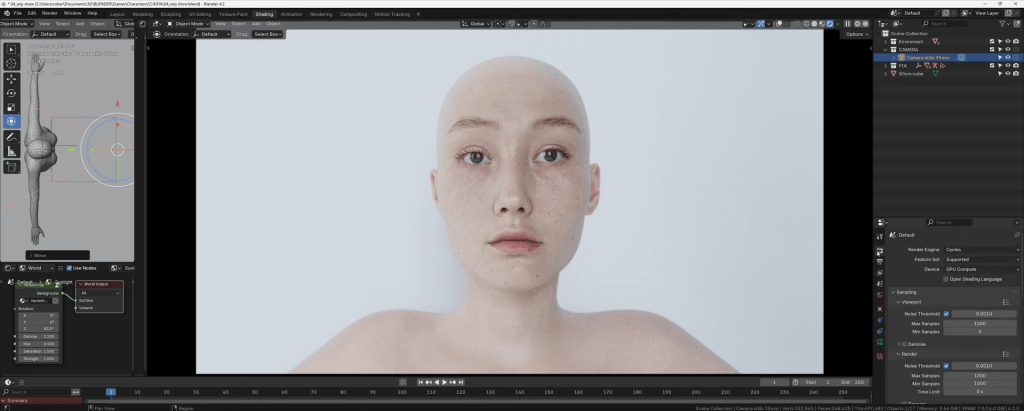
Despite facing hardware limitations and occasional Blender crashes, Robert persevered, ultimately delivering a breathtaking photo-realistic final render that showcased both his resilience and technical mastery.

Final Thoughts
Robert’s meticulous approach to Lisa & Fia demonstrates how the seamless integration of tools like Character Creator, iClone, Marvelous Designer, and Blender can elevate 3D character creation and animation. His skill in combining multiple platforms and adapting to challenges underscores the importance of planning and persistence in achieving artistic mastery.
For aspiring artists, Robert’s workflow provides invaluable insights into crafting hyper-realistic animations without sacrificing efficiency. His success comes from the synergy of a well-planned creative vision and practical application of advanced tools.
Related Posts
- Winner Select: Leveraging Rokoko Mocap & iClone for Delicate Character Animation
- Reallusion’s 2024 3D Character Contest – Meet the Winners!