How to Animate a Fast MetaHuman Fight Scene
with Reallusion 3D Motion Packs
If you’re a 3D animator or filmmaker looking to create fast, fluid fight scenes, this real-world breakdown from Charlie Driscoll will show you how. Using Reallusion’s ActorCore hand-to-hand combat pack, paired with Unreal Engine 5, MetaHuman Animator, and Move.ai, he demonstrates how to blend pre-built assets and performance capture into cinematic action sequences — all without needing a massive team.
“I was just like I have to make something with this pack of amazing hand-to-hand combat animations. I just remember thinking they were so cool, and all I would have to do is come up with a story to tie these fight scene animations together.”
Charlie Driscoll – Director, Cinematographer, Producer
Who is Charlie Driscoll?
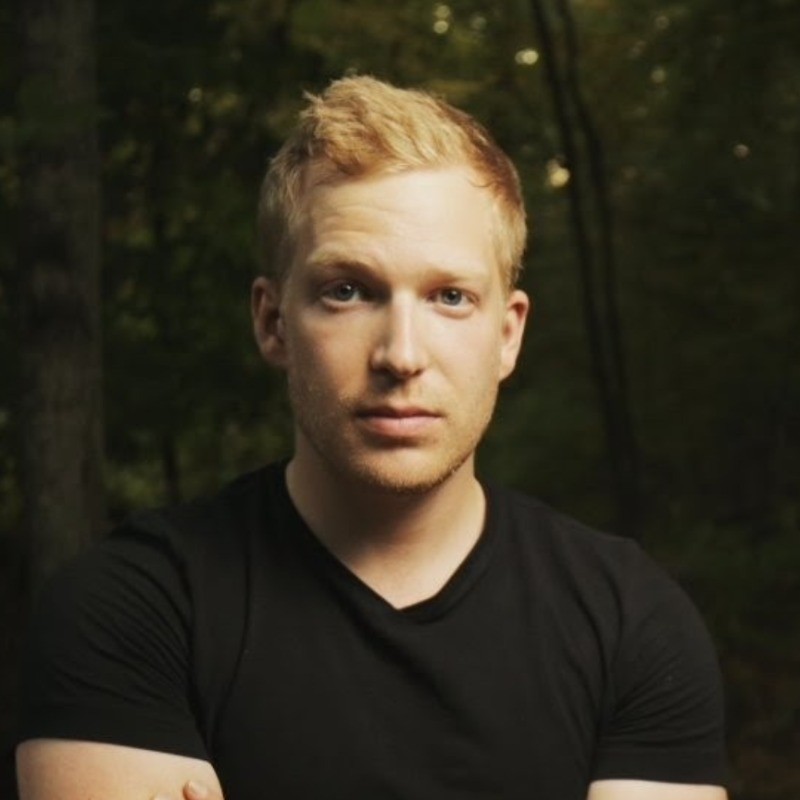
Charlie Driscoll is a Director, Cinematographer, and Producer at Northwoods Revolution and the creator of the YouTube channel The Darkest Age – Unreal Engine Filmmaking. On his channel, he explores real-time animation techniques and pushes the boundaries of short film production using Unreal Engine 5, MetaHuman, and AI-powered tools.
In his recent behind-the-scenes breakdown, Charlie shares how he choreographed and animated a kung fu-style action short, integrating Reallusion’s ActorCore 3D motion content, AI dubbing, VFX assets, and his own motion capture performance.
The Creative Spark: ActorCore’s Combat Animation Pack
The project began when Charlie discovered Reallusion’s Hand-to-Hand Combat Motion Pack. With over 60 polished, professionally choreographed fight animations — punches, kicks, blocks, knockdowns — this pack served as the foundation of his scene.
Unlike typical mocap libraries or fragmented FBX assets, ActorCore’s packs are:
- Ready for real-time use in engines like Unreal
- Easily retargetable to MetaHumans
- Professionally choreographed
- Cost-effective and production-ready
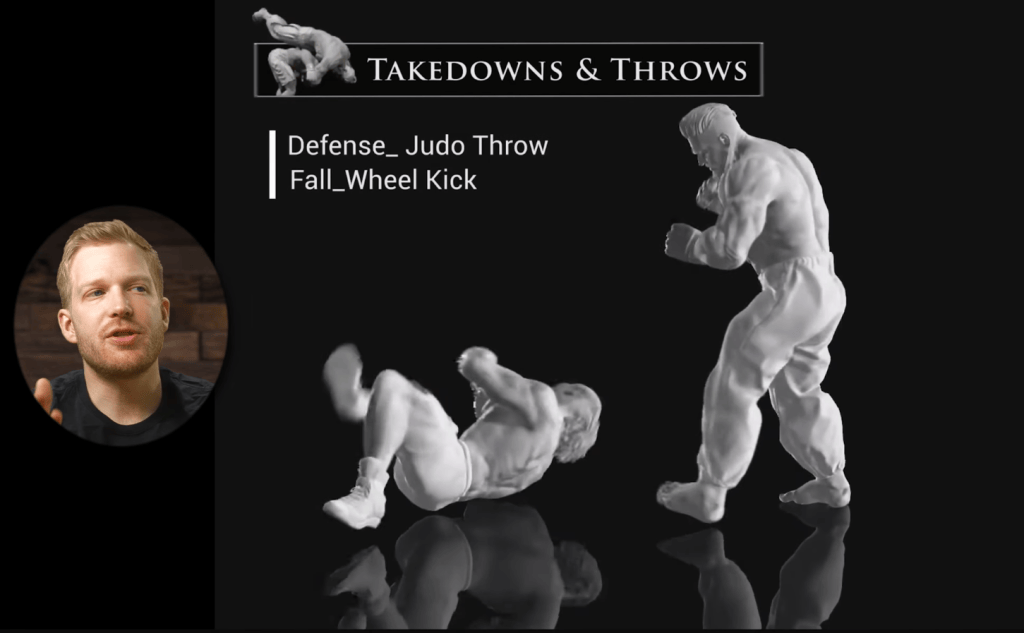
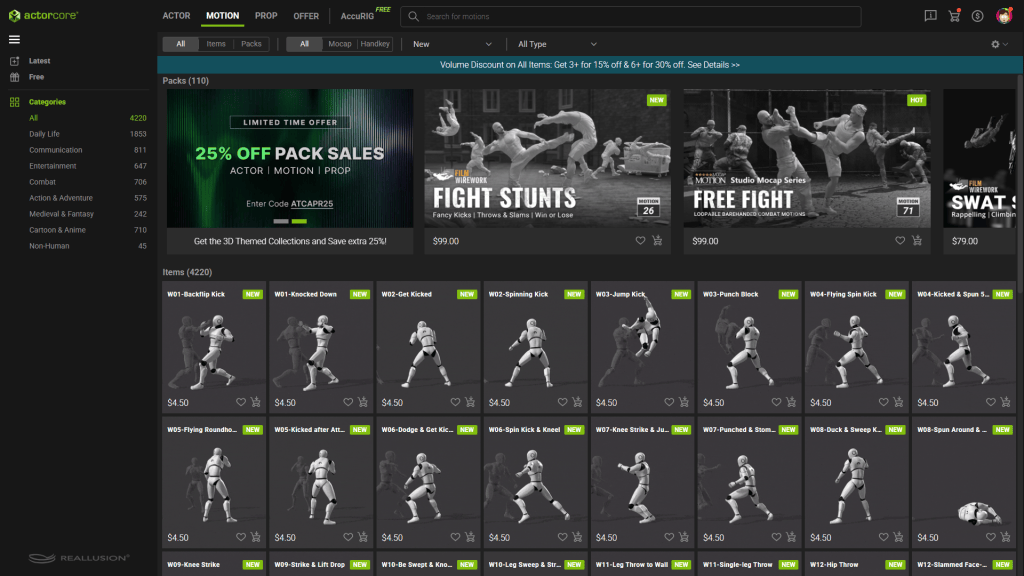
“You just drop them (ActorCore 3D animations) into Unreal Engine and you have the basis of a fight scene.”
Charlie Driscoll – Director, Cinematographer, Producer
Building the Scene in Unreal Engine 5
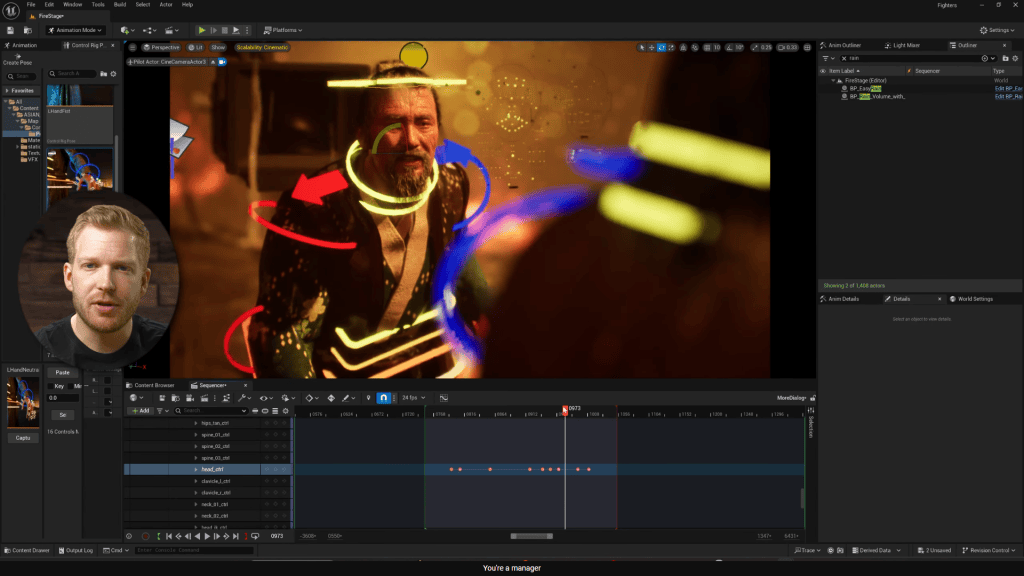
Charlie selected a burning tree temple from FAB (formerly Quixel) and added dramatic lighting, rain, smoke, and fire FX. He then:
- Retargeted the Reallusion animations to MetaHumans
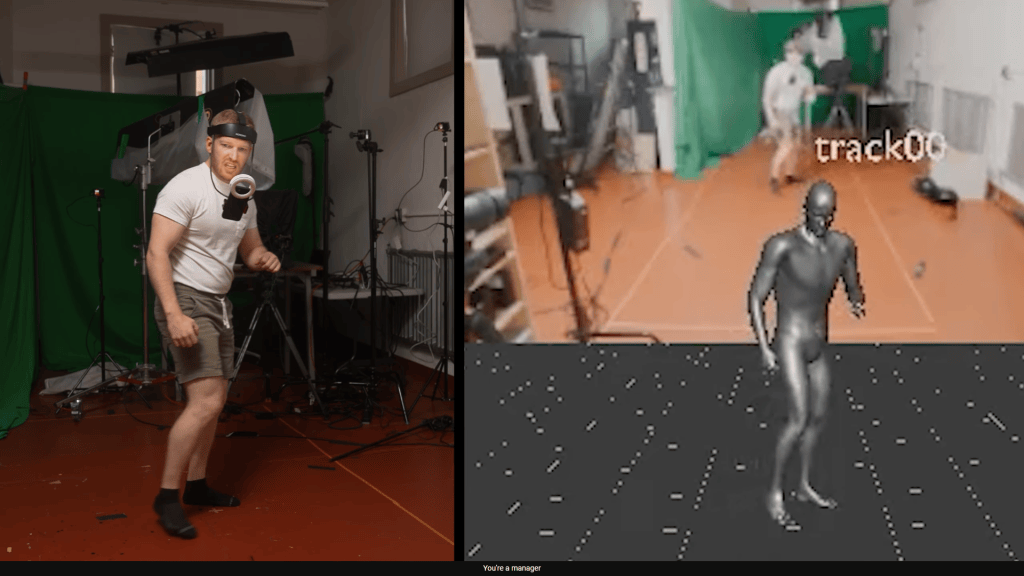
- Layered in custom mocap using Move.ai
- Used dynamic camera movement to blend mocap and pre-built animations
Motion Capture with Move.ai + Reallusion
Charlie used Move.ai’s markerless mocap with multiple iPhones to capture his own body movement. He then blended it with Reallusion’s combat animations — giving the scene both cinematic action and personal expression.
This hybrid workflow allowed:
- Speed from premade animations
- Emotional nuance from custom mocap
- Flexibility to iterate quickly
AI Lip Sync with ElevenLabs + MetaHuman Animator
To add realistic lip sync:
- Charlie recorded lines in English
- Translated and cloned the voice in Mandarin using ElevenLabs
- Captured facial mocap using MetaHuman Animator
- Synced the new Mandarin voice with accurate Chinese lip movement
Tools Used in the Workflow
| Tool | Role |
|---|---|
| ActorCore | Hand-to-hand combat animation pack |
| Unreal Engine 5 | Real-time rendering and scene setup |
| MetaHuman Animator | Facial mocap and lip sync |
| Move.ai | Suitless motion capture |
| ElevenLabs | AI dubbing and voice cloning |
| FAB | Environment assets |
| Artlist | Music and SFX |
Why Reallusion is a Game Changer
Reallusion’s ActorCore motion packs allow 3D creators to:
- Animate instantly with high-quality human motion
- Avoid tedious keyframing or custom mocap setups
- Focus on storytelling and visual polish
For indie creators, it’s a powerful way to animate action scenes quickly without sacrificing quality.

Final Thoughts
Charlie Driscoll’s workflow proves that real-time cinematic animation is now more accessible than ever. With tools like Reallusion, Move.ai, and MetaHuman Animator, animators can create polished fight scenes faster — and with fewer technical hurdles.
FAQ
What is ActorCore?
ActorCore is Reallusion’s marketplace for professional motion-capture animations ready for Unreal, Unity, and other 3D platforms.
Can I use ActorCore animations on MetaHumans?
Yes — they can be retargeted in Unreal using standard workflows.
Do I need motion capture gear?
No — Reallusion animations are pre-made. You only need mocap gear if you want to add custom performances.
Follow Charlie Driscoll
Website:
https://www.northwoodsrevolution.com/
YouTube:
https://www.youtube.com/@TheDarkestAgeUnreal

Related Posts