Creating game NPCs with Character Creator and iClone
Indie and double-A games are booming, but one challenge remains: animation is expensive. NPCs require massive amounts of motion, including idles, interactions, walk cycles, daily routines, and countless variations. Traditional mocap can help, but equipment costs only pay off with repeated use. Pre-made motion packs save time initially, yet they rarely match your exact needs, and manual adjustments can erase those time gains.
Enter Video Mocap: a fast, lightweight solution that captures motion from everyday video. This article José Antonio Tijerín walks us through the full process, from building NPCs in Character Creator 5 to generating custom motions for them using iClone’s Video Mocap.
“The iClone Video Mocap workflow is so lightweight that motion capture stops being a tedious process and becomes a tool you can use anytime to generate NPC actions.”
José Antonio Tijerín – Digital Illustrator and 3D Sculptor
José Antonio Tijerín
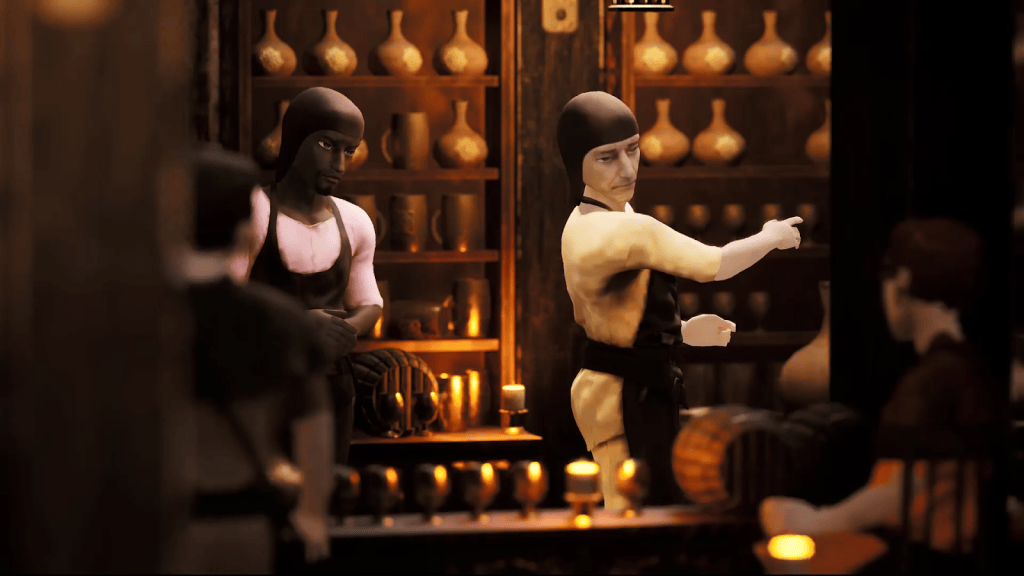
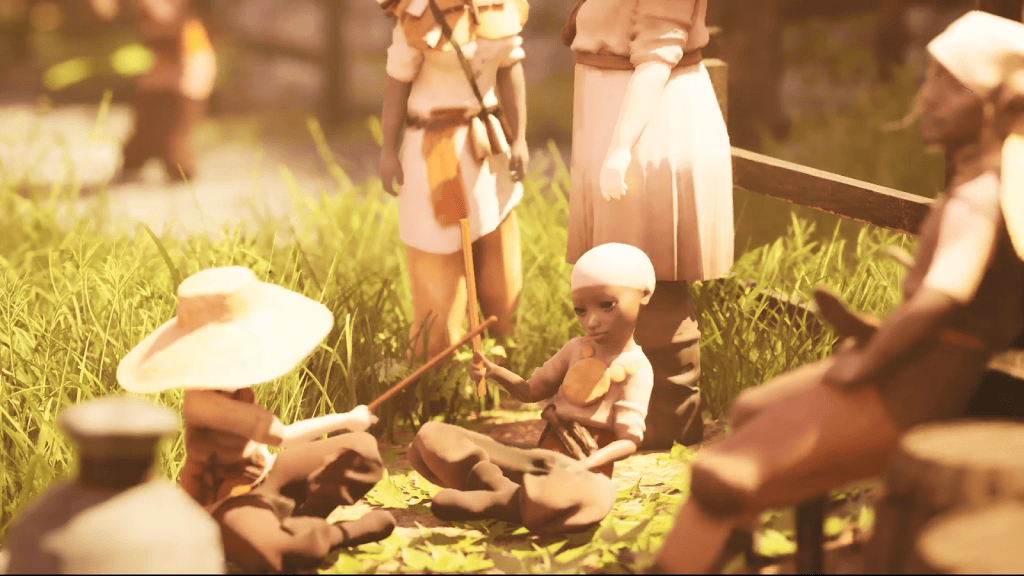
I’m José Antonio Tijerín, a digital illustrator and 3D sculptor. I’m the creator of the video game “Dear Althea” on Steam and the content pack “We’re Besties”, which is available in the Reallusion Content Store.
Generate a Full NPC Roster from a Single Base
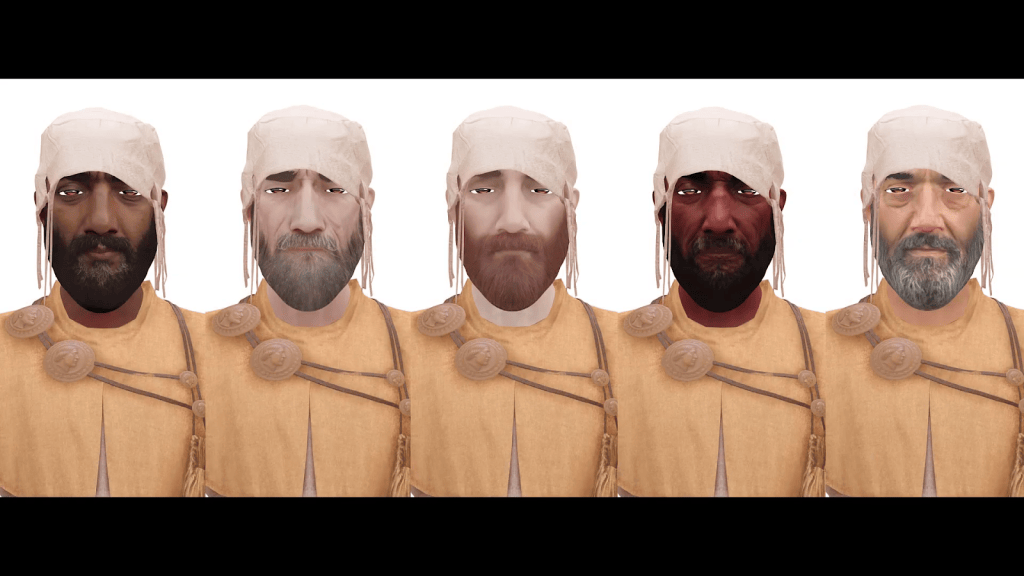
We’ll start by rapidly building a roster of NPCs in Character Creator. With ActorMixer, you can take a single base character and generate a wide range of variations in body shape and facial structure while keeping the style consistent. Layer in texture changes, and you can scale NPC diversity quickly, which is ideal for towns, street scenes, and large management-style populations.

Easily Switch to Game-Ready Low-Poly Characters
Character Creator also solves the production side of NPC scale. You are not locked into one quality level. Start with high-fidelity characters for close-ups, then convert the same NPC into lighter, game-ready versions for crowds and background use without rebuilding. For more aggressive optimization, Optimize and Decimate can further reduce complexity by unifying the character and add-ons into a single low-poly result.


Capture Motion Whenever Production Needs It
The Video Mocap workflow is so lightweight that motion capture stops being a tedious process and becomes a tool you can use anytime to generate NPC actions. Footage can be recorded with your phone, and it doesn’t need to be high resolution. Avoid uploading oversized videos, as they can slow down the generation process. What matters is a clear performance: the performer should be fully visible, the camera should remain static (eye level works best), and the motion should reflect natural human movement. Video Mocap is designed for live performances, not for cartoon characters or stylized animation.

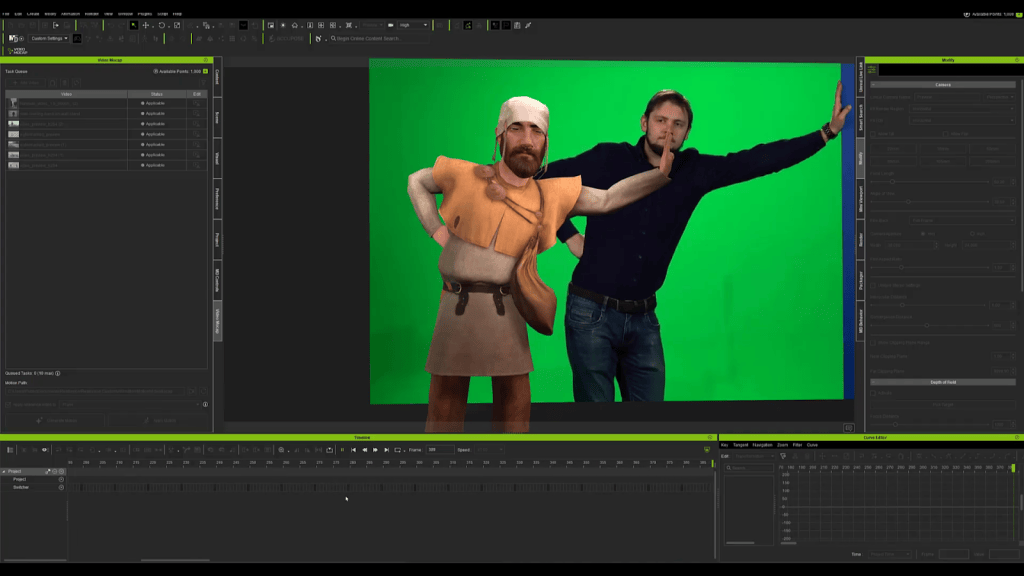
Turn Raw Capture into Game-Ready Motion Fast
Video Mocap gives you a strong motion base fast, but what makes the workflow production-ready is iClone’s motion editing. Like any mocap approach, you may see issues such as minor joint jitter, finger vibration, or unstable ground contact in sitting and leaning poses. The difference is you’re not stuck with raw output. With iClone, you can quickly reduce unnecessary keys, stabilize posture and contact, and refine timing so the motion loops cleanly and behaves predictably in-game. That combination turns Video Mocap from “AI capture” into a complete animation pipeline where you can fix what matters and keep iterating without losing days to cleanup.
“With iClone, you can quickly reduce unnecessary keys, stabilize posture and contact, and refine timing so the motion loops cleanly and behaves predictably in-game.”
José Antonio Tijerín – Digital Illustrator and 3D Sculptor
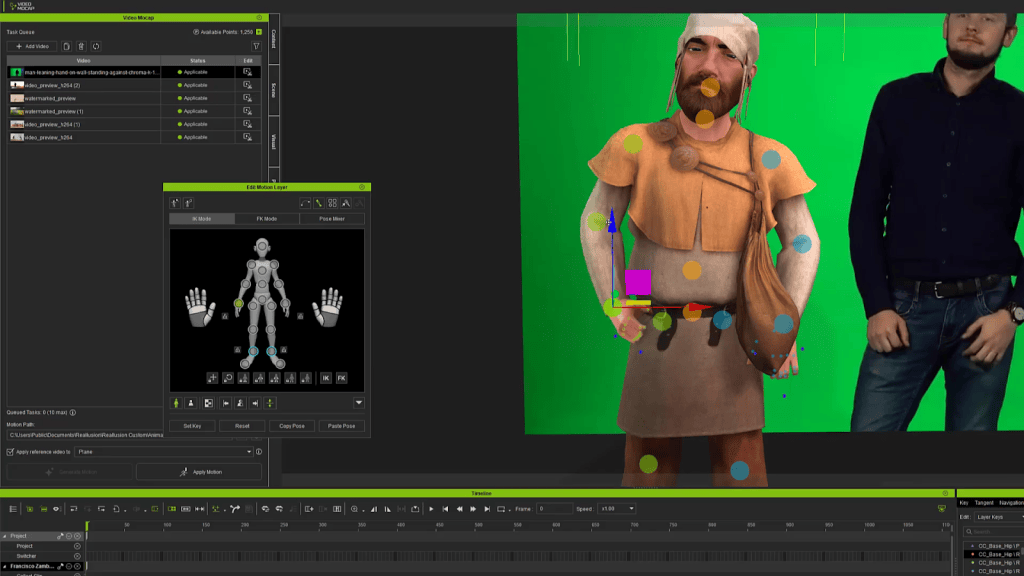
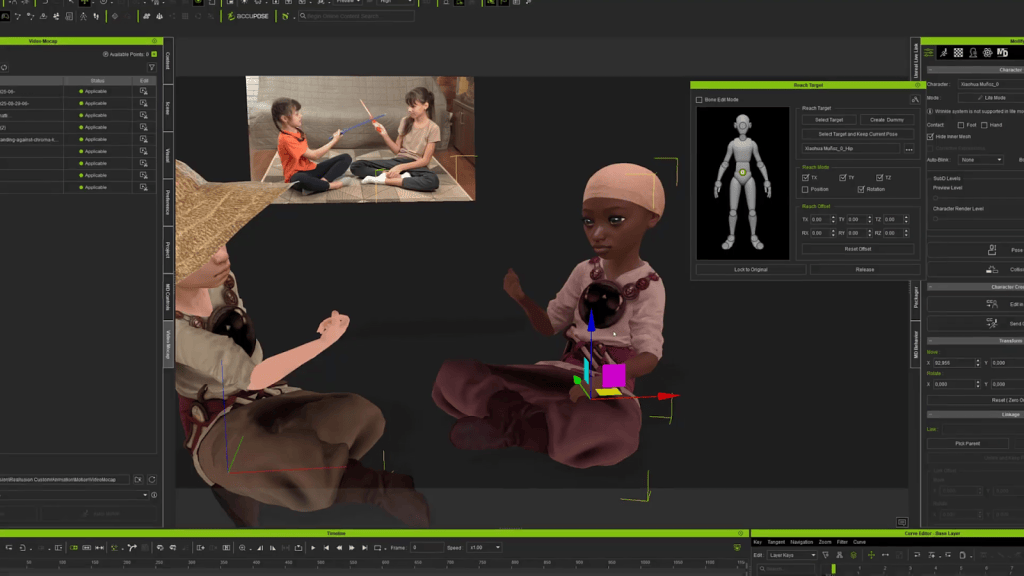
Blend Captured Motion to Fix Missing Data
Sometimes reference footage isn’t ideal, especially when legs aren’t visible. In a one-button pipeline, that would be a dead end. A practical workaround is pairing captured upper-body performance with a compatible motion from iClone’s library, including premium motions from ActorCore, the largest motion libraries in the industry, then retiming and blending so the final animation feels coordinated. It’s a very game-dev way to work: take the best part of each source and assemble a result that ships.
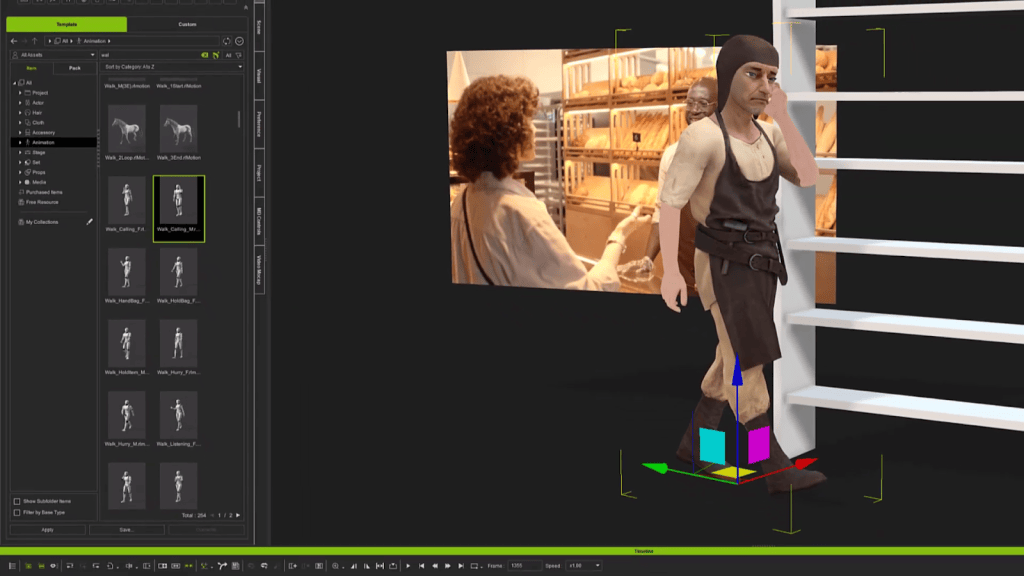
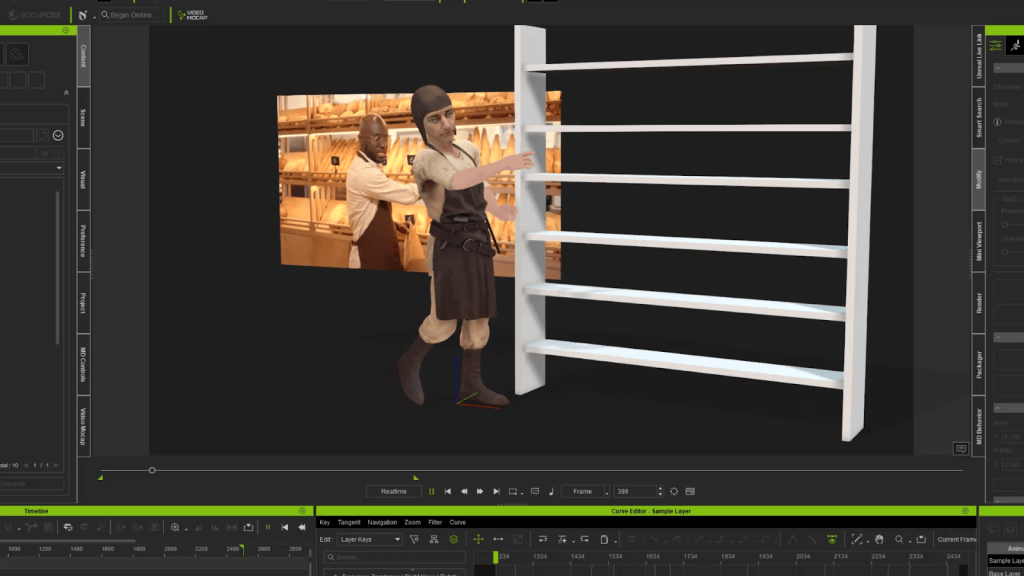
Source Video As The Ground-Truth Reference
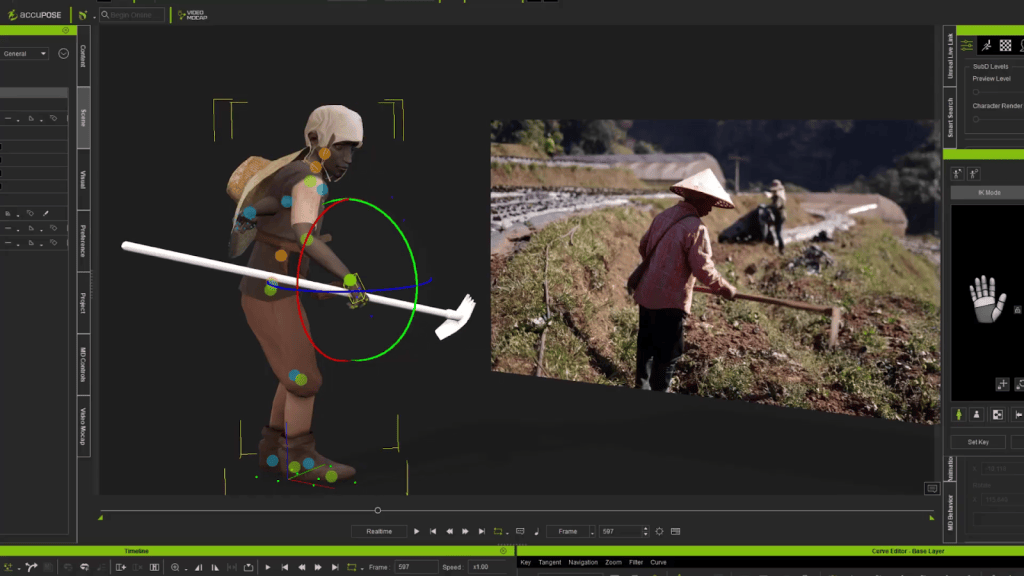
It’s tempting to treat video input as disposable once motion is extracted, but the footage remains useful. It’s your ground truth for timing, direction, orientation, and interaction accuracy. If your character needs to align with an object like a lean, a prop, or a surface, the original performance is still the best guide for making the motion feel intentional rather than procedurally close enough.

A Smooth Handoff to Unreal Engine 5
The handoff to Unreal Engine 5 is designed to be smooth, so moving characters and animations across tools doesn’t become a pipeline headache. With the updated Live Link and Auto Setup workflow, you can transfer from iClone to UE5 with minimal friction, keeping materials prepared and animations intact so your NPCs are ready to drop into a playable scene fast.


Studio-Level Leverage for Indie and Small Teams
Video Mocap is built to give smaller teams studio-level production leverage, so you can generate believable NPC motion on demand without big budgets, specialized gear, or infrequent capture sessions. Combined with Character Creator’s ability to generate and optimize NPCs at scale, you get a workflow that keeps up with how indie and mid-size teams build games today: fast iteration, reusable assets, and practical results.
Related Posts
- From AI to Animation: 3 Ways to Bring Hunyuan3D Characters to Life in CC4
- Achieve Natural Interactions for Background Characters using iClone and Unreal Engine
- Animating AI-Generated Models: A Step-by-Step Guide