
Rendeo Games
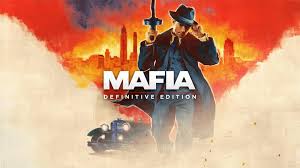
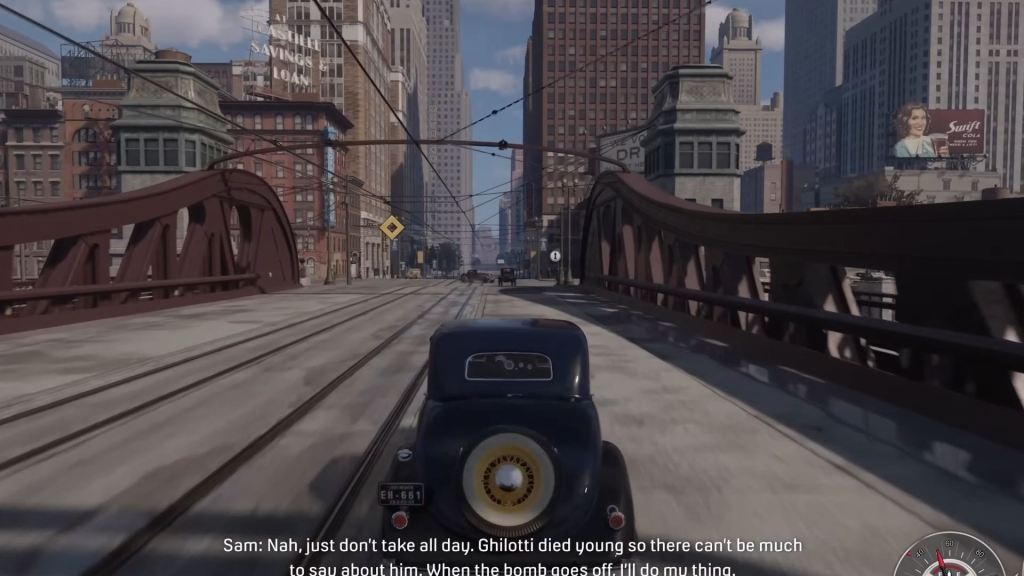
Hi everyone, we are Rendeo. We are a team of developers who have worked on major titles such as Mafia, Mafia: Definitive Edition, Mafia: The Old Country, Crime Boss, and others. We are currently developing our own game, Battle Sail.
To help us bring the characters of this game to life, we rely on Reallusion software alongside our other tools. Here is a look at how Character Creator and iClone help us build our game’s battle captains and pirates.
The Challenges of Making BattleSail
BattleSail is an action tactical strategy game. The challenging part of the game production is to create and sculpt hundreds of different styles and ethnicities of captains and soldiers into an animatable AAA game character. As the battles progress, the captain will grow older, gain scars and dirtiness, and grow out their hair. Our main hero captain is 100% made with Reallusion’s Character Creator, and this workflow of character customization fits our game purposes perfectly, allowing us to carry out the gameplay during our production.
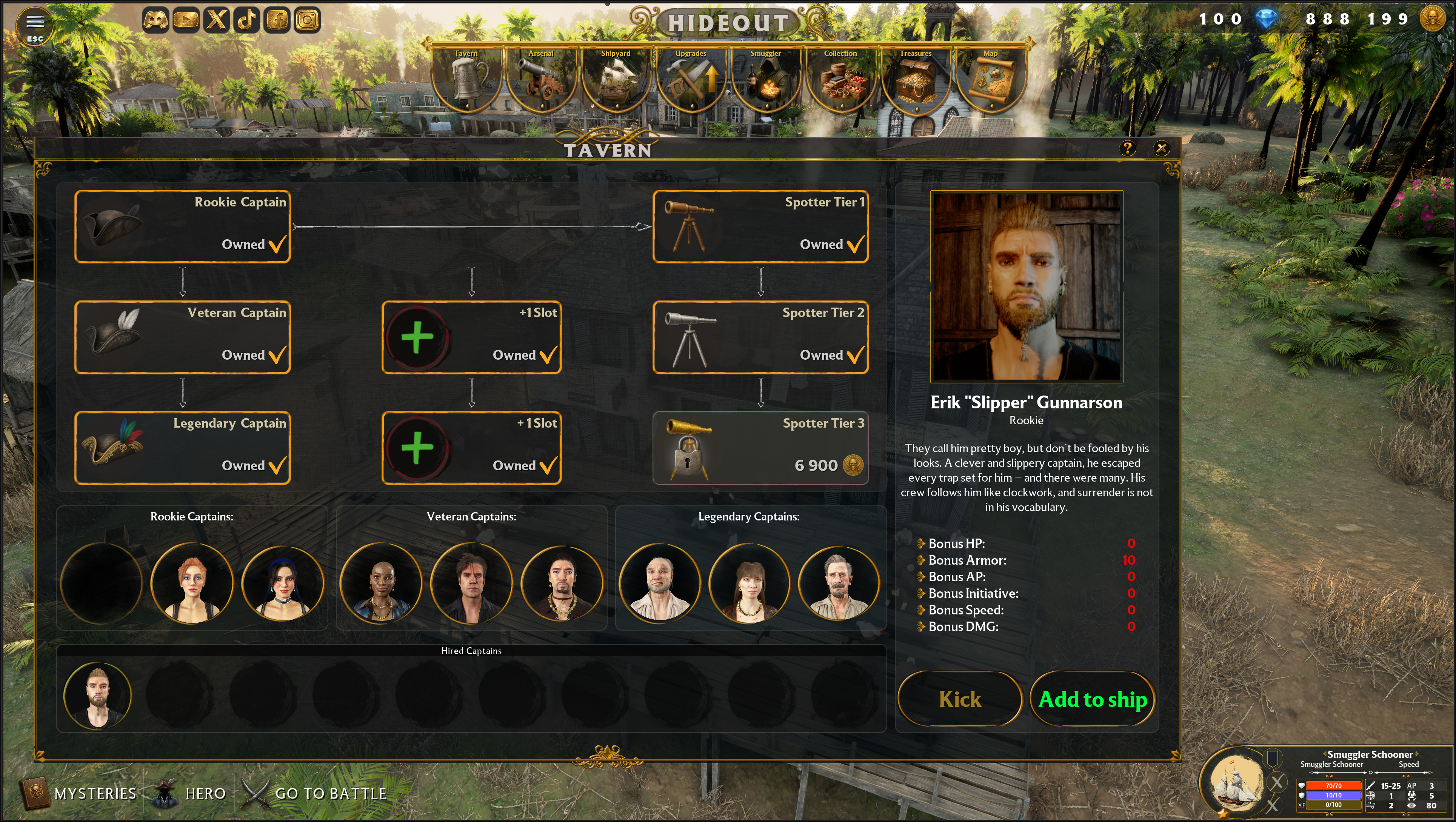
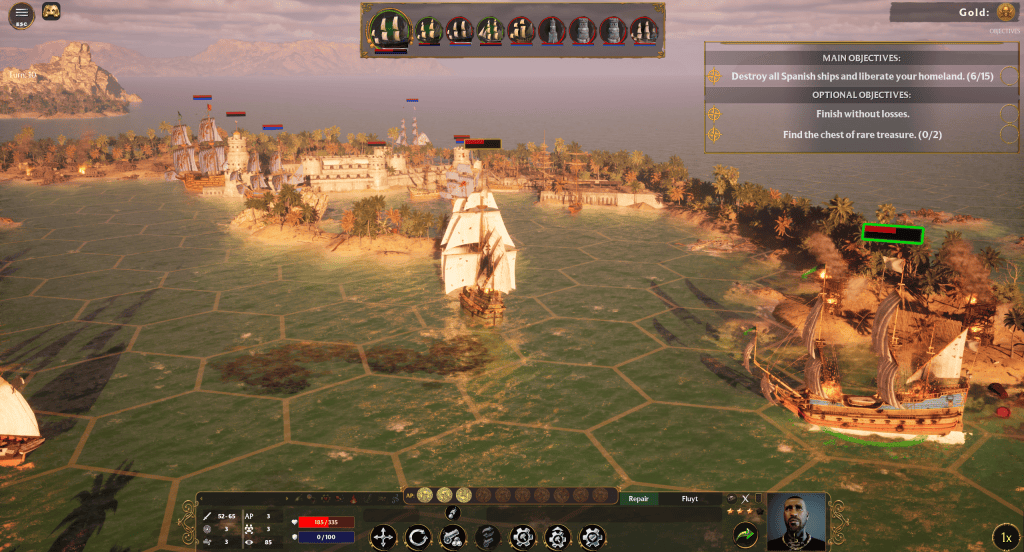
In the game, you play as a captain, commanding a fleet of crew for naval battles. The game also embodies rich cultures to attract players worldwide. We promise that this will also be a multiplayer game, and more captains and main heroes will join the game.

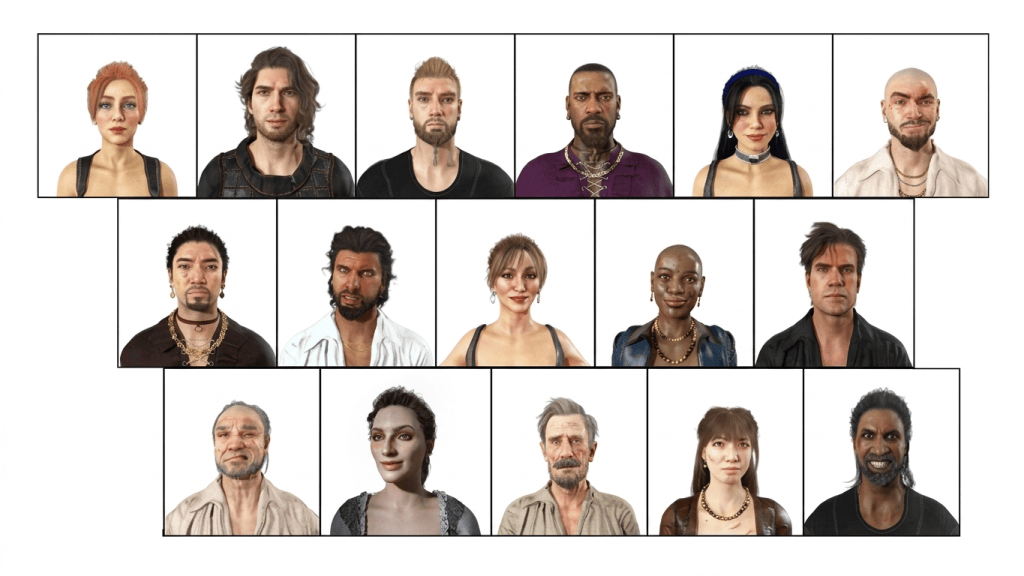
ActorMIXER: Ten Times Saved for AAA Game Character Production
In our workflow, we use Character Creator 5 primarily for detailed facial creation. Thanks to its nearly endless options, we can adjust our battle captains down to the smallest detail. We have complete control over everything—from the overall skull shape down to specific features like the lips. We can immediately check these features against the exact animations we need, and even refine details like adding earrings to a captain. After making a change, a single click allows us to instantly preview the character that is fully rigged and skinned with animation.
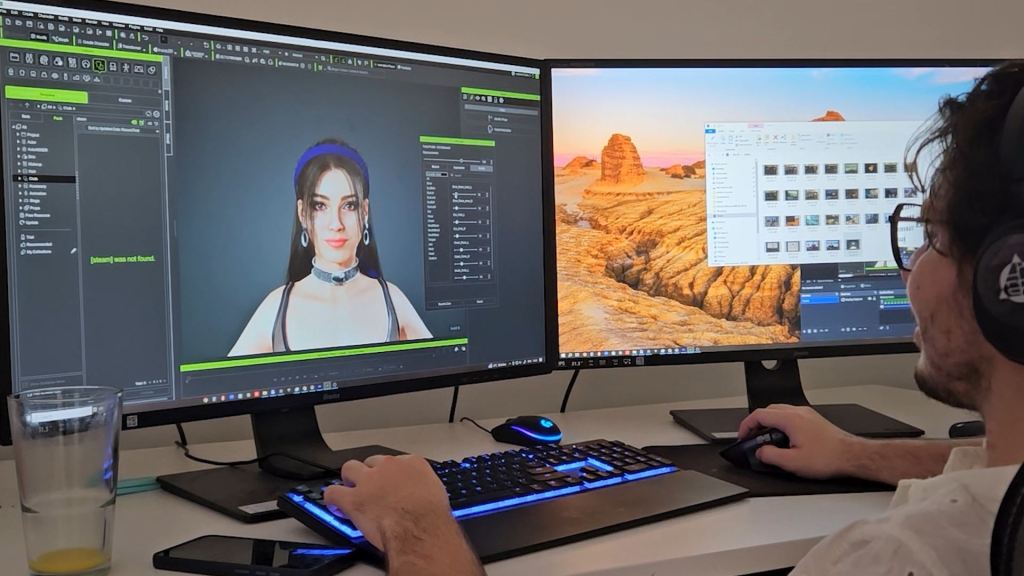
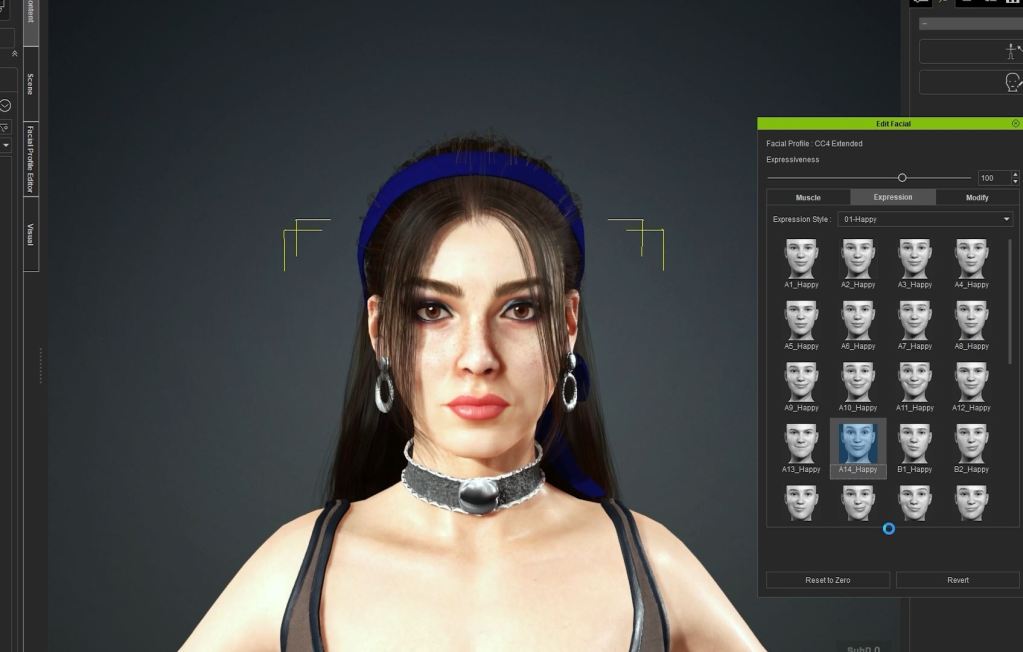
To set up race and facial archetypes extremely quickly, we utilize the ActorMIXER tool for Character Creator 5. This allows us to set basic shapes on all levels of the face (including head shape, eyes, nose, and mouth) simply by choosing presets and sliding between types. This lets us rapidly prototype the base of a character.
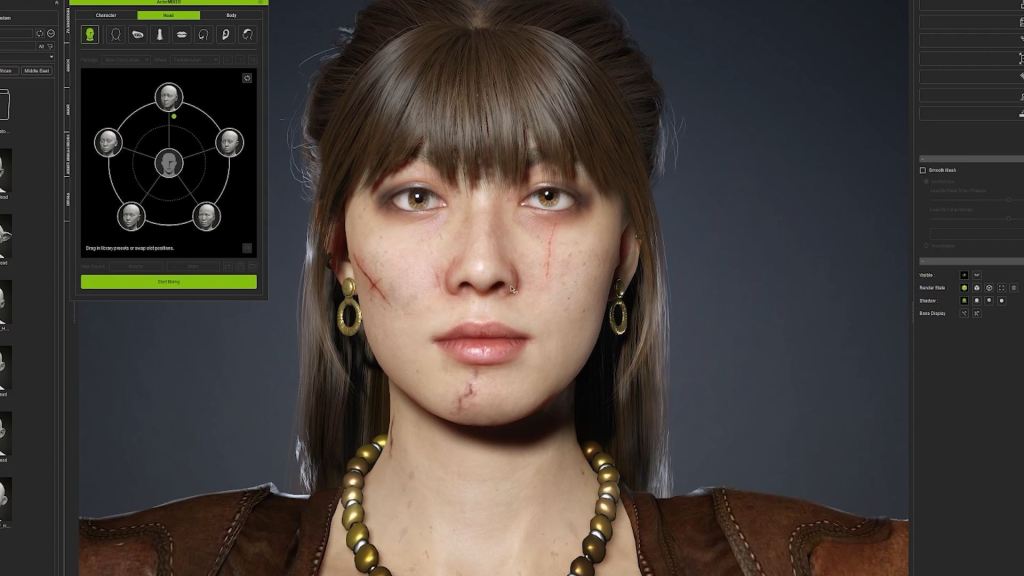
“In the past, we used to take 12 people in one week to create one AAA game character design. With ActorMIXER Plugin for Character Creator, our AAA game characters production time was saved at least 5 to 10 times.”
Radim Bacik, CEO and Art Director | Rendeo
At any time, we can go back and fine-tune skin details (like adding scars to our pirates) and immediately verify the animation and facial deformation with one click.
Rapid Animation and Lighting in iClone
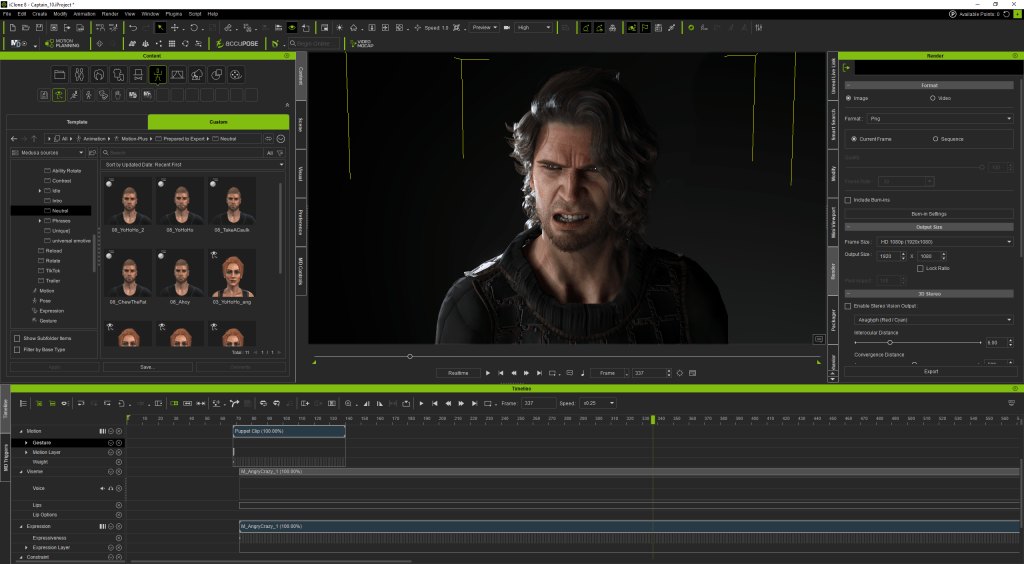
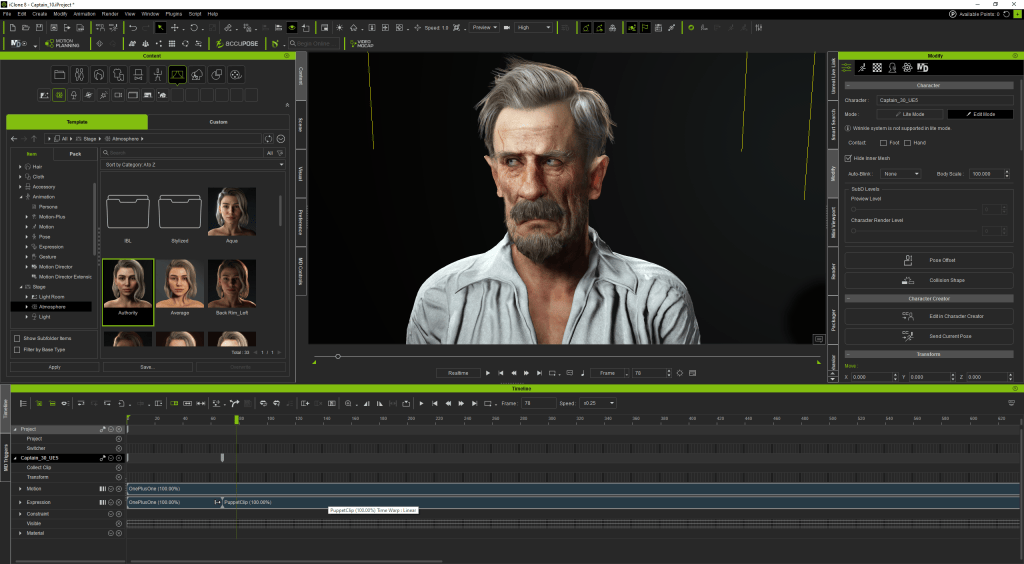
Our work is also significantly accelerated by iClone’s built-in tools. For instance, Stage Light lets us preview and adjust lighting for our short renders in seconds. When it comes to animation, iClone’s toolset is invaluable. We use Face Puppet to quickly test and prototype animations directly from recorded voice audio.
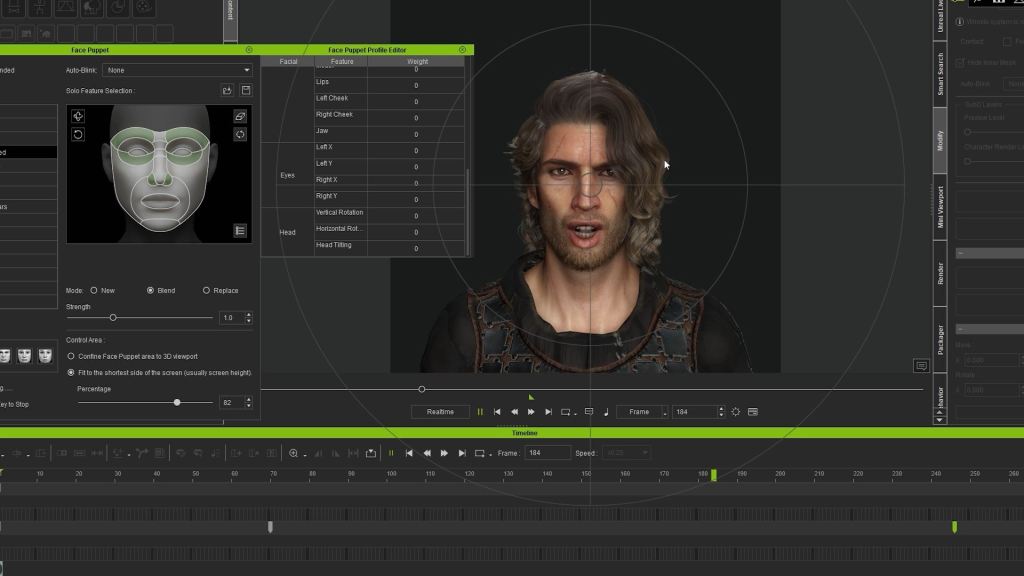
By rapidly converting audio into phonemes, we can generate lip-sync data very efficiently. In a short amount of time, we can refine the speaking animation using various tools to perfectly match our creative vision. The best part is that we do all of this within a single software environment. There is no need to constantly jump between 3D editing software, rigging programs, and animation tools. Everything stays in iClone.
Seamless Unreal Engine Integration
Ultimately, the characters must perform inside the game environment. Rendeo Games chose Reallusion software largely due to its robust and seamless integration with Unreal Engine.
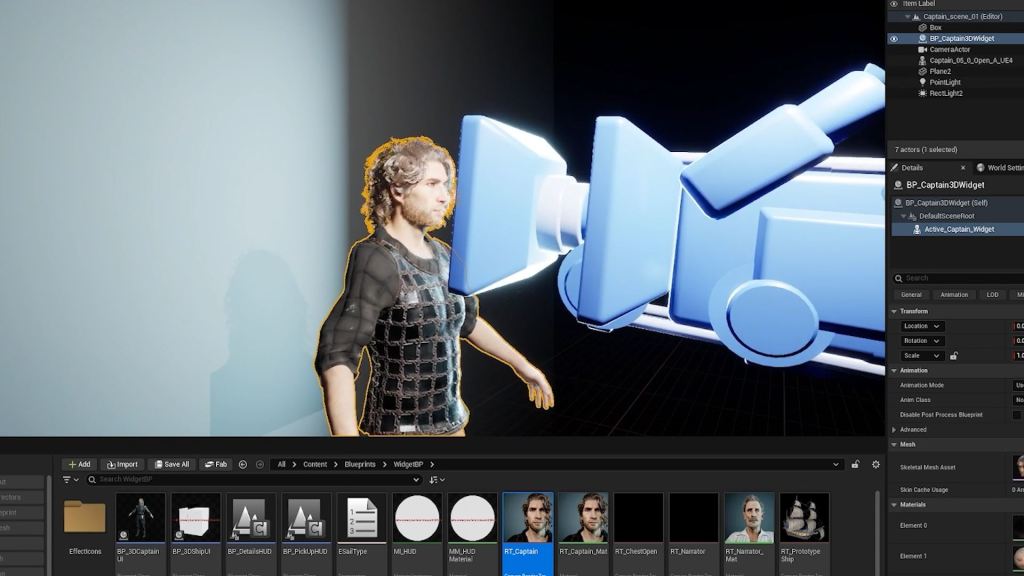
At any point during the character iteration process, we can export a character to Unreal Engine with just one click. Therefore, our developers can drop the pirate or captain directly into a scene to immediately test how the face and materials will look in our BattleSail game.
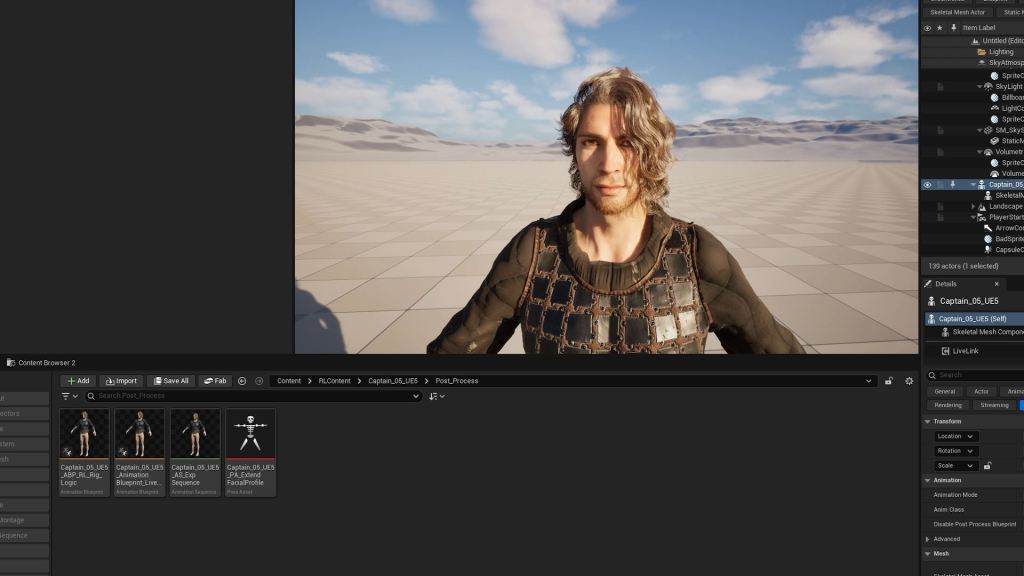
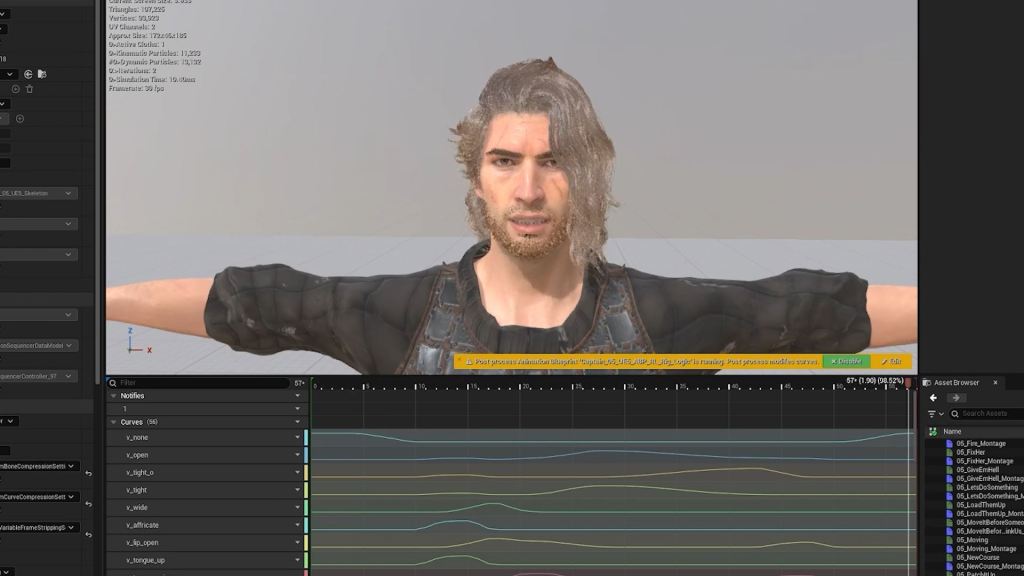
Because the export process is incredibly simple and clear, the data exported from iClone connects directly into Unreal Engine through Blueprints without any limitations. Once inside Unreal Engine, the team can refine and time their animations quickly, allowing for fast iterations and final polish.
Conclusion
Thanks to Character Creator and iClone, we have managed to completely de-technicalize our character pipeline, adapting it entirely to the needs of our artists and animators. With the boring complex side removed, we can fully focus on creating great content. Characters that used to take us weeks to build can now be created at the required AAA-quality in a fraction of the time.


What’s Next for Rendeo
The game veterans in Rendeo have an ambitious plan to promote the game worldwide. The game is scheduled to release in 2026, and is now looking for publishers in China and the Asia Pacific Market. If you would like to grow your business with Rendeo, please reach out to Radim Bacik, the CEO and Art Director of Rendeo.
FAQs
How does Character Creator 5 aid in detailed character facial creation for games like BattleSail?
Character Creator 5 enables detailed facial creation with nearly endless options, allowing adjustment of skull shape, specific lip forms, and small details like earrings, with instant animation previews.
What is the role of ActorMIXER in the Rendeo character pipeline?
ActorMIXER rapidly sets up race and facial archetypes through presets and sliding adjustments, allowing Rendeo to quickly prototype base character shapes like head, eyes, nose, and mouth.
How does Rendeo achieve efficient animation and Unreal Engine integration?
Rendeo utilizes iClone 8’s Face Puppet for rapid lip sync from audio, refines animations, and exports characters with one click to Unreal Engine, connecting data via blueprints for seamless iteration.
Do I need a large studio budget to use this workflow?
No. One of the greatest advantages of the Reallusion ecosystem is its accessibility for indie developers, solo content creators, and mid-sized studios. It provides AAA-quality character generation and motion capture integration at a fraction of the cost and time of traditional studio pipelines.
Related Posts
- Building RageFall MMORPG Characters with CC5 and Unreal
- AI Video Mocap Brings Studio-Level Productivity to Indie Game Developers
- How Three Developers Without an Art Team Built a Cinematic Horror Game