Every 3D animation contest presents its own set of unique challenges. In addition to pushing the boundaries of artistry, participants have to adhere to strict deadlines for submitting their final renders. Let’s explore notable entries from three prominent competitions:
- “ROKOKO TV” Intergalactic Animation Challenge
- Pwnisher Endless Engines Challenge
- Pwnisher Eternal Ascent Challenge
The following entries highlight the emergence of exceptional artists and their personal techniques. Their high-quality craftsmanship and ingenuity in character animation are clear roadmaps to transcending the limits of conventional methods.
Advanced Facial Animation Capture with AccuFace
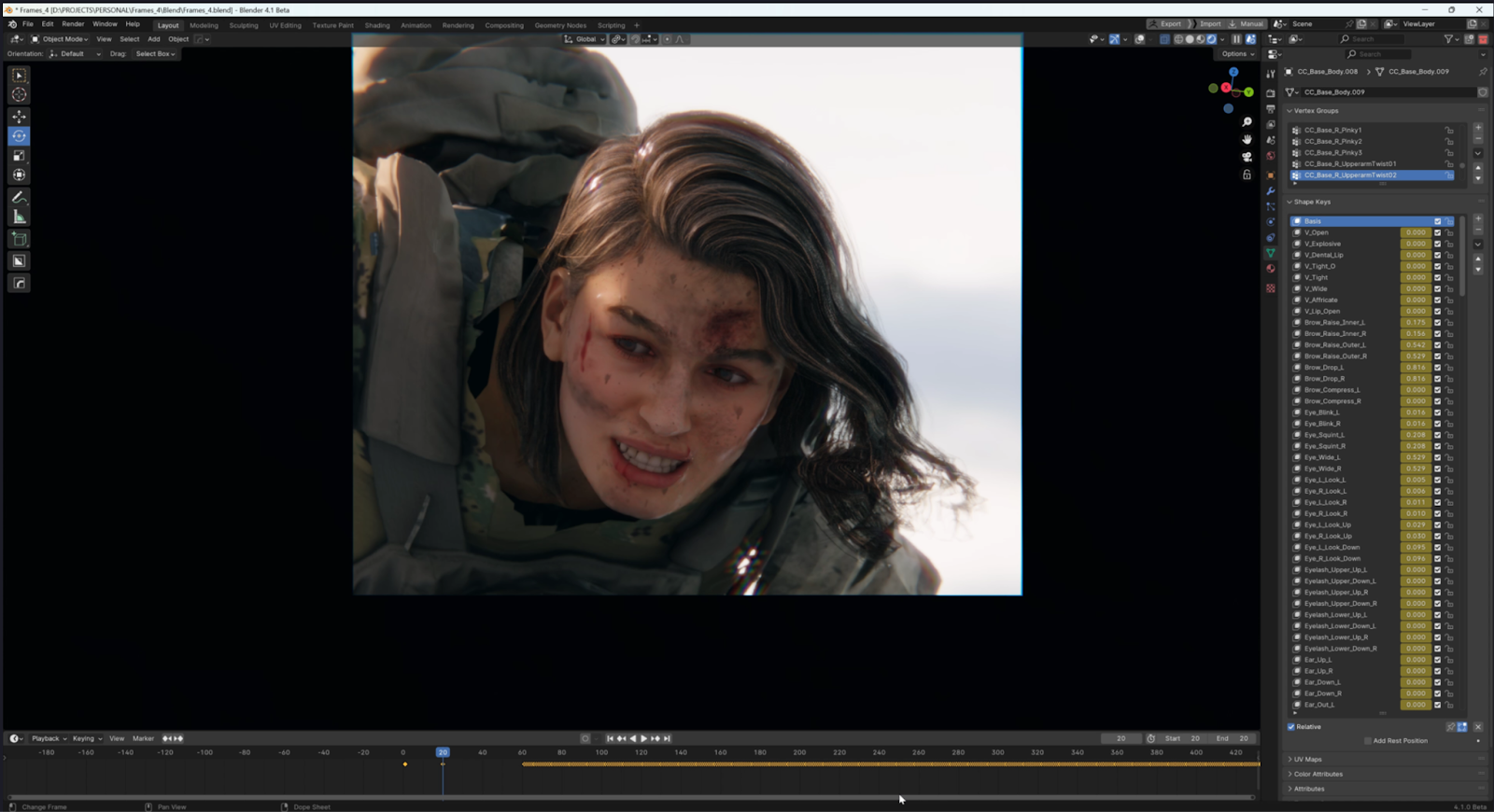
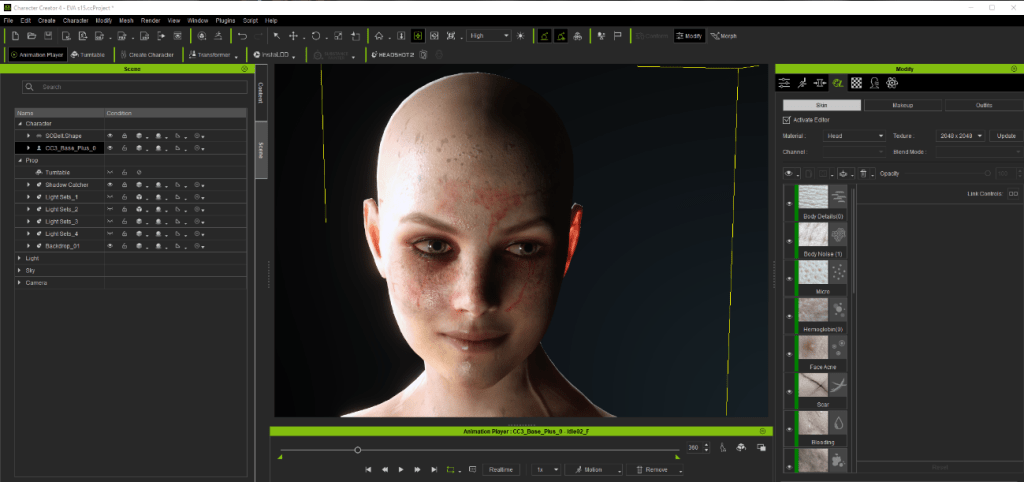
Florian Salvesberger’s submission to the “ROKOKO TV” Intergalactic Animation Challenge stood out for its innovative approach. In his cooking show entry, Florian introduced a captivating twist by showcasing a flying chef bot alongside a meticulously crafted mechanical cook, replete with intricate details. Notably, Florian utilized Character Creator for the creation of the cook character, leveraging its versatile capabilities that seamlessly integrate into his character workflow, whether for conceptualizing art or directly generating 3D models.

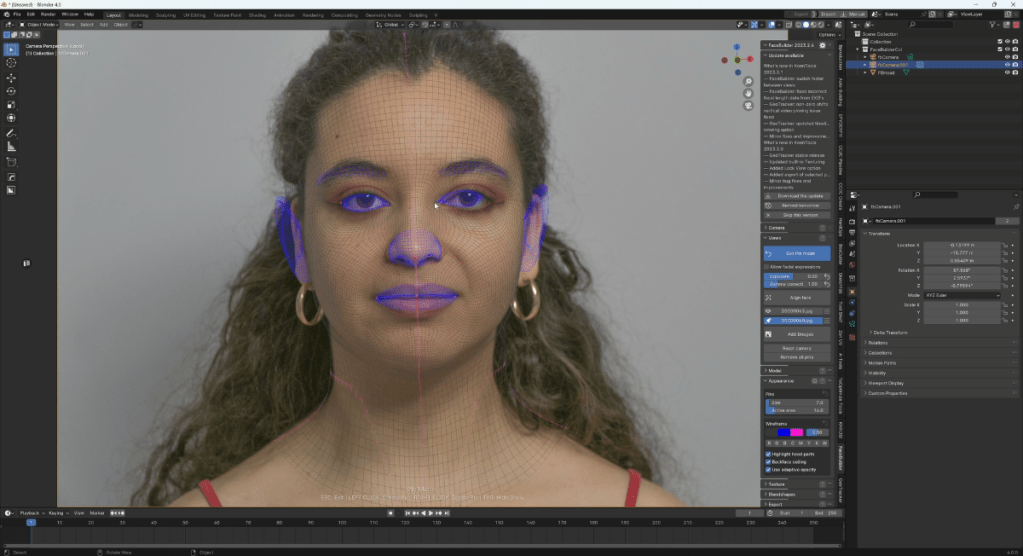
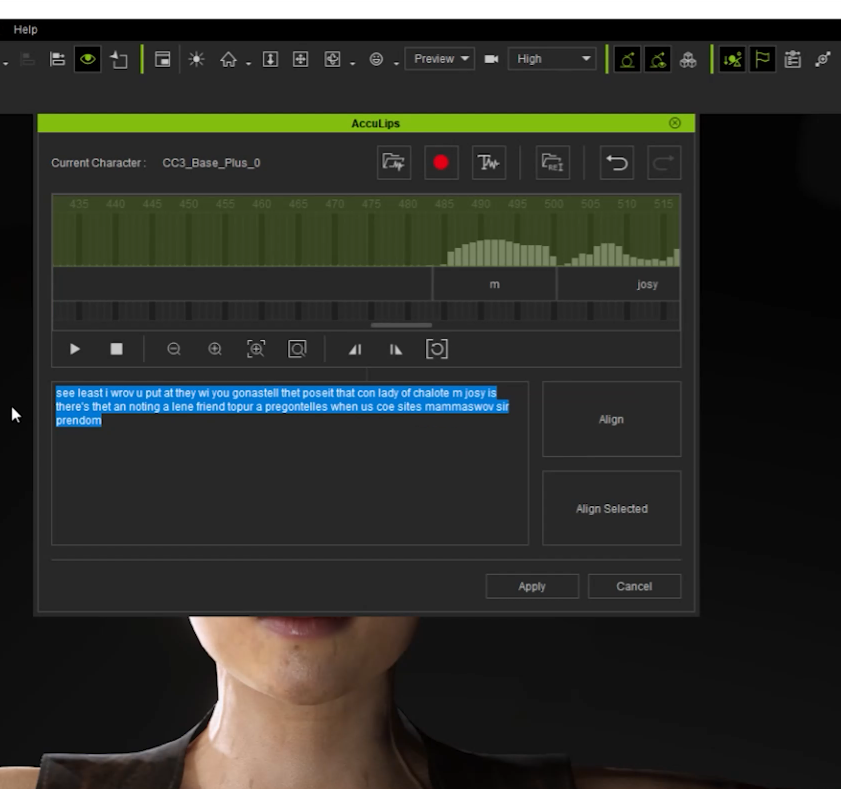
To infuse the character with even more vitality, Florian ventured into the realm of AccuFACE Mocap for the first time, and the outcome exceeded all expectations. The ability to receive live feedback in real-time, directly onto the character mesh within iClone, was akin to every CG artist’s dream — a flawless 10/10 experience. After experimenting with various equipment, Florian settled on recording the final performance using the front camera of an iPhone 12 Pro, as it provided superior performance capture data compared to his slightly older webcam.
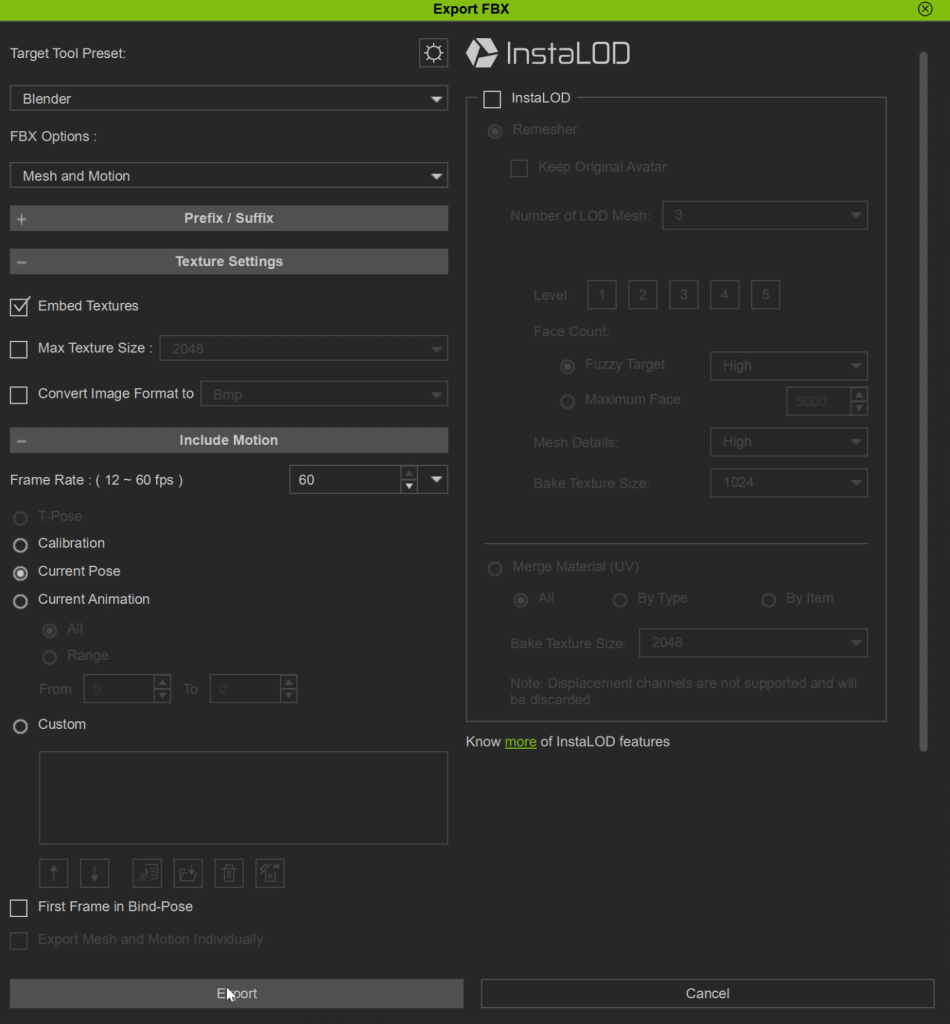
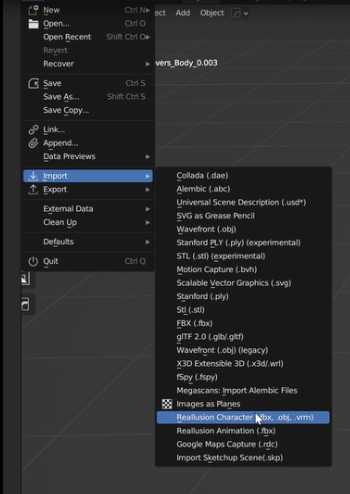
Following the recording, the character mesh seamlessly transitioned into Blender using the CC Blender Auto Setup plugin, effortlessly integrating with the rest of the scene. Rendering everything in Blender Cycles, Florian meticulously crafted the final composition, incorporating a medley of sound effects recorded within his own kitchen. The culmination of these efforts resulted in a delectable video submission, inviting viewers to indulge in a culinary journey. To that, we say “Bon appétit!”.

Trained and studied in Austria, Florian is a freelance 3d artist with a focus on Environmental Design, Worldbuilding, Matte Painting, and 3D Modeling. For more artwork of Florian, follow his Instagram @salve.vision.
ZBrush sculpting combined with iClone animation
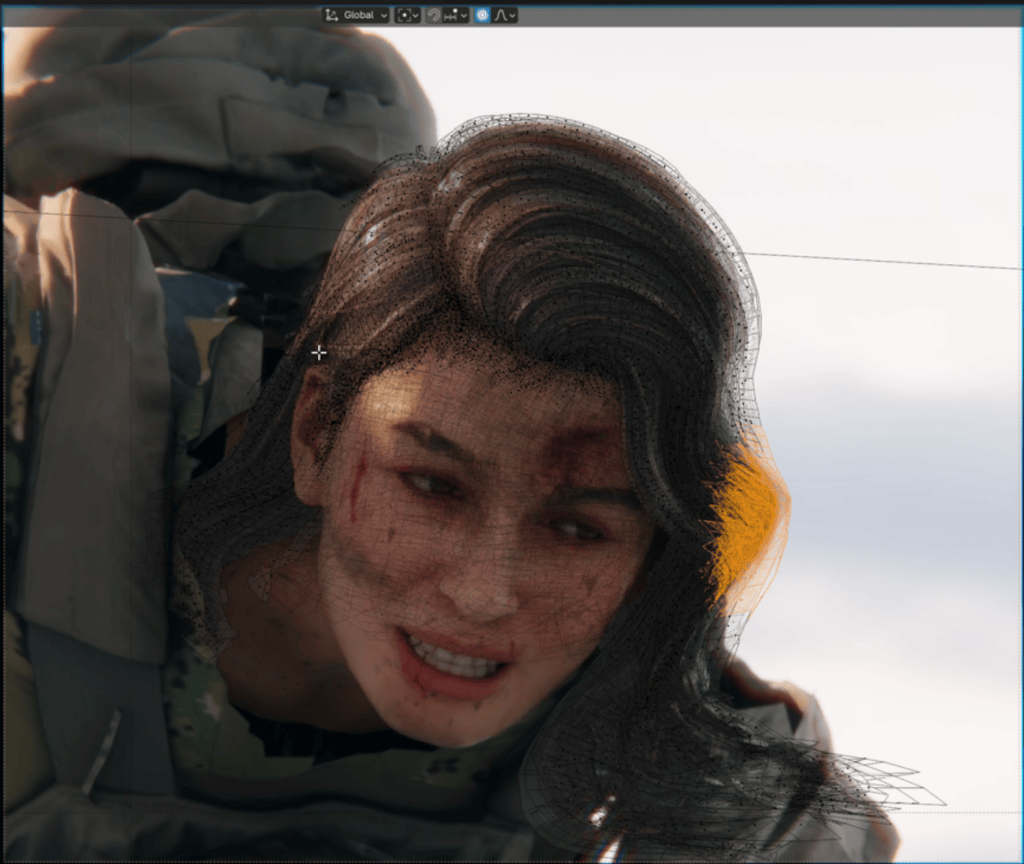
Varuna Darensbourg participated in the “ROKOKO TV” Intergalactic Animation Challenge, submitting the entry titled “Void Detectives”. This entry features a black female detective in the lead role, supported by several robots. Leveraging extensive experience with ZBrush Character Sculpt, Varuna utilized the tool to seamlessly incorporate customized sculpting onto the main character.


As the deadline loomed, COVID-19 unexpectedly impacted Varuna, causing him to be sidelined for the final weeks of the competition. However, he persevered and accomplished a significant amount of work in the last two days of the challenge. This attributed his success to the seamless real-time character workflow. Varuna expressed satisfaction in seeing his efforts through to completion despite the challenges he faced. The native render in iClone8 (using the native engine) stood out. And it also showed how Varuna excelled in crafting the character’s appearance and expressions.

Varuna Darensbourg, based in Toronto, Canada, boasts an impressive portfolio with contributions to several Hollywood blockbusters. His credit can be seen in “Shang-Chi and the Legend of the Ten Rings” and “Alita: Battle Angel.” For those interested in connecting with Varuna, they can follow his work on ArtStation under the handle @aria_redux.
Seamless workflow with Unreal Engine
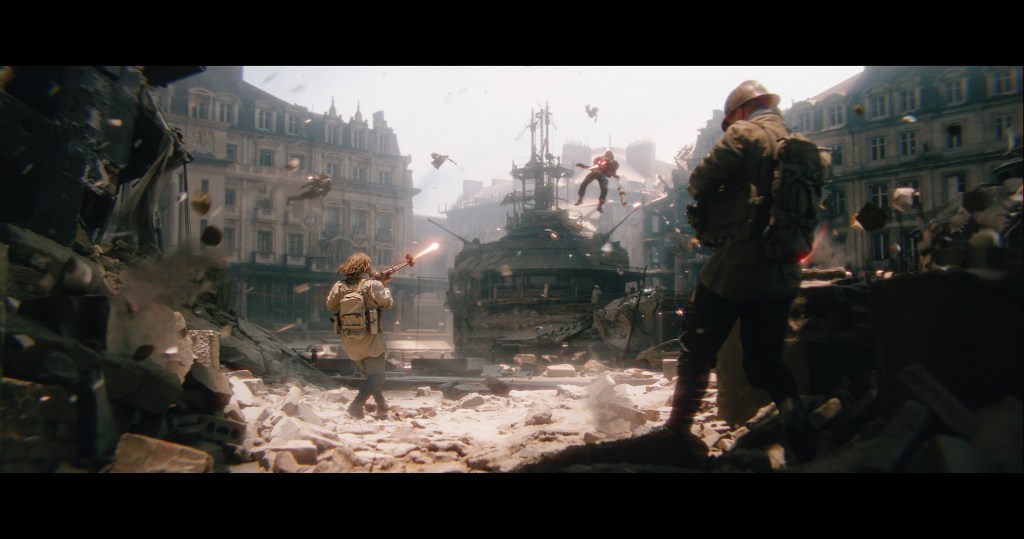
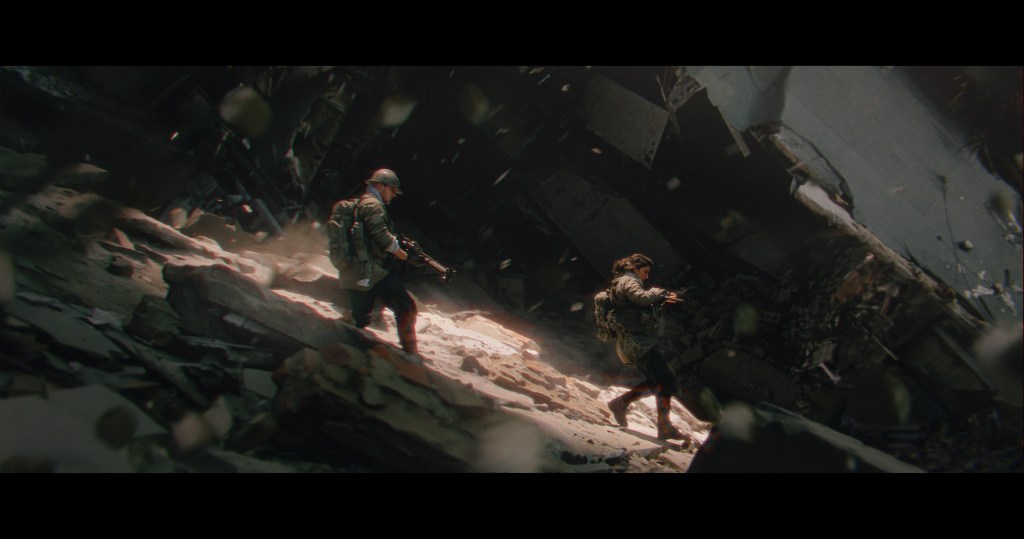
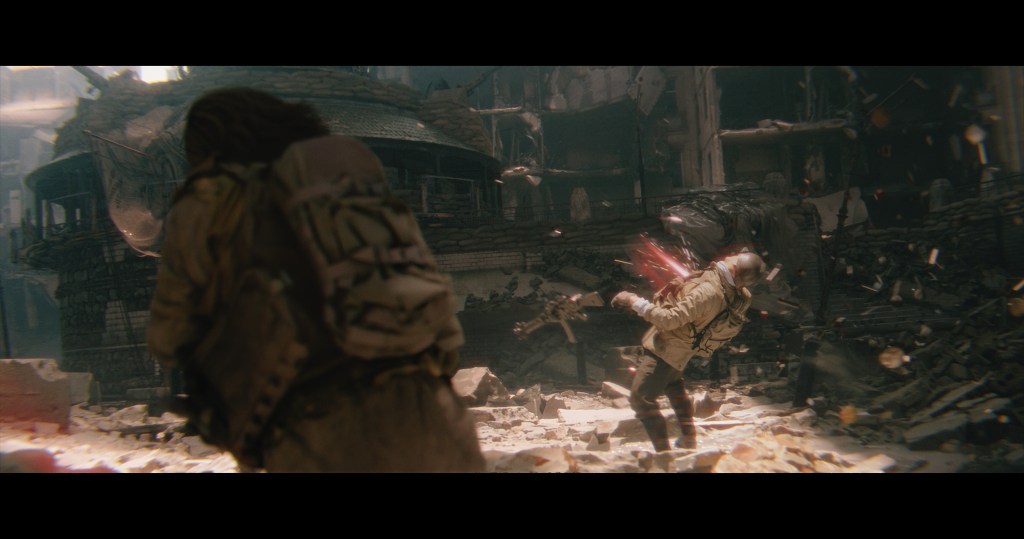
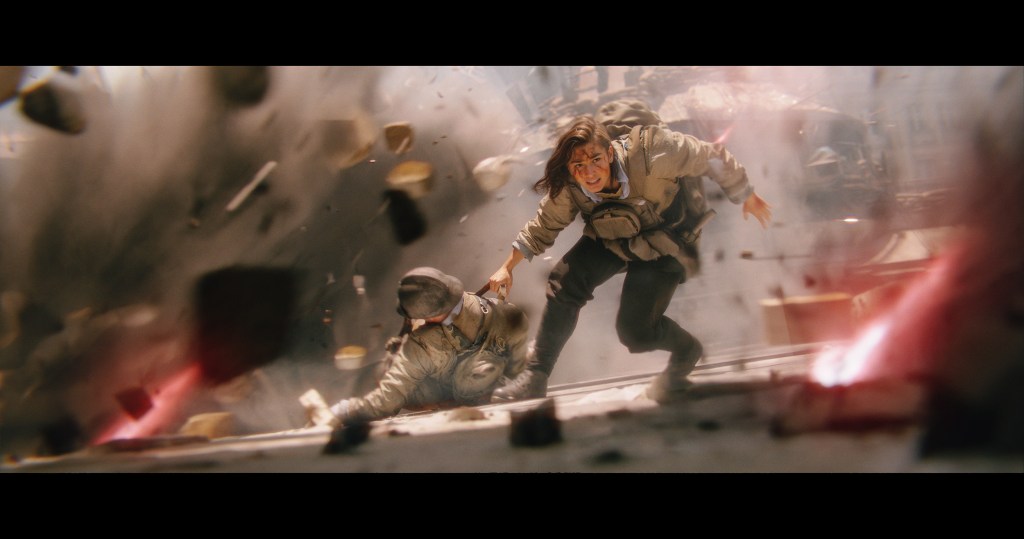
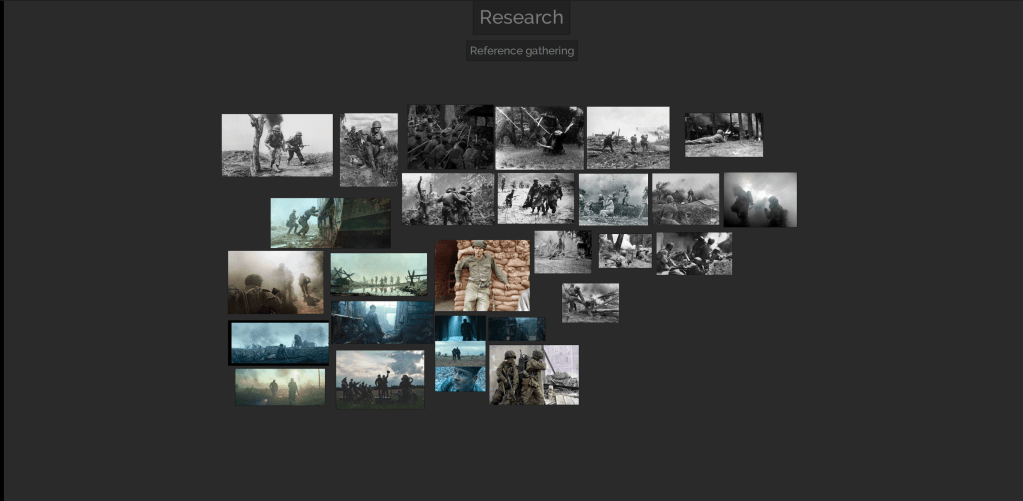
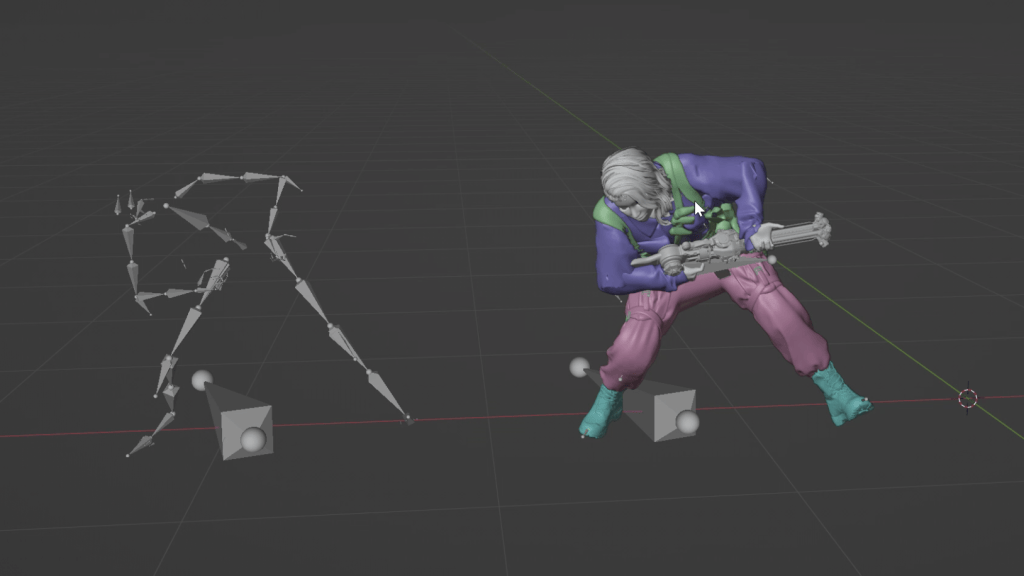
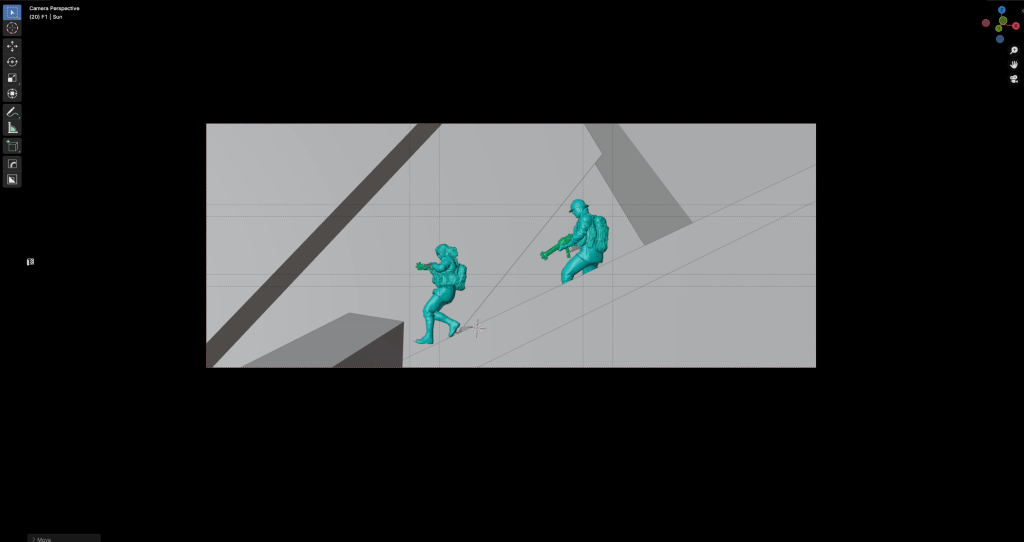
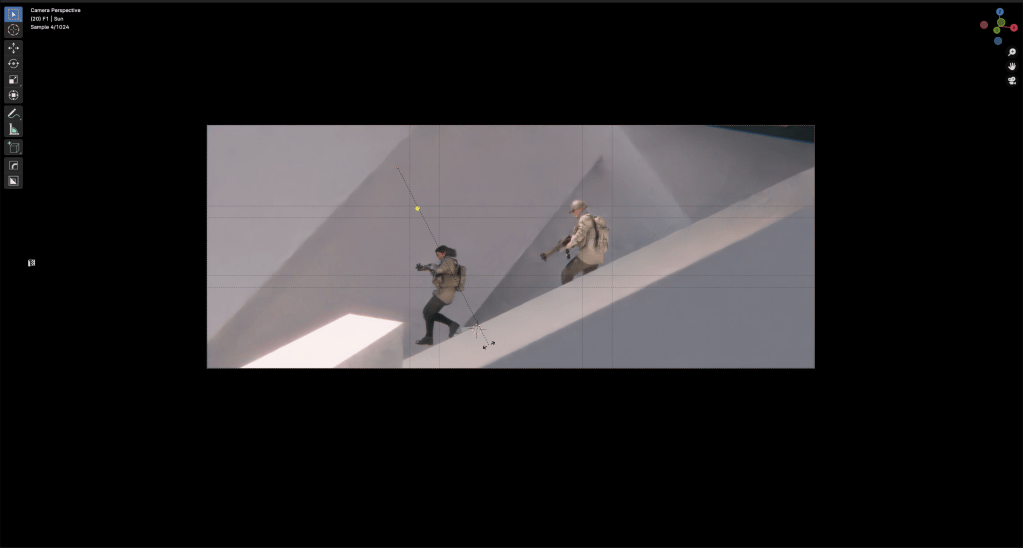
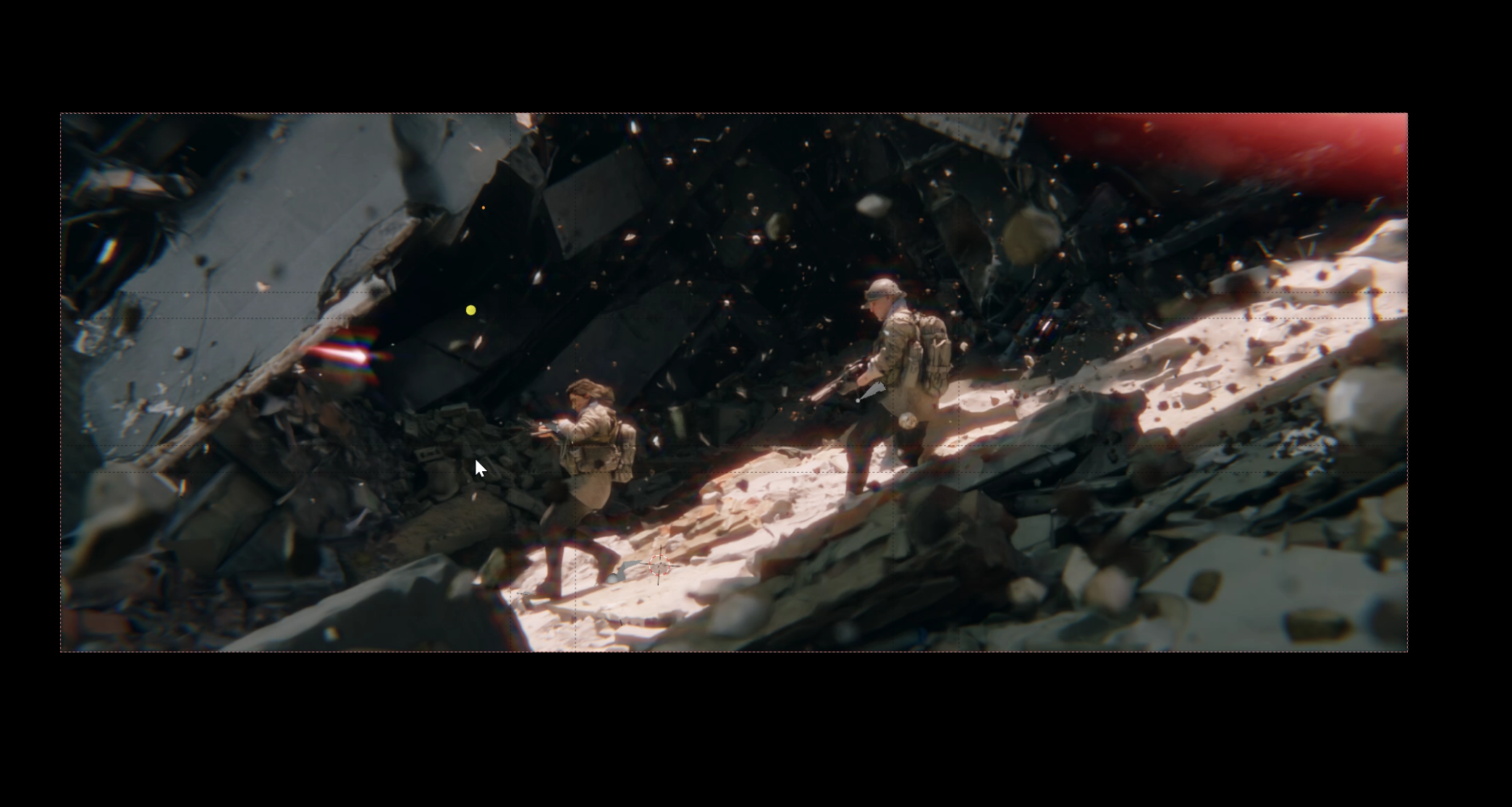
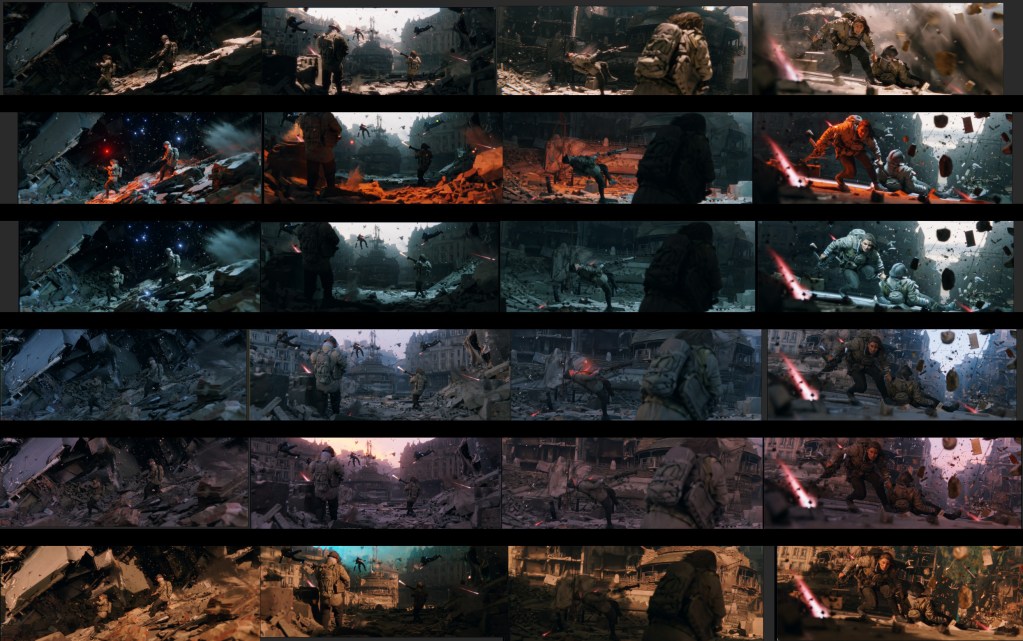
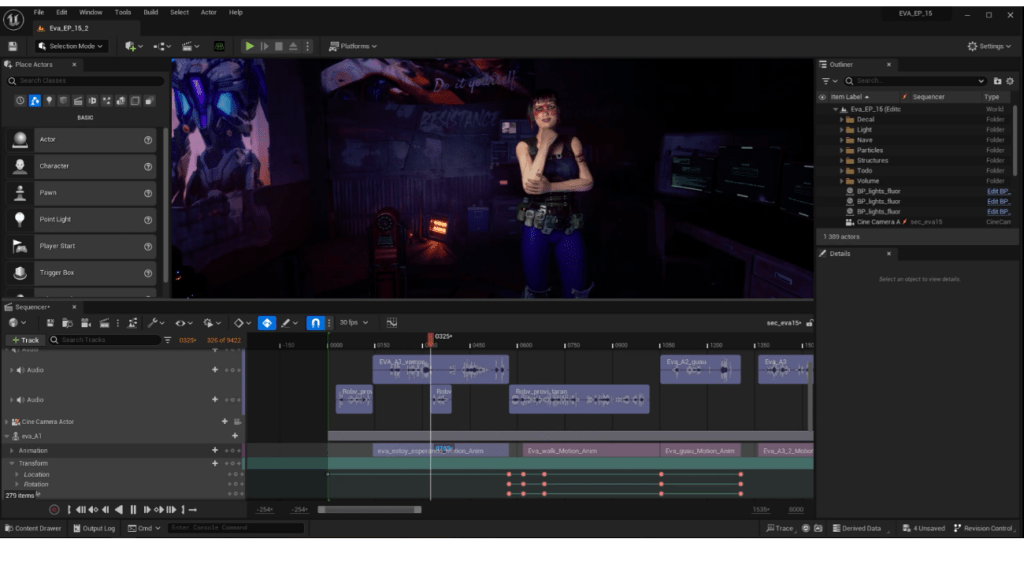
This entry, created by Mohammad Khalikh, was submitted to the Pwnisher Endless Engines Challenge in 2023. Adorned with motion blur effects, the video has the audience immersed in a high-intensity car chase and gunfight sequence. Despite the challenge’s requirement for animating using the provided sequence image, the artist retained the freedom to customize it. And that includes characters, textures, lighting, and applying VFX to enhance the scene. Utilizing seamless integration with Unreal Engine, iClone, and the Character Creator, Mohammad opted to incorporate the car chase characters in this entry, showcasing a seamless blend of creativity and technical skill.


Mohammad Khalikh, trained and educated in India, is a skilled previz artist renowned for his contributions to both live-action and animation projects. His clientele boasts prestigious names such as Lenovo India and Xolair, with one of his previz works notably featured in a war movie available on Amazon Prime Video India. For those interested in exploring more of Mohammad’s artwork, they can follow his portfolio on ArtStation under the username @grizzlyartist.
Ro-Bob Ross teaches AI-generated Art
Artist Nick Shaheen submitted this entry to the “ROKOKO TV” Intergalactic Animation Challenge. Reflecting on his upbringing when cable or satellite television was not widely available, Nick had a memory of one scene. He recalls the simplicity of Saturday afternoon programming, which often featured bowling or the painting show hosted by Bob Ross. Inspired by Bob Ross teaching text to AI-generated images, Nick whimsically decided to depict him as a cyborg. Embracing the philosophy that in his world, there are no mistakes, only happy accidents. Nick transformed this concept into a 7-second video for the competition.

Beginning with Character Creator in conjunction with ZBrush and Substance Painter, Nick successfully achieved the desired sci-fi appearance for the character. Following the completion of the body mocap session using Rokoko, he further refined the body animation utilizing iClone motion layer editing tools. The execution of the concept was commendable, resulting in a final outcome that is both impressive and gratifying.


Nick is a versatile professional, serving as a writer, director, freelance motion designer, and VFX artist. His portfolio includes the award-winning short film “Honey Romance” and the sci-fi-comedy M.A.R.C. For those wishing to connect with Nick, they can reach out to him via his Instagram account @nickhshaheen.
Best character pipeline for Blender

Artist Jasper Hesseling interpreted the theme of “Eternal Ascent” for the Pwnisher contest by portraying a phoenix-inspired transformation. In his submission, the princess ascends from a shattered castle, her dress burnt, symbolizing her rebirth with newfound strength. Jasper utilized his trusted tools from Reallusion – Character Creator and iClone – along with ZBrush and Substance Painter, to sculpt and texture the character. Furthermore, he employed Marvelous Designer for dress simulation and integrated Megascans assets to enhance the depth and visual appeal of the project. Due to the article layout, watch the full version of the entry here.
Jasper’s primary goal was to expand his skill set in Blender, and he is thrilled with the outcomes achieved. The CC Blender Auto Setup plugin played a crucial role in seamlessly transferring CC shader and PBR data to Blender, streamlining his character workflow within the software. Jasper takes particular pride in the lighting and eerie atmosphere of his piece, along with the meticulous attention to detail throughout. The depiction of clouds and fire, generated using imported OpenVDB volume data files, put significant strain on his computer, resulting in frequent crashes during rendering with Blender. However, Jasper found the render manager B-Renderon to be an invaluable tool for managing these challenges and ultimately achieving the desired final outcome.


Jasper Hesseling, based in Utrecht, Netherlands, is a freelance 3D artist specializing in character art and various other 3D creations. For those interested in contacting Jasper, they can send him a private message via his ArtStation profile under the username @mastajappa.
Try the tools that these artists have used
If you’re interested in exploring the software and tools mentioned, you can visit the following product links to learn more about these solutions. All Reallusion products offer a 30-day free trial upon registration, with no credit card required. Feel free to test them out before making a purchase. Happy animating!
iClone – Character animation made easy
Character Creator – Universal 3D Character System
ZBrush Face Tools Plugin: Empower Fully Expressive 3D Facial Animation