Industry Pros Explore Next-Gen AI Rendering Pipeline with iClone
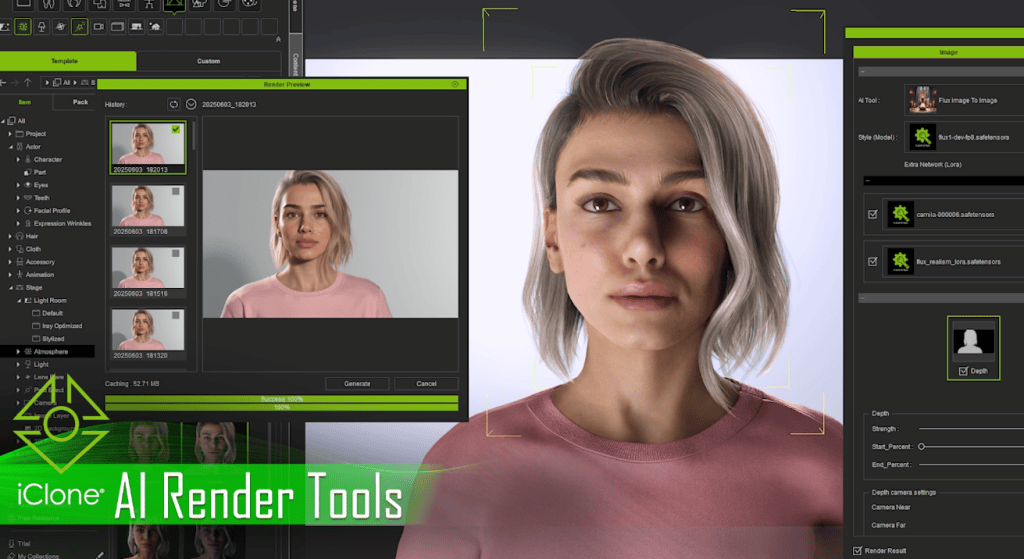
Max Thomas and James Martin from Georgia State University’s Creative Media Industries Institute (CMII)—both faculty members and active industry professionals—have been working with Reallusion to develop advanced AI production workflows. Their latest focus is the AI Render plugin for iClone and Character Creator, which integrates seamlessly with powerful AI generation in ComfyUI.
In their early experiments, they built custom workflows using high-end models like Flux1Dev and FusionX. By incorporating structured 3D inputs—lighting, animation, posing, and camera angles—they achieved far greater control over AI output. Moving beyond prompt-only workflows, their goal is to bring AI image generation closer to the precision and reliability expected in professional animation production.
FREE AI Render Webinar on Aug 22 — Learn more & register HERE

From Film Sets to AI Pipelines
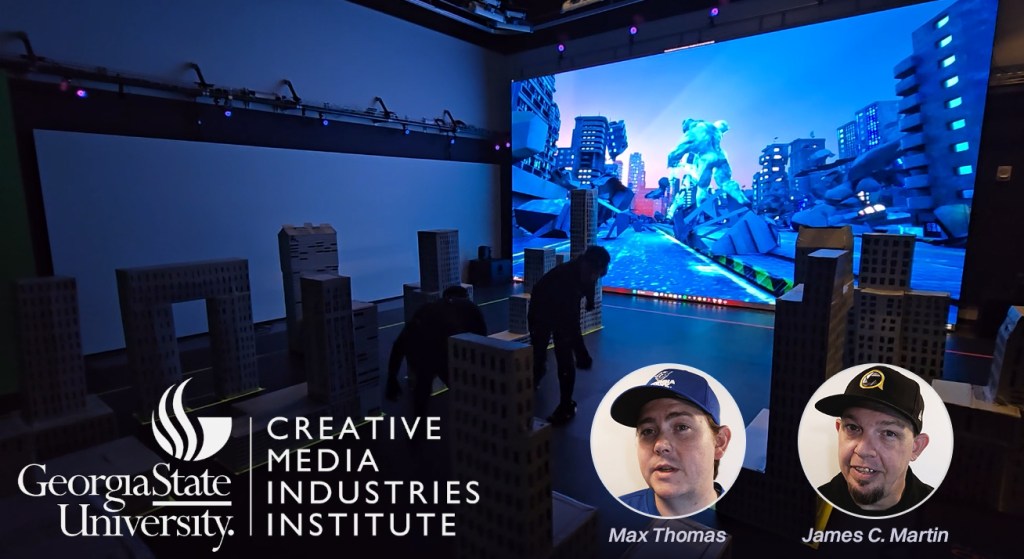
Based at CMII in Atlanta, Georgia, Max and James stand out for bringing real-world production experience into their academic roles. Their expertise stems from their work with Actor Capture Studio, where they’ve collaborated with Hollywood-caliber productions and gained valuable industry insight.
Their experience includes work on The Electric State (Netflix), Lyle, Lyle, Crocodile (Sony Pictures), The Suicide Squad (Warner Bros.), and Replicas (Entertainment Pictures). Beyond film, their work has also played a key role in viral media—most notably Cardi Tries, featuring Cardi B and Offset, which has amassed over 6.8 million views.
Now, the duo is leading Actor Capture’s exploration into AI-assisted production, developing new workflows that combine real-time CG tools like iClone and Character Creator with generative AI platforms such as ComfyUI, Flux, and RunPod. Their long-term goal is to make AI generation viable for live performance capture in a way that is accurate, directable and scalable.
Seamless Integration of 3D Guidance into ComfyUI
Under the hood of AI Render, Reallusion’s custom nodes in ComfyUI handle the heavy lifting. They create a direct link between the 3D scene in iClone or Character Creator and the AI render setup in ComfyUI. These nodes ensure that every element of the scene, including animated characters, lighting, camera angles, and even facial expressions, is accurately translated into the final AI-generated image.
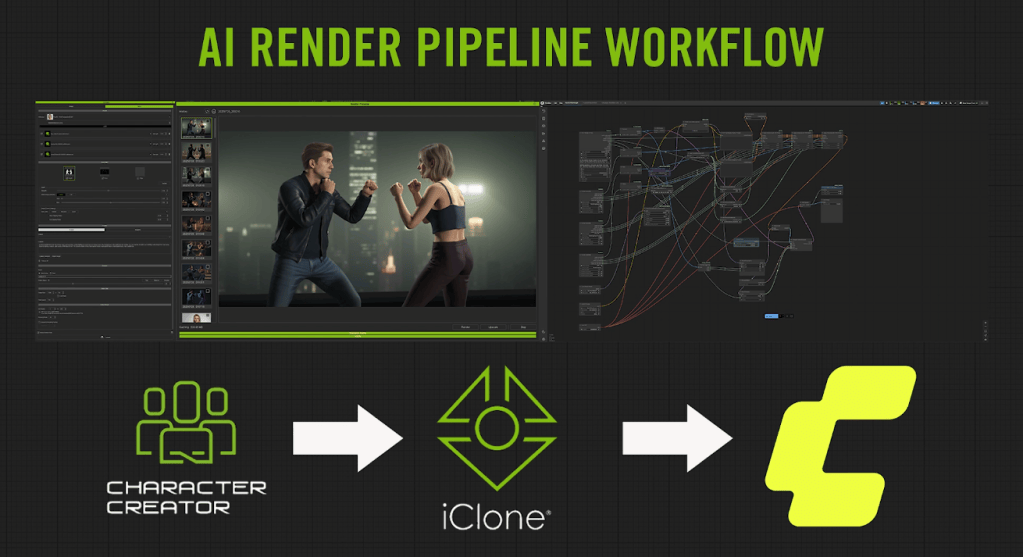
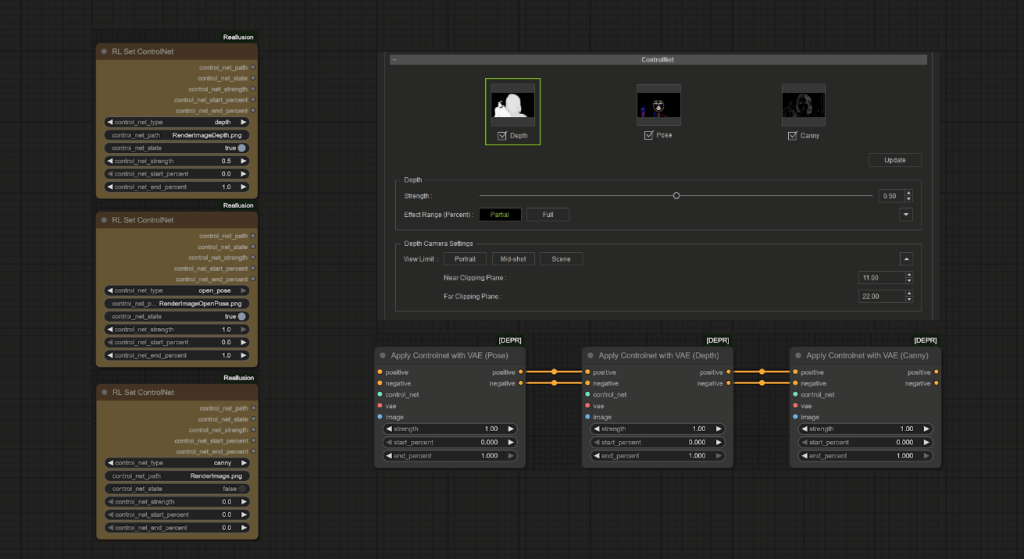
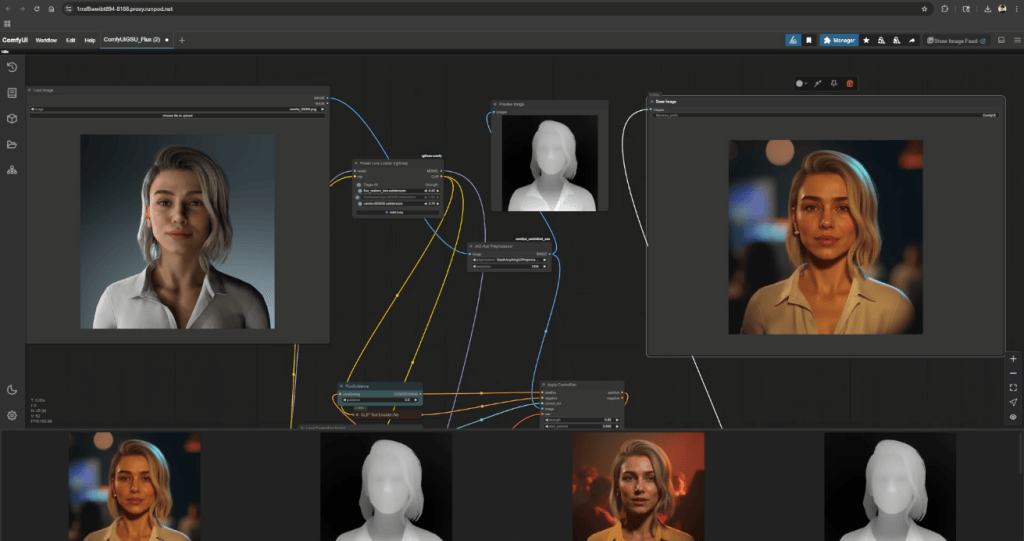
Using the AI Render Panel, creators can export key data for AI processing (such as depth, pose, canny, and normal maps) from the 3D viewport. These maps are then passed to Reallusion’s custom nodes in ComfyUI, providing the generative AI with structured visual input. This helps reduce hallucinations and improves accuracy and consistency in the final image output.
“You’re not just describing a scene in words anymore, you’re staging it in CG—and seeing that flow directly into your AI output.”
Max Thomas, AI Specialist / Creative Technologist
Auto-Generate LoRA Datasets for Character Consistency
Character Creator has long been the perfect environment for building IP characters—offering simple yet powerful tools to design unique faces, outfits, and personalities. Now, those same characters can be brought to life as realistic actors for AI-generated films or commercials.
To ensure they keep their signature look across different scenes, styles, and outputs, the best approach is LoRA (Low-Rank Adaptation) training. Max and James use iClone to generate clean, structured training datasets tailored to each character’s design, enabling LoRAs to accurately replicate key visual details—such as facial features, expressions, and costumes—across varied AI-generated images.


This is done by exporting a custom set of 26 staged images per character, capturing various angles, lighting conditions, expressions, and costumes, all rendered directly from their 3D scenes.
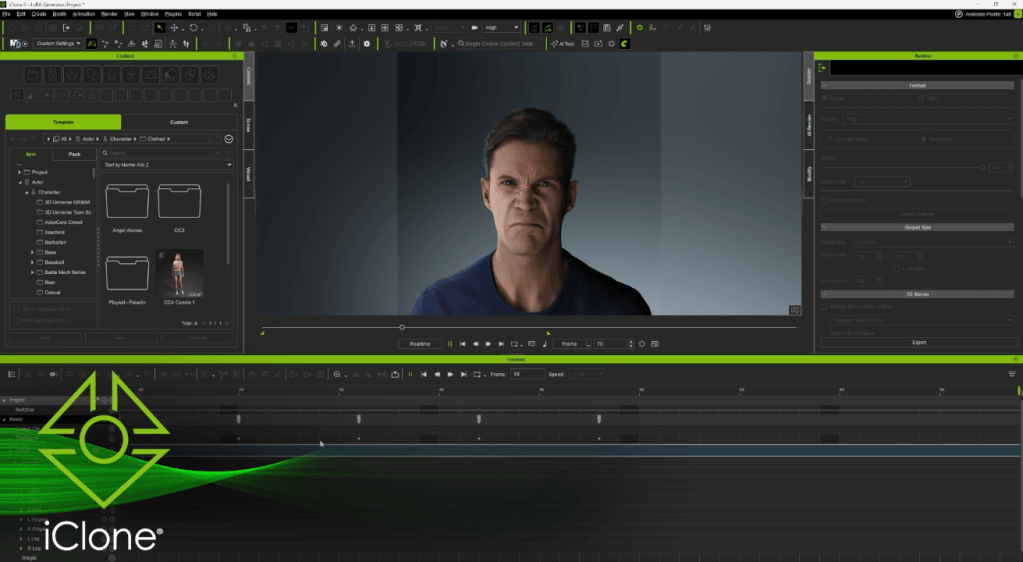
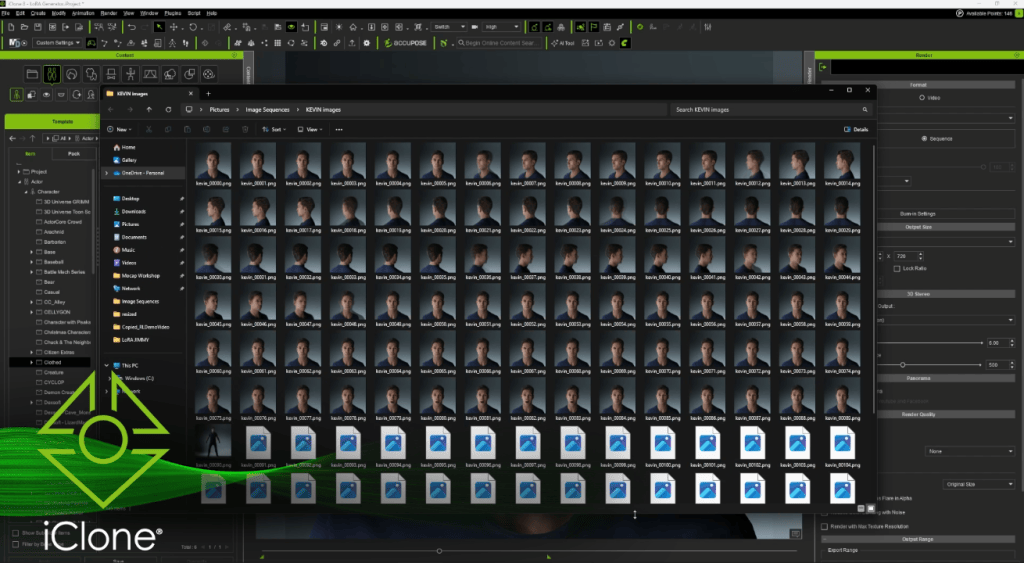
These images are then captioned using ChatGPT for clear, descriptive metadata, and trained via FluxGym on RunPod. The result is a lightweight, reusable LoRA that maintains identity, style, and facial structure across varied prompts.

Guide AI Through Real-Time Scene Direction
In one of the team’s showcase tests, a character named Camila is created entirely from scratch in Character Creator (including facial structure and wardrobe to skin texture and hairstyle). She is then animated in iClone, where the team sets up the scene with lighting, props, camera angles, and motion.
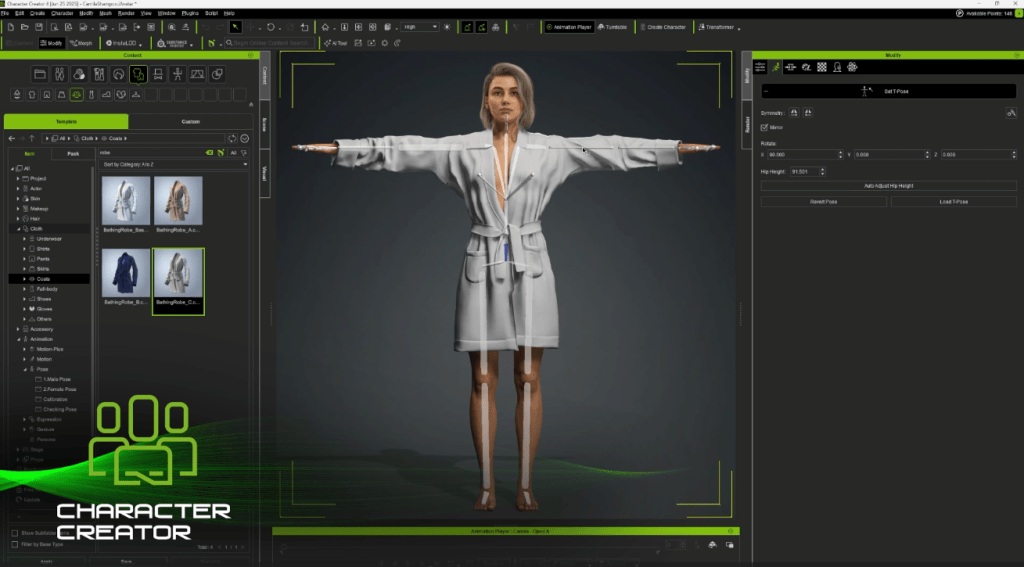
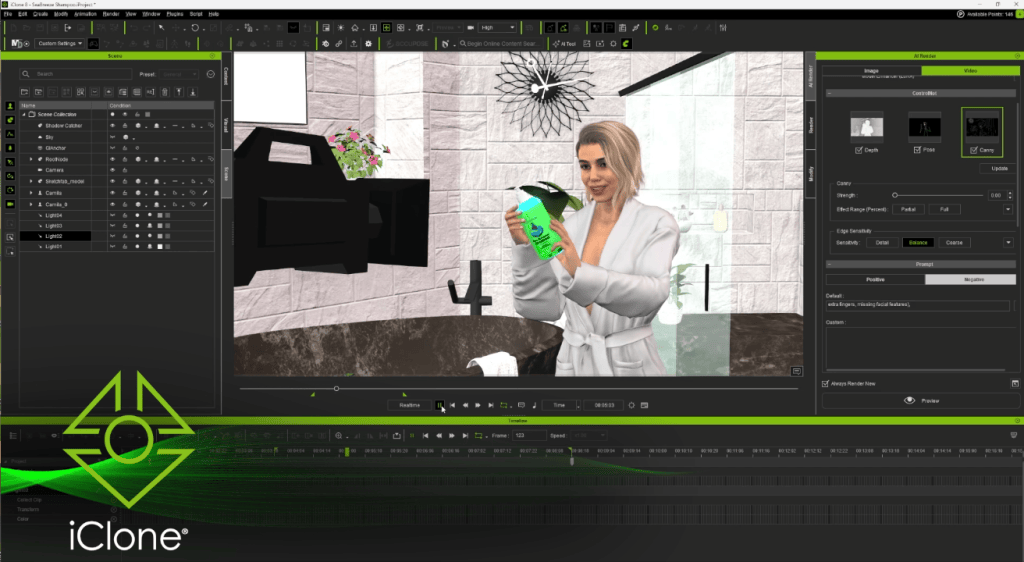
Once the shot is ready, it flows directly into ComfyUI through Reallusion’s AI Render plugin, which injects a structured prompt stack and layered ControlNet maps (depth, canny, pose) to guide the final AI output in Flux1Dev.

The result is a cinematic-quality render in the form of a hero frame that captures the artist’s original vision without relying on traditional rendering pipelines. Naturally, this structured approach is already proving valuable for pitch decks, content branding, product visualization, and any workflow that demands high-quality concept frames with quick turnaround.

Precise Interaction Powered by a Massive Motion Library


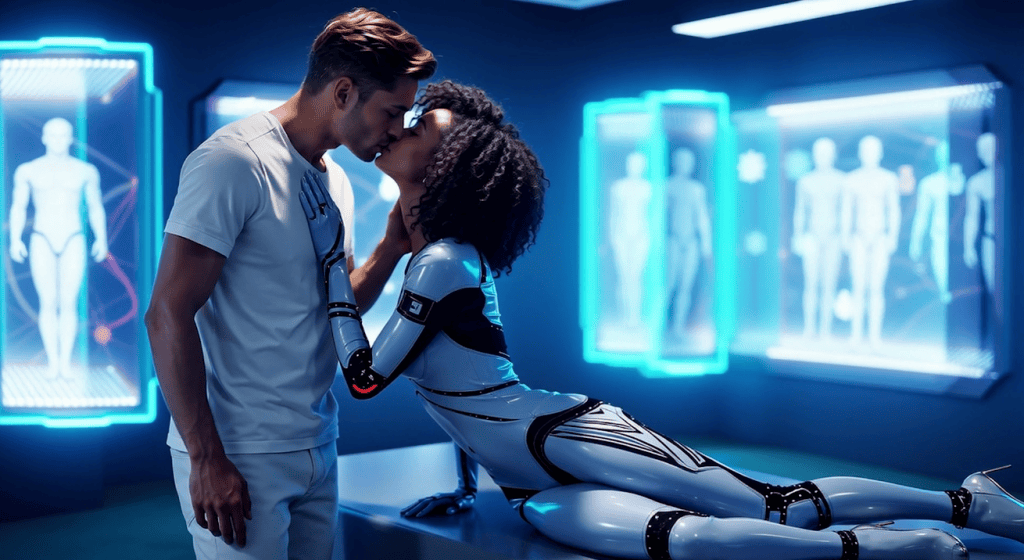
Multi-character interactions have traditionally been difficult to achieve using prompts alone. To address this challenge, the Actor Capture team leveraged detailed imaging data with WAN FusionX to enable consistent AI video generation.
The process began by blocking out the scene in iClone, animating each actor with motions from ActorCore’s library of tens of thousands of animations. Users can simply drag and drop these motions onto characters, making it fast and easy to stage complex interactions. Once animated, the team exported synchronized poses and depth maps for multiple characters—ensuring clear interactive motion, controlled silhouettes, and precise facial expressions in the final AI-generated output.

Maintaining consistency in identity, pose, and spatial coherence across frames has long been a challenge for traditional prompt-based generation. To address this, the team generated short-form cinematic sequences that preserve structure throughout, achieving a level of continuity that overcomes these common limitations.

Flexible Deployment: Local and Cloud Ready
The Actor Capture team found it effective to use NVIDIA RTX 4090 GPUs for testing, previewing, and small batch rendering. Once a test shot is finalized, they offload the video rendering tasks to cloud-based compute farms like RunPod to achieve faster turnaround times.
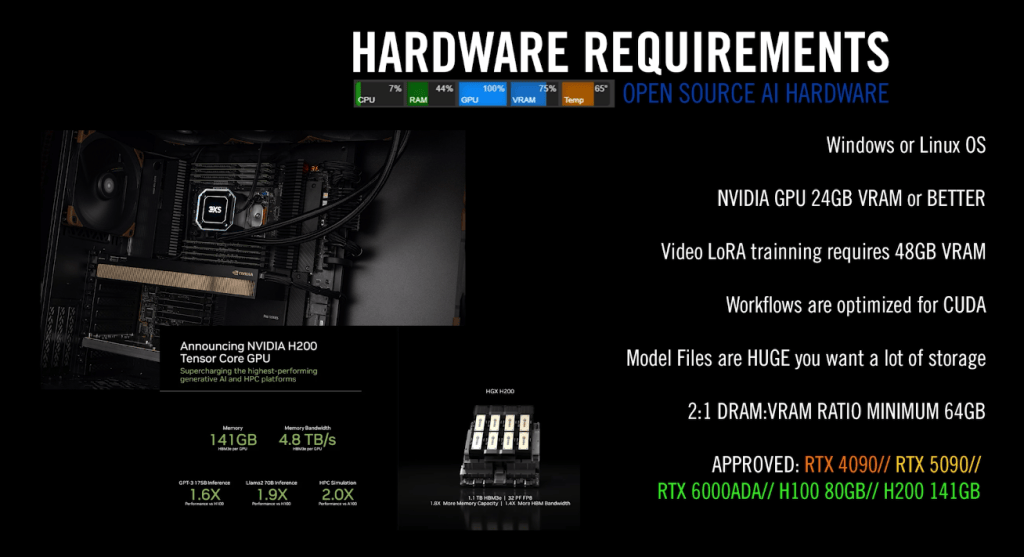

The size and complexity of a project determine the kind of computer power needed. For example, creating detailed high-resolution images, long video clips, or training AI models like LoRA requires a lot of memory and processing ability. Cloud-based services with specialized graphics processors available online have large memory capacities that can handle these demanding tasks better than typical local computers. This allows them to run advanced AI tools like Flux Realism and WAN FusionX smoothly, with fewer slowdowns or errors.
Shape the Future: Join AI Render Beta
Reallusion is inviting CG creatives from all industries to try AI Render through an open beta program. Whether you’re a professional or an avid dabbler, this is a unique opportunity to provide valuable feedback that will help shape AI Render’s development. Our goal is to create a tool that’s not just cutting-edge, but also a true extension of your creative expression.
What’s more, Max Thomas and James Martin will be hosting a series of live Reallusion webinars on advanced AI-integrated workflows, with the first session kicking off on August 22.
Registration is now open for our first AI Render webinar, happening Aug 22, 2025 (PST/PDT)! In this session, we’ll show you how to set up Flux 1 Dev on cloud GPU and connect it with iClone, unlocking production-level AI image generation with precise 3D guidance. Learn more & register HERE .
Upcoming Webinar Topics
| Image Generation Workflows | Learn how to build structured pipelines in ComfyUI using Reallusion’s custom nodes, ControlNet, and LoRA for precise image generation. |
| LoRA Training Workflow | Explore how to create training datasets in Character Creator and iClone, then train identity-consistent LoRAs using RunPod. |
| Video Generation Workflows | Discover how to build structured AI video pipelines in ComfyUI, using motion, depth, and pose data from iClone for multi-character control. |
Related Posts
- Actor Capture Syncs Stunt and Performance Mocap with iClone Timecode
- Animate Epic Fight Scenes with ActorCore and MetaHumans