Large-Scale Combat Scene, Achieved in Days, Not Months
Solo artist Nick Shaheen set out to turn his childhood flipbook lightsaber duels into a full Star Wars-inspired previs in just one week. Using Character Creator, iClone, and AccuPOSE, he transforms rough sketches into a stylized cinematic sequence, showing how AccuPOSE makes large-scale action possible without motion capture or painstaking months of hand-keying.

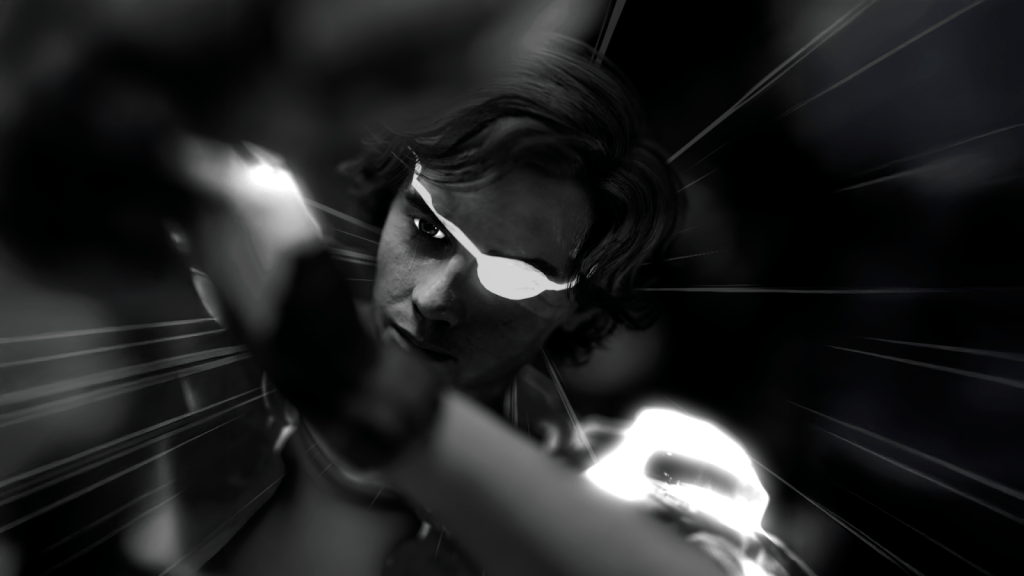

Nick Shaheen
I’m Nick Shaheen, a radiologist by profession and a CG artist by passion. My journey into animation started in an unexpected place: in medical illustration. Early in my career, I spent a fair bit of time creating motion graphics and anatomical visuals to help explain complex medical concepts. That experience taught me the power of visual storytelling and deepened my appreciation for animation as a way to communicate ideas dynamically.
One Person, One Week: From Notebook Previs to Final Render
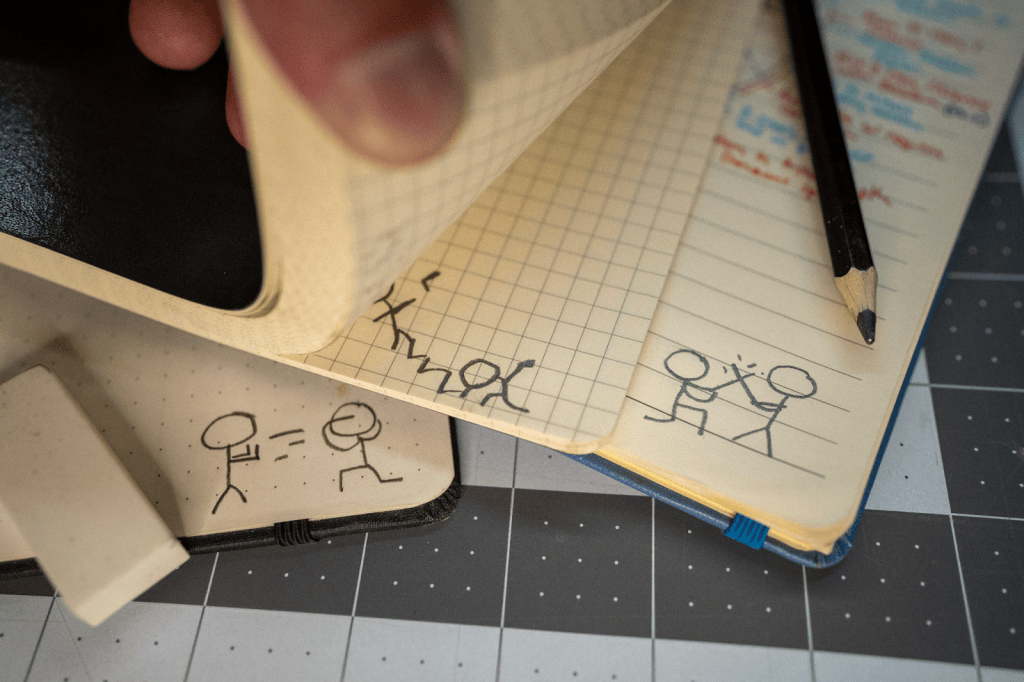
As a kid, I used to animate stick-figure lightsaber battles in the margins of my notebooks. Looking back, those sketches were basically previsualizations before computers were around — rough ideas of motion that hinted at something bigger. Recently, I dug out some of those old flipbook animations and thought: Can I bring these sketches to life using the tools I already have?
The Creative Challenge: Stylized, Fast, and Mocap-Free
I gave myself three rules for this project:
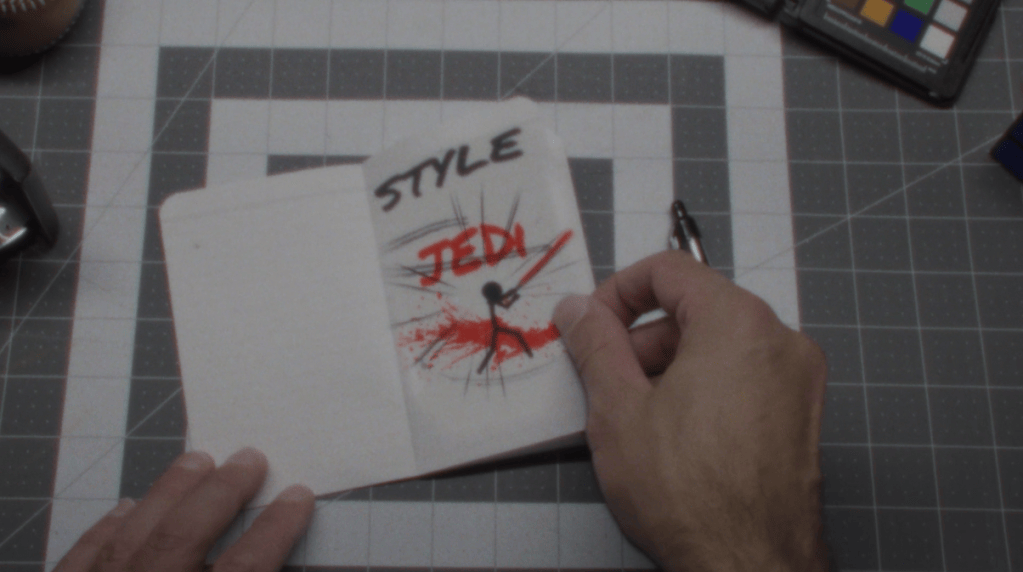
- Stylized, not generic. I didn’t want “just another Star Wars animation”. My inspirations were Guy Ritchie, 300, and Sin City — meaning sweeping camera moves, dramatic lighting, and bold color palettes driving the action.
- One-week deadline. From modeling to render. Sometimes a time restriction is the best creative push — forcing you to commit to ideas and move the project forward.
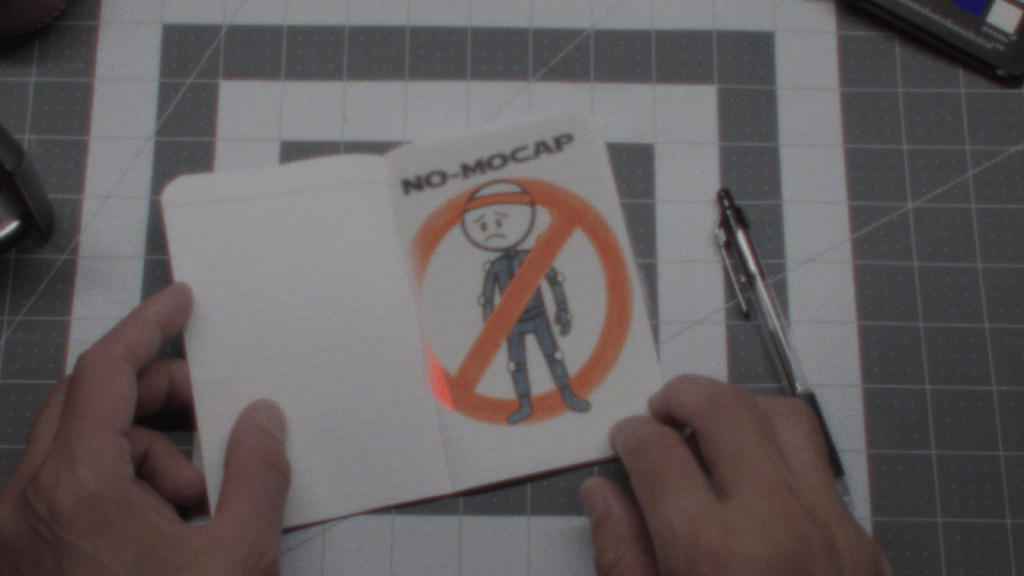
- No motion capture. The fight needed to feel larger-than-life and supernatural, something I couldn’t easily achieve without wirework and a stunt double.
Rapid Character Creation with Character Creator and AccuRIG
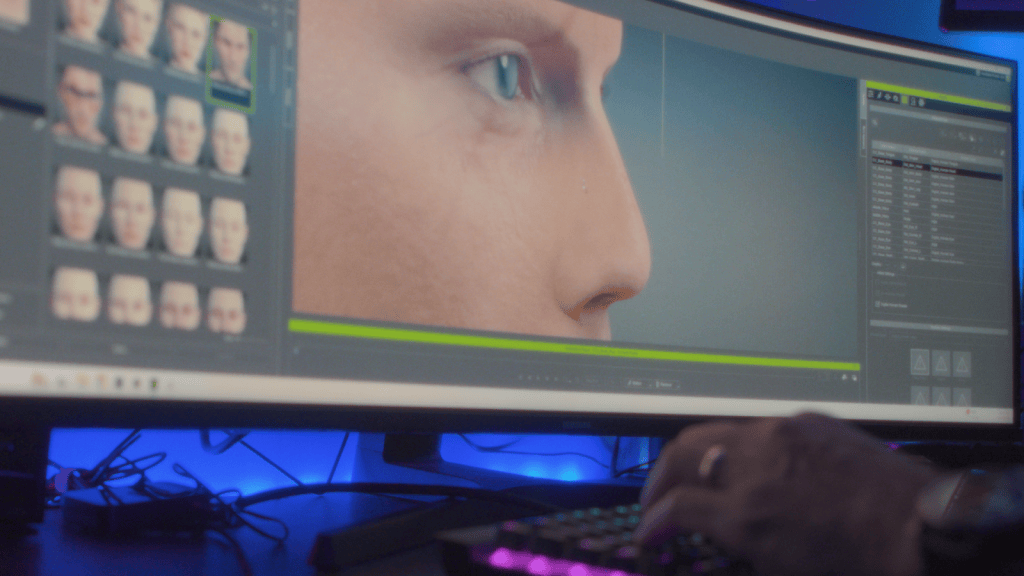
I built my Jedi Knight in Character Creator 4, using Headshot 2, Face Tools, and ZBrush for refinement. For the enemy, I brought in a Stormtrooper model and quickly rigged it with AccuRIG. I textured both characters in Substance Painter. Admittedly, many of the finer details got obscured by the action — but sometimes that’s the trade-off when the energy of the scene takes center stage. With characters ready, it was time to play in the sandbox that is iClone 8.

From Poses to Epic Battle in a Day with AccuPOSE
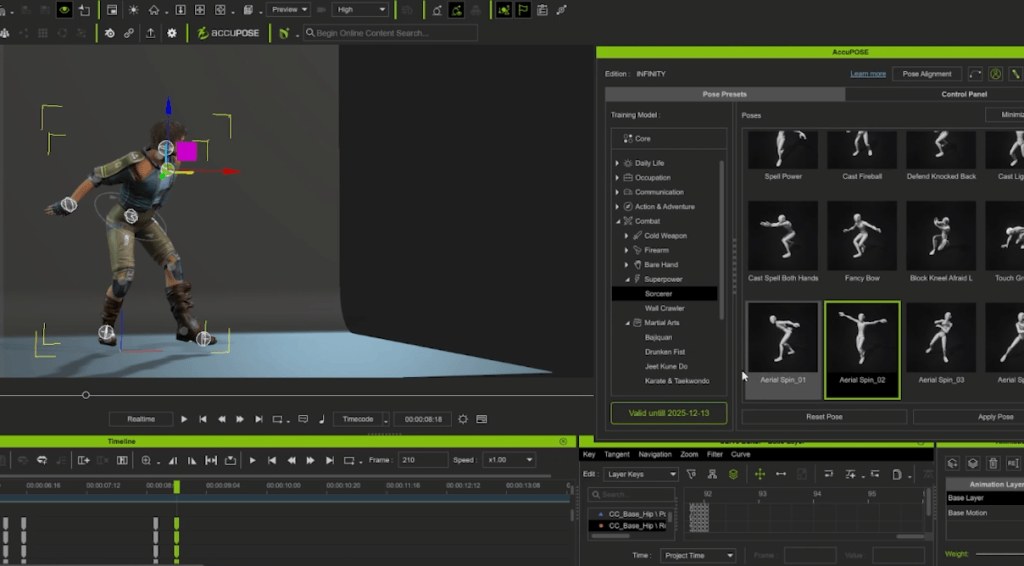
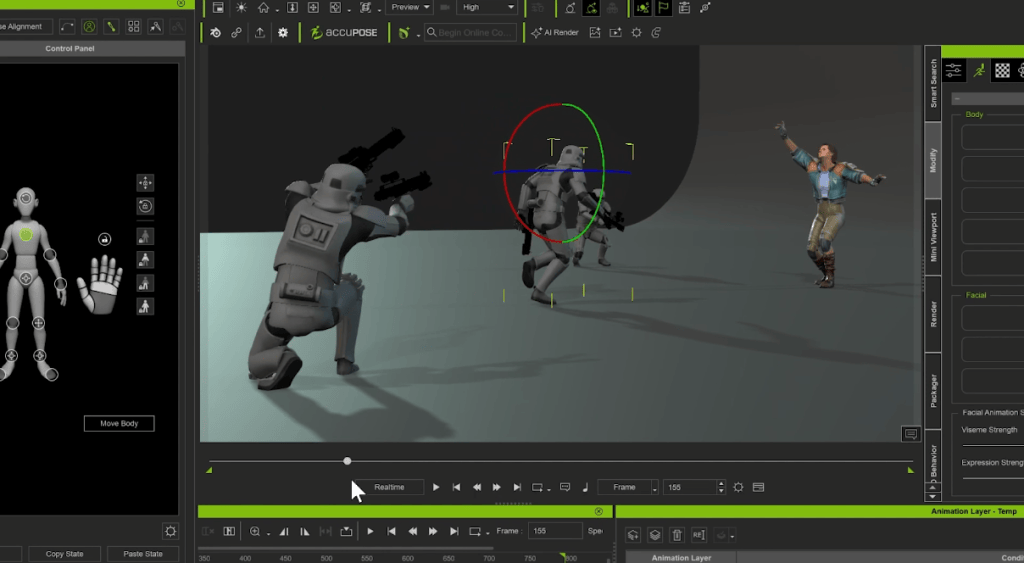
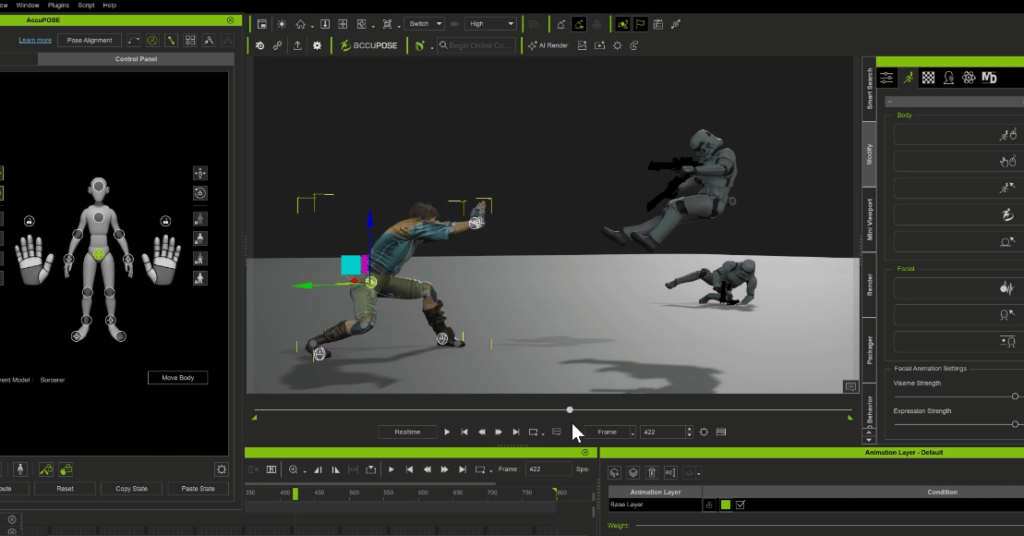
I wanted a large battle with lots of characters. The problem? I’m not exactly a Jedi fight choreographer. That’s where AccuPOSE came in. I set a starting pose and an ending pose and AccuPOSE helped me fill in the space with smooth in-betweens while preserving the structure of each character. In one day, I animated my hero and more than 15 Stormtroopers (most hidden in the background, but still adding scale and chaos). That efficiency gave me more time to focus on lighting, texturing, VFX, and compositing in Cinema 4D and After Effects.
Beyond Static Poses: Natural Motion Made Simple
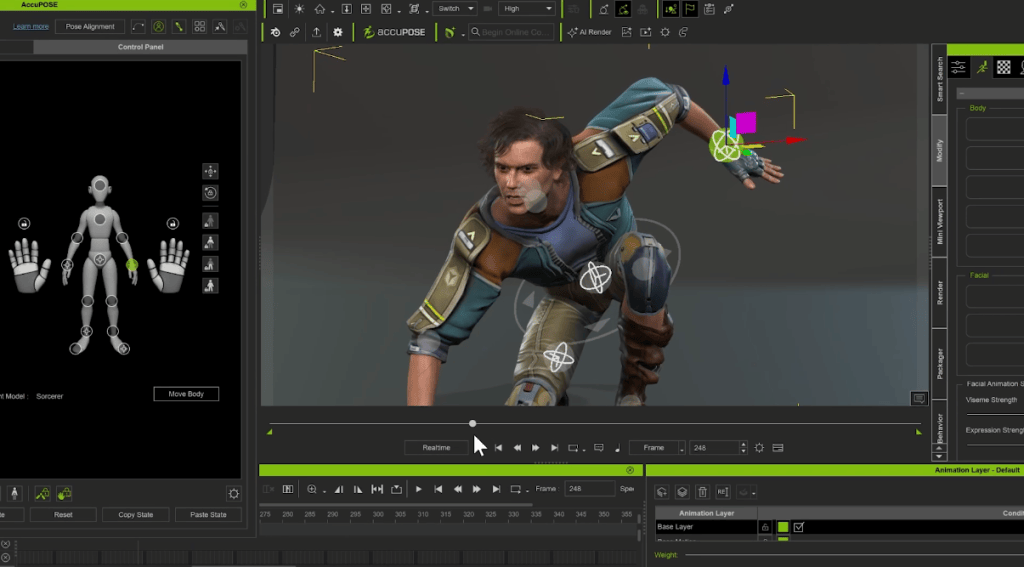
In my tutorial video, I also showcased how versatile AccuPOSE can be. With AccuPOSE INFINITY, you get a library of themed poses tailored for different scenarios, giving you a head start whether you’re animating combat, daily actions, or cinematic moments. Best of all, it doesn’t just drop a character into position; it guides the transition between poses, keeping movements natural and preventing structural breakdowns. That ability to blend poses seamlessly was the only reason I could pull off a project of this scale in a single week.
From Notebook Previs to Stylized Fantasy
From notebook sketches to a stylized Star Wars-inspired one-shot, all in just one week — that’s the magic of the Reallusion suite and AccuPOSE. I didn’t need a mocap studio, a stunt double, or months of hand-keying. Just a flipbook, some software, and a lot of caffeine. Got a stick-figure duel of your own? Try it in AccuPOSE — you won’t be disappointed.

Related Posts
- Studio-Grade Sync for Solo Creators: iClone Timecode in Action
- Fast, Fun, and Feature Packed: How iClone Supercharges Character Animation