
Meet Lulu: My Second 3D Adventure

After four months of trial, error, and hard-won breakthroughs, Garry Pye’s first 3D character, Carl, marked the end of one chapter—and the beginning of another. The From 2D to 3D journey proved that learning 3D character creation from scratch is possible with persistence and curiosity. Now, armed with those lessons, Garry starts fresh with a new challenge: Lulu. This new series isn’t about starting over—it’s about building smarter, pushing further, and applying everything learned along the way, one character at a time.
Having finally completed my very first 3D character for iClone using Character Creator, I’m about to dive straight into my second. And I couldn’t be more excited. This time around, I feel like I might actually know what I’m doing, or at least enough to make fewer mistakes.
My first 3D character, Carl, took me just under four months from start to finish. That might sound like a long time, but considering I started with absolutely zero knowledge of Character Creator, iClone or Blender, it still amazes me that I ended up with a fully rigged, lip synched actor who could blink, smile, and move like a real person. It proved something important to me, that you don’t need to be a genius to make a 3D character, you just need curiosity, persistence, and a healthy sense of humour when things go wrong.
Now it’s Lulu’s turn.

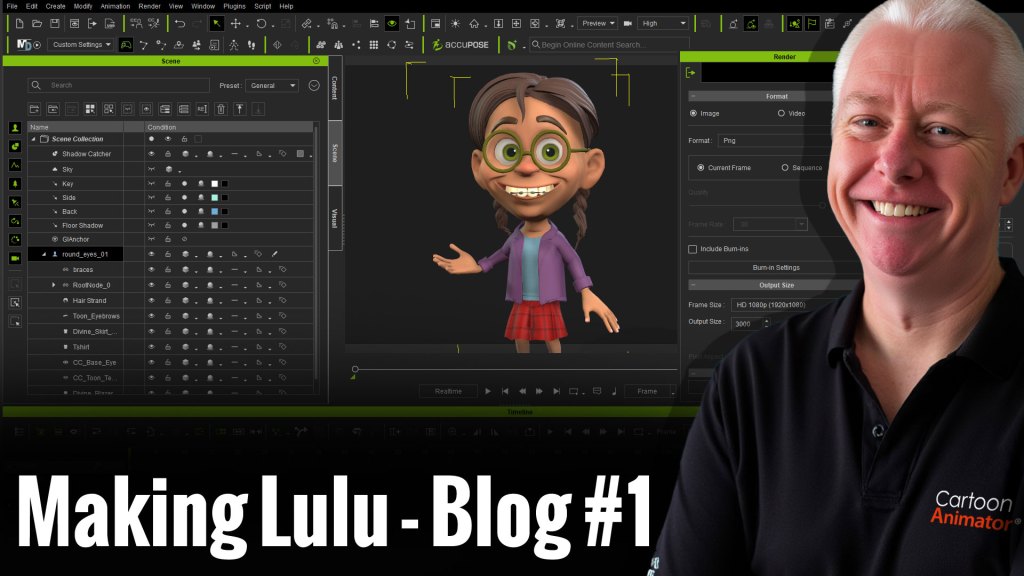
This time, my goal is to create a character who’s a little more complex, something that pushes me past my comfort zone. I want to see if I can bring one of my own 2D character designs to life in 3D form, with all the quirks and personality that make my 2D work obviously mine. I also want to try new things I avoided the first time because they looked too scary, like sculpting more complicated hair and modelling clothing from scratch. And I want to understand more of why things work instead of just blindly following tutorials. Most of all, I’d like to work a bit faster and spend less time staring blankly at the screen wondering what I broke this time.
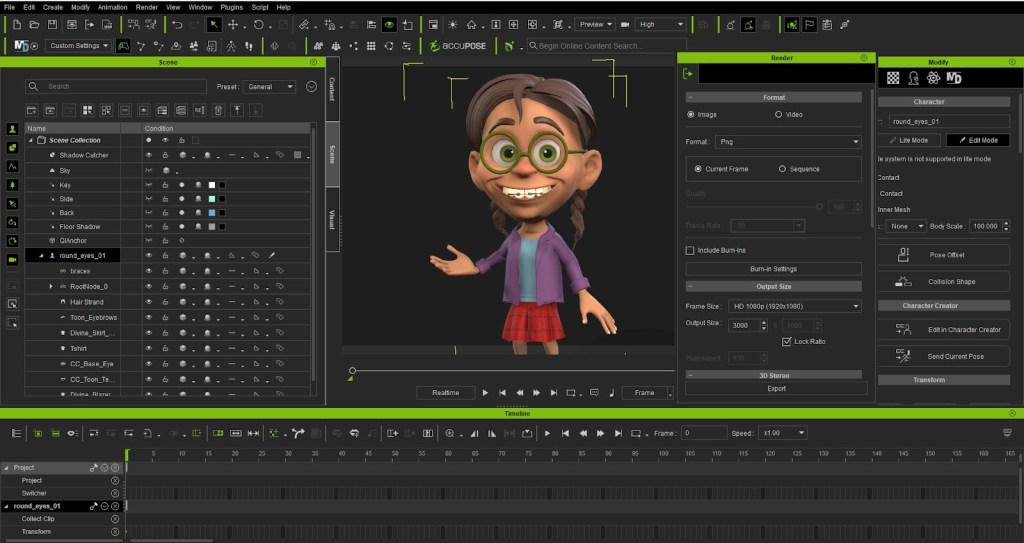
I decided to document every step of the process. It’s partly for anyone else out there who’s brand new to 3D and feels like it’s all too overwhelming, but mostly it’s for me. Because in a few weeks, I’ll have forgotten how I did half of it and it will be a nice guide for my own work moving forward.
If creating my first 3D character Carl was like learning to walk in 3D, then making Lulu is my attempt to jog, probably awkwardly, most likely in the wrong direction, but with enthusiasm. I want to build her faster, smarter, and with more intention than before. I want to see if the lessons from my first build actually stuck.

So here we go again. I’m ready for the wins, the frustrations, the late-night “aha” moments, and the occasional “why is her face melting?” crisis. But that’s all part of the adventure.
Let’s begin!

Garry Pye – 2D/3D Animator | Content Developer
Garry Pye is an Australian illustrator, animator, and Cartoon Animator instructor with over a decade of experience in the animation industry. Known for his unique blend of creativity and humor, Garry’s work spans from teaching animation techniques to creating innovative content that helps both novice and experienced animators improve their skills.
Garry’s enthusiasm for storytelling and animation shines through in all his projects, whether it’s creating animated shorts, preparing educational tutorials, or sharing his expertise by teaching. With a passion for making animation accessible and fun, Garry has built a community of learners who not only appreciate his knowledge but also his infectious sense of humor and dedication to his craft.
Follow Garry Pye’s iClone Page|2D Animation Page|2D Marketplace
Related Posts
- From 2D to 3D: Overcoming Eye Obstacles for my Custom CC Character
- From 2D to 3D: Why After 10 Years I Moved to 3D Animation
- From 2D to 3D: My First Steps with iClone and Character Creator





1 comment
Where can we follow you?