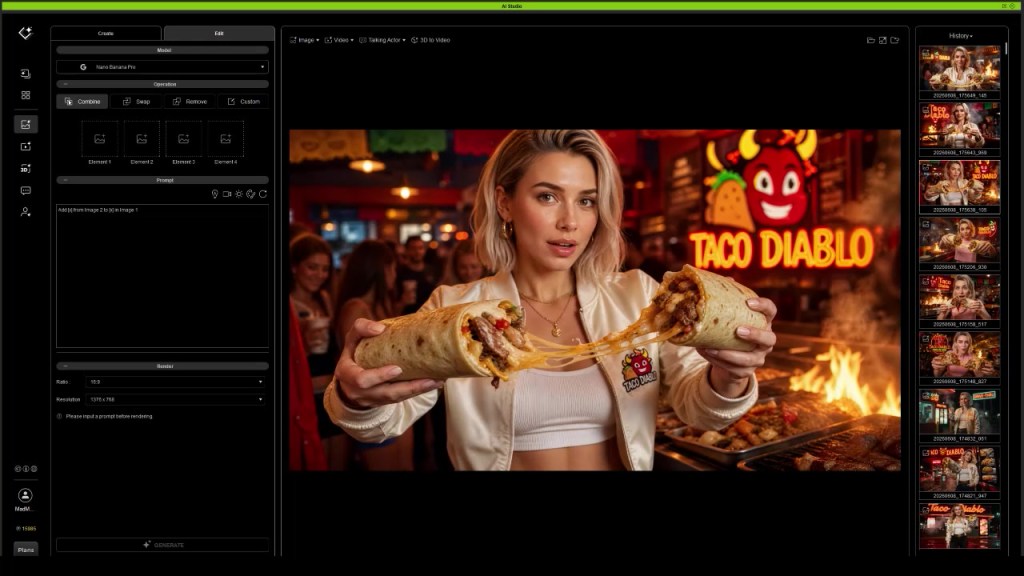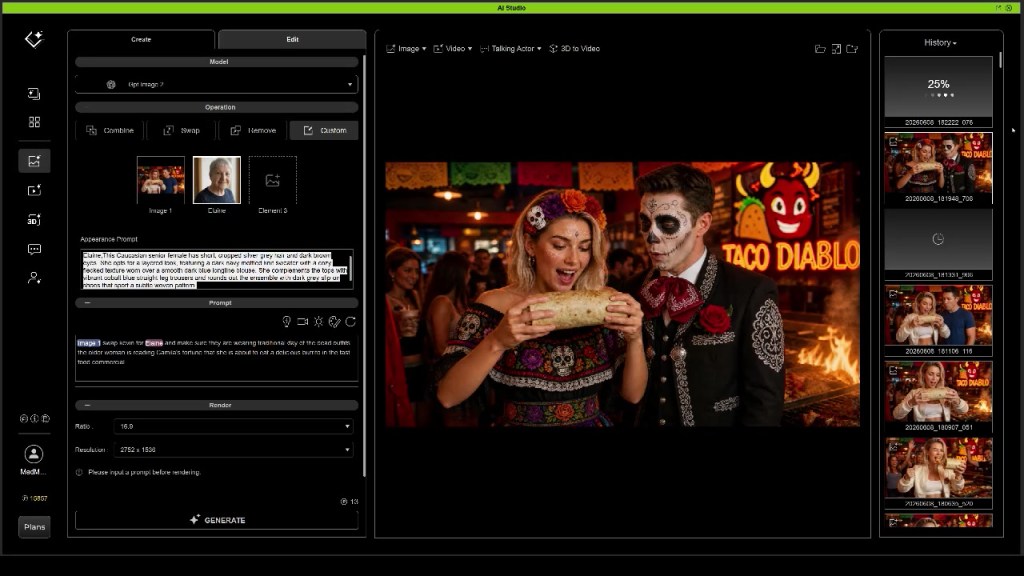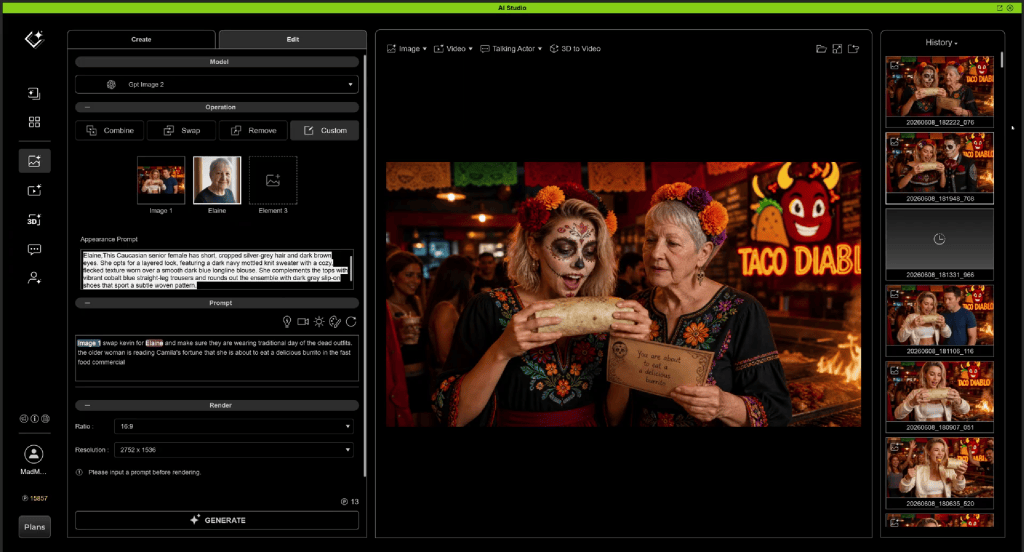
Consistency is one of the biggest challenges in AI filmmaking. Characters drift, environments change unexpectedly, and maintaining continuity across multiple scenes often becomes more difficult than creating the shots themselves.
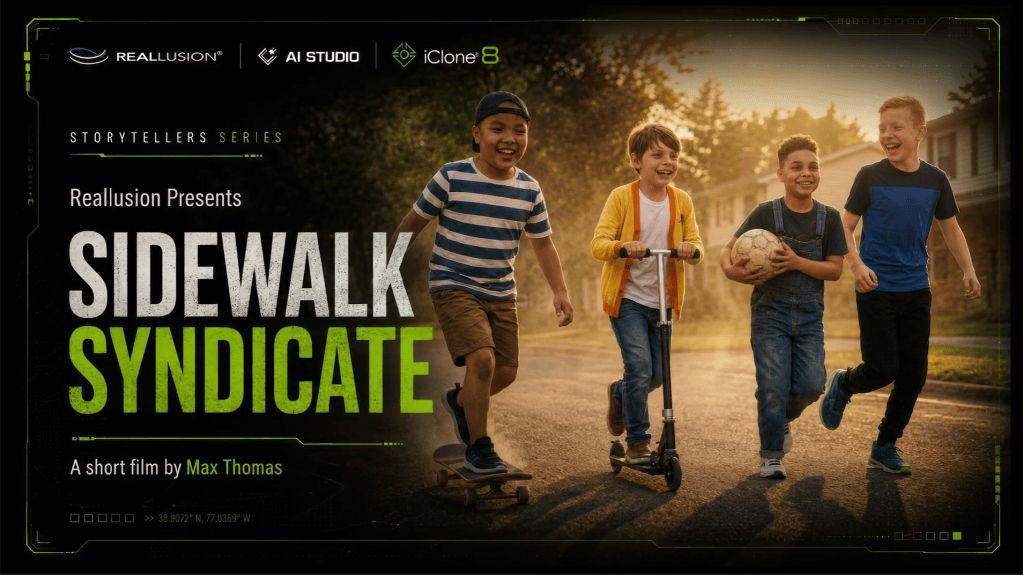
In the latest AI Studio Storytellers, creator Max Thomas demonstrates a production workflow designed to solve those problems. Using AI Studio alongside traditional 3D production techniques, he created Sidewalk Syndicate, a neighborhood story that follows a recurring cast of characters through multiple locations, situations, and camera setups while maintaining visual continuity.
Rather than treating each prompt as an isolated image, Max approaches AI filmmaking much like a live-action production—developing actors, establishing locations, planning coverage, and using 3D when precise direction is required.
The Sidewalk Syndicate Experiment

At its core, Sidewalk Syndicate was never just about generating attractive images. It was an experiment in building a believable world populated by recognizable characters that audiences could follow from one scene to the next.

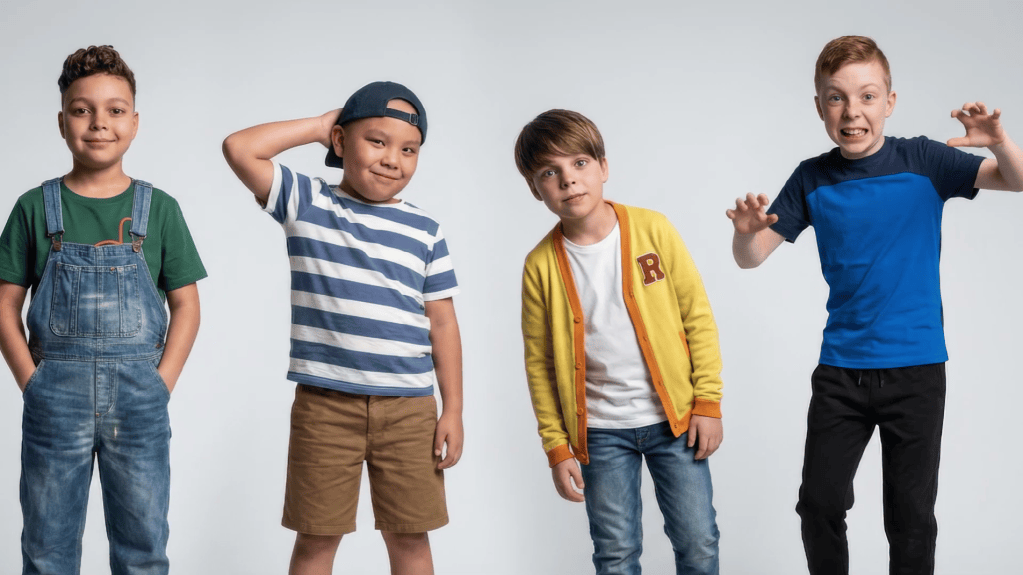
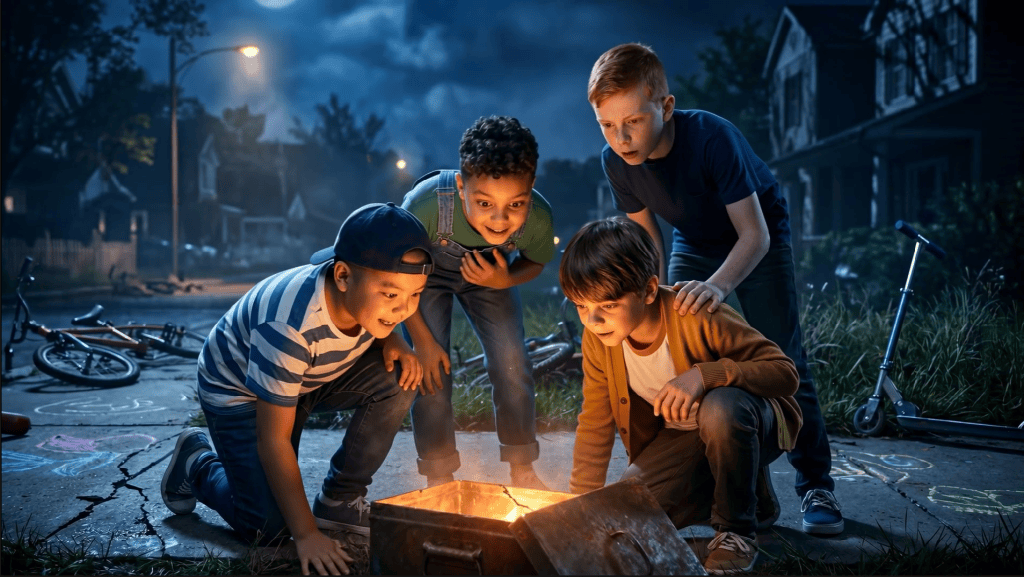
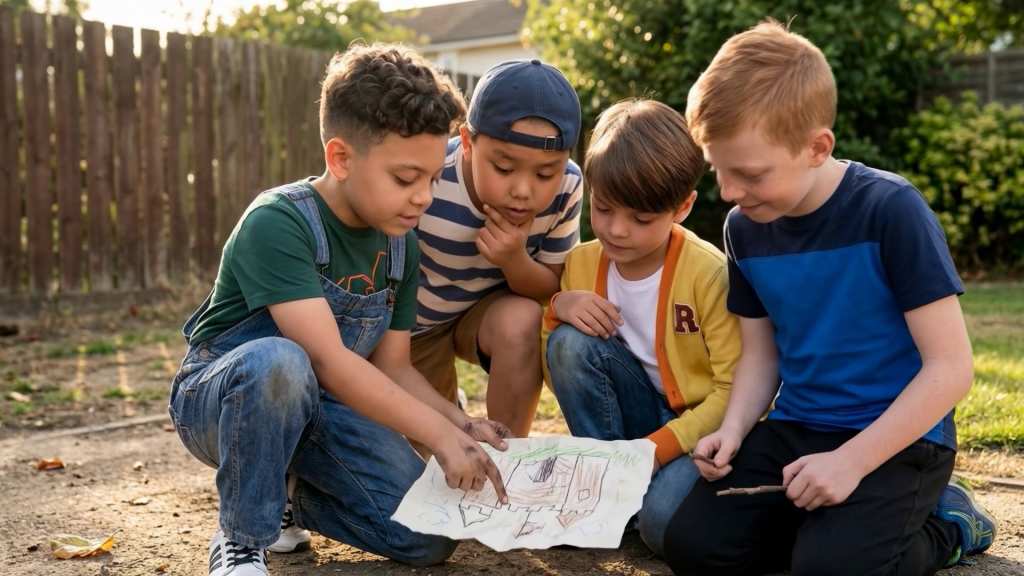
Instead of creating new characters for every sequence, Max developed a small recurring cast consisting of kids: Mason, Liam, Nolan, Oliver

Each character was given a distinct appearance, personality, wardrobe, and visual identity before production began. Once defined, these digital actors could appear throughout the story while maintaining consistency regardless of the scene, lighting, or camera angle.
The storyboard process can easily flow with shot ideas and characters. A good shot plan will keep production on schedule and allow for budgeting of points to achieve the goal.
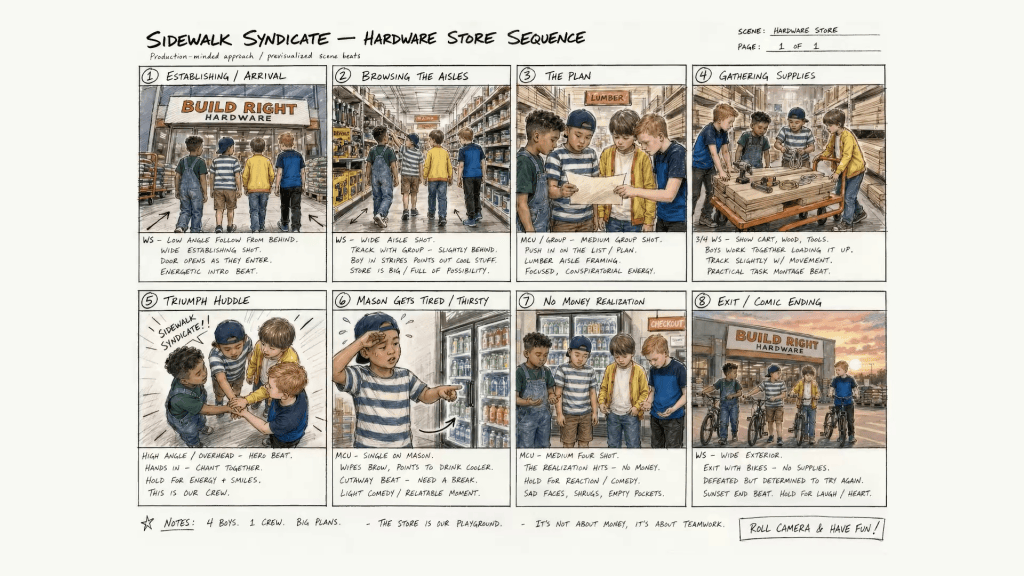
This production-first mindset transforms AI generation from isolated shots into a cohesive narrative experience.

Building a Reusable Cast
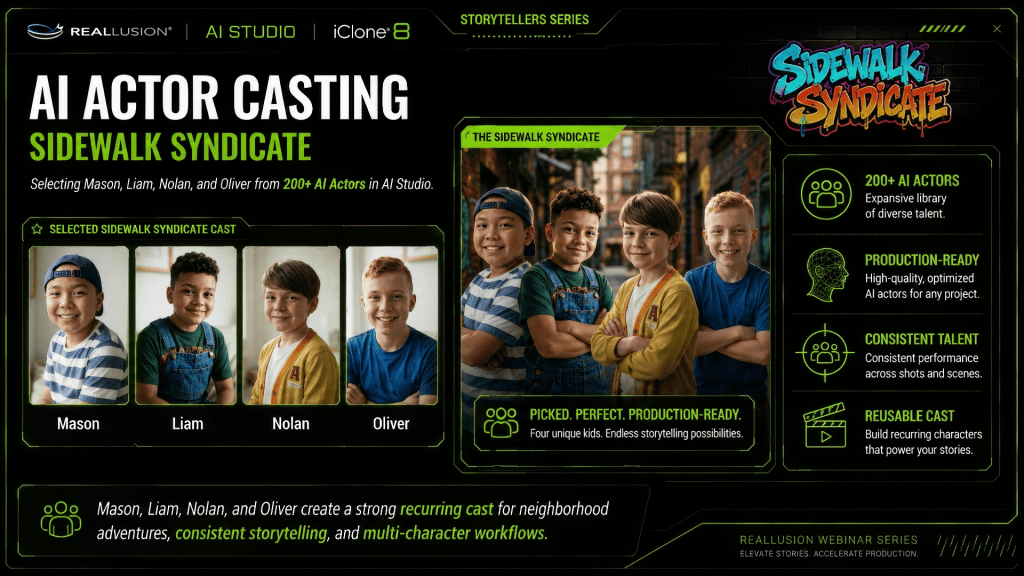
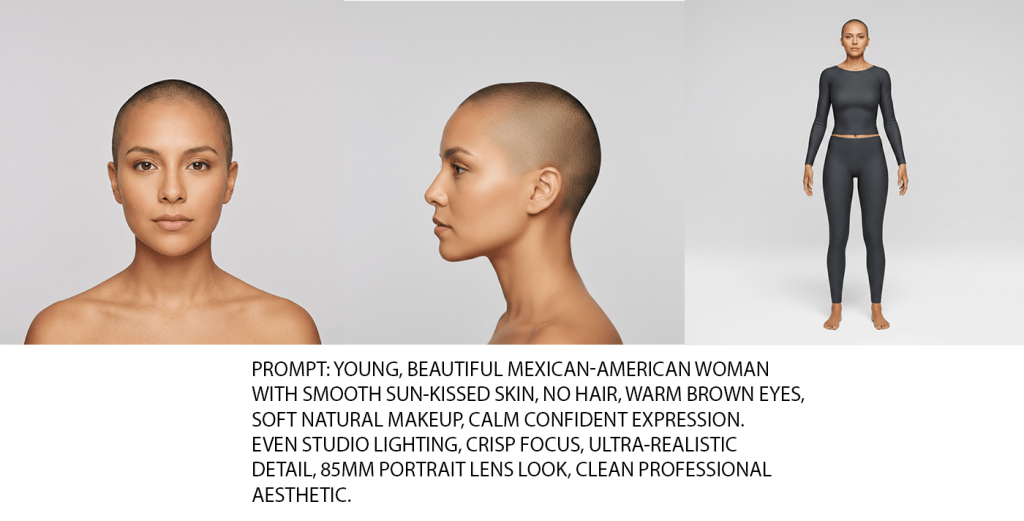
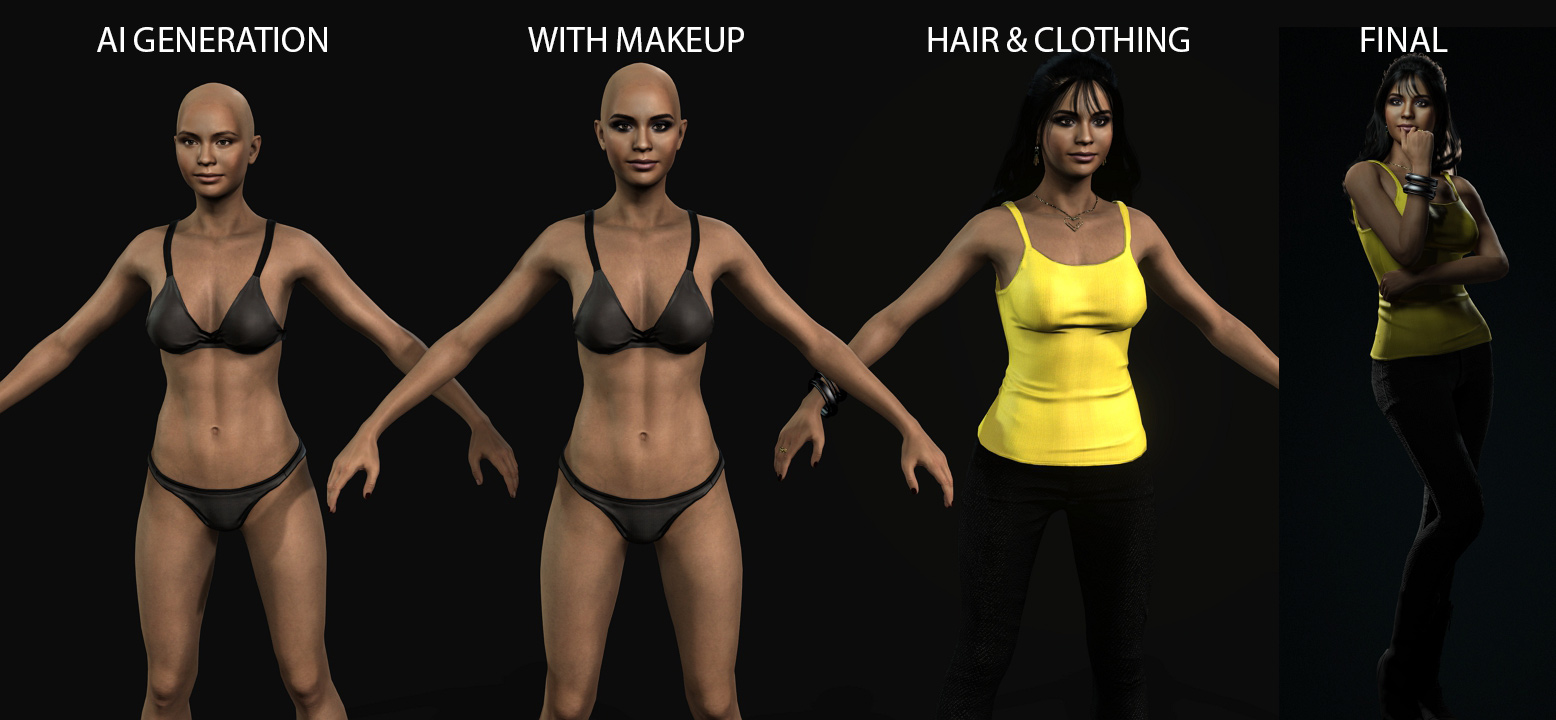
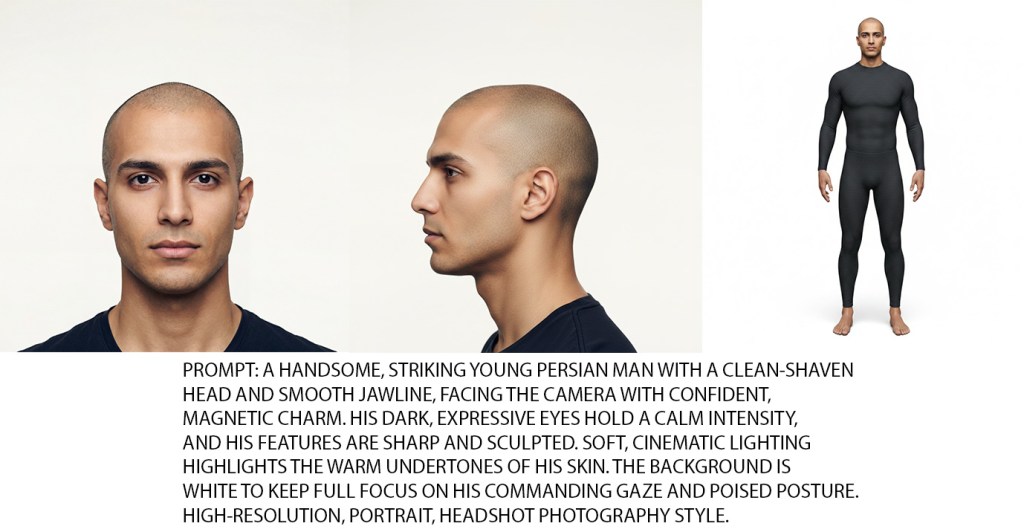
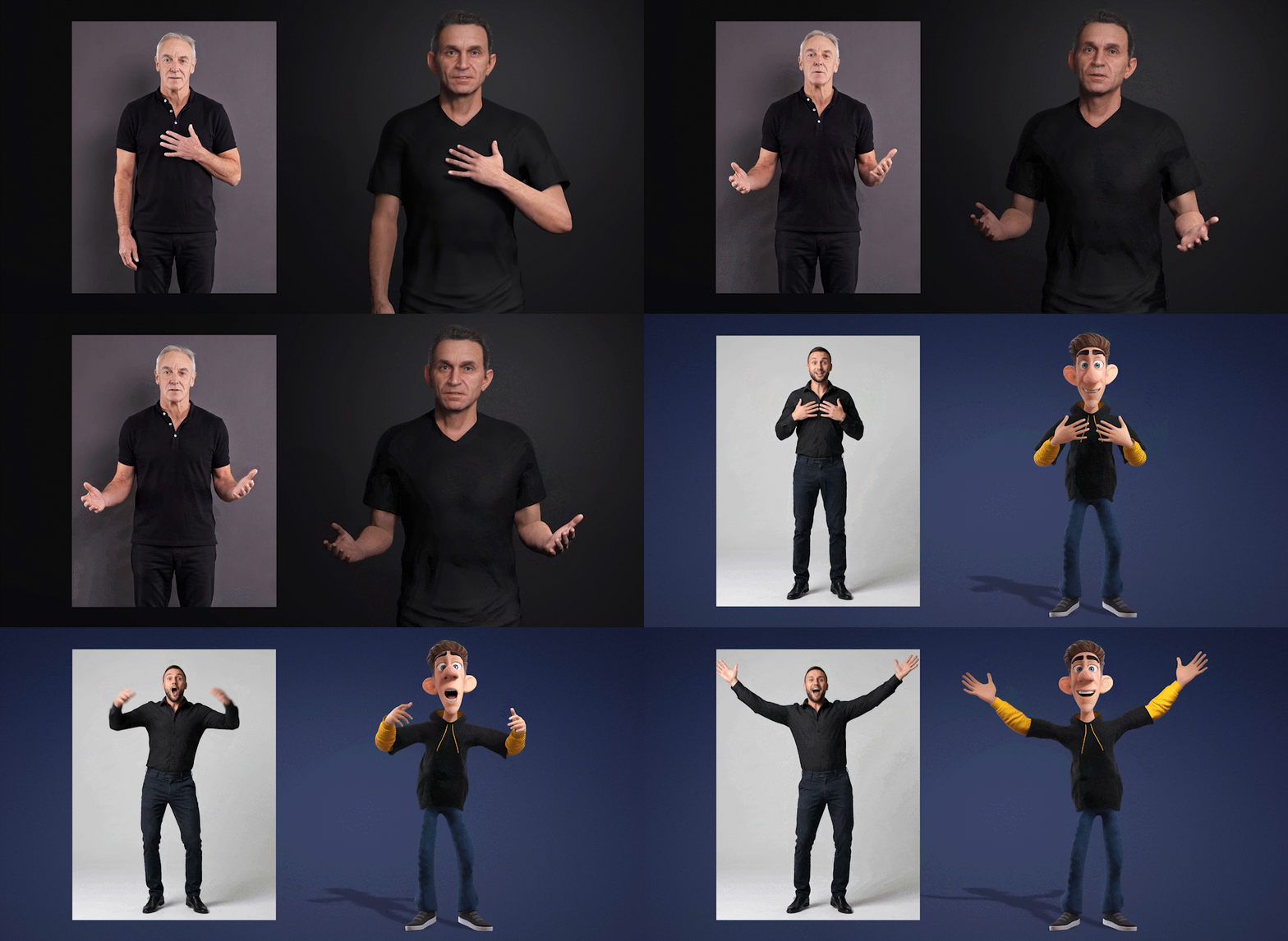
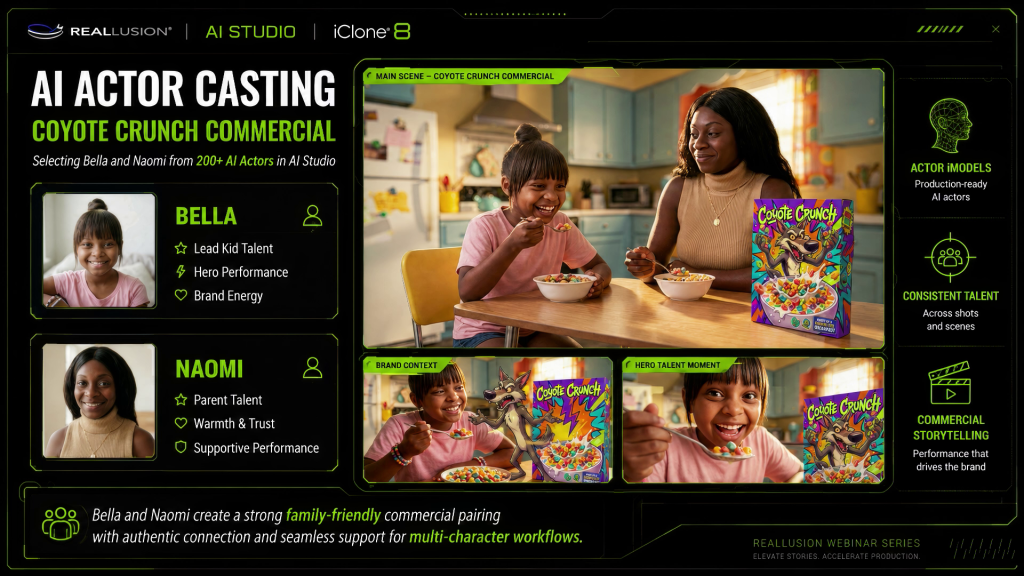
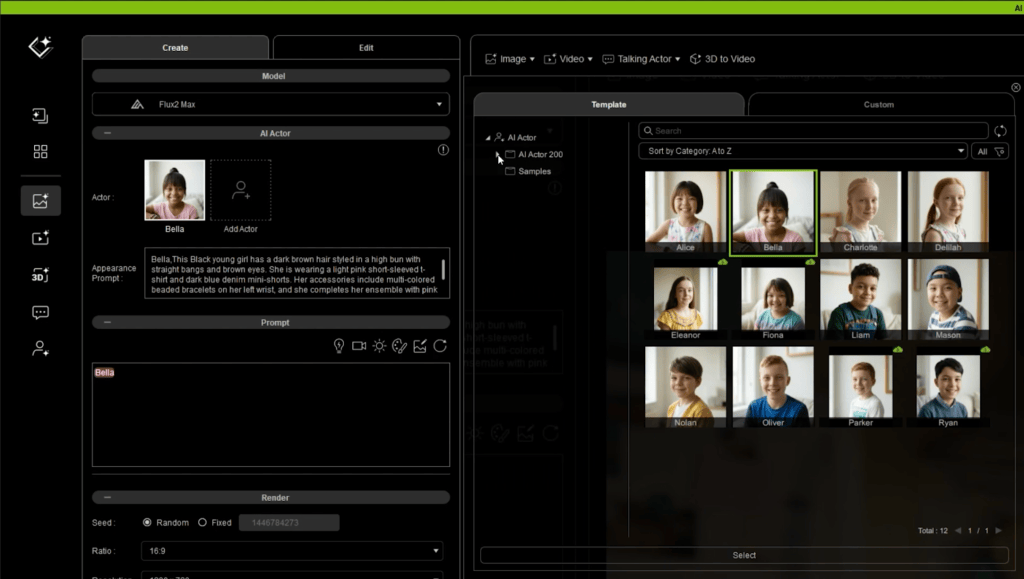
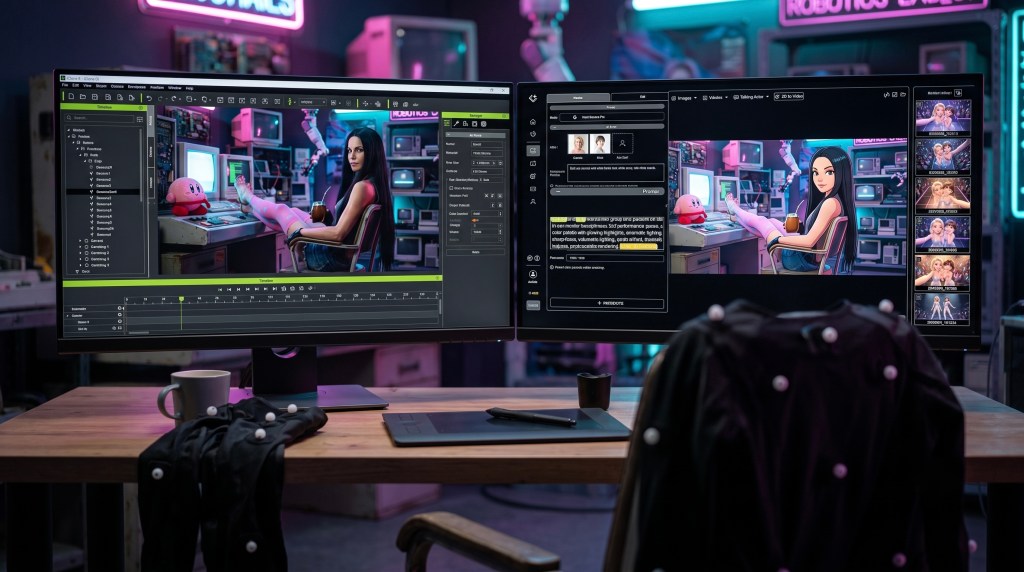
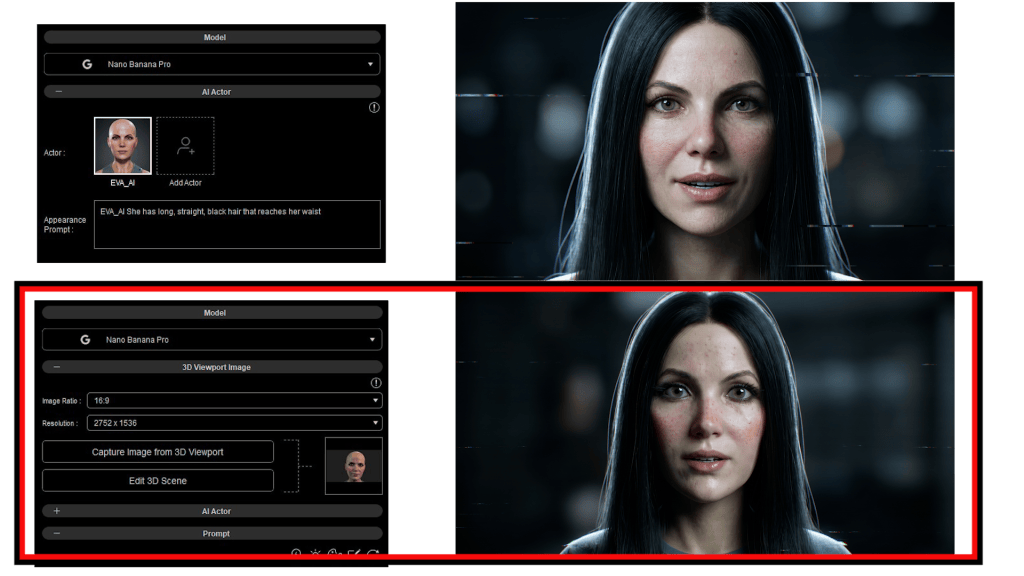
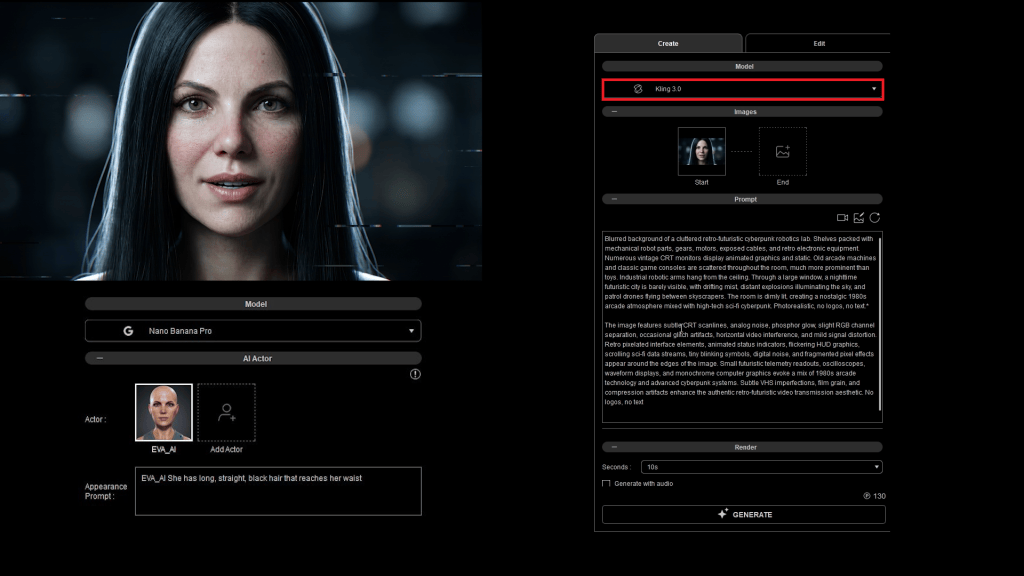
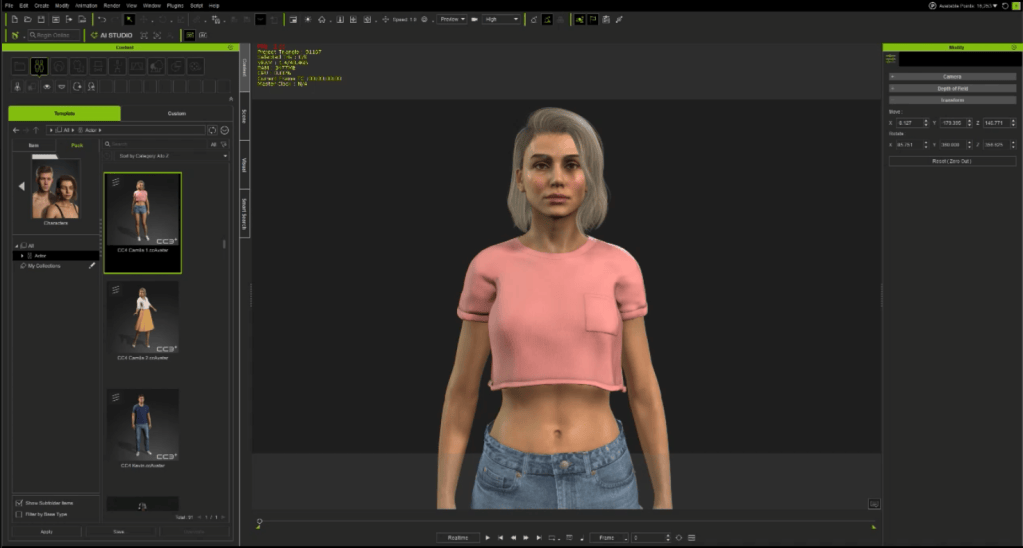
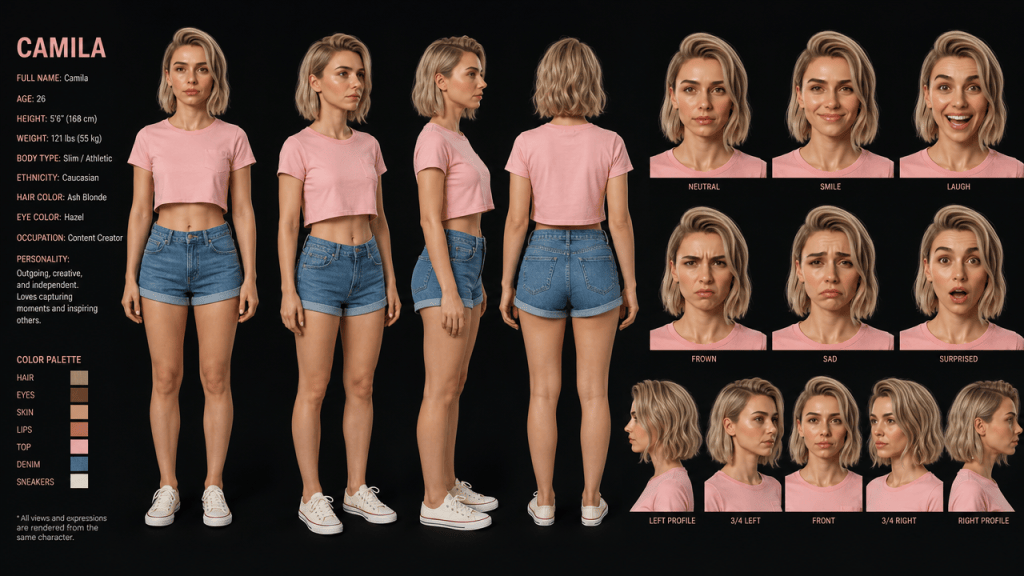
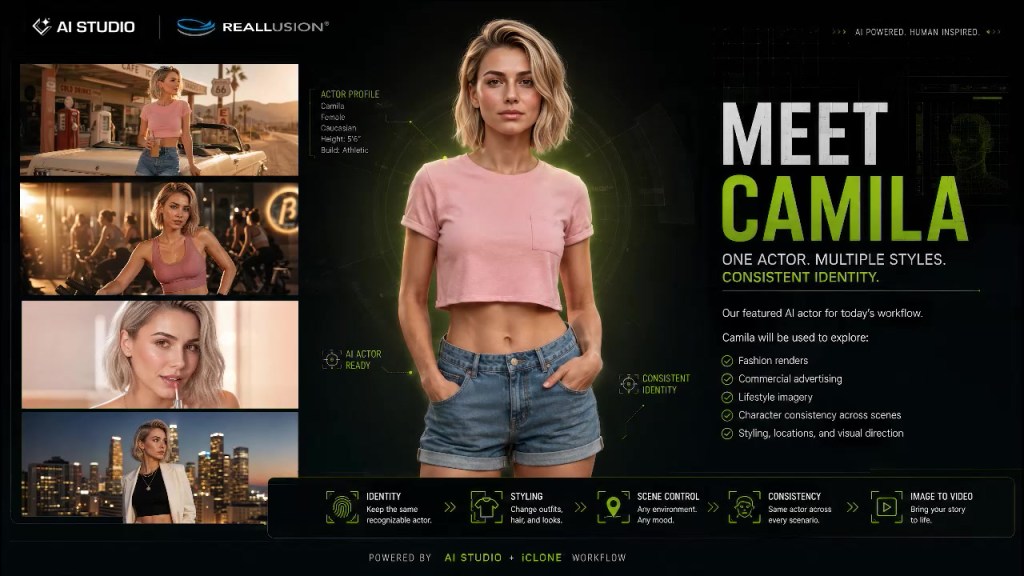
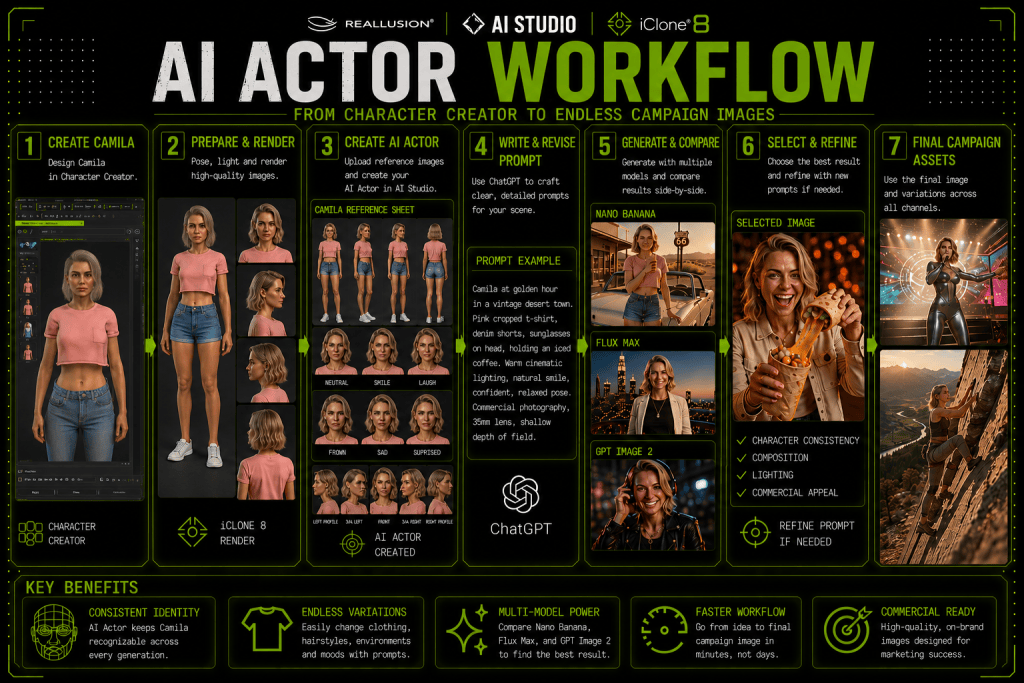
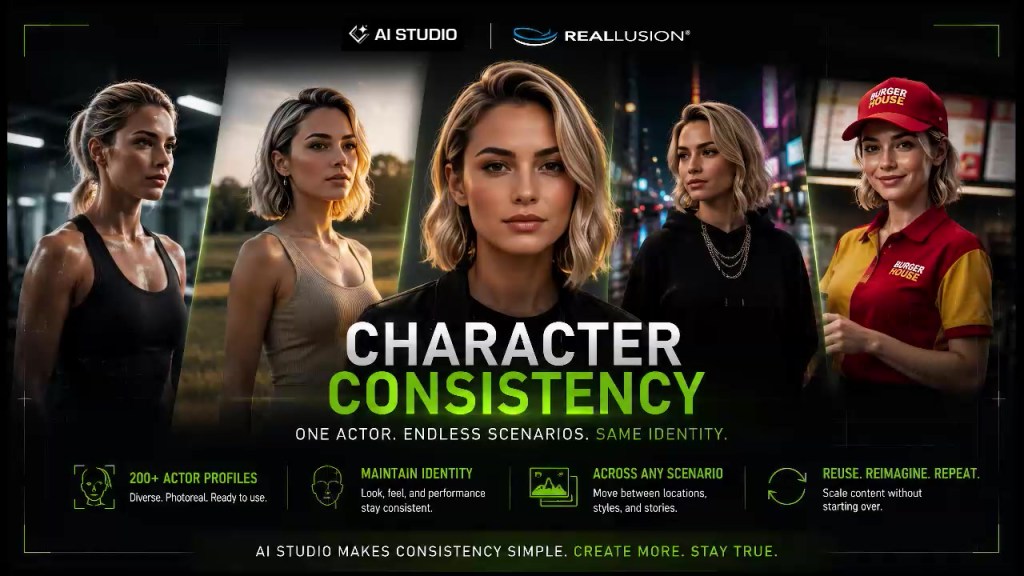
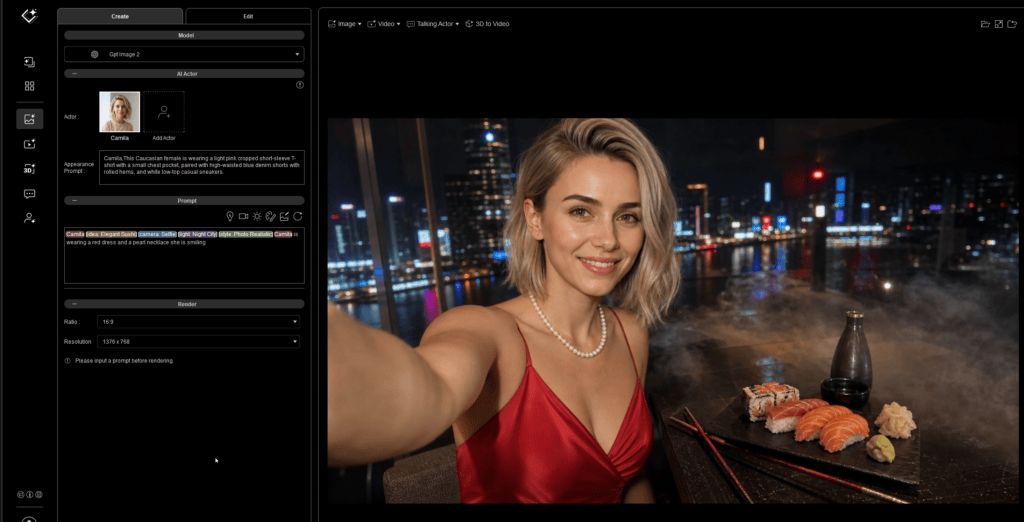
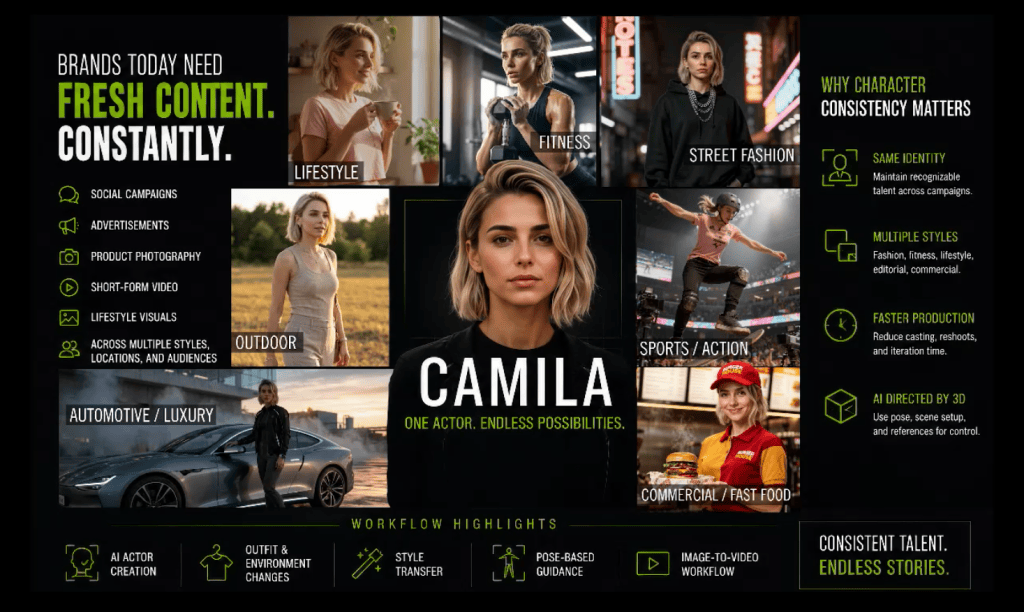
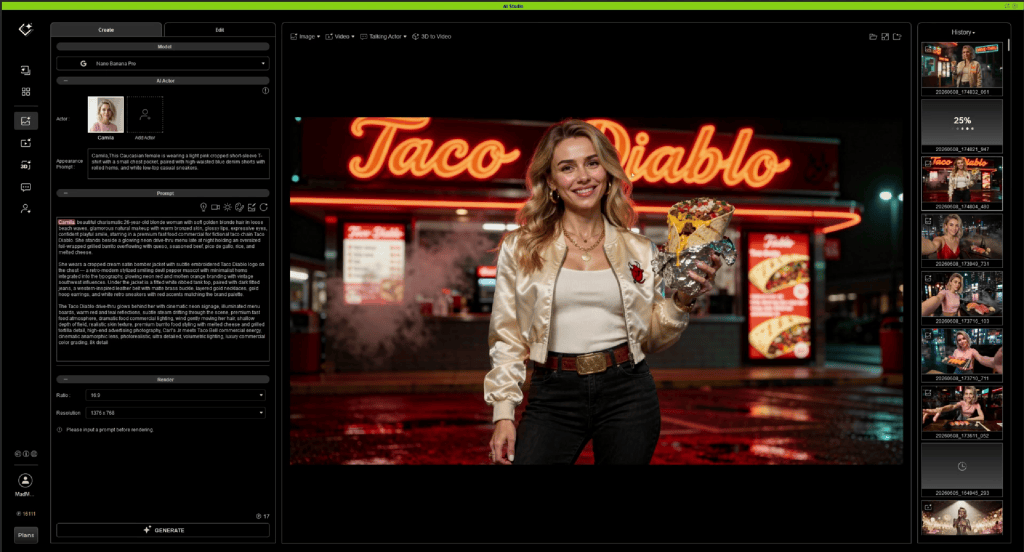
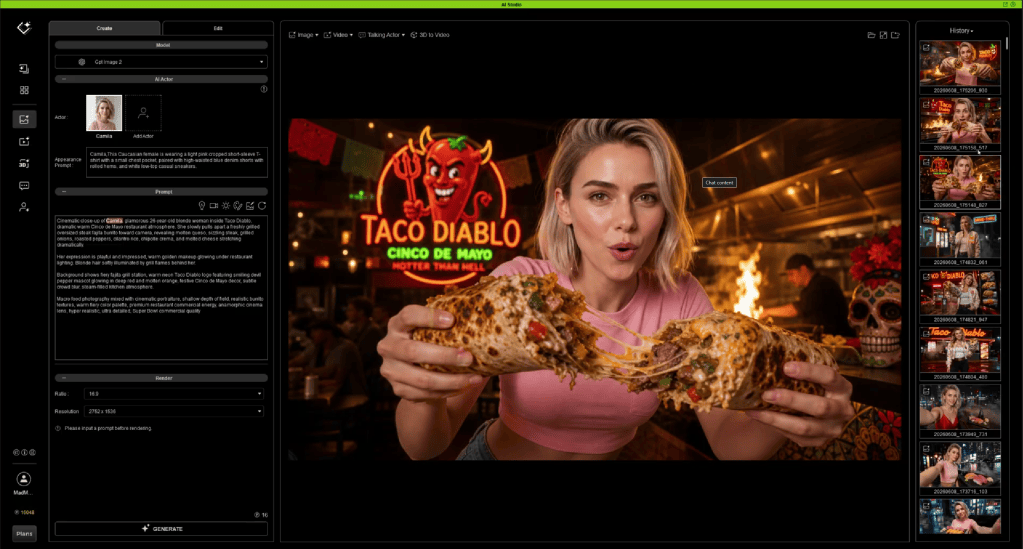
One of the strengths of AI Studio is its AI Actor Library, allowing creators to establish reusable digital performers before building scenes. AI Studio has 200 ready to use actors that can be cast to your scenes or you can easily create custom AI Actors using images or Character Creator and iClone.

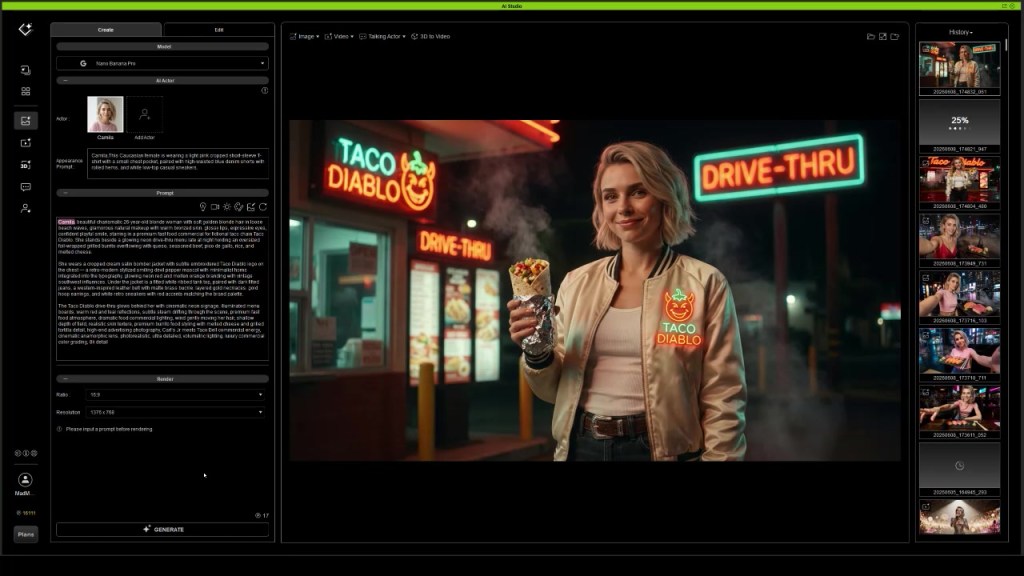
Once each character has been defined as an AI Actor, they become reusable assets that can be directed repeatedly throughout production. The AI Actors selected from the AI Studio library or AI Actors created by each user can be accessed and assigned to any scene, along with the included character prompts.
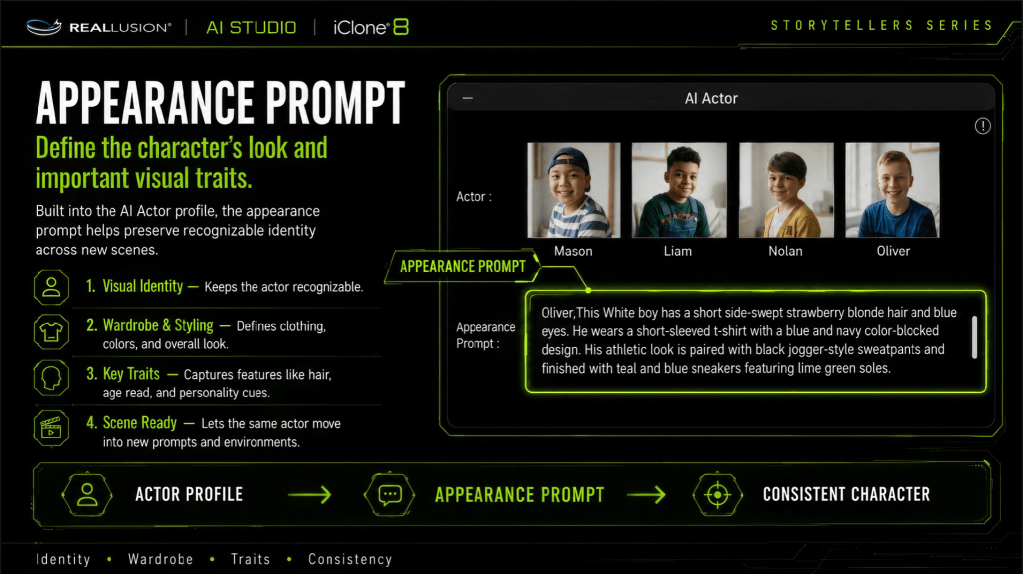
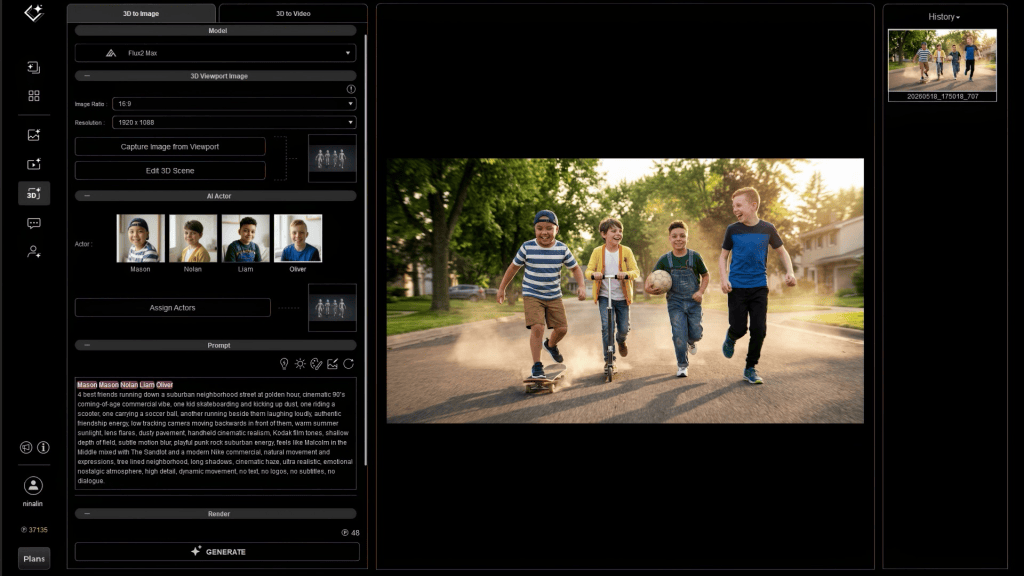
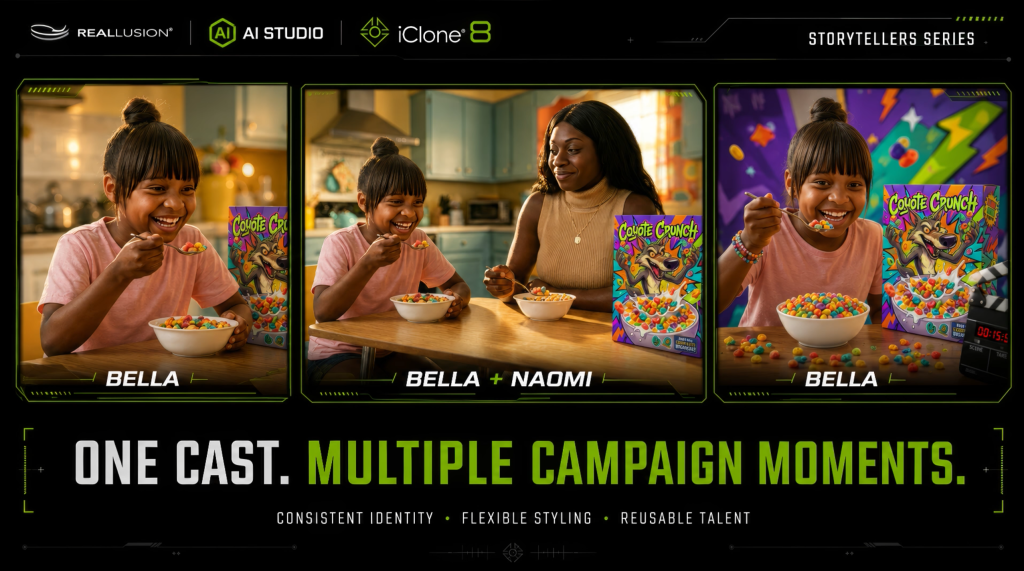
This mirrors traditional filmmaking, where actors remain consistent while the sets, camera positions, and story situations change around them. Because the characters remain stable, prompts become cleaner, direction becomes easier, and continuity improves dramatically over longer productions.
Creating Stable Environments
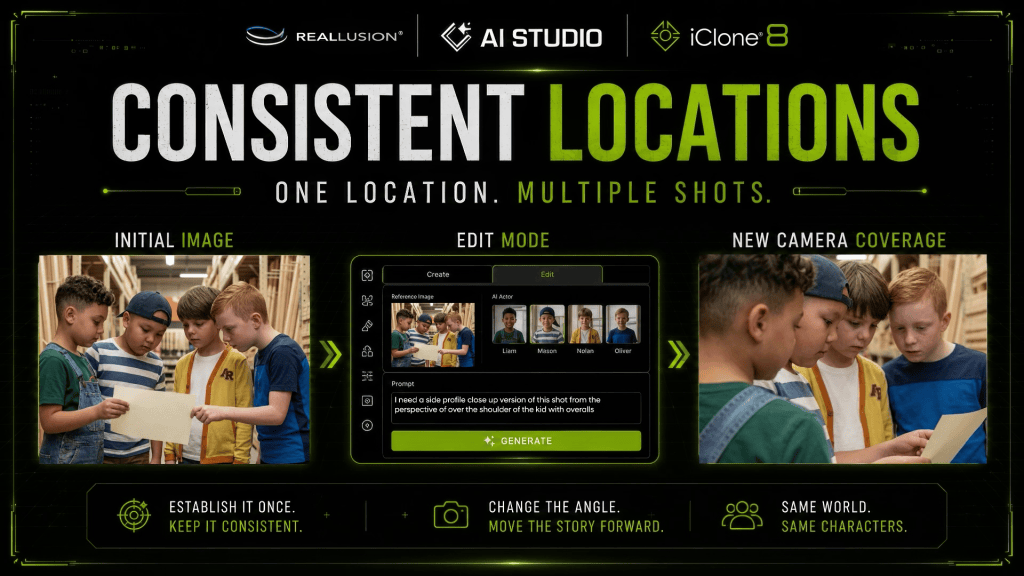
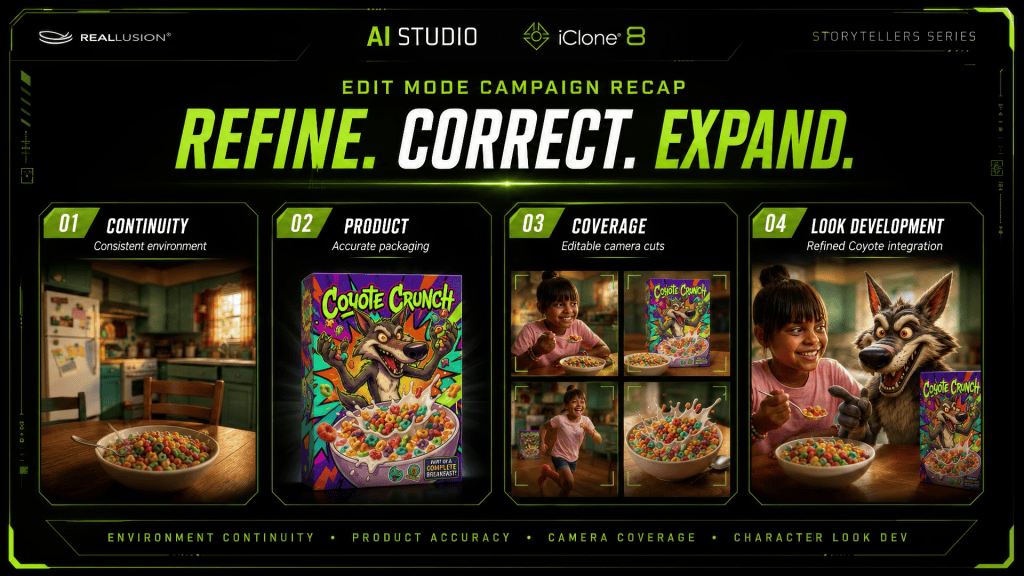
Just as important as character consistency is environmental consistency. Whether the environment is provided in images or as a concept, AI Studio image generation can build essential shots and alternate views of locations to get camera angles, and locations established before video generation.
Max begins by generating images that establishes the location’s architecture, lighting, mood, and visual language.
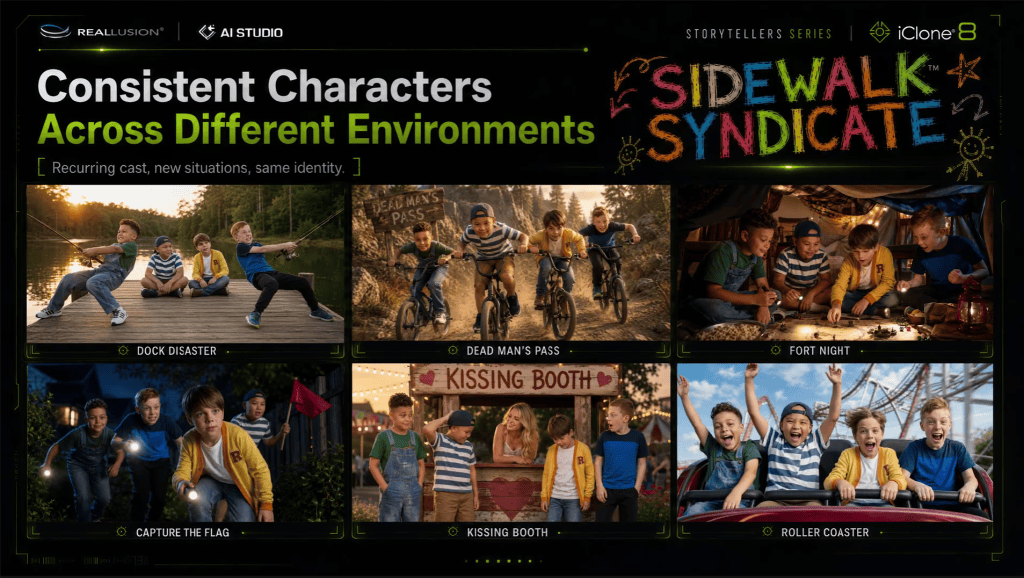
With a strong environmental reference established, AI Studio can produce different camera angles, compositions, and staging while preserving the identity of the location.
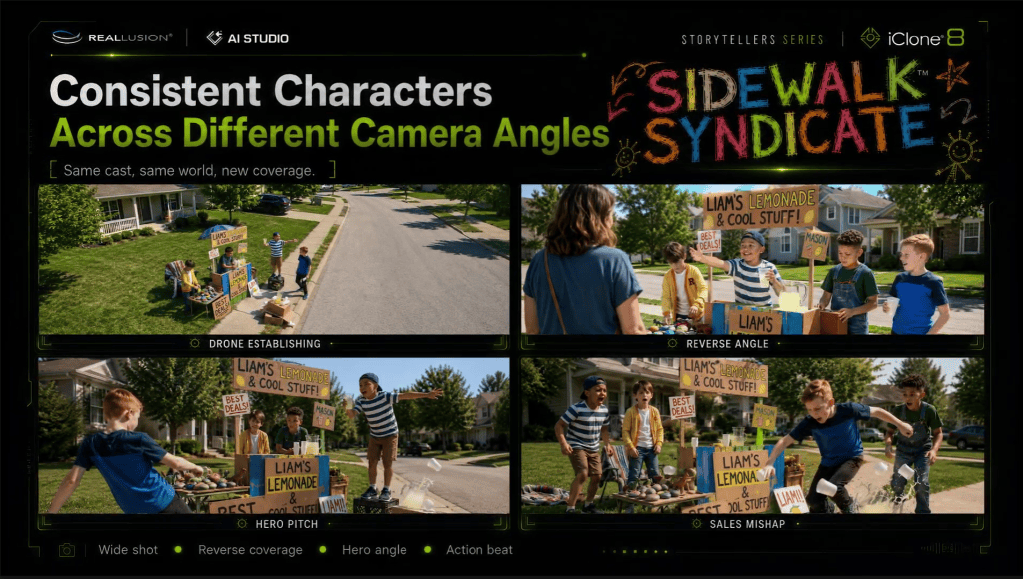
This allows scenes to feel like they all occur within the same physical space instead of unrelated AI generations. Whether following the boys through suburban streets, neighborhood hangouts, or new story moments, the world remains visually recognizable.
Directing Multiple Characters
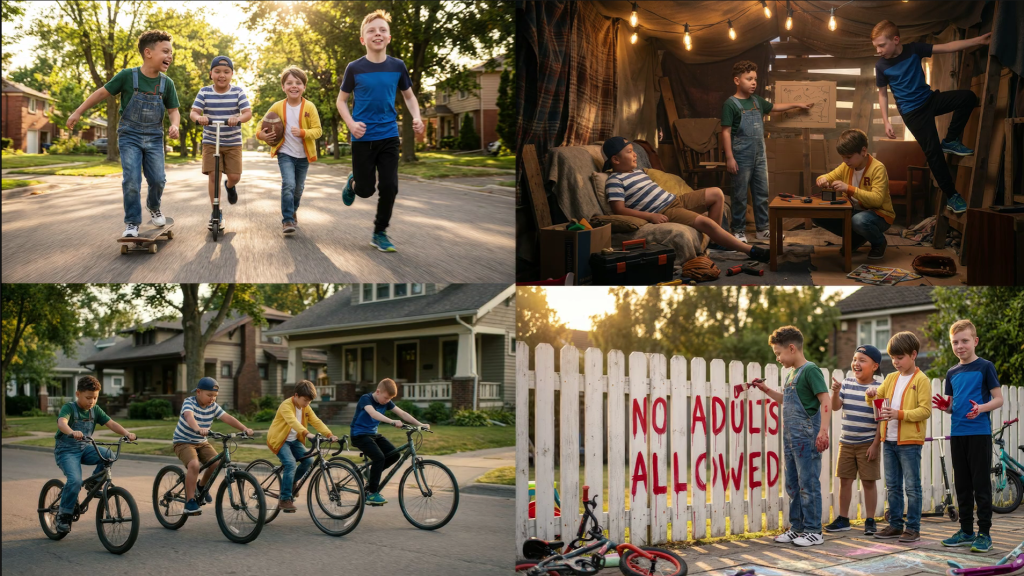
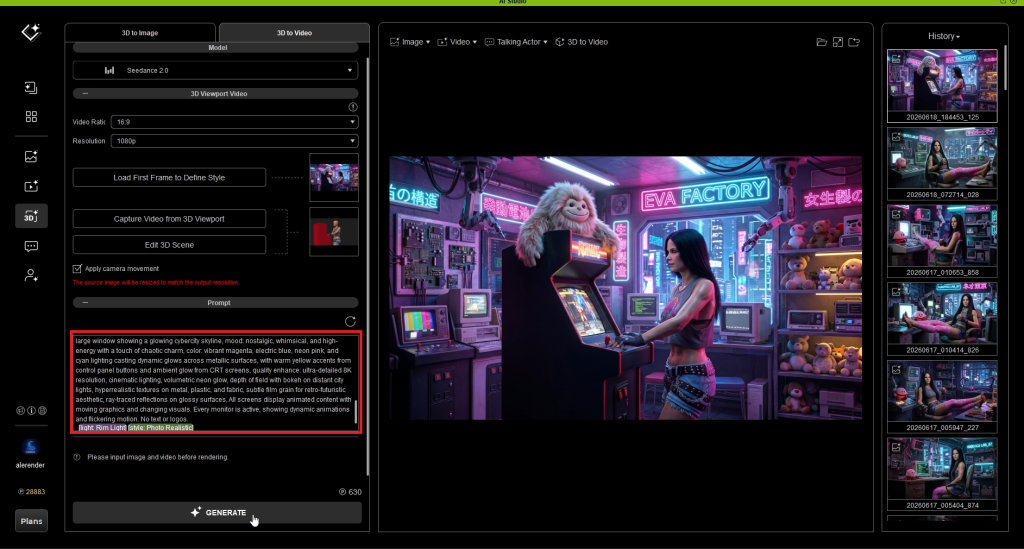
As scenes become more complex, direction becomes increasingly important. Prompting scene elements, action and direction is essential to support the image input.
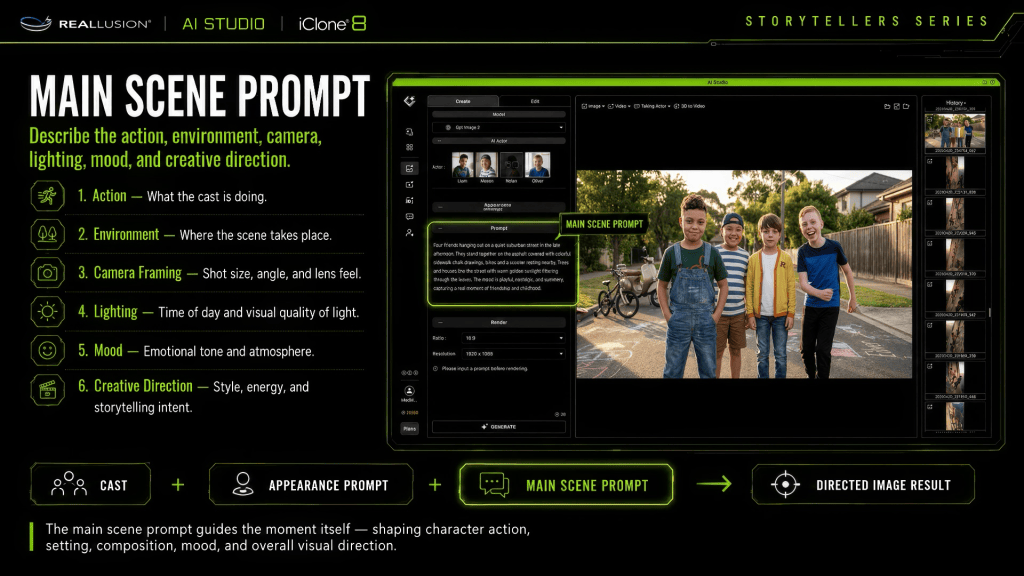
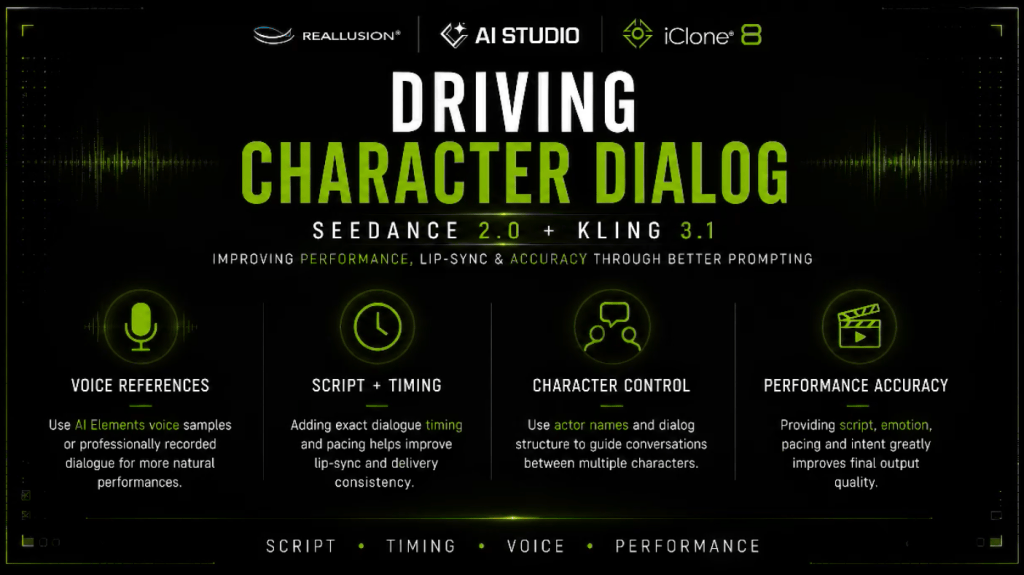
Max recommends treating AI actors much like performers on a film set by calling each character by name and assigning individual actions instead of describing the group as a whole. The character dialogue is capable inside prompts to allow the video model to generate the voices with text, audio or by using the Talking Actor feature inside AI Studio to create custom voices.

For example, instead of prompting: “Four boys stand together.” Each actor receives specific direction.
- Mason reacts first. “Trust me. I definitely have a plan.”
- Liam turns toward him.
- Nolan laughs.
- Oliver says: “That is what worries me.”

Follow some of these best practices for more believable staging while reducing confusion inside multi-character generations.
For dialogue scenes, Max also recommends:
- Keeping spoken lines short and conversational.
- Including dialogue directly inside prompts.
- Building complete scene coverage using the AI Studio camera preset library:
- Wide establishing shots
- Medium shots
- Close-ups
- Reaction shots
Maintaining Continuity with AI Studio’s Edit Mode

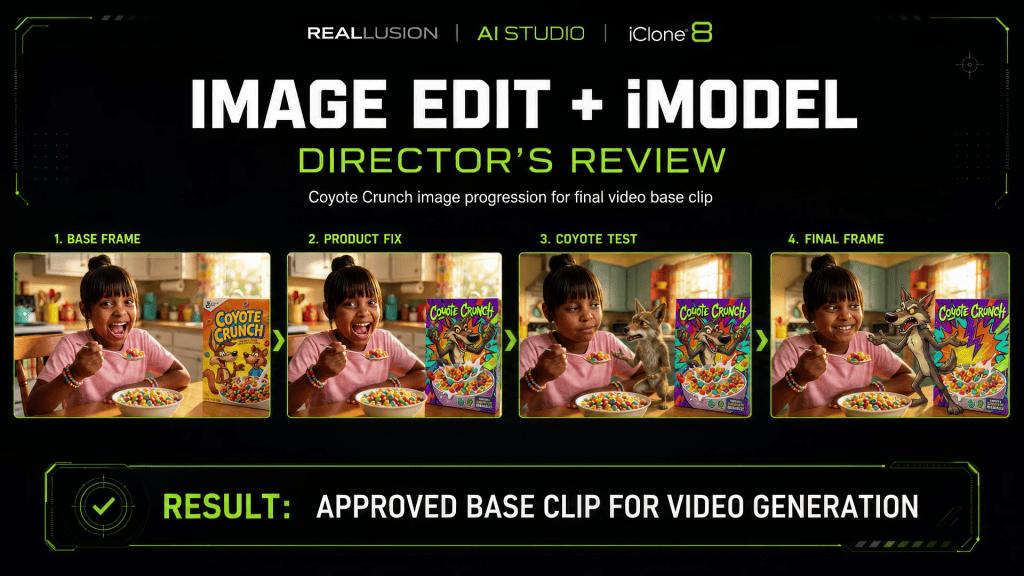
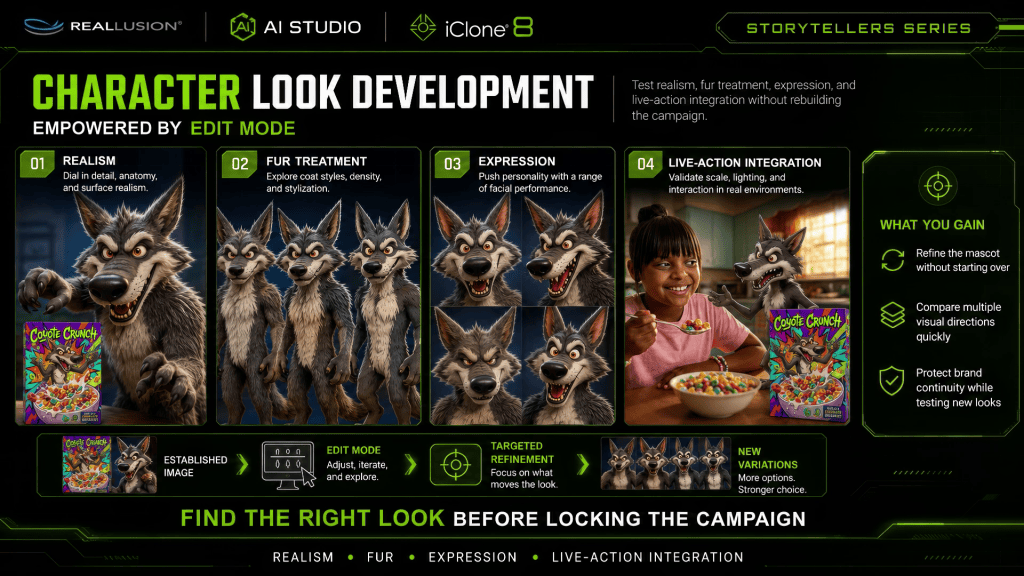
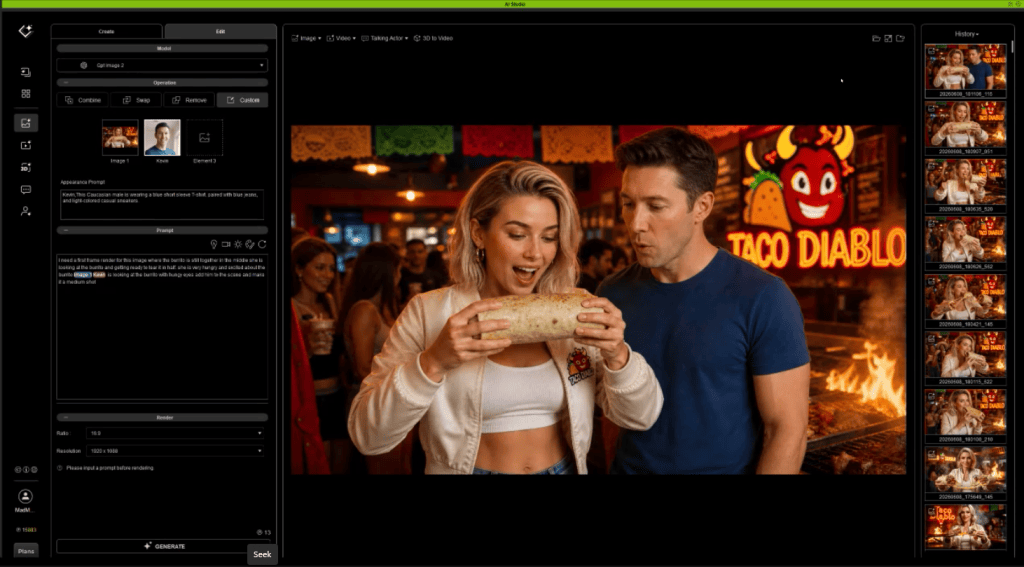
Even with consistent characters, productions often require revisions. AI Studio’s Edit Mode provides a workflow for preserving continuity while refining individual shots. In this next shot, Max wanted another angle with closeup as the boys chatted at the hardware store.

Instead of regenerating an entire image, creators can adjust poses, expressions, compositions, or details while maintaining the established cast and environment. Max chose to edit the image and create a new camera angle for the interaction.
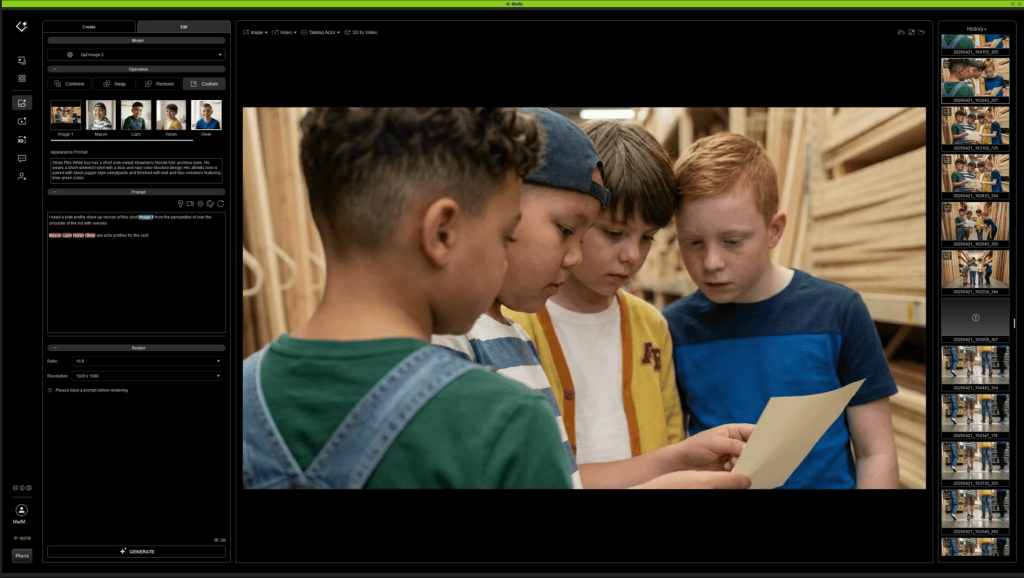
This iterative workflow allows filmmakers to improve performances without sacrificing continuity that has already been established earlier in production.
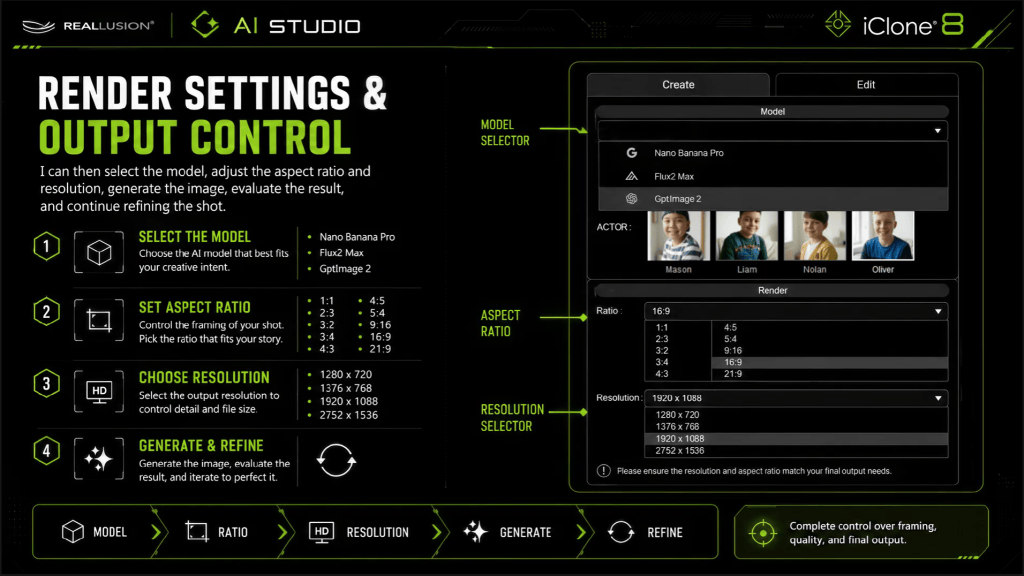
For longer-form storytelling, this becomes one of the most valuable tools in maintaining visual consistency from scene to scene.
Using 3D as a Production Foundation

While many scenes can be directed entirely inside AI Studio, some sequences require more precise control over camera placement, staging, and performance.
For these moments, Max incorporates a traditional iClone 3D workflow.
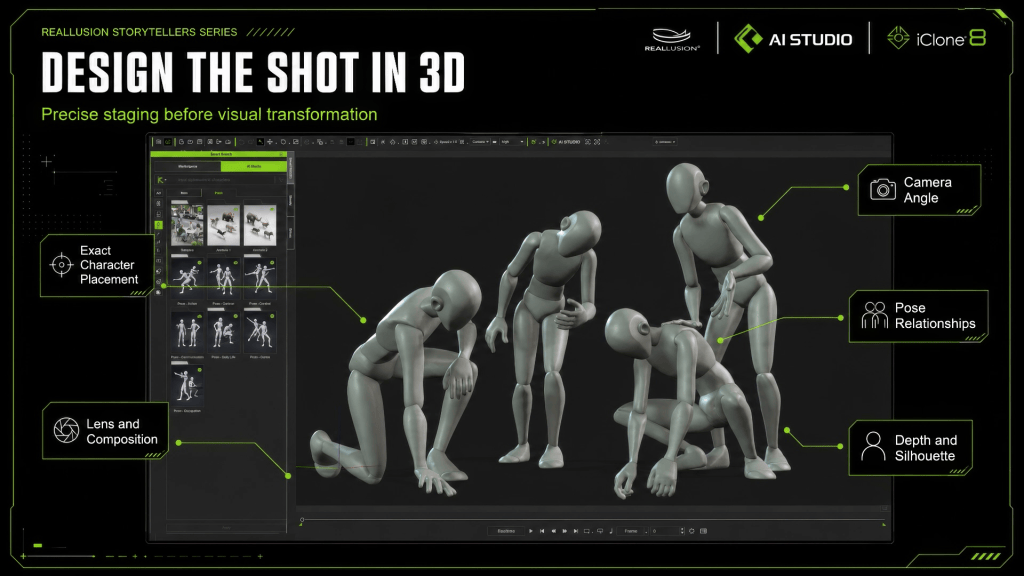
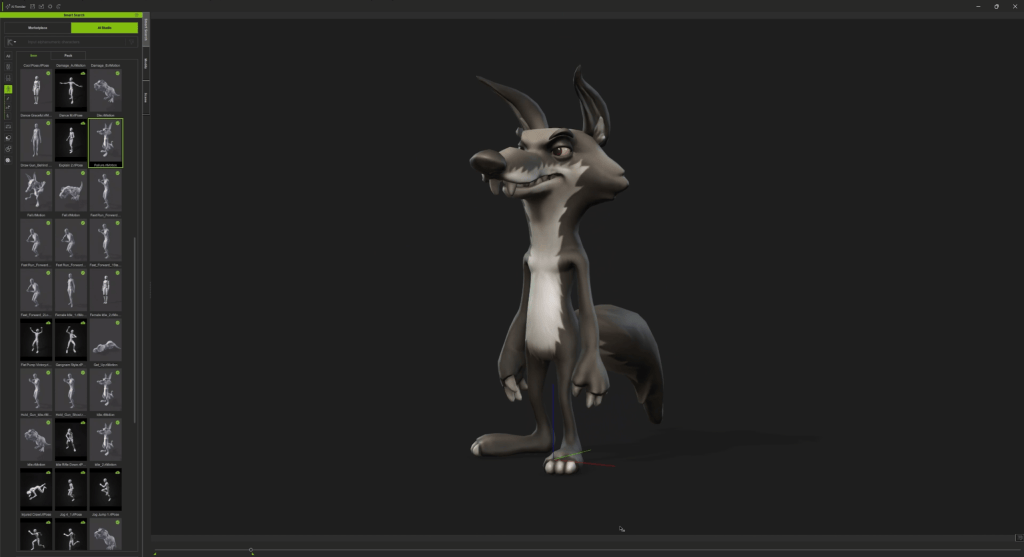
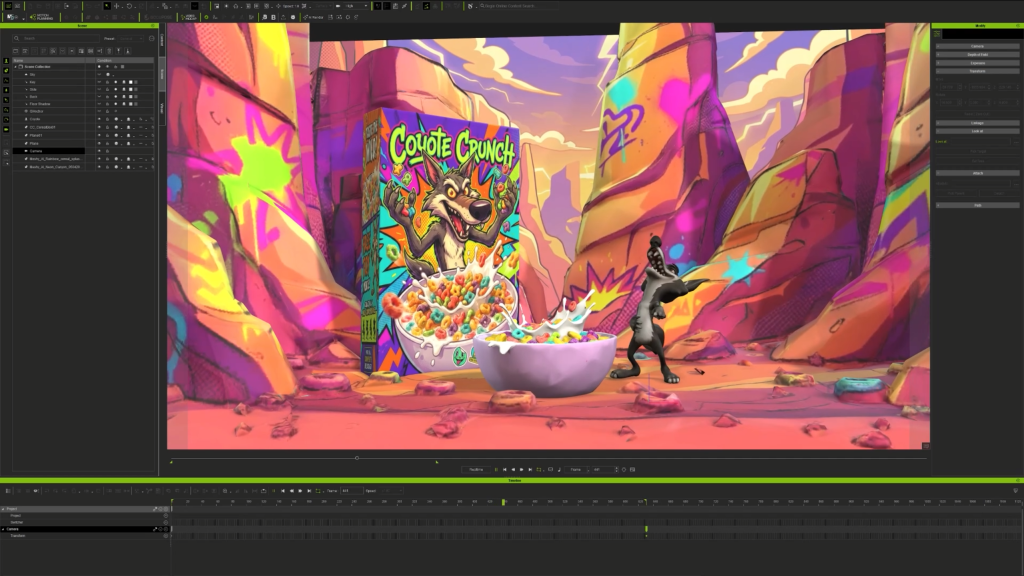
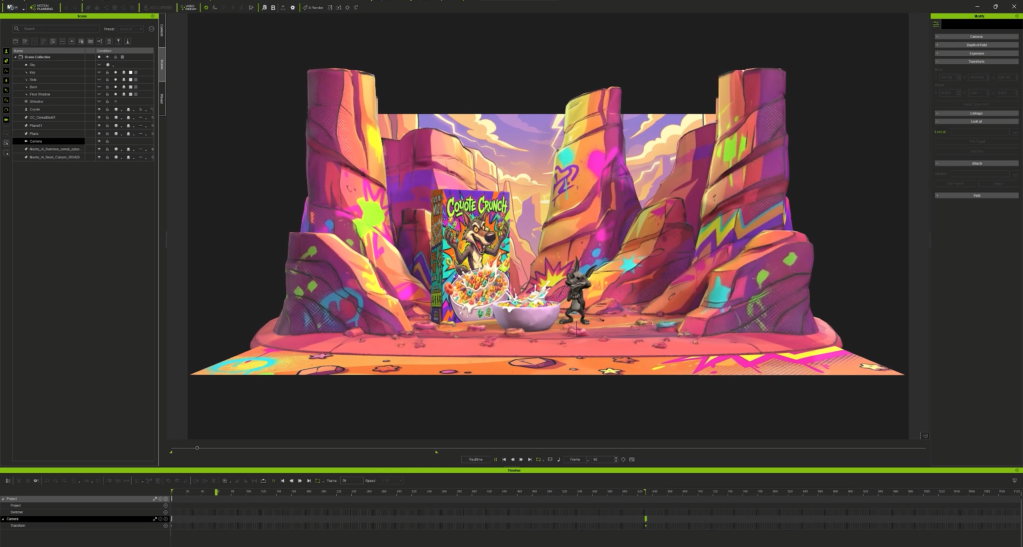
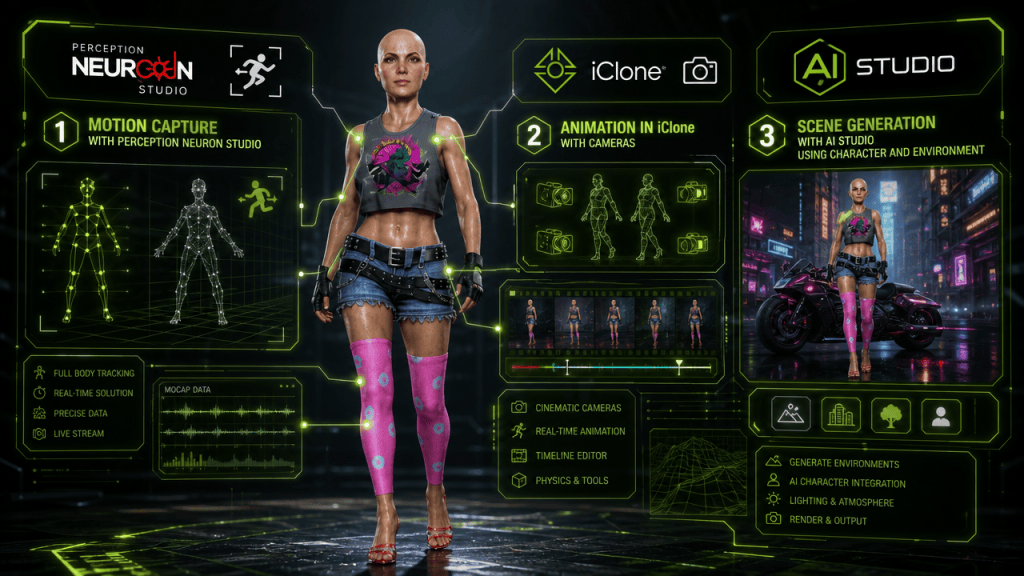
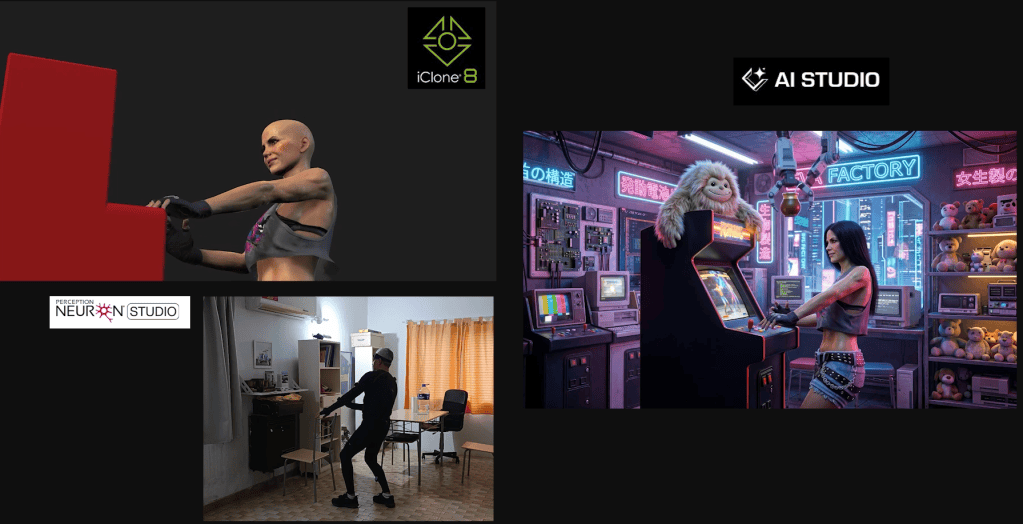
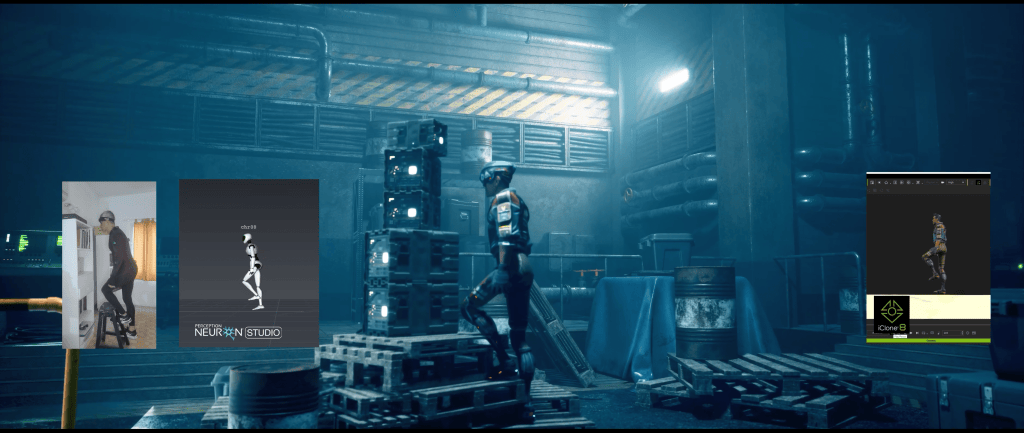
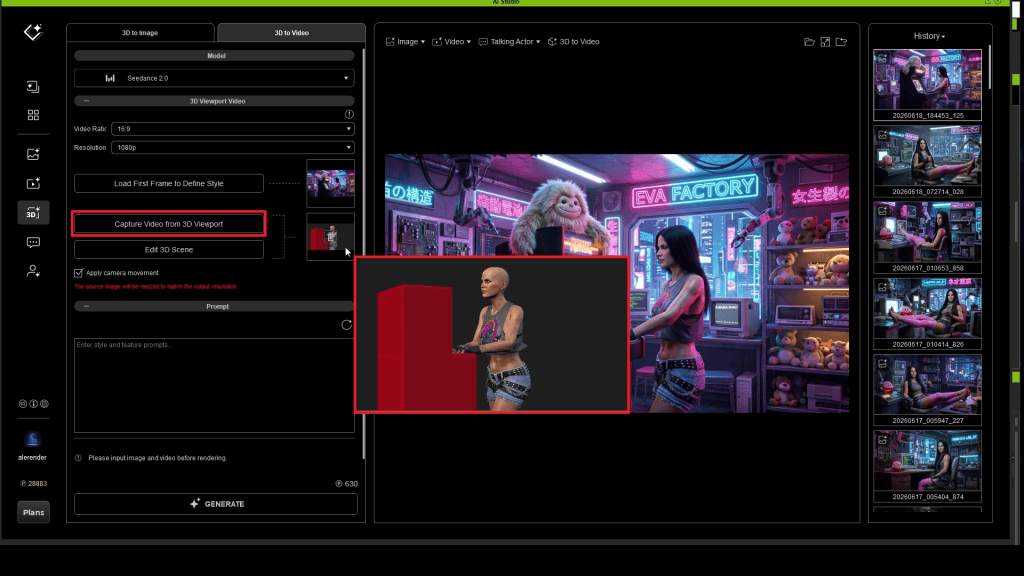
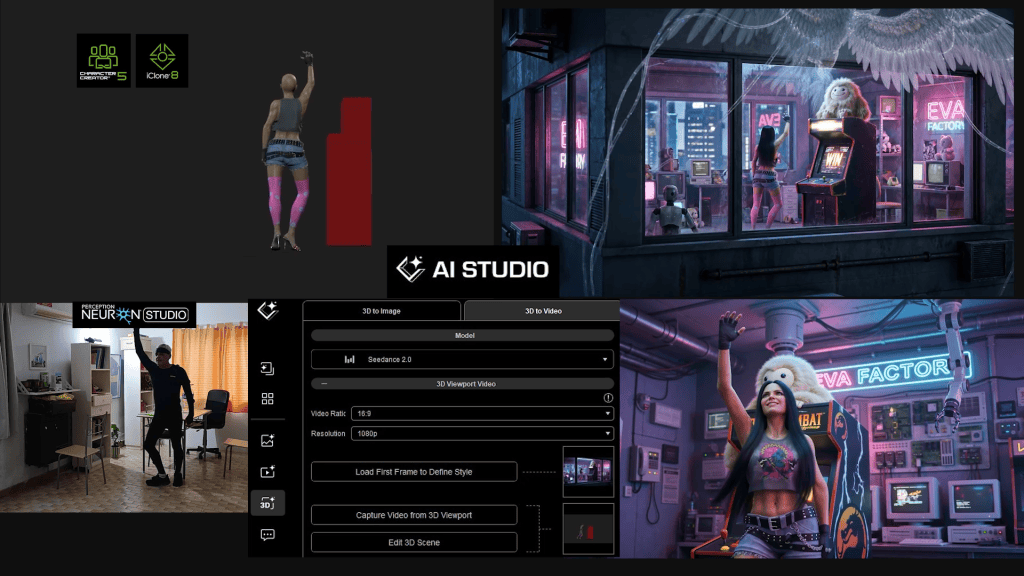
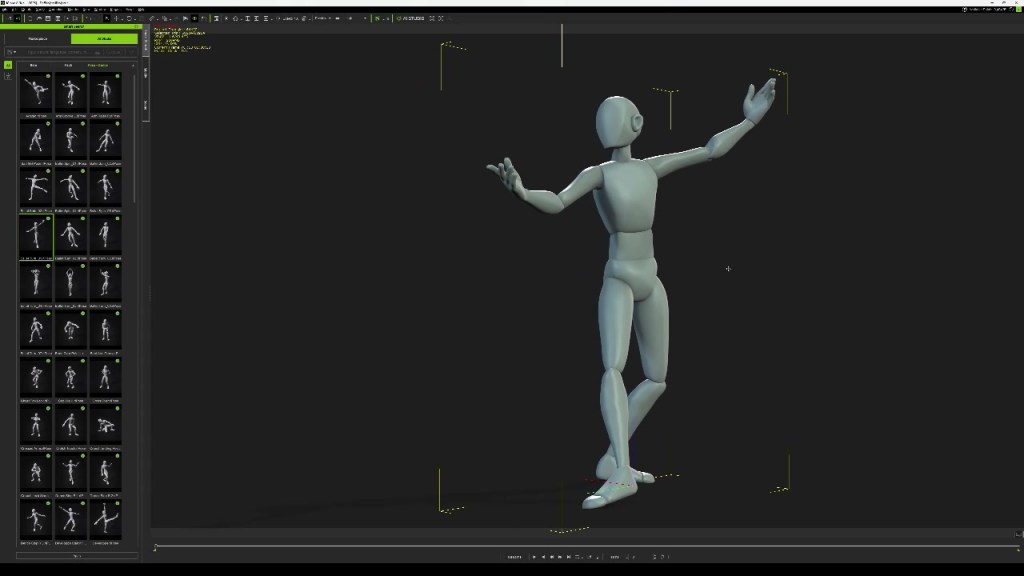
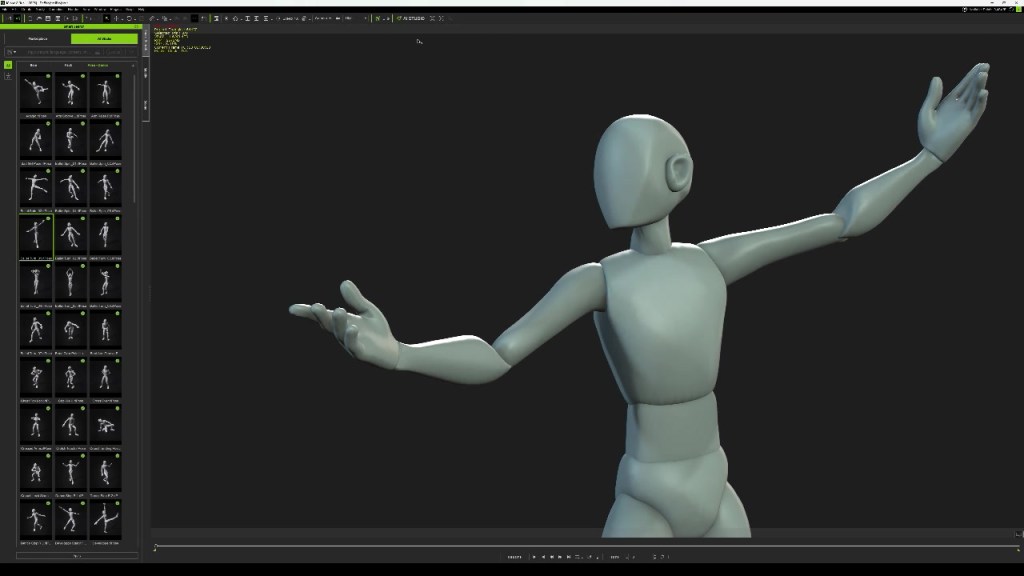
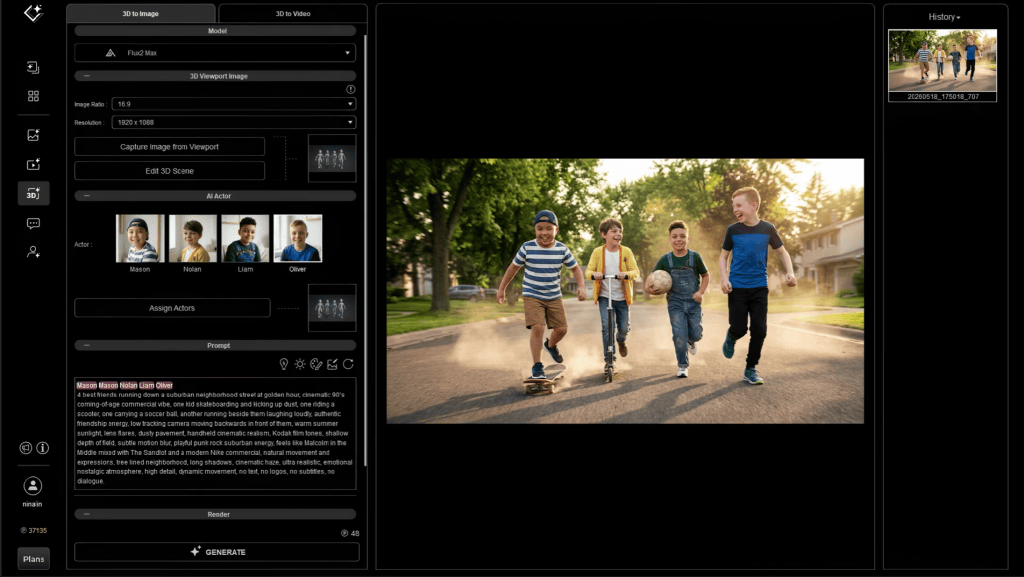
Characters and cameras are first blocked inside iClone, allowing complete control over Camera composition, Character placement, Silhouettes, Timing, Performance, Shot design.
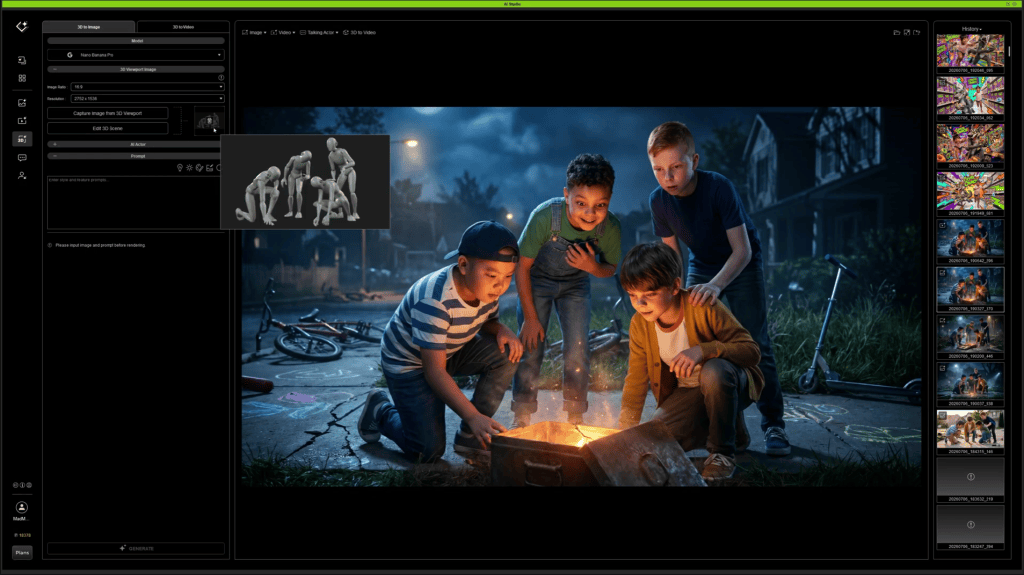
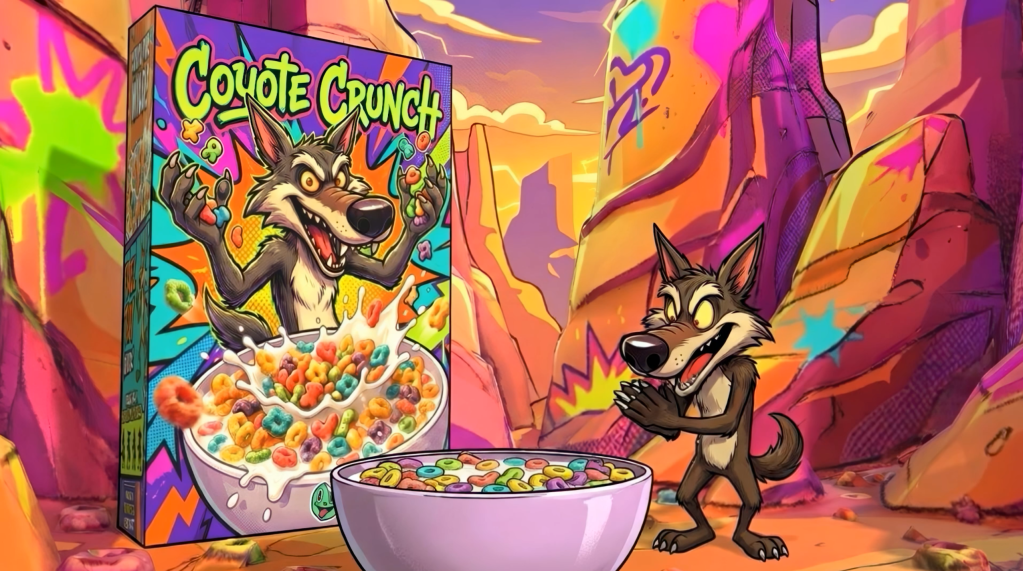
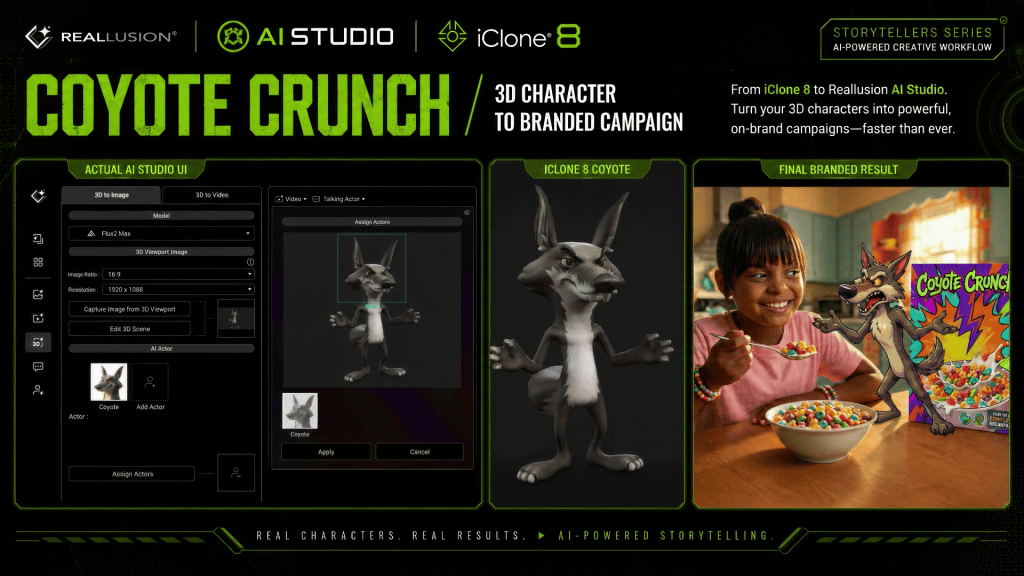
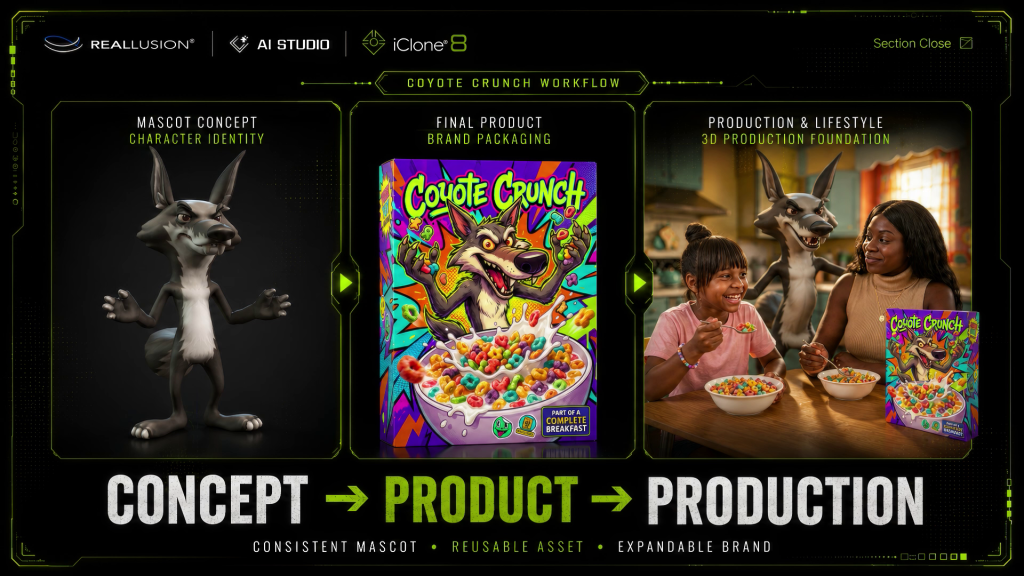
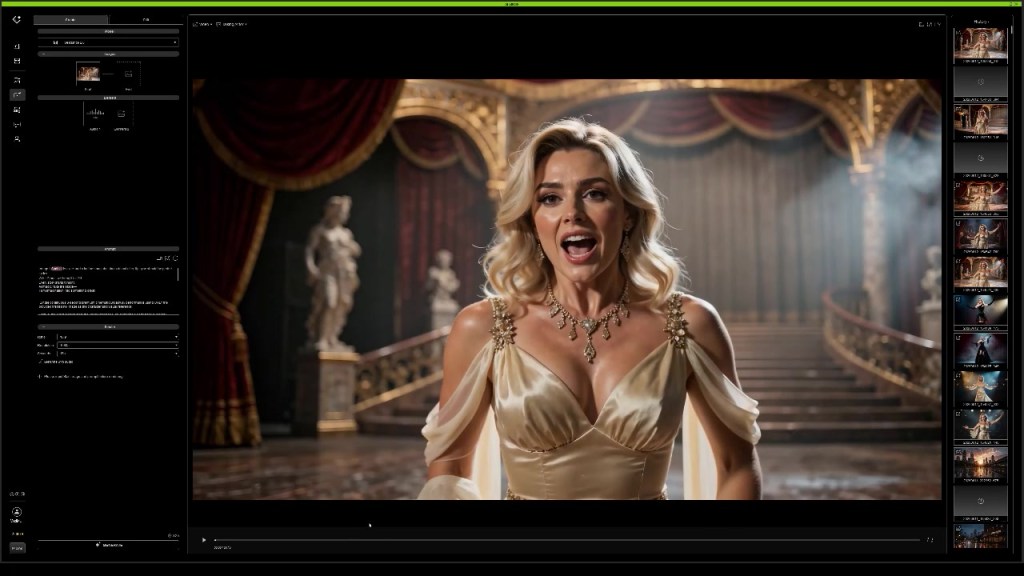
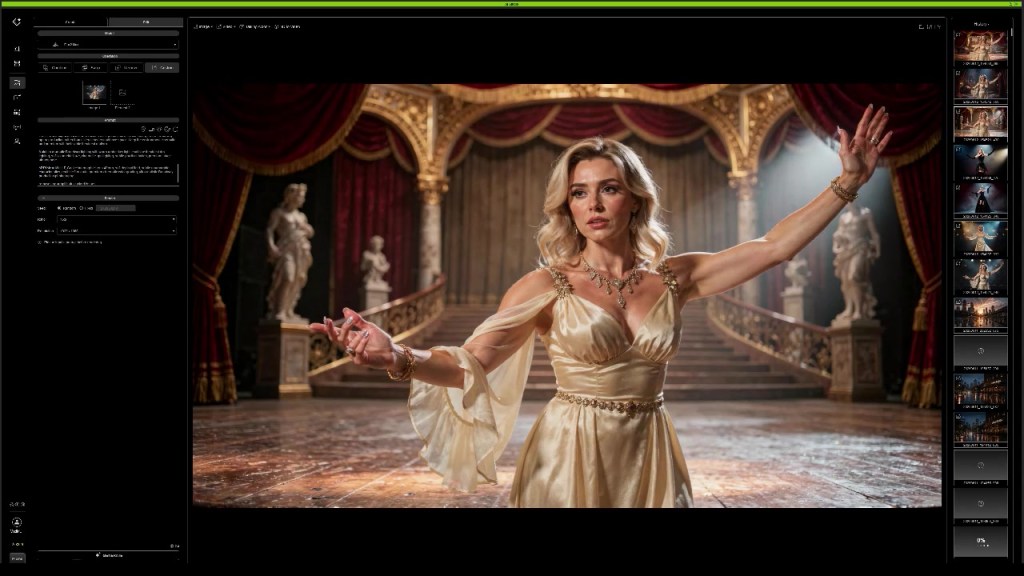
The rendered frame then becomes the visual foundation for AI image generation. The frame can use the AI Studio tool to assign the AI Actors to the reference frame from iClone. The assignment allows Max to associate the intended actor’s performance, mood and gesture in the 3D reference to the AI Actors loaded into the AI Studio project.

Instead of asking AI to invent composition, the creator provides a carefully designed layout that preserves the original cinematic intent.
This hybrid workflow combines the precision of 3D filmmaking with the speed and visual quality of AI generation.


Production Mindset and Prompt Engineering
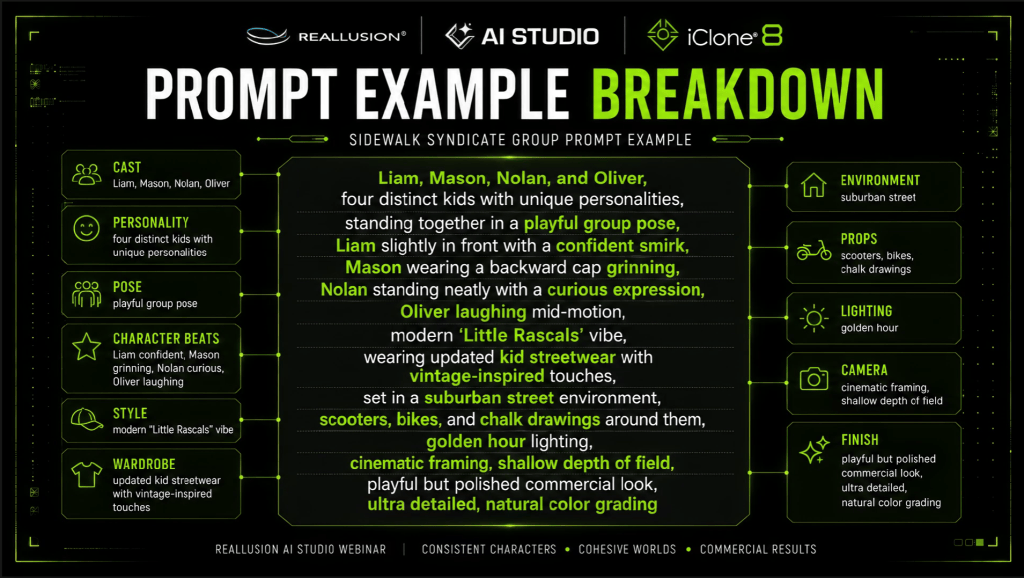
Perhaps the biggest lesson from Sidewalk Syndicate is that successful AI storytelling is less about discovering the perfect prompt and more about adopting a production workflow along with prompting.
By treating AI actors as a recurring cast, establishing reusable environments, directing performers individually, planning editorial coverage, and incorporating 3D when precision is required, creators gain significantly greater control over the final story.
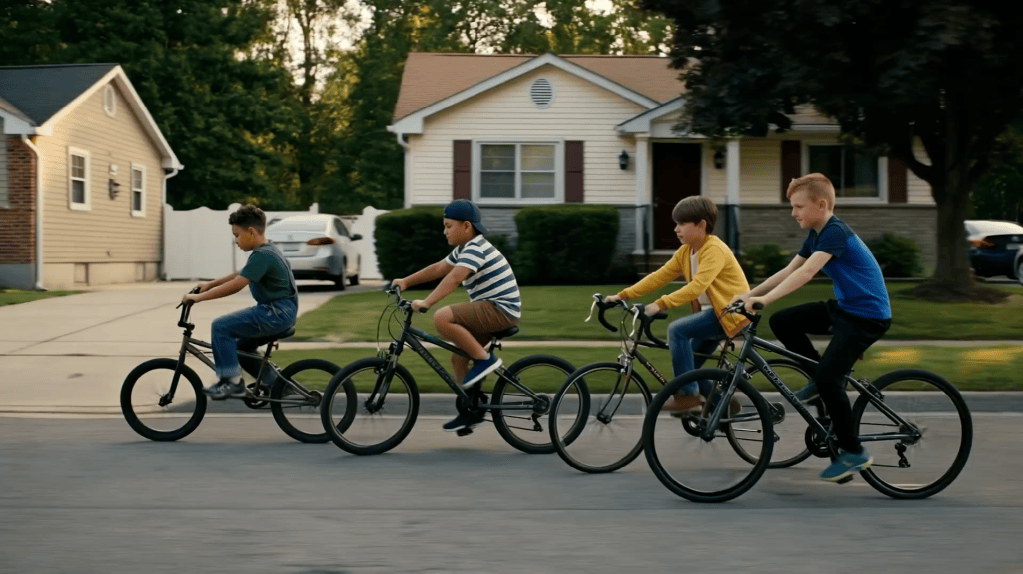
The result is a workflow that scales beyond single images into connected narratives with consistent characters, recognizable locations, and cinematic storytelling.
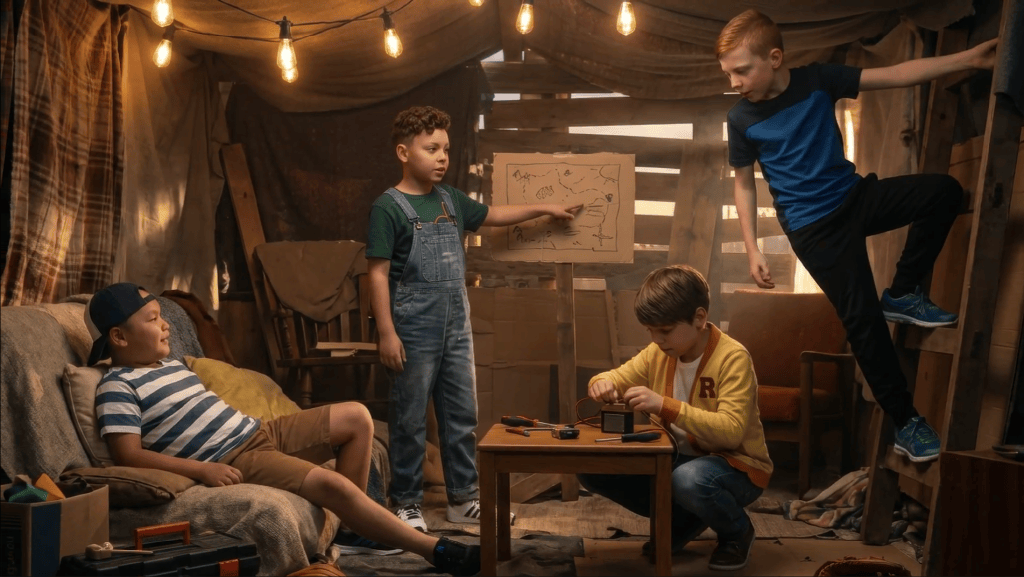
As AI filmmaking continues to evolve, production-minded workflows like the one demonstrated by Max Thomas offer a practical blueprint for creators who want to build believable worlds instead of isolated scenes.
AI Studio Storytellers
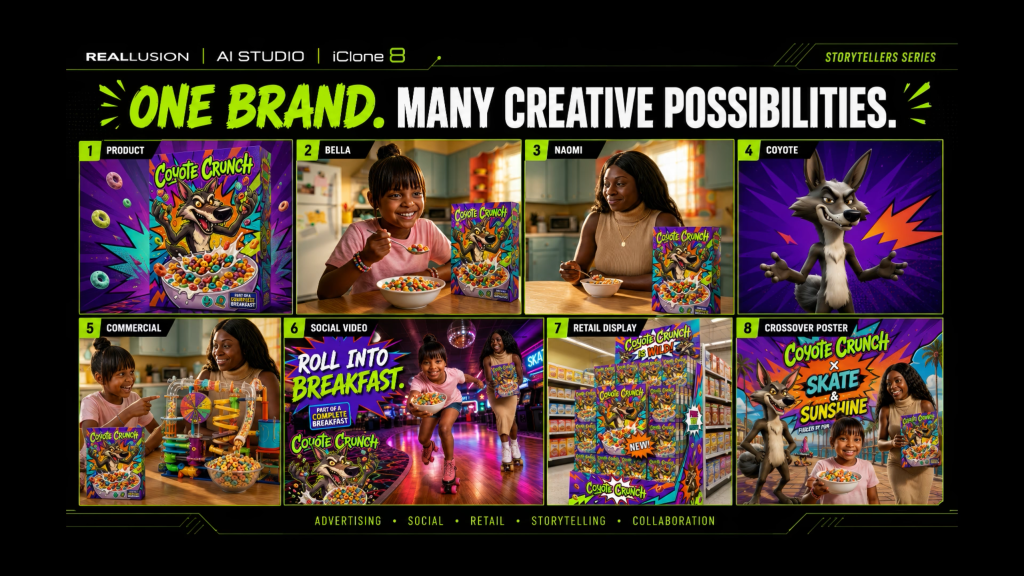
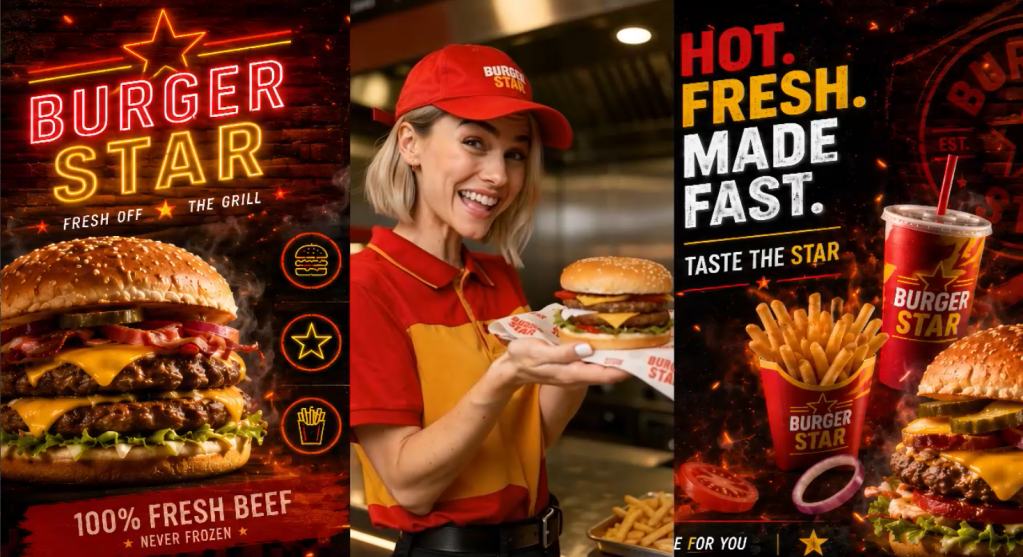
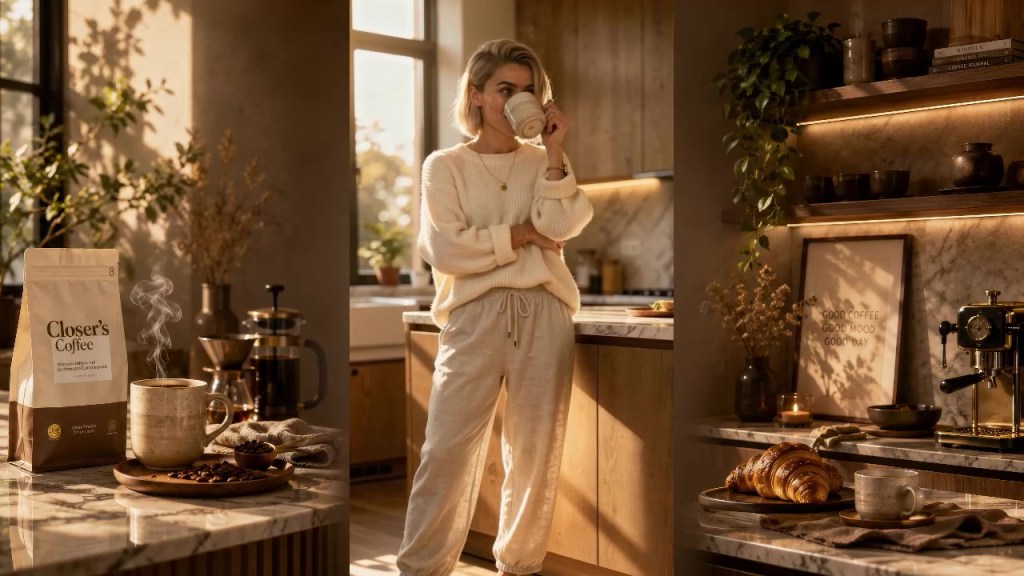
AI Studio Storytellers highlights creators who are pushing the boundaries of digital storytelling through Reallusion’s AI Studio workflow. Through behind-the-scenes breakdowns, production insights, and real-world projects like Max Thomas’s commercial lifestyle campaign, the series explores how artists combine Character Creator, iClone, AI Studio, and leading AI models to develop consistent digital actors, direct scenes in 3D, craft effective prompts, generate music and performances, and transform creative ideas into polished productions. Each episode reveals practical techniques and creative workflows that demonstrate how creators can direct AI with purpose while maintaining artistic control from concept to final delivery.
Max Thomas is a Professor of Practice at Georgia State University’s Creative Media Industries Institute (CMII) and Co-Founder & CTO of Actor Capture. His work focuses on virtual production, digital humans, motion capture, real-time animation, and AI-assisted content creation. As an educator and industry practitioner, Max specializes in helping creators combine traditional production techniques with emerging AI tools to accelerate storytelling and creative development. He regularly speaks on the future of production workflows and the growing role of AI in media, education, and entertainment.

Related Posts
- AI Studio Storytellers: HEIST – Previz to Production: The 3D-to-AI Workflow
- AI Studio Storytellers: Re-inventing Graphic Novels with Hybrid 3D-to-AI Workflows
- AI Studio Storytellers: Space Rocks – Sci-Fi Filmmaking with Consistent AI Actors