TL;DR:
- Character Creator 5 with Headshot 3 transforms 2D photos into high-fidelity, rigged 3D character likenesses.
- iClone 8 and AccuFACE 2 enable real-time video facial mocap, bringing lifelike expressions to your digital humans.
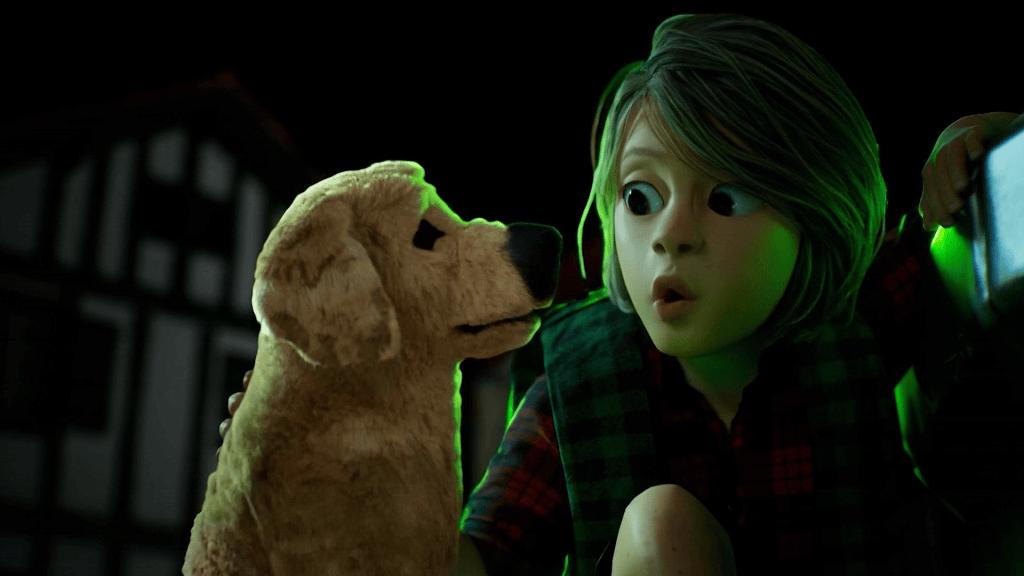
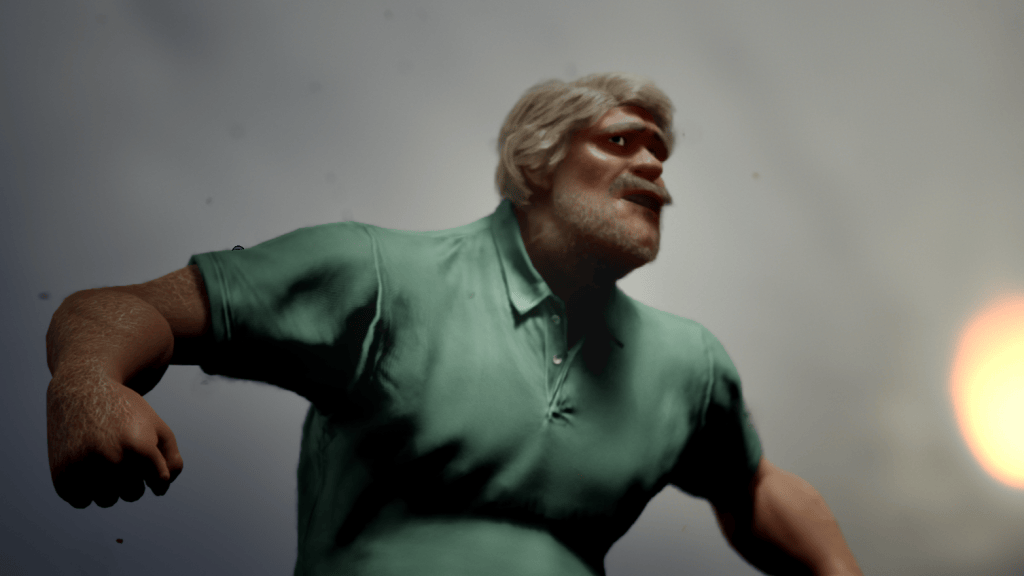
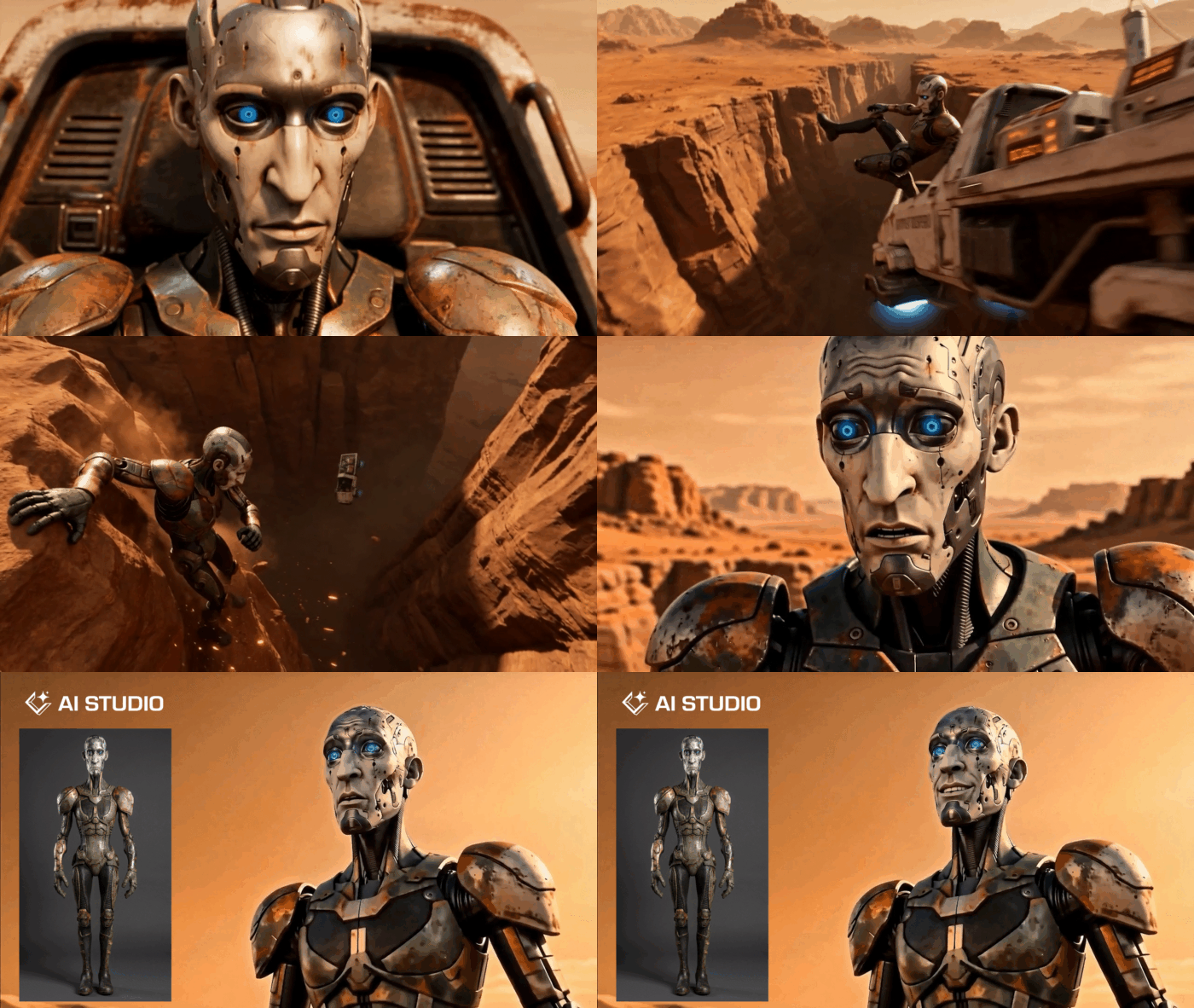
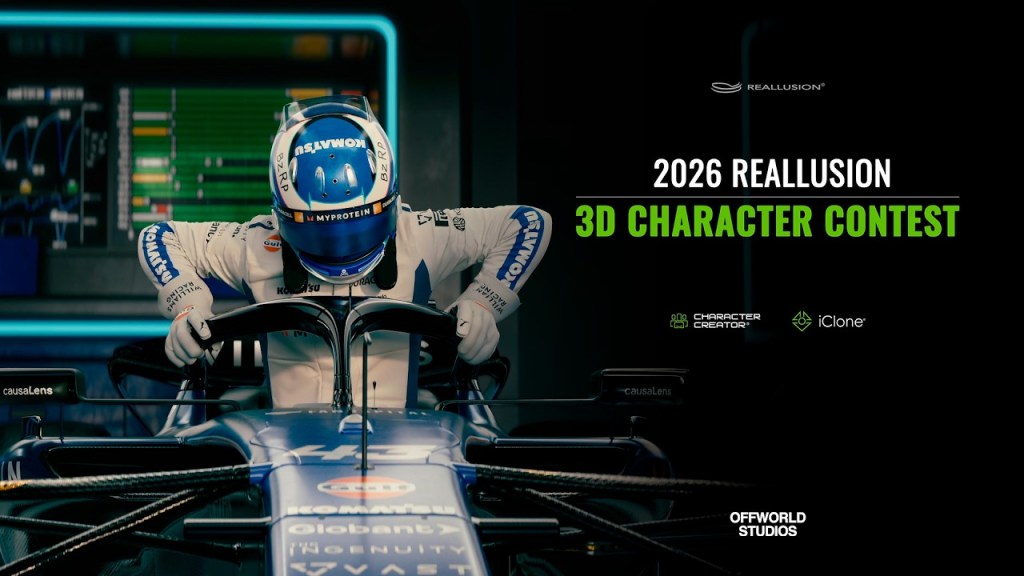
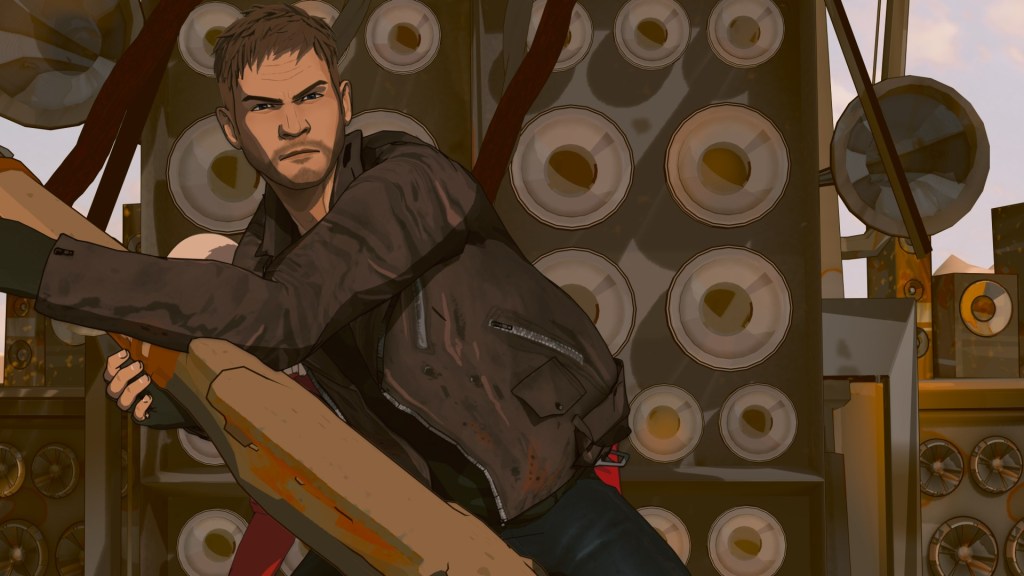
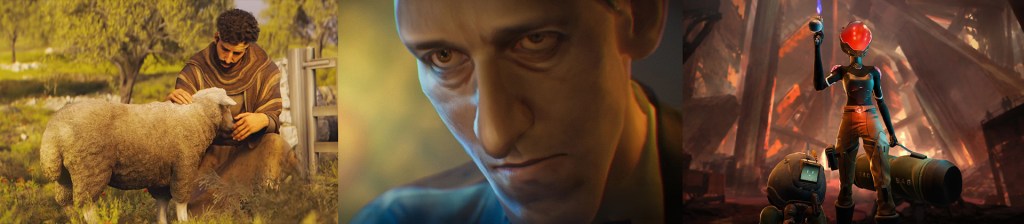
- Off World Studio leveraged this pipeline to create a realistic character for their Franco Colapinto short film, proving efficiency for cinematic projects.
- The Auto Setup for Blender plugin seamlessly integrates these complex characters and their animations, optimizing rigging and facial controls.
Creating realistic 3D character likenesses from a single photograph and animating them with expressive facial motion capture for integration into Blender presents a significant technical challenge for many studios. This article details a streamlined workflow leveraging Character Creator 5 for likeness generation and iClone 8 for real-time facial animation, a pipeline expertly adopted by Off World Studio to achieve authentic digital humans with unparalleled speed.
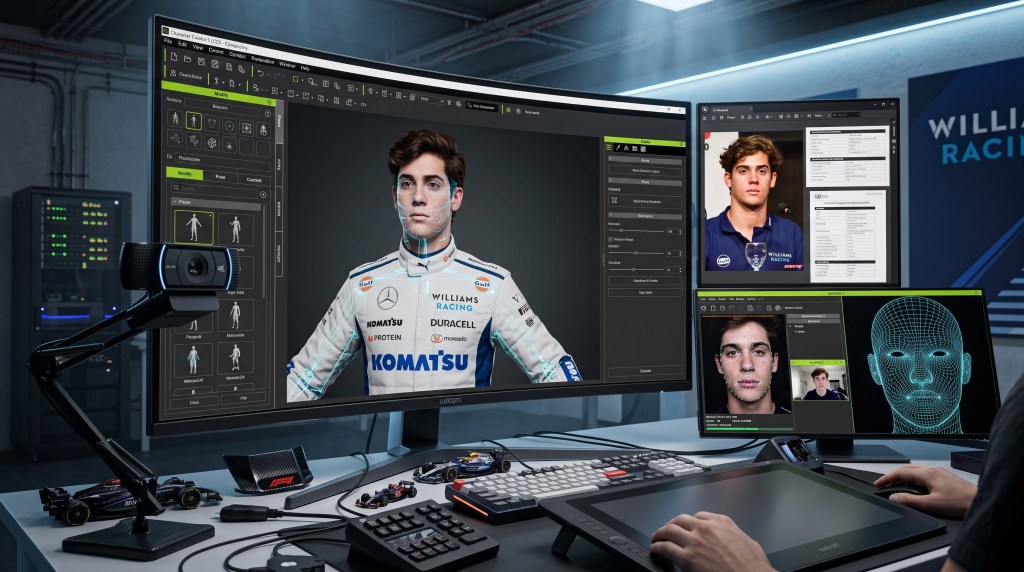
How Do You Create Realistic 3D Character Likenesses from Photos?
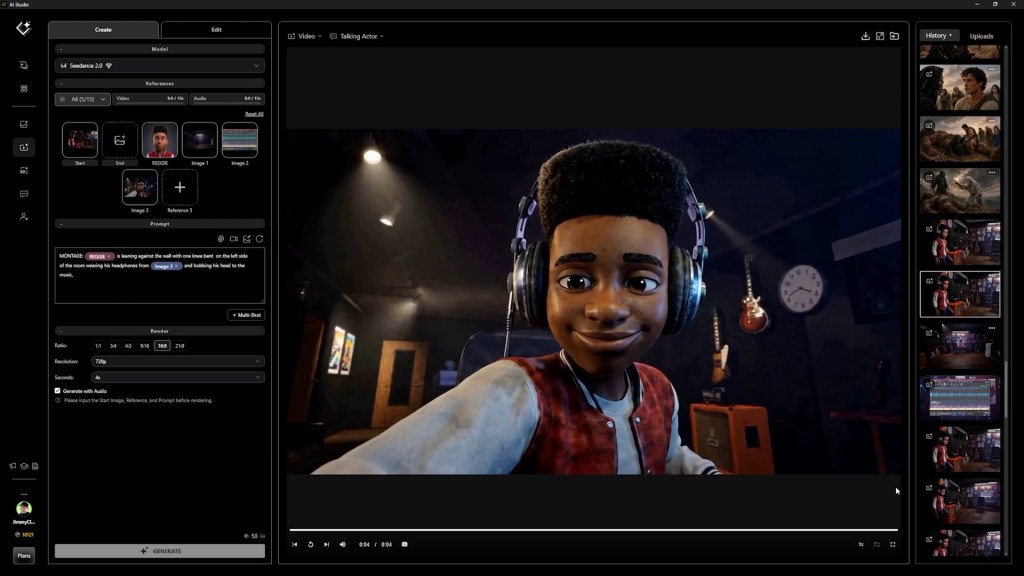
Achieving a convincing digital likeness traditionally demands extensive sculpting expertise and significant time investment. However, cutting-edge AI-powered tools now streamline this process, enabling artists to generate highly accurate 3D characters directly from reference images, ready for animation. This workflow focuses on efficiency without compromising fidelity.



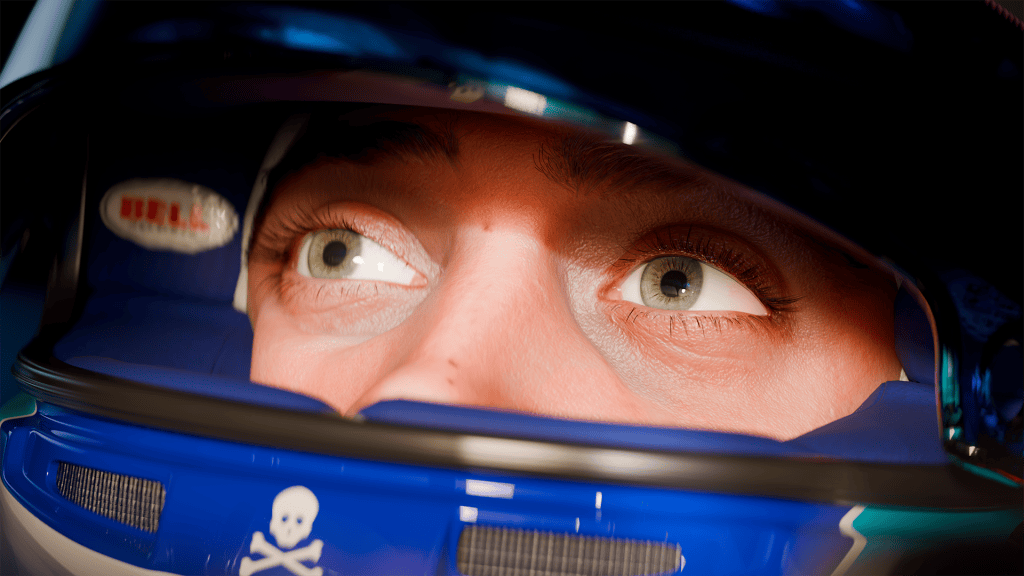
Leveraging AI with Headshot 3 in Character Creator 5
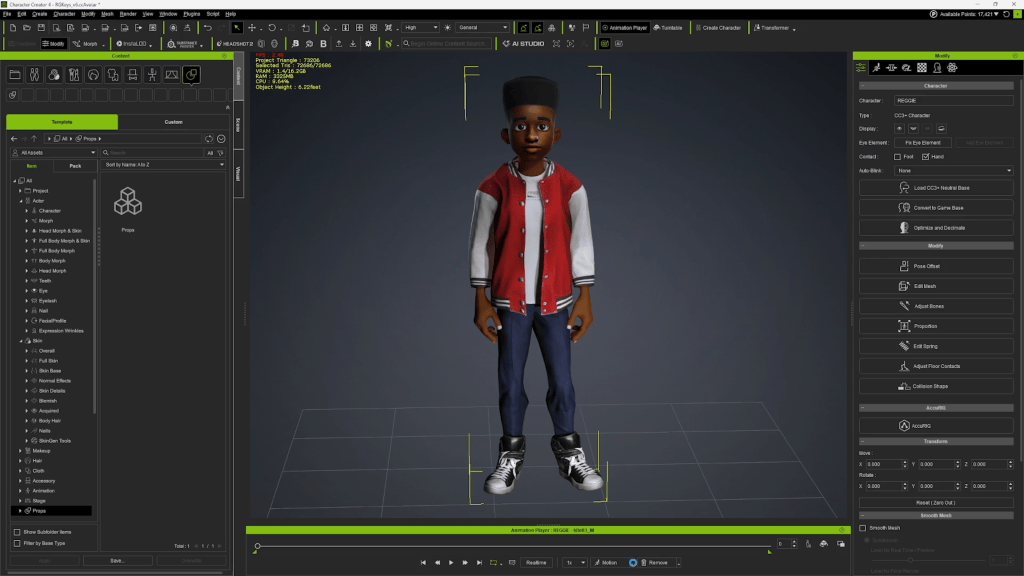
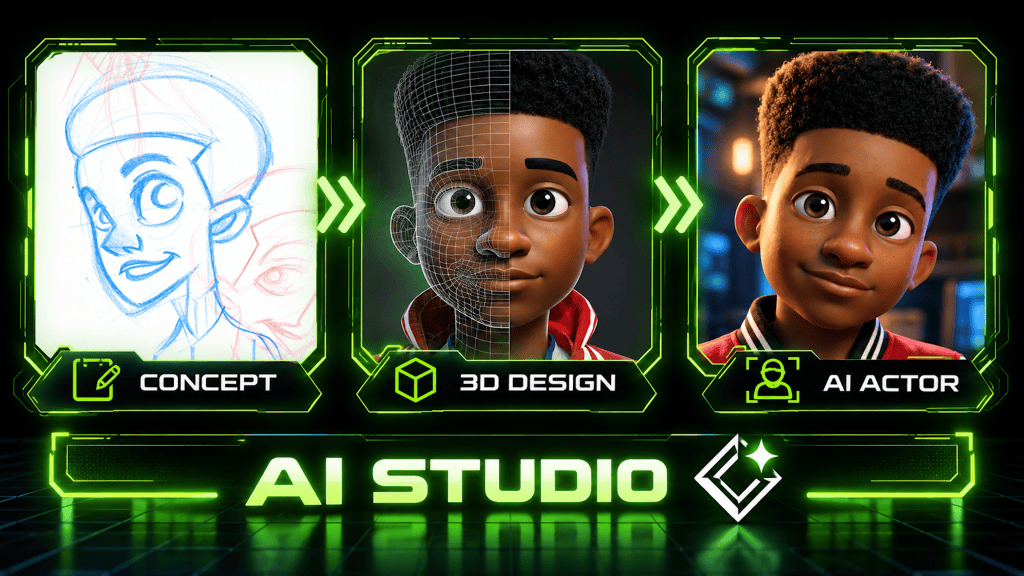
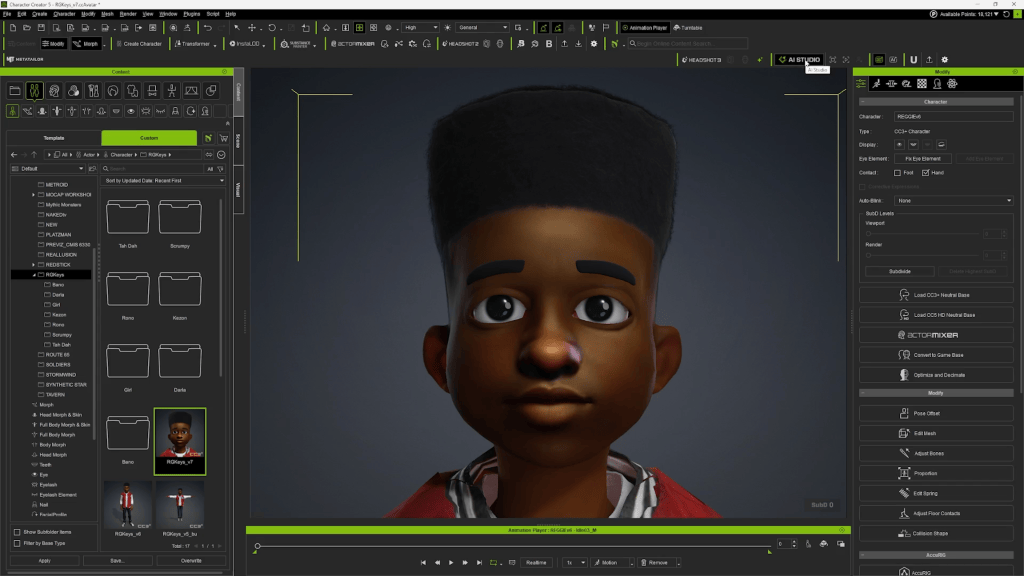
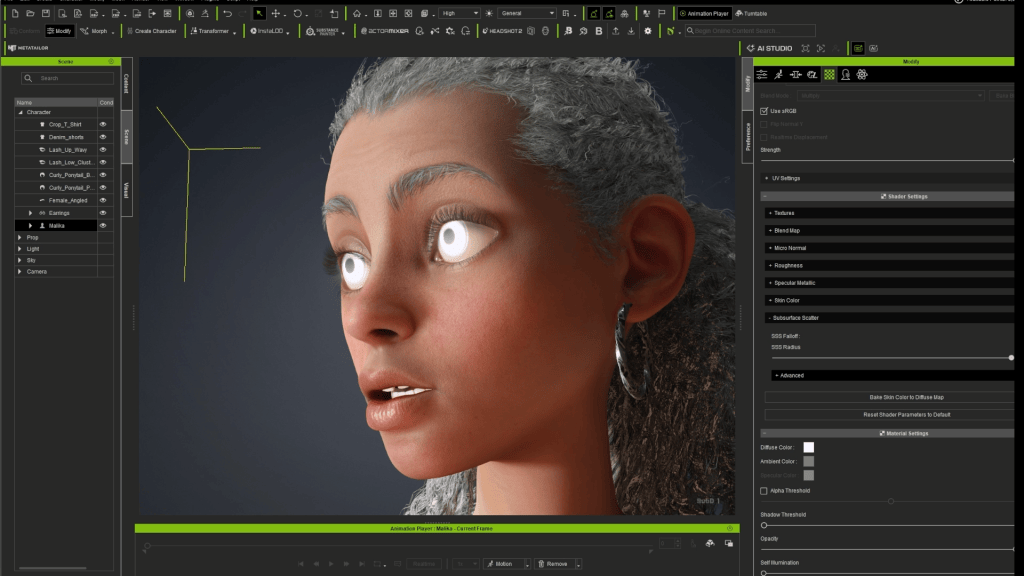
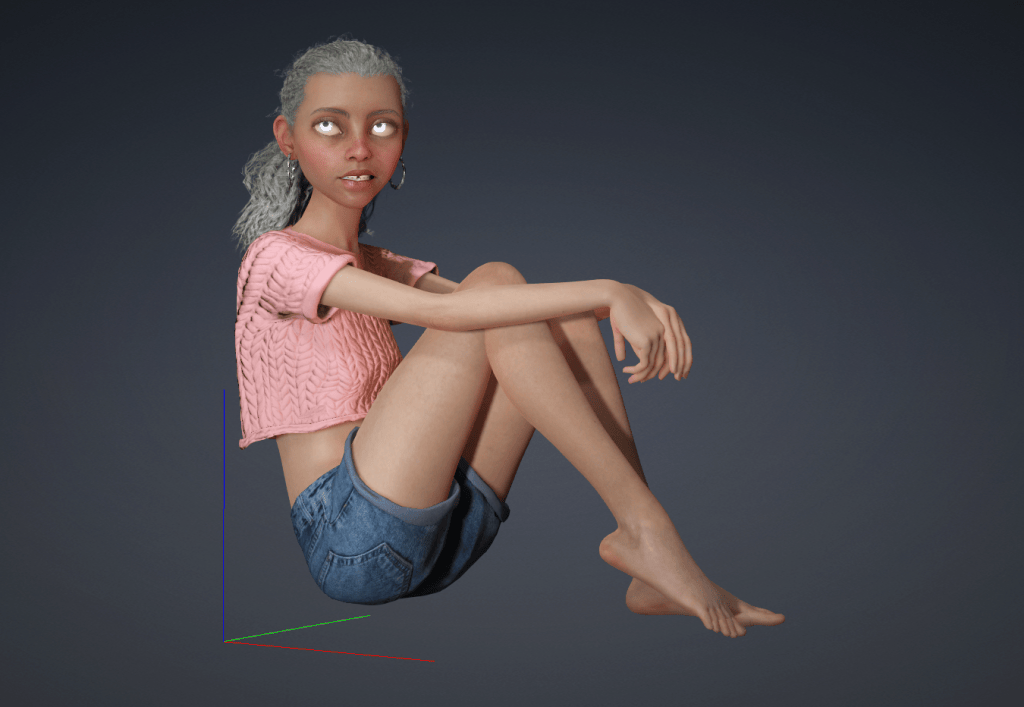
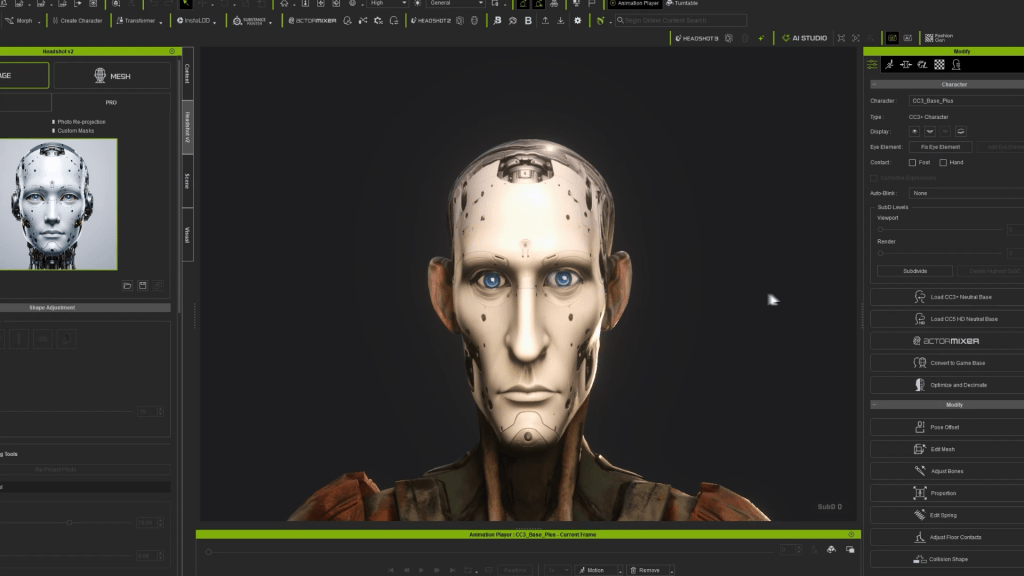
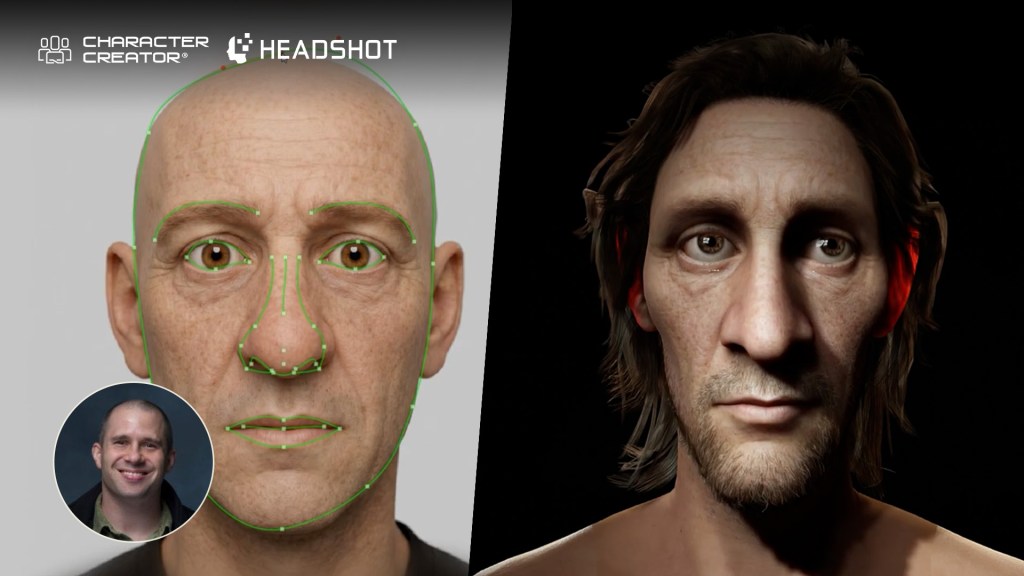
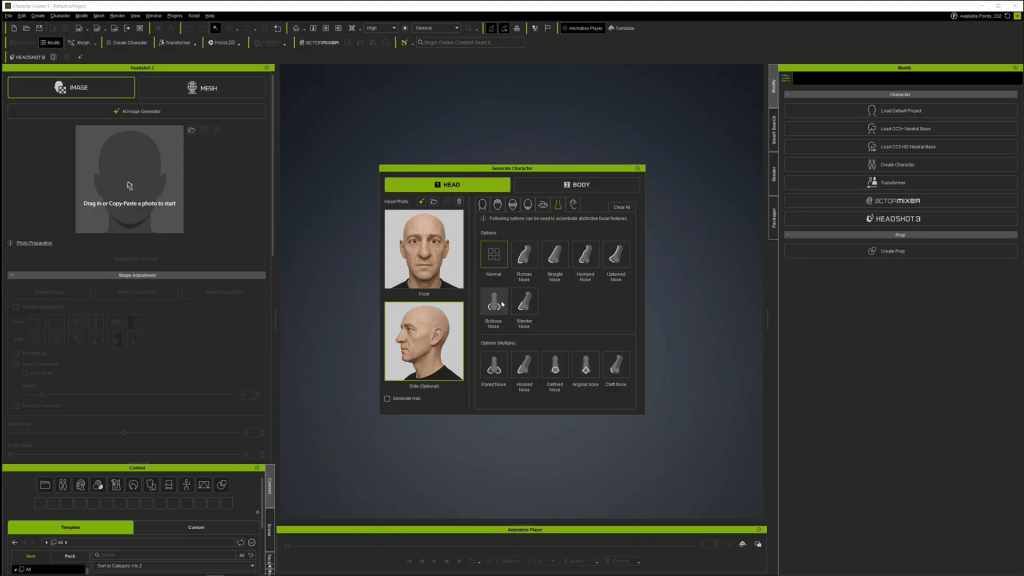
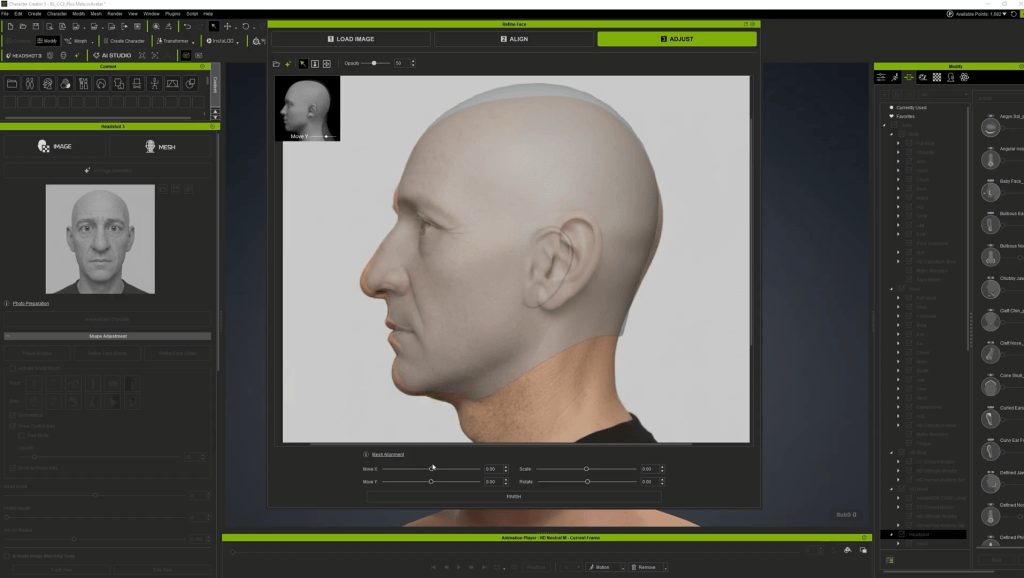
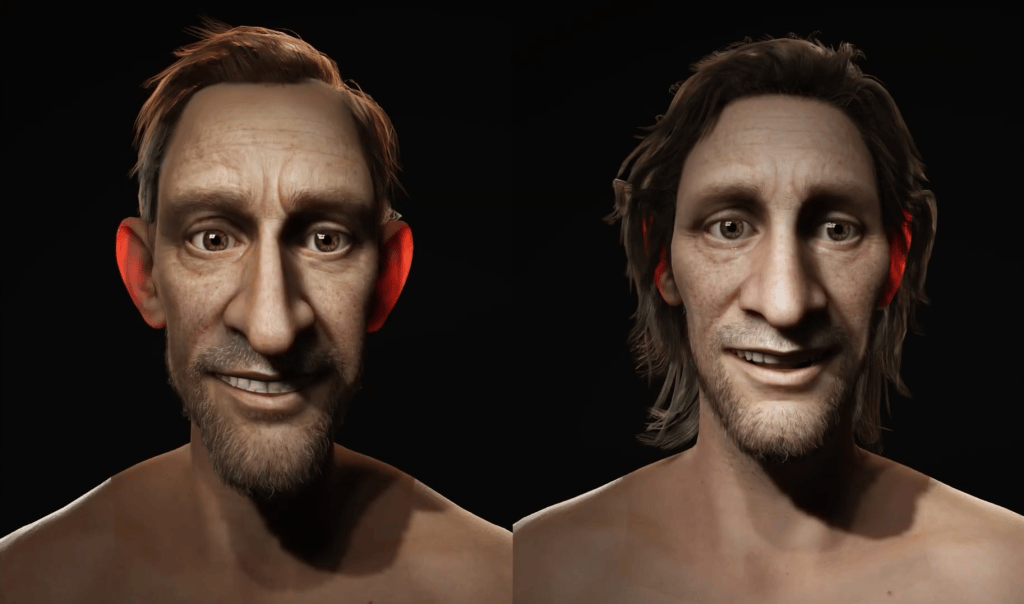
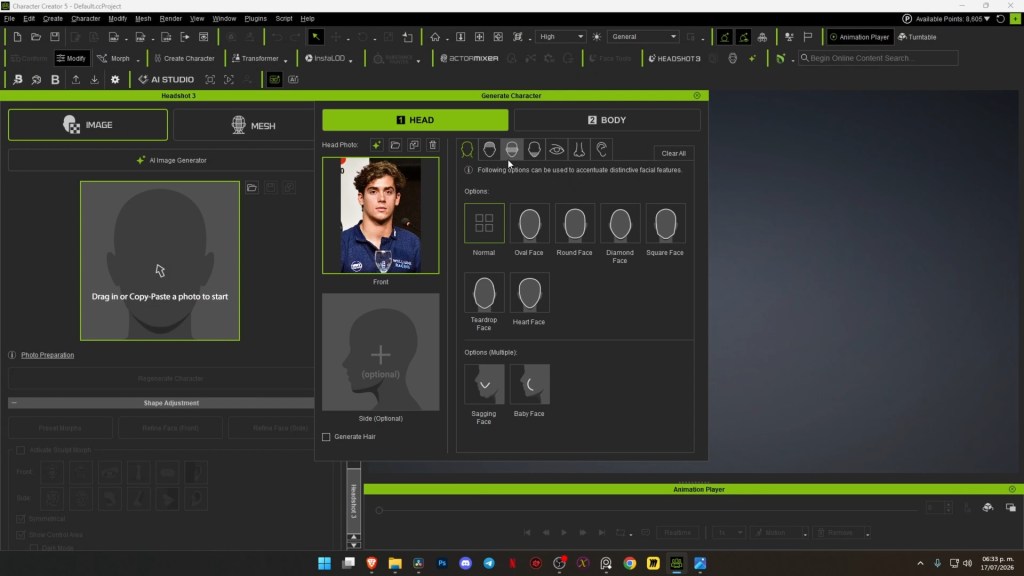
The foundation of rapid 3D likeness creation lies in Character Creator 5 (CC5), a powerful 3D character creation tool, paired with its Headshot 3 plugin. This AI-driven head generator transforms a single 2D photo into a fully rigged, animation-ready 3D head.
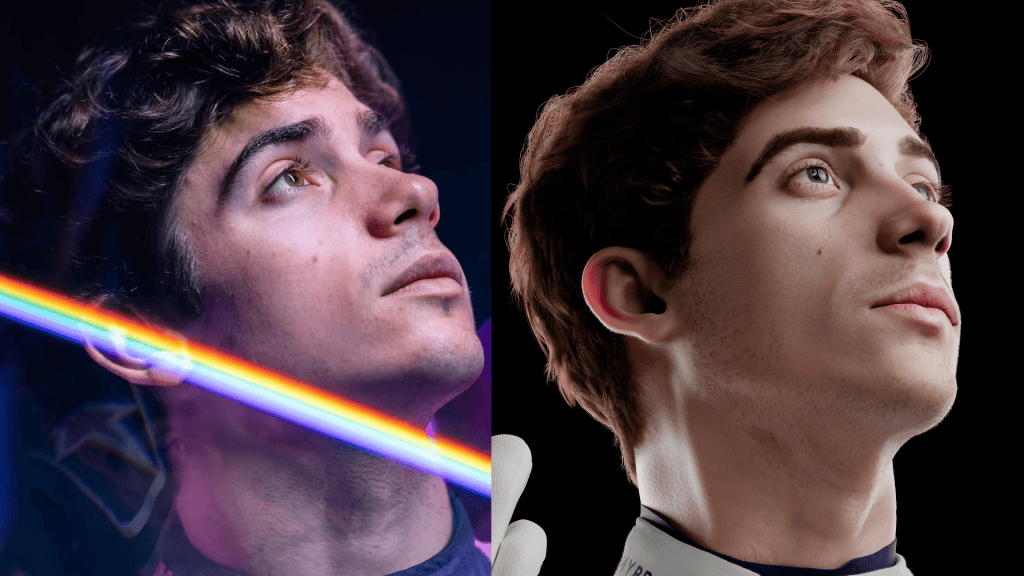

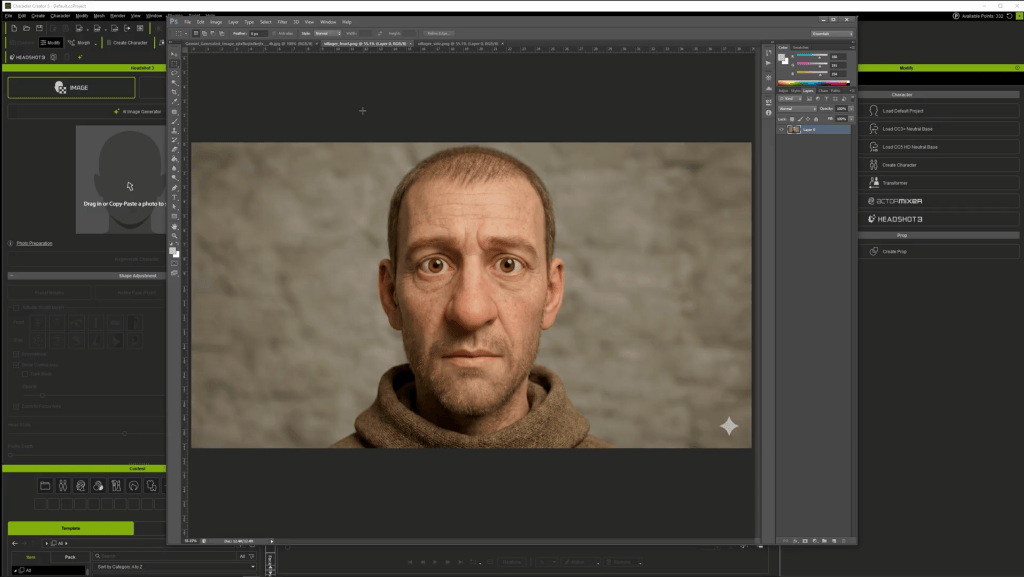
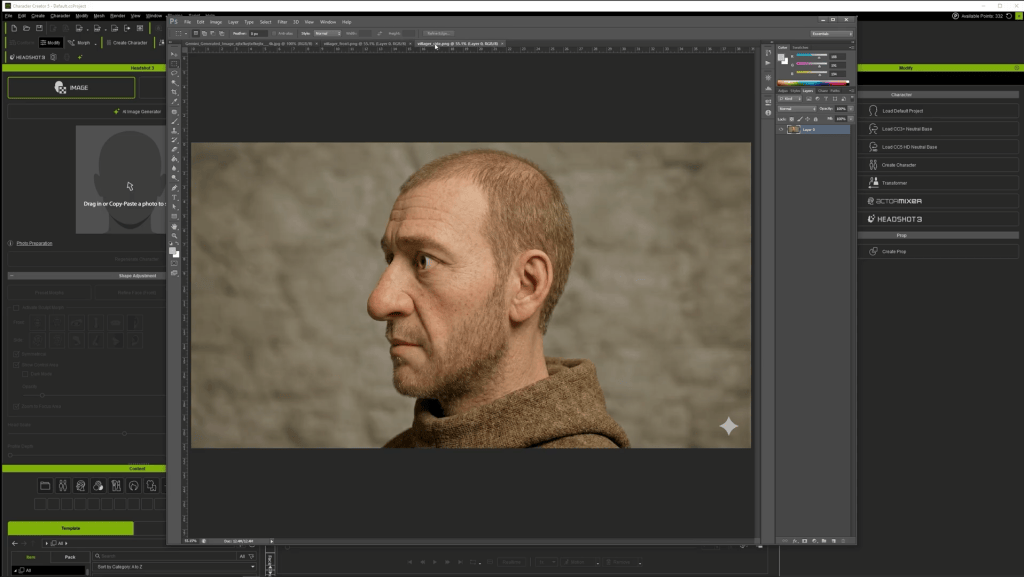
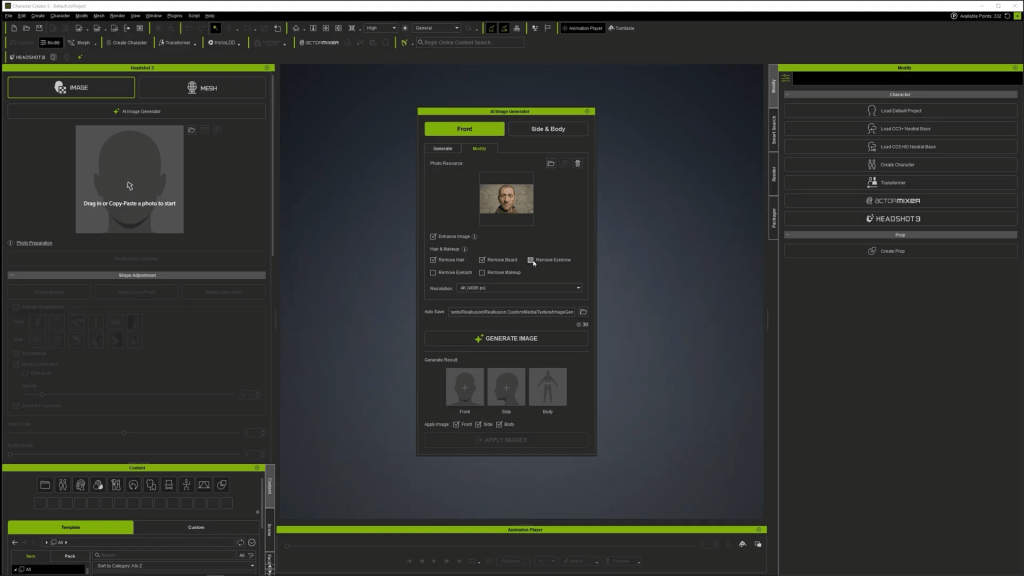
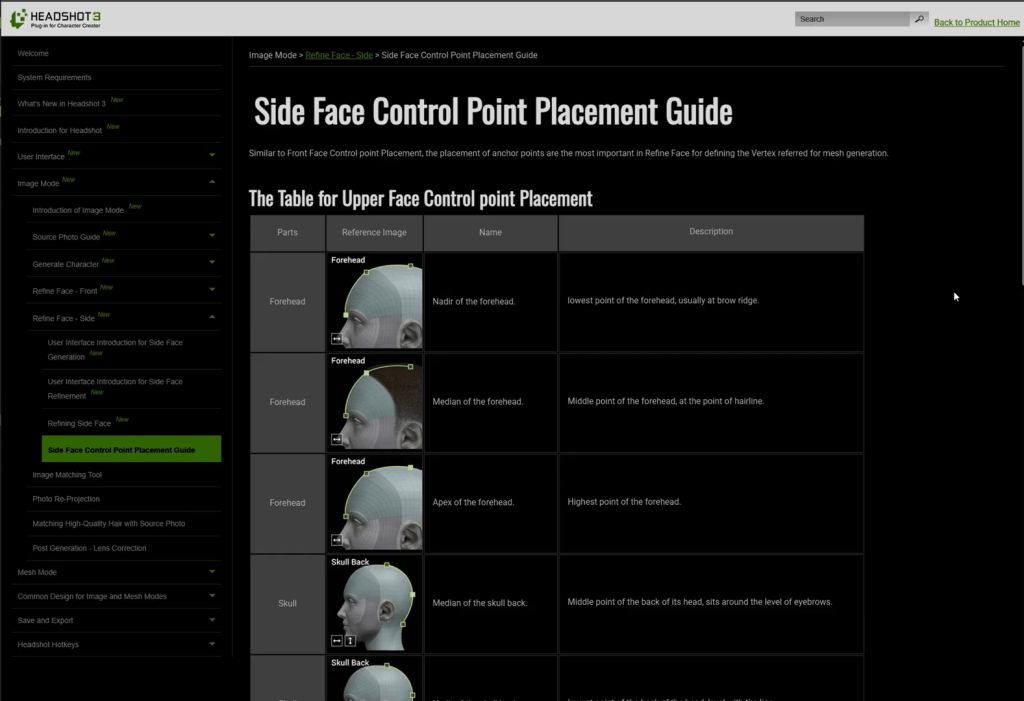
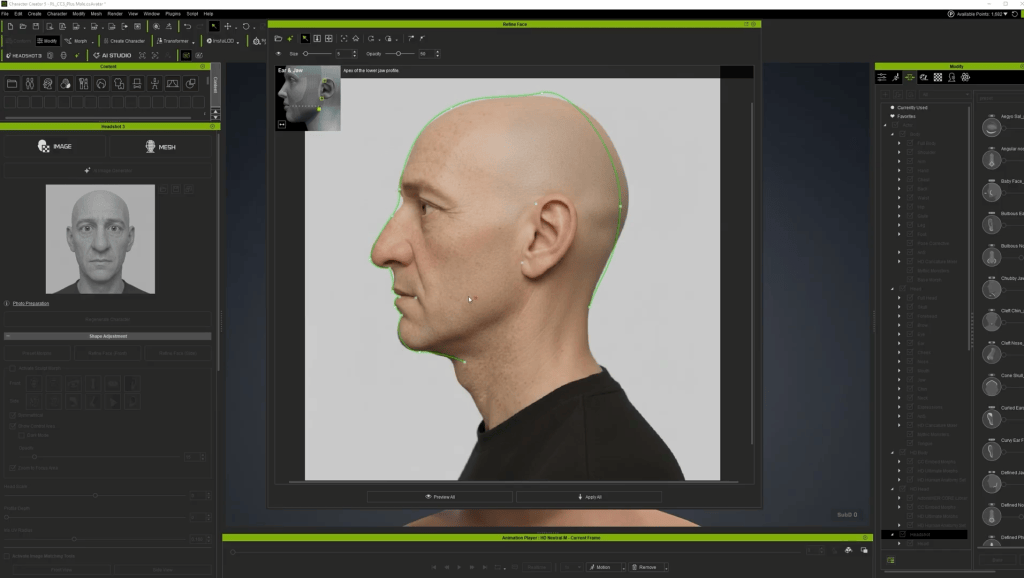
Headshot 3 employs next-generation, precise proprietary AI for image-to-head generation, even converting sketches, photographs, static 3D scans and sculpts into full CC characters. Crucially, its AI image enhancement features include 4K upscaling and texture reprojection, along with source photo enhancement tools, including head leveling, expression neutralization, lighting correction, and stray hair removal ensuring source images of varying quality yield high-resolution PBR textures for realistic rendering.
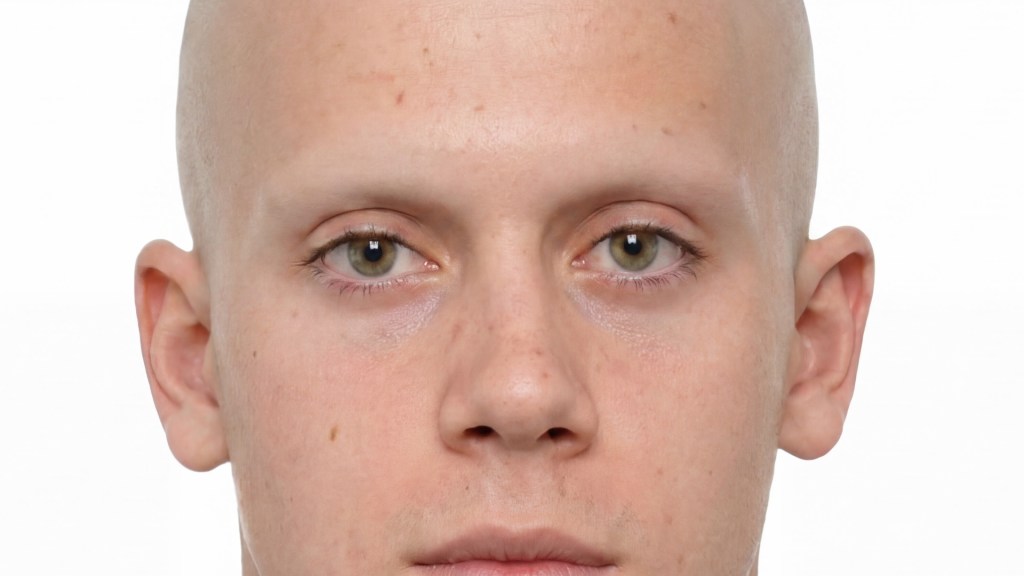
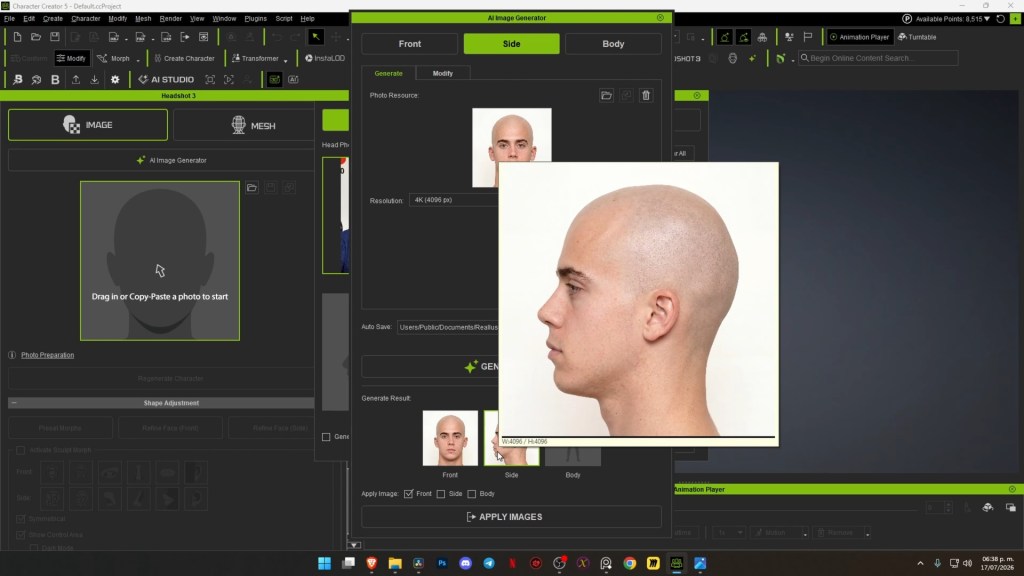
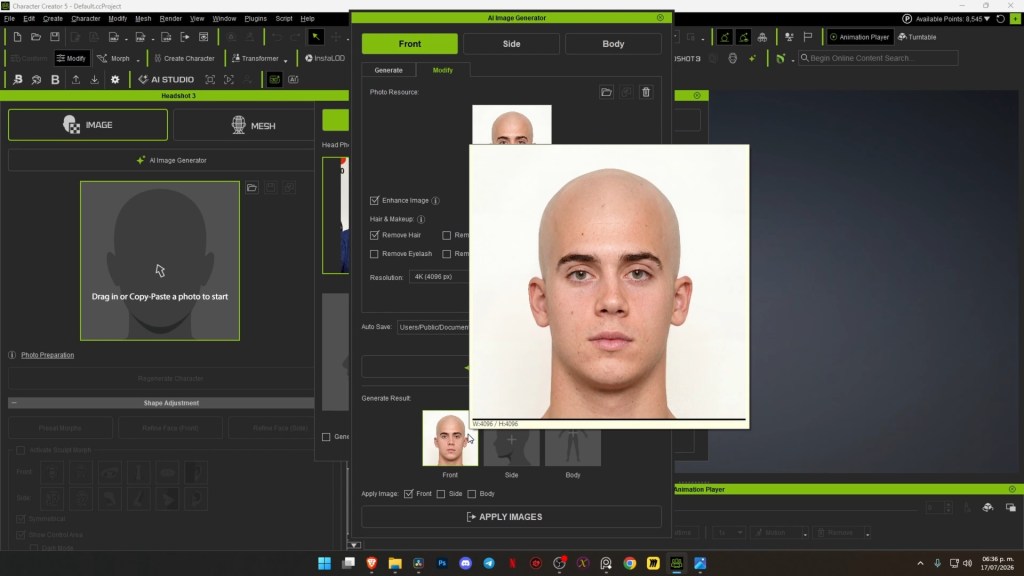
“Adding the Reallusion suite expands our creative capabilities, our horizons, and above all, our confidence in being able to translate ideas into concrete terms regarding characters and the process of bringing them to life in our projects.”
Ignacio Coronel — Co-Founder, Off World Studio
Refining Likeness with Morph Sliders and ZBrush Face Tools for CC5
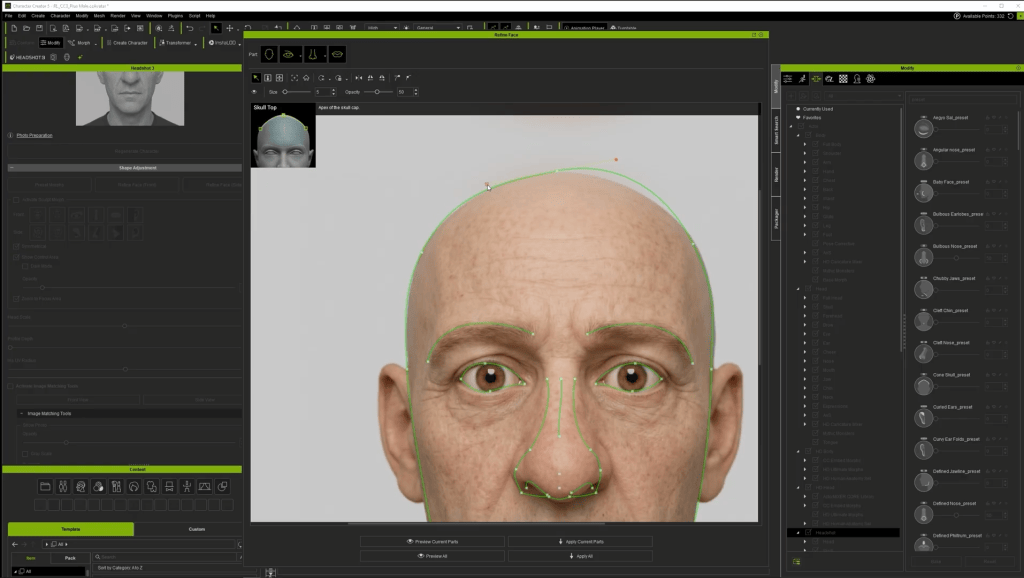
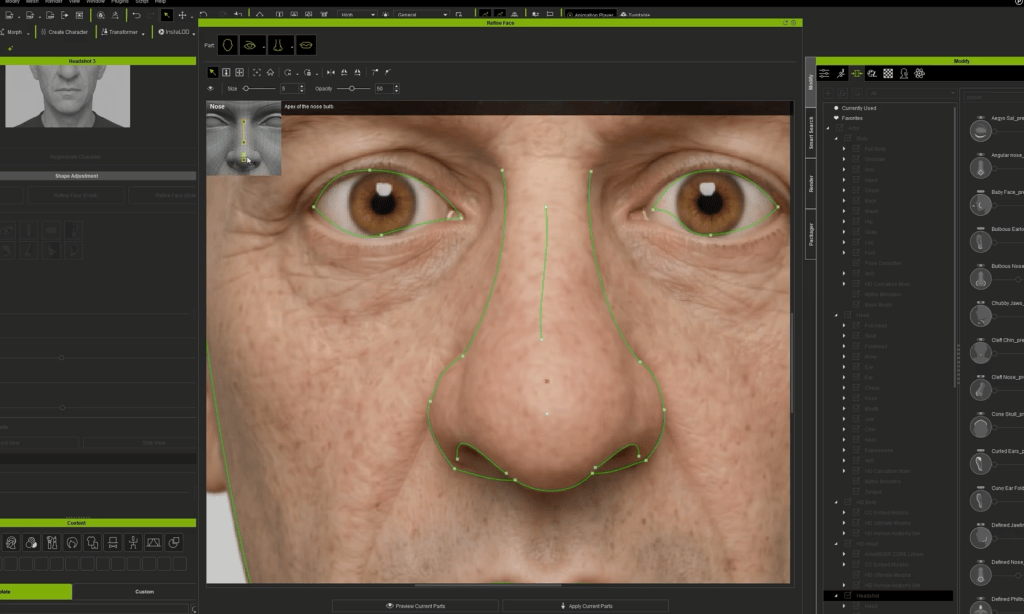
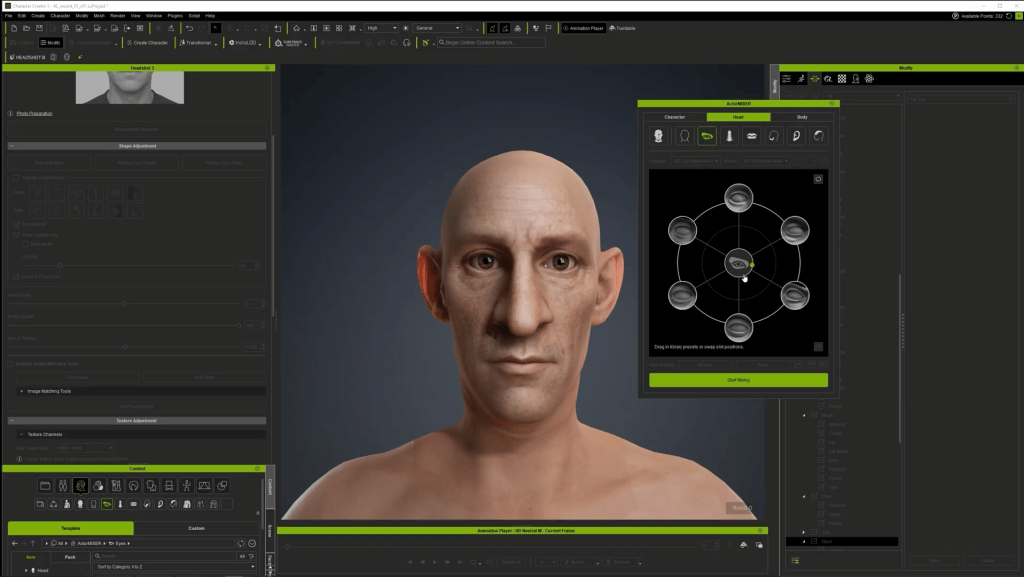
Once Headshot 3 generates the initial 3D head, the refinement process begins. Character Creator 5 offers an extensive library of morph sliders , and face refinements tools that allow for granular control over facial features, enabling artists to subtly adjust proportions and volumes. This non-destructive approach ensures flexibility.
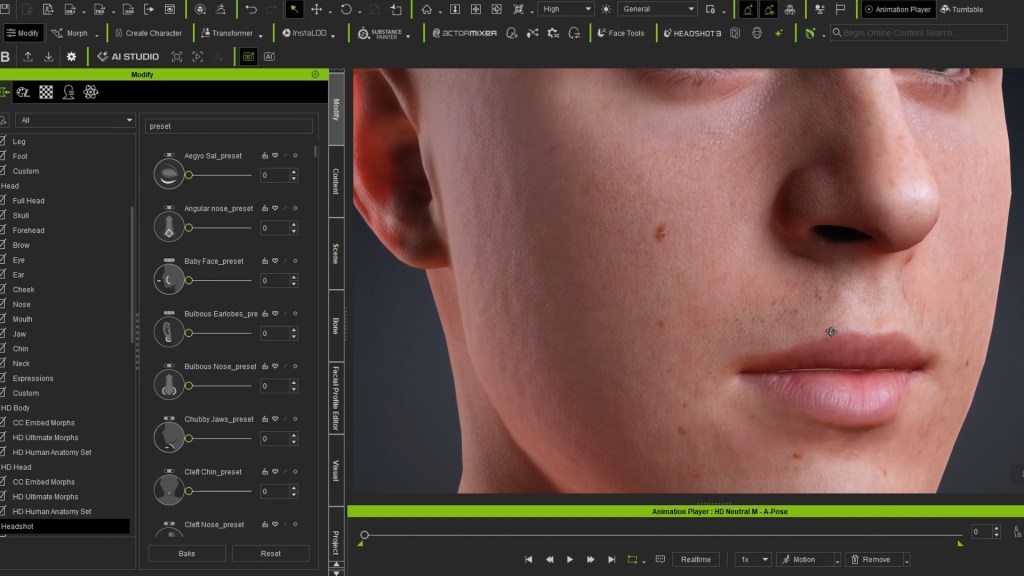
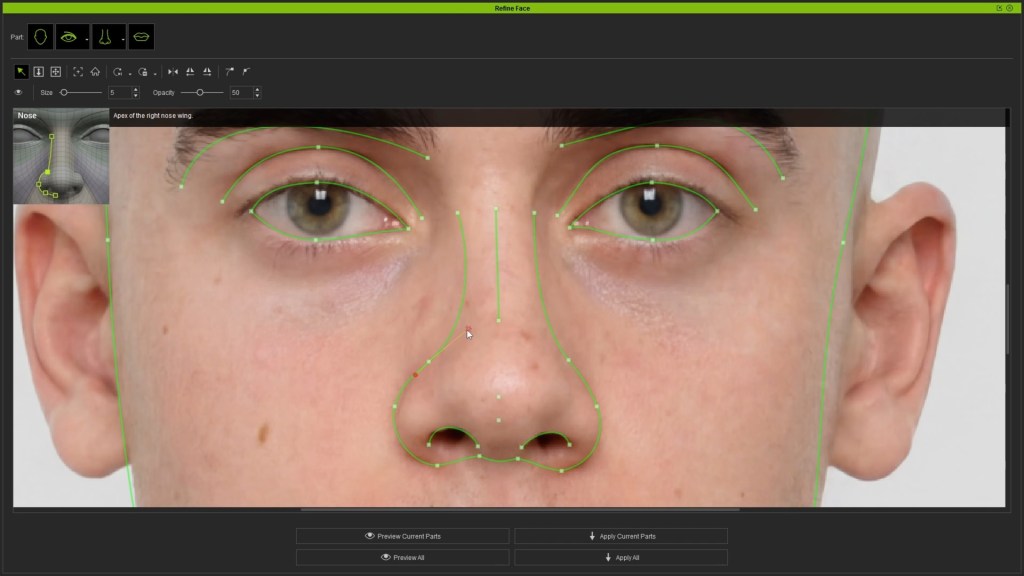
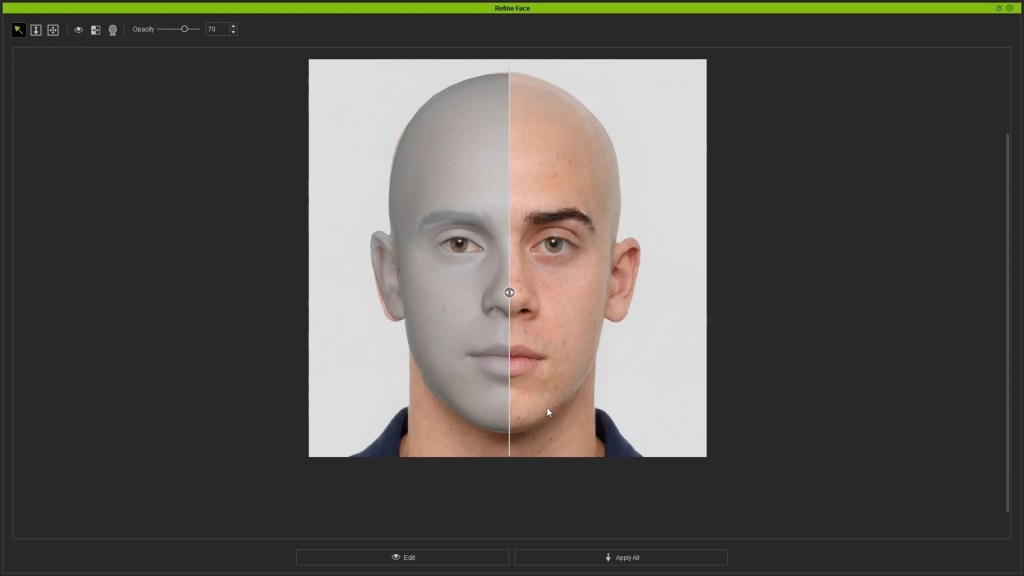
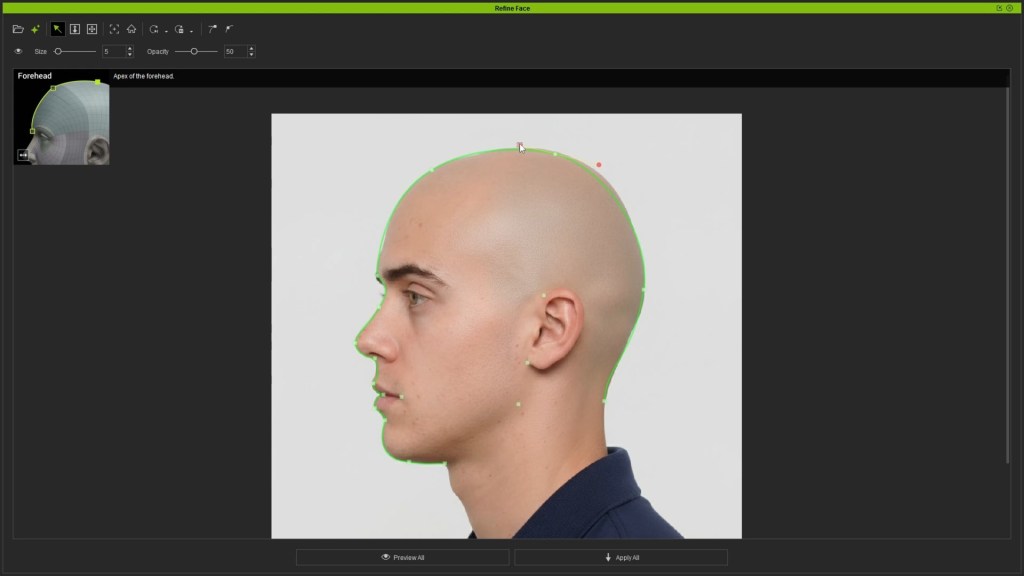
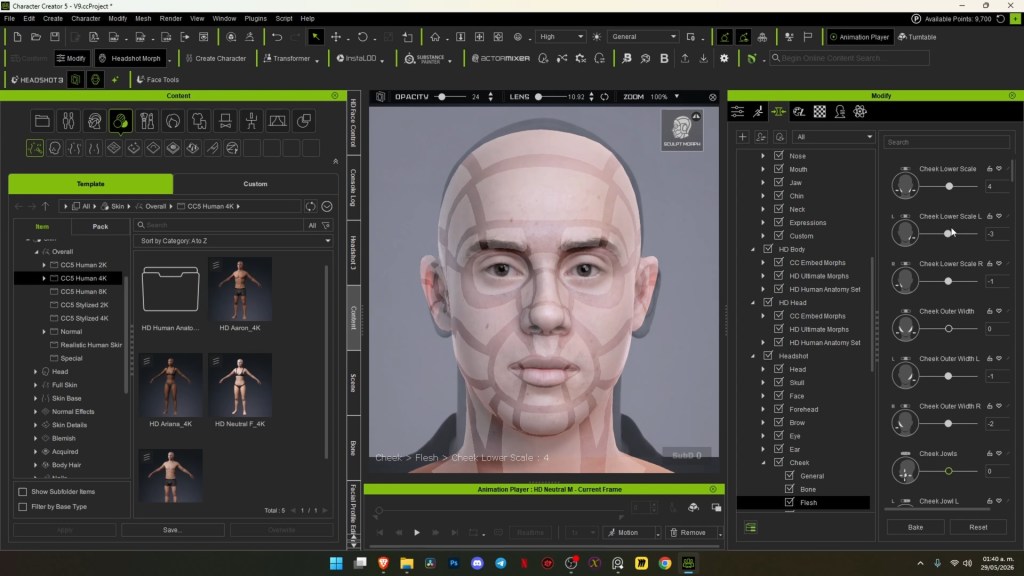
For deeper sculpting, the ZBrush Face Tools for CC5 plugin facilitates a seamless round-trip workflow with external 3D sculpting software like ZBrush. Artists can export the Headshot-generated mesh to ZBrush for detailed sculpting, then re-import it to CC5, automatically transferring high-resolution details and textures back to the rigged character.

Exequiel Martina of Off World Studio highlighted this benefit, noting that even as a first-time ZBrush user, “CC5 ZBrush Face Tools made this part much easier for me, allowing me to adjust facial features in a more intuitive way and maintain identity of the character during the process.”

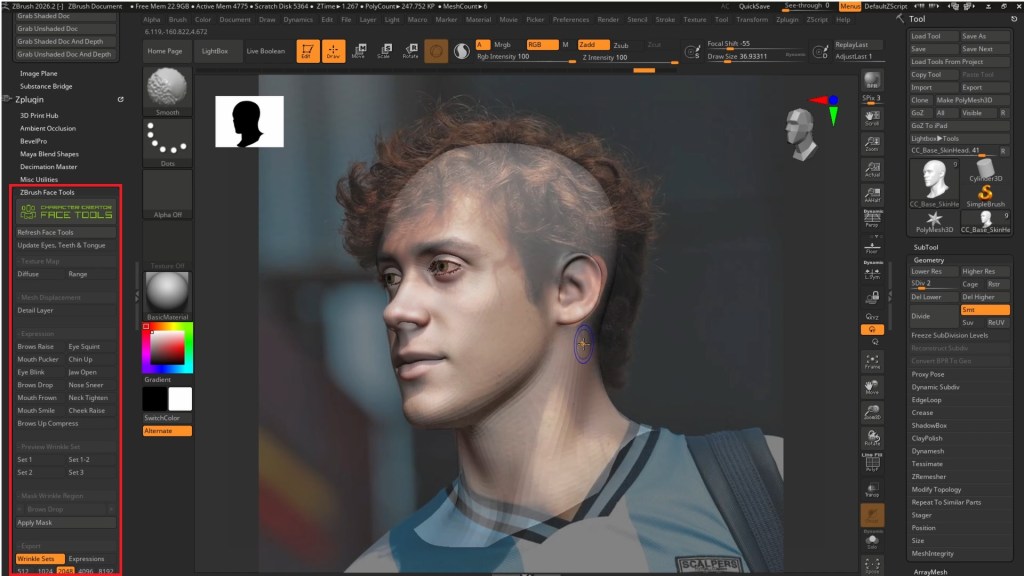

“CC5 ZBrush Face Tools made this part much easier for me, allowing me to adjust facial features in a more intuitive way and maintain identity of the character during the process.”
Exequiel Martina — 3D Artist, Off World Studio
Pro-Tip: The iterative workflow between Character Creator 5 and ZBrush, facilitated by Face Tools, is a game-changer. Being able to quickly export to ZBrush for sculpting and then re-import to preview textures and morphs in CC5 saves roughly 2-4 hours of manual re-topologizing and texture mapping per character by automating the transfer of detail and identity back to the base mesh.
How Can You Animate 3D Characters with Video Facial Mocap?
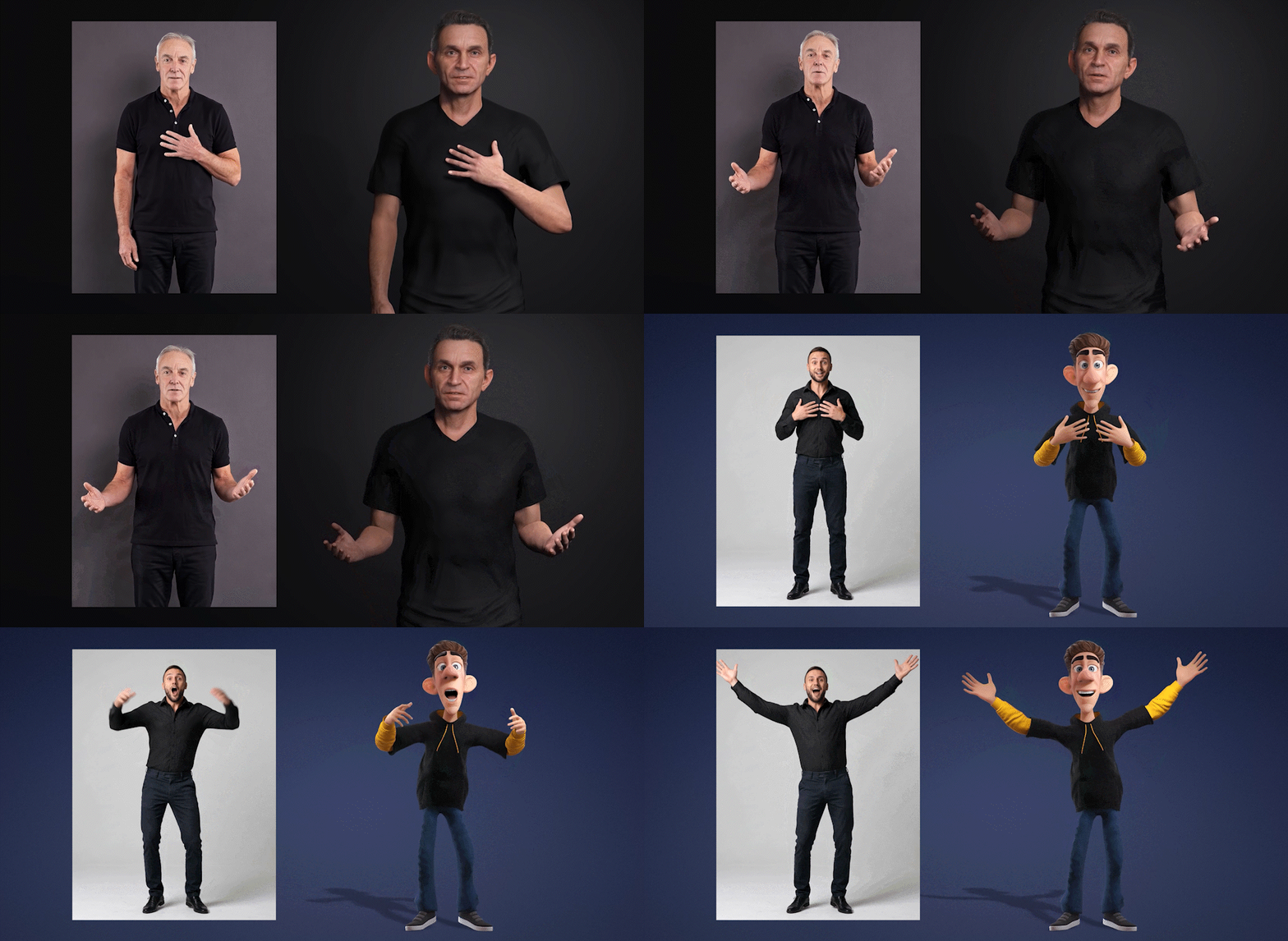
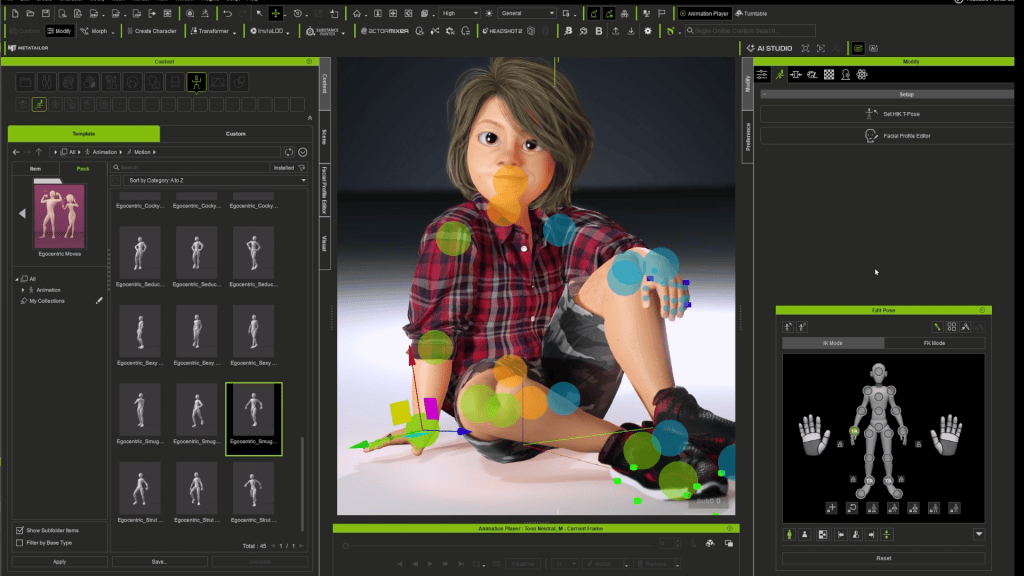
Bringing a static 3D character to life requires expressive animation, especially facial performance. iClone’s modern motion capture workflows make it possible to capture nuanced facial and body animation directly from video, making high-quality mocap more accessible to artists.
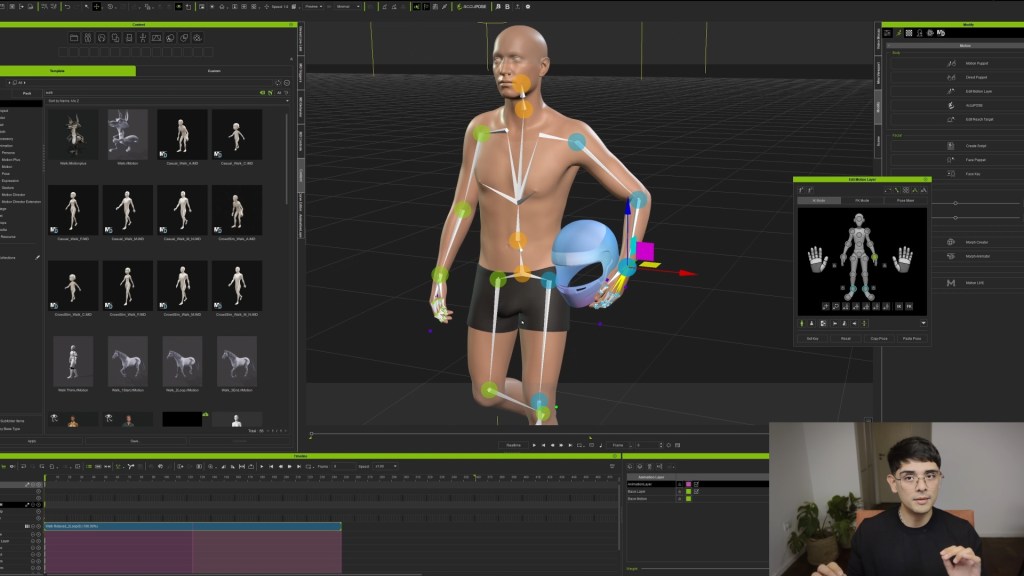
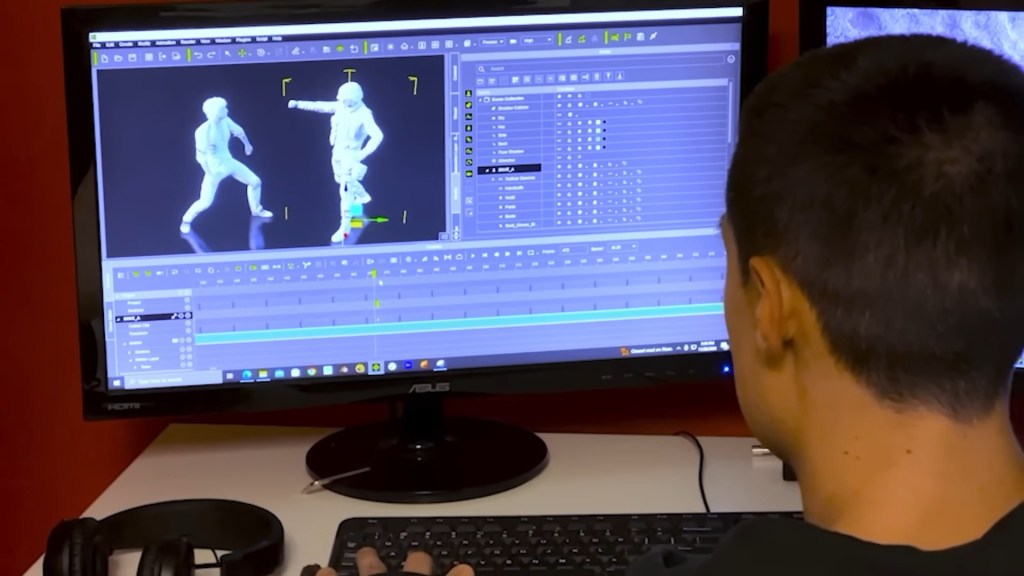
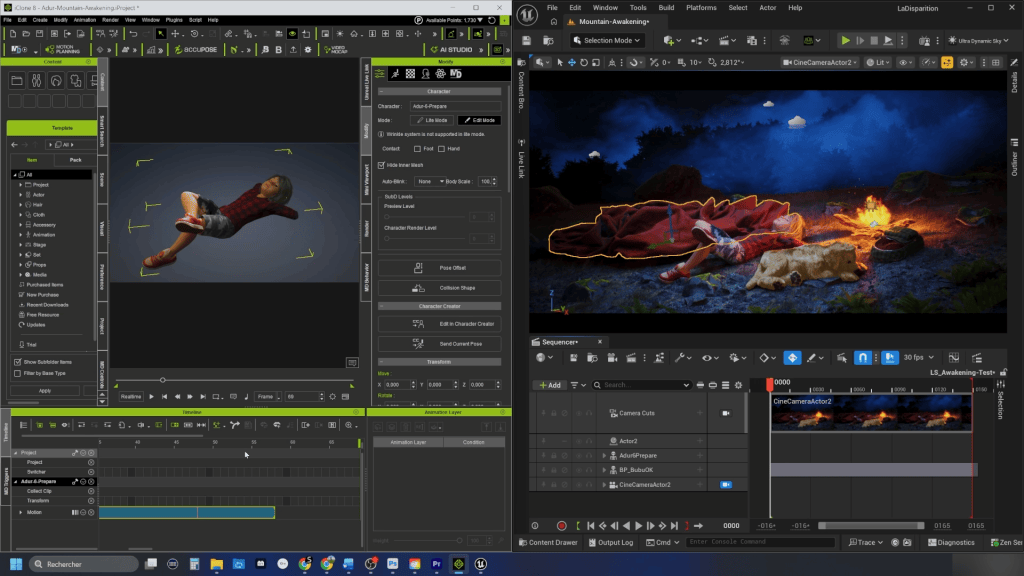
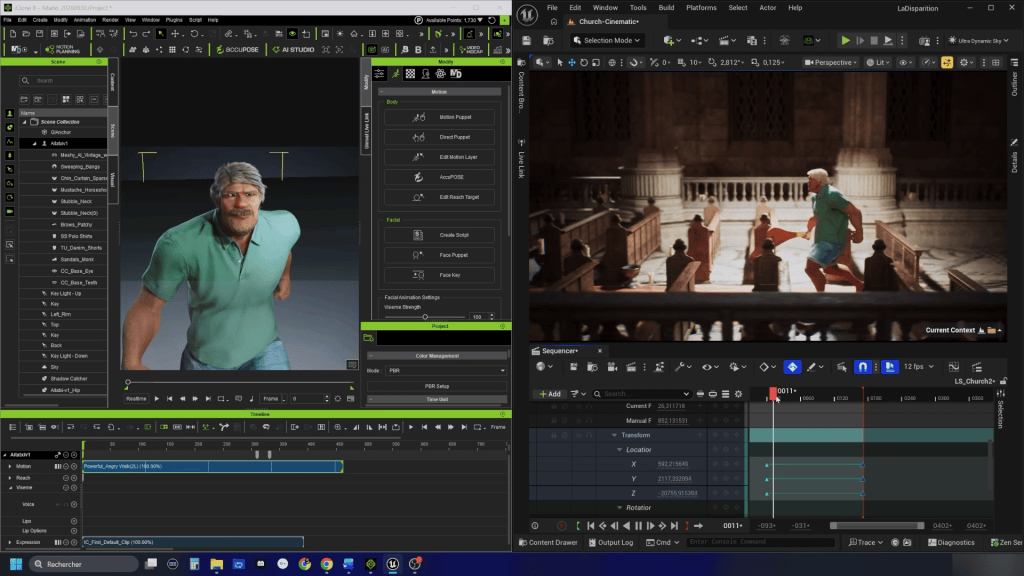
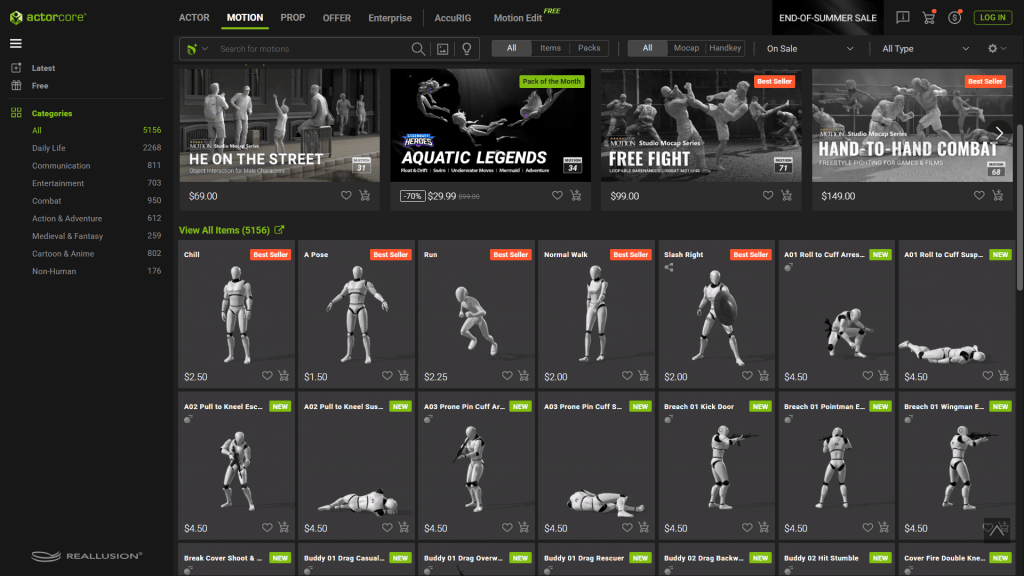
iClone supports these workflows with video-based motion capture tools and an extensive professional motion capture library ActorCore, including data captured with optical suits. It also provides a solid foundation for integrating captured animation into broader production pipelines, with connections to third-party software such as ZBrush, Blender, Maya, and Unreal Engine, allowing artists to move their animation into their preferred applications.
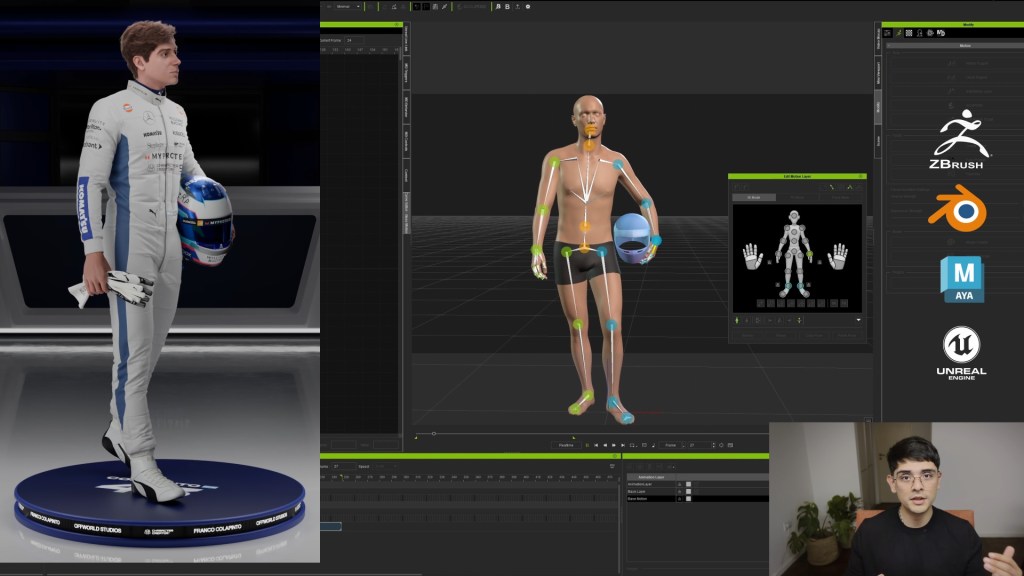
Real-Time Facial Capture with iClone 8 and AccuFACE 2
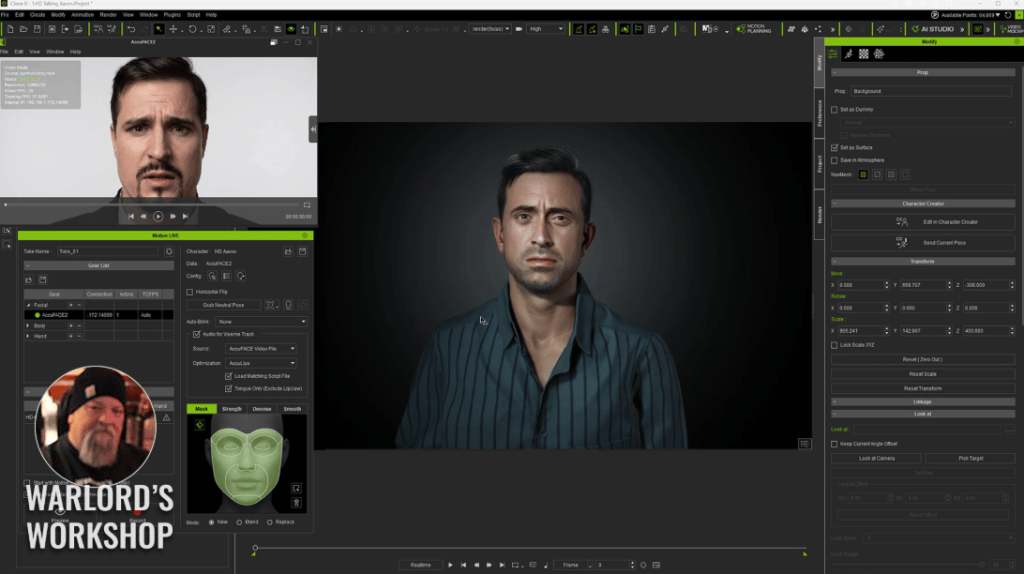
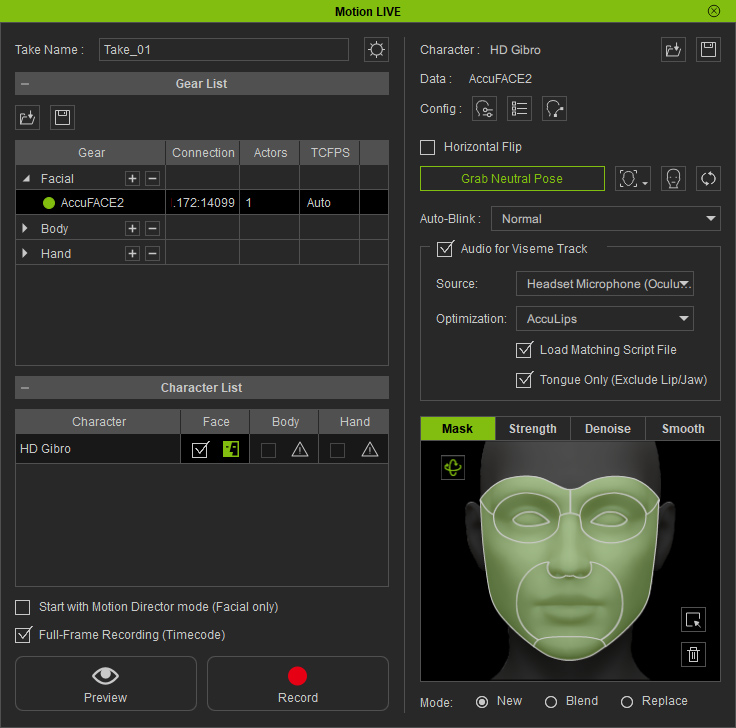
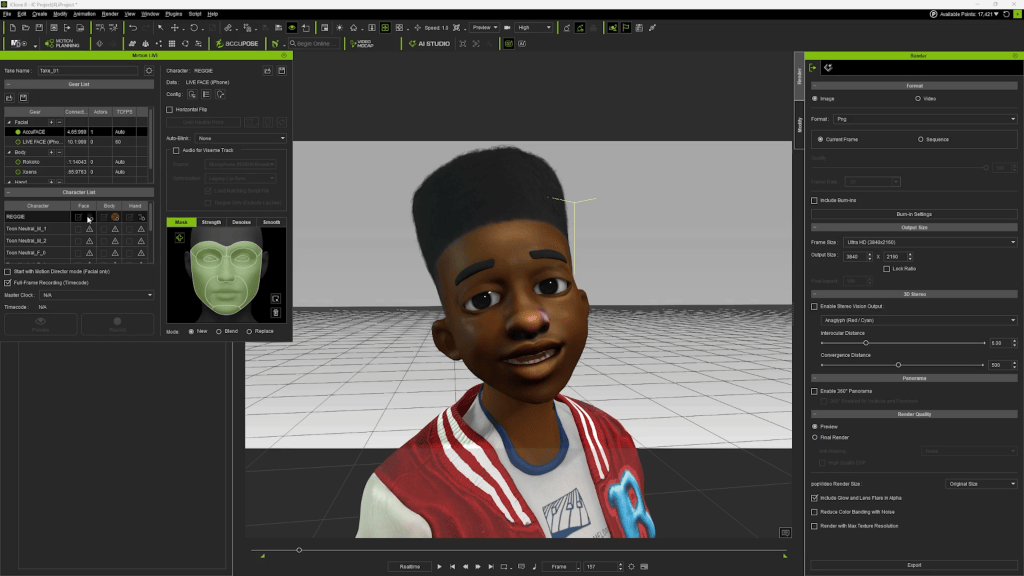
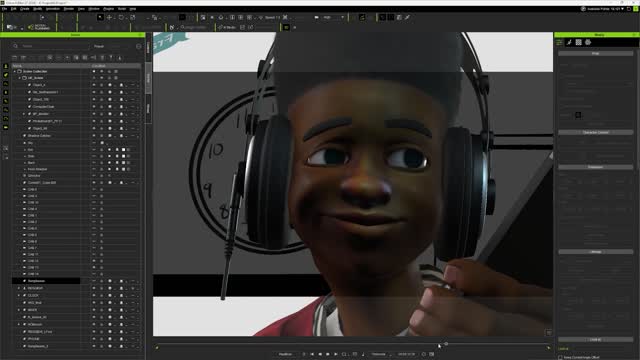
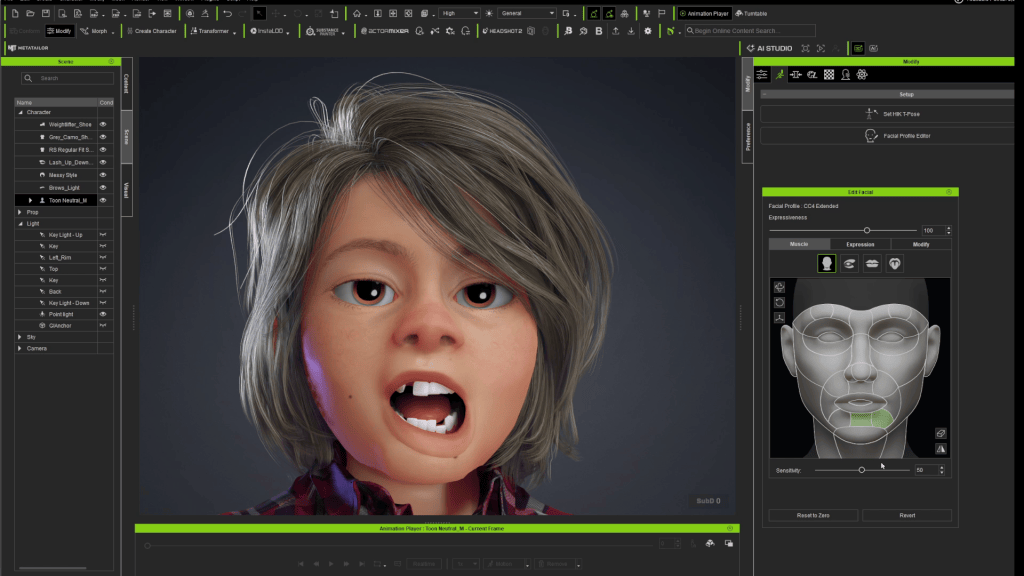
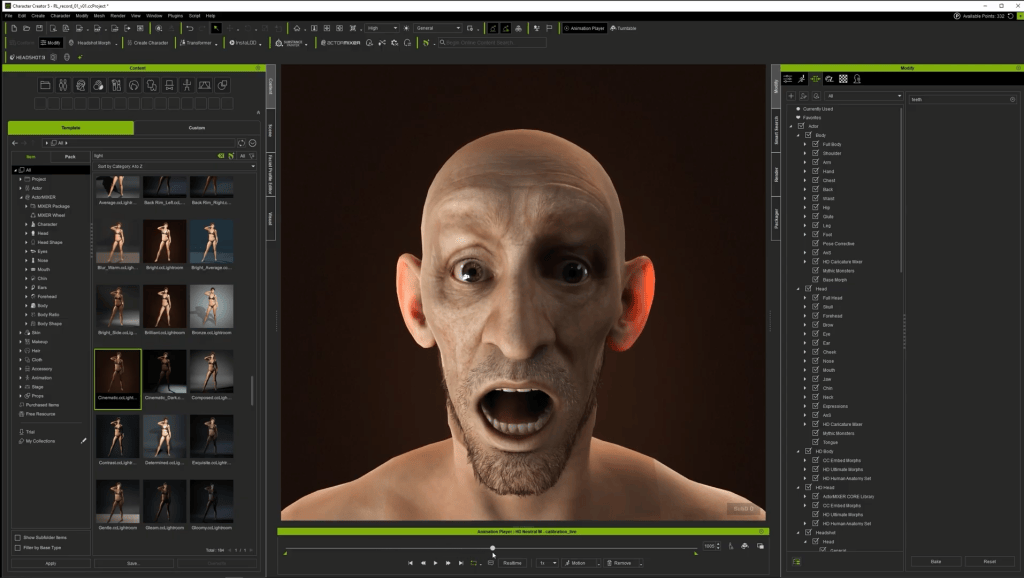
iClone 8, Reallusion’s flagship real-time animation suite, is central to dynamic character animation. It integrates seamlessly with Character Creator 5 characters via a native bridge. For facial animation, the AccuFACE 2 for iClone plugin offers powerful video facial motion capture capabilities that uses NVIDIA RTX GPU acceleration to track facial expressions from webcams or video files.
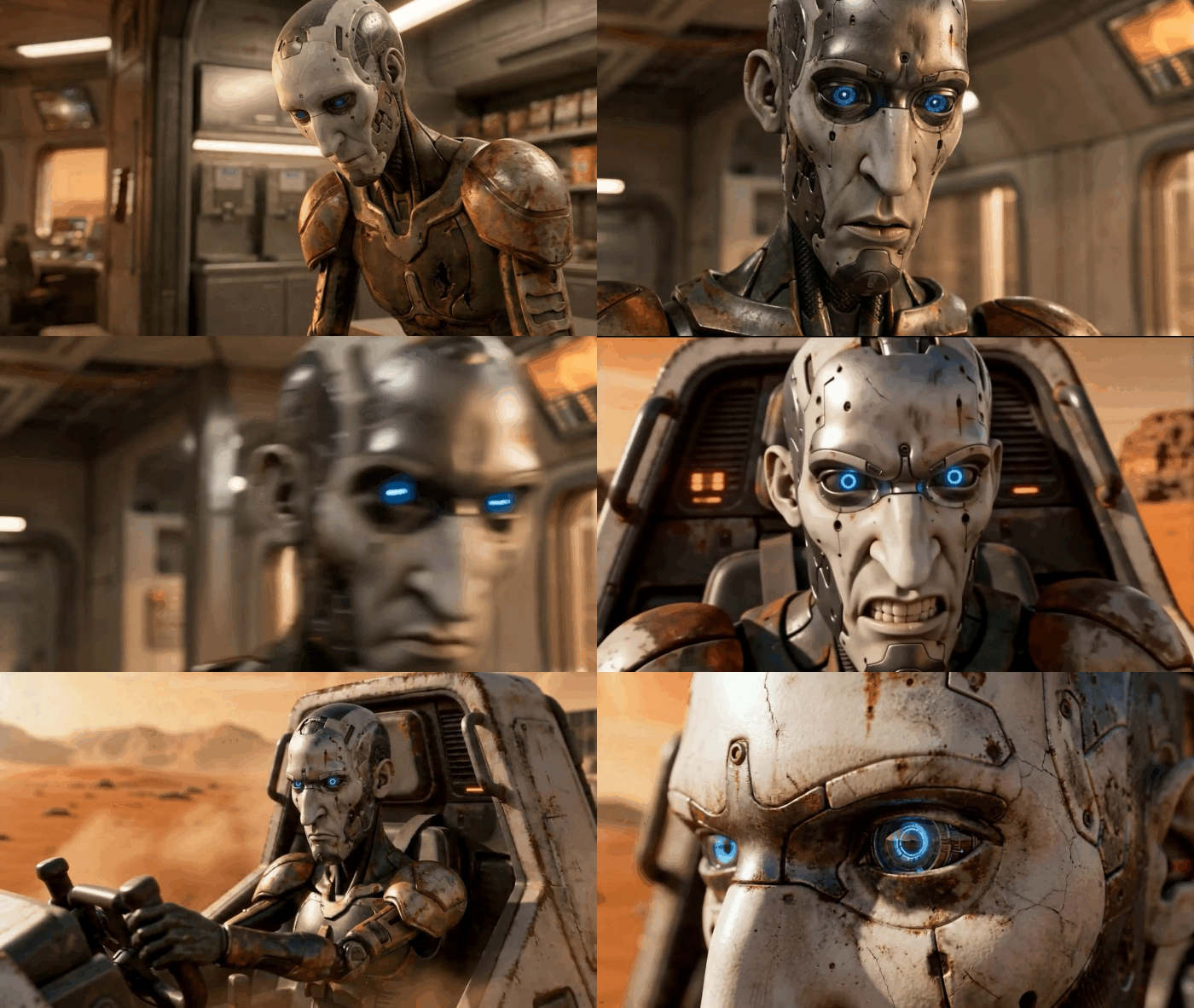
This tool allows users to capture real-time facial features from a standard webcam or a pre-recorded video, mapping complex expressions and subtle movements directly onto the CC5 character. iClone’s robust mocap tools, combined with an extensive library of professional `Motion Capture` data, ensure that even raw video input yields high-quality, believable facial performances.
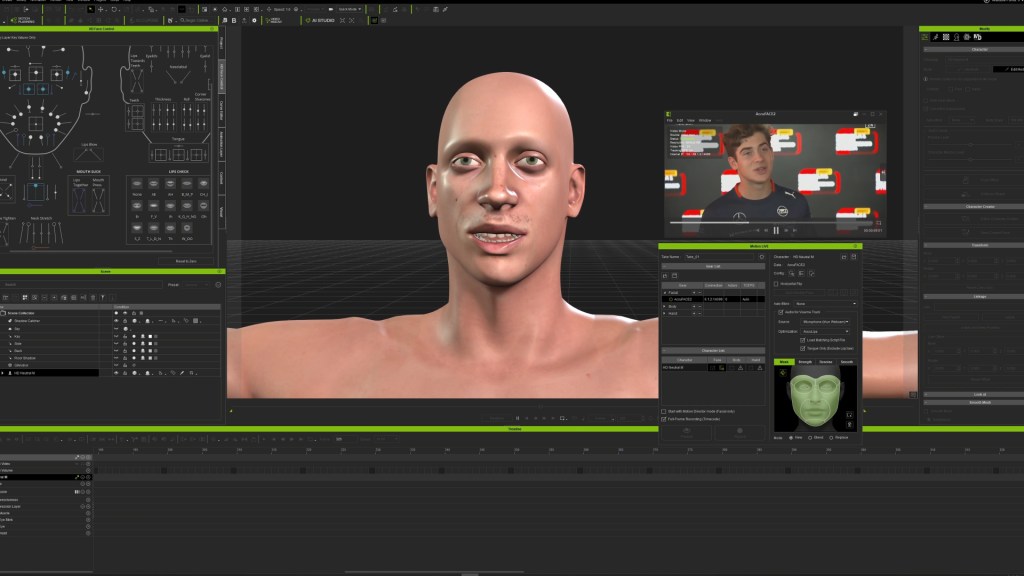
“iClone handles what are very well… For their part, mocap tools, It even has its own tool [for] motion capture from a video… not to mention that it has an extensive motion capture library professional, captured in studies with optical suits, therefore the quality [of] His library is quite solid.”
Ignacio Coronel — Co-Founder, Off World Studio
Fine-Tuning Facial Performance with the Faceboard
After initial video capture with AccuFACE 2, iClone 8 provides tools for crucial post-capture refinement. The Faceboard within iClone allows artists to adjust parameters like noise reduction and the gentleness of each gesture. This ensures that the captured animation is smooth and free from unwanted jitters. Furthermore, artists can dive into the curve editor to precisely control the range of facial expressions, accentuating specific movements, like making a smile more noticeable or adjusting mouth shapes to perfectly match dialogue. This layered approach allows for a clean, polished final facial animation, even addressing common capture errors such as hand occlusion that might temporarily obscure the face.
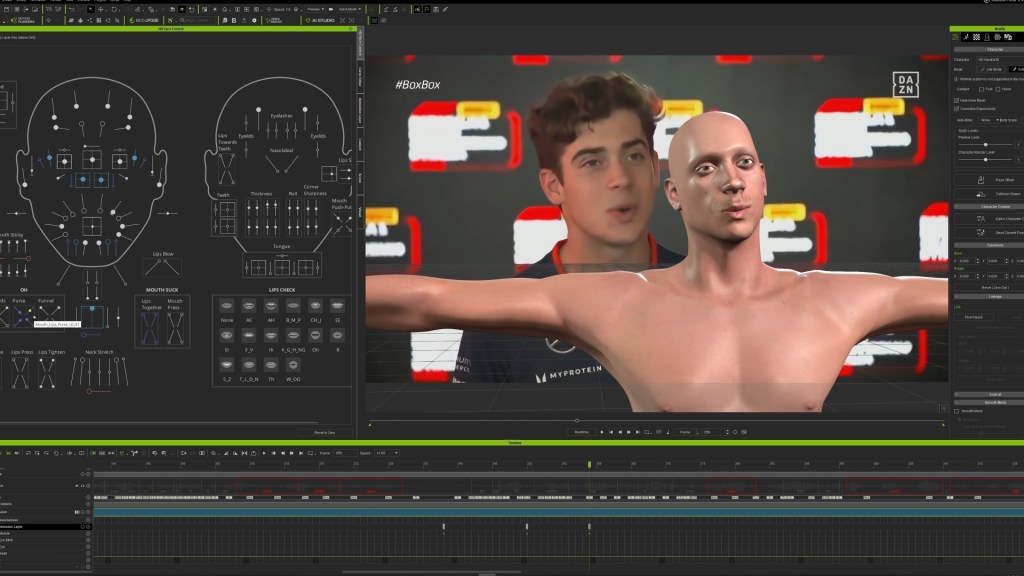
Featured Artist Spotlight: Off World Studio



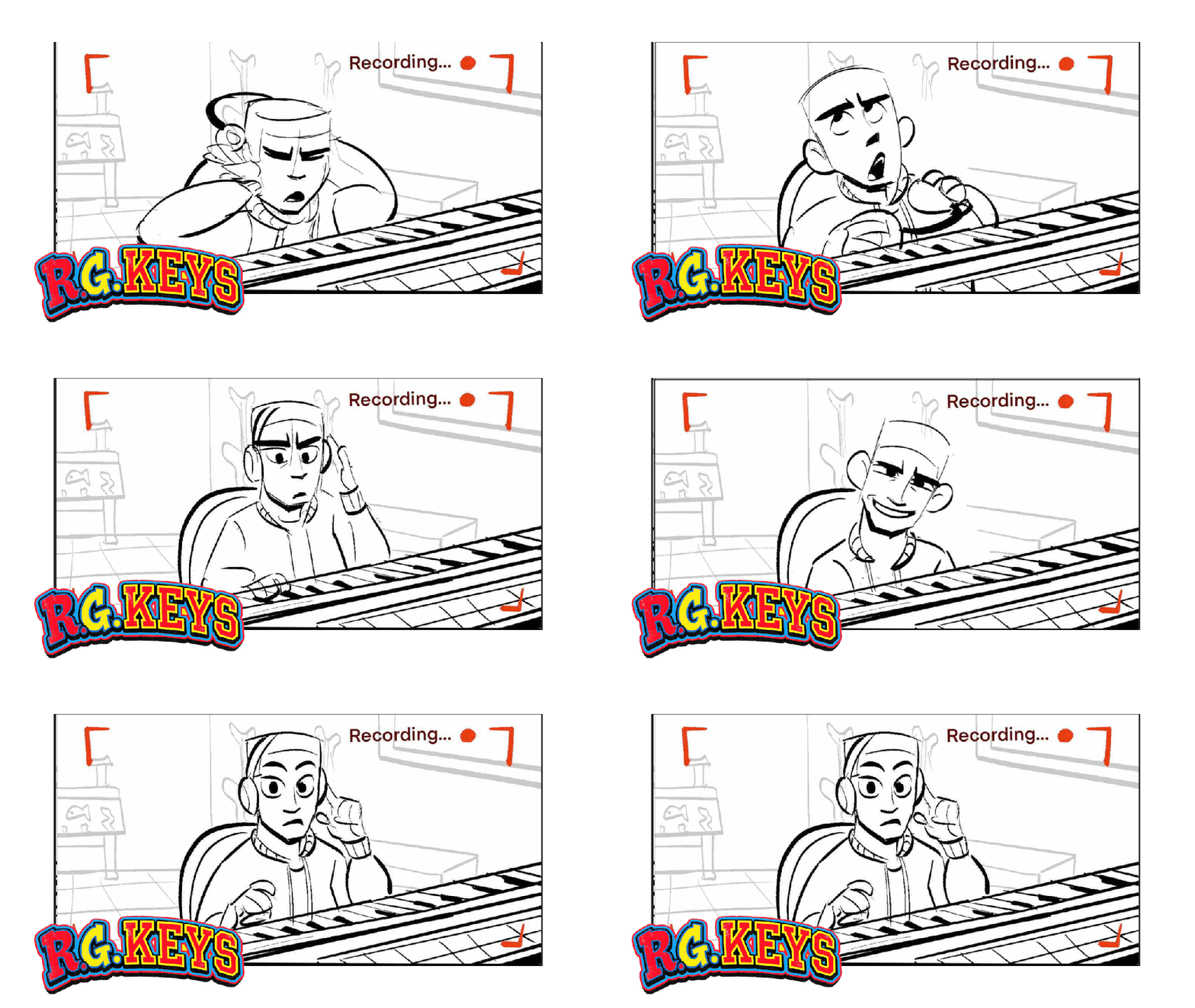
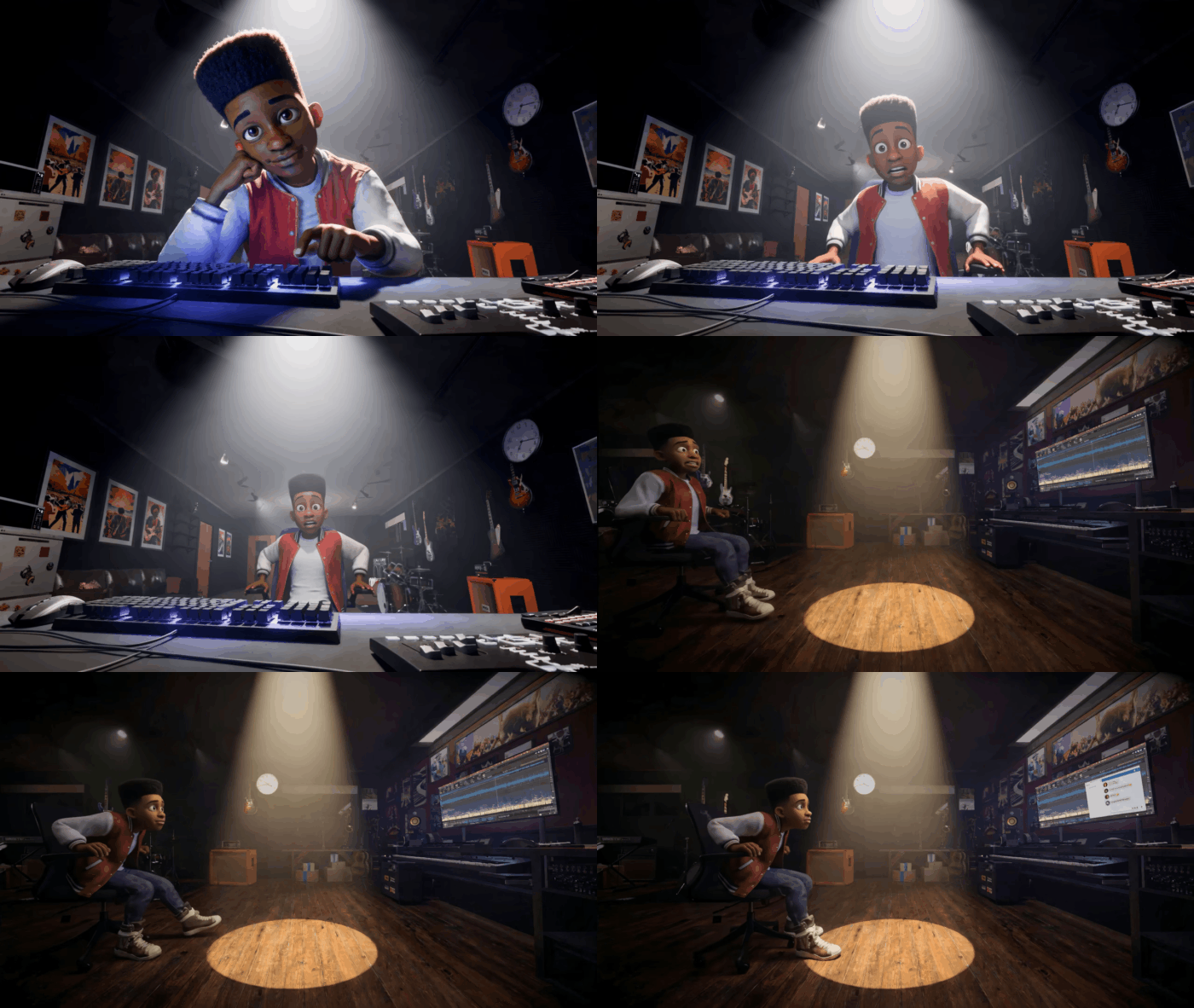
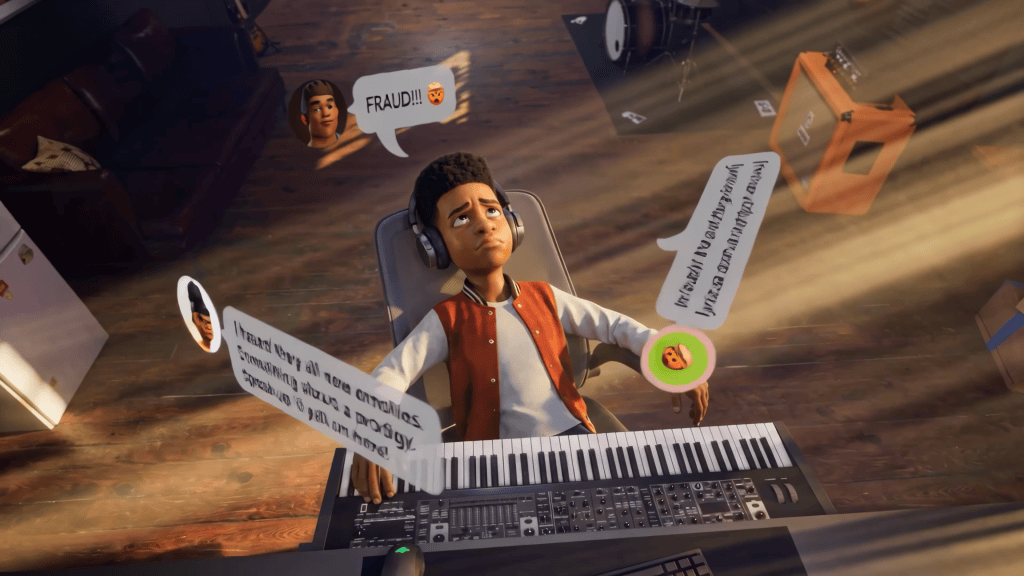
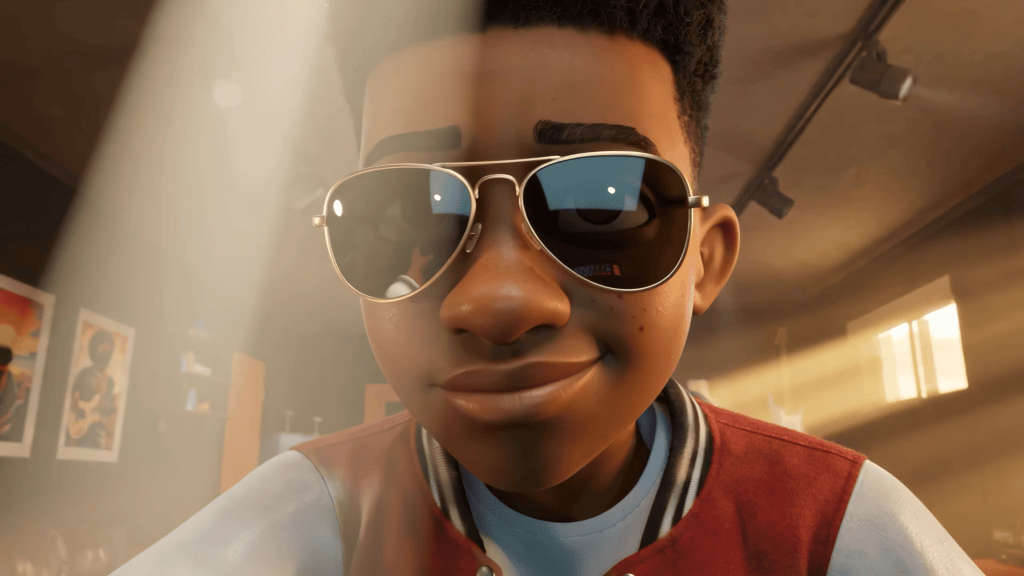
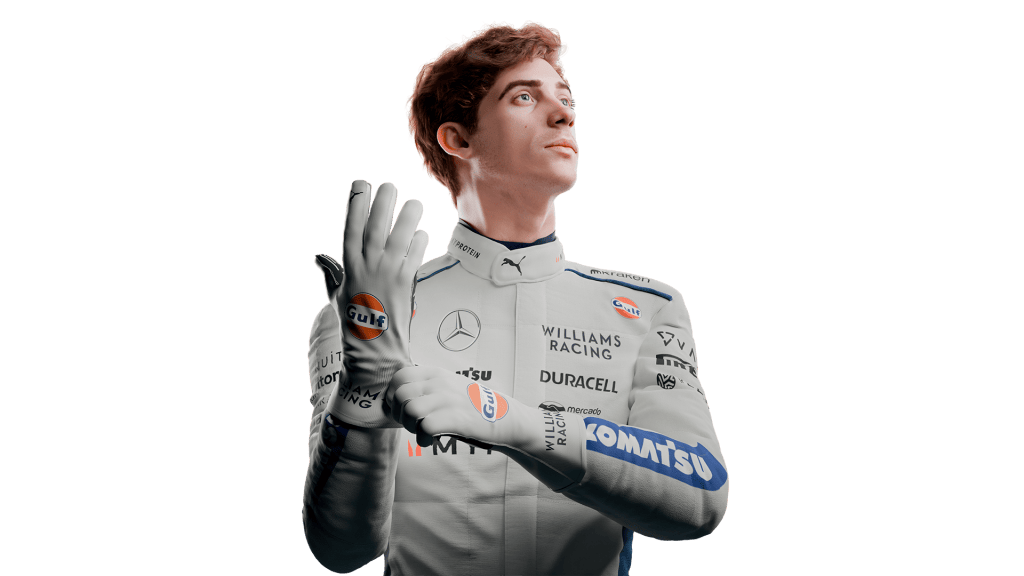
Off World Studio, led by 3D artists Ignacio Coronel and Exequiel Martina, specializes in cinematics, focusing on dynamic characters and automotive projects. Their combined expertise in film, TV, and 3D generalism positions them to craft compelling narratives and visuals. Their passion recently converged in a short film about Argentine racing driver Franco Colapinto, a project that pushed their creative boundaries and introduced them to the Reallusion ecosystem.
To accurately portray Franco Colapinto in 3D, Off World Studio needed a tool capable of creating a precise likeness without requiring them to be traditional 3D sculptors. They found their solution in Character Creator 5, leveraging Headshot 3 to quickly generate a base model from reference photos. Exequiel Martina, who was new to ZBrush, found the ZBrush Face Tools for CC5 indispensable for refining the likeness, appreciating its intuitive adjustments and the ability to maintain the character’s identity during the sculpting process. For animation, they transitioned the rigged character to iClone 8, utilizing AccuFACE 2 to capture Franco’s authentic facial expressions directly from video footage. The final step involved seamlessly transferring this highly detailed, animated character to `Blender` using the Auto Setup plugin, allowing them to perform final look development and rendering within their preferred 3D software. This workflow enabled Off World Studio to focus on storytelling, confident in their character’s technical fidelity.
- Website: https://linktr.ee/offworld.motion
- YouTube: https://www.youtube.com/@OFFWorldStudio
- Instagram: https://www.instagram.com/studio.offworld/
- LinkedIn: https://www.linkedin.com/in/off-world-6215ab3a9/
Building on this experience, Off World Studio’s project, the Audi Revolut F1 Team ad-spec, marked a chapter for the studio as its first production developed collaboratively by the entire team. What began as a personal initiative evolved into a shared creative effort, bringing together their collective skills in character creation, animation, cinematics, and 3D production. The project not only expands on their work with dynamic characters and automotive visuals but also represents the beginning of a new phase for Off World Studio, showcasing what the team can achieve when their individual expertise comes together under a unified creative vision.
Integrating Reallusion Characters and Animation into Blender
Seamless integration with external 3D applications is paramount for professional studios. Reallusion’s robust pipeline tools ensure that characters and animations created in Character Creator 5 and iClone 8 can be effortlessly exported and utilized in popular software like `Blender`, `ZBrush`, and `Unreal Engine`.
Bridging the Gap with Auto Setup for Blender
For Blender users, the Auto Setup for Blender plugin serves as a critical bridge. This tool enables the direct import of Character Creator 5 characters into Blender, complete with all textures and a wide array of parameters for in-depth look development. One of its most significant advantages is the automatic conversion of Reallusion’s proprietary bone system to Blender’s Rigify system. Rigify is an advanced rigging addon that provides intuitive controls, including inverse kinematics for natural movement in feet and hands. This automatic conversion significantly optimizes the `setting up the Auto Setup pipeline` and saves extensive retargeting time when importing animations or working on custom poses.
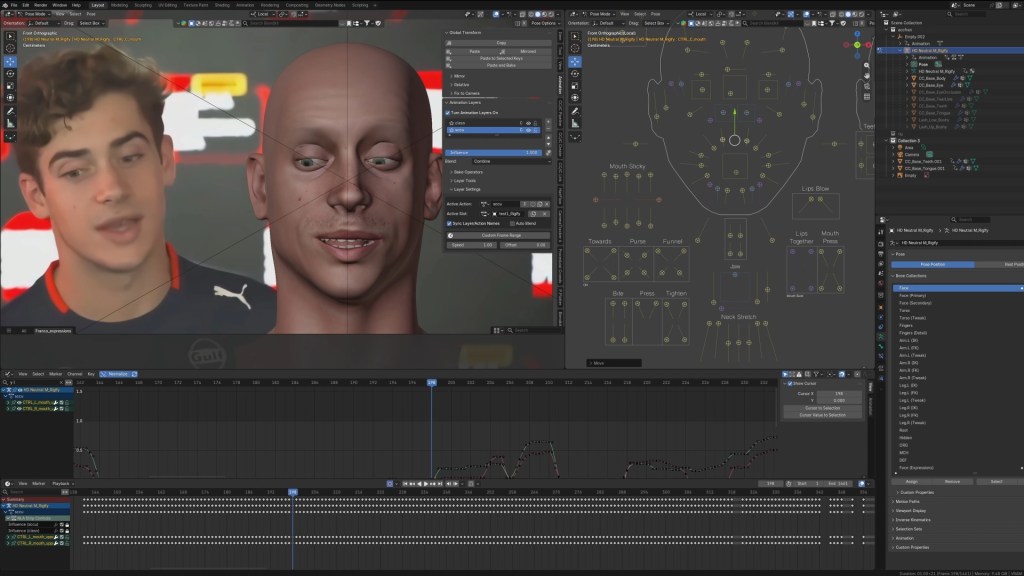
“CC Auto Setup for Blender is the one that does the conversion automatic of your bone system to Rigify’s bone system optimizes for example, too much retargeting time. When it comes to bringing in animations, when you want to work in your own Animation, in poses.”
Exequiel Martina — 3D Artist, Off World Studio
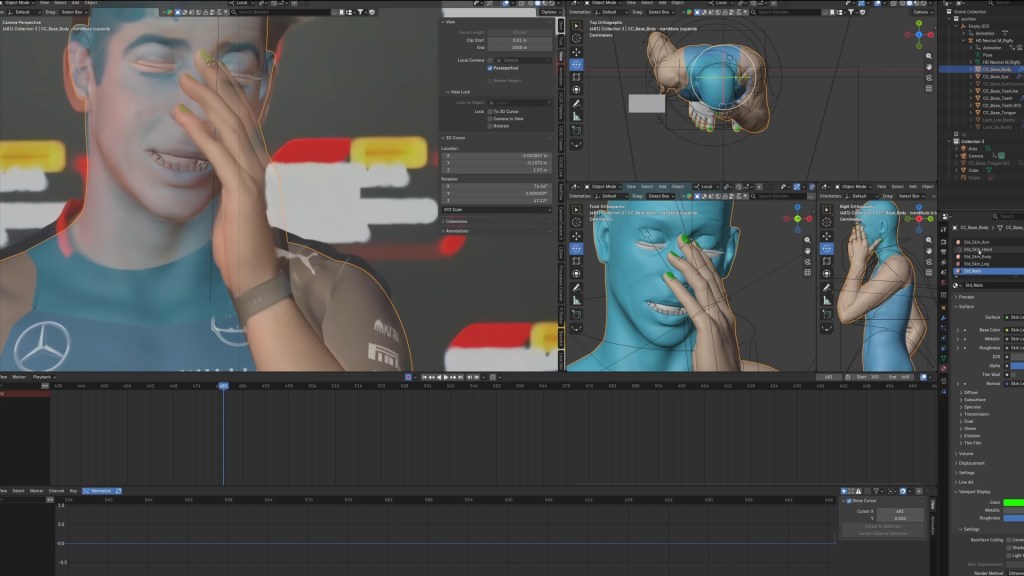
Enhancing Control with the Blender Faceboard
Beyond body animation, the Auto Setup for Blender also brings Reallusion’s advanced faceboard system directly into Blender. While other character solutions like MetaHuman offer similar facial controls, Reallusion’s native integration with Blender is a distinct advantage. This faceboard provides comprehensive control over facial expressions, allowing artists to precisely manipulate individual blendshapes and sculpt subtle emotional nuances. This level of granular control is essential for achieving believable performances and ensuring the character appears “alive” within the Blender environment.


Key Character Creation and Animation Workflow Benefits
| Feature / Tool | Primary Function | Key Benefit for Artists |
|---|---|---|
| Character Creator 5 | Customizable 3D human character base | Versatile foundation for any digital human project |
| Headshot 3 for CC | AI-driven 3D head generation from photos/meshes | Rapid, accurate likeness creation without sculpting |
| ZBrush Face Tools | Non-destructive round-trip with ZBrush | High-detail sculpting while preserving rigging |
| iClone 8 | Real-time 3D animation suite | Fast, intuitive character animation workflows |
| AccuFACE 2 for iClone | Video facial motion capture | Lifelike facial animation from standard video sources |
| Auto Setup for Blender | Seamless character/animation import into Blender | Automatic Rigify conversion, advanced facial controls |
| 4K Upscaling | AI image enhancement for source photos | High-res textures from low-quality references |
| Rigify Conversion | Converts Reallusion rig to Blender Rigify system | Optimizes retargeting, provides advanced IK controls |
Conclusion: Transform Your 3D Character Pipeline
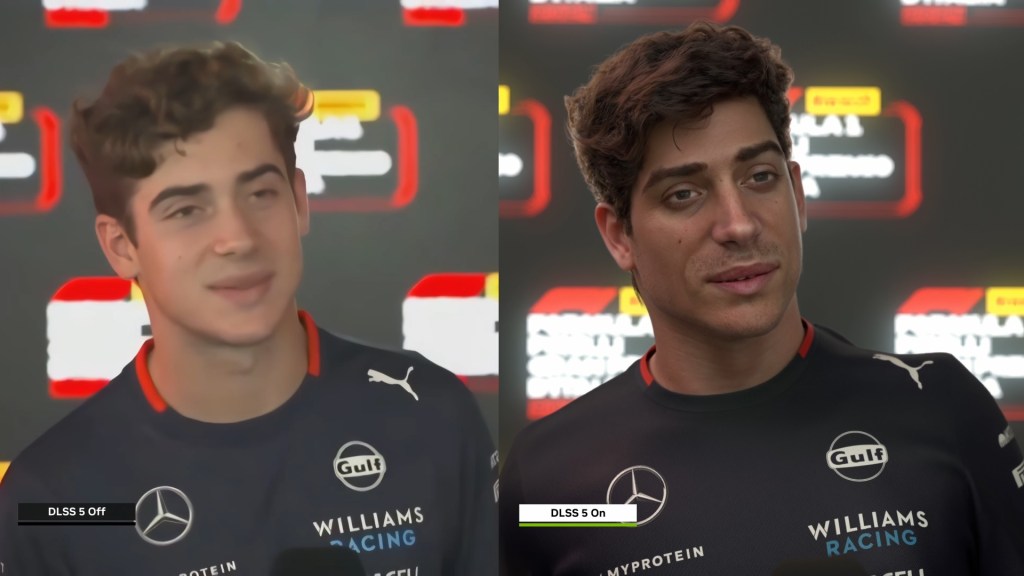
The combination of Character Creator 5 and iClone 8 offers a powerful, non-destructive pipeline for creating hyper-realistic 3D character likenesses and animating them with expressive facial motion capture. This workflow, as demonstrated by Off World Studio, significantly accelerates production, allowing artists to focus on creative storytelling rather than complex technical hurdles. By integrating seamlessly with Blender via dedicated plugins, Reallusion empowers independent developers and studios alike to achieve AAA-quality results with unprecedented efficiency.
Frequently Asked Questions
Q: How do I export a rigged character from Character Creator 5 to Blender?
A: Exporting a rigged character from Character Creator 5 to Blender is streamlined using the Auto Setup for Blender plugin. This tool automatically converts the Character Creator 5 bone system to Blender’s native Rigify rig upon import, ensuring all textures, materials, and rigging are correctly transferred and ready for animation. This process significantly reduces the manual work typically associated with character transfers, preserving facial and body controls.
Q: What is the difference between Headshot 3 and traditional 3D sculpting for likeness?
A: Headshot 3 utilizes advanced AI to generate a fully rigged 3D head from a single photo, providing a rapid, semi-automated starting point. Traditional 3D sculpting requires manual artistic skill to build a likeness from scratch, which is highly time-consuming. While Headshot 3 offers speed and a ready-for-animation base, traditional sculpting provides ultimate creative freedom and detail control, often enhanced by tools like ZBrush after Headshot’s initial generation.
Q: Can I use AccuFACE 2 for iClone with any video source for facial mocap?
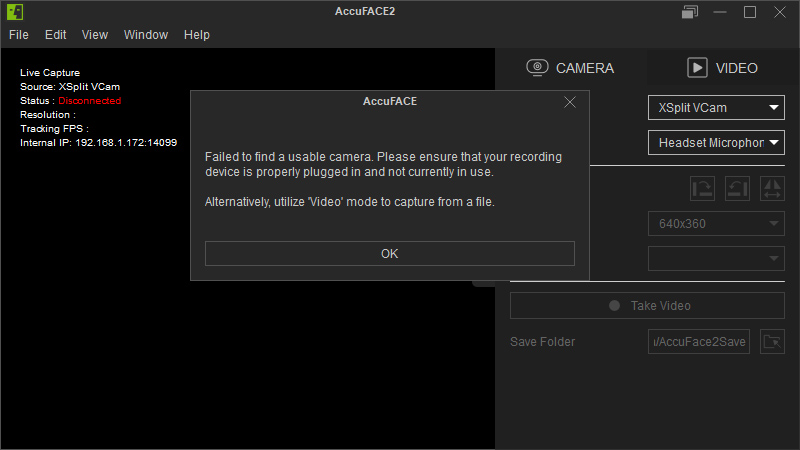
A: Yes, AccuFACE 2 for iClone is designed to capture facial motion from various video sources, including pre-recorded video files and live webcam feeds. The plugin’s AI analyzes facial landmarks in the video to drive the 3D character’s expressions in real-time. It performs best with clear, well-lit footage where the subject’s face is clearly visible and unobstructed, providing a highly flexible solution for facial animation.
Q: Why does the Auto Setup for Blender convert the Reallusion rig to Rigify?
A: The Auto Setup for Blender converts the Reallusion character rig to Rigify to integrate seamlessly with Blender’s native animation ecosystem. Rigify offers advanced inverse kinematics (IK) controls, robust deformers, and an intuitive control scheme that many Blender animators prefer. This conversion optimizes the character for Blender-specific animation workflows, making it easier to pose, animate, and retarget motions within the Blender environment.
Read Next:
- Explore advanced real-time animation techniques in iClone 8
- Discover more about Character Creator 5 pipeline integrations