Cartoon Animator 4.4 Releases with 3D Motion Converter and Motion Link Plug-in
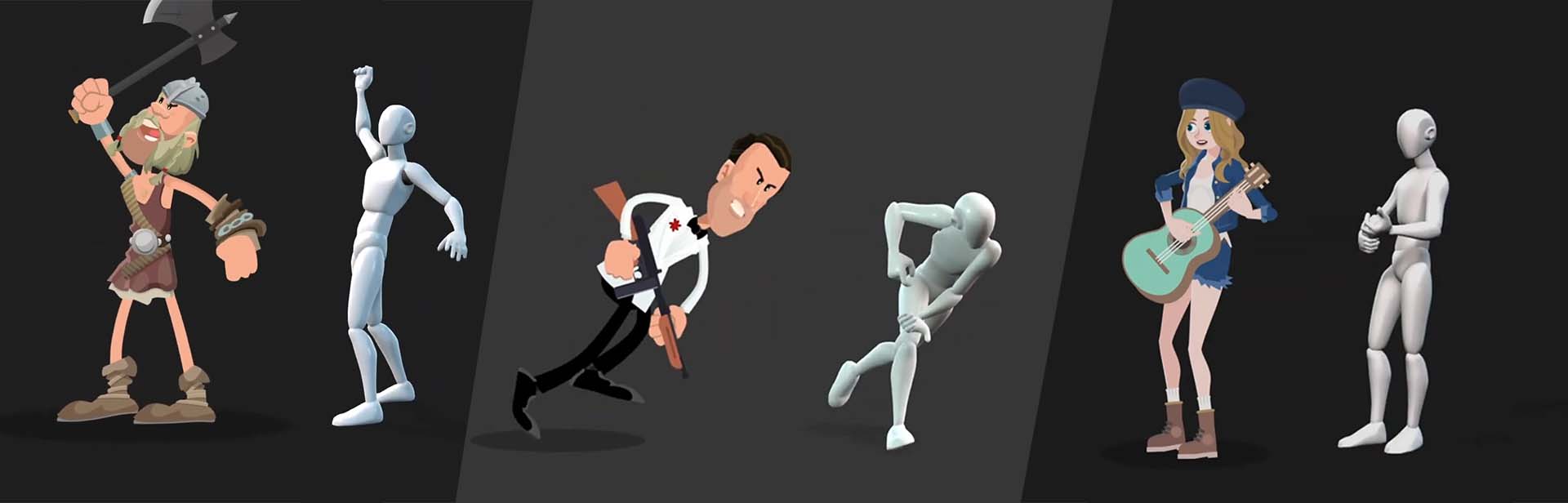
The world of animation traditionally has a set of tools devoted to 2D or 3D, now with the release of Cartoon Animator 4.4, 3D Motion Converter, and the Motion Link plug-in the benefits of 3D motion have arrived for 2D animators. The new motion transfer technology from Reallusion connects Cartoon Animator and iClone for a blend of features for 3D motion import and editing through the two animation applications. Even motion libraries like ActorCore are now able to import into Cartoon Animator. The Reallusion ecosystem is innovating to bring the vital resource of 3D motion to 2D animators with Cartoon Animator 4.4 and the Motion Link Plug-in.
Why do 2D Animators & Creators need 3D Motions?
Quantity – There are a massive amount of 3D motions available on the market through the ActorCore online motion library, Reallusion Content Store, and iClone’s ability to bring in any 3D motion and project them to any angle, 2D storytelling is made easier with more motion resources.
Quality – 3D motions are mocap that provides delicate & realistic animation that can fully translate to the Cartoon Animator 2D character rig. Balance speed with productivity and complex moves with moving on with your story. 3D motion for 2D animation achieves z-axis animation that’s almost impossible for most to keyframe.
3D Motion Converter – Import 3D motions to 2D animations
Cartoon Animator develops a revolutionary animation approach with the proud advancement from 3D motion to 2D animation. It extends its compatibility to 3D Motion, allowing users to import 3D animations and project the motion to 2D characters with an unprecedented, game-changing feature for 2D animators to unlock tons of 3D motions for high-quality and diverse character animation.
“What actually got me was the simplicity of the product. The 3D to 2D motion conversion was easy to set up, and it really works.”
– Disney FX animator Declan Walsh
Key Features:
Simply control 3D motion projection angle for 2D animation with a slider.
Delicately transfer hand, body, and toe animation
Z-Axis makes your 2D animation shots more appealing with 3D motion.
Experience the best practice of side scroller animation for 2D games
Motion Link is a plugin that links iClone and CTA for a 3D motion pipeline to 2D characters. Users can real-time preview 2D animation with 3D motions from iClone, fine-tune the animation with customizable projection angles, and record the editing process to ensure the best animation quality. Reallusion takes a huge leap by building an ecosystem that combines 3D motions and 2D animation together, removing the barriers that commonly constrain 2D creators.
“It’s really easy to control 2D characters with iClone.The animation itself worked great, didn’t need much or any adjustments in 2D,” – Matt Bissett-Johnson, Cartoonist and animator.
Key Features:
Live Link 3D (iClone) & 2D (CTA) for 3D motion editing
Powerful real-time motion editing
Create multi-character animation
Bring in any 3D motion data(BVH, FBX) to Cartoon Animator.
3D Motion Resources Available for Speedy Production
Not only does Reallusion develop the technology to bring in 3D motion for 2D animation, but it also broadens its ecosystem by providing a vault of motion resources to help creators access more resources. Especially with the new ActorCore platform release, it will also explore the potential for more motions coming from the developers.
ActorCore&Reallusion Content Store, the premium online 3D motion marketplace now serves 2D animators with thousands of themed motion-capture animations
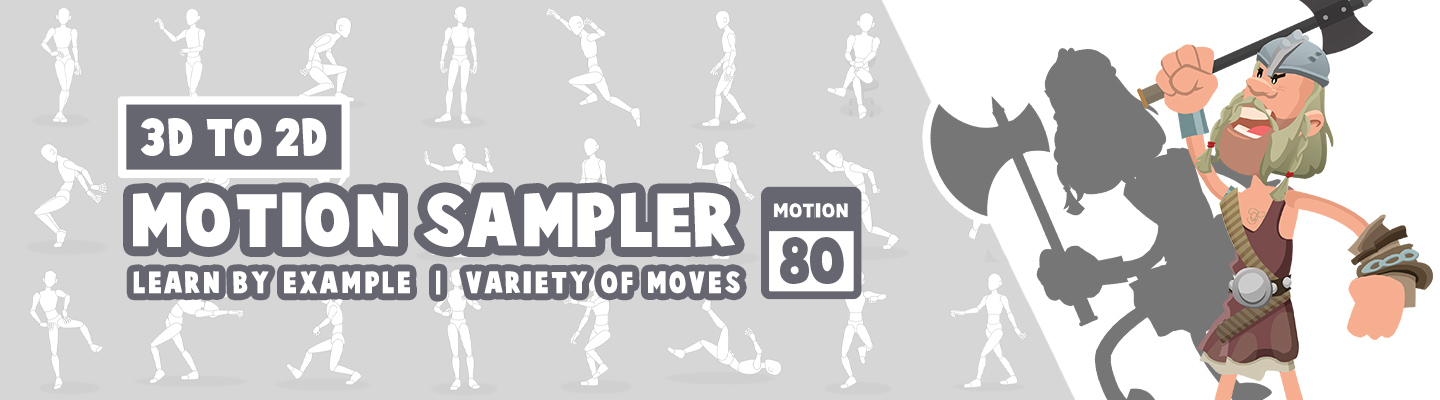
Sampler Pack, the 3D Motion Sampler contains 80 2D animation sequences converted from 3D mocap animations in various genres. This sampler is designed to show how 2D animators can easily achieve these performances by using 3D motions.
iClone 300+ Embedded Motion, if the users have iClone, 300+ motions included with iClone are compatible with Cartoon Animator. Moreover, you can bring in any format of motion and convert it through iClone to Cartoon Animator.
Pricing and Availability: One can now get Cartoon Animator 4 with a sampler pack starting at USD$159 in Reallusion Software Store. For purchase and pricing, please visit – https://www.reallusion.com/store/product.html?l=1&p=cta
Veteran Cartoon Animator character designer, and 2D animator Garry Pye discusses how he was able to assemble a small group of talented designers, animators and voice over artists working remotely across the globe; to produce a broadcast quality, 2D animated short film from concept-to-finished project in under two weeks using Cartoon Animator.
My name is Garry Pye and since 2014 I have been a content developer for Reallusion. I am privileged to work with a number of talented people, experienced industry seniors from across a wide spectrum of skills in the animation industry. For some time, several of us had floated the idea of collaborating on the production of an animated short film inspired by the television cartoons of our youth.
Problem was, we were all in different parts of the world and couldn’t get together. So we needed to find a way to all work together with a single goal – Cartoon Animator was able to help us achieve this goal.
It’s fair to say that I like to test myself. Each time I create a new project, I like to focus on specific aspects and set myself goals so I learn new skills. With my new Cartoon Animator G3 360 Degree character Buz Blowfly and his debut film “Steak Out”, I set myself several challenges.
First, to create a character whose design was incredibly basic and see if I could breathe life and personality into him and create a performance audiences would engage with. I chose Buz Blowfly because he is essentially a blue ball with four little black sticks for legs and little else going on. I thought, if we can make this 2D character look more like a traditional hand animated cell cartoon and less like a cardboard cutout floating aimlessly across the screen from one point to another, then that will be an achievement.
In addition, there was now the challenge of working remotely with a group of people, each of whom would be required to work independently and provide their input on this animation to make it work, while never having the opportunity to meet together in one place to discuss it. Everyone would have to do their bit, ultimately requiring all the pieces to be assembled as a finished product.
And finally, the hardest challenge of all. Could we pull this off in under two weeks. Fourteen days from pencil sketch to finished animation.
Step 1: Creating Buz Blowfly
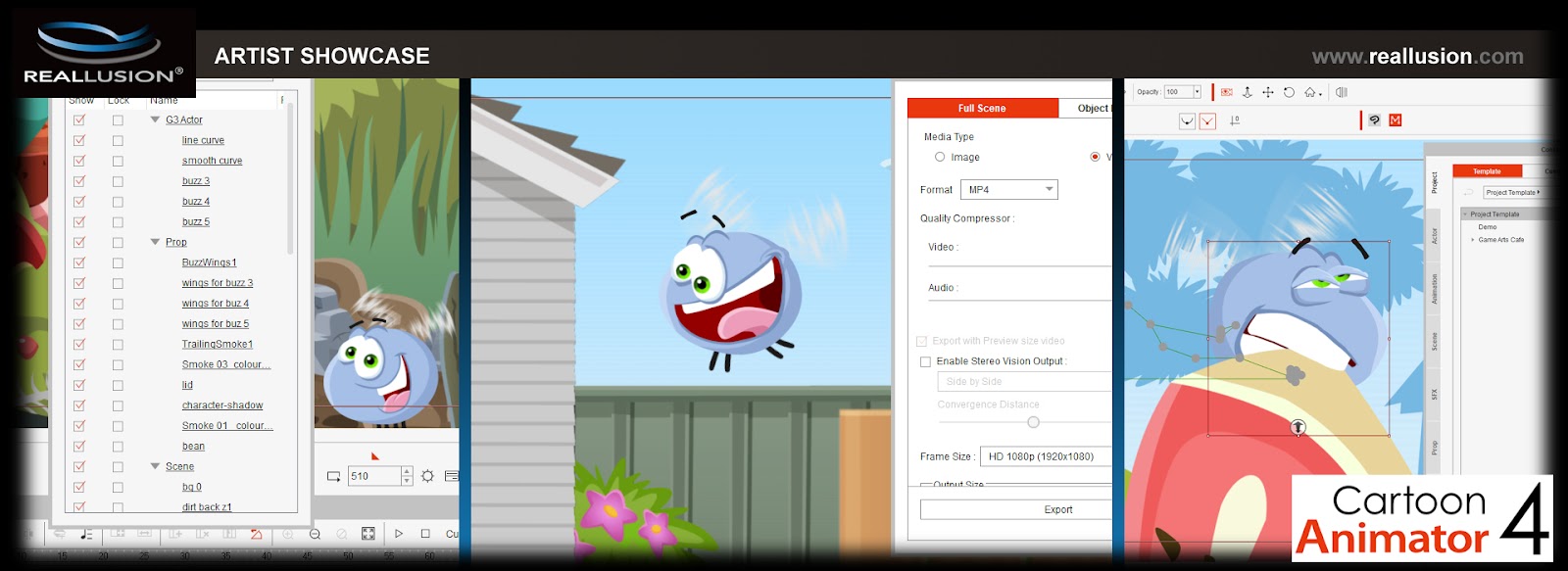
Buz Blowfly is little more than a blue circle with four sticks for legs. As far as an overall character build, that’s pretty much it. And that was very much a conscious design choice. I wanted the challenge of creating emotions for this character using his face and wings as well as his overall body movements. With only a simple sphere to work with, I would have to experiment with squash and stretch movements, as well as being able to incorporate the Cartoon Animators Deform tool, which I had previously toyed with but never really put to proper use.
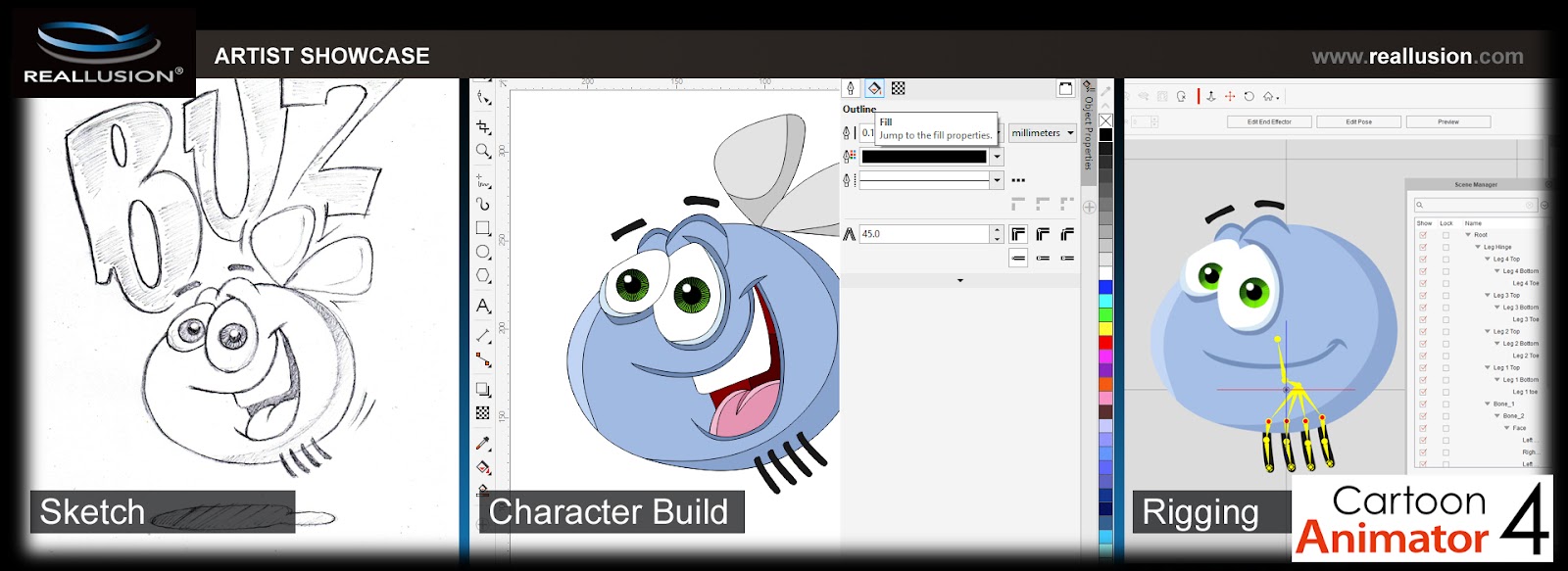
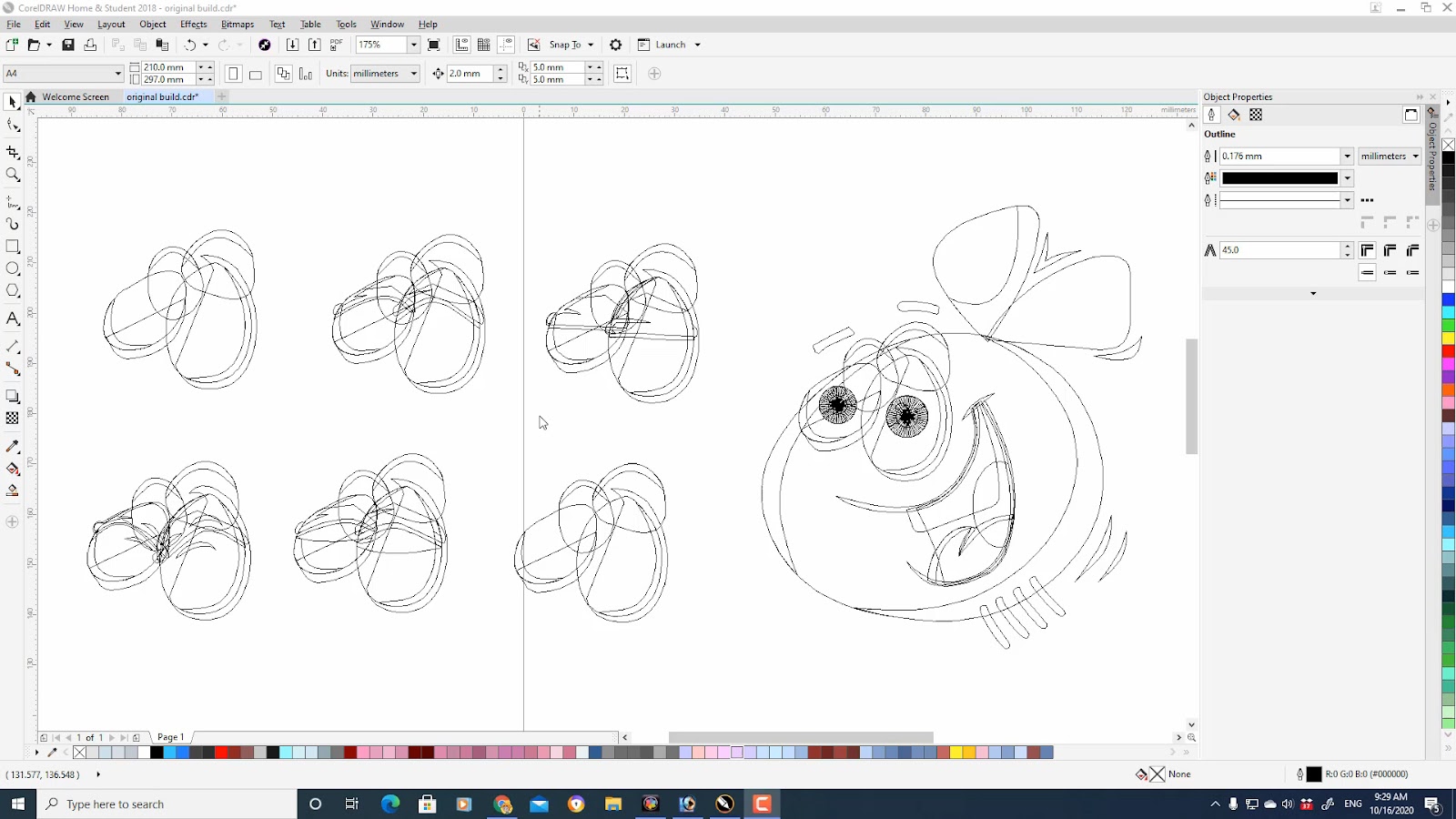
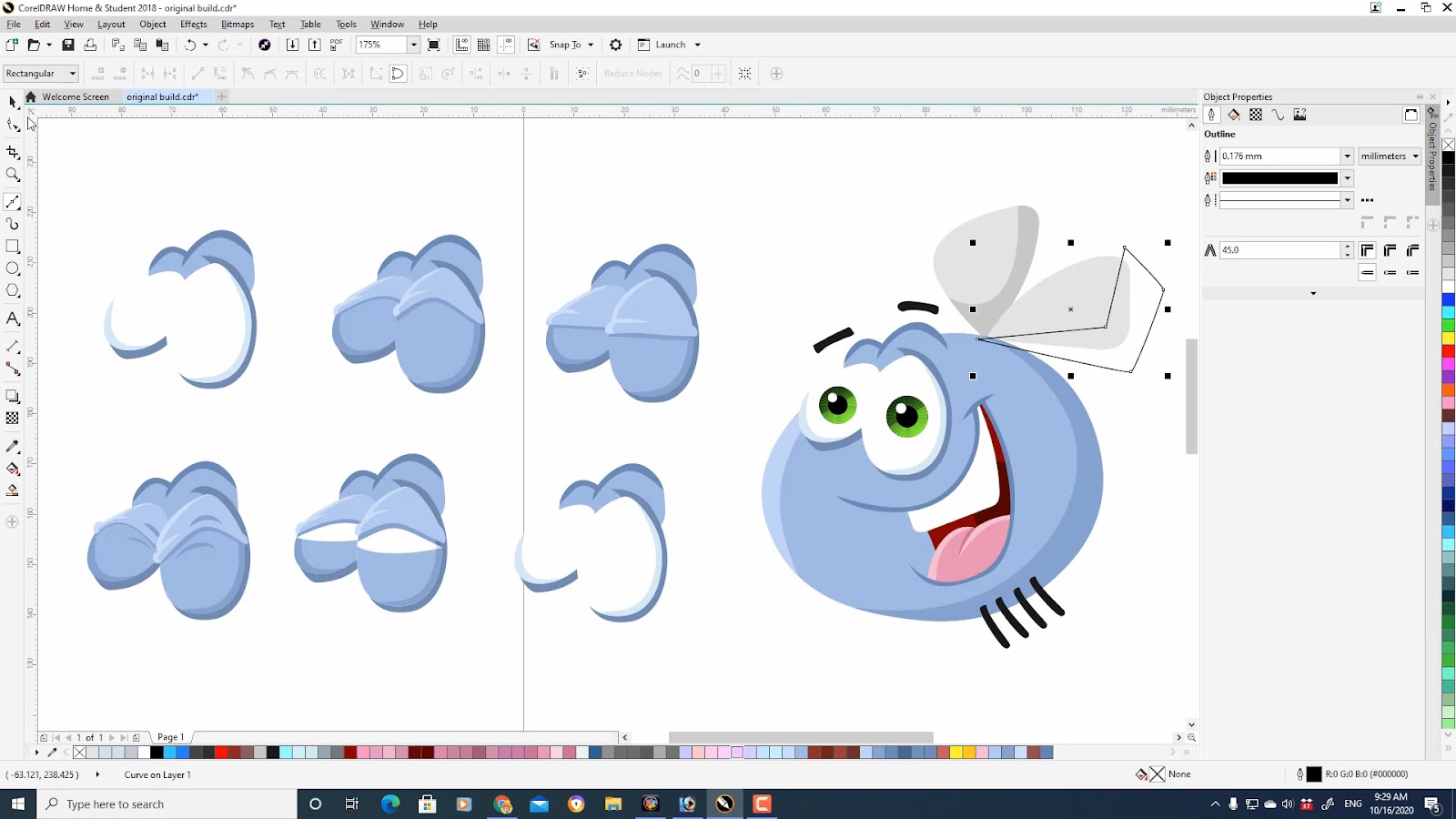
After scanning the original pencil sketch into my PC, using CorelDraw I was able to draw bezier curves over the top of the sketch for each required sprite, creating dozens of new mouths and eyes for almost every emotion possible.
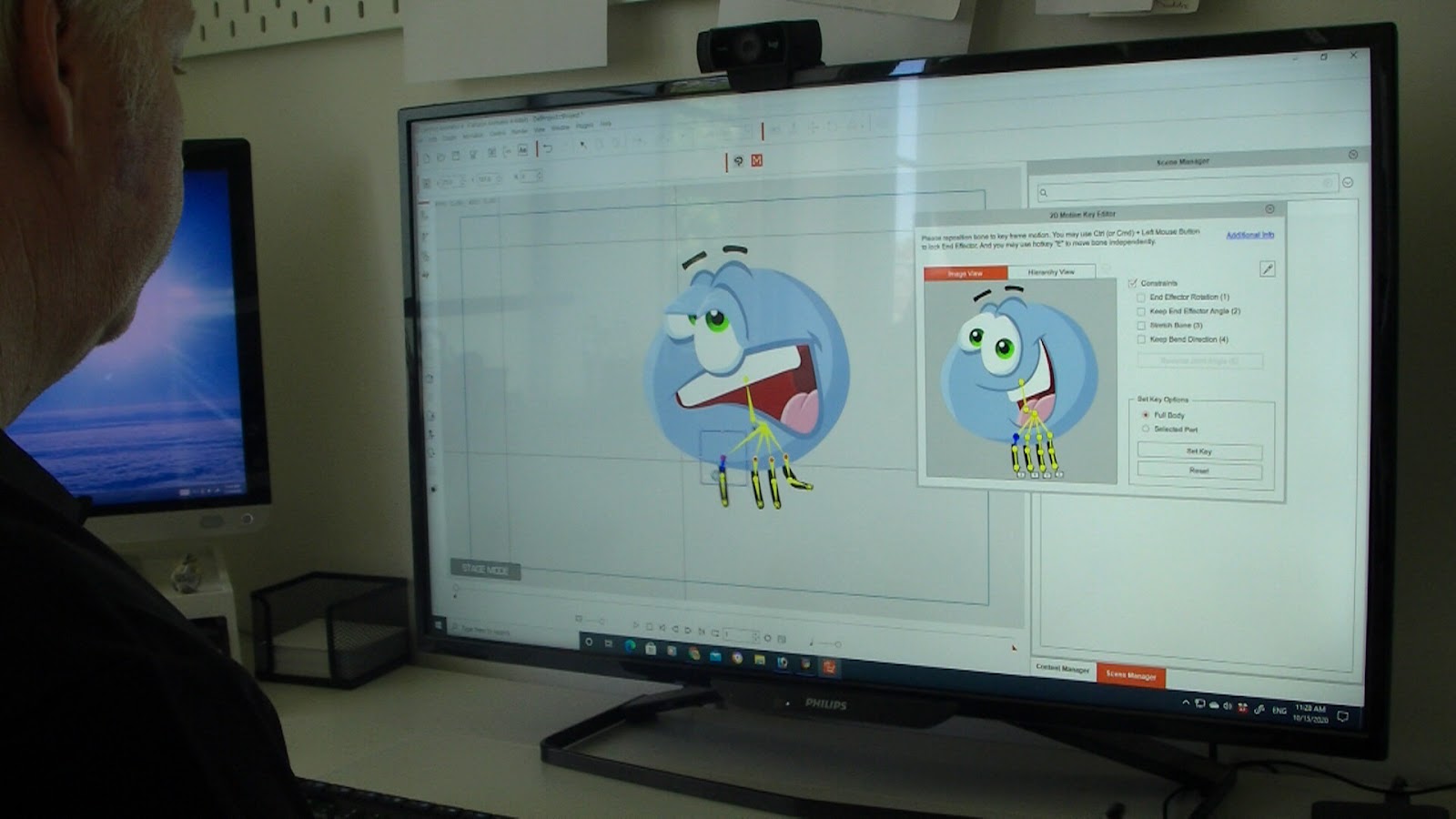
One of Cartoon Animator’s greatest abilities is to take any character design and quickly, and easily, add your own internal skeleton framework, complete with joints, so your character moves freely in front of your eyes within minutes. It is a simple matter of dragging your bones about over the top of the character and previewing the results in real time.
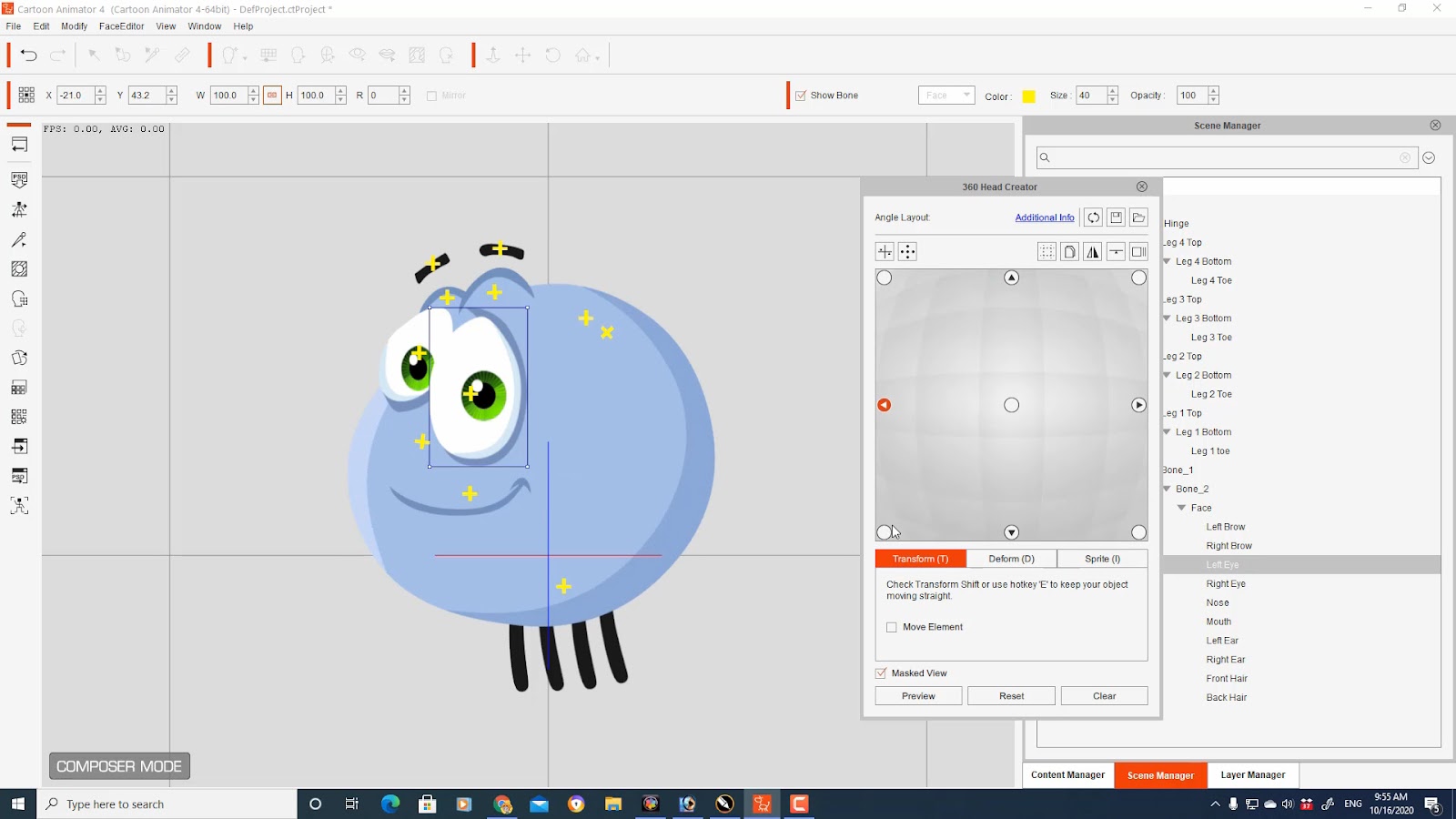
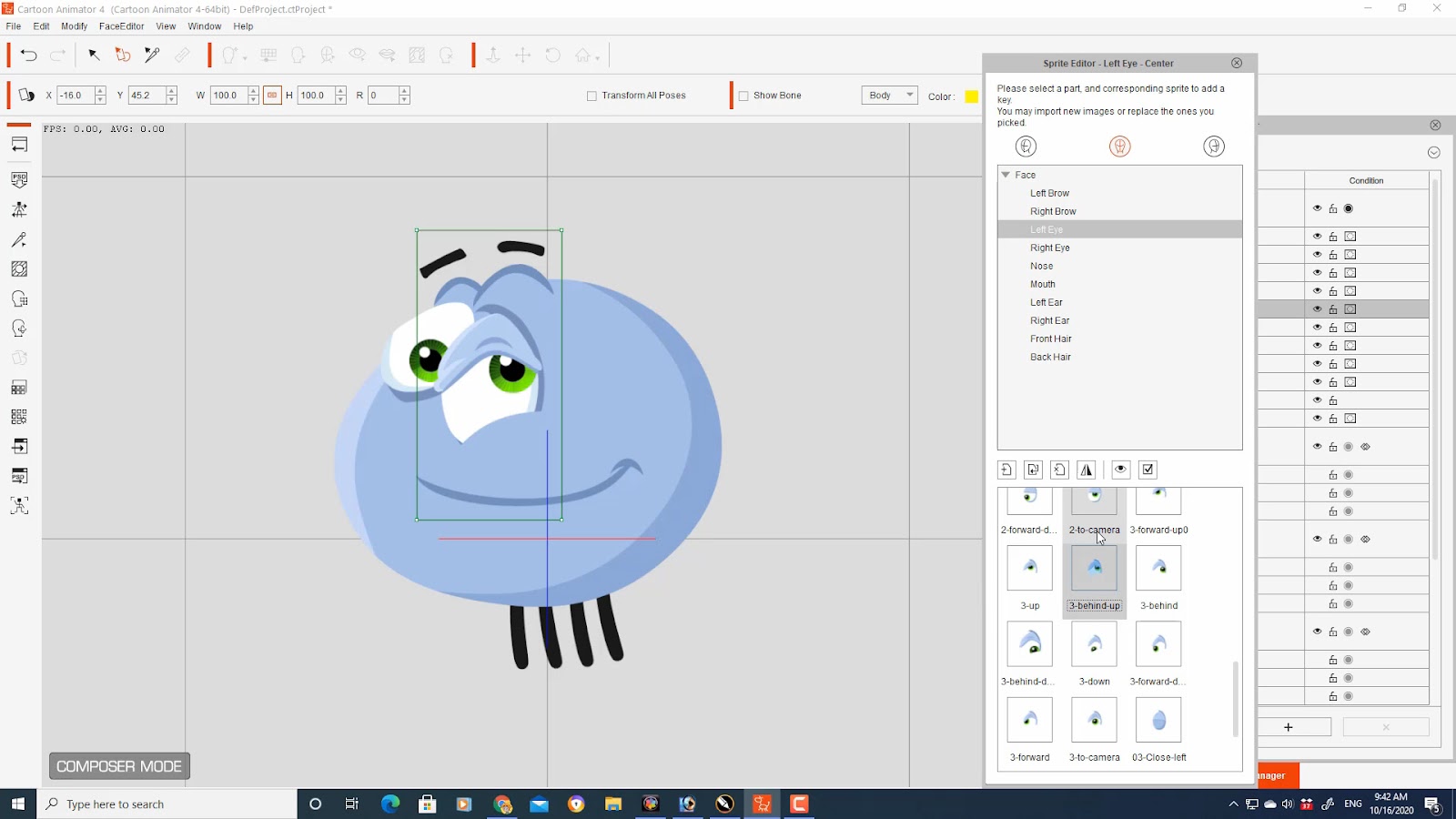
Once the framework of the character and his bone structure was set up, I went about creating the G3 360 Head for Buz as a Talking Head. With this character, his head and body were essentially the same part, meaning his head is also his body. The benefit here was that once I had him set up properly using the 360 Head Creator, Buz would be able to turn his head and look around with natural movement, again making him appear less like a cardboard cutout and more like a hand animated character.
Setting up the 360 Head for this character is not only easy, but for me extremely fun with Cartoon Animator. Being able to make adjustments to your characters face in real time as you’re building them is so satisfying, sometimes it seems more like sculpting than assembling. The 360 Head Creator gives the animator total control over the movement of the facial parts, which can later be fine tuned further with the Transform and Deform tools during the animation process.
Step 2: We Need a Plan!
When working on a larger animation project, planning is essential. Multiple scenes and camera shots require forethought so that continuity is in place and you don’t find yourself having to backtrack to correct mistakes. When working as part of a creative team with a single goal, planning is even more important so all parties know what’s happening and what’s expected of them.
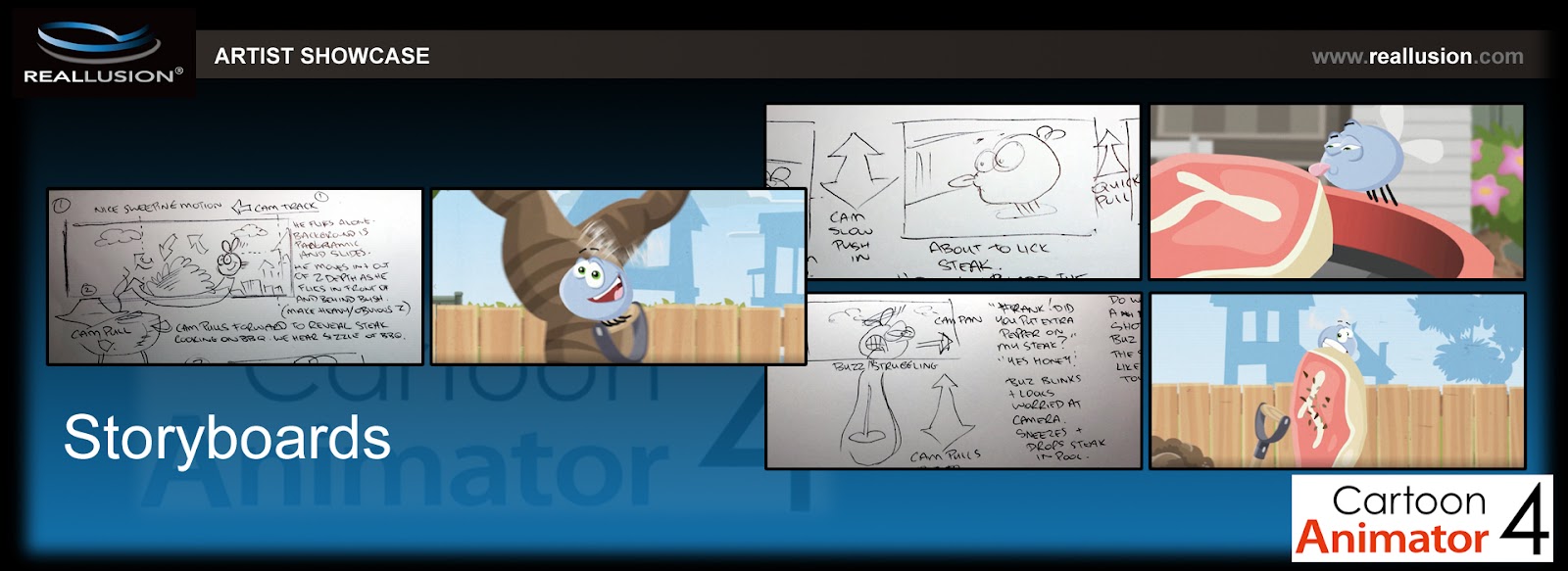
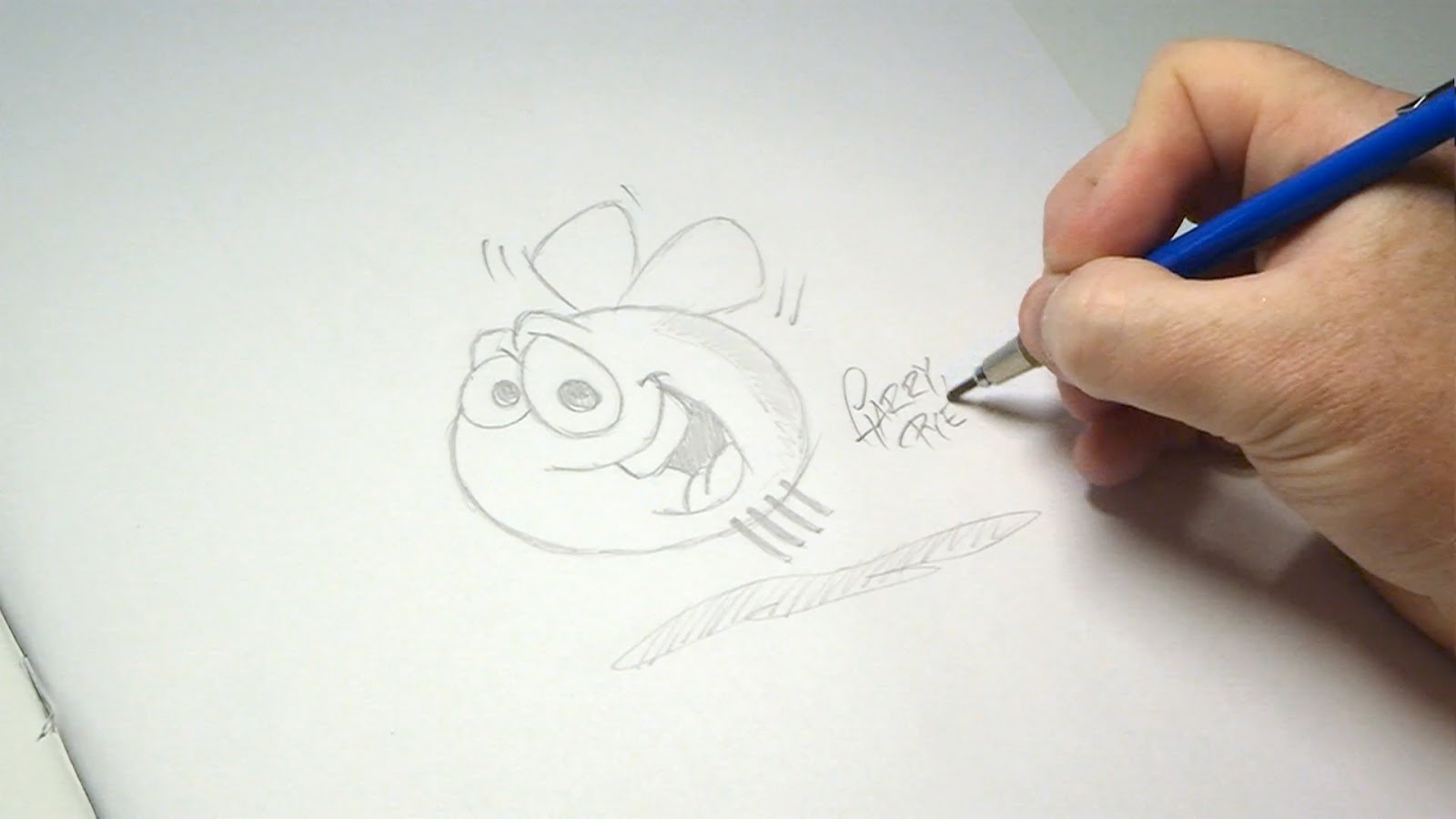
With a story outline and script written, it was time to hit the drawing board with a good old fashioned pencil and paper to roughly sketch out each camera shot in a storyboard sequence so that everyone involved in the project could visualise the cartoon and share their input into how each shot could be made better.
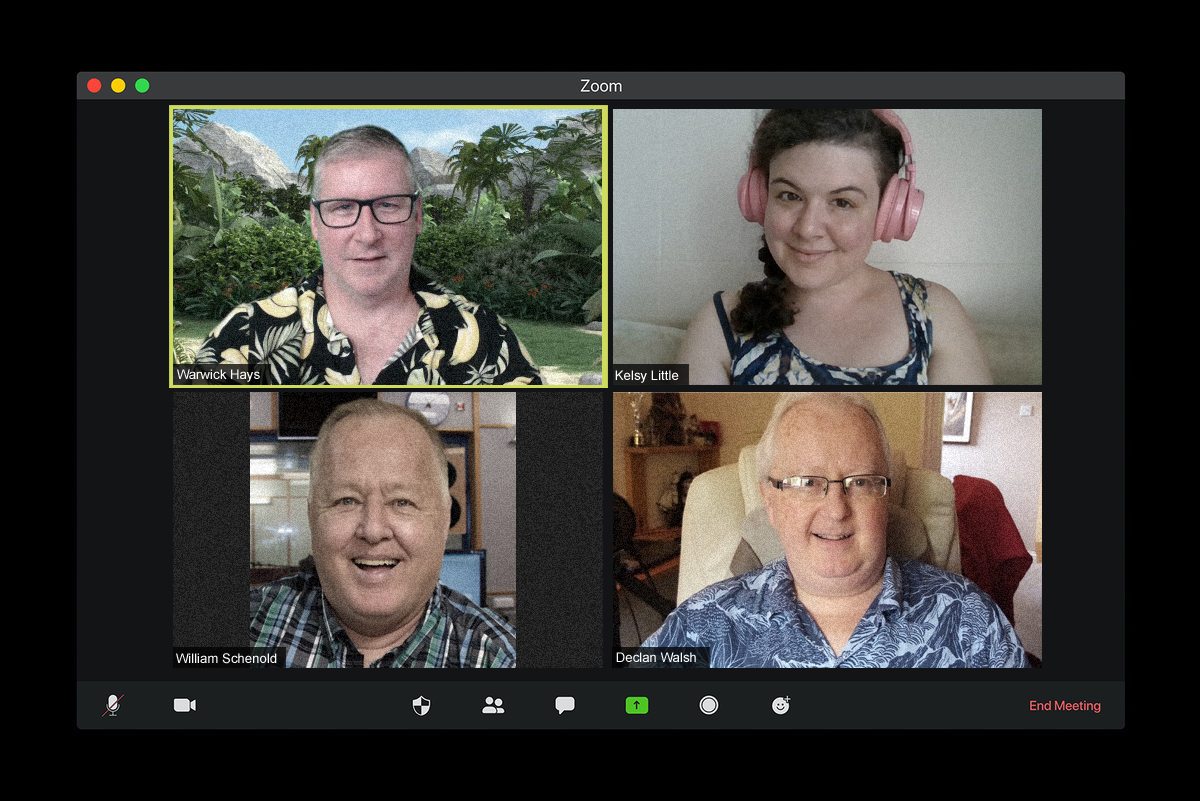
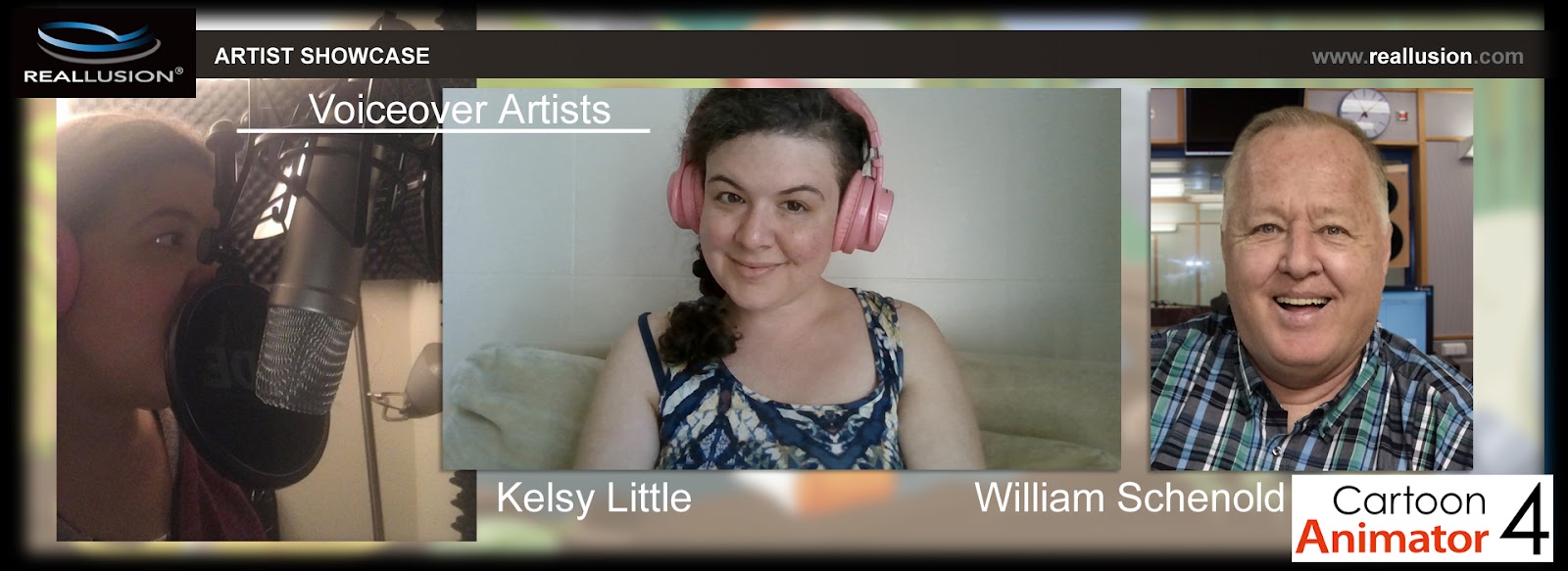
Since our voiceover actors would never get to record together at the same time, each needed to understand their role in order to deliver a recording that would fit each scene. Having worked many times with both William and Kelsy, I knew any lines of dialogue in their hands were going to be perfect.
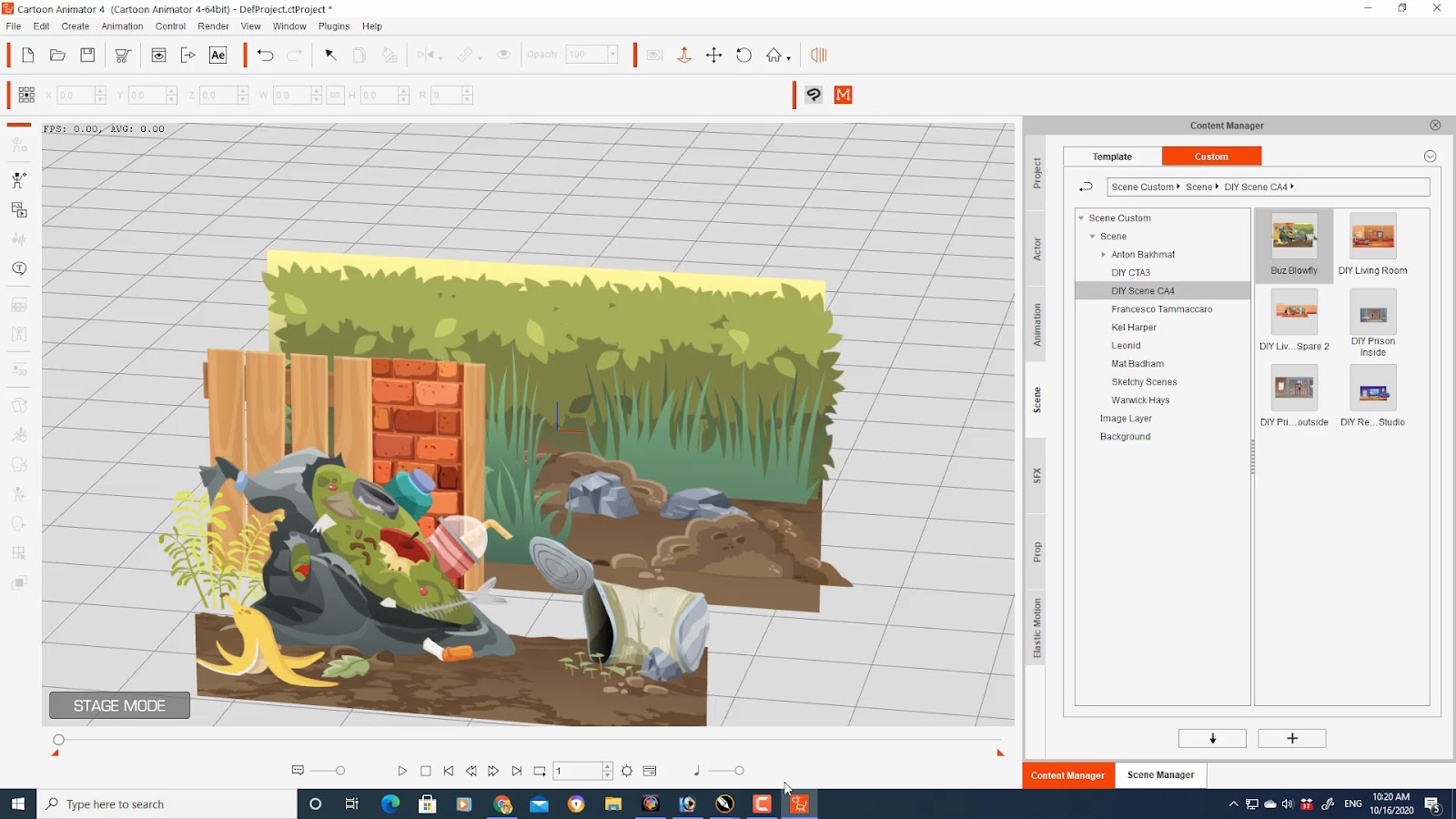
We agreed that the feeling of the cartoon was to be inspired by the old Looney Tunes cartoons of Sylvester and Tweety Pie we had watched on television growing up. So the background elements were kept simple and built inside Cartoon Animator in a way that allowed the Buz Blowfly character to freely move around in the correct perspective. Cartoon Animator gave us the freedom to make changes quickly and easily as each sequence developed and changes were required. One of my absolute favourite functions of this software is the Z-axis which allows correct perspective layering and smooth camera control giving the scenes a depth that would otherwise be extremely difficult to achieve.
Step 3: Veteran Animator brings Buz to Life
My friend and animator Declan Walsh is a legend in the art of traditional hand drawn animation, having worked with Disney, and Don Bluth, and animating films such as Thumbelina and Anastasia. We felt that the wings on the Buz Blowfly character would be used to express his emotions and almost become a character with a personality of their own. So Declan went about creating the most visually impressive animated wing prop (ctProp) for Cartoon Animator. Hand drawing 17 individual frames of motion, when combined in a sequence, Declan was able to give the wings 4 separate motion speeds that could be used to propel Buz across the screen.
So while the head and body of Buz was being constructed on one side of the globe, his wings were being developed on the other, and eventually the two would pair up and Buz Blowfly would take his first flight.
Step 4: Giving the Character’s Voices
I cannot stress enough the importance of using professional voice artists if you want to elevate your animations to a professional level. When we were first exploring the idea of this collaborative project for Buz Blowfly, William Schenold and Kelsy Little jumped at the chance to be involved. I always make sure I have my voiceovers finished before I start frame one of animation because a good audio clip can often steer your scene in a different direction than expected, especially when you have fun people like Bill and Kelsy who like to ad lib and go off script. You never know what you’re in for and often the best line is the one that comes when the actors are goofing off.
Even though both these talented artists recorded their dialogue in totally different countries and were never able to read together, with Cartoon Animator that doesn’t matter, as I was able to instantly drop in both recordings, align and trim them where necessary and then start my animation process.
Step 5: Let’s Get Moving
With the storyboards designed, character developed and voice overs recorded, it was now time to start on the final animation. For me, this truly is the fun part. Taking a flat illustration and bringing it to life. Making him twist and turn, express real emotion and interact with the world around him.
Thanks to Cartoon Animator’s 360 Head feature, I was able to quickly rig Buz Blowfly’s face in real-time, giving him the freedom to look about in every direction and speeding up the animation process by weeks. But for this project, I felt even that wasn’t going to be enough. We needed Buz to move as if he has weight and I wanted his movements to be fast and energetic, while not being so fast that the viewer would miss the action. This is where Cartoon Animator’s Deform Tool became my new best friend. After blocking in the general movements I was able to go back through the scene to squash and stretch everything from Buz’s body to every element of his face, so his performance became much more fluid and life-like.
Previously I had relied solely on the sprite swapping method for facial expressions, which works perfectly well, but the ability to smoothly transition from one sprite to another through keyframing with the Deform Tool enhanced my character performance to a level I had never achieved before. Because animation is much more than an object moving from one point to another. It is about capturing the true feeling of movement and emotion. And the Deform Tool absolutely delivers this result.
Step 6: Editing and Effects
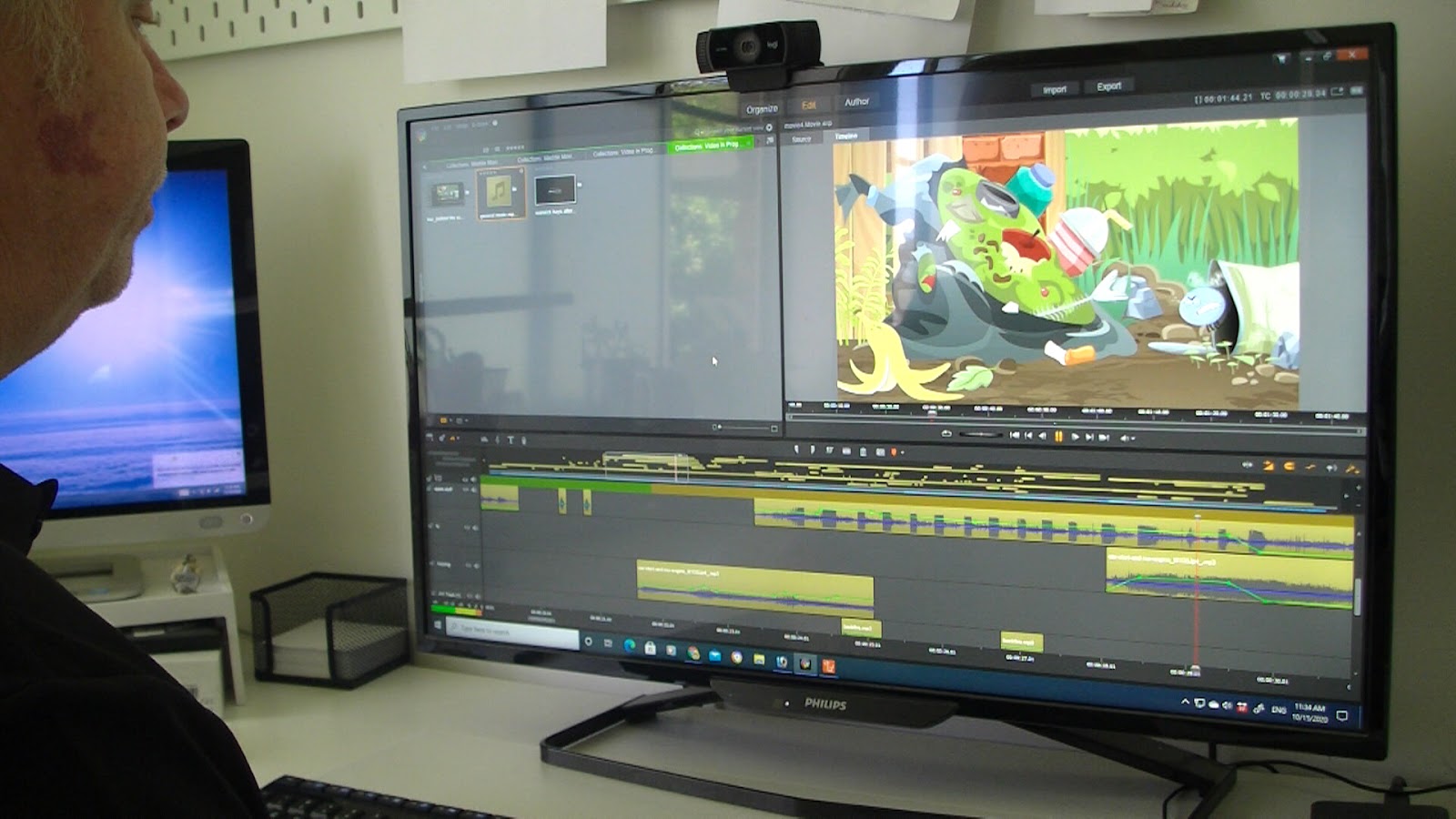
With all the clips completed, it was time to assemble the footage into the final cut, which is a simple process of joining each clip together in your favourite editing software. I use Pinnacle for editing and for my sound effects and music I use Audioblocks.
When the movie was complete, the final decision was made to add some effects using Adobe After Effects which would give it the look and feel of being a retro tv cartoon. This is where artist and animator Warwick Hays brought his skill set to the table. Warwick is a master at using After Effects and with the help of Reallusions plug in which quickly and easily creates a bridge between Cartoon Animator and After Effects, Warwick was able to take the original film and desaturate it to give it a more retro look. In addition, he added a blur effect to Buz Blowfly which gave him more natural movement and finally a vintage film grain effect was added to give the project the feeling of being a recording from an original television program. All of this was done in hours rather than days, and results could be increased or decreased in real-time to get just the look we all wanted.
And We’re Done!
Incredibly, a project that I estimate would have taken several months to complete, had it been created any other way, was finished from pencil sketch to final movie in exactly two weeks, thanks to the passion and enthusiasm of a group of talented artists. And best of all the project was genuinely fun to work on for everyone. This is because Cartoon Animator allowed us to see our results in real-time, making spontaneous adjustments without the need to redo work. All while having fun with the process of collaborating remotely and enjoying animating instead of being impeded with tedious and monotonous technical work. And because we were able to create the project in such record time, it meant that the enthusiasm for the work never had time to wane.
At the beginning of every new animation I try to push myself to learn new skills, polish those skills I already have and discover new possibilities within the limits of Cartoon Animator. As this software grows with new plug-ins and tools, so does the potential for me to create bigger and better animated projects. And at the end of each project I hope to be able to look back and see growth in my work. ‘Steak Out’ was a journey in collaboration and character animation that ultimately demonstrates Cartoon Animators ability to produce a quality production by a remote team of enthusiastic, creative people in a very short time frame.
David Arandle, A.K.A. ‘The Extraordinary Tourist’ or ‘TET’ for short is an Independent Artist, Animator, Writer, and Animated Video Producer.
He writes the blog – Animation and Video Life, detailing the behind the scenes of his own animated projects, as well as showcasing animation and video related applications, books, creators, tutorials and other resources for beginner to intermediate animators.
“Cartoon Animator is still focused on making the animation process as easy and fun as possible.”
Hasraf ‘HaZ’ Dulull – Writer, Producer, Sci-fi Director
Hasraf ‘HaZ’ Dulull
Hasraf ‘HaZ’ Dulull started his career in video games, and then Visual Effects for Film and TV, before transitioning to directing and producing with his breakout sci-fi indie feature film – THE BEYOND, which was released by Gravitas Ventures, and premiered at #2 on the iTunes charts before trending on Netflix and fully recouping its budget quickly and becoming a profitable feature film.
His second feature film 2036: ORIGIN UNKNOWN, which starred Katee Sackhoff (Battlestar Galactica, Another Life) earned a limited theatrical release in the US before landing on Netflix.
He was later hired to direct the pilot for Disney’s action comedy mini series – FAST LAYNE, and was also credited as creative consultant on the entire series and directed three additional episodes when he wowed Disney channel executives with his vision for the 8 part series. HaZ is repped in Hollywood by The Gotham Group, and is the co-founder of production company (http://hazfilm.com/)
Haz Dulull is currently developing genre TV, feature and animation projects utilizing virtual production and Unreal Engine, his understanding of utilizing ground breaking technology with storytelling has recently lead him to go into production as the director on the CG animated feature film adaptation of the acclaimed video game Mutant Year Zero, where he used Reallusion’s Character Creator 3 and iClone to create his realistic film character in just 1 week.
” The benefits of real-time visuals like Reallusion and Unreal Engine, is that they allow me to be as hands on as possible with every aspect of animation filmmaking such as setting up the camera moves, to choreographing the action all physically hands on, directly inside the scenes. “
Hasraf ‘HaZ’ Dulull – Writer, Producer, Sci-fi Director
Using Cartoon Animator, Ward Anderson is reviving the retro look of the much loved television cartoons of the 1960’s and 70’s in a series of short films and music videos.
With a background in writing and performing rather than animating, in this interview Ward explains how Cartoon Animator allows him to get the animation results he wants in faster timeframes, without the extensive knowledge from a background in animation.
” Cartoon Animator has made it possible for me to blend the principles of animation that have been around forever with the efficiency that modern technology has given us. “
Ward Anderson – Comedian / Writer / TV / Radio Host
AAA motion capture to fit any size project, game, film or budget
Reallusion, the developer of Character Creator and iClone, known for its real-time character creation and animation, launches a browser-based 3D motion platform: ActorCore. ActorCore offers one of the most diverse 3D mocap motion libraries with thousands of high-quality character motions for the Business, Training, Archiviz, Film, and Game industries.
“Reallusion strives to continually revolutionize Character Creation and Character Animation. Motion assets and motion capture is the most time-saving and effective ingredient to give life to all characters, and studios do much of their production relying on mocap libraries. ActorCore is a steady source for the highest quality motion capture. We’ve carefully planned our performance collections and are now delivering thousands of premium and professional on-demand sequences. ActorCore focuses on quality and accessibility to easily acquire the motions you need.” Charles Chen, CEO, Reallusion Inc.
Reallusion, the software developer, today announced its partnership with the Creative Media Industries Institute (CMII) to establish real-time animation and motion capture lab software for students and studios. The official launch of the Reallusion North American Demo and Training center, located at the CMII, brings together the innovative technology from international 2D and 3D animation software and content developer Reallusion for 3D character creation, real-time animation and motion capture with the production facilities and computer labs at the state of the art emerging technologies center located at Georgia State University’s CMII.
Reallusion and Creative Media Industries Institute
From AI-generated photos to AI-generated characters – Reallusion and Generated Photos launch a total solution for digital crowd generation.
Digital Human toolset provider Reallusion, teams up with Generated Photos – company creating AI headshots , to launch a total solution that converts AI-generated face photos into fully animatable 3D digital doubles that can be used to create crowds for film, game, archviz, visualizations, and more.
See how ASIFA-SOUTH is using Reallusion’s Cartoon Animator 4 to do just that.
Thanks to befores & afters journalist Ian Failes reporting on how ASIFA-SOUTH brings animated mascot into livestreams with the help of Cartoon Animator 4.
With special designed 2D “mascot puppets” and using Cartoon Animator 4’s abilities to live-track facial performance and hand movements and create real-time lip sync. ASIFA-SOUTH has made their video sessions into very different experiences.
The choice of Cartoon Animator came partly from its accessibility. All users need is a webcam or iPhone, while a lot of extensibility can also come from using a Leap Motion device for finger and arm capture-to-animation. The simple set-up brings a lot of value to the sessions. – Marisa Ginger Tontaveetong, president of ASIFA-SOUTH
Professor Apple in fully cartoon rendered form.
Tontaveetong is particularly excited about adopting a tool, in Cartoon Animator, that is not only able to assist in communication and interaction, but also likely to be something that animation-centric members will be curious to explore themselves. For example, a recent live animation voice-over battle hosted by ASIFA-SOUTH utilized Cartoon Animator to enable users to make 30-45 seconds of animation as a way of both learning the tool and the art of V/O.