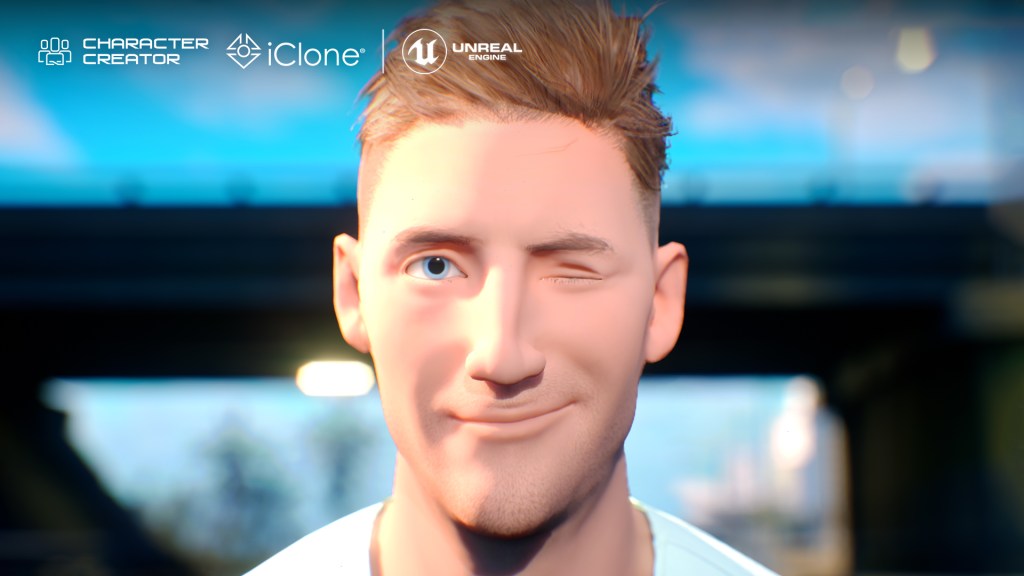
Michael Corr of Solis Animation offers insights into the making of Rare Americans’ The Machine music video, detailing how tools like Character Creator, iClone, and Unreal Engine 5 helped bring this unique small-team production to life.

Michael Corr of Solis Animation
Hi, I’m Michael Corr, a tech artist at Solis Animation in Toronto, Ontario, Canada. For over seven years, I’ve had the privilege of creating incredible worlds with a talented crew whose creativity has pushed me further than I could have ever imagined in the animation industry. Here’s a brief overview of my journey and the amazing people I’ve worked with:
Solis Animation, founded in 2010 by siblings Lou and Les Solis, specializes in 2D “tradigital” animation. Over the years, they’ve worked on notable projects like Comedy Central’s Ugly Americans and Moonbeam City, as well as Gord Downie’s The Secret Path for CBC. I was fortunate enough to join the team during the production of Gary and His Demons, where I was tasked with creating 3D environments and background art for its first season. One of our major successes was achieving a unique aesthetic by blending lush 3D backgrounds with dynamic 2D animation. This accomplishment led to me becoming a more integral part of the team, contributing to many rewarding projects over the years.
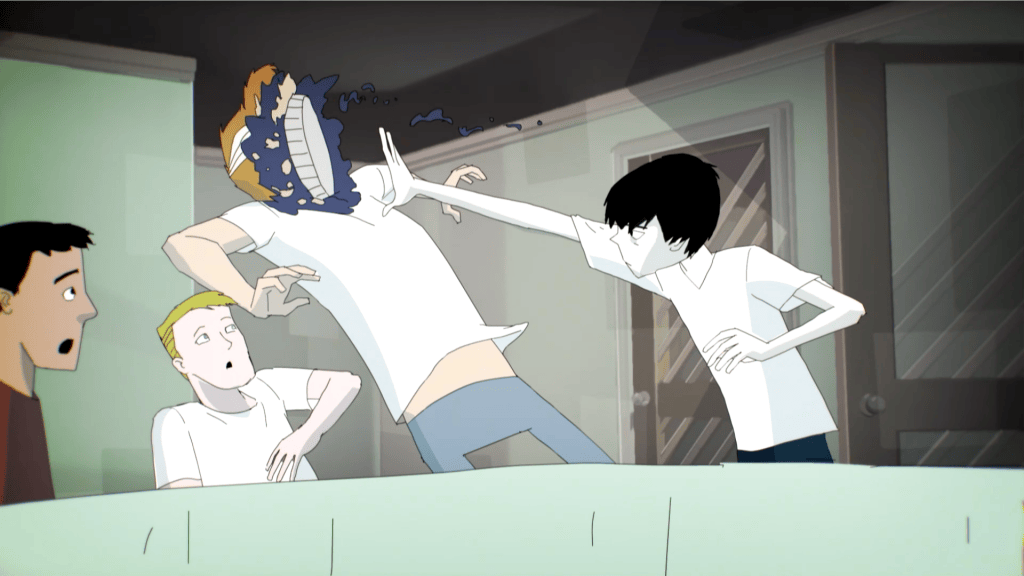





A key highlight of my early career was my background work on the music video for Brittle Bones Nicky, by Vancouver-based band Rare Americans. The video has since garnered over 90 million views on YouTube, marking a significant milestone for me and the team. Additionally, I’ve had the opportunity to help develop and refine a production pipeline using Unreal Engine, which has evolved from UE4 to the current version, UE5. Working alongside the talented team at Solis Animation has been an incredibly rewarding experience, and I look forward to many more years of creative collaboration.
In 2021, Solis Animation and Rare Americans co-founded Crooked City Studios, an animation production studio focused on the art of storytelling with animation and music. This partnership led to even more detailed and innovative content, all of which has been a very rewarding experience that I’m quite proud to be a part of.
Using Character Creator
Let’s go over the making of the animated segments in The Machine, a music video by Rare Americans, which utilized Reallusion’s software paired with Unreal Engine 5.
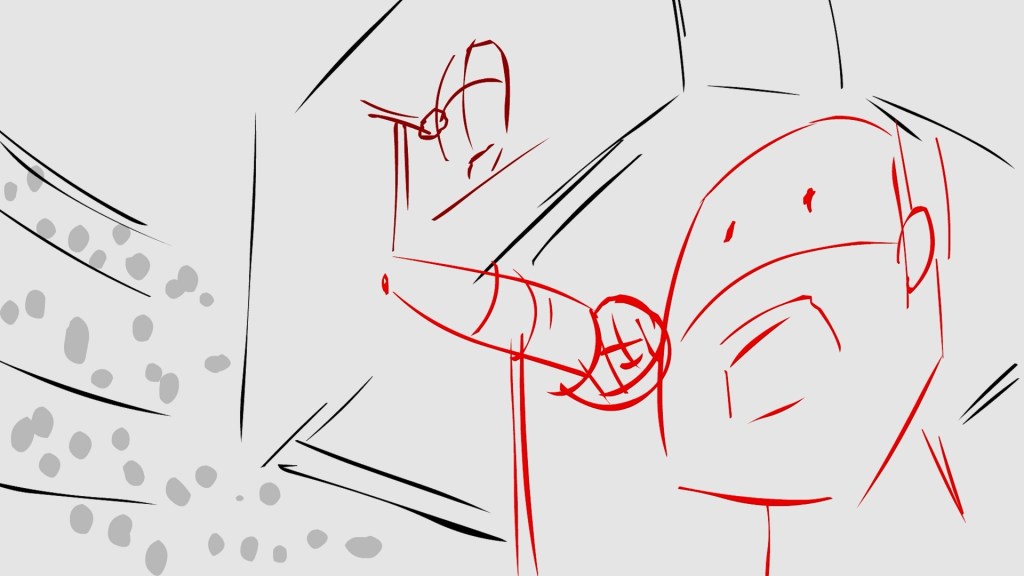
The concept for the music video was created by the band. The protagonist would escape his mundane life by logging into virtual reality to join his friends in lavish affluence. We were responsible for handling the VR segments, which we were going to achieve with animation. The Director, Lou Solis, worked closely with the band to flesh out the concept and determine what was needed for the animated segments. Lou created animatics (timed storyboards) for each animated scene. Once these animatics were approved by the band, Lou and I reviewed each segment to determine the best approach to achieve the right aesthetic for this virtual reality world within the parameters of our budget and schedule.

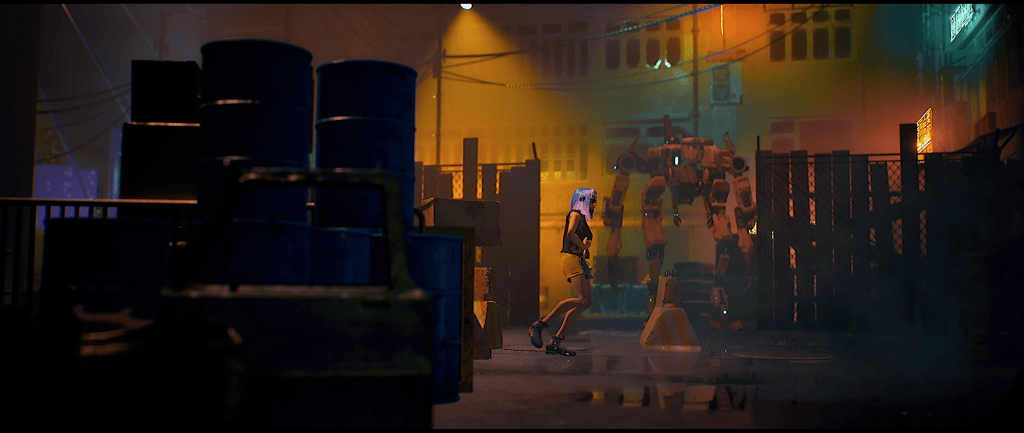
Three main environments were needed: a club, a stadium basketball court, and a Miami-like freeway. Four main characters along with some crowds and secondary characters were also required. The four main characters were based on real-life actors who appear in the live-action segments of the music video. To work within our tight turn-around time, I suggested using iClone 8 and Character Creator 4 and rendering finals in Unreal Engine 5 to then be sent off to our compositing team. We had already been exploring with Reallusion’s software for the pre-viz and development of a short film, so we decided to put in practice these tools to create The Machine.
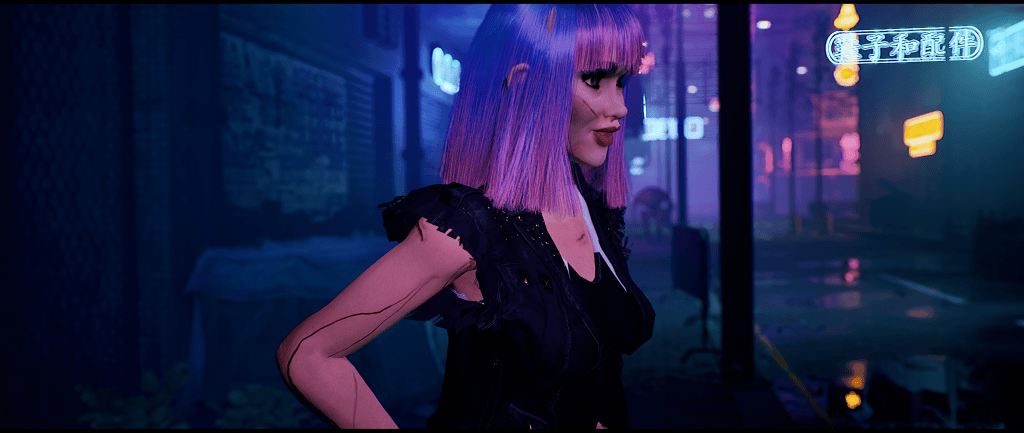
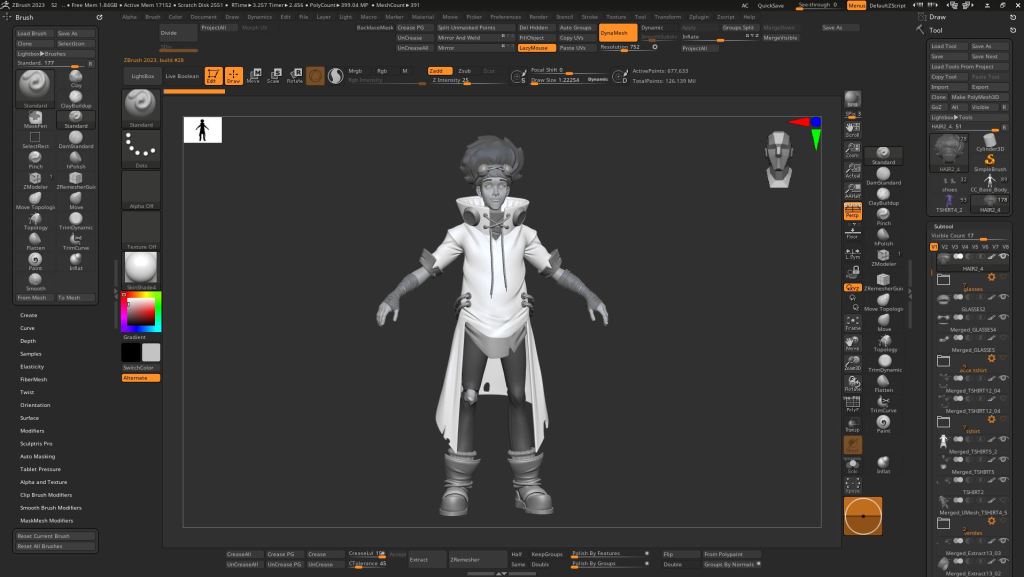
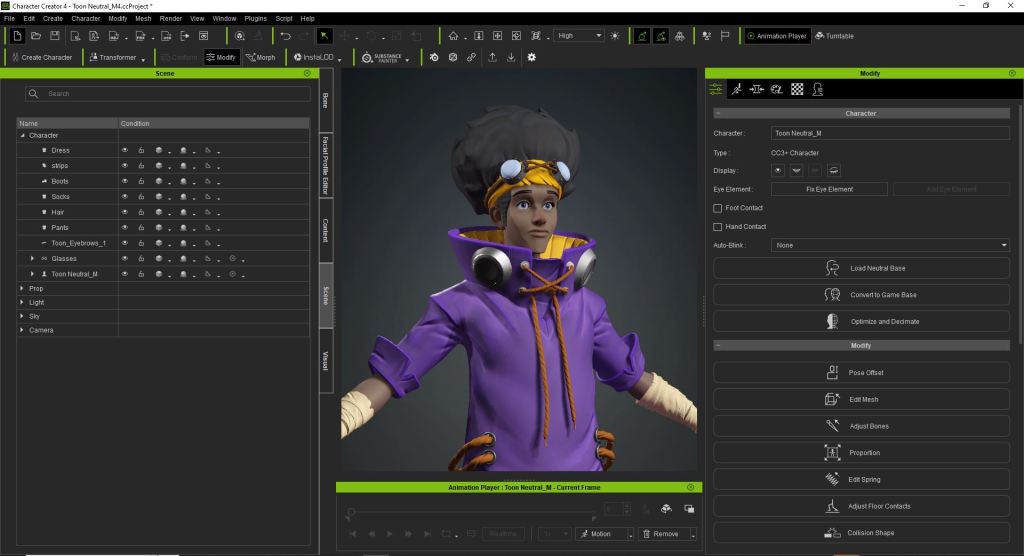
I was provided with photo references for each of the main characters along with outfit references. To help the viewer quickly associate each actor with their VR counterpart, it was decided to distinguish each character by the main color of their attire: one in pink, one in yellow, and one in green.
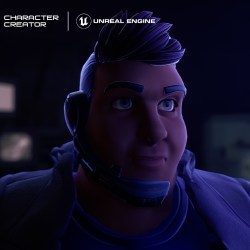
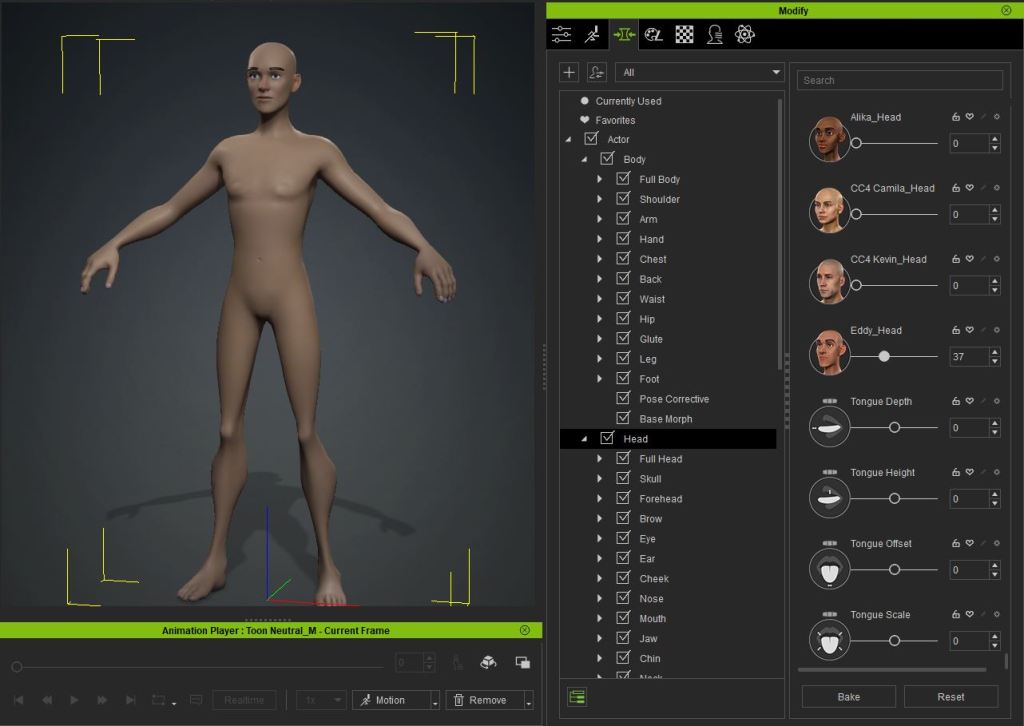
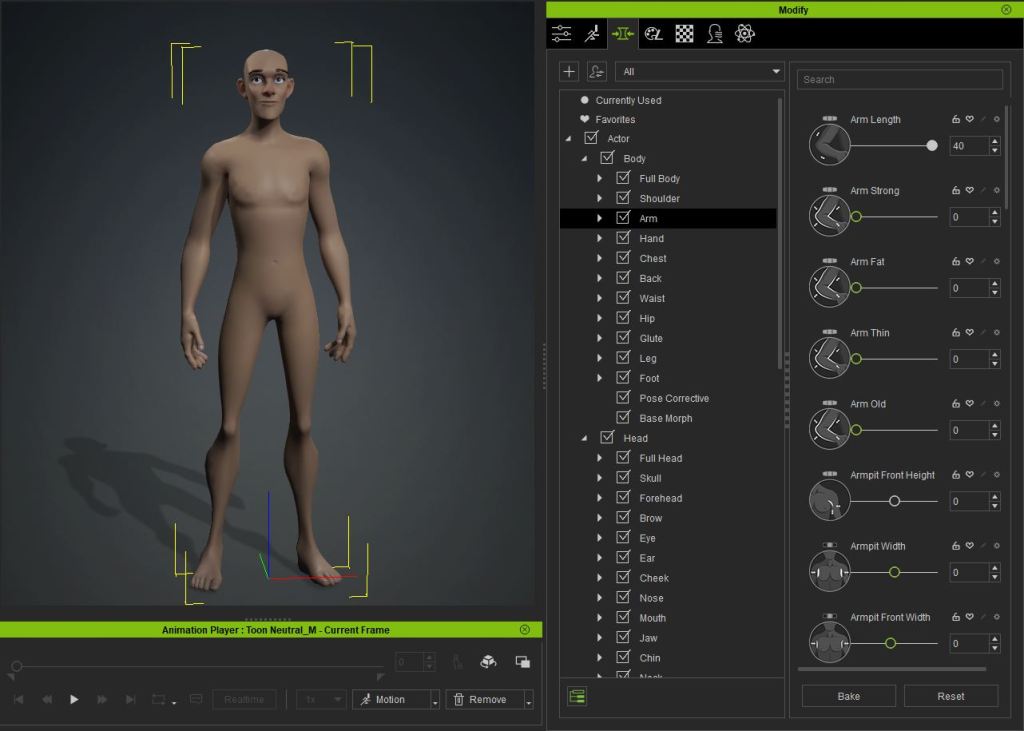
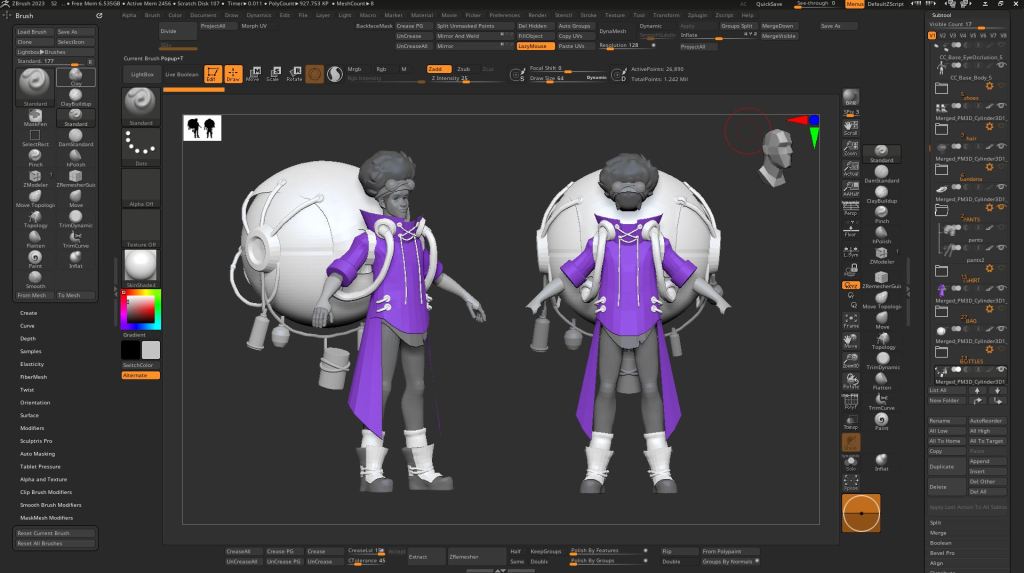
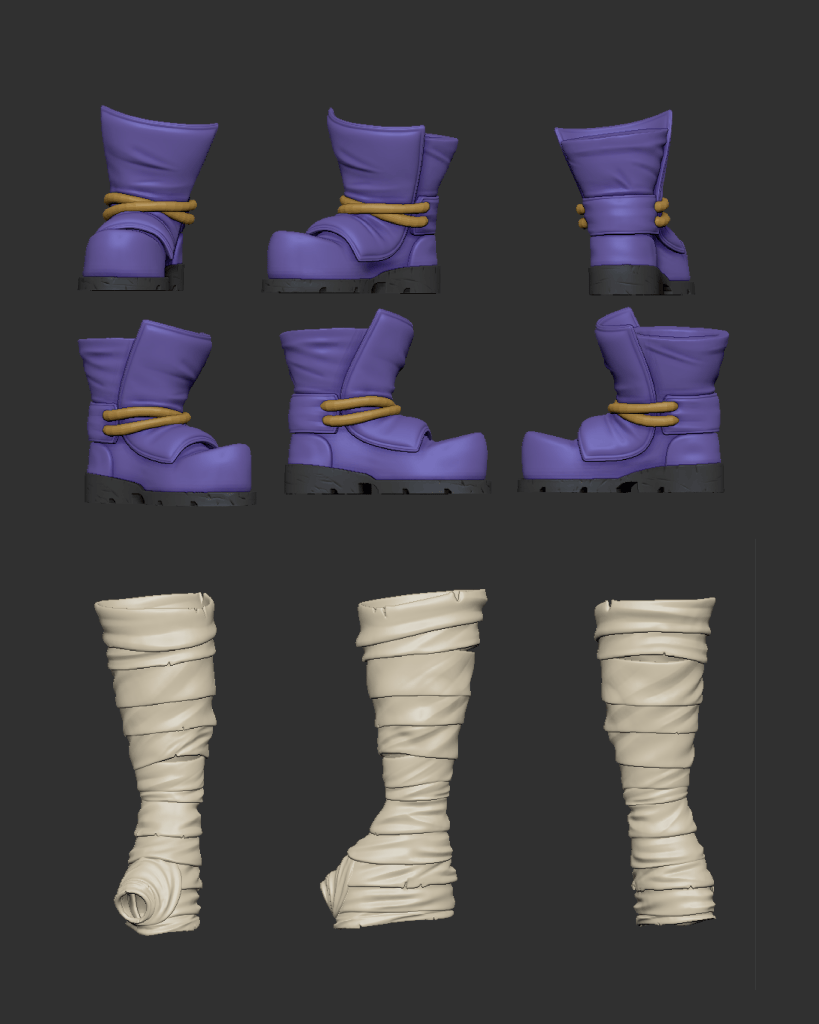
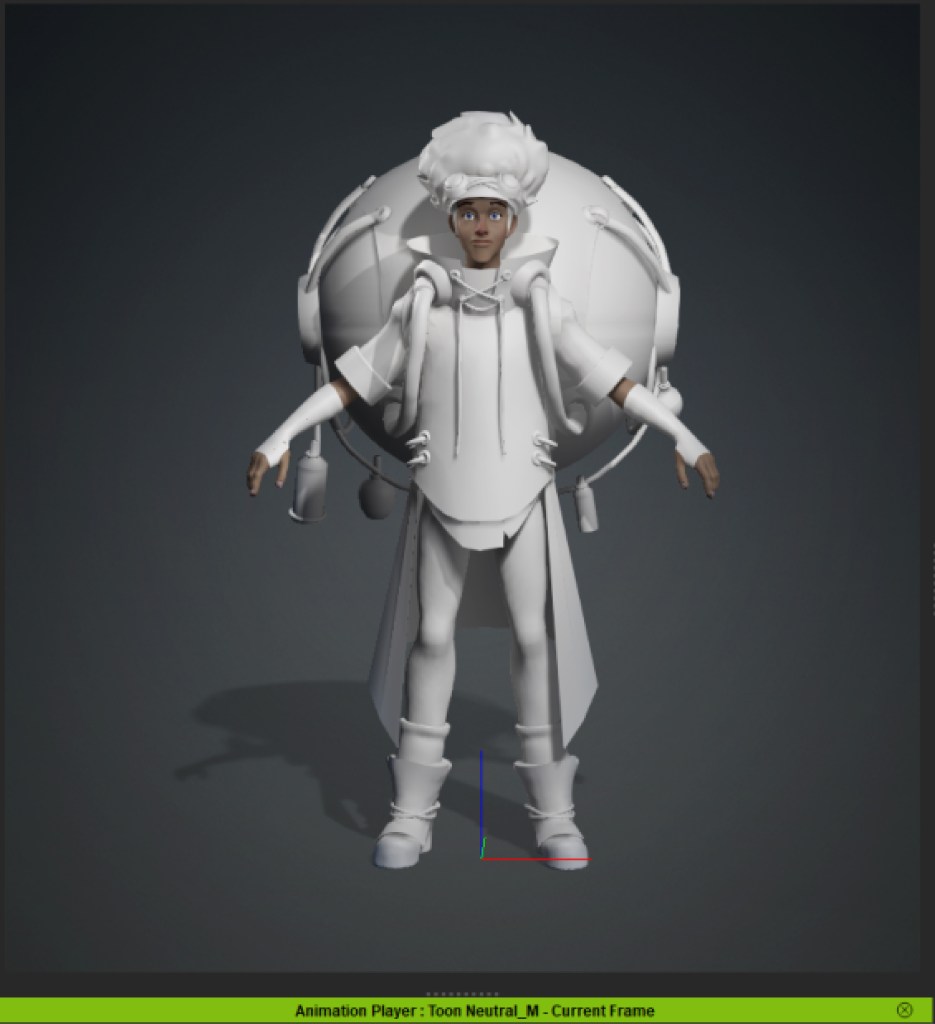
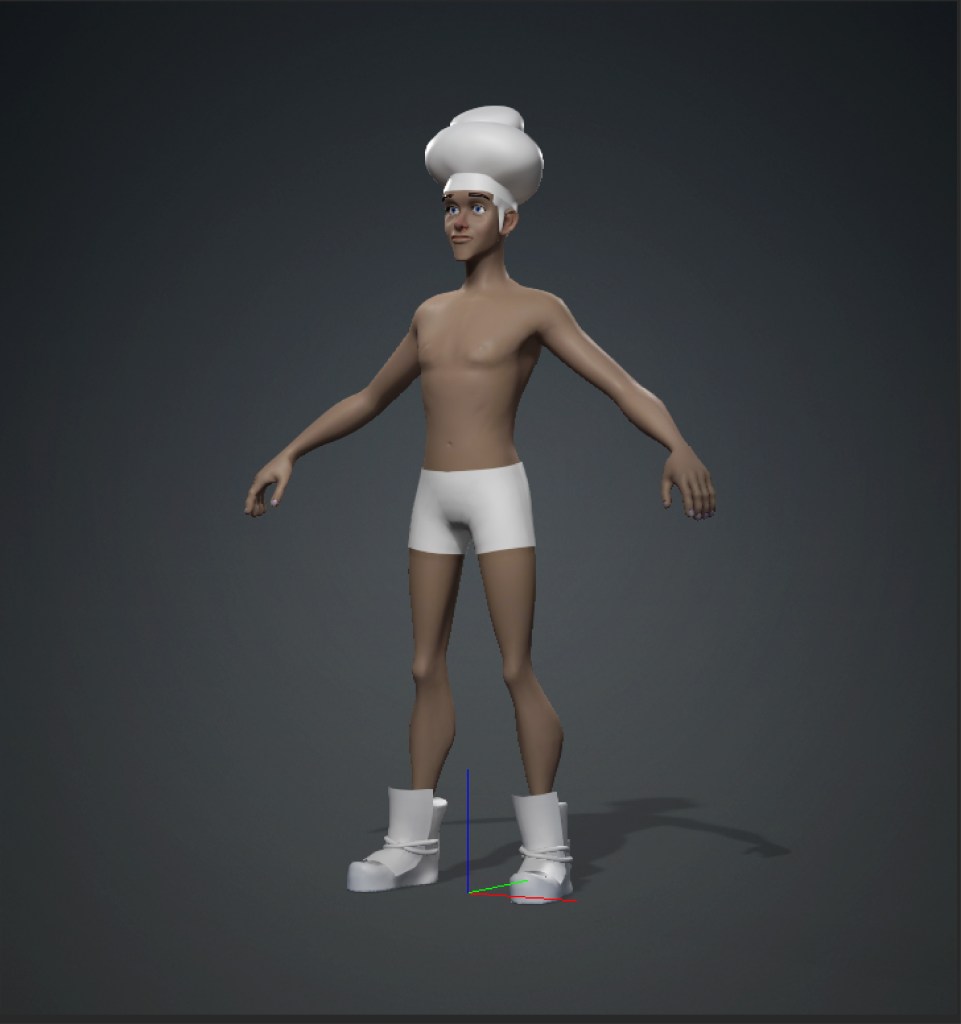
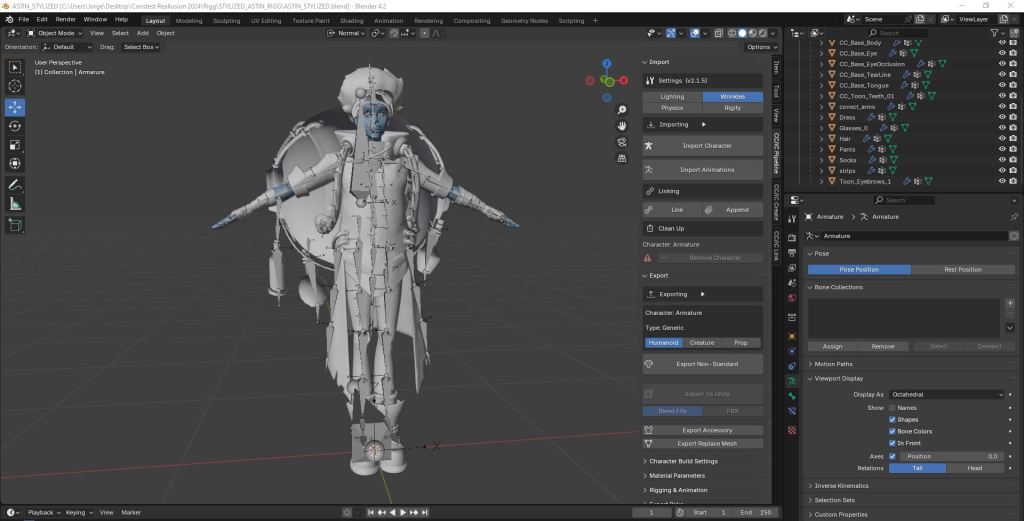
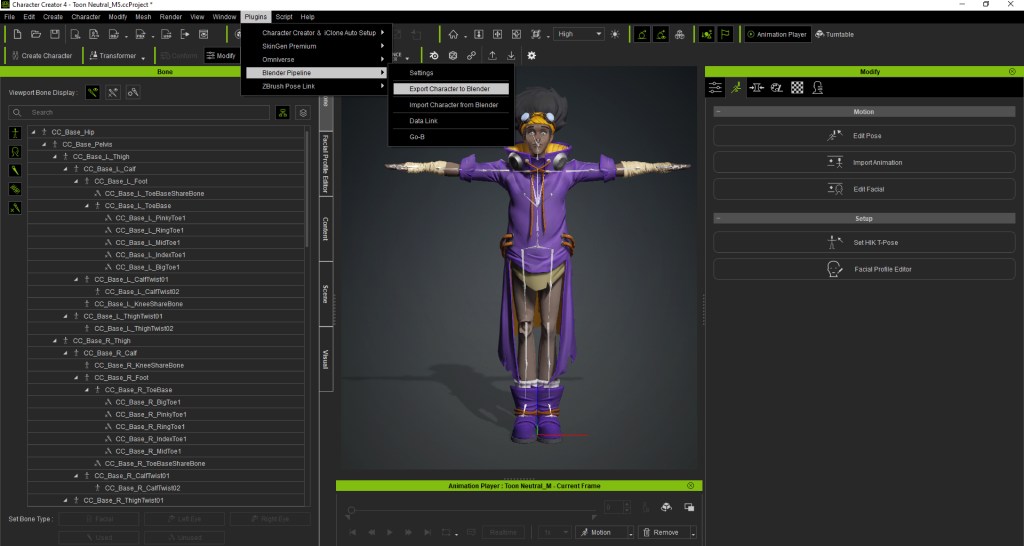
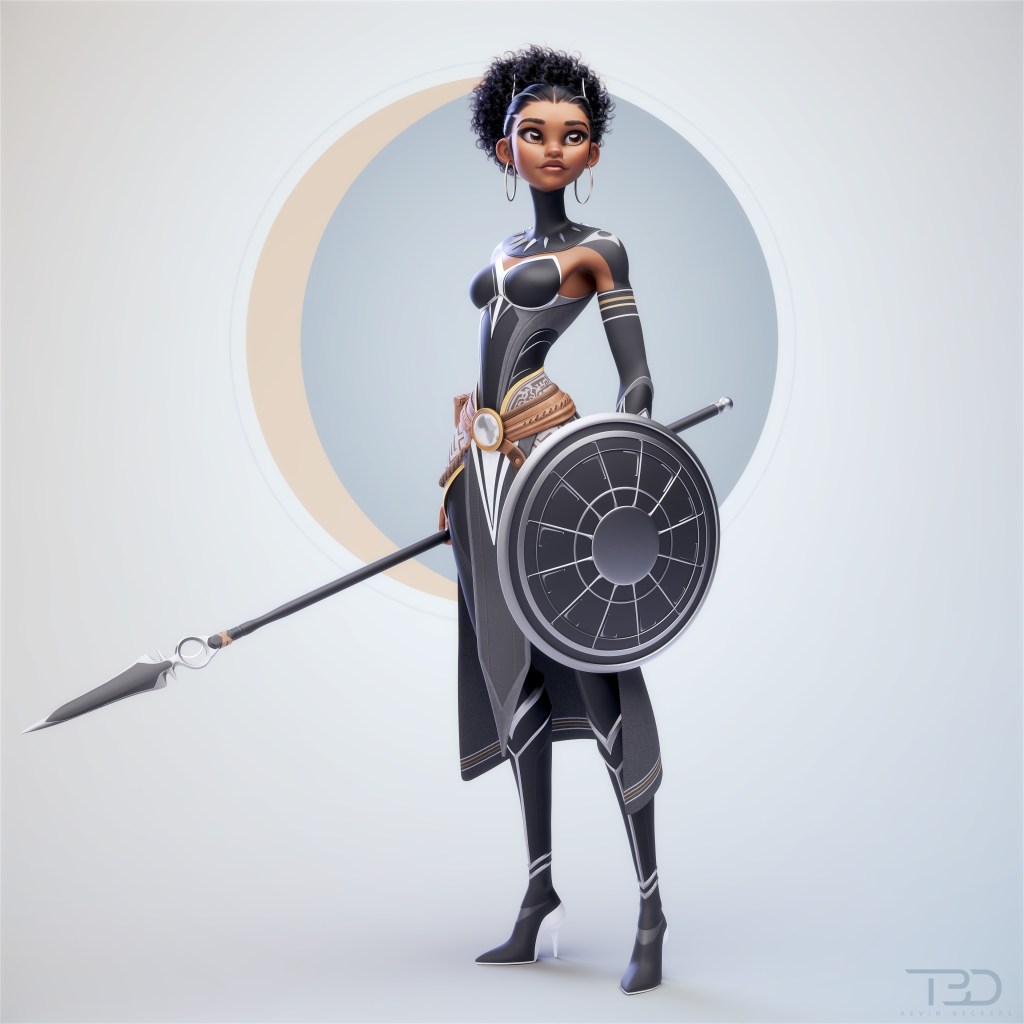
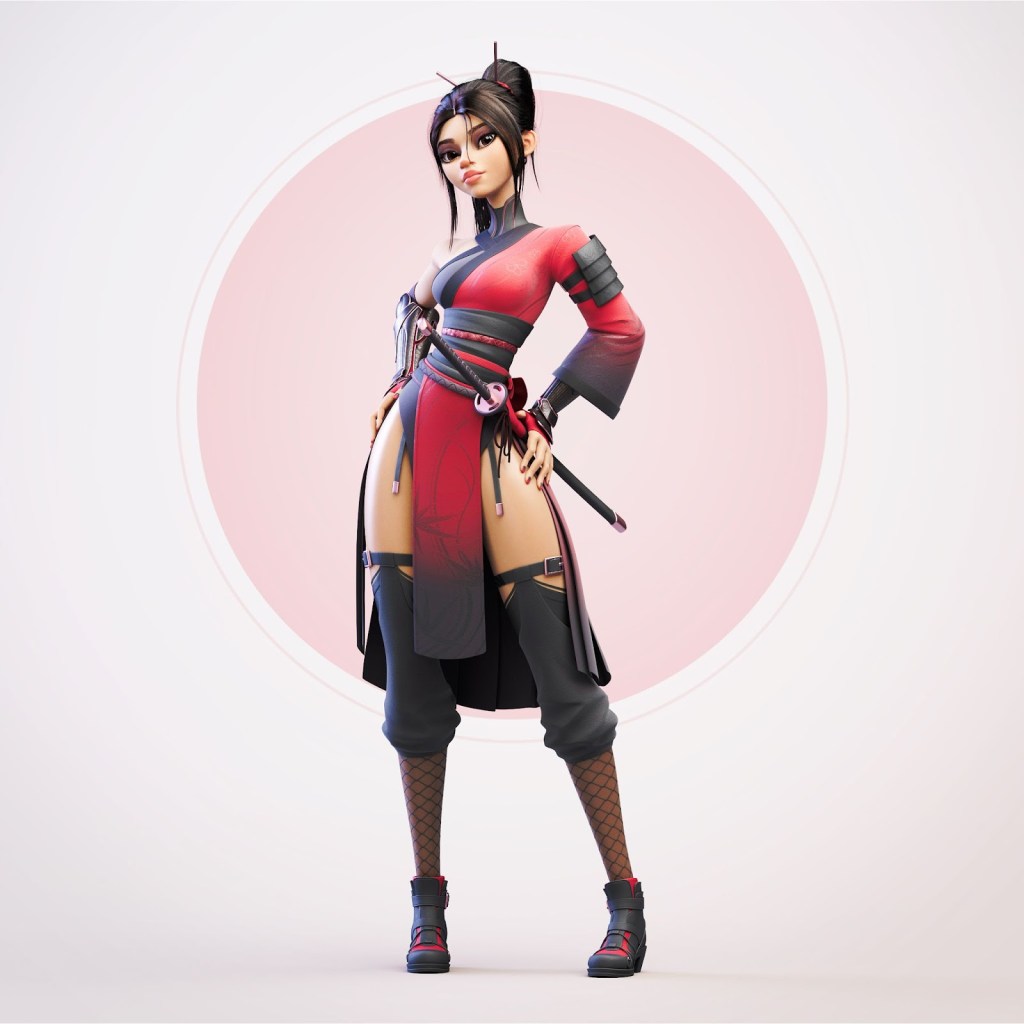
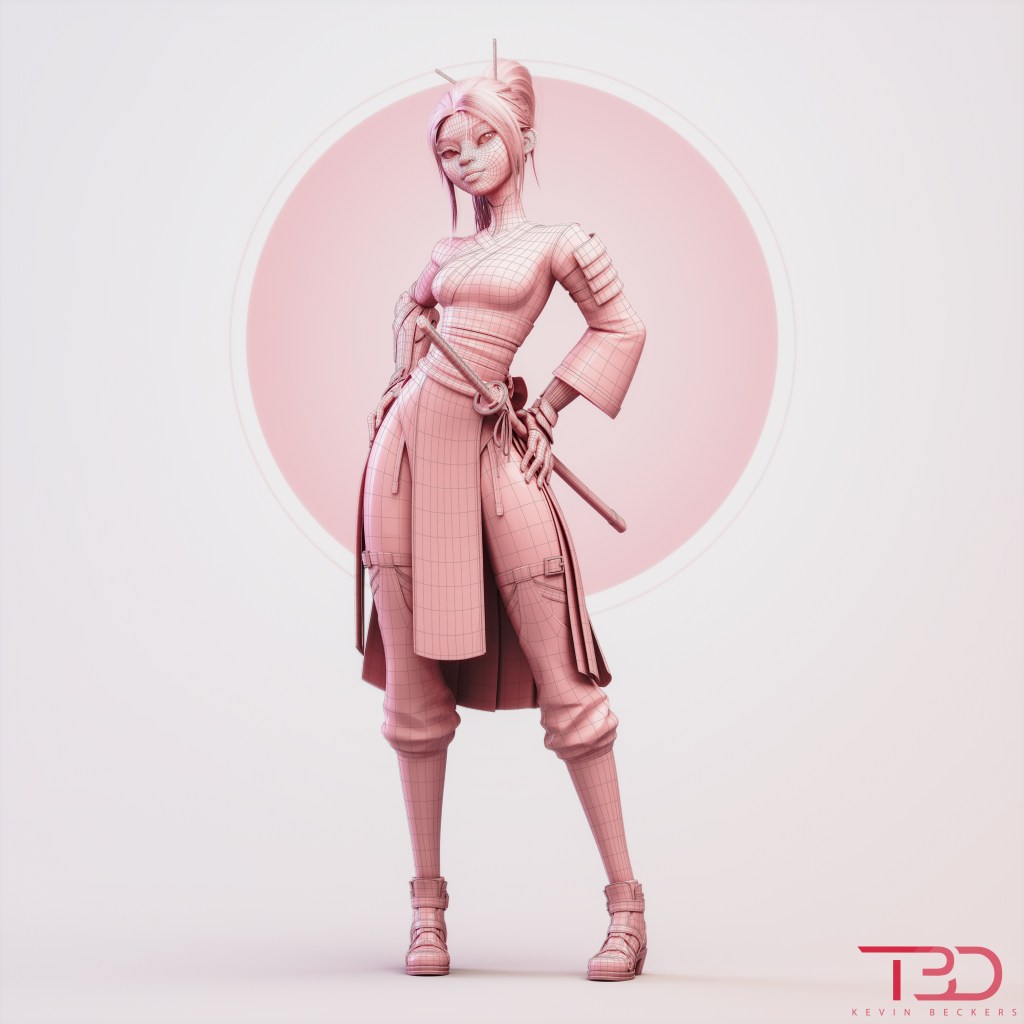
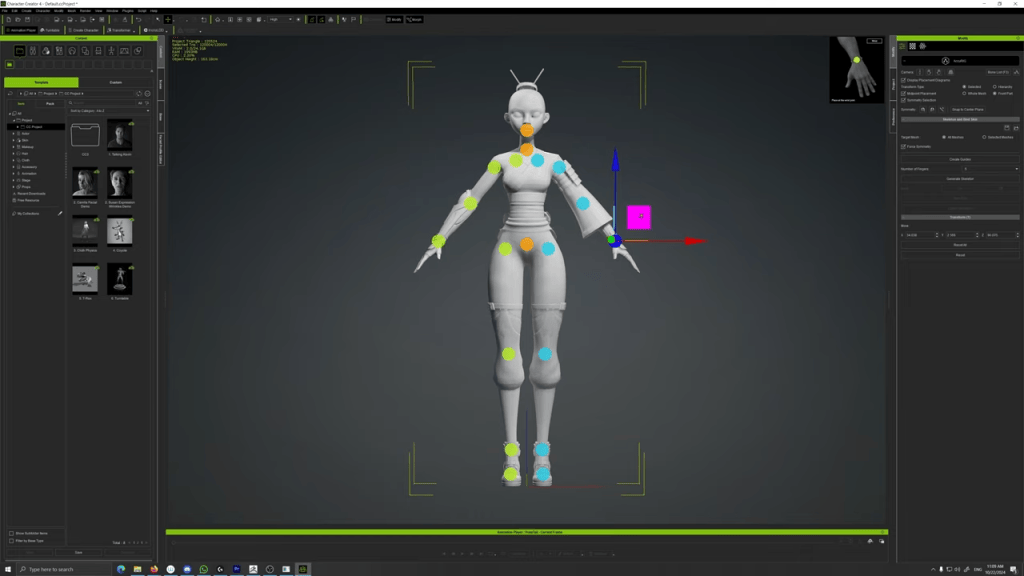
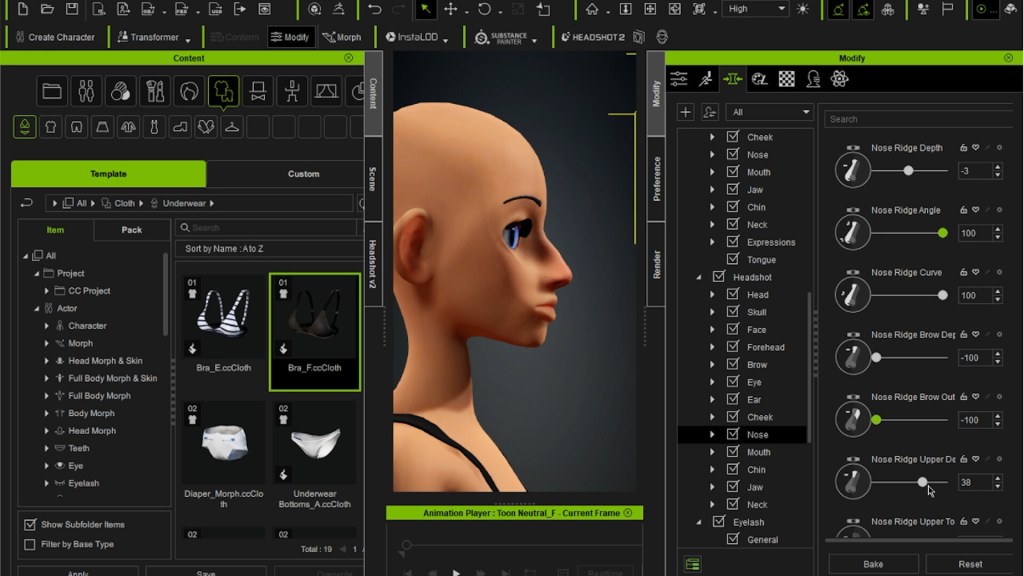
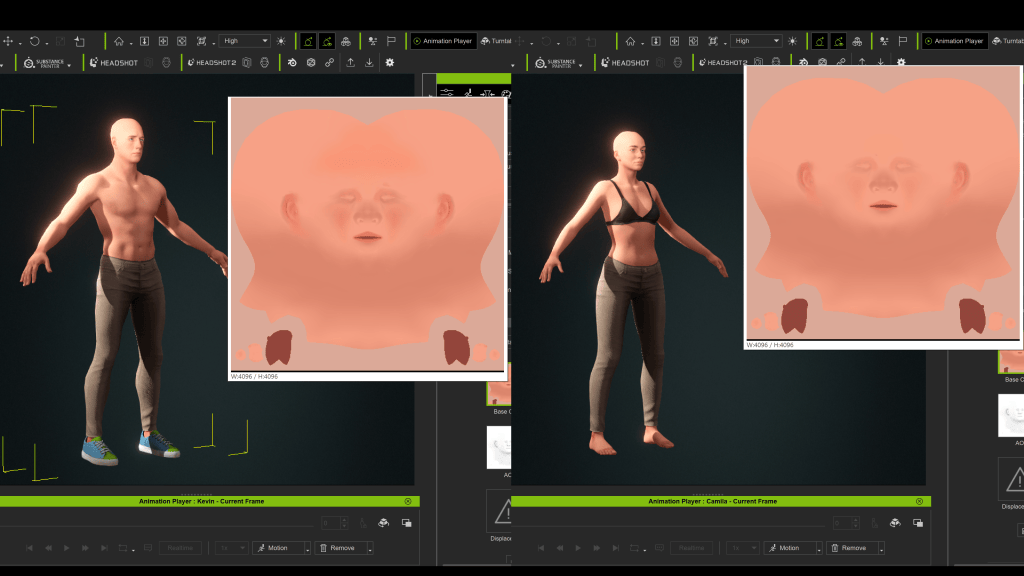
First, I needed a few stylized template characters because many characters needed to follow the same kind of look for consistency or visual harmony. Clubs have a lot of people dancing in them, and the stadium requires the most characters. This required using Character Creator 4 to stylize these templates in male and female categories.
Motion Editing in iClone
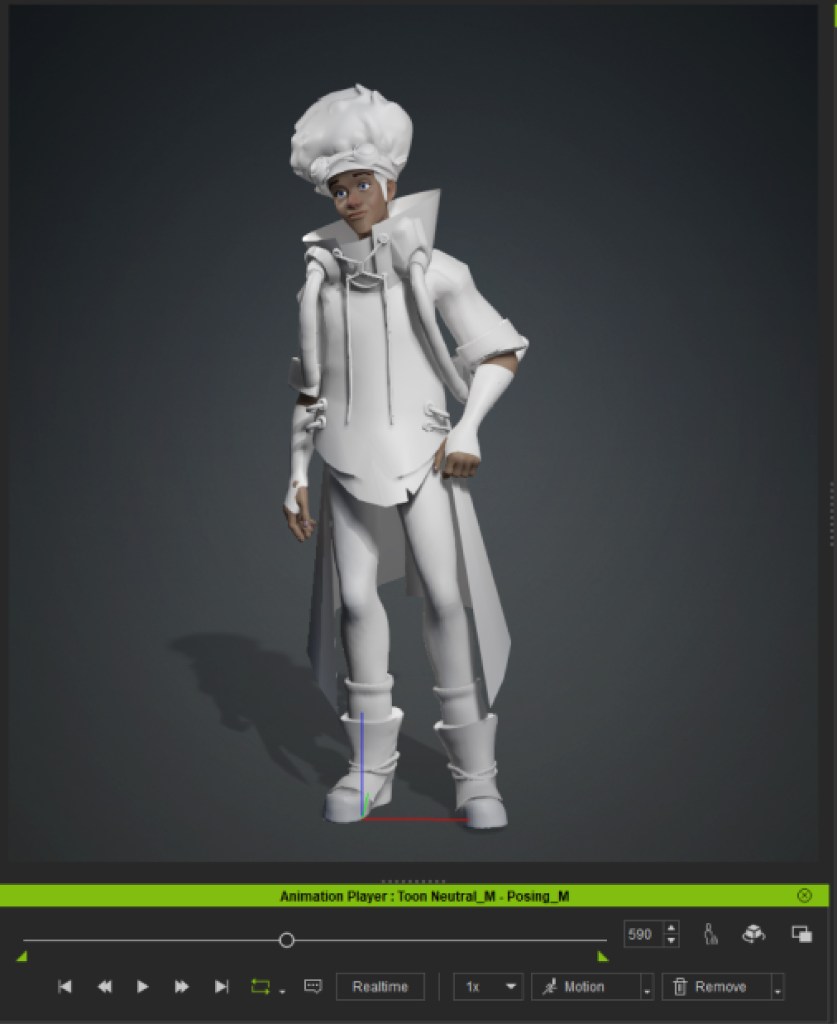
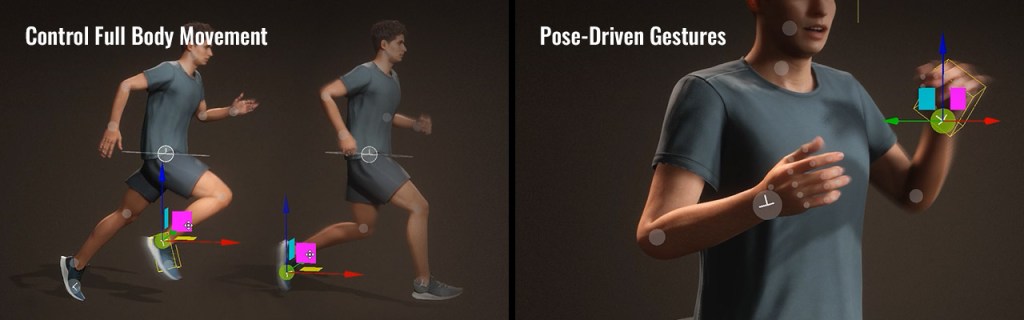
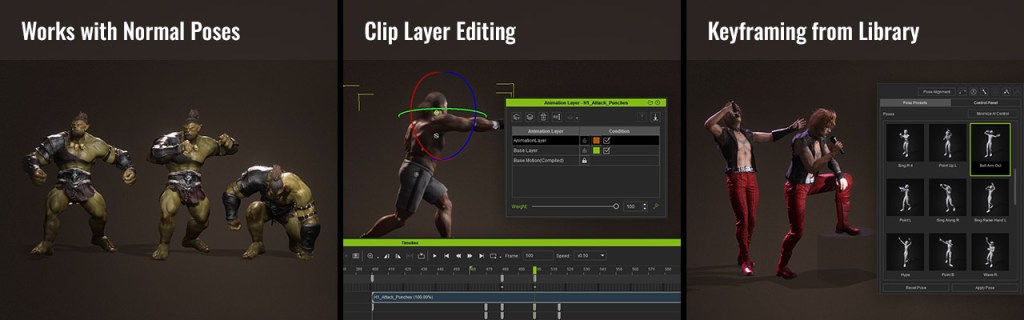
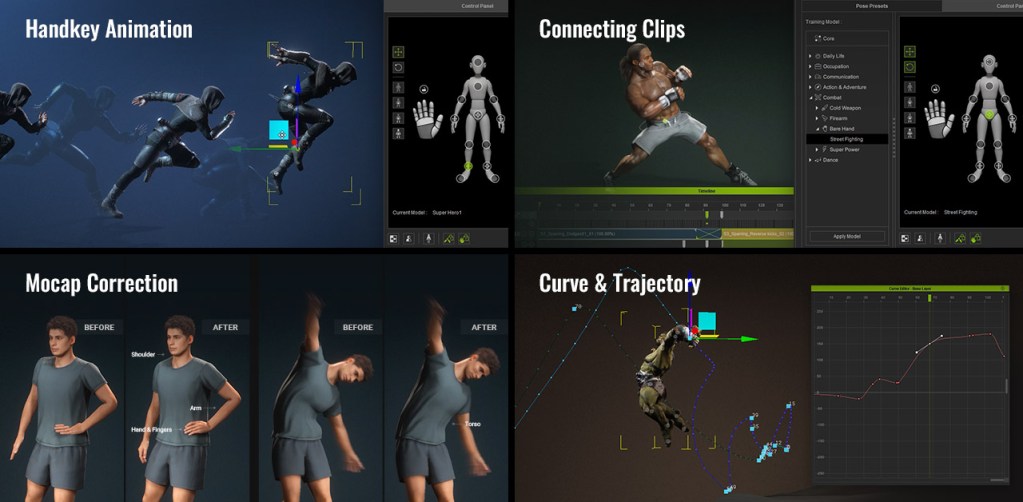
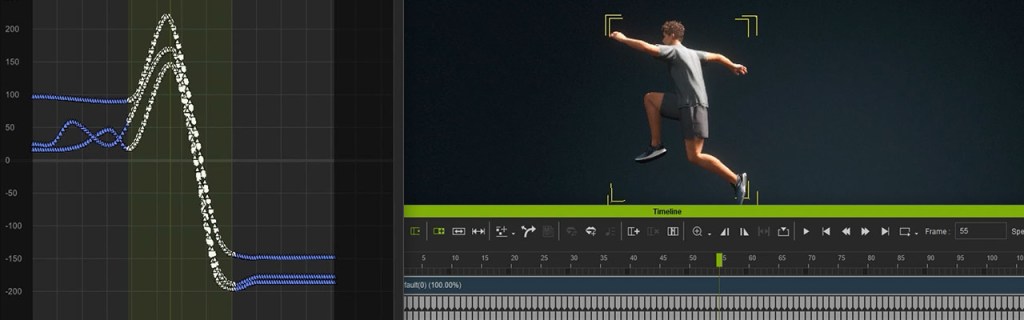
Once all of the character designs were completed and approved by the director and the band, I moved on to iClone 8 to start animating scenes. Lou Solis and I reviewed the animatic (timed storyboard) to determine which Reallusion stock motion capture animations would best fit each scene. Each stock animation would serve as a base template that we ended up modifying and blending back together with relative ease thanks to iClone 8’s timeline features.


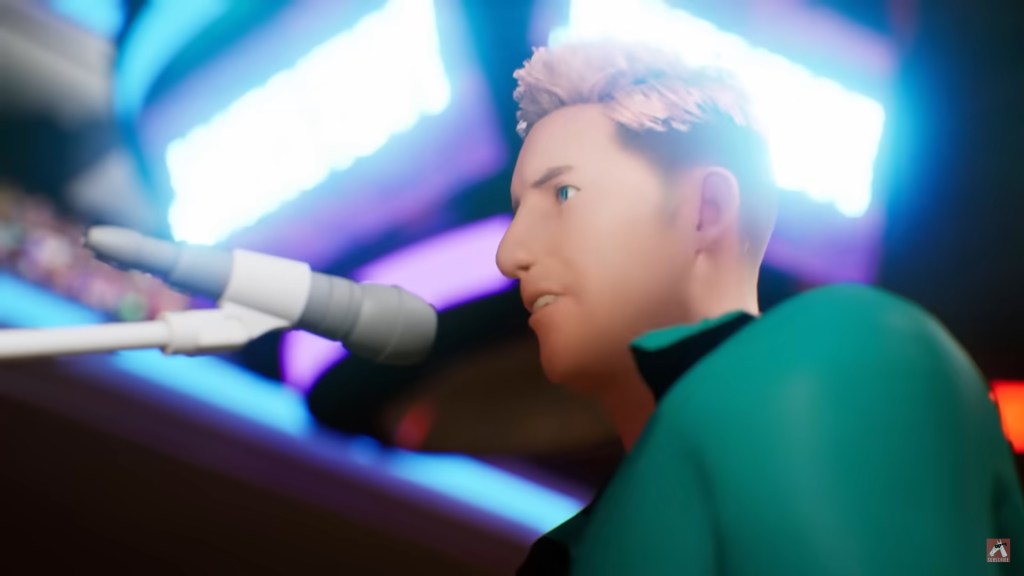
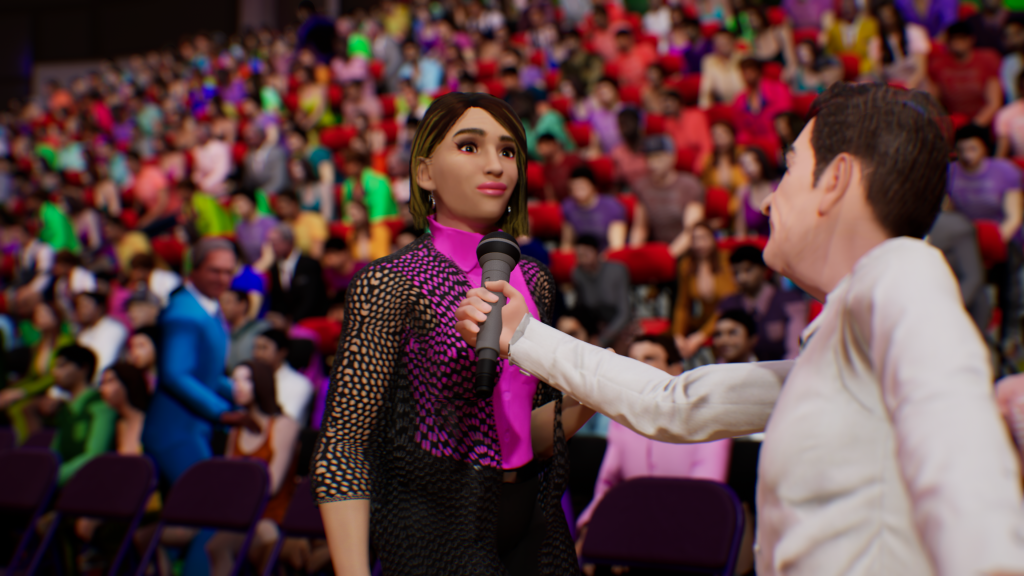

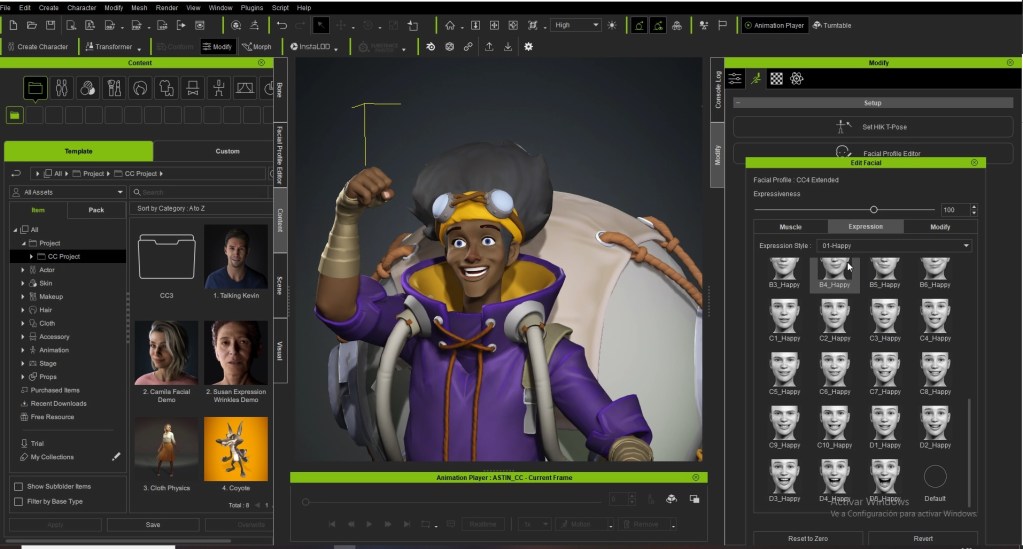
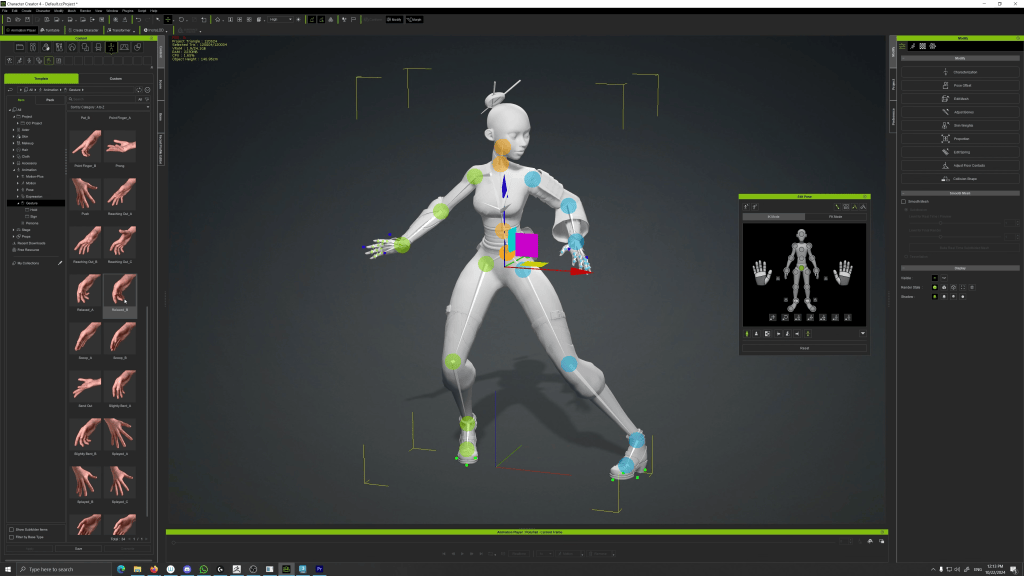
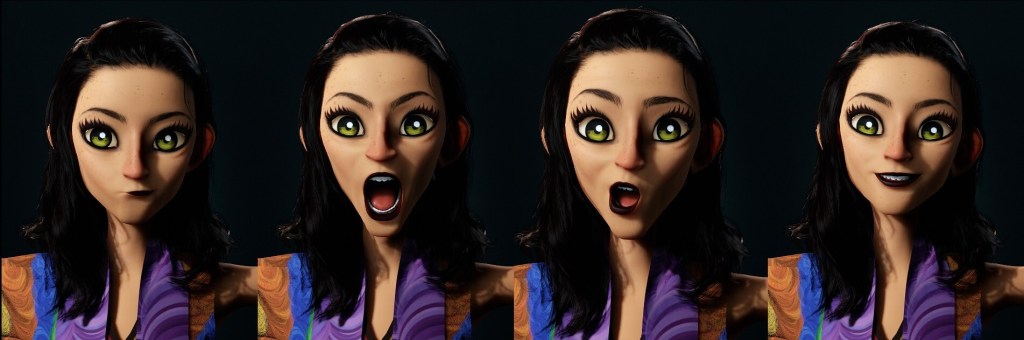
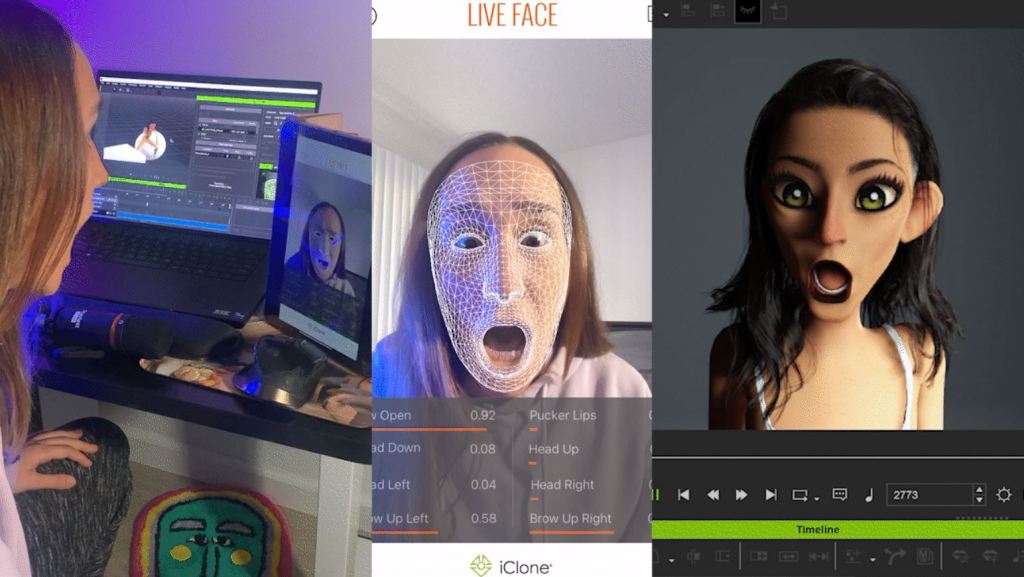
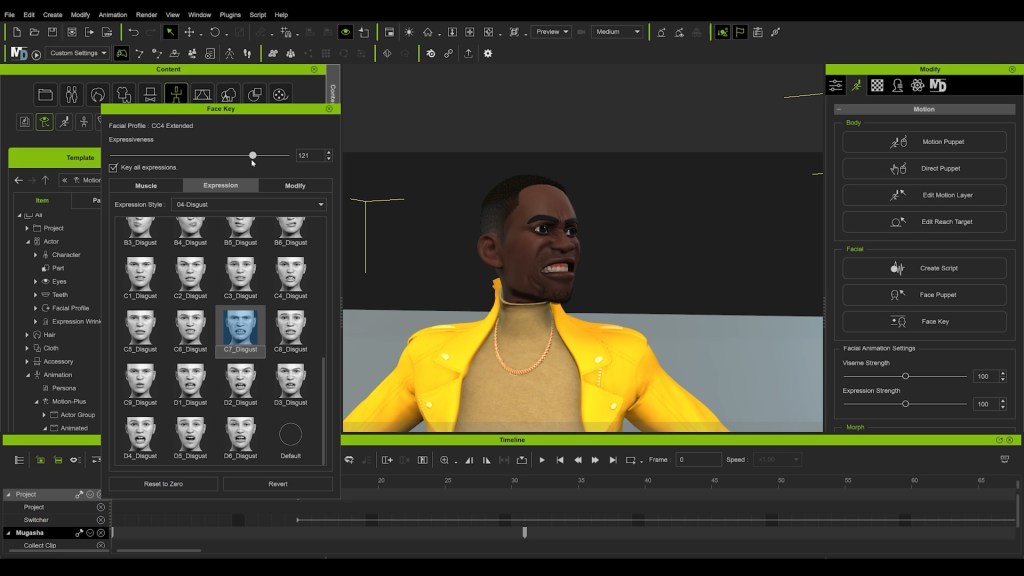
iClone 8 offers numerous features designed to speed up workflow. The Edit Motion Layer is user-friendly and it helped me immensely with detailed movement edits. Face Key provides a large amount of expressions to choose from, adding significant character and life to animations. Create Script enables users to type in words that animate the character’s mouth movements automatically. These tools saved me many hours of work while animating.
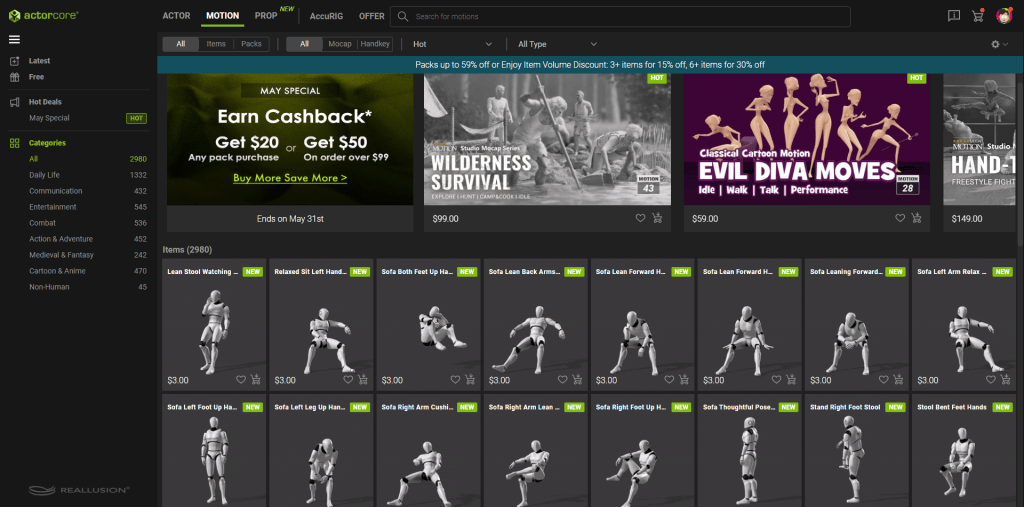
Reallusion’s extensive motion capture library in iClone 8 allowed me to blend quick movements seamlessly. By utilizing idle animations, I ensured that the characters always had some form of movement, eliminating any stiffness. This blend of idle stances with walking loops resulted in more dynamic and interesting animations that went beyond the original motion capture. Additional loops provided by Reallusion included various movements that I could fit into my timeline by cutting the original animations into parts. This flexibility in editing added depth to the characters’ interactions, making them more lifelike.
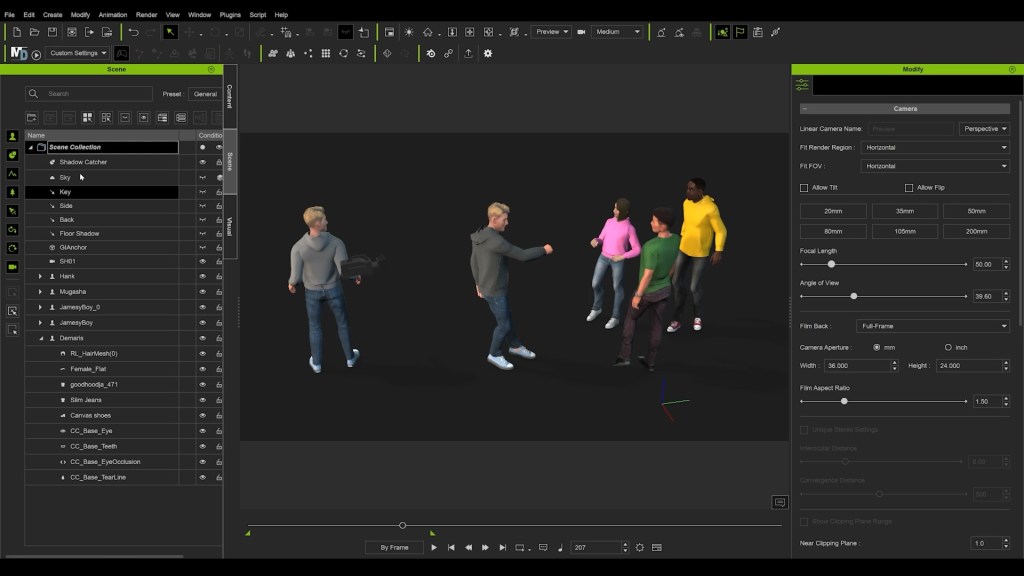
This blending capability along with the ability to lock the characters’ eyes in the correct directions enhanced the overall animation quality. iClone 8 made it possible to synchronize eye movements with other actions, which made the characters’ performances feel natural. This attention to detail ensured a unified style of animation, bringing all four characters together cohesively. The tools provided by iClone 8 significantly streamlined the animation process, allowing for more creative freedom and efficiency.
Animation Integration: From iClone to Unreal Engine with Unreal Live Link
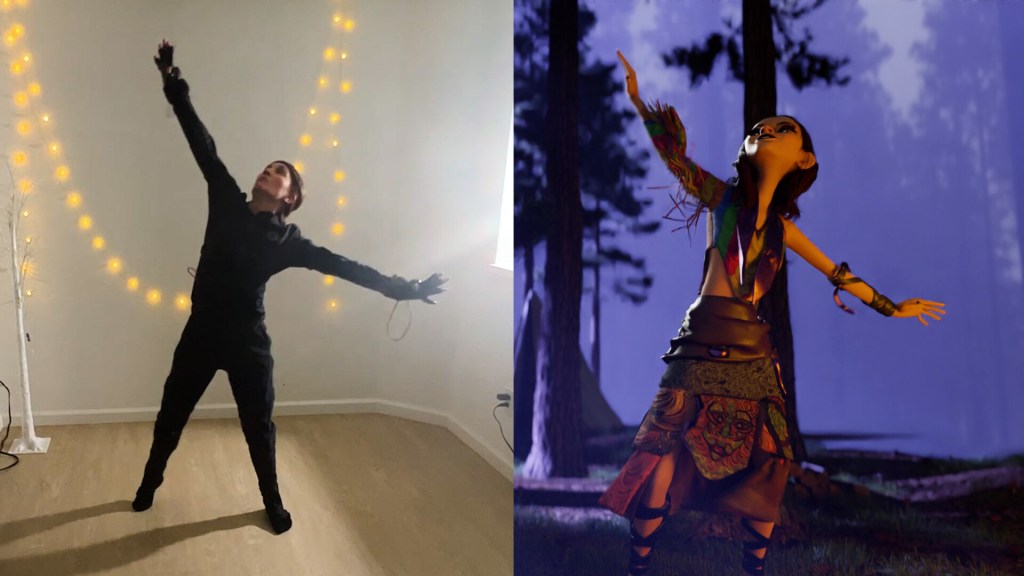
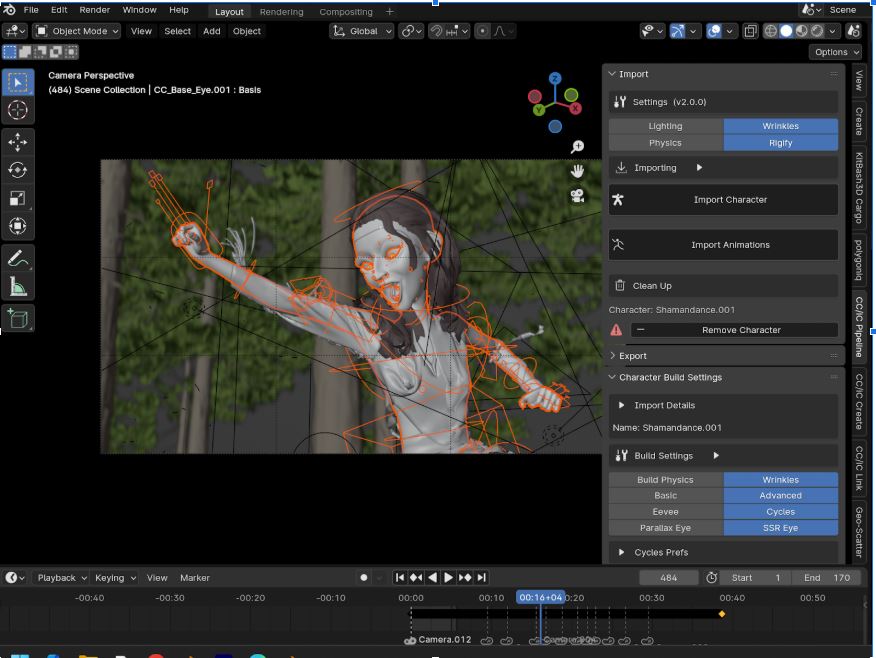
Since we didn’t capture any behind-the-scenes footage of The Machine at the time, here is an accurate recreation of how this music video was handled and is mainly focused on the use of Reallusion’s software. Hopefully, the following sections will give you an understanding of how it all came together using Character Creator 4, iClone 8 and Unreal Engine 5.3.

When activating the Live Link, I could effortlessly connect iClone with Unreal, enabling me to send characters, cameras and other assets seamlessly between the two programs. This feature eliminated the need for manual transfers, ensuring all elements were properly aligned in both environments.
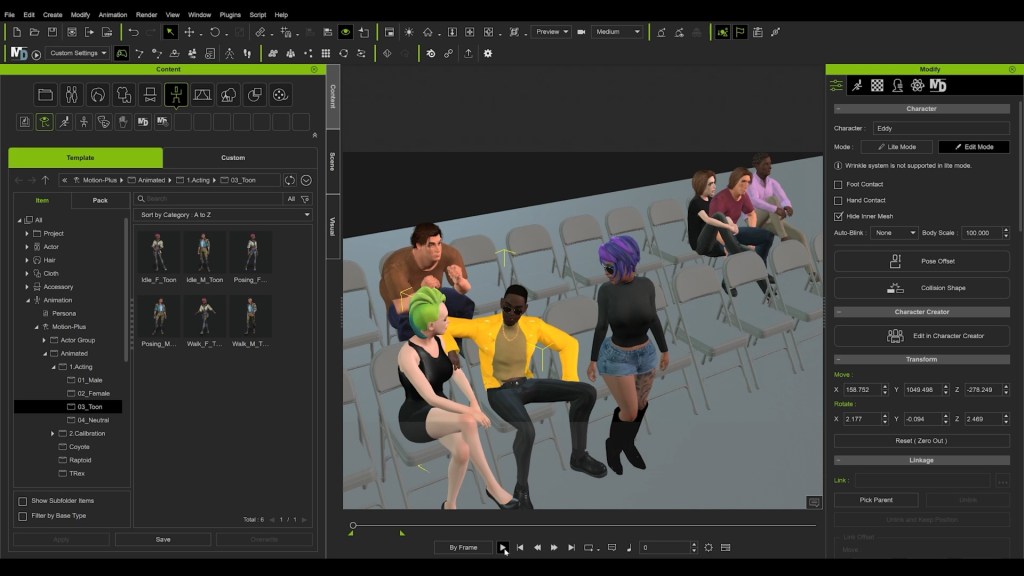
Additionally, the ability to bake all animations to Sequencer and generate Level Sequences directly in Unreal meant that my iClone timeline worked perfectly in Unreal without any additional adjustments. This integration not only improved efficiency but also made the revision process much simpler, allowing me to focus more on creative aspects rather than technical details. Overall, Unreal Live Link was a game changer in my workflow, providing a smooth and efficient way to handle complex animation projects.
The iClone Unreal Live Link plugin significantly streamlines the workflow, allowing creators to seamlessly transfer complex scenes from iClone to Unreal Engine. This integration ensures that all the data is quickly organized and aligned with the Unreal environment, making the process efficient and flawless.

Related Posts
- Stylized Lipsync Animation using iClone AccuLIPS & Face Puppet
- AI Empowers Impressive Crowd Simulation in iClone