
Hasraf ‘HaZ’ Dulull
HaZ started his career in Video games before moving into Visual Effects, and then later transitioning over to Directing & Producing with his breakout feature film THE BEYOND, the indie sci-fi was released in 2018 and was number 2 in the iTunes Charts before being licensed on Netflix and turning into a profitable movie.
His second feature film – 2036 Origin Unknown, starring Katee Sackhoff (Battlestar Galactica, The Mandalorian) earned a limited Theatrical release before landing on Netflix. He was then hired by Disney to helm the pilot for action comedy series Fast Layne, where he also served as EP / Creative Consultant on the entire series.
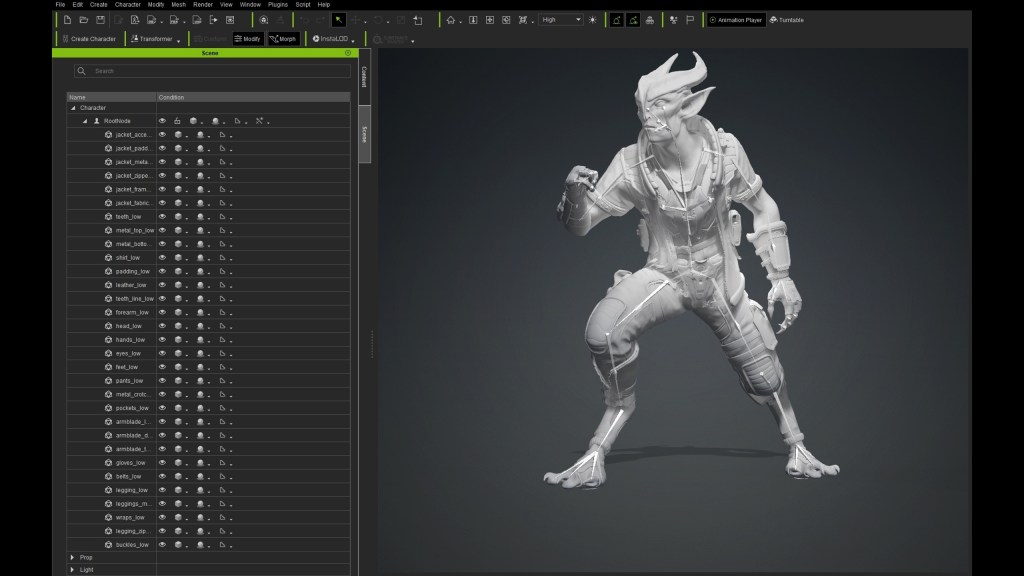
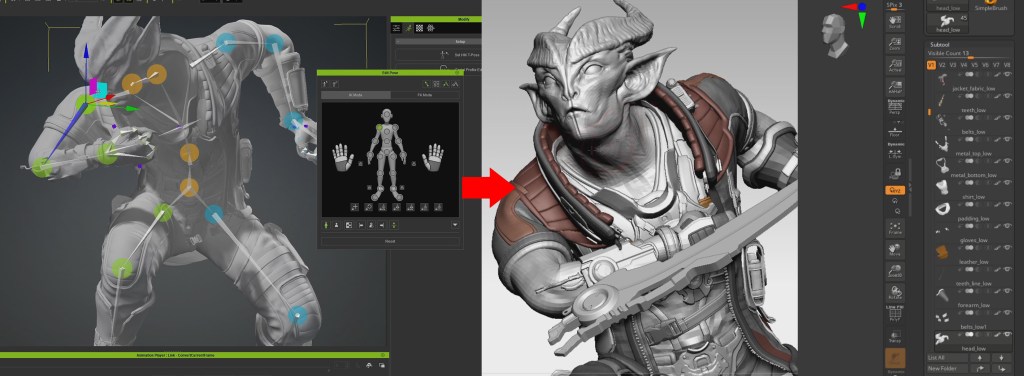
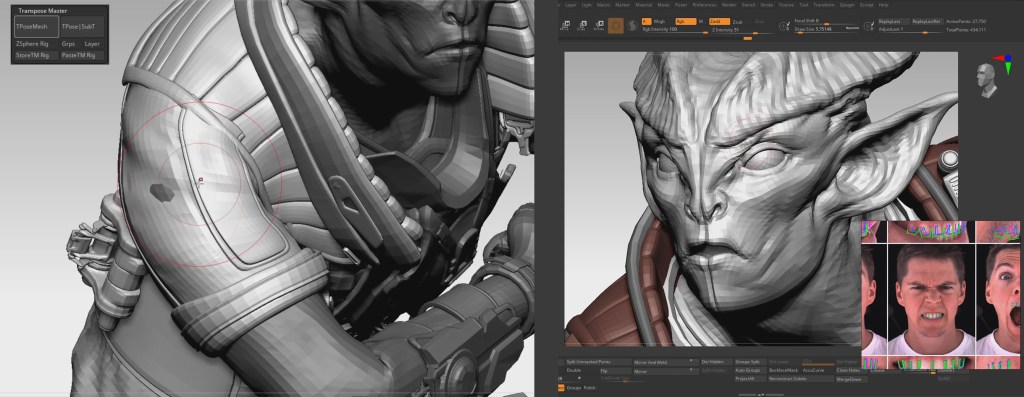
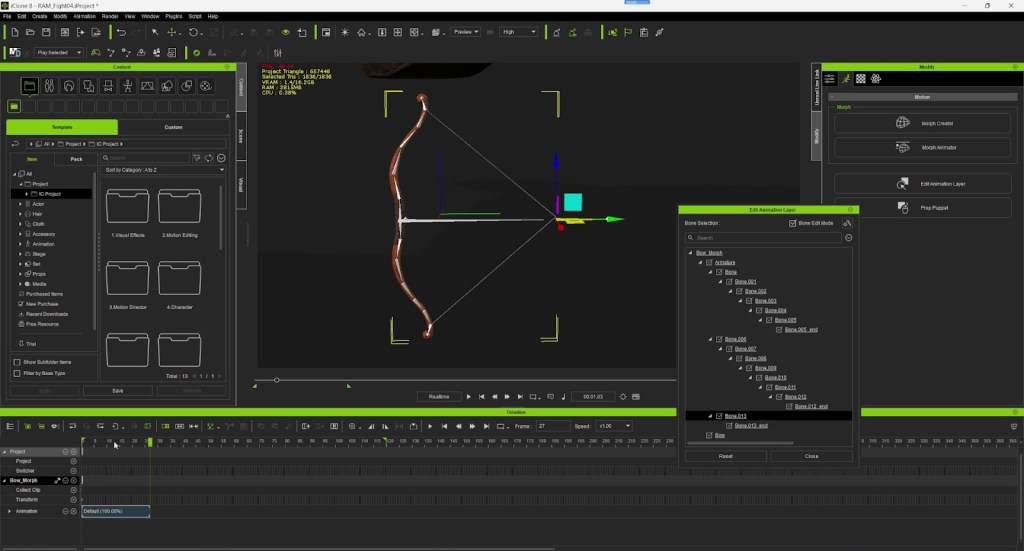
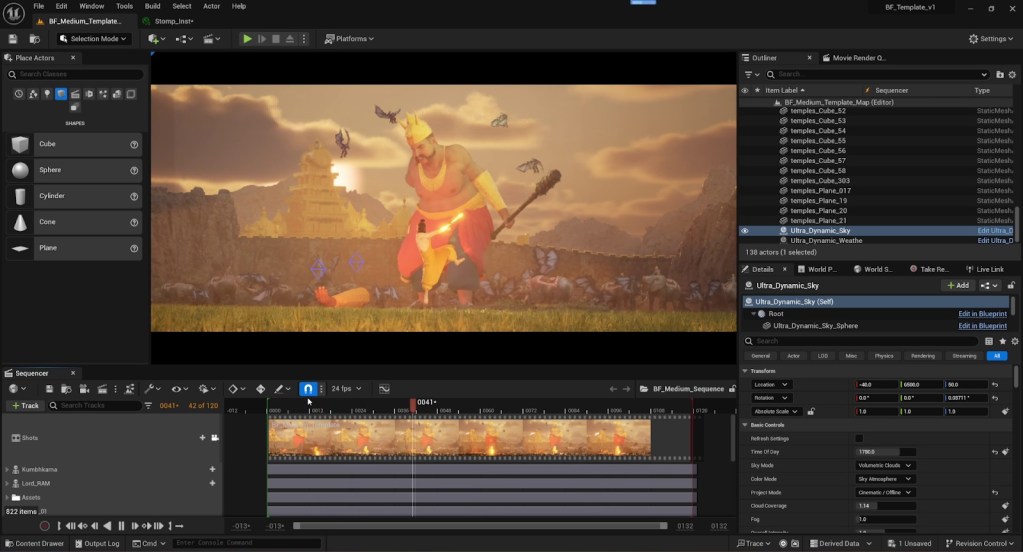
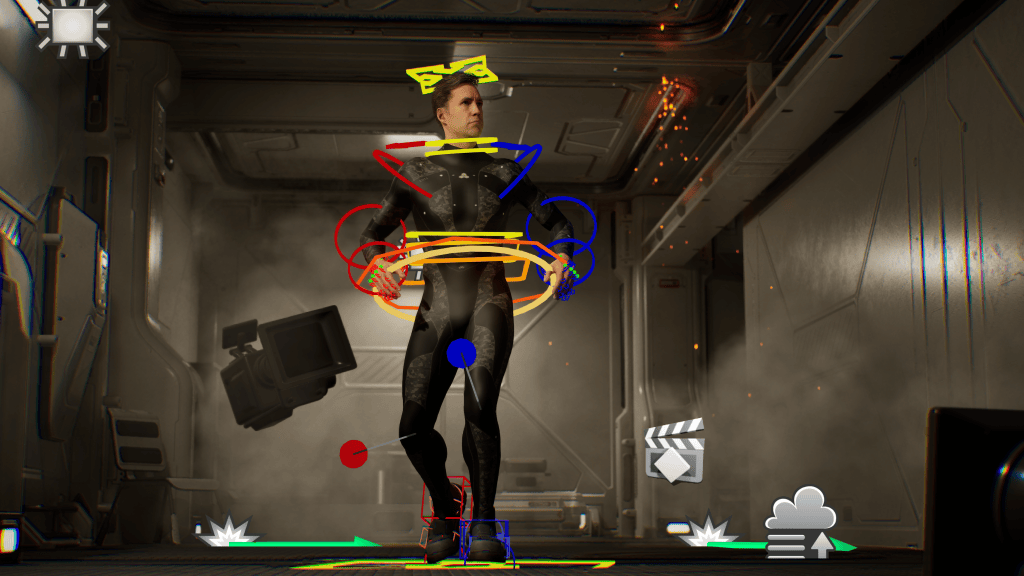
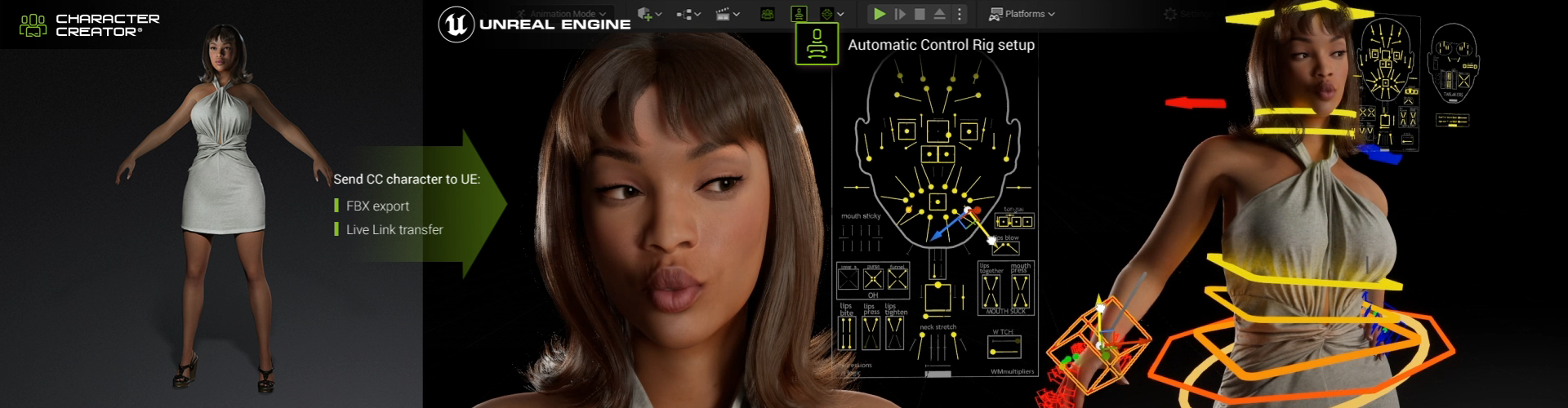
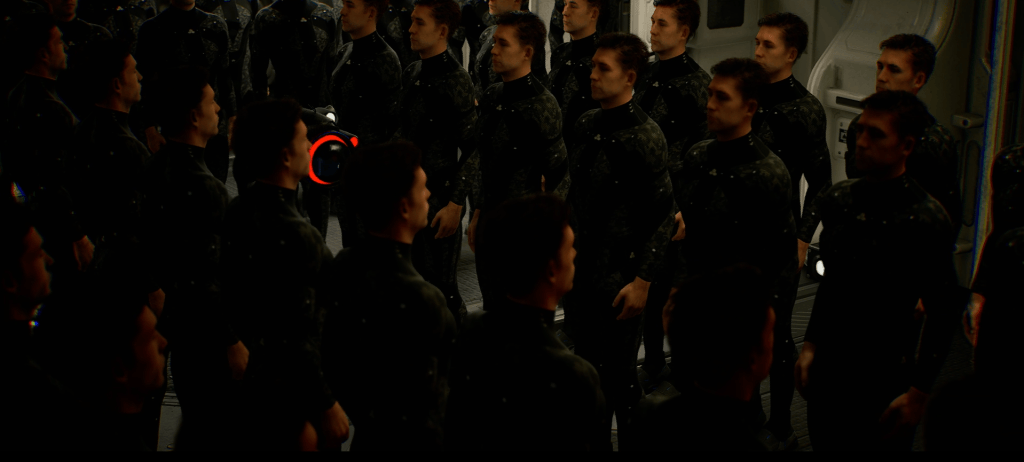
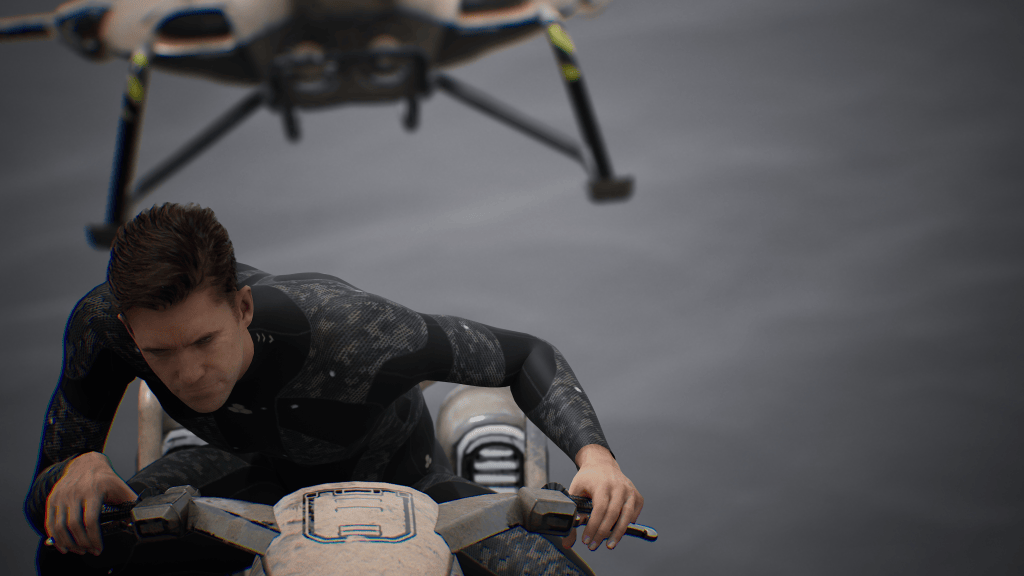
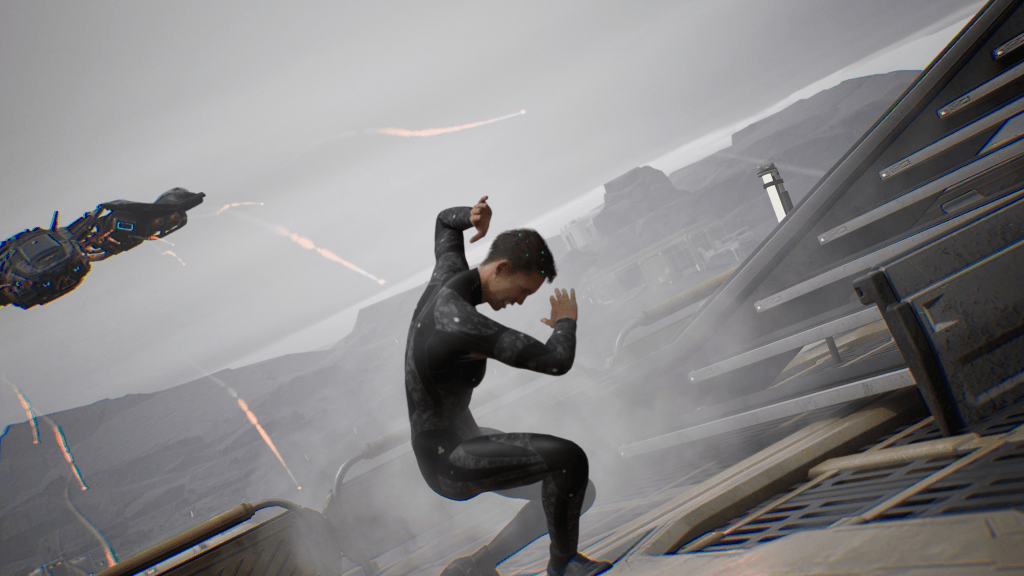
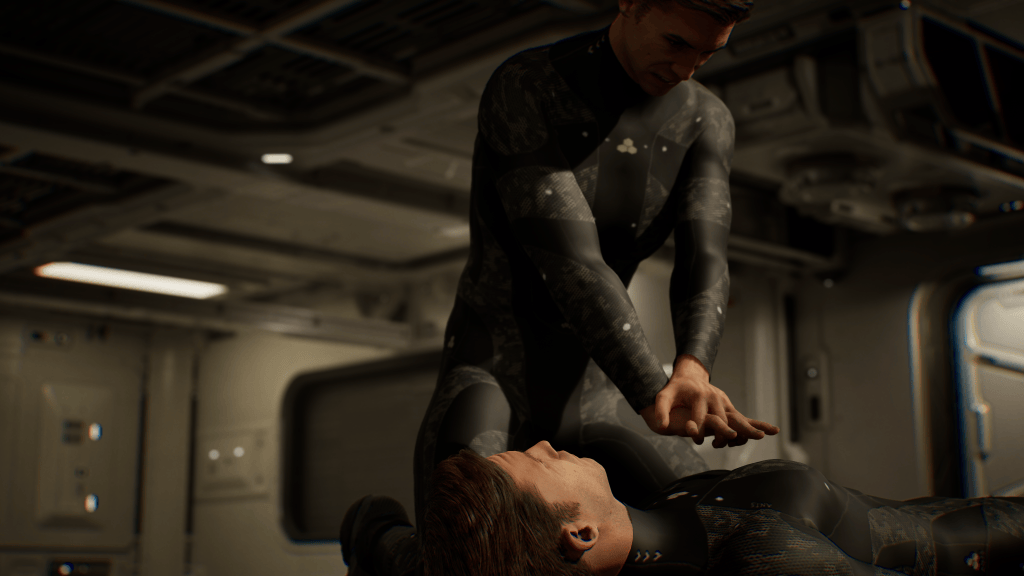
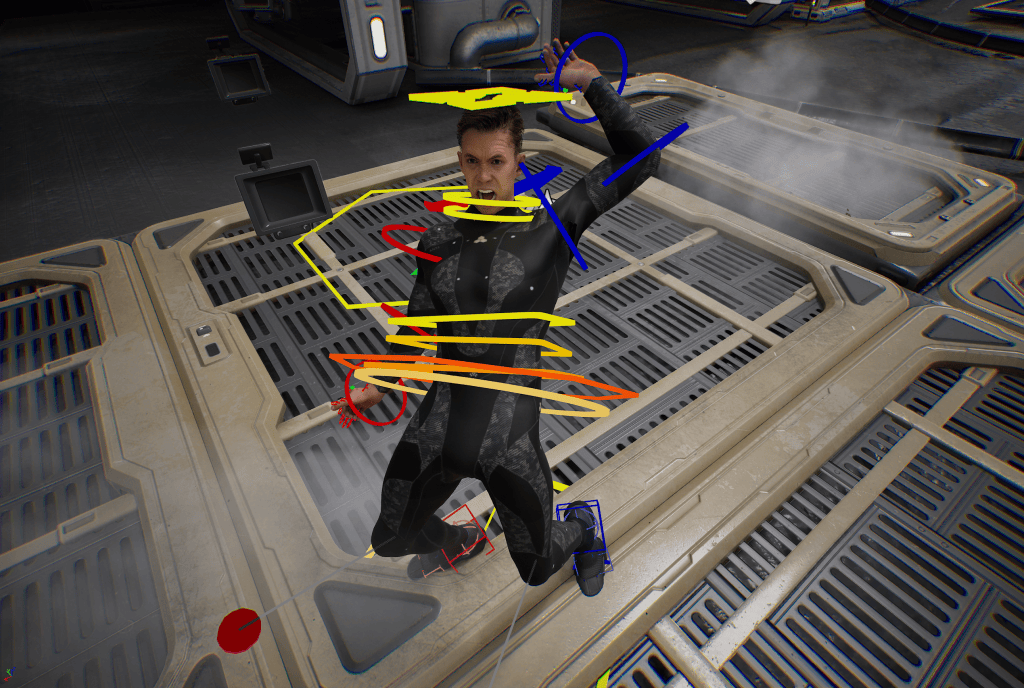
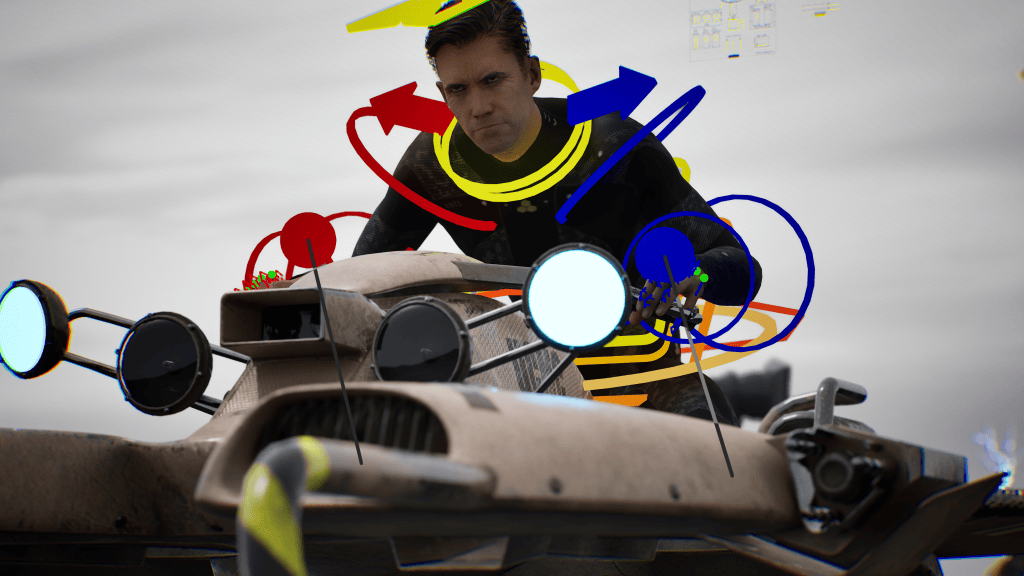
HaZ is the co-founder of production company HaZimation, producing the indie CG animated feature MAX BEYOND. This is a feature made with an array of real-time and virtual production tools, including Character Creator, iClone, ActorCore and Unreal Engine.
“iClone’s intuitive interface and powerful features allow animators to focus on creativity without getting bogged down by technical challenges. By using iClone, we can focus on perfecting the creative aspects of animation, while ensuring that technical elements are seamlessly integrated into Unreal Engine.”
Hasraf ‘HaZ’ Dulull – Filmmaker / Director / Animator
Mastering Animations with Haz Dullul
In the ever-evolving world of digital animation, integrating tools and software to create lifelike characters is a crucial skill. A compelling video tutorial by Haz Dulull showcases how to seamlessly transfer stylized expressions from iClone to Unreal Engine. This detailed guide explains the step-by-step process of importing characters, crafting facial expressions, and refining animations for final rendering. The use of iClone in this workflow demonstrates its powerful capabilities in creating nuanced animations. This article highlights the key steps and insights shared by Haz Dulull, emphasizing the importance of proper setup, organization, and customization.
The Role of iClone in Animation
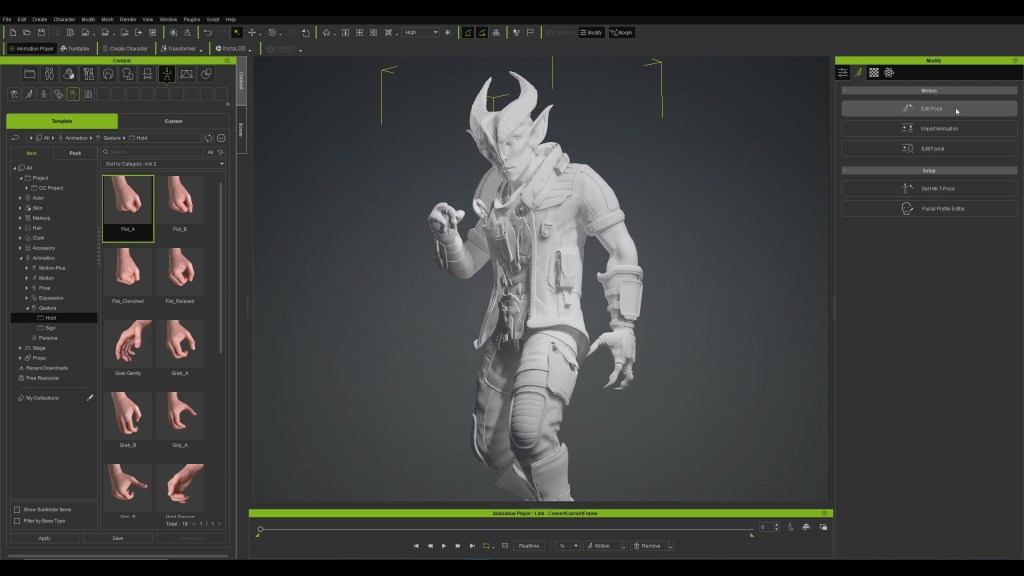
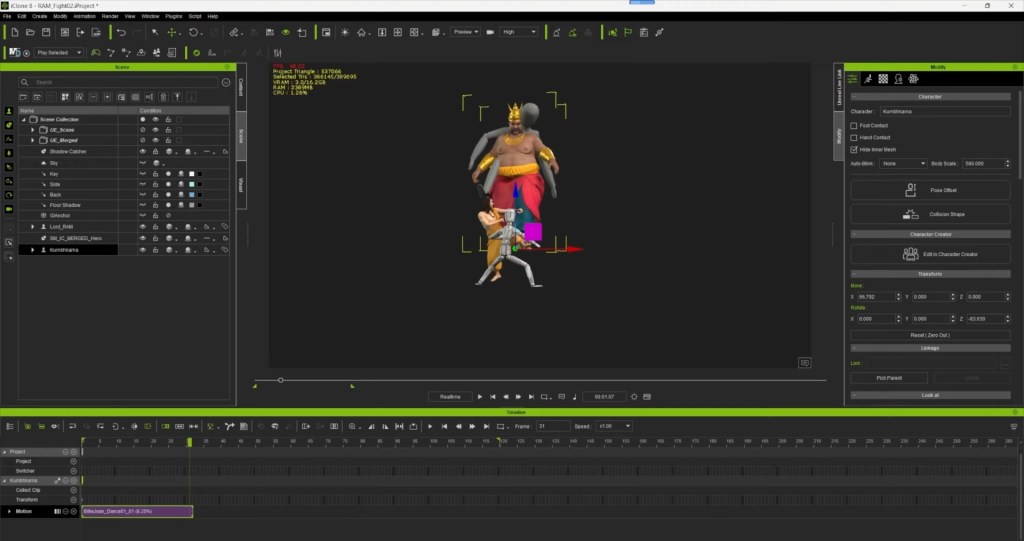
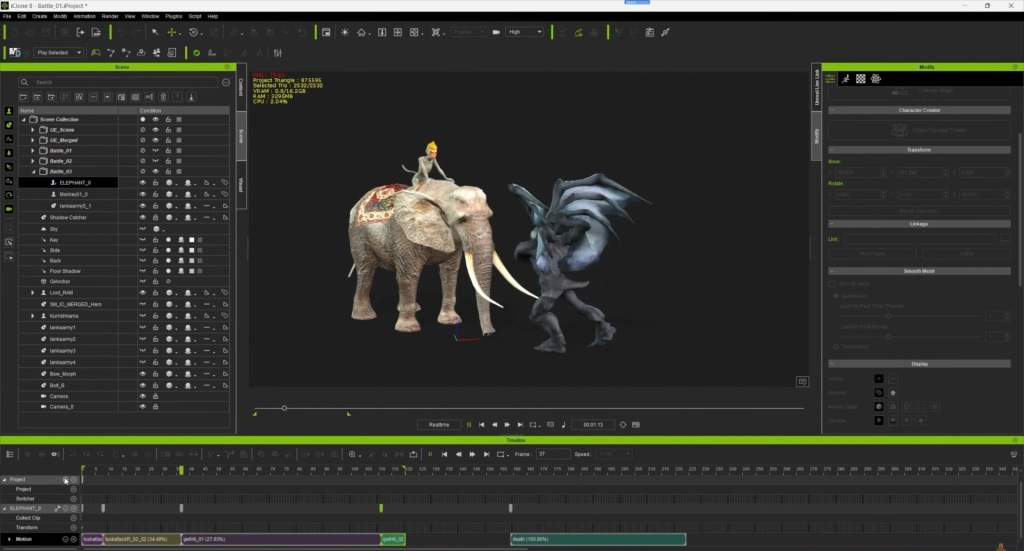
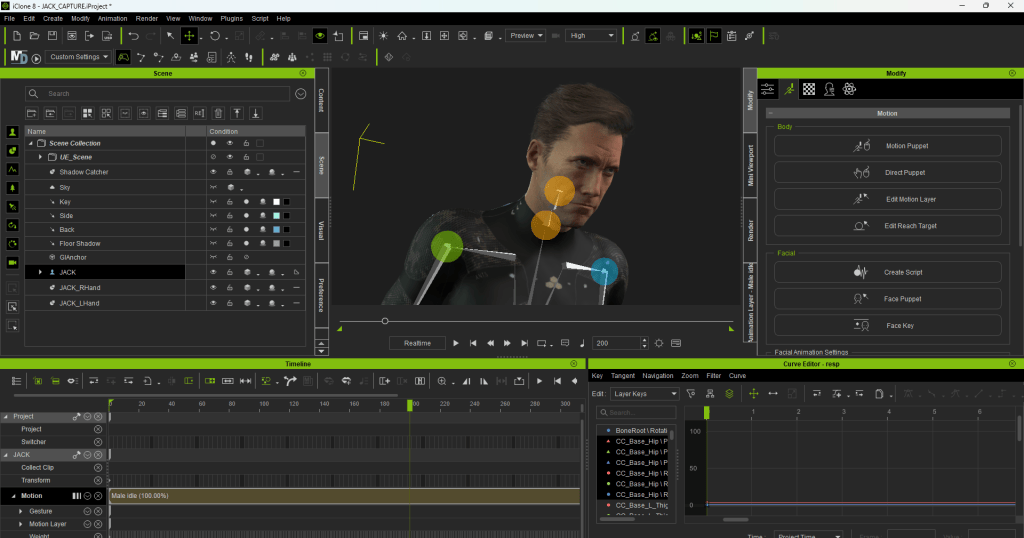
iClone is a real-time 3D animation software that simplifies the process of character creation, animation, and scene design. It provides animators with a wide array of tools for crafting detailed character animations. Haz Dulull uses iClone to develop stylized expressions, which are then transferred to Unreal Engine for further refinement and rendering.
Importing Characters from iClone to Unreal Engine
Synchronization and Control
The initial step in the animation process involves importing characters from iClone to Unreal Engine. Synchronizing and controlling character expressions manually is crucial for effective animation. Dulull emphasizes the importance of proper setup. He states that “correct synchronization ensures that characters are imported accurately. This allows for precise control over their expressions.”
- Selecting the Right Avatar: Carefully choose the appropriate avatar from the iClone library. This ensures that the character’s movements and expressions are effectively transferred to Unreal Engine.
- Manual Expression Control: iClone enables animators to manually control expressions, providing greater customization. This involves keyframing expressions for desired effects within the Unreal Engine sequencer.

Exporting and Importing Settings
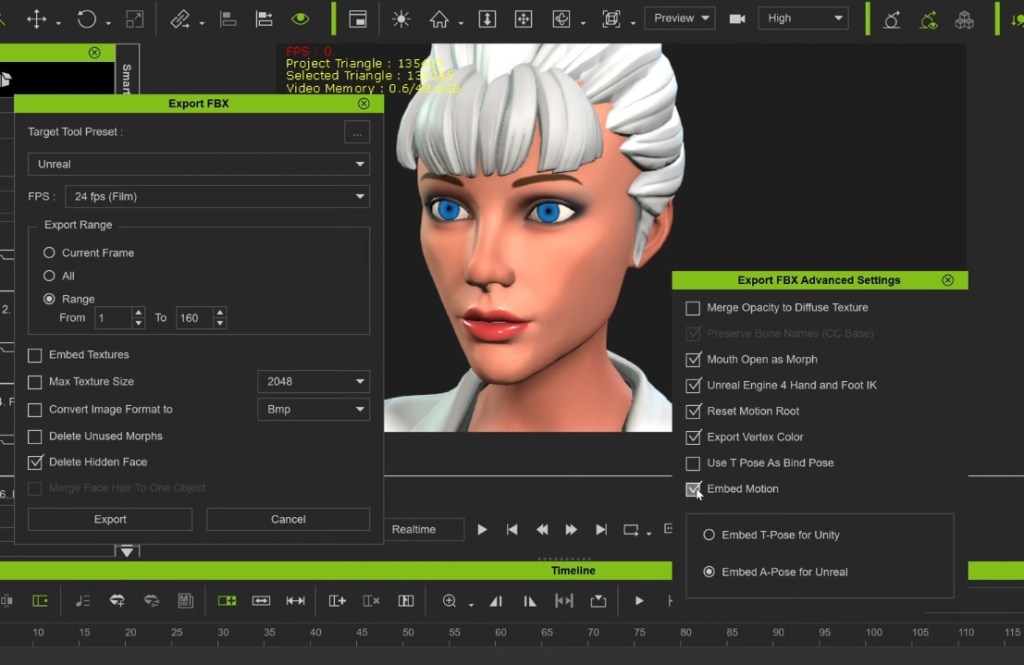
Exporting settings play a vital role in transferring animations from iClone to Unreal Engine. Adjusting specific settings, such as unchecking ’embed motion,’ helps streamline the export process. This step is essential for ensuring that animations are correctly imported and functional in Unreal Engine.
- Understanding FBX Import Options: To maintain compatibility and functionality, users must uncheck the import mesh option. They must also select the correct skeleton during the import process in Unreal Engine.
Organization and Naming Conventions
Importance of Proper Organization
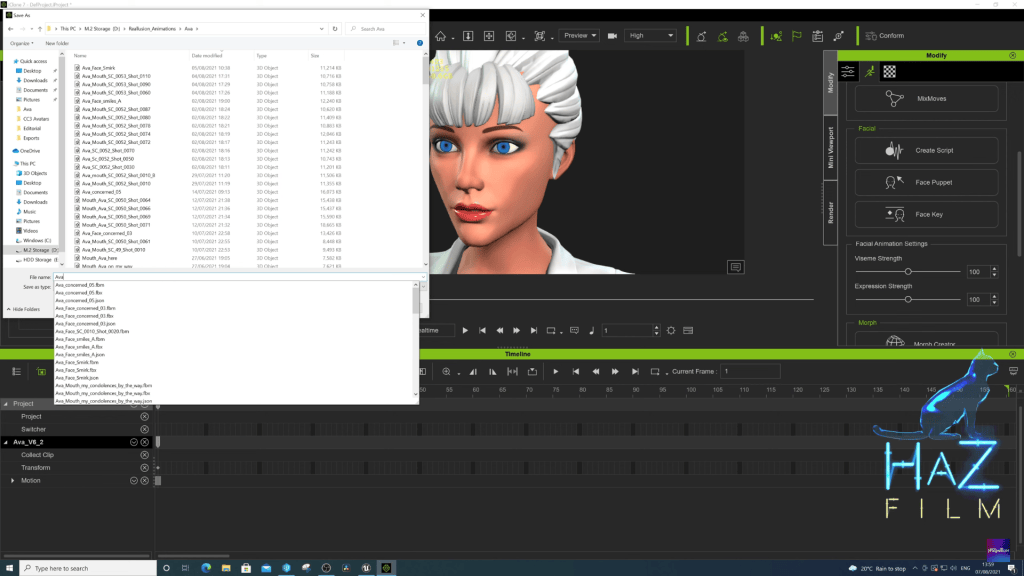
Proper organization and naming conventions are critical when exporting animations for visual effects. This practice ensures that all elements are easily identifiable and linked correctly throughout the project, facilitating smoother collaboration and production.
- Creating Dedicated Folders: Organizing assets into dedicated folders for each character simplifies management and prevents confusion. This practice is especially important when handling multiple assets in a project.
- Consistent Naming Conventions: Using consistent naming conventions for files allows for quick identification of specific shots and expressions. This aids in efficient collaboration among team members.
Setting Up Animation Scenes
Loading Levels and Shots
Importing settings and loading scenes are essential components of the animation workflow. Proper organization of levels and shots ensures a smoother process when working on character animations.
- Loading the Level: Establishing the environment where characters will interact and perform is the first crucial step in animation.
- Accessing Cinematic Folders: Access the correct cinematic folder related to the level. It contains all the shots necessary for the specific scene being animated.
- Managing Shot Numbers: Identifying and managing shot numbers accurately prevents confusion. It ensures that the right expressions and animations are applied to characters.

Enhancing Animations for Realism
Adding Details for Expressiveness
Enhancing character animations from iClone to Unreal Engine involves focusing on adjustments like blinking and head movements for realism. This process includes keyframing techniques to add details that improve the final animation quality.
- Blinking and Eye Movements: Adding detailed animations like blinking enhances character expressiveness. Keyframing different eye positions creates realistic effects that bring characters to life.
- Head Movements: Animating head movements such as rotation and tilting adds realism to characters. iClone allows animators to keyframe these movements without compromising the original motion capture.
- Adjusting Eyelines: Realistic character animations require accurate eyeline adjustments. This enables characters to interact authentically with their environment and other characters during scenes.

Rendering the Final Animation
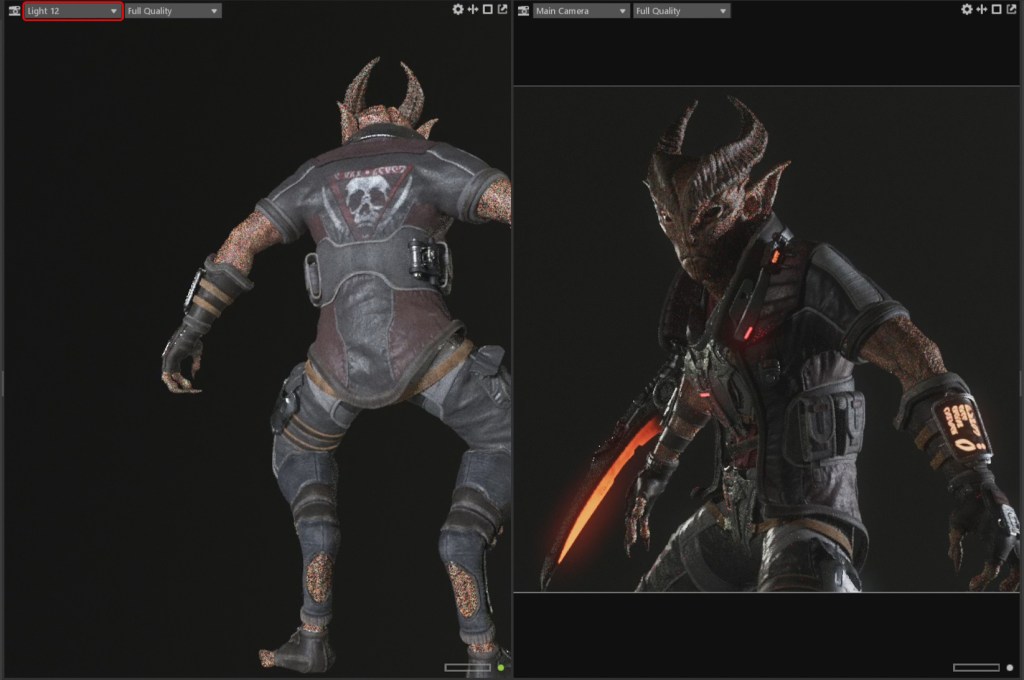
After fine-tuning expressions and movements, the final step is rendering the animation in Unreal Engine. This process brings all the elements together, culminating in a polished and lifelike animation.
Key Takeaways
- iClone’s Role: iClone plays a pivotal role in creating and transferring stylized expressions to Unreal Engine. This enables animators to craft detailed and expressive animations efficiently.
- Workflow Efficiency: The integration of iClone and Unreal Engine streamlines the animation process. This allows for greater creativity and precision in character development.

Conclusions
The video by Haz Dulull provides valuable insights into the process of transferring stylized expressions from iClone to Unreal Engine. Dulull emphasizes the importance of proper setup, organization, and customization. He demonstrates how modern animation tools can be effectively integrated to create lifelike and engaging animations. This workflow not only enhances the quality of animations but also empowers animators to push the boundaries of creativity. For those looking to master the art of animation, iClone and Unreal Engine offer a powerful combination. These tools simplify the process while delivering exceptional results.
Related Articles