From AI-generated photos to AI-generated characters – Reallusion and Generated Photos launch a total solution for digital crowd generation.
Digital Human toolset provider Reallusion, teams up with Generated Photos – company creating AI headshots , to launch a total solution that converts AI-generated face photos into fully animatable 3D digital doubles that can be used to create crowds for film, game, archviz, visualizations, and more.
See how ASIFA-SOUTH is using Reallusion’s Cartoon Animator 4 to do just that.
Thanks to befores & afters journalist Ian Failes reporting on how ASIFA-SOUTH brings animated mascot into livestreams with the help of Cartoon Animator 4.
With special designed 2D “mascot puppets” and using Cartoon Animator 4’s abilities to live-track facial performance and hand movements and create real-time lip sync. ASIFA-SOUTH has made their video sessions into very different experiences.
The choice of Cartoon Animator came partly from its accessibility. All users need is a webcam or iPhone, while a lot of extensibility can also come from using a Leap Motion device for finger and arm capture-to-animation. The simple set-up brings a lot of value to the sessions. – Marisa Ginger Tontaveetong, president of ASIFA-SOUTH
Professor Apple in fully cartoon rendered form.
Tontaveetong is particularly excited about adopting a tool, in Cartoon Animator, that is not only able to assist in communication and interaction, but also likely to be something that animation-centric members will be curious to explore themselves. For example, a recent live animation voice-over battle hosted by ASIFA-SOUTH utilized Cartoon Animator to enable users to make 30-45 seconds of animation as a way of both learning the tool and the art of V/O.
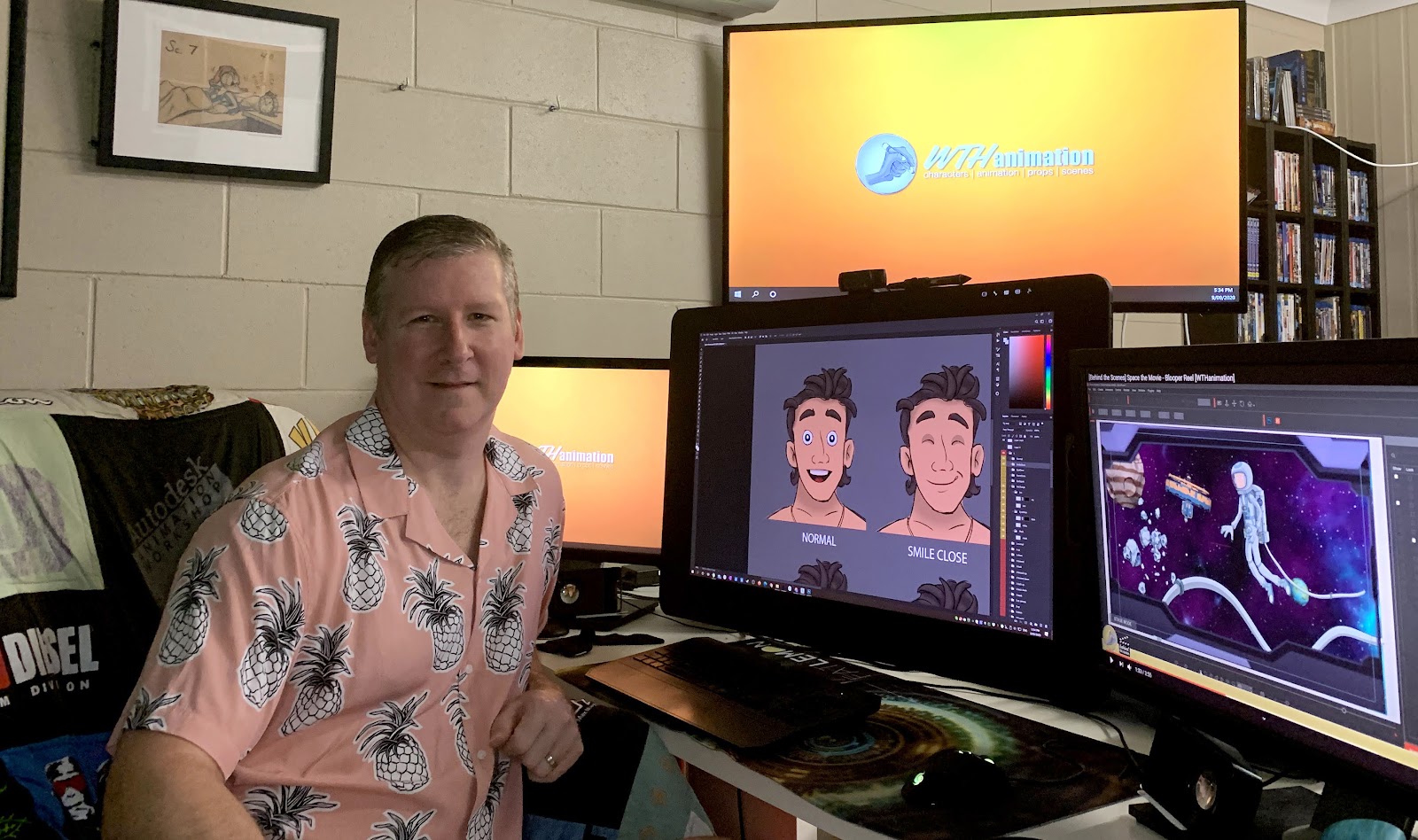
Long-time After Effects user and Cartoon Animator power user and content creator, Warwick Hays runs through the process he used to create this Comedy sketch animation, using Cartoon Animator 4 and its huge selection of ready-to-use characters, assets and pre-made character motions to bring them into Adobe After Effects to add a bit of polish to the final animation.
My name is Warwick Hays and I’ve been using After Effects for a long time. I have also delved into and creating content with Cartoon Animator for a number of years now, as I am a featured content developer on Reallusion’s Content Store.
I have, in the past, used After Effects to animate characters and have always found it difficult to keep track of keys while keeping my projects simple to manage. Then I found Cartoon Animator’s quick, simple and a short learning curve. All I needed was an easier way to get what I created in Cartoon Animator back into After Effects to be able to add a layer of effects and post-processing..
With the recent release of the Cartoon Animator to After Effects plugin EVERYTHING is much easier. I wanted to show how I use some of the key features in both software packages to produce fast character animation and add a few ‘bells and whistles’ to the animation at the end.
Sebastian has worked in different industries; Aero Space, Insurance, Metallurgy, and as an IT professional. Two years ago, with one of his best friends, they decided to quit their respective jobs and create Arduinna Silva Studio.
Arduinna Silva Studio is a team of passionate, professional artists who are constantly on the look for improvement and perfection in what they do. They strive to provide the highest quality assets, textures and materials, and only work with real-time engines. For two years they have had the opportunity to collaborate with many architects, world’s leading studios and companies with big names in the world of video games such as Epic Games.
Recently they have embarked on adopting the iClone Ecosystem with iClone Animation, Character Creator 3 and the Unreal Engine pipeline, which has allowed them to breakdown previous barriers in development, cost constraints, deadlines and more.
” I looked at iClone since version six was released, it is definitely heading in the right direction. It is surely becoming an essential tool in the real-time software toolkit. “
Stephane Biesse, is the CEO of Aardwolf Interactive. He studied network security and business management in France and the United Kingdom, before working as a business developer for different companies.
Since his childhood Stephane has been in love with console and PC video games. As a teen he started coding and modding games as a hobby, and kept doing it until 2018 when he decided to quit his job as head of sales for a big company and funded Aardwolf Interactive to make his passion his job.
Since then, Stephane has hired 5 people and are developing their first video game YouXia – which is a tech noir action adventure game that is being developed in Unreal Engine with Character Creator‘s artificial intelligence-based plugin Headshotto create realistic characters, combined with AI generated photos from Generated.Photos to create crowd characters.
“It is truly remarkable how Character Creator, and Generated.Photos are shaping the future of game development with artificial intelligence, by providing a way for indie game studios and solo developers to aim higher than their initial budget, while producing visually stunning games.”
The full pipeline to produce a creature prototype and get it ready for animation!
The instructor
Pablo Munoz Gomez, 3D concept and character artist, who runs the ZBrushGuides website and teaches online at 3DConceptArtist.com. In this article, Pablo will walk you through his process of designing and prototyping a creature for production. He will show you the process of adjusting a base mesh, sculpting details, texturing, and rendering.
Hi guys, I’m Luis Duarte, a digital artist, 3D modeler, content developer and instructor on Libel Studios.com
Welcome to this Character Creator MasterClass for Character Creator’s SkinGen plugin, where I will explain tips and tricks on the new surprises that the latest Character Creator 3 updates bring us with tools such as the new SkinGen texture editor, compatibility of models with system UDIM, the new improved topology and many others.
This MasterClass comes in #4 parts, each carries its own tutorial video to guide you through the entire process. You can find links to the other 3 tutorials below. I hope this helps you!
Tutorial 4: Custom SkinGen Asset Creation with Texturing.xyz
Hi guys, I’m Luis Duarte, a digital artist, 3D modeler, content developer and instructor on Libel Studios.com
Welcome to this Character Creator MasterClass for Character Creator’s SkinGen plugin, where I will explain tips and tricks on the new surprises that the latest Character Creator 3 updates bring us with tools such as the new SkinGen texture editor, compatibility of models with system UDIM, the new improved topology and many others.
This MasterClass comes in #4 parts, each carries its own tutorial video to guide you through the entire process. You can find links to the other 3 tutorials below. I hope this helps you!
Tutorial 3: ZBrush 2021 Cloth workflow System for Character Creator
Create a Roman-style outfit with rudimentary pieces
Hi guys, I’m Luis Duarte, a digital artist, 3D modeler, content developer and instructor on Libel Studios.com
Welcome to this Character Creator MasterClass for Character Creator’s SkinGen plugin, where I will explain tips and tricks on the new surprises that the latest Character Creator 3 updates bring us with tools such as the new SkinGen texture editor, compatibility of models with system UDIM, the new improved topology and many others.
This MasterClass comes in #4 parts, each carries its own tutorial video to guide you through the entire process. You can find links to the other 3 tutorials below. I hope this helps you!
Tutorial 2: Workflow with Substance Painter, UDIM, and Cross UV Paint
Base model integration from Character Creator and Substance Painter.