Tutorial

by Adolf Navarro (Antareus Ltd)
————————————————————————-
Adolf worked on computer programming and technical 3D modelling until six years ago, when he started writing graphic novels and creating 3D animations.
————————————————————————-
iClone stands out as being the most accessible and easy-to-learn 3D animation application — but that doesn’t mean it’s not professionally powerful. On the contrary, it’s filled with clever features that make complex animation hyper easy!
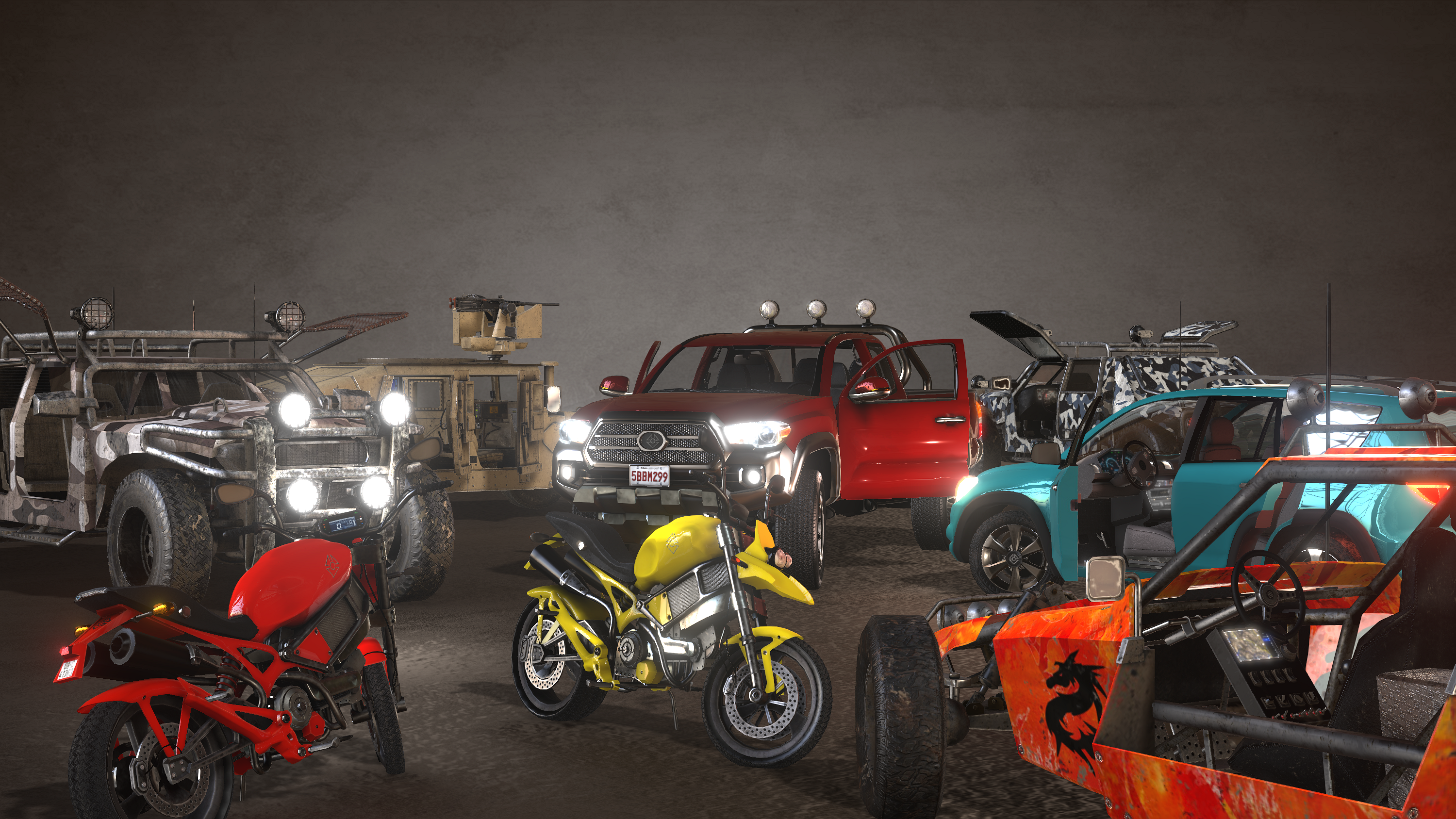
Also, iClone’s latest version has boosted the quality of its renders, including PBR materials, Image Based Lighting with HDR pictures, and Global Illumination, and because of this, it has motivated us to start creating models of vehicles for iClone, that not just look good, but that thanks to the improved render features, help people with their animations.
So I included features like emissive materials or parts that can be manipulated individually. Objects like the doors, the steering wheel, the gear level, and the pedals are all interactive sub-props that can be rotated or reached by the characters of a scene. Helping to create convincing driving animations.
In addition, the 4 Wheel structure provided by Reallusion’s Physics Toolbox, allows one to actually drive the vehicles over the iClone terrains while recording their motions in real-time. It facilitates the animation of the vehicles, as the spinning of the wheel are automatically synchronized with the motion of the car, depending on its speed, while it follows the slopes and irregularities of the terrain.
This is an overview tutorial of the pipeline I followed to create these models and how they can be easily animated in iClone.
Read More “Creating Interactive Vehicles and Animations for iClone 7”