AI-enabled video-to-mocap generation smashes barriers to entry.
Like many indie creators, Nick Shaheen works in a small home setup: a desk, a camera, and whatever chaos happens around him. He doesn’t have access to a mocap studio, and inertial suits come with their own frustrations: drifting sensors, unstable Wi-Fi, constant recalibration, and late-night battles with straps and batteries.
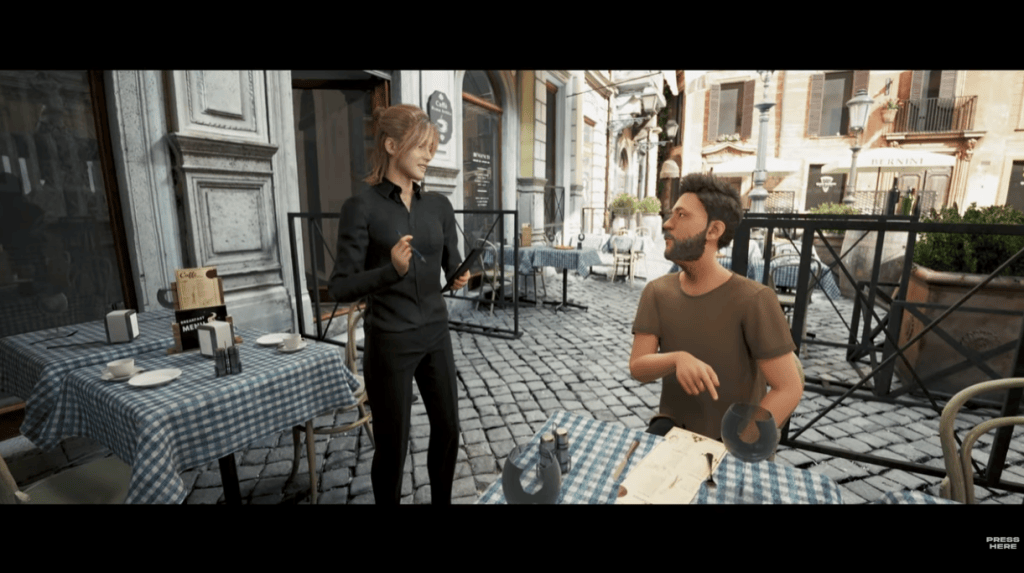
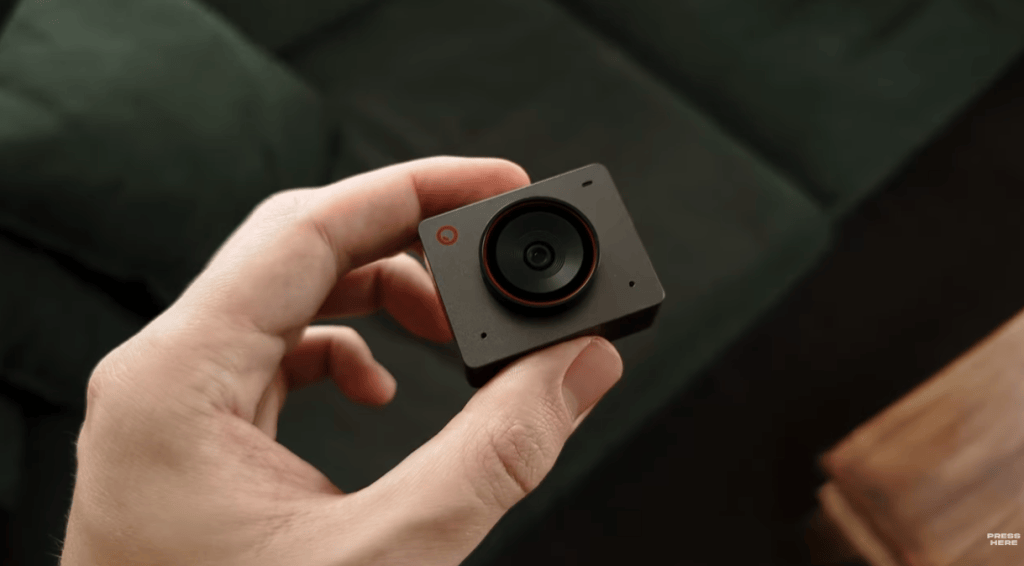
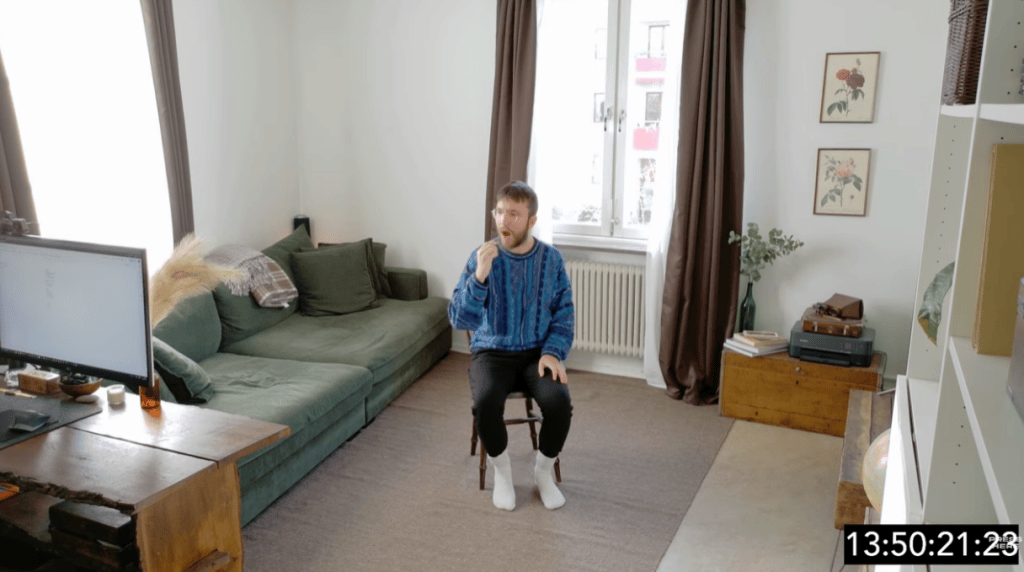
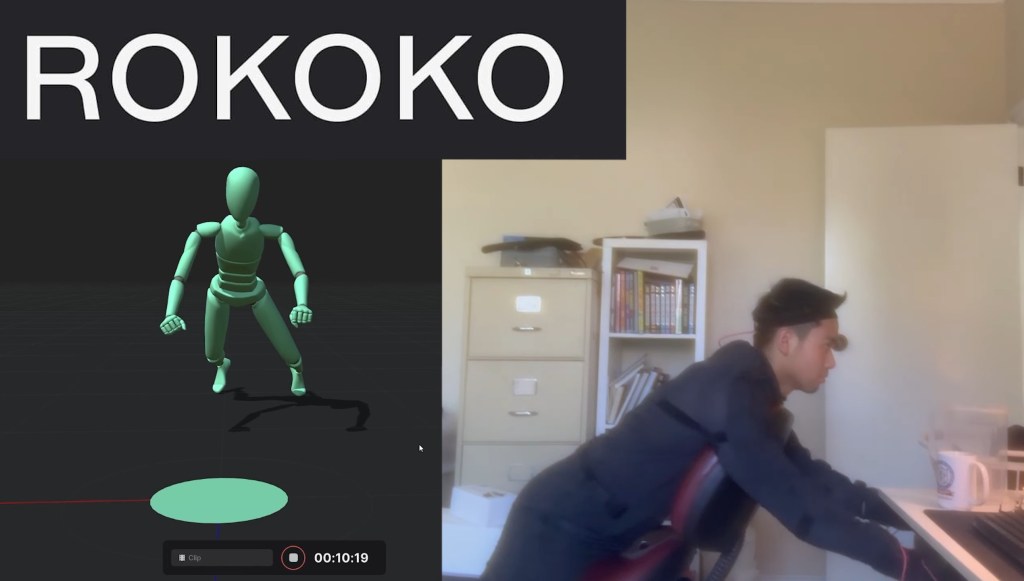
This is the gap iClone Video Mocap was built to solve. With just a single camera and a bit of space, Nick can capture a performance and drive a 3D character in minutes. No suit, no prep, no technical friction. It even let him animate an entire three-person band — all performed by himself within the comfort of his room.

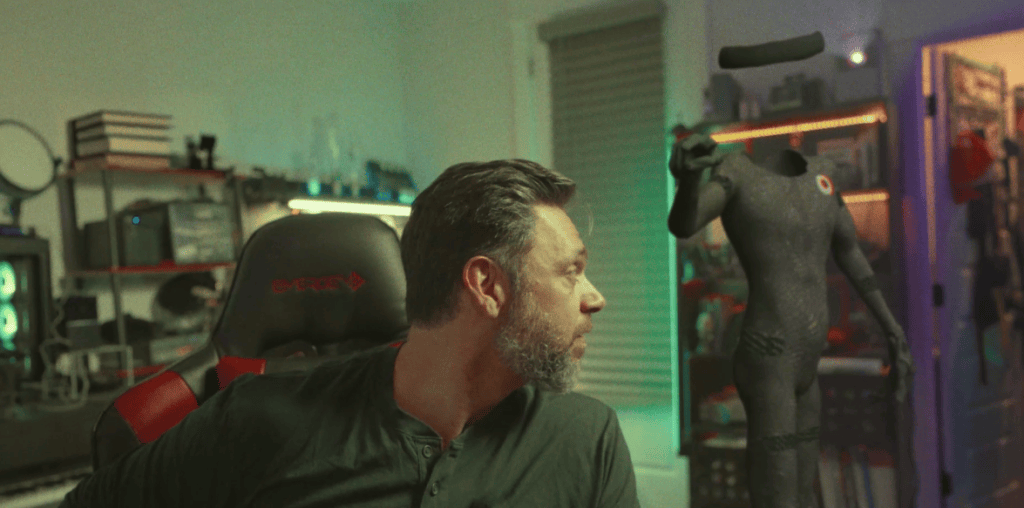
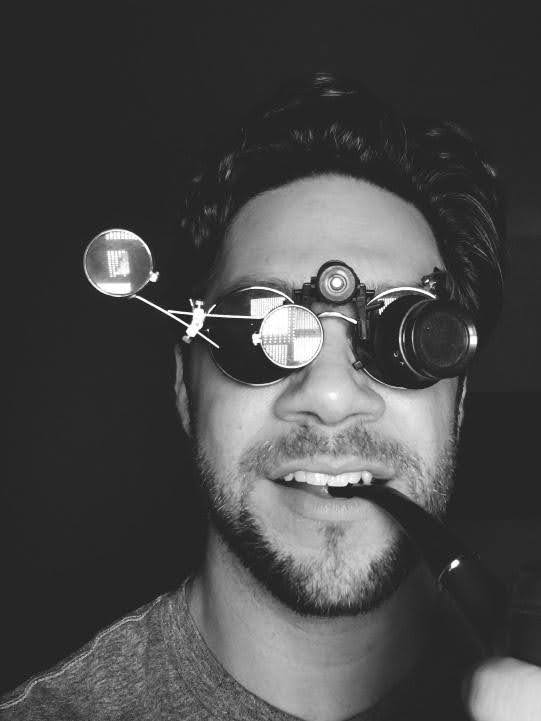
Nick Shaheen
I’m Nick Shaheen, a radiologist by profession and a CG artist by passion. My journey into animation started in an unexpected place: in medical illustration. Early in my career, I spent a fair bit of time creating motion graphics and anatomical visuals to help explain complex medical concepts. That experience taught me the power of visual storytelling and deepened my appreciation for animation as a way to communicate ideas dynamically.
A Fast, Effortless Path From Video to 3D Motion
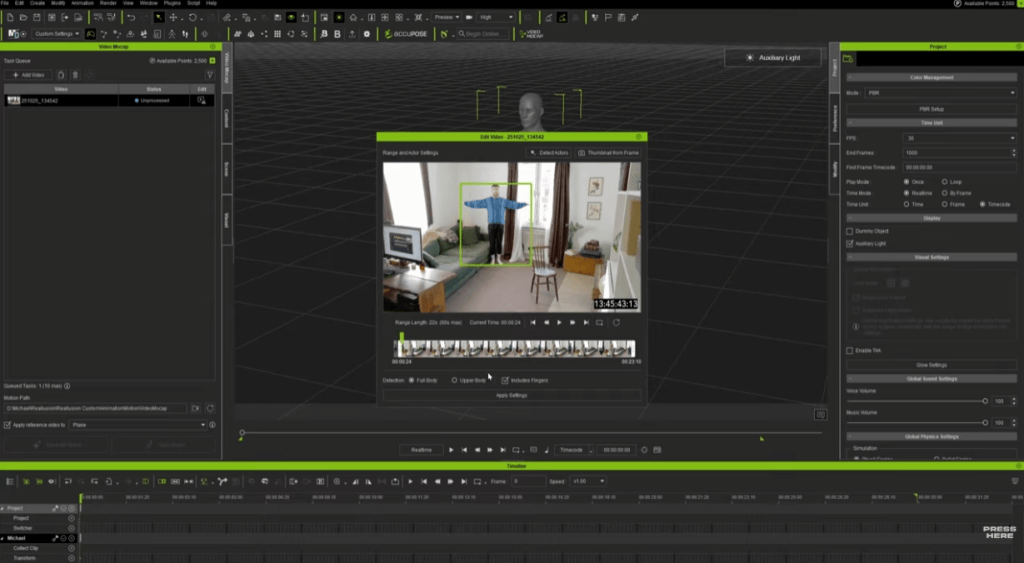
iClone’s Video Mocap system uses QuickMagic AI to transform any single-camera recording into a fully retargetable motion file. Key capabilities include:
- Full-body, upper-body, or hand-only tracking
- No calibration pose required
- Up to 60-second recordings per generation
To make the most of the 60-second limit, creators can also combine smaller clips into a single video and generate them all in one task.
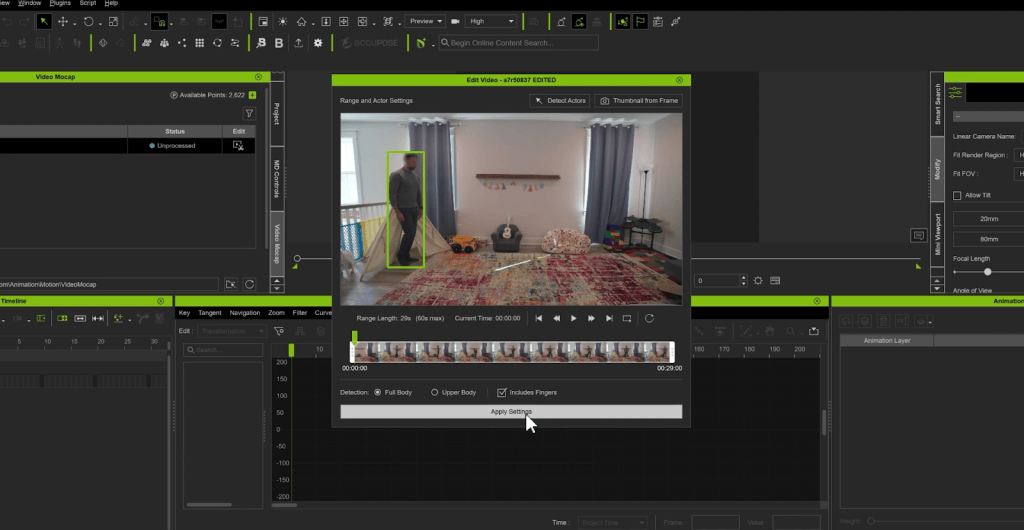
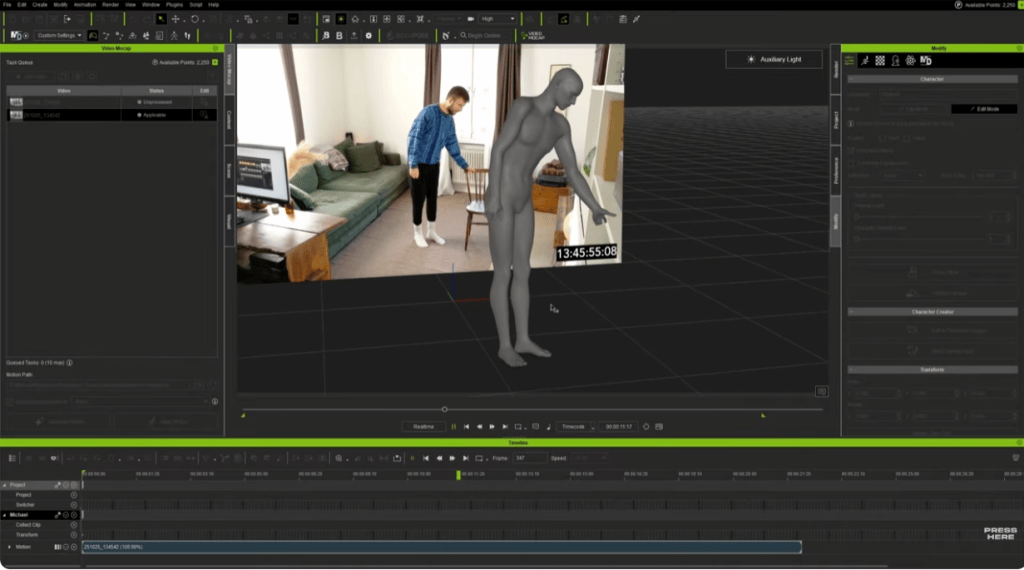
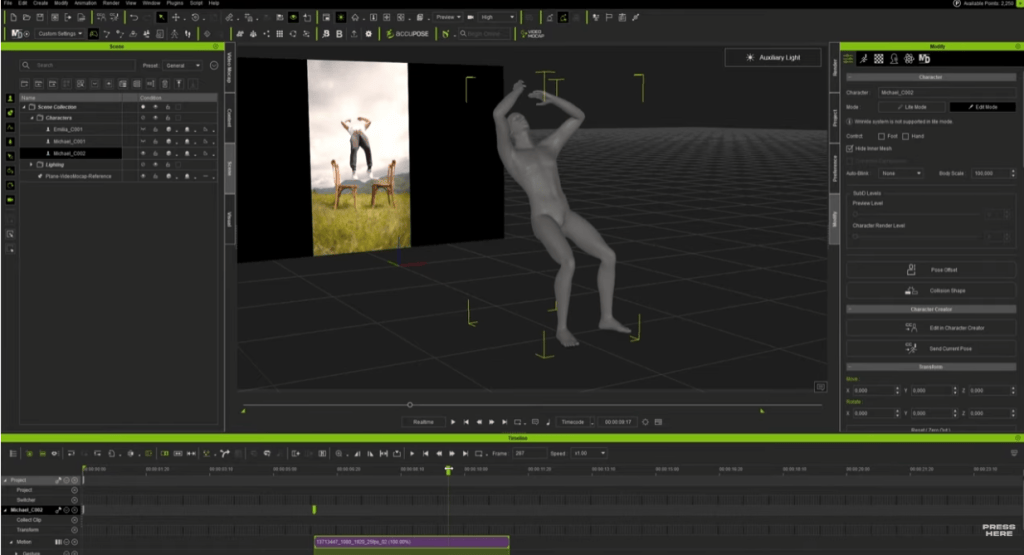
The workflow couldn’t be simpler: drop the video into the Video Mocap window, choose a performer and tracking mode, then click Apply & Generate. iClone returns:
- A complete motion file
- A reference video placed inside the viewport
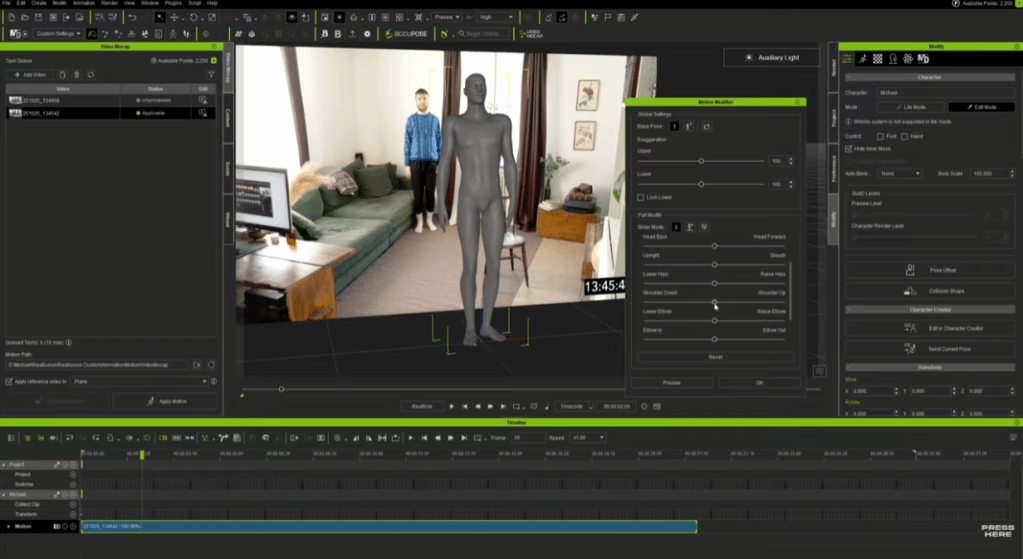
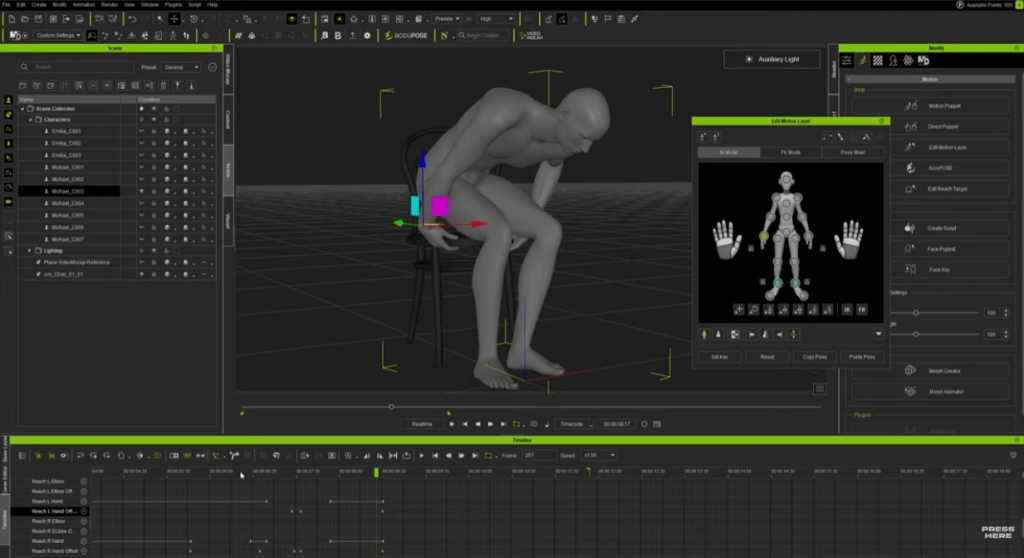
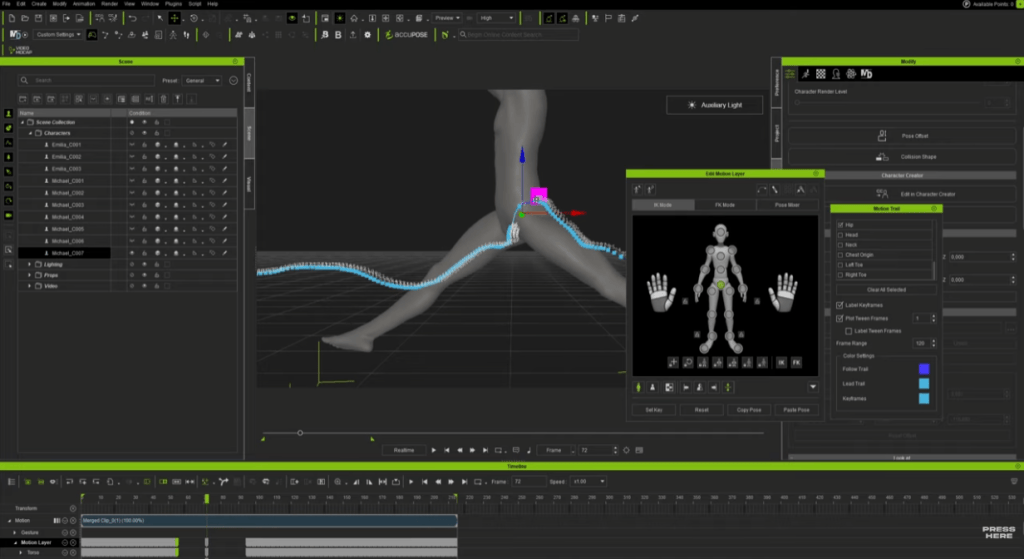
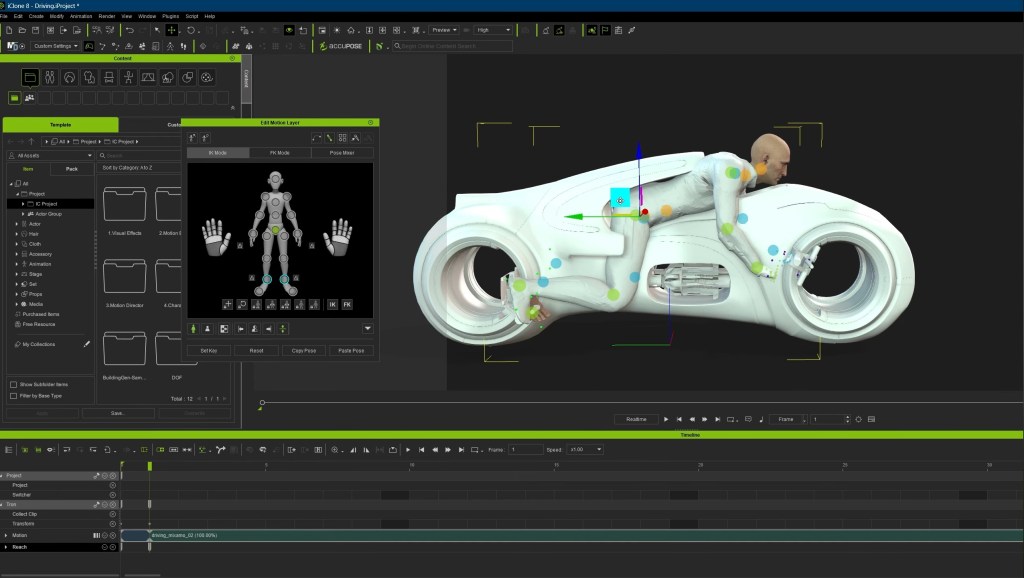
- Motion ready for refinement with Motion Layer, Curve Editor, and AccuPOSE
Complex hardware setups become unnecessary — the entire mocap workflow is reduced to a single upload and a few minutes of processing.
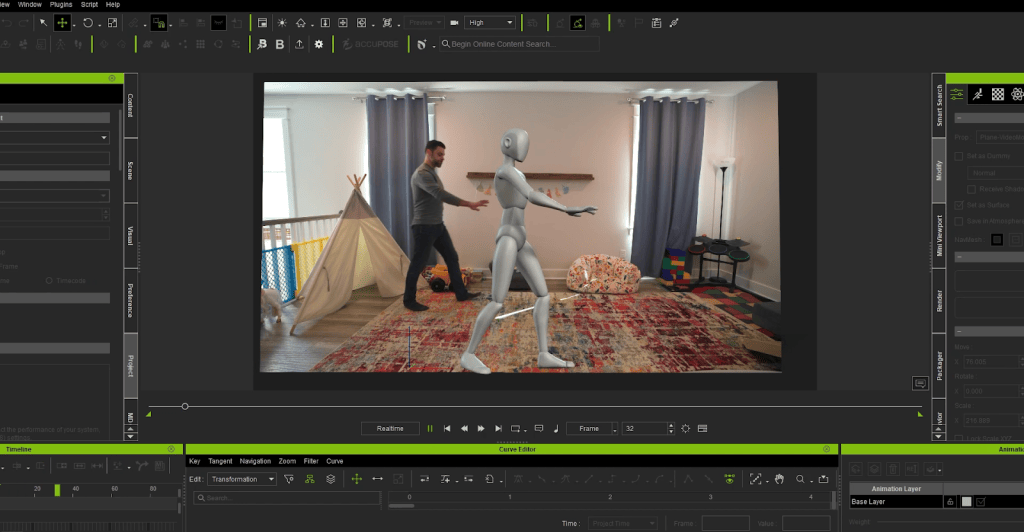
How Video Mocap Makes an Immediate Difference
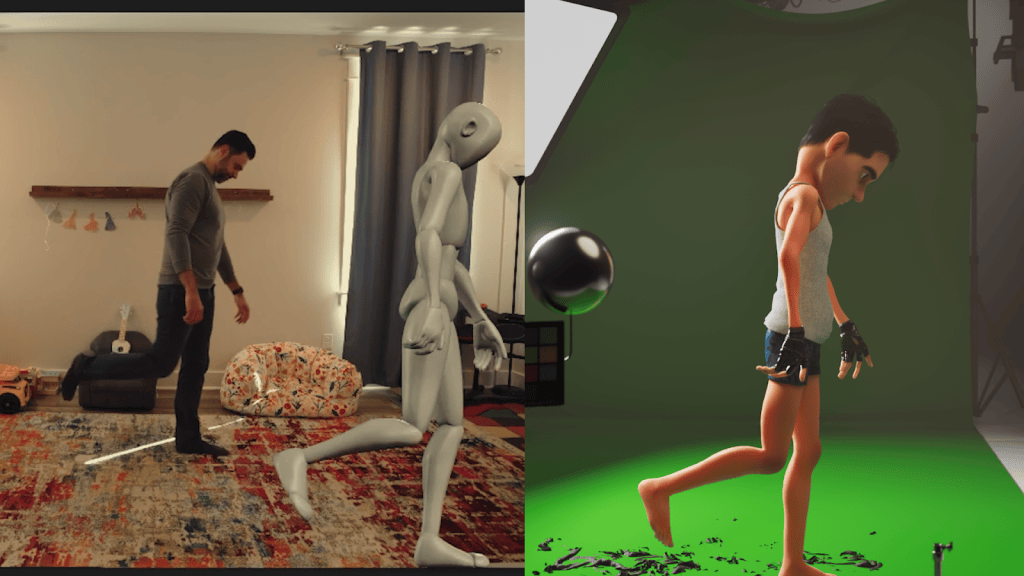
1. Fast Capture on a Tight Schedule
Nick often needs to mocap on the spot, but he has no time for gear setup, addressing sensor drift, or calibrating for accurate capture. With Video Mocap, he can record a quick take and get instantly usable animation, just by acting naturally in everyday clothes. This responsiveness has become an indispensable core of his creative workflow.
2. Ideal for Stylized, Exaggerated Motion
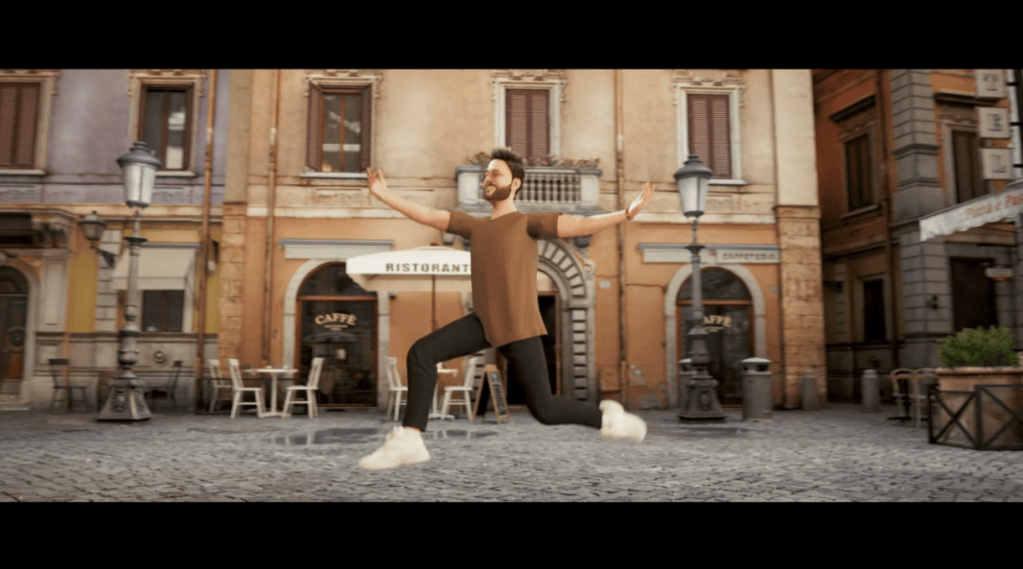
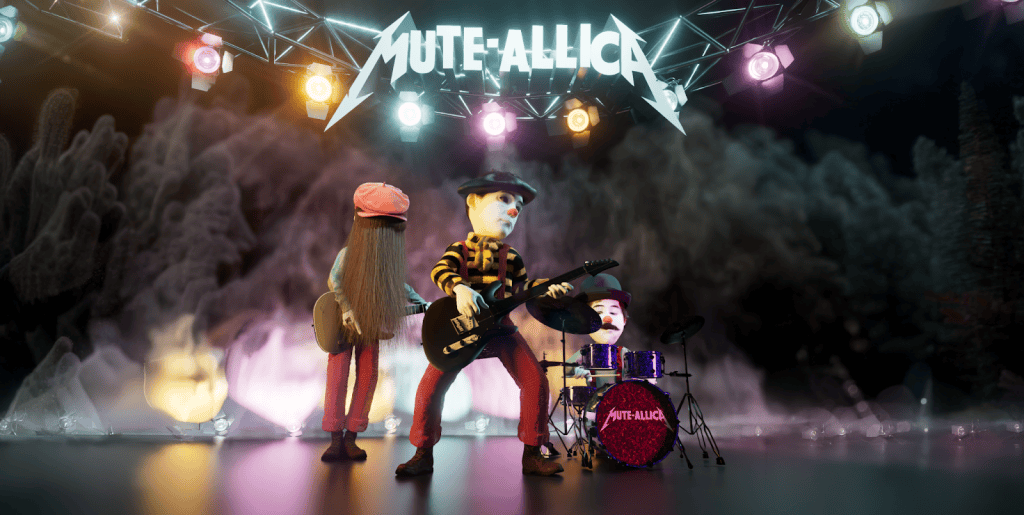
For a stylized short featuring a mime rock band, Nick found that Video Mocap handled exaggerated, expressive motions surprisingly well. Without restrictive gear, he could perform freely, giving the animation a spontaneous and lively feel.
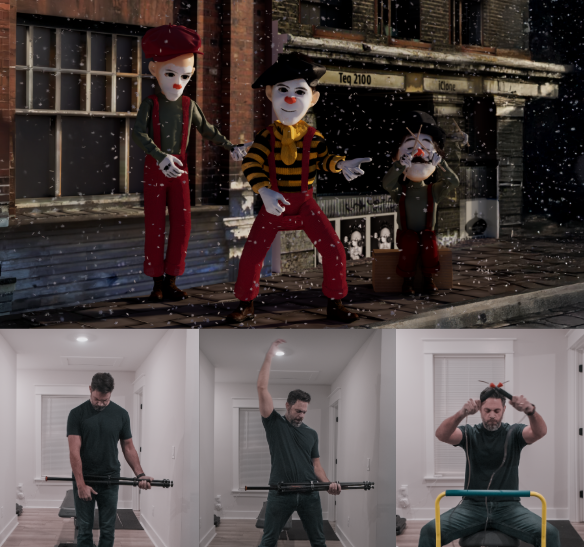
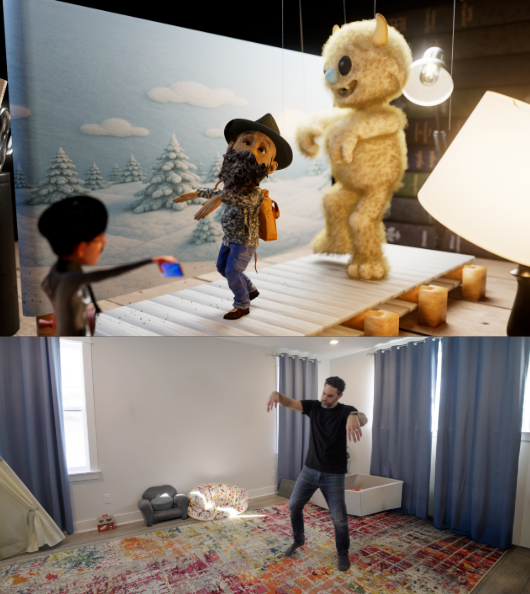
3. For Puppet-On-String Animations
Marionette animation is difficult to replicate with mocap suits, with the subtle pop and slack moments that are hard to capture. Acting out the performance directly in front of a camera gave Nick the exact puppeted style he wanted, and the included reference video made for an easy cleanup process afterwards.
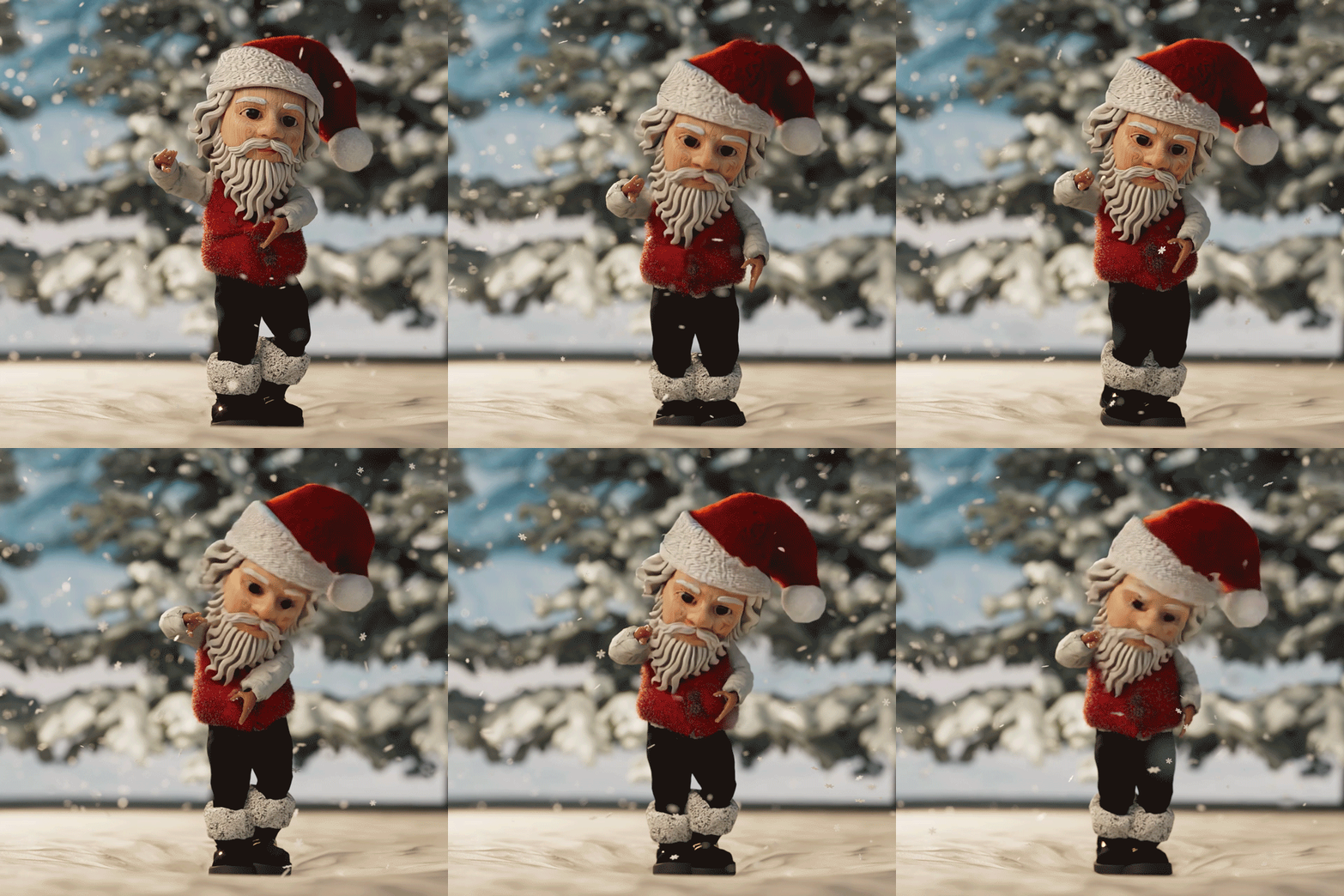
4. Capturing the Vibrancing of TikTok-Style Dancing
Highly energetic TikTok dance motions are tedious to hand-key. Nick recorded these performances and processed them through Video Mocap, instantly applying accurate dance cycles to stylized characters with minimal effort.

5. Beautifully Captures Delicate Choreography
One pleasant surprise was Video Mocap’s ability to capture elegant motion, such as ballet poses and smooth transitions. The resulting animation provided Nick with a strong foundation he could quickly polish inside iClone.
Remote Performance Capture: A Major Advantage
One of Nick’s favorite discoveries was the ability to capture performances remotely. Collaborators anywhere in the world can simply record themselves (even on a phone) and send the video. Nick converts the footage into mocap inside iClone without shipping gear or arranging studio access. For indie workflows, this level of flexibility is transformative.
Best Practices for Optimal Capture
Although iClone Video Mocap is already remarkably precise and easy to use, there are still a few tips that artists should follow to overcome some limitations with the technology:
- Occluded limbs or obstructed body parts may not track cleanly.
- Sitting, crouching, and lying poses are less reliable.
- High-speed athletics and multi-actor interaction are better suited for dedicated mocap systems.
- Props should remain visible in the recorded frame.
These limitations are consistent across all video-to-mocap solutions and are manageable with basic planning. Thankfully, iClone features a robust set of built-in motion editing tools to fix or refine anything that needs adjustment.

The Main Takeaway
Video Mocap isn’t a replacement for a fully equipped mocap studio — at least, not yet. Its real strength lies in quickly capturing performances and making mocap accessible and natural for everyday use. It’s an ideal tool for creatives who value convenience and plug-and-play features that can instantly enhance their existing workflows and creative processes.
For Nick Shaheen, it has become one of the most practical tools in his pipeline, transforming simple video clips into production-ready 3D motion. It brings motion capture into the spaces where enthusiasts work their magic. Whether in bedrooms, home offices, or small studios, iClone Video Mocap proves to be a valuable addition to any creative arsenal.
Related Posts
- Fail Forward Faster: Why Nick Shaheen Recommends CC4D Plugin for CC Cinema 4D Pipeline
- AccuPOSE Helps Animate Epic Star Wars Battle Homage in One Week
- Fast, Fun, and Feature Packed: How iClone Supercharges Character Animation