Reallusion & Vicon Lead Real-Time Mocap Innovation at the 2025 Virtual Production Summit in Chile
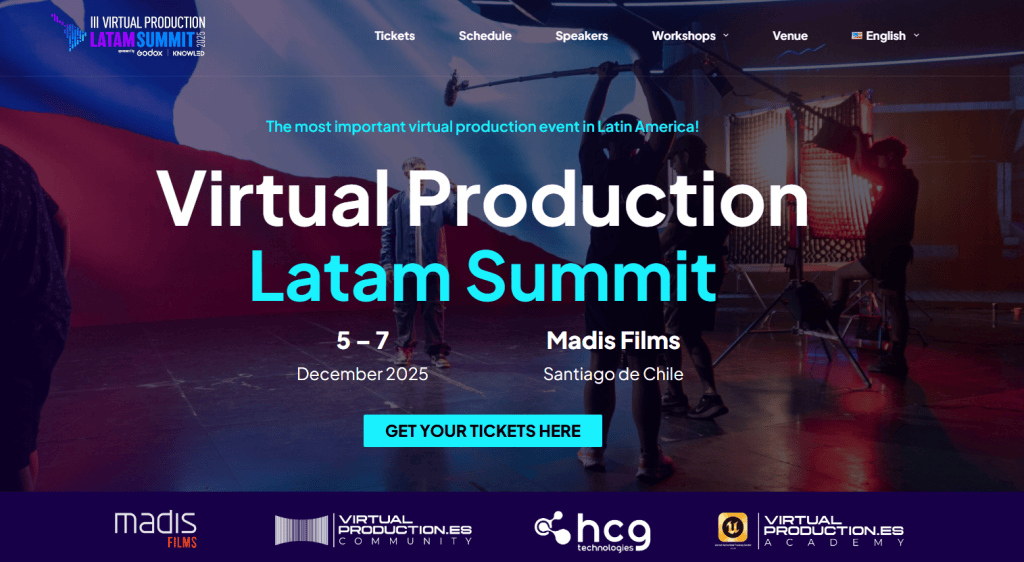
The 3rd Virtual Production Summit in Santiago, Chile, held from December 5–7, 2025, brought together global creators, technologists, and industry leaders to explore the cutting edge of virtual production — a blend of real-time rendering, motion capture, LED volumes, and immersive workflows reshaping film, TV, and interactive media. Hosted by Madis Films, a pioneer in real-time and ICVFX production technologies, this year’s summit marked a significant milestone for Latin America’s vibrant virtual production community.
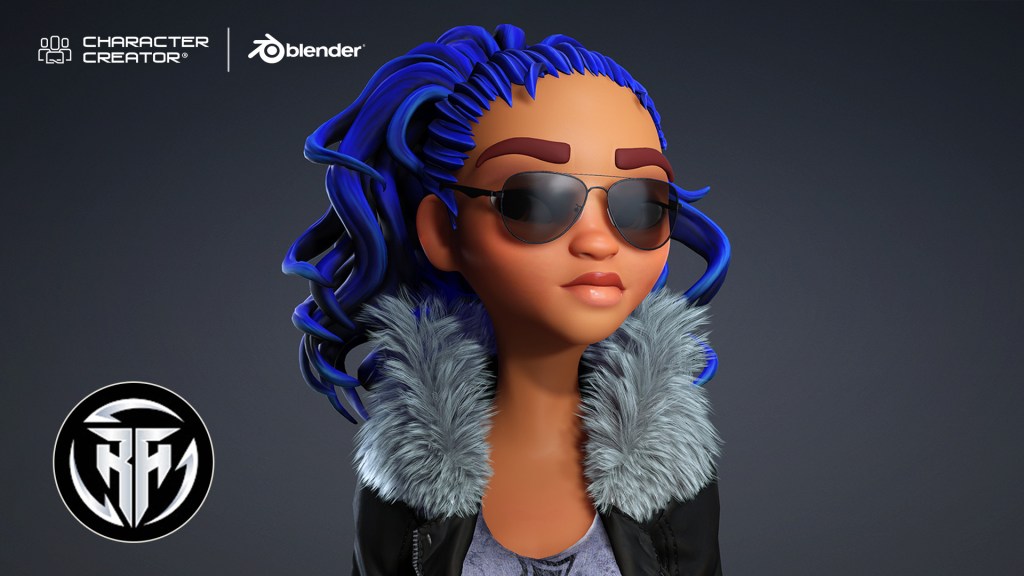
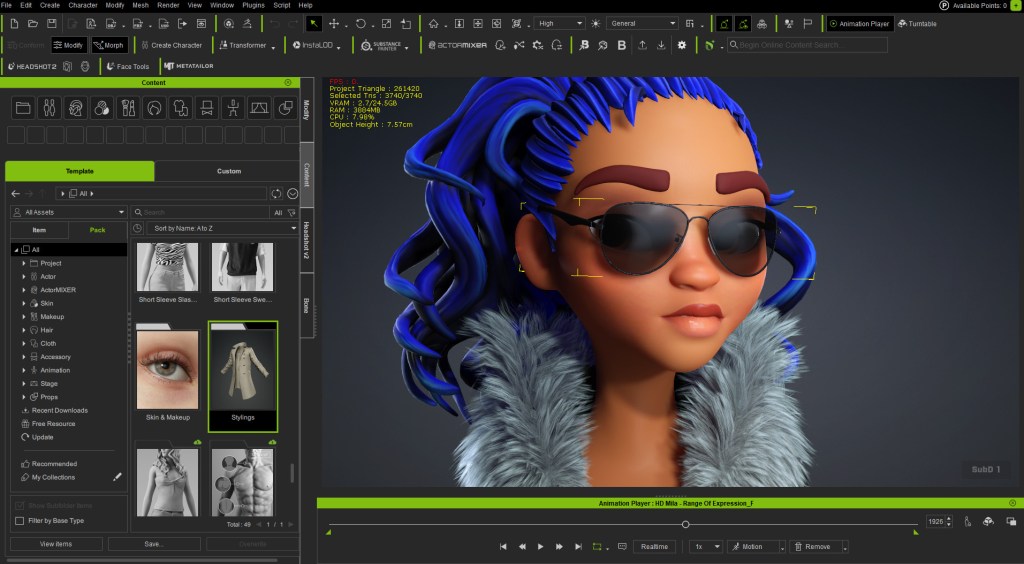
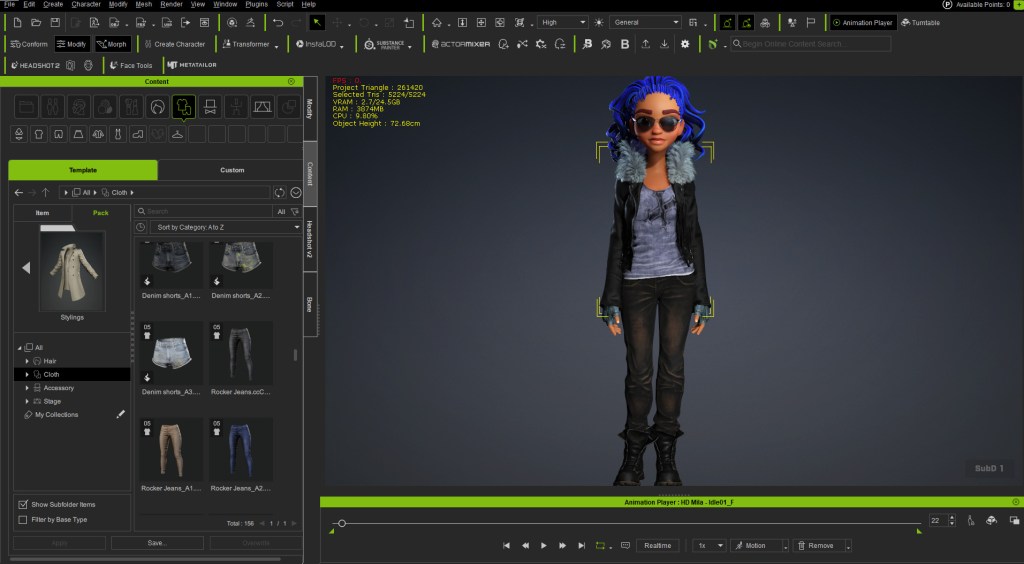
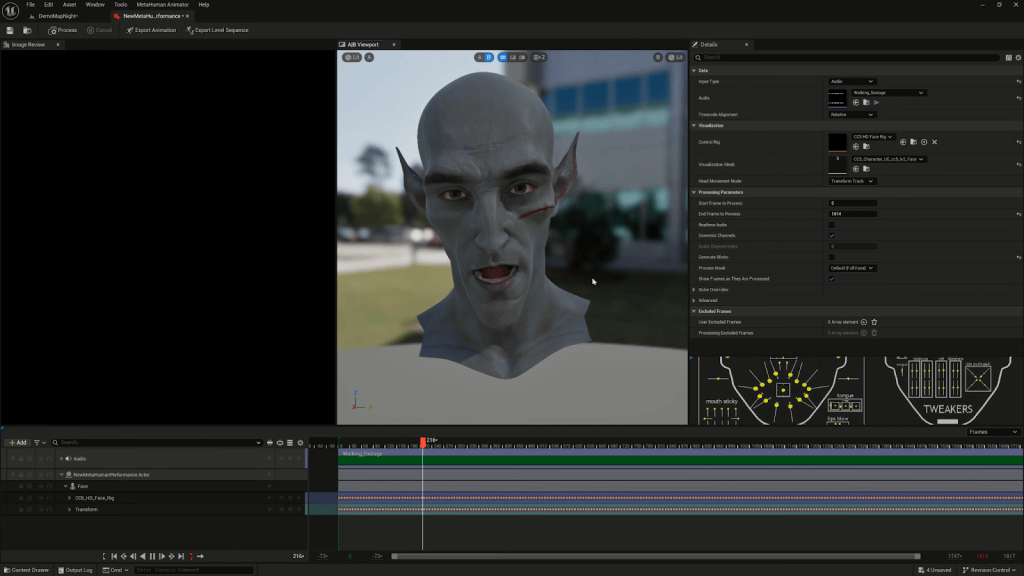
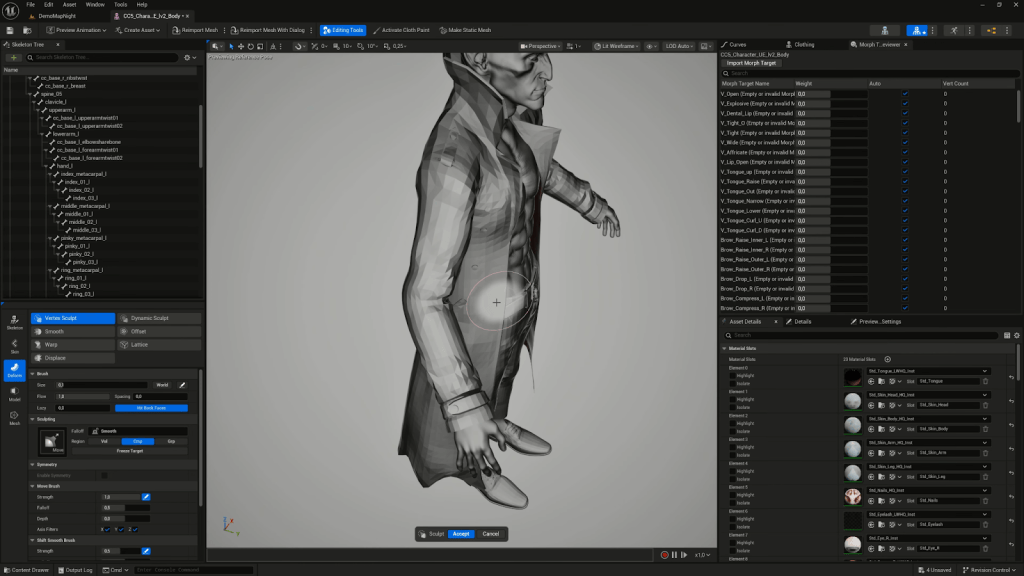
Reallusion was invited by HCG Technologies and Madis Films to be a Silver Sponsor in collaboration with Vicon’s optical motion capture systems, and CenterGrid’s Virtual Studio service, co-presenting a landmark joint workshop titled “Vicon MoCap Integration for Real-Time Animation in Character Creator.” This flagship session showcased how creators can combine Character Creator 5, iClone 8, and Vicon mocap workflows to produce real-time character animation for film, previs, and digital production.
A Hub for Virtual Production Innovation in Latin America
The Virtual Production Summit has rapidly become the most important event of its kind in Latin America, originally born in Mexico and now taking place in Santiago de Chile. Hosted at the state-of-the-art facilities of Madis Films, known for operating Chile’s largest permanent ICVFX LED volumes and cutting-edge production resources, the summit served as a crossroads for filmmakers, animators, virtual production technologists, and educators across the region and beyond.
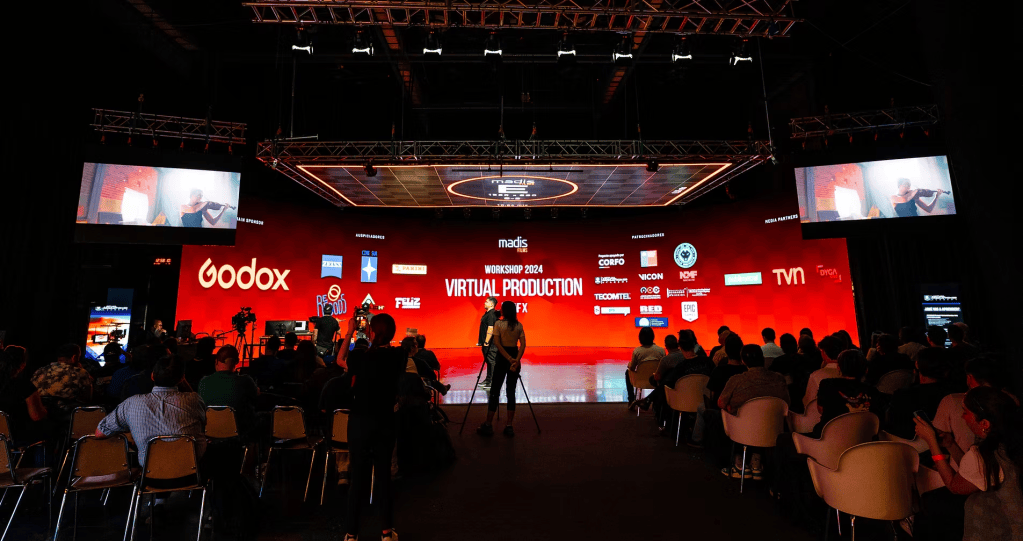
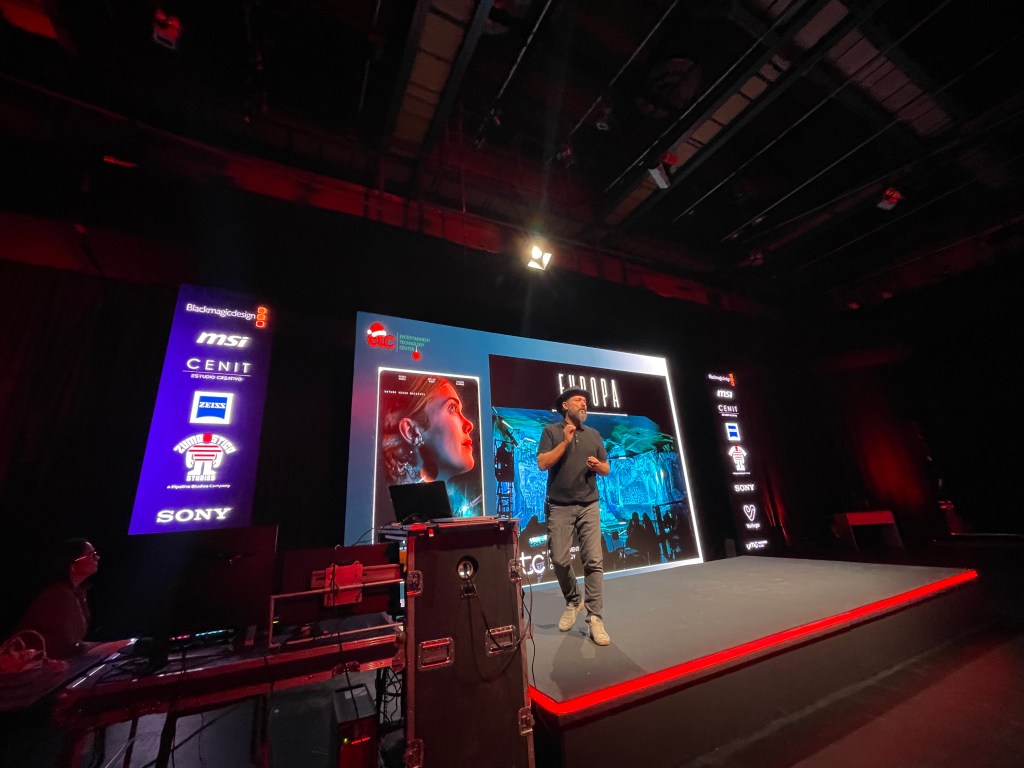
This three-day summit featured an extensive program of talks, panels, demos, and workshops designed to demystify real-time pipelines and accelerate adoption of next-gen production tools across creative industries. Attendees ranged from student creators and educators to studio professionals seeking to push the boundaries of digital content creation.

Empowering Creators: The Reallusion × Vicon Workshop
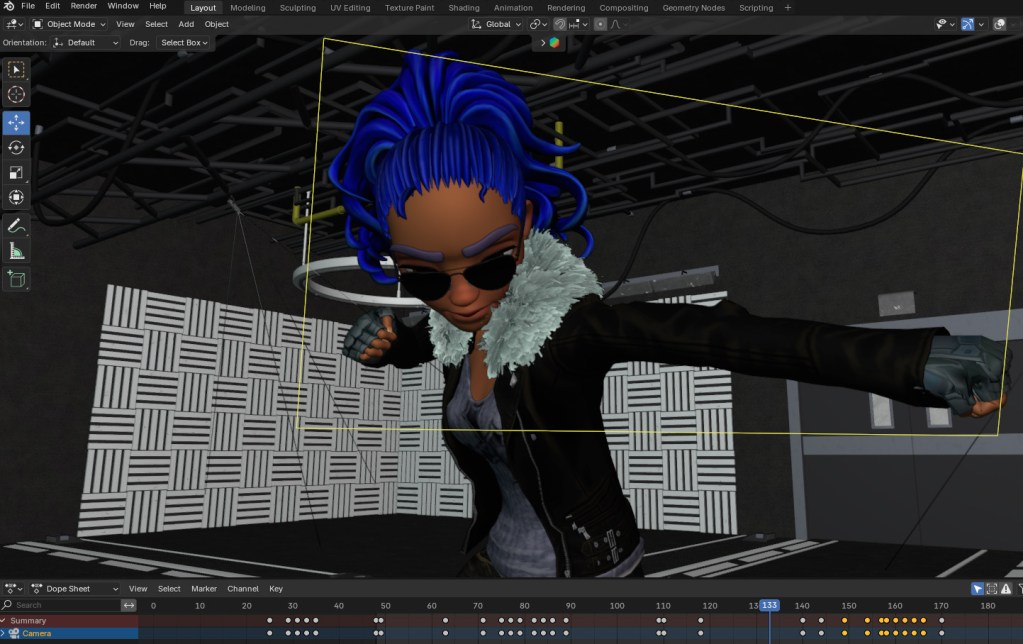
One of the summit’s standout sessions was the “Vicon MoCap Integration for Real-Time Animation in Character Creator” workshop — a comprehensive five-hour, hands-on experience that guided participants through real-time character creation and motion capture workflows.

What the Workshop Covered
Participants learned how to:
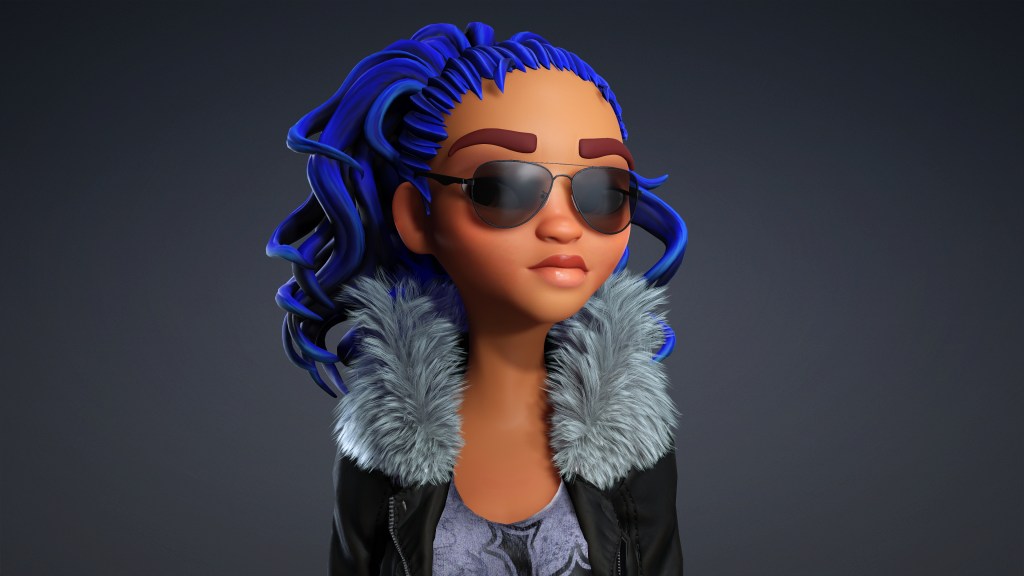
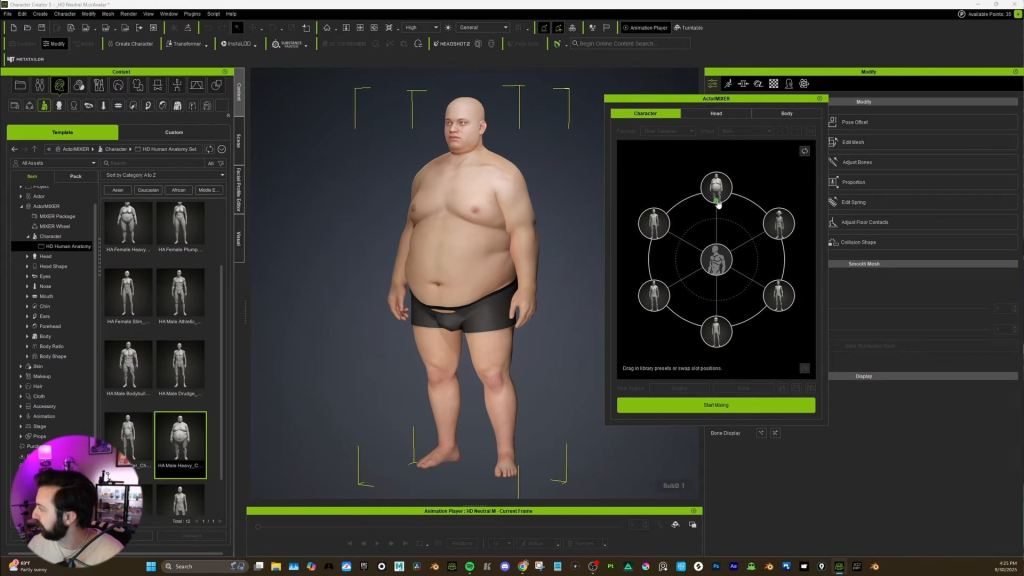
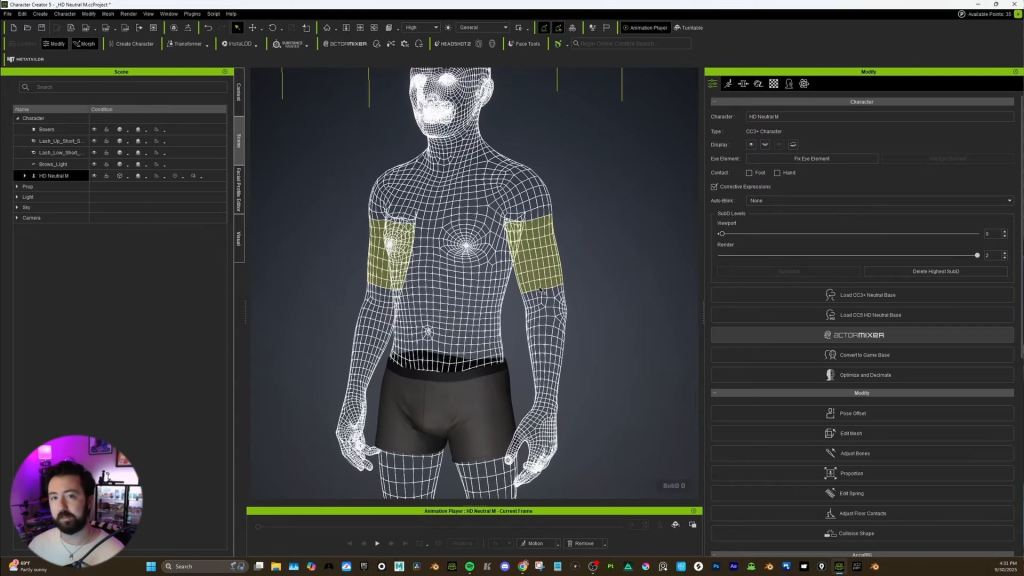
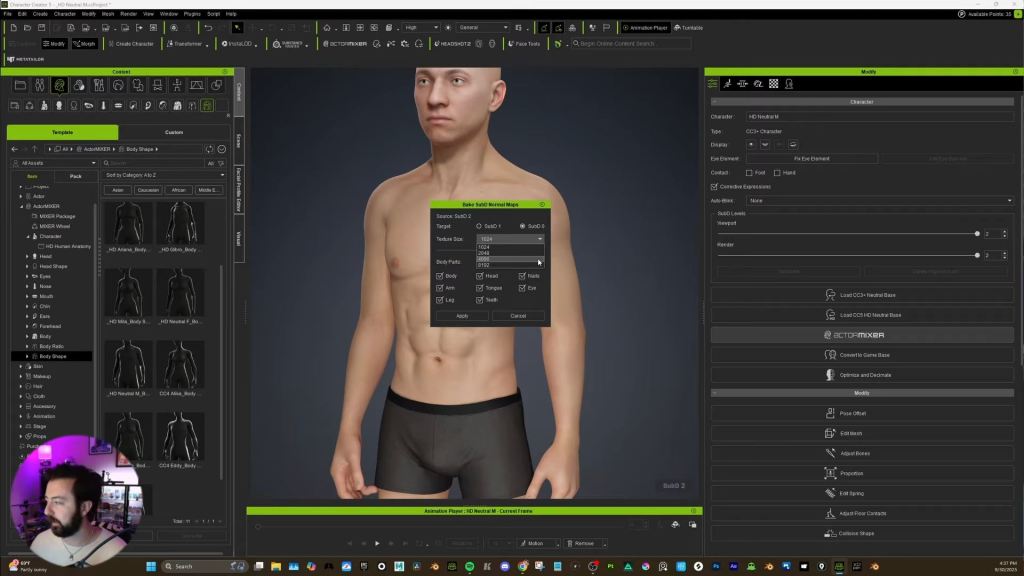
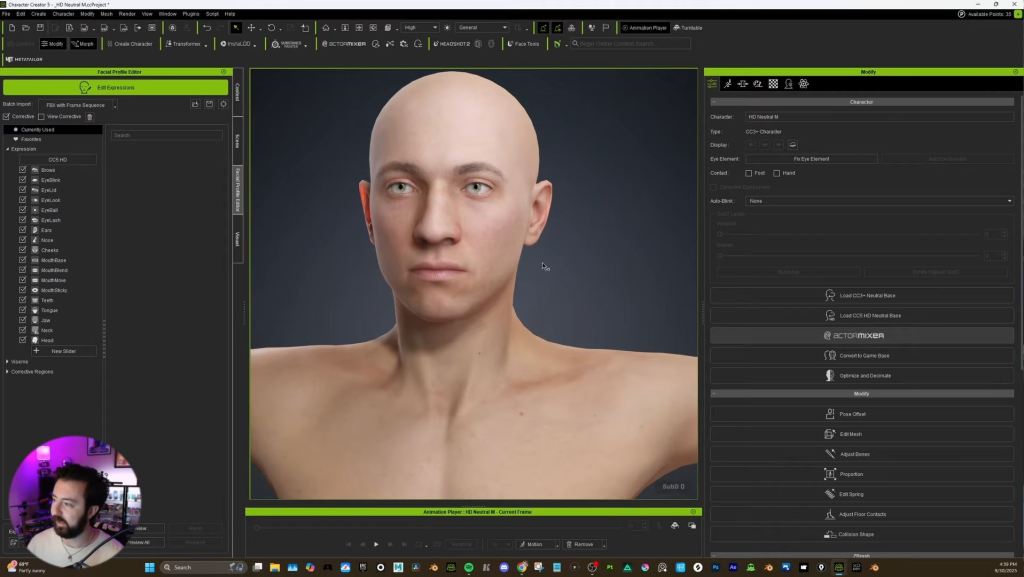
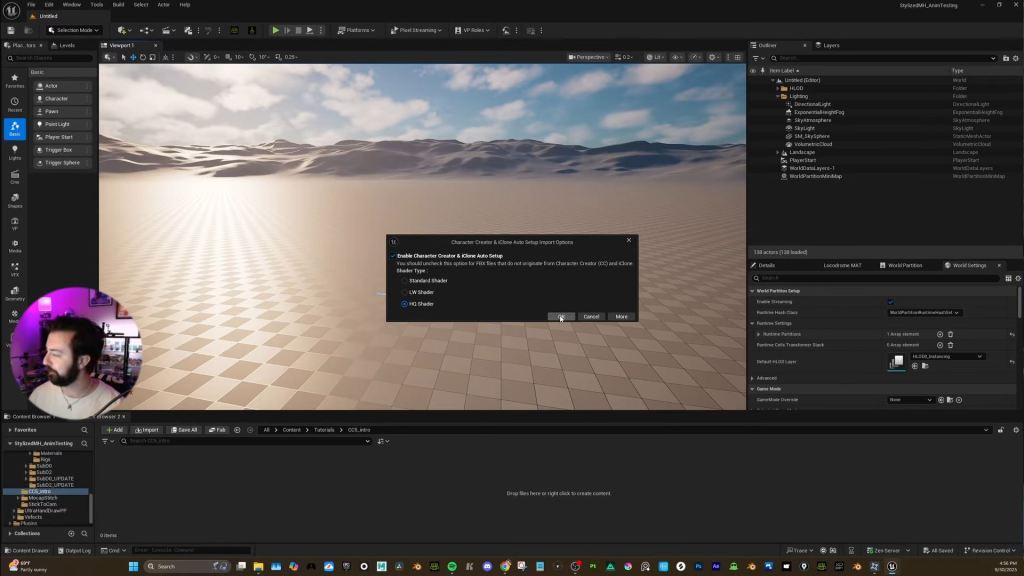
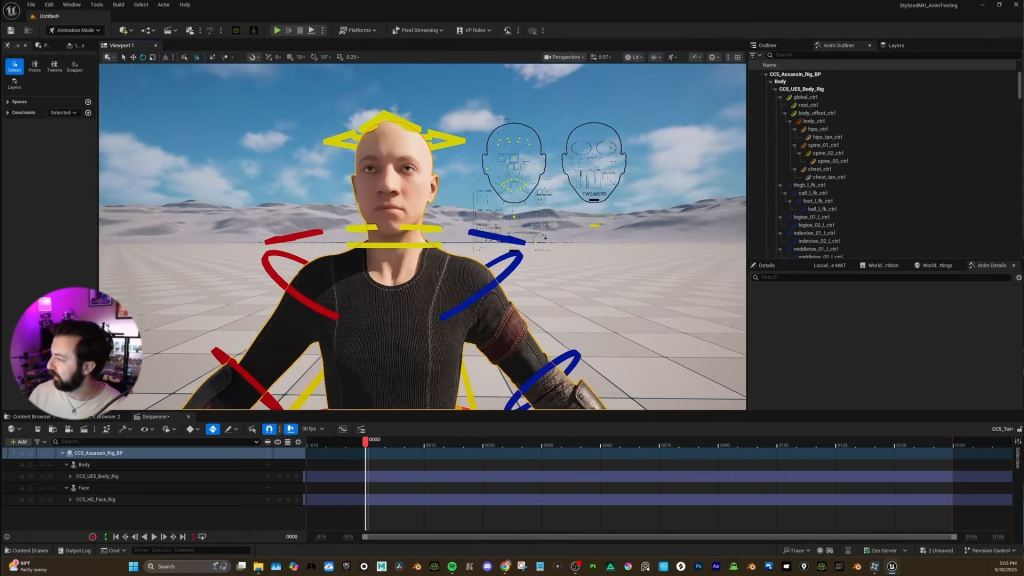
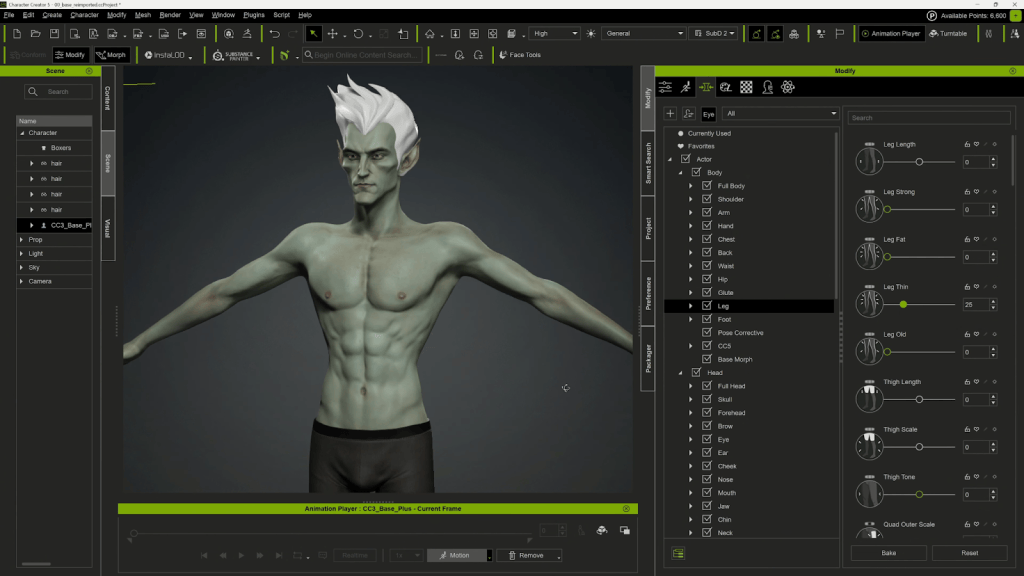
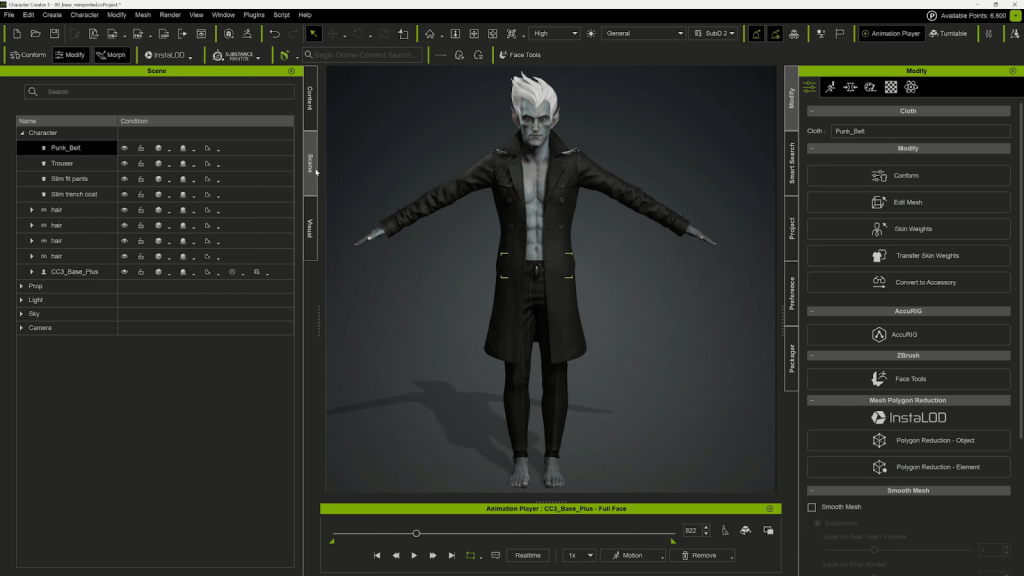
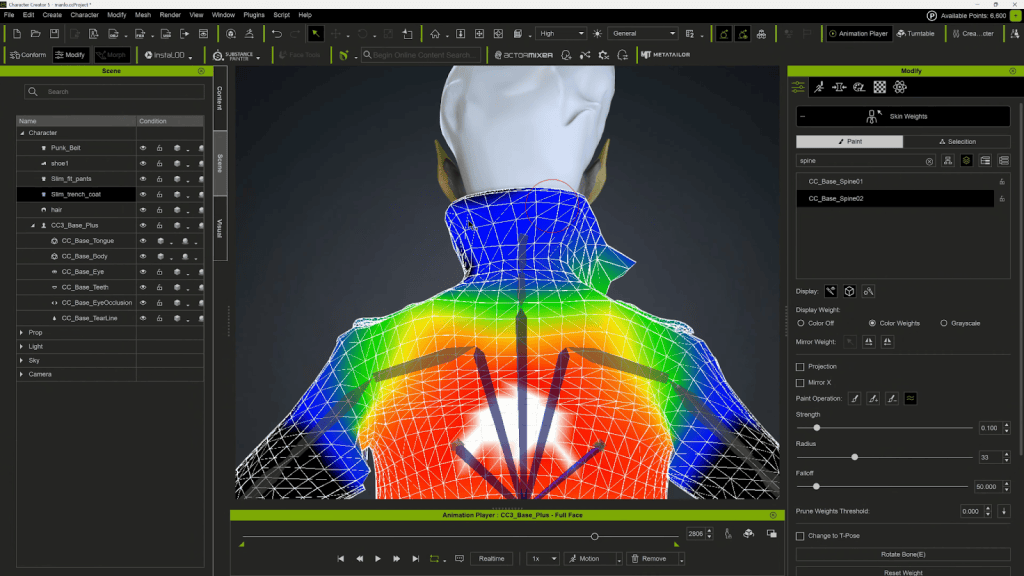
- Build and customize a AAA digital human character using Character Creator 5
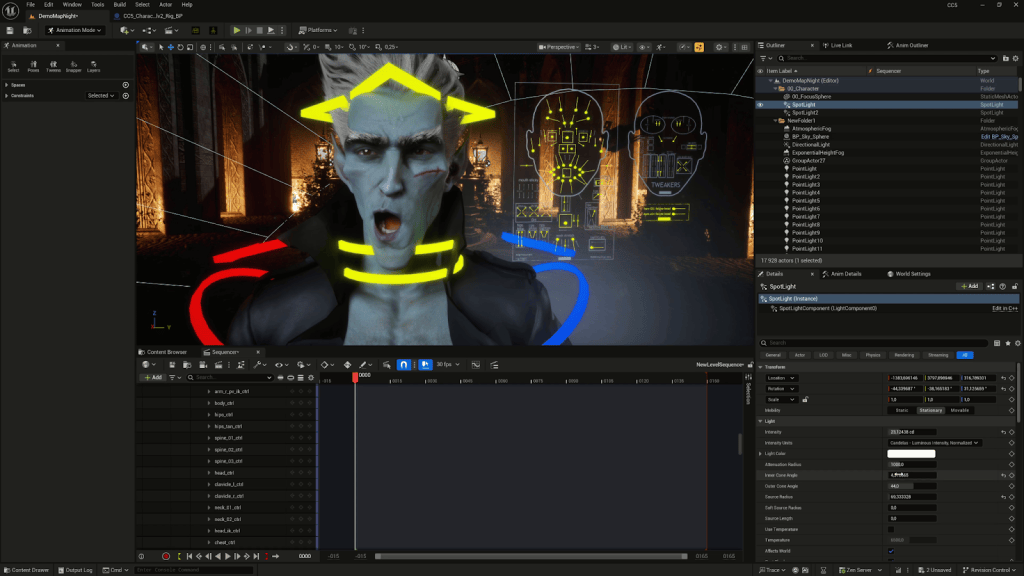
- Configure real-time control setups for face and body animation
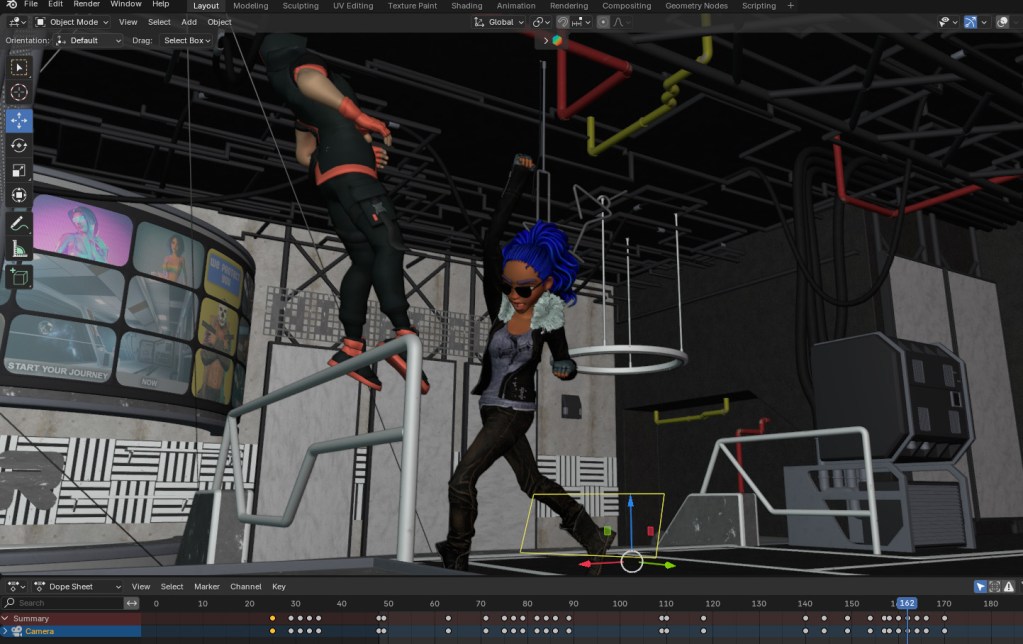
- Integrate Vicon Shogun body-capture data with iClone 8
- Capture synchronized full-body and facial mocap in real time
- Troubleshoot latency and synchronization issues in a full realtime pipeline
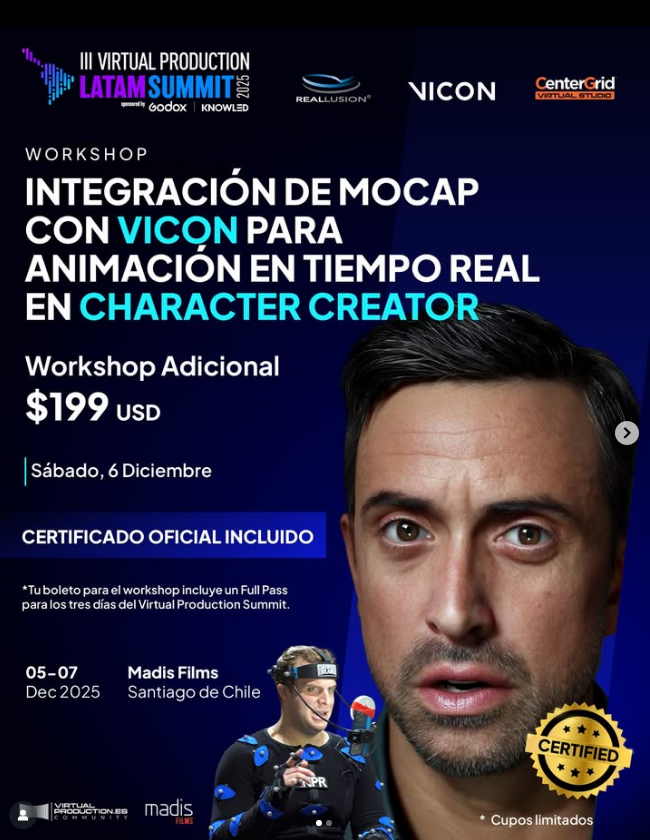
The workshop was led by industry experts, including:
- Enoc Burgos, Director of Partnership Marketing at Reallusion (guiding CC5 demo and pipeline strategies)
- Rodrigo Muñoz, Sales Account Manager at Vicon, bringing deep expertise in motion capture systems
- Nelson Quimbay, Motion Capture Stage Manager at HCG Technologies, a visual artist with extensive experience in mocap and virtual production
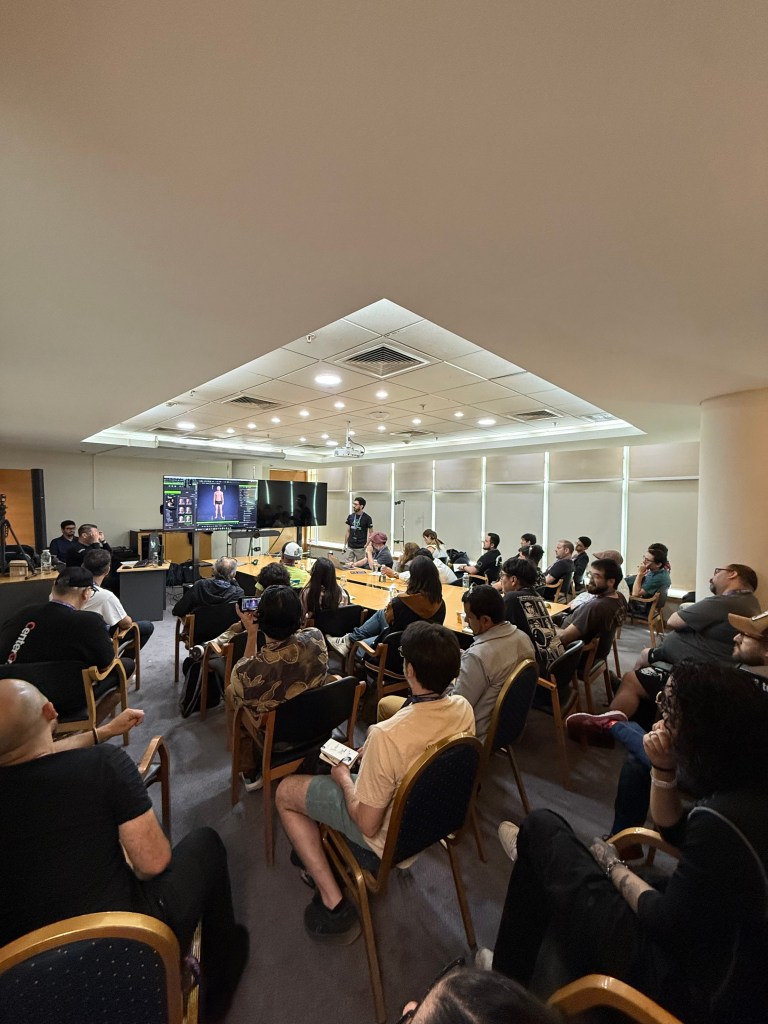
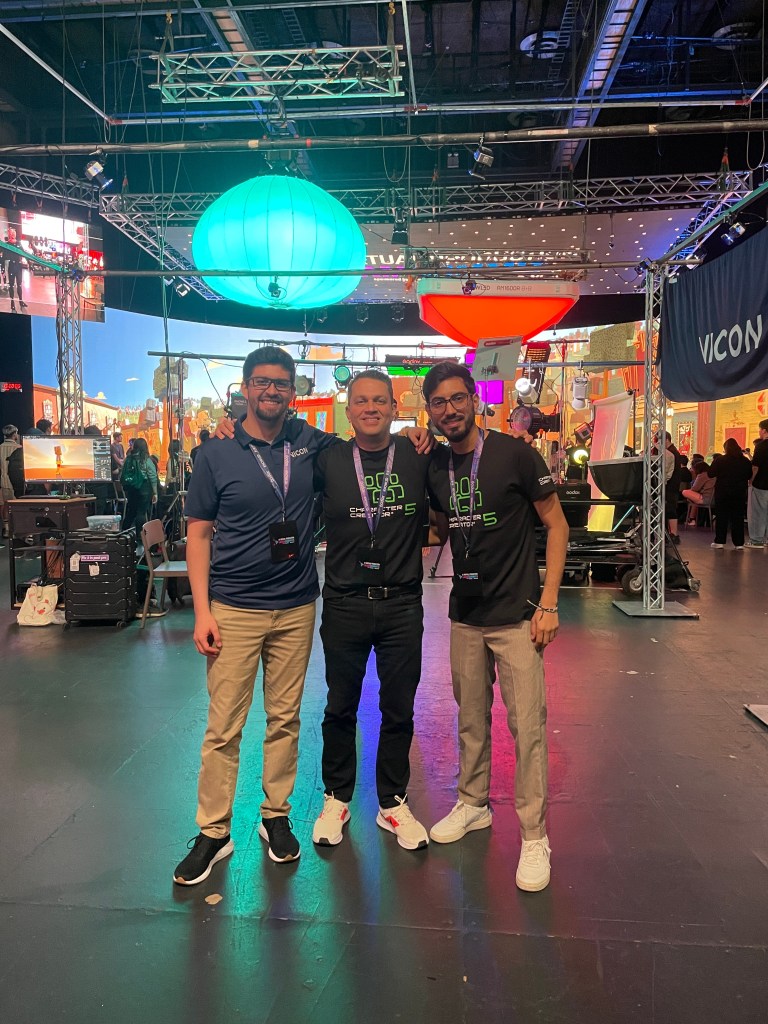
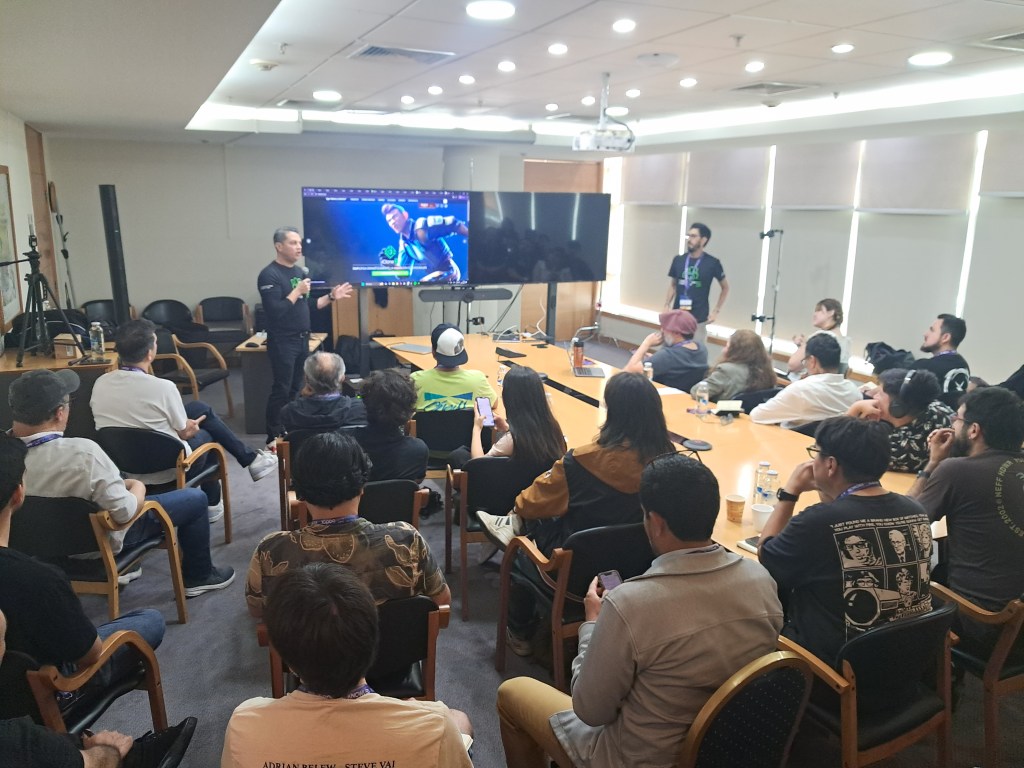
Together, this team demonstrated practical workflows that marry realtime character animation with professional mocap systems, empowering creators to take full advantage of modern digital pipelines, while giving them full IP ownership over their creations for further transmedia asset revenue stream generation.
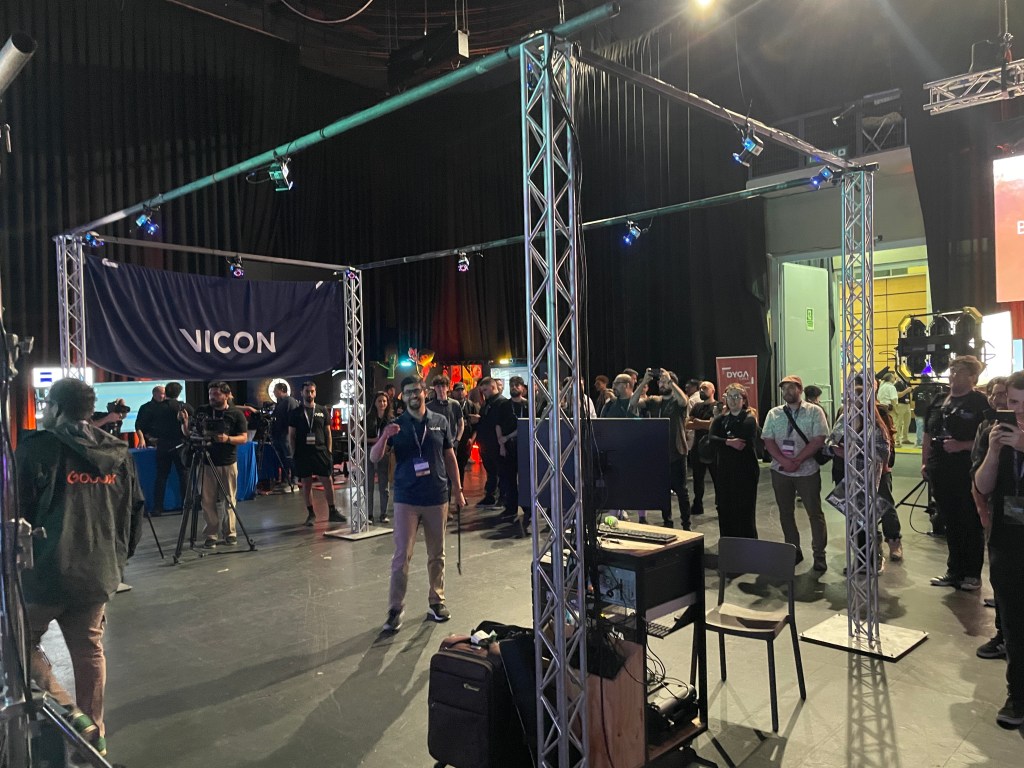
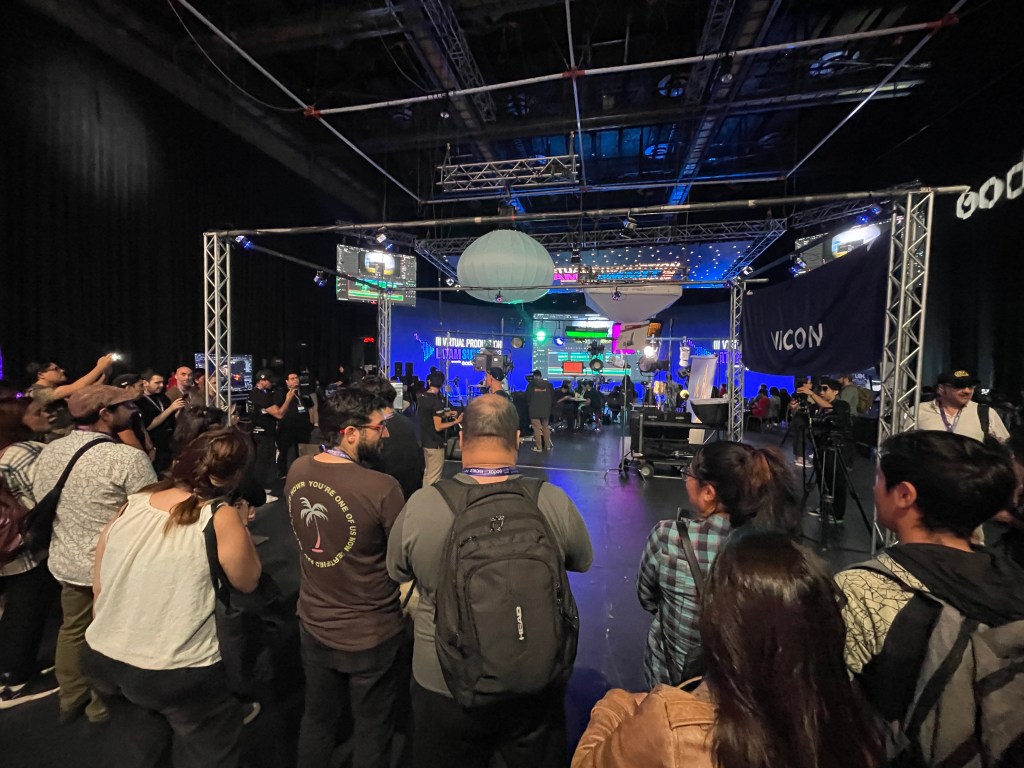
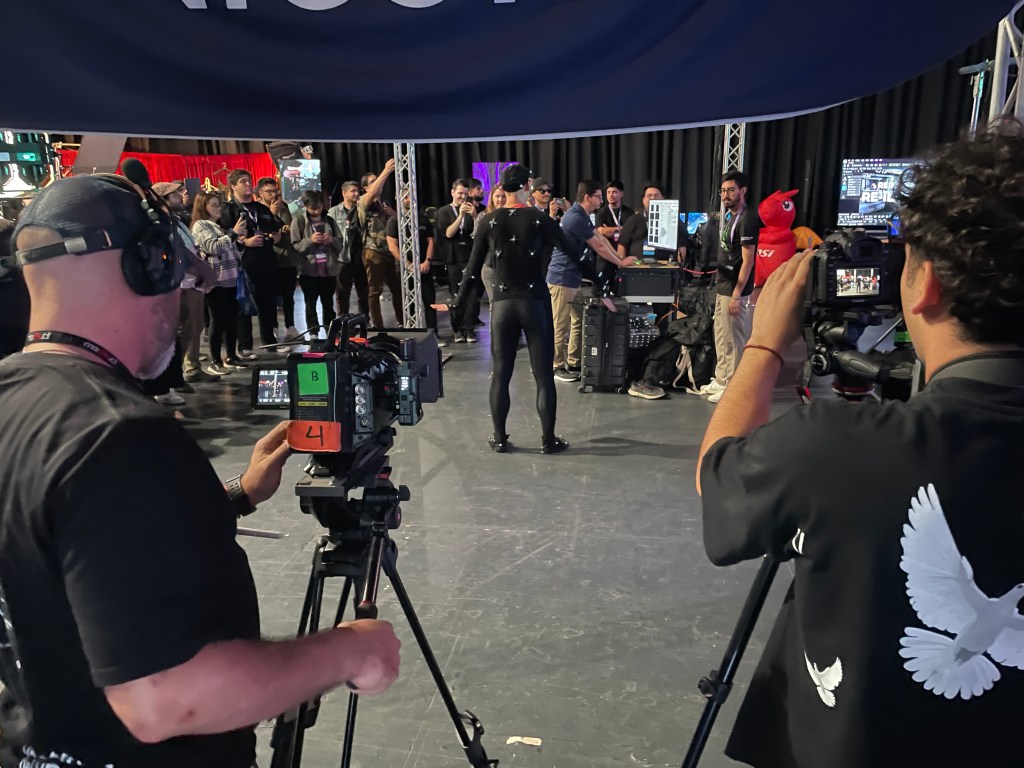
Connecting with the Latin American Creative Community
During the summit, Reallusion’s Director of Marketing, Enoc Burgos, seized the opportunity to connect with Latin American creators, partners, and longtime fans — sharing the latest advances in Reallusion’s ecosystem and gathering valuable feedback from real-world practitioners.
Reallusion also engaged with many distinguished professionals who contributed to panels and networking events throughout the summit, enriching discussions and fostering collaboration across disciplines:
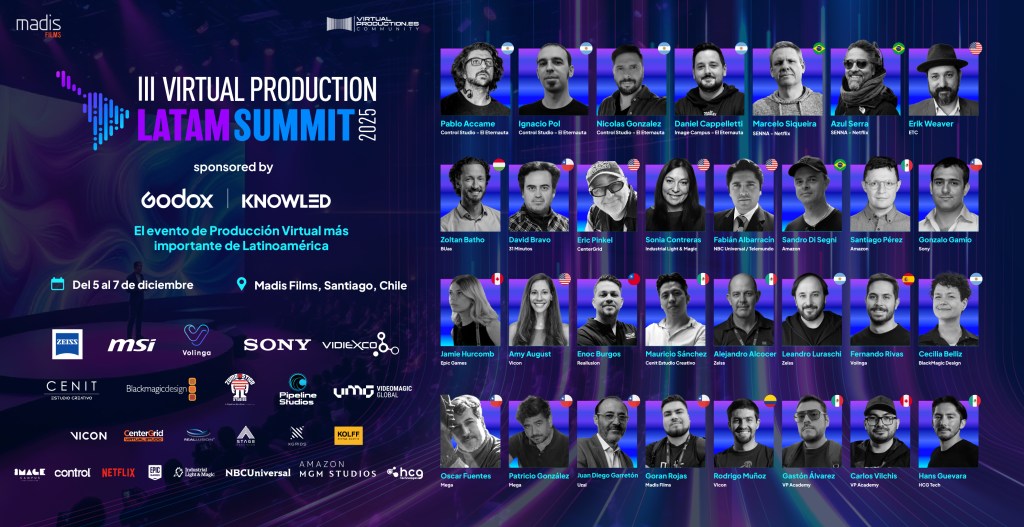
- Erik Weaver — Head of Virtual & Adaptive Production, known for AI-driven workflows and cloud-integrated pipelines.
- Jamie Hurcomb — Unreal Engine Education Advisor, driving real-time education.
- Fabian Albarracin — Real-Time Graphics Director at NBC Universal / Telemundo.
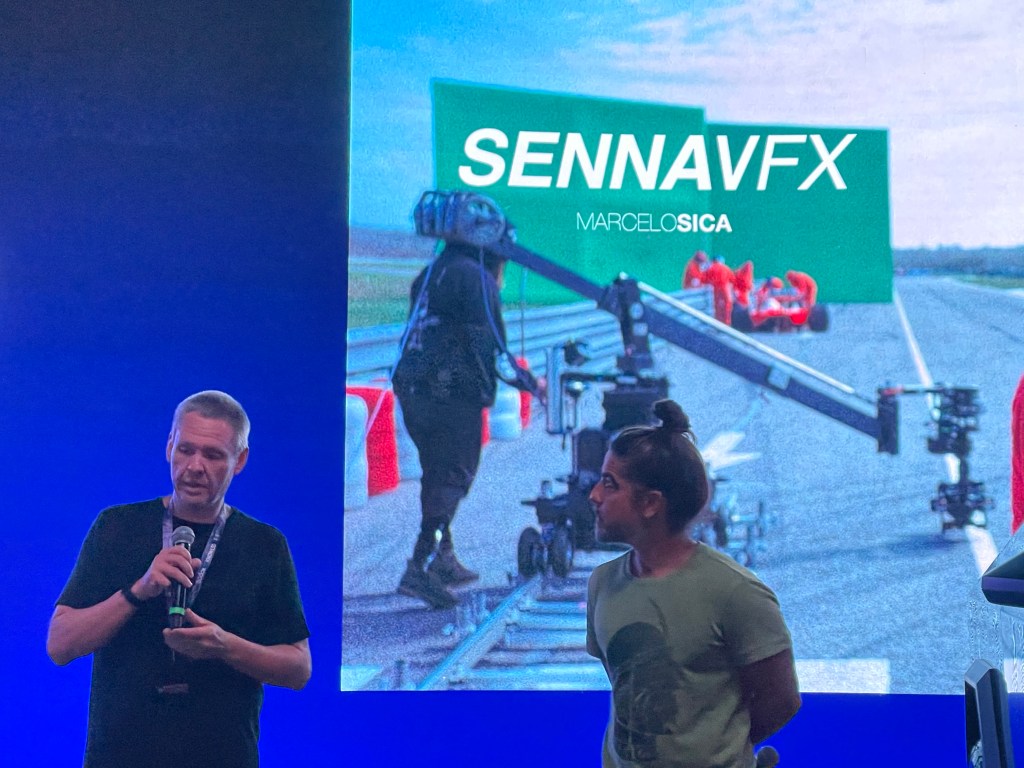
- Marcelo Siqueira — Visual Effects Producer & Supervisor at SENNAVFX.
- Pablo Accame, Daniel Cappelletti, Nicolas Gonzalez, Ignacio Pol (Control Studios Team) — Creators behind Netflix’s “The Eternaut,” blending virtual production and cinematic content.
- Sandro Di Segni — VFX Executive for Amazon Prime Video.
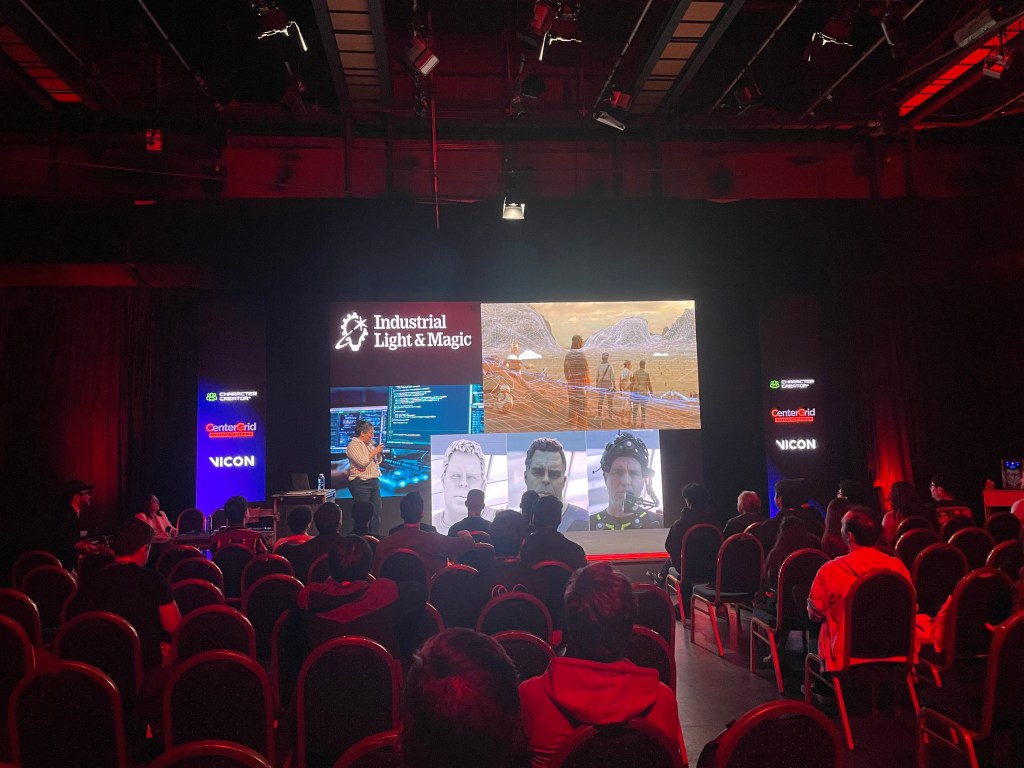
- Sonia Contreras — Virtual Production Supervisor at Industrial Light & Magic.
- Fernando Rivas-Manzaneque — CEO & Co-founder of Volinga.
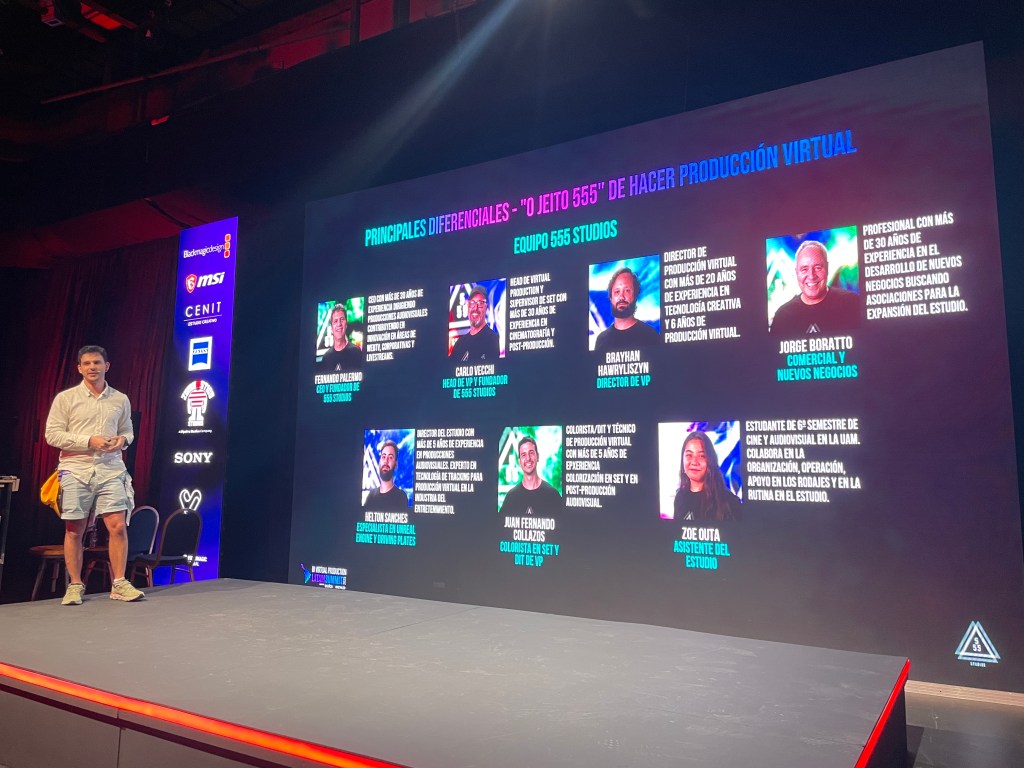
- Fernando Palermo — CEO and Founder of 555 Studios with team Carlos Vecchi, Head of VP, and Juan Fernando Collazos Colorist and presenter
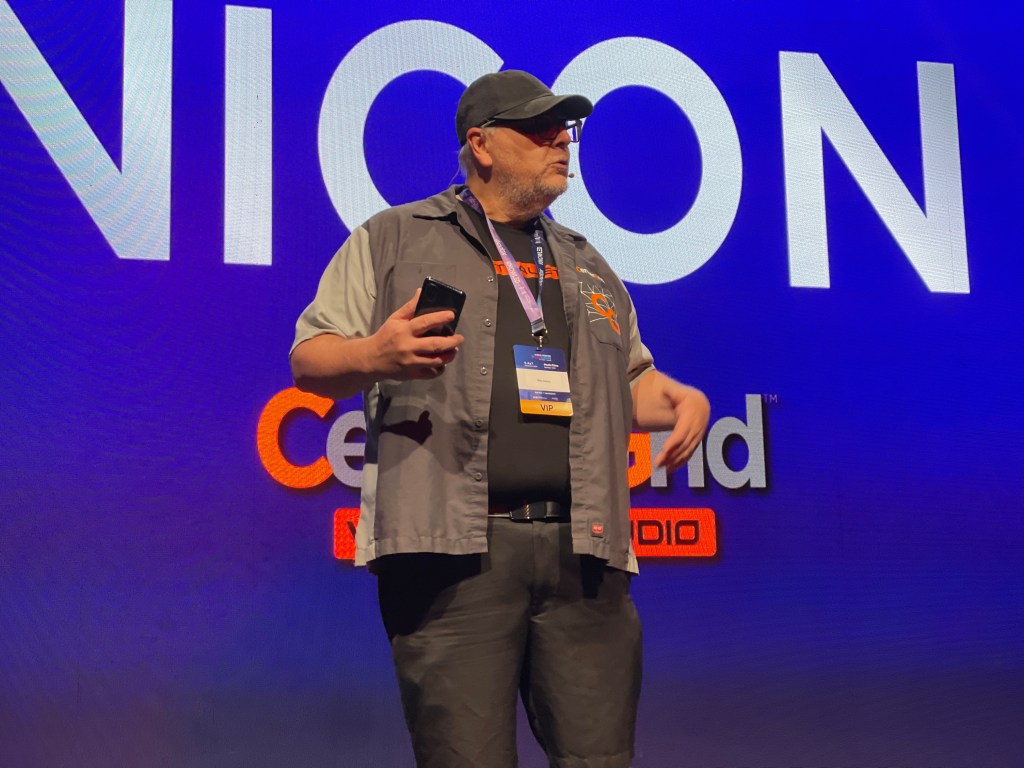
- Eric Pinkel — Cloud Virtual Production Specialist at CenterGrid.
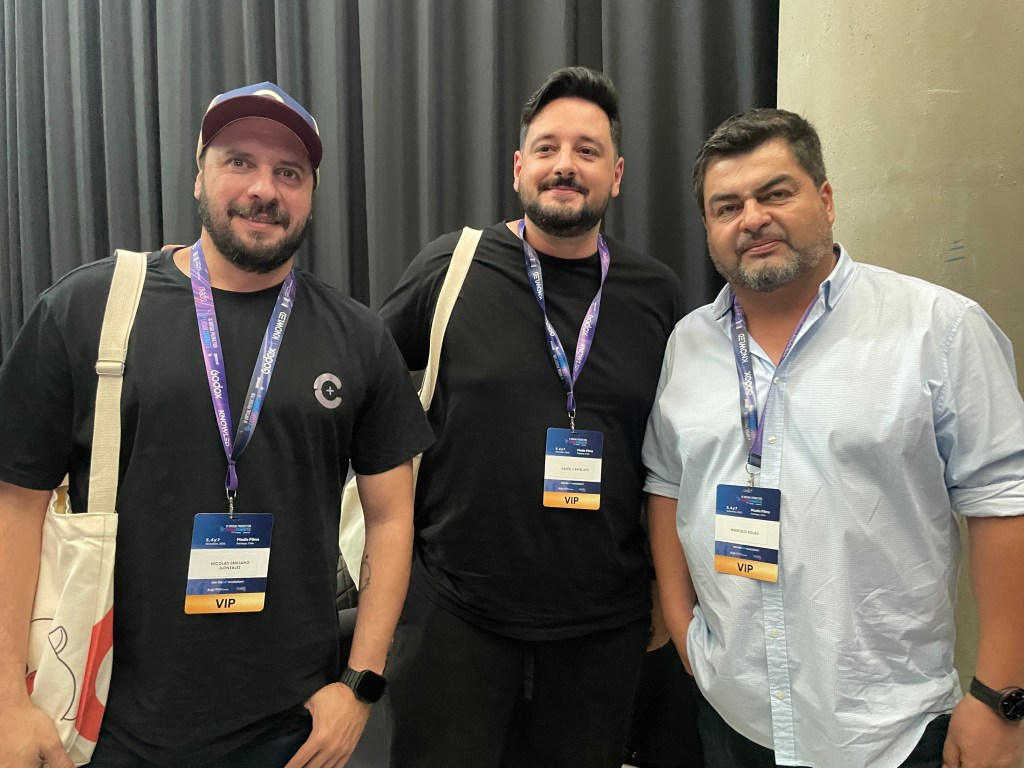
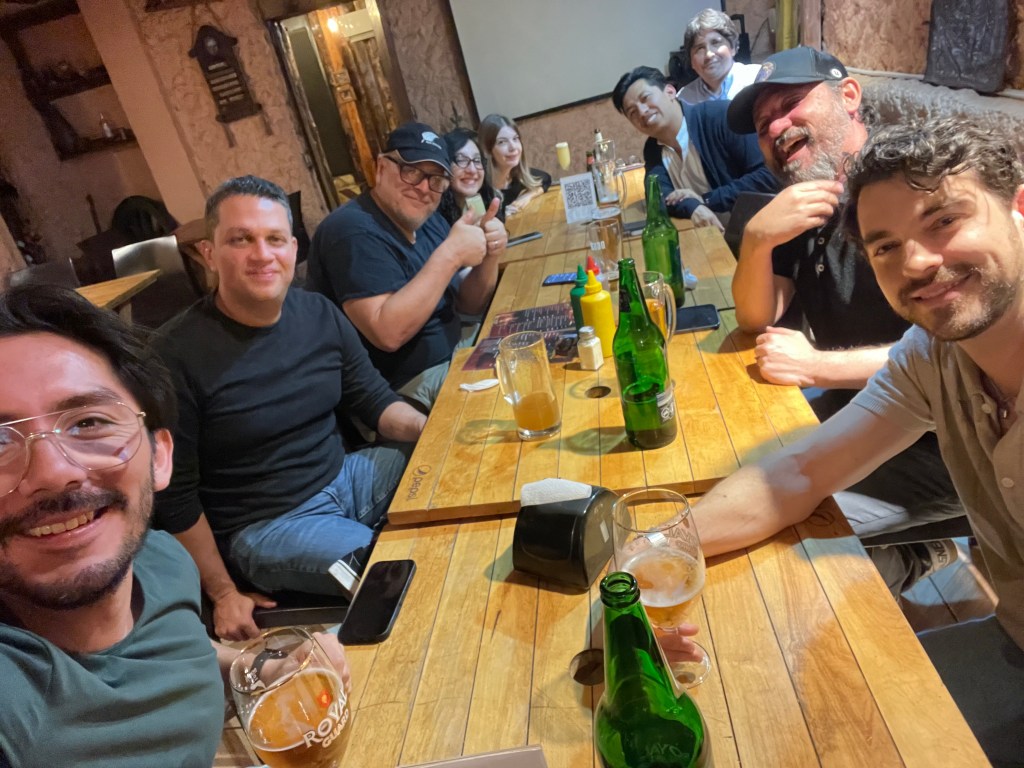
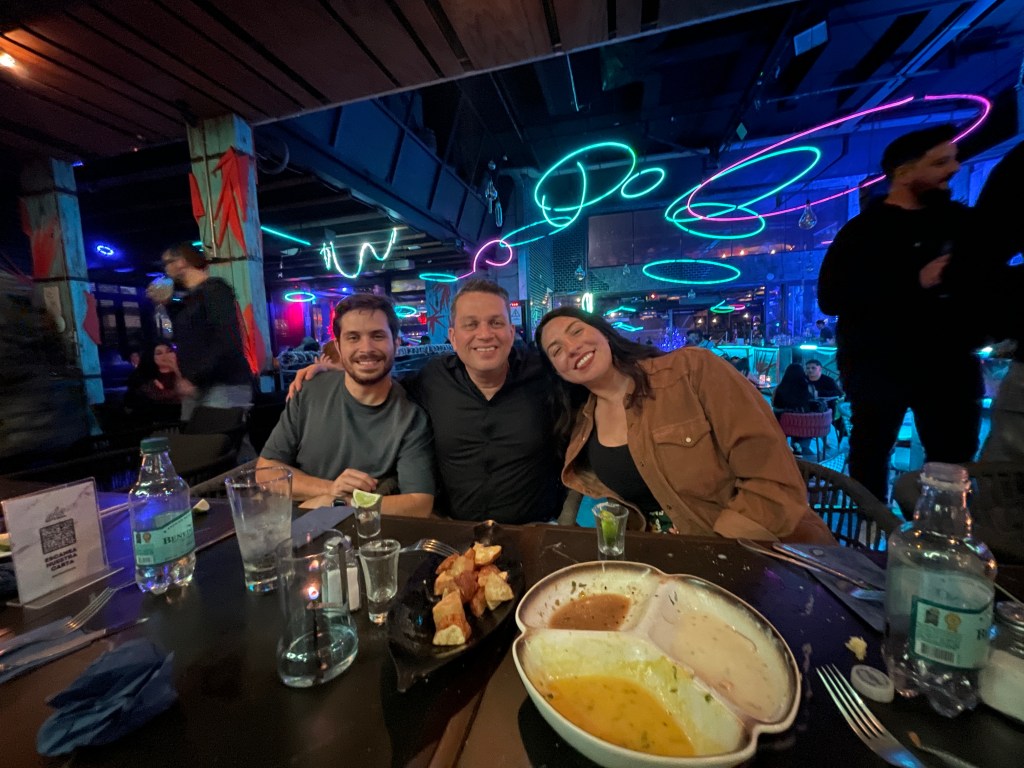
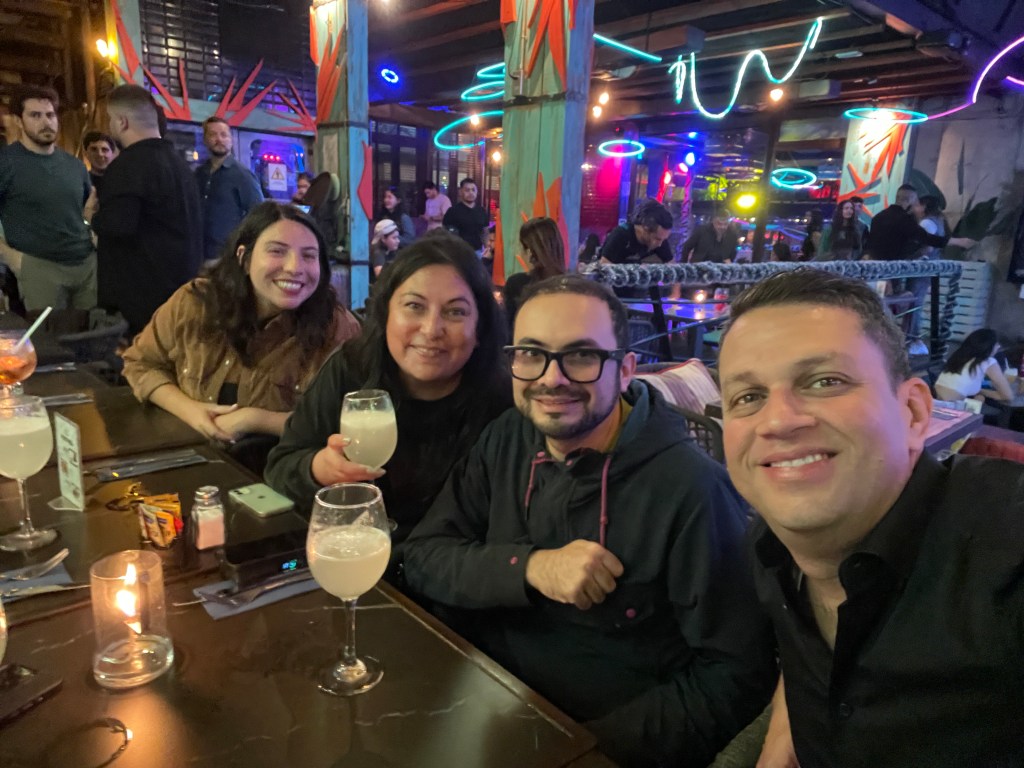
These interactions weren’t limited to scheduled sessions — informal mixers and networking receptions gave attendees the chance to exchange ideas, build relationships, and explore creative collaborations that extend beyond the summit itself.

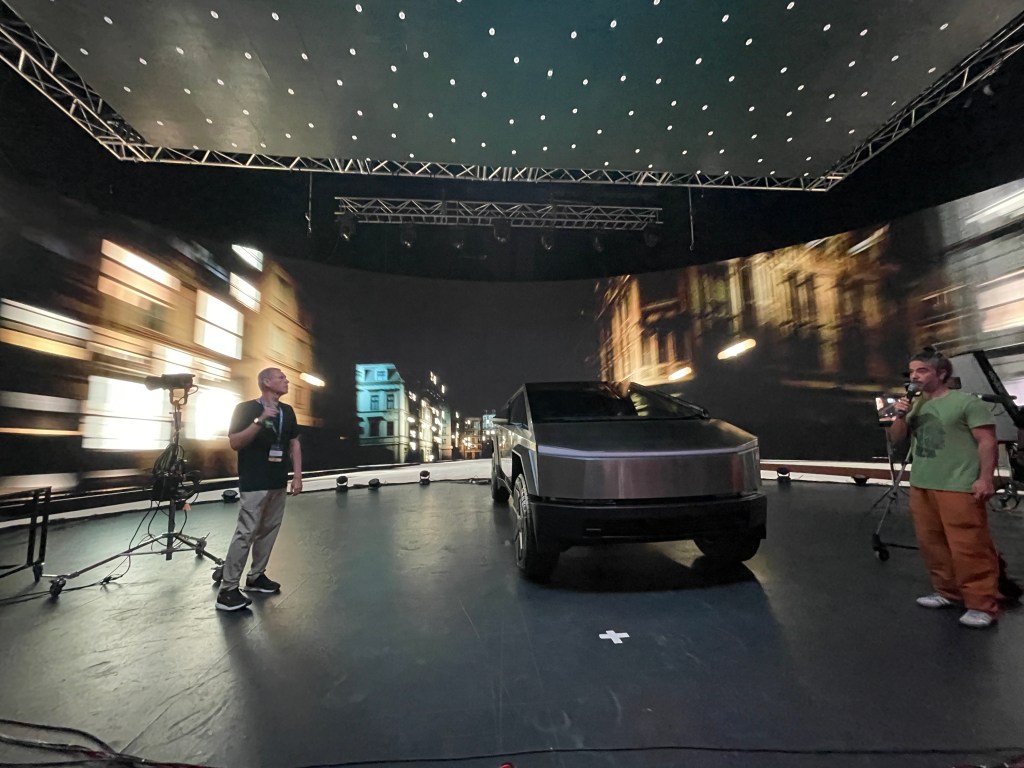
Advancing Real-Time Pipelines with Reallusion Tools
The summit spotlighted the increasing relevance of tools like Character Creator 5 and iClone 8 in collaborative production environments. When paired with professional mocap like Vicon’s Shōgun software and real-time engines, these tools empower creators to iterate faster, visualize ideas live, and streamline complex animation pipelines.
Recent updates to iClone 8, such as advanced timecode synchronization and deep integration with mocap hardware like Vicon, further enhance the platform’s viability for professional workflows in film, TV, and interactive media. These capabilities allow synchronized capture across multiple devices and media sources, boosting real-time performance and reducing post-production friction — a perfect match for virtual production environments.
A Summit to Remember — and What’s Next
Reallusion was delighted to not only participate in the Summit’s official programming but also engage deeply with the audience and partners throughout the event. The collaborative spirit, shared insights, and excitement around emerging real-time workflows made the 2025 Virtual Production Summit a standout moment for the community.
From hands-on workshops and expert panels to relaxed evening mixers, this gathering strengthened global creative bonds and showcased how real-time animation and motion capture technologies are transforming storytelling.
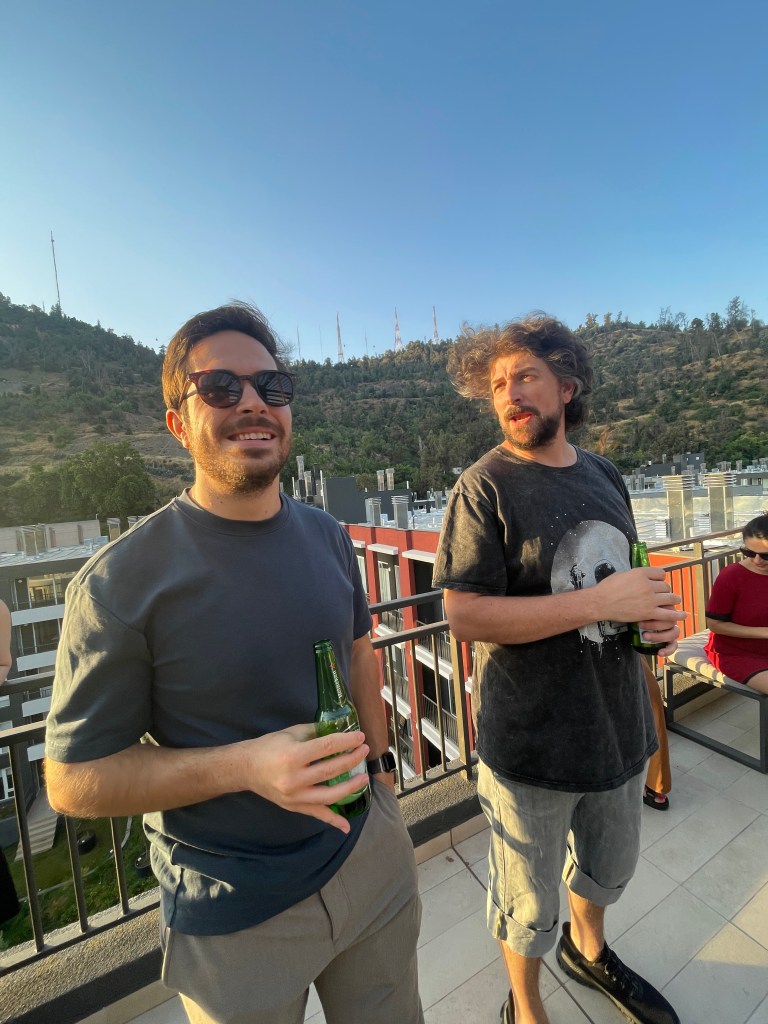

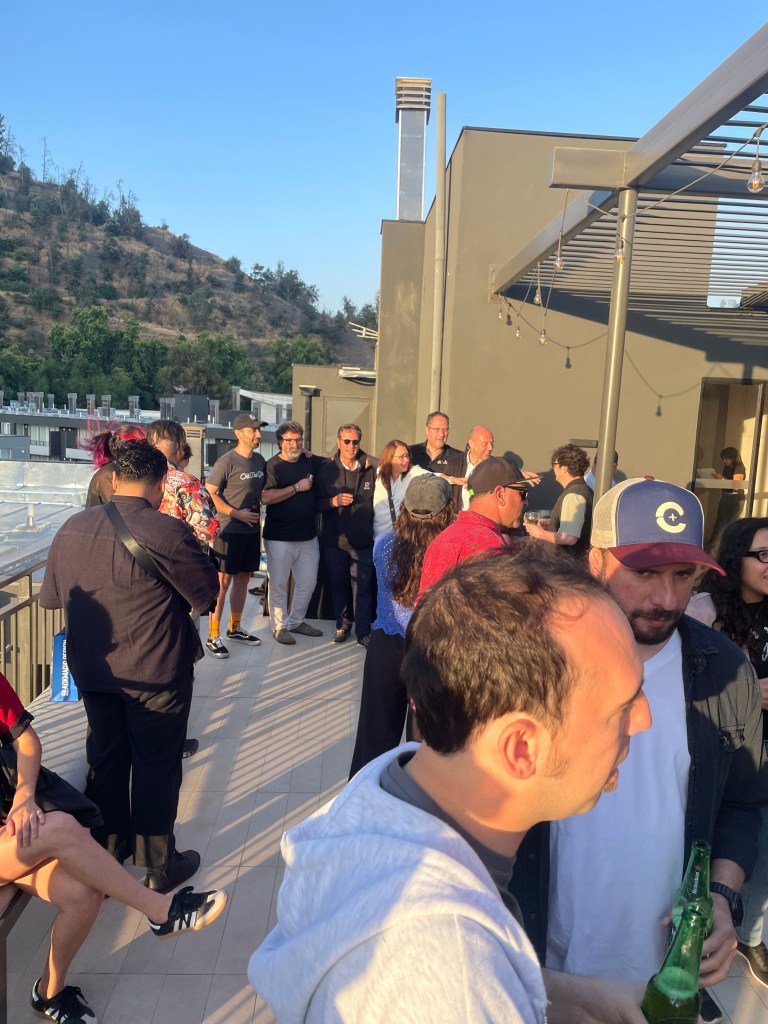
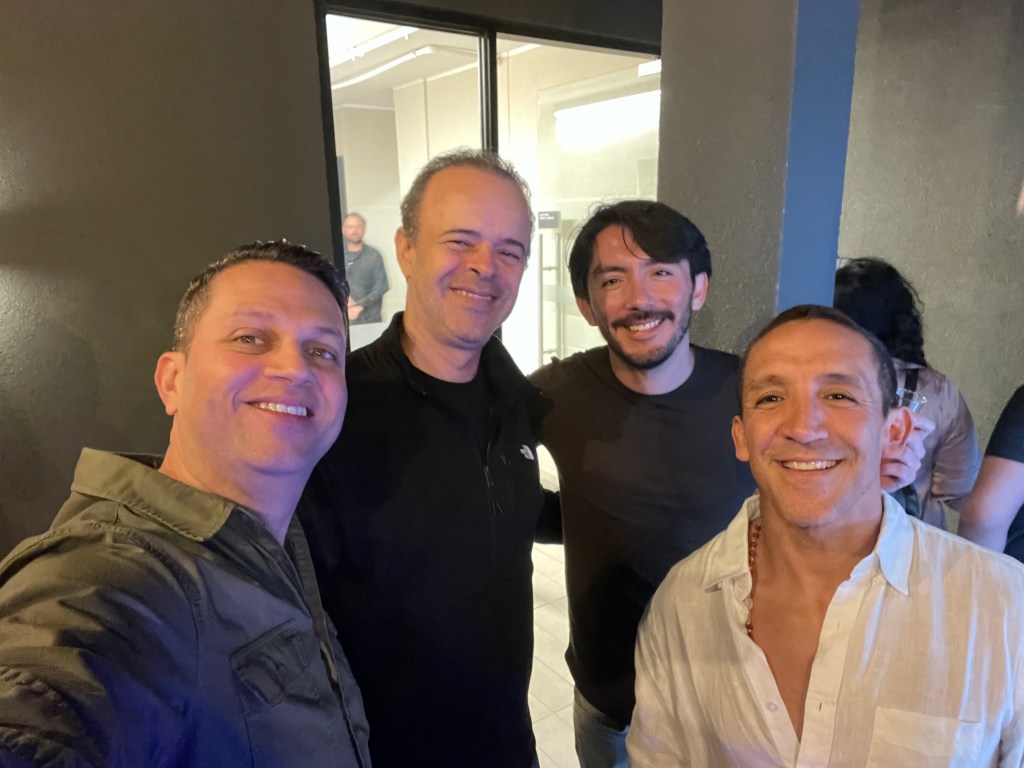


It was a fantastic event, and Reallusion extends heartfelt thanks to all partners, speakers, and fans who visited the booth or joined sessions. The company looks forward to reconnecting at next year’s summit, sharing new innovations, and continuing to support creators worldwide on the frontier of virtual production.


FAQ
How does Vicon motion capture integrate with Character Creator and iClone?
Vicon motion capture integrates with Reallusion’s Character Creator and iClone through real-time data streaming, allowing body motion captured in Vicon Shogun to drive fully rigged digital characters instantly. This setup enables live preview, rapid iteration, and synchronized animation workflows ideal for virtual production and previs.
What are the benefits of using Character Creator 5 and iClone 8 for virtual production?
Character Creator 5 and iClone 8 provide a streamlined digital character pipeline, offering rapid character generation, facial and body animation, real-time motion capture integration, and engine-ready export. These tools reduce production time, lower technical barriers, and enable creators to work interactively in real-time environments.
Who is the Vicon MoCap Integration workshop designed for?
The workshop is designed for 3D animators, virtual production supervisors, previs artists, filmmakers, educators, and studios interested in real-time animation workflows. It is suitable for both beginners entering motion capture and experienced professionals seeking to optimize real-time character animation pipelines.
Can Reallusion tools be used in professional film and streaming productions?
Yes. Reallusion tools are widely used in professional environments for previs, animation, virtual production, and real-time storytelling. When combined with industry-standard motion capture systems like Vicon and real-time engines, they support scalable pipelines used in film, television, streaming, and interactive media productions.
Related Topics
- SIGGRAPH 2025: AI Interactive Agents & Character Creator 5 in Vancouver
- Pro-Level Mocap Sync: Stream Vicon in iClone for Real-Time Animation
- Reallusion at 2024 FILBO Colombia with Libel Academy