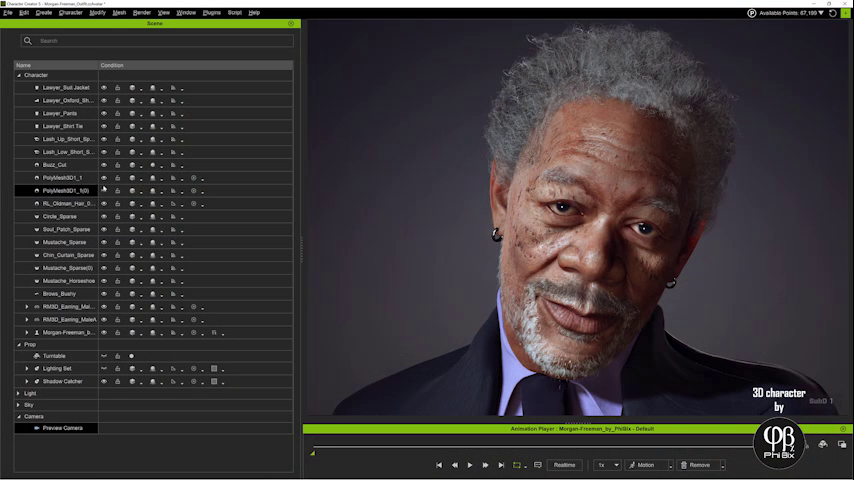
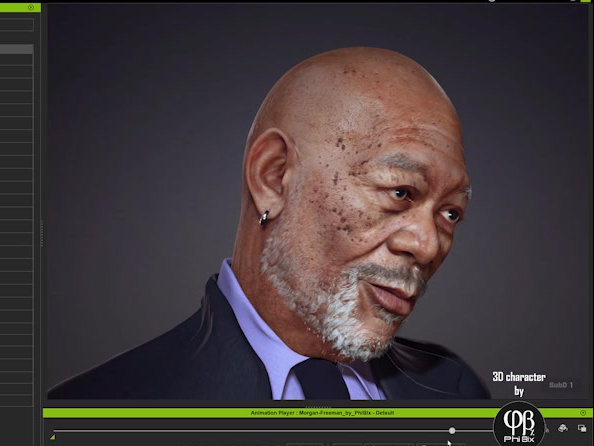
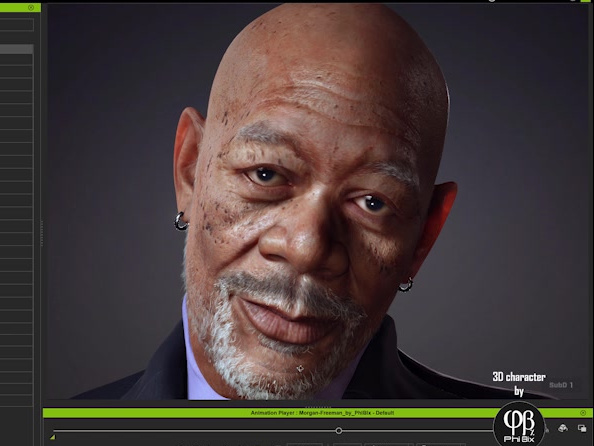
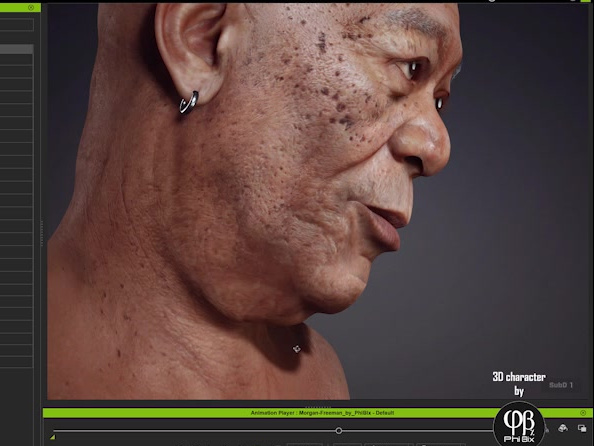
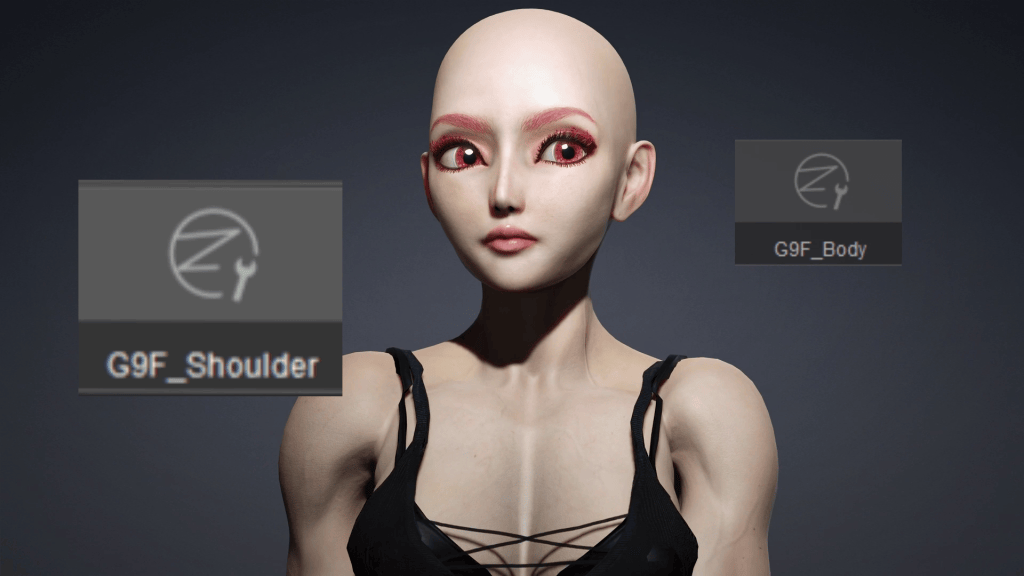
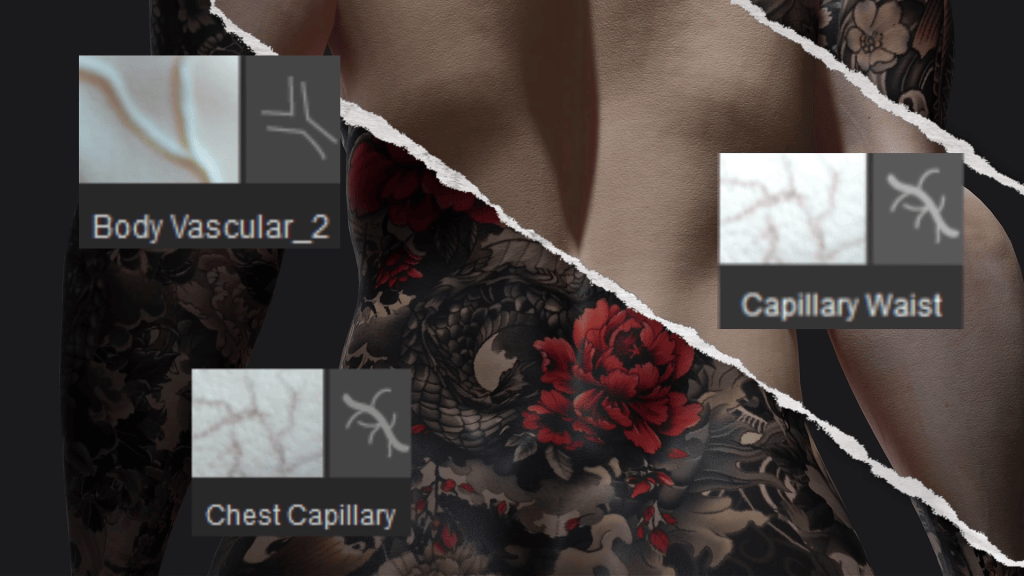
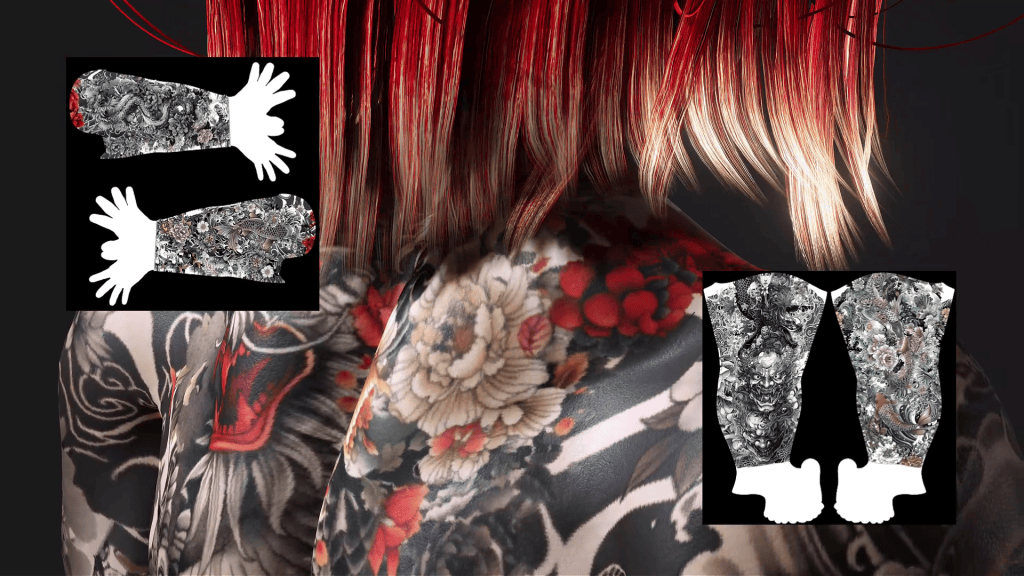
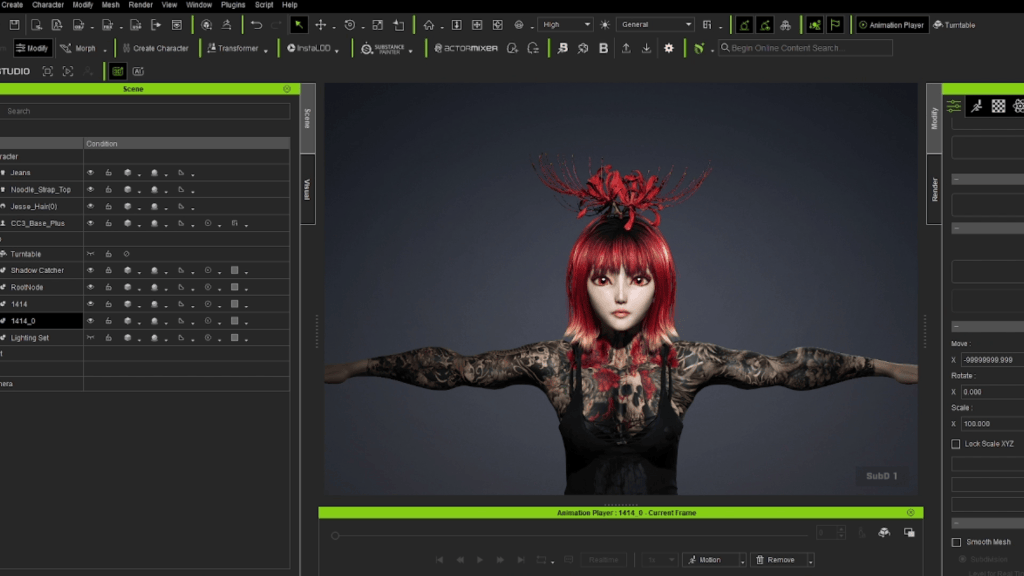
Reallusion has announced the 2026 Reallusion 3D Character Contest, offering entrants a $45,000 prize pool, free three-month access to the full Reallusion software suite, and biweekly premium content airdrops to qualified participants. Submissions are open now through 31 August 2026, so don’t miss your chance to win great prizes and compete on the global stage.
Entries will be judged by an international panel including Pablander Academy founder Pablo Muñoz Gómez and VFX artist Reza Sarkamari. We are already seeing some great entries from the Reallusion Contest Forum, and now you are just one step away from the final submission!
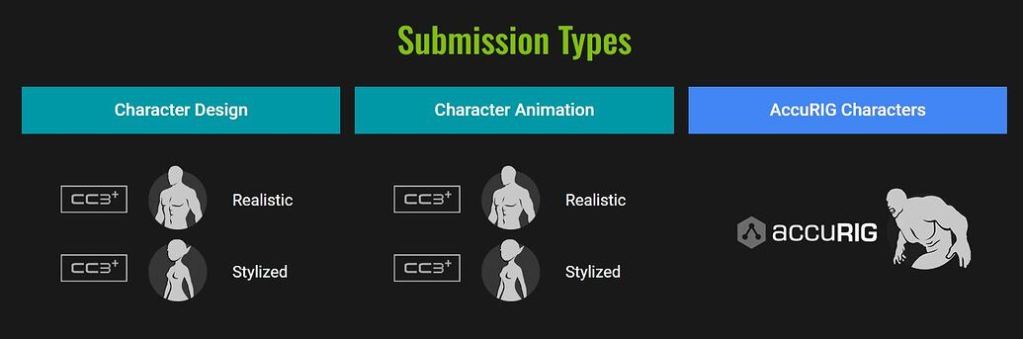
Best Character Design – Realistic ($1,000 / $750 / $500 )
Best Character Design – Stylized ($1,000 / $750 / $500 )
Best Character Animation – Realistic ($2,000 / $1,500 / $1,000 )
Best Character Animation – Stylized ($2,000 / $1,500 / $1,000 )
Best AccuRIG Characters ($500 * 3 )
Special Prizes
Best Render
Best Pipeline Use
Best Mocap Use
Best Costume
Best Digital Double
Student Artwork
10 Years, One Stage for 3D Character Artists
This marks the sixth time Reallusion has hosted its 3D Character Contest. Over the years, the competition has grown into one of the few remaining character art contests still actively run by a 3D software company.
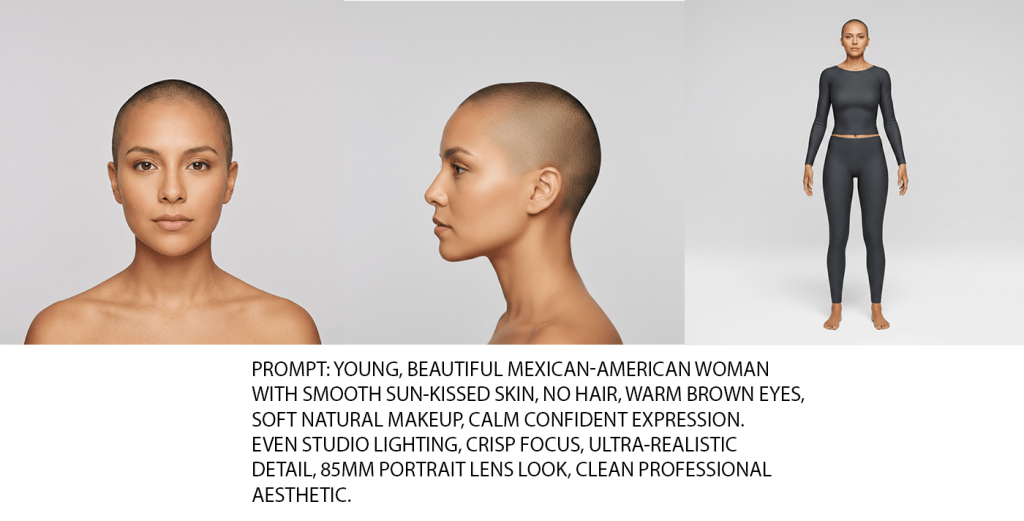
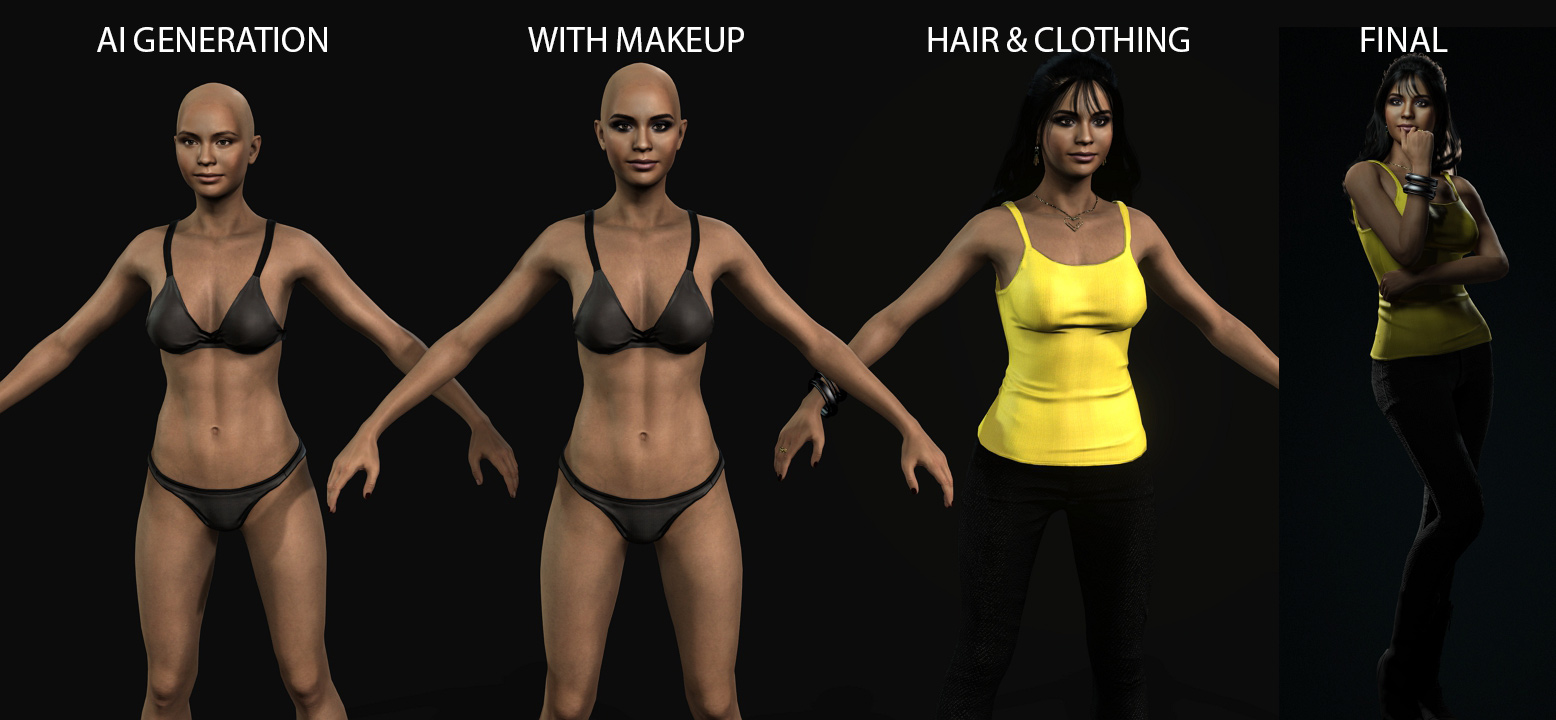
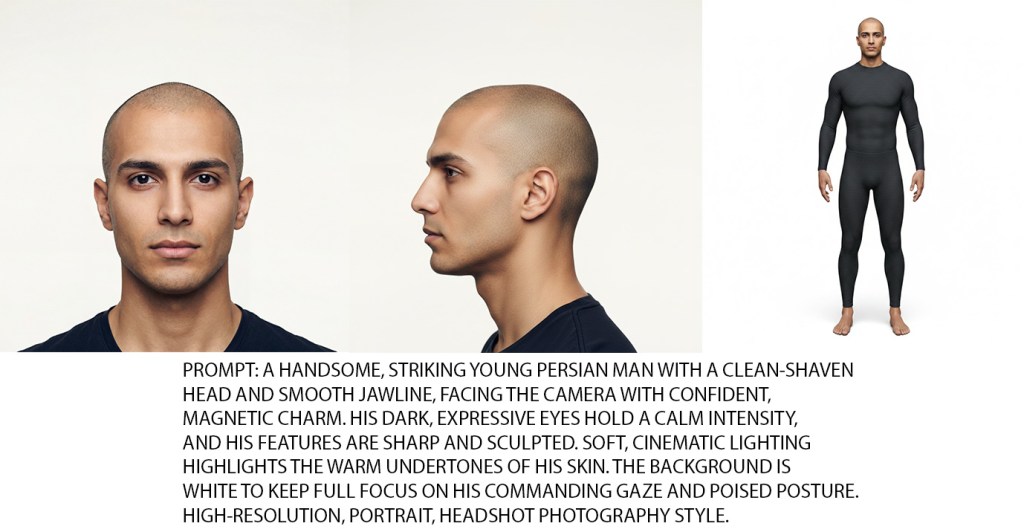
The AI wave has swept across the entire 3D industry, and Reallusion is no exception. To adapt to this trend, the company has introduced AI-powered features across its product line, from Headshot’s photo-to-model generation to AI-assisted content workflows. But for this contest, Reallusion is drawing a clear line: entries must be grounded in traditional 3D craftsmanship. Participants are welcome to use AI for concept art, reference generation, or as a creative aid in their process, but final submissions (renders, turntables, and animation clips) must be produced through conventional 3D workflows, not AI-generated output. The goal is simple: a level playing field where artistry and skill speak for themselves.
The 3D industry is going through extraordinarily tough times in the age of AI. That’s exactly why we keep running this contest. We want to give talented artists a stage to show the world what they can do.”
Charles Chen, CEO, Reallusion
Portfolio Artist Program: Experience the Full Suite Software & Premium Content Airdrops
To welcome new talent and remove any barrier to participation, Reallusion is offering an exclusive Portfolio Artist Program, free 3-month fully licensed software workgroup to qualified applicants. The workgroup includes the full character creation and real-time animation toolkit, including Character Creator 5 Deluxe, iClone 8, Headshot 3, AccuFACE 2, and ZBrush Face Tools. To support all pipeline users, Reallusion also offers Auto Setup for Unreal, Blender, Maya, Marmoset Toolbag, 3ds Max, Unity, and Omniverse users.
To speed up your creation, in a first for the contest, Reallusion is also introducing bi-weekly content airdrops throughout the competition period. Every two weeks, one popular content pack will be added directly into participants’ workgroups, giving creators an ever-growing library of production-ready characters, hairstyles, outfits, and motions to fuel their entries. Premium content access, such as Hair Builder, Casual 20, and other best-selling assets are included in this contest timeframe for approved applicants. To let you experience the full power of the Reallusion ecosystem.
This section is specially designed for an established character artist background, the best chance to let us know you. To apply, simply submit an online form for review. Applications are accepted through July 31, 2026, and workgroup access remains active until the contest concludes. The earlier you apply, the more time that you will have to work with.
A $45,000 Prize Pool Sponsored by Industry Giants
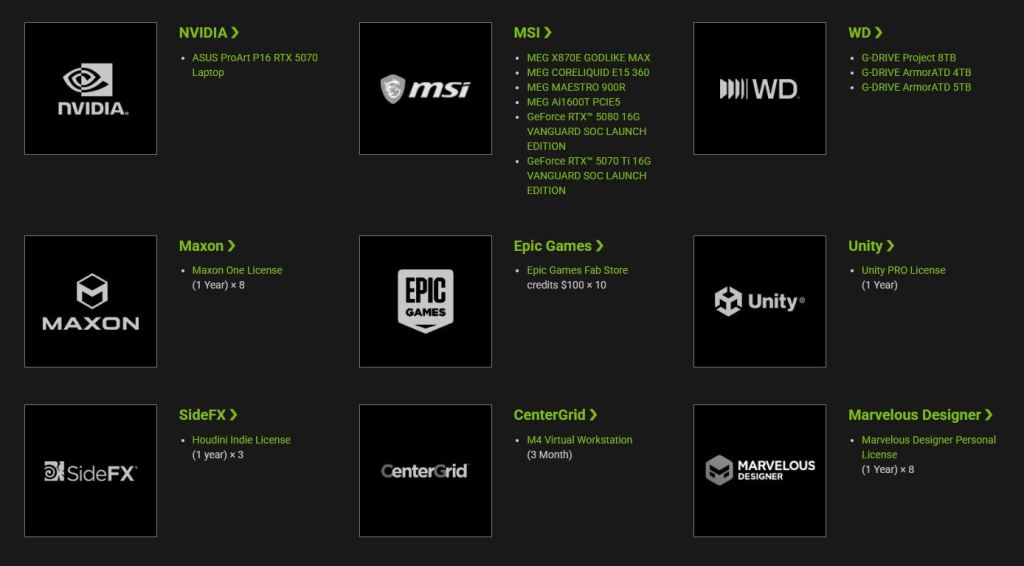
This year’s event is backed by a powerhouse roster of industry leaders, offering a combined $45,000 in cash and prizes. Reallusion is honored to partner with NVIDIA, Maxon, Epic Games, Unity, Autodesk, Houdini, MSI, G-Drive, and CenterGrid to provide contestants with the professional hardware, cloud resources, and software support needed to bring their visions to life.
Beyond the Prizes: Career-Defining Exposure
In addition to cash and hardware, distinguished contestants will be featured across popular 3D media outlets and magazines through dedicated articles and promotional highlights. Selected artists may also be invited to join Reallusion’s digital content ecosystem to monetize their work or collaborate on official showcase projects. Submit your entry before August 31, 2026, to win big! For more information on rules, prizes, and how to apply for free software and content airdrops, visit the contest webpage.
Motion Puppet has long been a feature of iClone and is a great tool for creating animations fast without knowing how to animate at all. It’s a time saver for easy filler motions for more advanced users and an introduction into timing, masking, and layering for beginners, which are all concepts important to improving as an animator.
The Motion Puppet is simple in use and easy to grasp for most beginning iCloners. Part of its power is in the built-in Preview system that allows you to see the motion in action before committing to it. If the motion wasn’t what you wanted during the preview, you just stop the preview, and it all reverts back to the state it was in before you previewed.
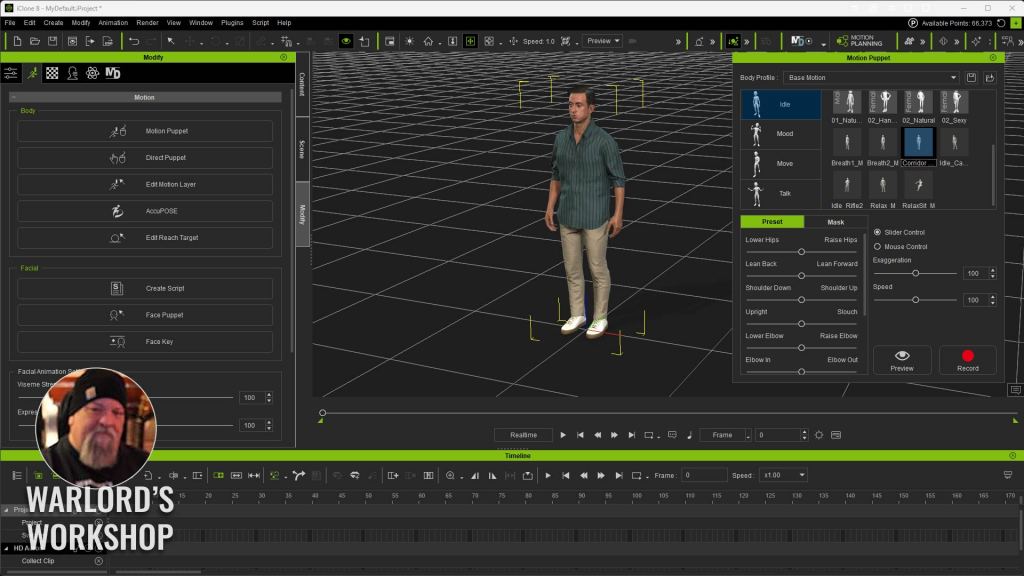
The Motion Puppet Popup
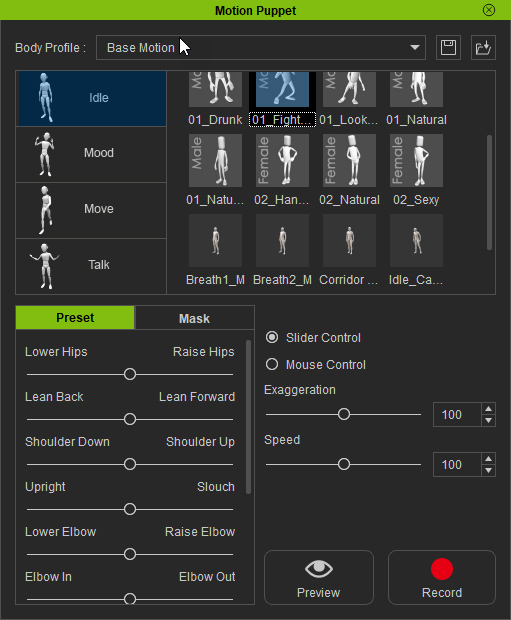
The pop-up contains a simple interface with three main sections: the type of motion (Idle, Mood, Move, Talk), the available motions in each type, and the slider controls for Exaggeration and Speed, or you can use a mouse to control the Exaggeration of the movements.
Next up is the Preset and Masking control area on the bottom left of the popup. Masking is a very important feature and the main reason to use the puppet. The masking, if you are not familiar with it, allows us to layer in animations by masking out or freezing limbs during animation runs with the puppet. This means we can work with only the legs in one run and the arms, head, and/or torso in another run or a combination of runs, creating a custom animation out of all those layers. More on this later.
The last buttons on the right side of the pop-up, Preview and Record, allow you to preview the motions before committing, which is a great idea for beginners, as after the preview is over, everything will return to the state it was in before the preview and at the exact keyframe position too.
Masking
Now comes the fun part of Motion Puppet… masking.
In iClone 8’s Motion Puppet, Body Part Masking lets you decide which parts of the character will be affected by the puppet performance and which parts will be left alone. Think of it as a selective “apply motion here” filter. You can include only the upper body for gestures, only the lower body for locomotion, or isolate a single arm for a quick pointing or waving pass while everything else stays as-is.
Masking becomes especially powerful when you’re layering motions, as mentioned earlier. If you already have a walk cycle recorded, you can select the torso, arms, and head using Motion Puppet to record a new upper‑body performance, like talking with hands, reacting, or carrying something, without overwriting the footwork. This makes it easy to build up an animation in passes, keeping the parts you like and only replacing what needs improvement.
Select the body part or parts, then use Preview to test the result. If the motion isn’t behaving the way you expect, maybe the shoulders are moving too much, or the hips are being influenced. Stop the preview, make your adjustments, and preview again until it’s clean. Once it looks right, hit Record to commit the motion, and only the enabled body parts will receive new motions.
With a little practice, Body Part Masking turns Motion Puppet from a one‑click motion generator into a flexible performance tool, letting you combine multiple puppet recordings into one more polished animation.
Previewing
Even though we just discussed it in the previous section, let’s discuss how Previewing enables creative freedom at the beginner’s level. One of the worst things an animator can face is destructive editing. The type of editing where the only way to recover from a mistake is to reload the file and start again. A lot of animation tools have this destructive editing, but the Preview mode removes all of that by NOT making any edits at all until you record it.
It takes a deliberate act of pressing Record to get started, and by then, you will have already previewed and adjusted as many times as it takes to get the quality of work you want without losing the starting place of the motion. Most of us go through some version of putting in a lot of work just for something to hiccup along the way and cause irreversible changes that require the reload. Previewing eliminates this entirely.
If the scene isn’t working as you want it to, you can keep changing it until it does with no destructive edits at all. On the downside, this sometimes gives us too much creative freedom as we can get stuck on minutia, bogging down the project, so this is a tool to use wisely, as they say, else you will find yourself running endless edits.
The Benefit of Layering Motions
Combined with masking, this is the ultimate beginner’s tool. To keep this simple for your first attempt:
record a base animation with no masking the first time. If you are not familiar with Motion Puppet and Masking, check out the online manual section about it here.
After you record the base motion, select another motion and go to the Masking Tab on the lower left of the Motion Puppet popup. Click on the legs or other limbs to mask them out so they retain the original motion. Preview and Record that motion.
Select another motion and mask out everything EXCEPT the head so only the head is affected. This can be any limb or any combination of limbs. Preview and Record the motion
You have just layered motions on top of a base motion, but they will be treated as one motion in the timeline should you need to edit it.
Adding New Motions to Motion Puppet
It wasn’t really a well-publicized feature, but it has always been possible to add more motions to the Motion Puppet. Adding them to existing folders already in the Motion Puppet library is easy and should be crash-proof.
This first step can be the toughest part of this whole thing if you do not understand file location. If so, this will be a little tricky and may be a showstopper. This is just a warning, as we will be adding items to the installed program, not the custom asset locations.
Search for the MotionPuppetPreset folder in your iClone installation to determine its location on your system.
NOTE: The Motion Puppet now uses the iMotion format. You can load other motions like rlMotion into a character, then right-click on the motion in the timeline and select Save with Motion, choose the iMotion file suffix in the dropdown menu, and save. This is demonstrated in the tutorial below.
Locate the directory that the Motion Puppet motions are in. This will be a TEMPLATE motion, not a CUSTOM MOTION. This is a rare time that we actually add files to the template instead of Custom location. In my case, iClone is installed on another drive in a custom location under the following path convention: /iClone 8\Program\Assets\iClone\MotionPuppetPreset\Base Motion
Locate the motion file that you want to copy. In iClone, you can right-click on the motion icon in the Content Manager and select Find File, but remember to convert it to iMotion as shown in the tutorial below, which saves the iMotion to the Motion Puppet location.
Copy the iMotion file to one of the four folders already in the Motion Puppet, then copy and paste any one of the ini files and rename the ini file to the exact name of the iMotion file. It has to be the exact same name, including spaces and underscores. A thumbnail will be generated in the Motion Puppet and is easily recognizable from the original
I used the Idle folder in my example, but you can use any one of the four existing folders. They don’t have to be the kind of motion listed in the folder either. This is just a quick start to show you how to get the motions in the right location so the Motion Puppet can see them.
Managing the Added Motions
With this simple method, there is no easy or good way to manage them. As simple as it is, you might just want to delete the ones you don’t use very often and add them back when you need them. You’ll soon figure out your own system.
So far, the motions I have added are always at the bottom of the existing stock motions that come with Motion Puppet, as the stock motions had numbers in the name, like 01_Natural, which keeps them at the top unless you use numbers on your added files. By not using numbers, those files will be at the bottom as mentioned earlier in alphabetical order based on the filename. The iClone-generated thumbnail is another identifier.
ADVANCED – Creating a New Folder at the Base Motions Level
This is up to you whether you want to go this far, and I’m not going to cover it in this article, but I have dug up some links to some old tutorials from users on this, so you can educate yourself on the ins and outs of that method. If you make a mistake like a missing icon when you make a new higher-level folder, then iClone can crash, so that is why we will not get into it in this beginner’s guide.
NOTE: BE WARNED, if you choose to go the advanced route and make a mistake, iClone can crash so understand what you are going to do before you attempt it. Just following the steps can work, but can also lead to an unstable installation if errors are made.
Summary
I didn’t find anything new when I was researching information, nor did I find any recent tutorials other than the ones I mentioned in the Advanced section. If you are confused by anything I wrote in that section, then don’t go that route until you do understand.
The Motion Puppet has been a feature for a long time, as I mentioned earlier, and it deserves a lot more attention with the powerful masking feature, considering how simple it is to use. Considering that beginning animators have a lot to learn, a tool like the Motion Puppet is almost like throwing a life preserver to an animator drowning in informational overload. No need to know what keyframes and curves are at this basic level, as the Motion Puppet takes care of all the necessary technicalities in the background.
Even if you are a Pro and have never gone this route, then give it a try, as you might just find out mixing and layering motions with the Motion Puppet can create a lot of filler action and up close to the camera motions with little tweaking.
At the end of the day, Motion Puppet is a tool that empowers beginners by allowing them to create easy animations early on without having to spend months or years learning the software. That builds confidence, which leads to a more productive learning experience and avoids burning out from frustration with advanced techniques.
Digital Artist MD “Mike” McCallum, aka WarLord, is a longtime iClone user. Having authored free tutorials for iClone in its early years and selected to write the iClone Beginners Guide from Packt Publishing in 2011, he was fortunate enough to meet and exchange tricks and tips with users from all over the world and loves to share this information with other users. He has authored hundreds of articles on iClone and digital art in general while reviewing some of the most popular software and hardware in the world. He has been published in many of the leading 3D online and print magazines while staying true to his biggest passion, 3D animation. For more information, click here.
iClone 8 and AI Studio combine for a powerful 3D-guided AI video generation pipeline, ensuring consistent characters and animations across diverse artistic styles.
Award-winning animator Benjamin Sokomba Dazhi (Benny Dee) demonstrates how to leverage iClone’s precise scene and camera control to prevent AI hallucinations and maintain IP.
The workflow involves preparing characters in Character Creator 5, animating in iClone 8, then using AI Studio’s “3D To Image” and “3D To Video” functions for multi-style rendering.
Users gain full creative control and IP ownership over their AI-generated content, crucial for filmmakers, marketing agencies, and game developers.
This AI Studio Storytellers article by Benjamin Sokomba Dazhi (Benny Dee), an award-winning Nigerian animator, details a cutting-edge workflow using iClone 8 and AI Studioto generate diverse AI video render styles from precise 3D animation. It addresses the critical need for consistency, control, and IP ownership in AI-generated content, enabling 3D filmmakers, game developers, and marketing agencies to achieve stunning visual variety without sacrificing creative integrity.
“Reallusion’s AI Studio expands your creativity while preserving asset consistency and IP ownership. It combines iClone, Character Creator, and AI-generated video without sacrificing control over your 3D characters, scenes, animation, or lighting.”
BENJAMIN SOKOMBA DAZHI — Renowned 3D Animator, Director, Musician, Cinematographer
AI Studio Storytellers: Exploring Dimensions from iClone to Multi-Style AI Render
What is 3D-Guided AI Video Generation?
3D-guided AI video generation represents a paradigm shift in digital content creation, offering artists unparalleled control over AI-driven outputs. This approach leverages established 3D animation software like Reallusion’s iClone 8, Reallusion’s flagship real-time animation suite, to serve as the foundational blueprint for AI models.
By providing a fully animated 3D scene – complete with characters, environments, lighting, and camera movements, users dictate the precise motion and composition, which AI Studio then interprets and renders in various artistic styles. This method fundamentally solves the common challenges of AI video generation, such as maintaining character consistency across frames and preventing visual hallucinations, by grounding the AI in accurate 3D data.
Bridging iClone 8 and AI Studio for Consistent Creativity
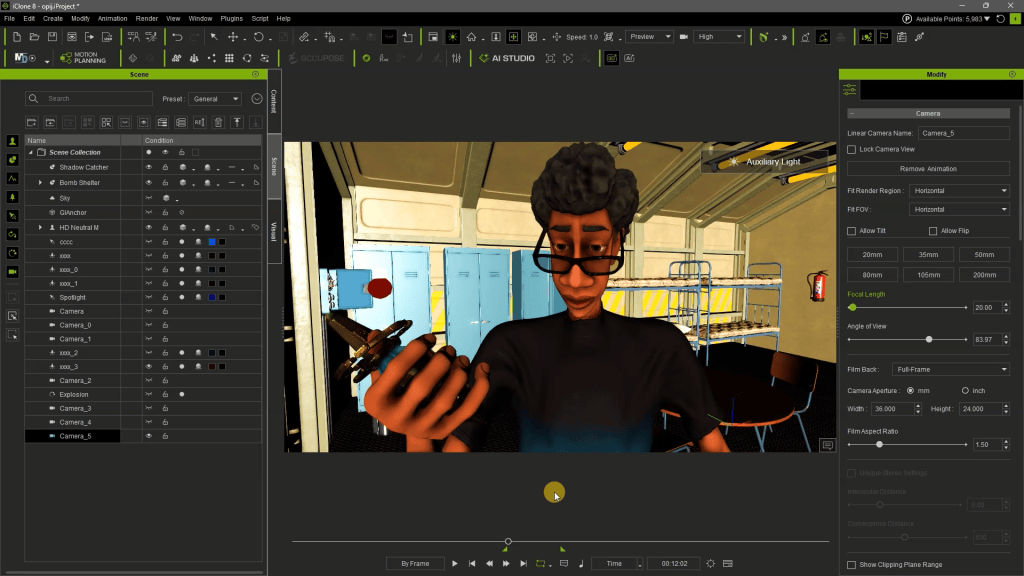
The workflow begins in the familiar environment of iClone 8 and Character Creator 5, Reallusion’s comprehensive character design tool. Artists first create or import their 3D characters, often leveraging tools like the Headshot 3 plugin for rapid, photorealistic head generation. The animated character and scene are meticulously prepared in iClone, with careful attention to lighting and camera work.
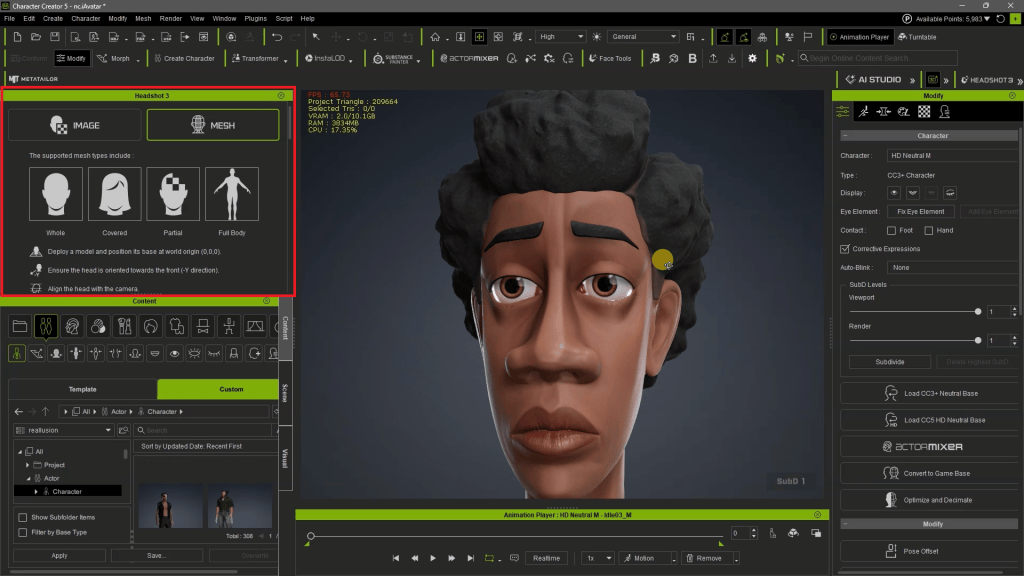
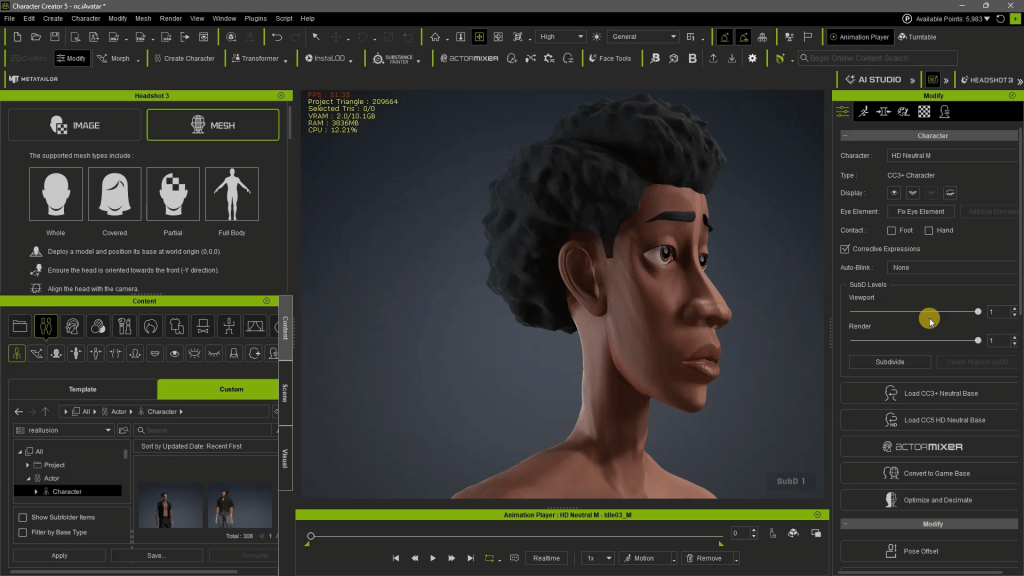
Creating Liam character with Headshot 3 in Character Creator 5Headshot 3 in Character Creator 5
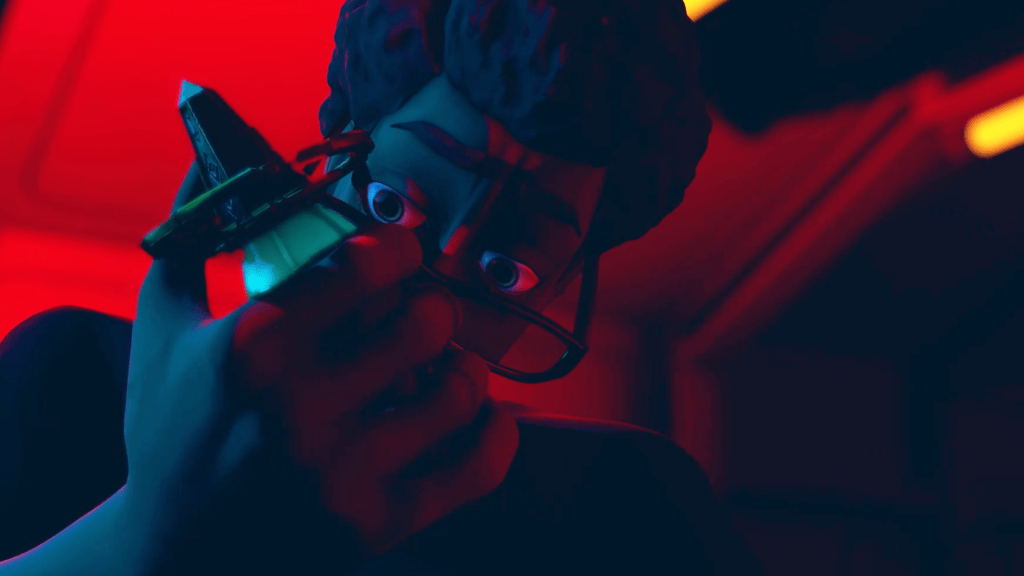
According to Benjamin Sokomba Dazhi, “The first thing I did was to animate my Character Creator generated avatar in iClone and prepare my scene in iClone.” This initial preparation includes setting up the scene, lights (Benny Dee often uses simple two-color lighting like red and blue for cinematic effect), and intricate camera movements. Crucially, the iClone PopCornFX plugin can be used for dynamic particle effects, adding another layer of visual complexity to the 3D guidance.
This initial iClone scene preparation includes setting up the scene, lights (Benny Dee often uses simple two-color lighting like red and blue for cinematic effect)
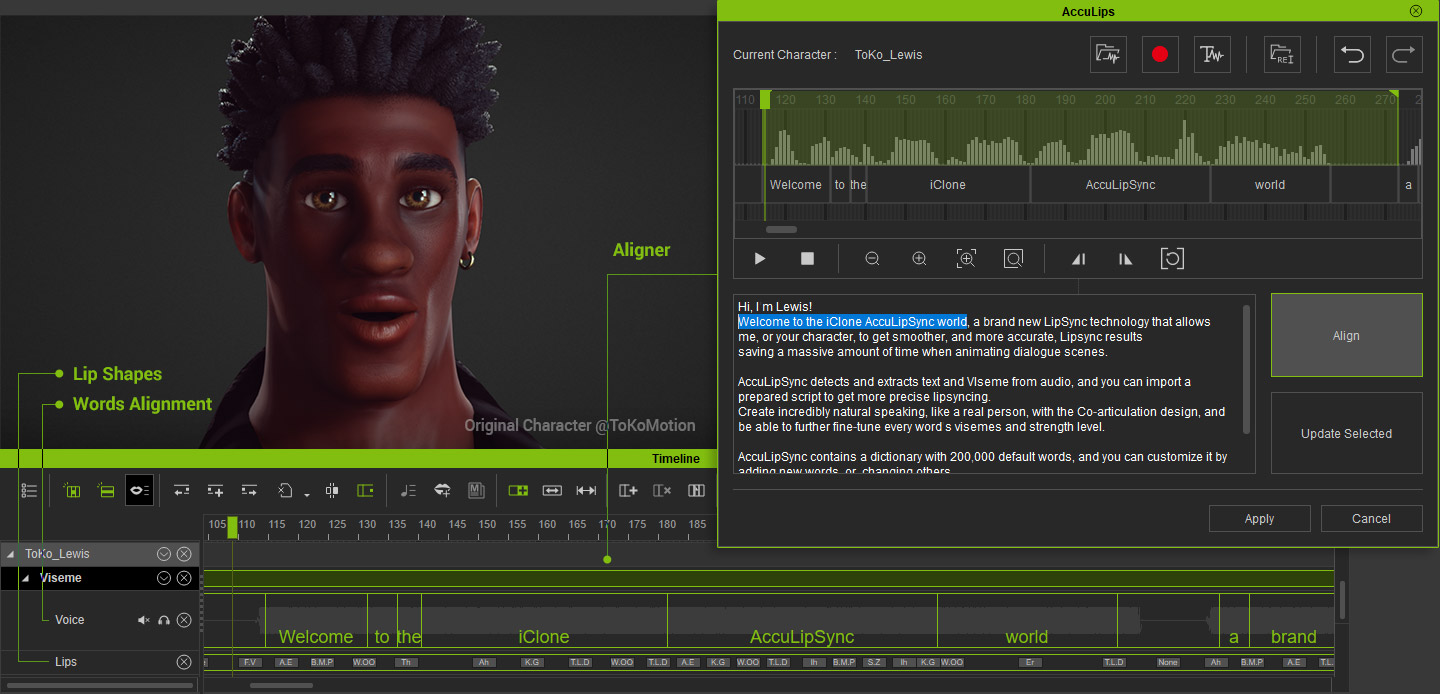
Voiceovers can be generated using iClone’s text-to-speech combined with external AI tools like ElevenLabs, then perfectly lip-synced to the character using iClone AccuLIPS, ensuring narrative cohesion. This comprehensive 3D data then becomes the robust input for AI Studio.
The iClone AccuLIPS system can automatically generate accurate text data, and correct viseme timing from an imported voice.
Featured Artist Spotlight: Benjamin Sokomba Dazhi (Benny Dee)
BENJAMIN SOKOMBA DAZHI — Renowned 3D Animator, Director, Musician, Cinematographer
Benjamin Sokomba Dazhi, widely known as Benny Dee, is an award-winning Nigerian animator, film producer, and creative storyteller renowned for his distinctive visual style and technical prowess. Hailing from Niger State, Benny Dee’s career bridges animation, filmmaking, music, and emerging technologies, establishing him as one of Africa’s leading digital artists. His collaboration with Cartoon Network for the CN Dance Challenge showcased his ability to blend vibrant African culture with energetic animation on a global stage.
Benny Dee is an internationally respected expert in Reallusion’s iClone and Character Creator ecosystem, particularly noted for his mastery of real-time lighting, cinematic rendering, and virtual production techniques. He also leverages NVIDIA Omniverse for advanced rendering and collaborative workflows, pushing the boundaries of digital filmmaking. His methodology for integrating iClone’s precise 3D guidance with AI Studio exemplifies his innovative approach to animation and storytelling, ensuring consistent, high-quality results across diverse AI render styles.
Benny Dee’s Multi-Dimensional AI Workflow
Benny Dee’s workflow for creating multi-style AI renders centers on a narrative concept where a character, Liam, travels through different “dimensions” or rendering styles. He meticulously prepares Liam’s character in Character Creator 5 using the Headshot 3 plugin, then imports Liam into iClone 8. Here, he animates Liam, designs the lab environment, and sets up dramatic lighting using just two colors, often blue and red, to achieve a cinematic look. Different camera angles and switches are choreographed in iClone to emphasize transitions between dimensions.
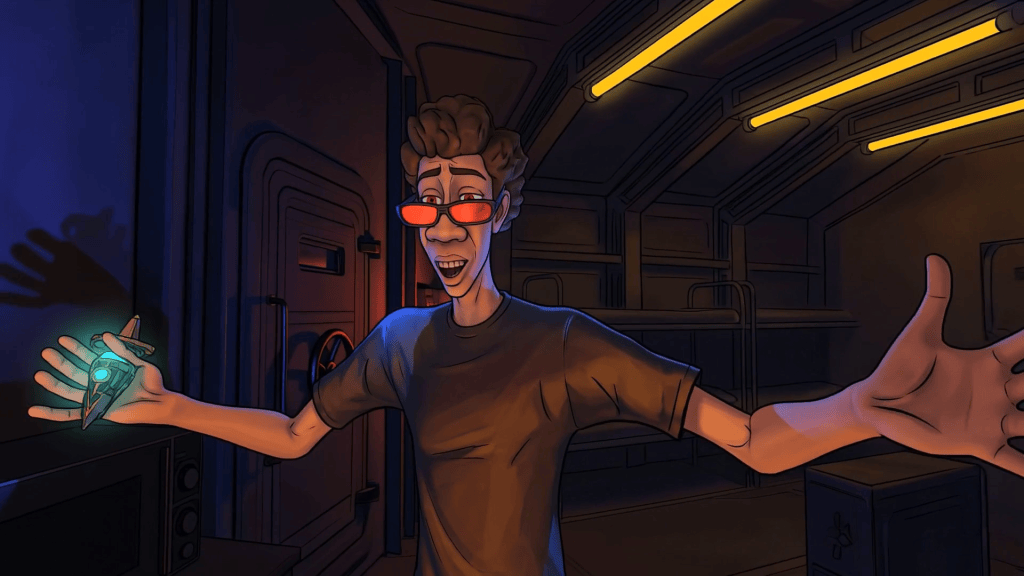
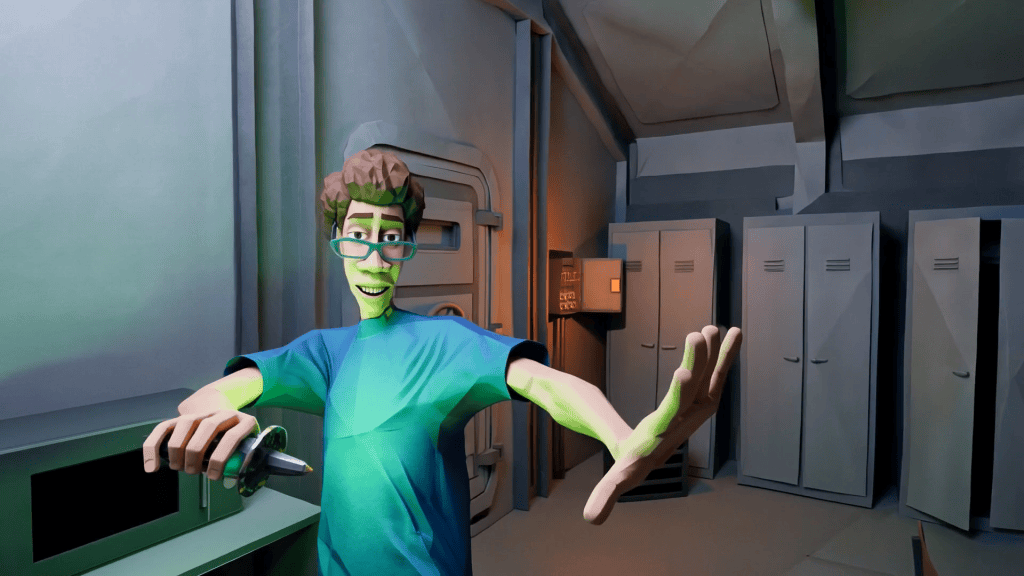
By capturing specific frames and video segments from iClone, Benny Dee guides AI Studio to render these segments in a multitude of artistic styles—from 2D Anime to Origami Art—while ensuring Liam’s appearance and actions remain consistent across all transformations. This control is paramount for storytelling where character identity must be preserved despite radical stylistic shifts.
Original iClone real-time DX renderAI Studio render style – 2D AnimeAI Studio render style – OrigamiAI Studio render style – Minimal Cartoon
Mastering Multi-Style AI Rendering with AI Studio
AI Studio empowers artists to transcend traditional rendering limitations by offering a robust platform for 3D-guided AI creation. It is powered by advanced models like Seedance 2.0, Veo 3, KlingAI, and Flux, providing 3D-guided scene layout and absolute motion control. This process transforms original 3D characters into consistent AI Actors (iModels), allowing for unprecedented creative versatility.
Step-by-Step AI Image Style Generation
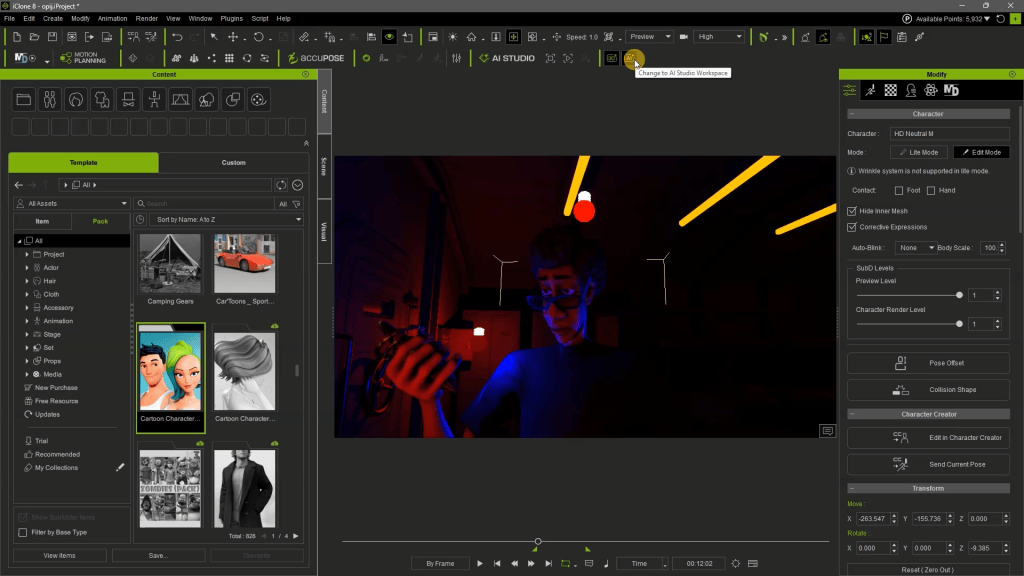
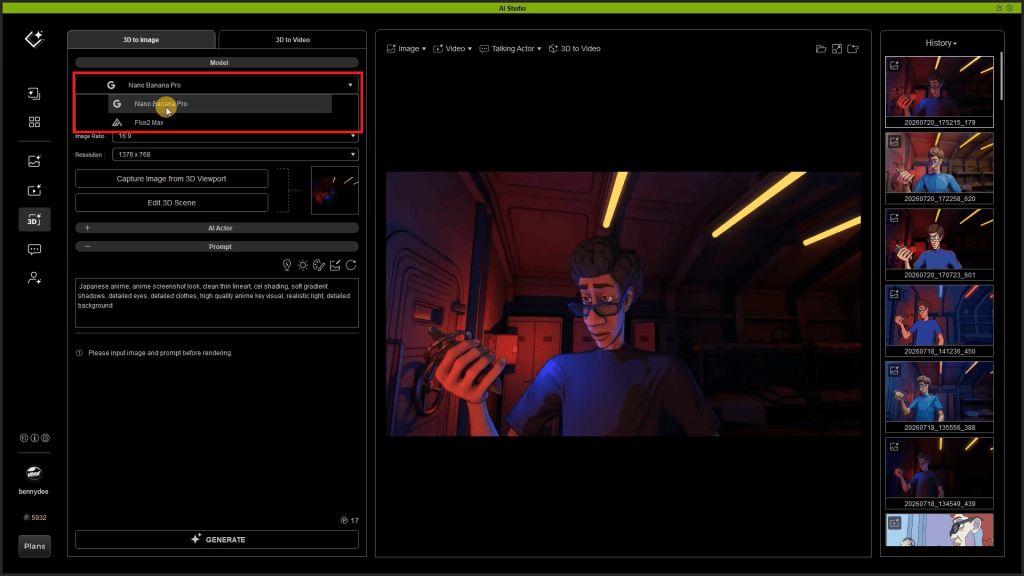
To begin, users switch to the AI Studio Workspace directly from the iClone dashboard. Within the “3D Guided Gen” tab, the “3D To Image” section is used to define the desired artistic style for a single frame.
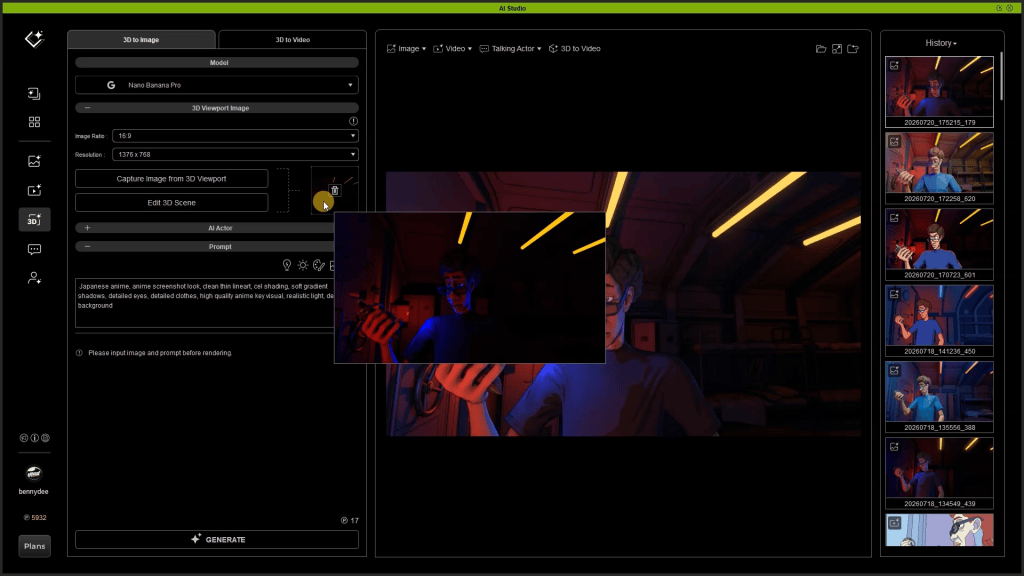
Capture Image: Click “Capture Image from 3D Viewport” to import the current iClone frame into AI Studio.
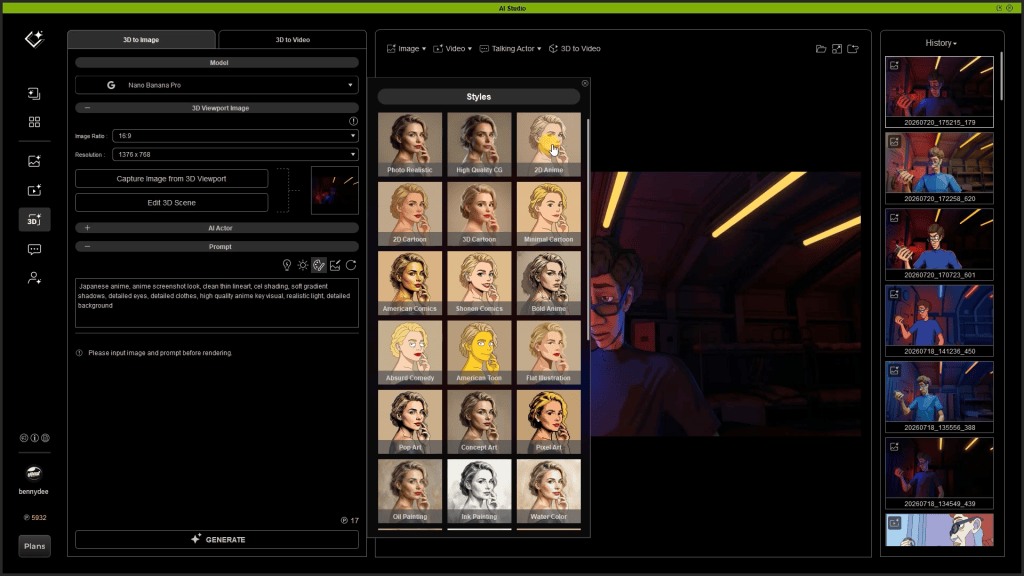
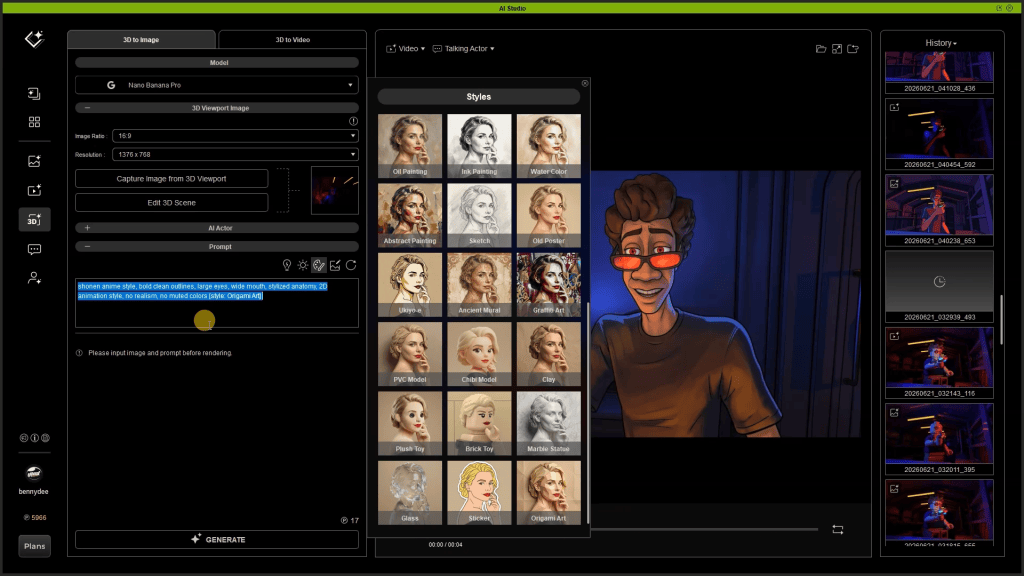
Select Style: Navigate to the “Styles MENU” in the PROMPT area. Here, you can choose from over 33 render styles such as “2D Anime,” “Photorealistic,” or “Origami Art.” Each style comes with a preset prompt description.
Refine Prompt: Users can expand the collapsed style prompt to view its full description and add their own specific details or modifications. This allows for fine-tuning the AI’s interpretation of the chosen style.
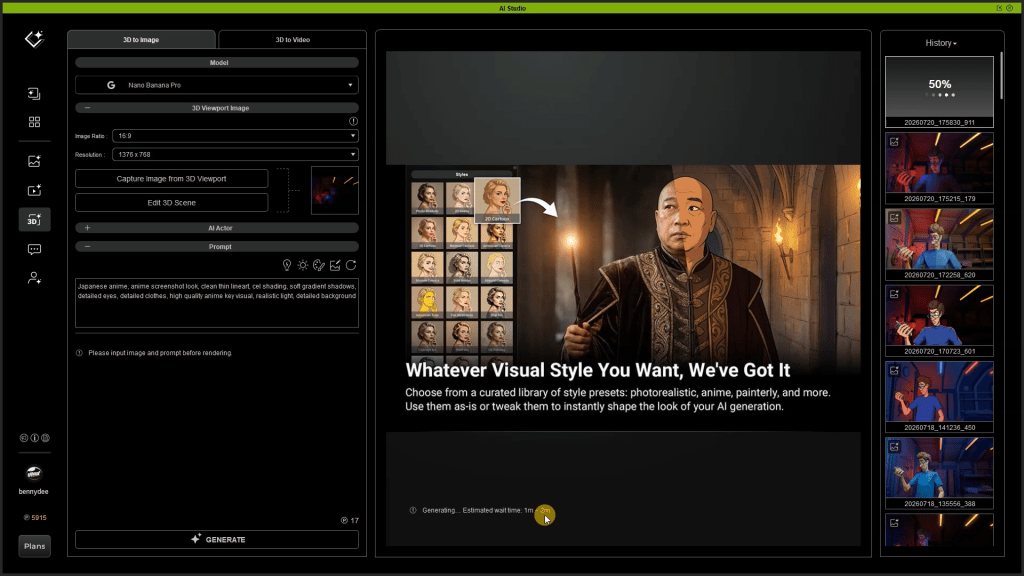
Generate First Frame: Click “GENERATE” to send the image and prompt to the AI model servers. This typically takes a minute or two and consumes a small number of AI point credits (e.g., 17 AI point credits, approximately USD 0.15).
Switching to the AI Studio Workspace from the iClone dashboardSelect AI image ModelImport initial Image from iClone 3D ViewportChoose Preset AI styleRefine text prompt for AI Render StyleGenerate Style First Frame Image
Converting Styled Images to AI Video
Once the initial styled image is generated, it loads into the “First Frame to Define Style” slot, acting as a crucial guide for the subsequent video generation.
Switch to “3D To Video”: Move to this section, where various AI video generation models like LTX, Wan, and Seedance 2.0 are available. Benny Dee opts for Seedance 2.0 for its capabilities.
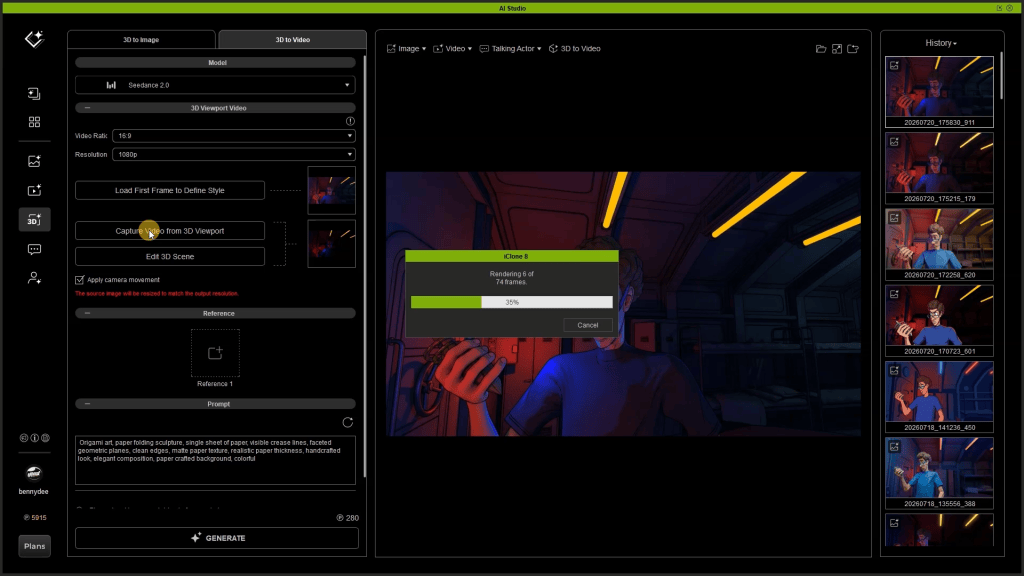
Capture iClone Video: Ensure the full animated sequence from the iClone 3D viewport has been captured and imported into AI Studio.
Apply Camera Movement: It is critical to tick the “apply camera movement” box. This ensures the AI video generator respects the exact camera directions and movements orchestrated in iClone, preventing visual drift or inconsistencies.
Manage Prompts: Copy the expanded style prompt from the “3D To Image” section and paste it into the “3D to Video” prompt panel. Always ensure previous style prompts are cleared or updated to avoid contradictions, as Benjamin Sokomba Dazhi emphasizes: “You can delete the previous Style text prompts to ensure no contradictions from the previous style descriptions.”
Generate Video: Click “GENERATE.” This process integrates the selected style, the 3D-guided animation, and camera movements to produce a consistent AI-rendered video. The generated video appears in the History panel for review and playback. This iterative process is repeated for each “dimension” or style required for the animation.
Switch to 3D To Video and choose AI video modelCapture iClone video through 3D ViewportSelect option to Apply Camera Movement from iClone videoAdjust text prompt for the chosen AI render styleGenerate video with selected style, the 3D-guided animation, and camera movements to produce a consistent AI-rendered video
Pro-Tip: To quickly generate diverse visual narratives for a single animation, capture your iClone 3D viewport video once and reuse it across multiple AI Studio render style experiments. By only changing the style preset and prompt, you can generate numerous visual interpretations (e.g., 2D Anime, Origami Art, Minimal Cartoon) from the same core animation, saving roughly 2-3 hours of scene setup and animation iteration per style.
AI Studio: Technical Capabilities
Feature Category
Detail
Benefit for Users
3D Guidance & Control
Uses iClone 8 animation, lighting, camera moves as strict input for AI.
Prevents AI hallucinations, ensures character/scene consistency, maintains artistic intent.
Rapid stylistic exploration, highly customizable through prompt expansion.
Resolution Support
1080p, 720p, various aspect ratios.
Professional output quality suitable for film, games, and marketing.
Cost Efficiency
AI point credit system (e.g., 17 credits for ~$0.15 per image).
Pay-as-you-go model, cost-effective for experimentation and production compared to traditional rendering farms.
IP Ownership
Generated from original user-owned 3D assets.
Full ownership and control over content, crucial for commercial projects.
Why 3D-Guided AI Is the Future of Consistent Cinematic Production
While AI video generators unlock remarkable creative possibilities, they often struggle to maintain consistent character appearance, motion, and camera perspective across shots. These inconsistencies, commonly referred to as hallucinations or visual drift, can make it difficult to produce professional-quality animations or preserve a recognizable character throughout a project.
This is where the combination of Character Creator 5, iClone 8, and AI Studio provides a significant advantage. Benny Dee’s workflow begins with creating production-ready digital actors in Character Creator 5 before assembling the complete animation, camera work, lighting, and scene composition inside iClone 8. Instead of relying on AI to invent content from scratch, AI Studio uses this fully animated 3D scene as the foundation for rendering in virtually any artistic style.
This 3D-guided AI workflow allows creators to transform the same animation into dramatically different visual aesthetics—from 2D Anime and Minimal Cartoon to Origami Art—while preserving character identity, animation fidelity, camera movement, and storytelling continuity. The result is the creative freedom of generative AI without sacrificing production consistency or artistic intent.
Equally important, this approach gives artists complete ownership and control over their intellectual property. Because the original characters, animations, and environments are created within Character Creator and iClone, the underlying assets remain entirely yours. AI Studio functions as an alternative rendering engine rather than a content generator, enabling filmmakers, studios, and content creators to explore multiple visual styles while protecting their original work.
Whether producing proof-of-concepts, marketing content, animated shorts, or full cinematic productions, a 3D-guided AI pipeline offers the best of both worlds: the speed and stylistic flexibility of AI rendering combined with the precision, consistency, and creative control of a professional 3D animation workflow.
“AI Studio is a new rendering alternative to iClone’s real-time DirectX renderer. Using the same iClone animation, you can generate multiple visual styles, experiment with different camera angles, or even transform an entire animated scene into completely new creative looks.”
BENJAMIN SOKOMBA DAZHI — Renowned 3D Animator, Director, Musician, Cinematographer
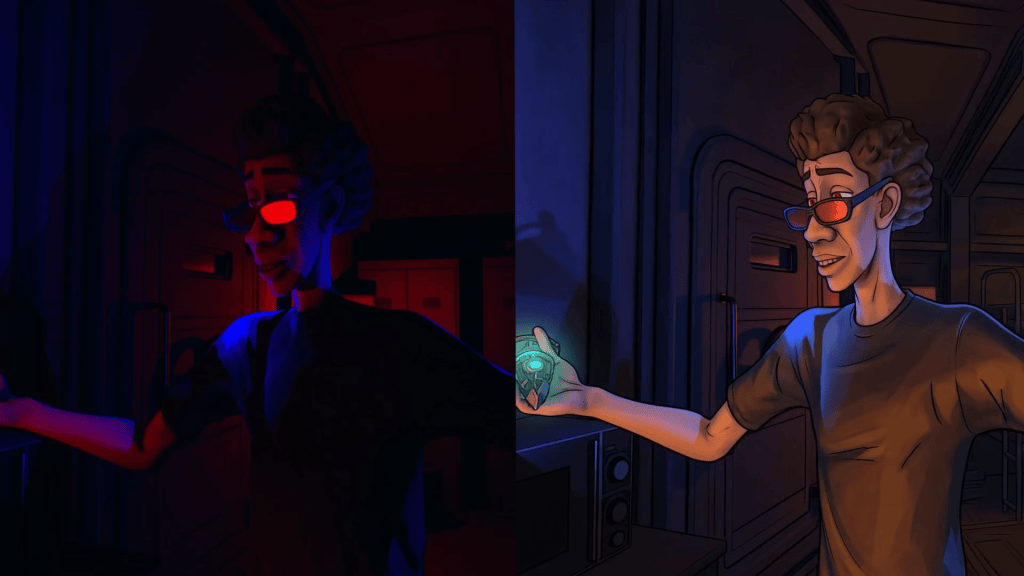
iClone 8’s robust 3D guidance becomes indispensable by providing fully animated 3D characters, precise camera movements, and defined scene layouts. iClone acts as a strict blueprint for the AI. Render comparision between iClone real-time and AI Studio 2D Anime style
Conclusion: Unlock Infinite Render Styles with iClone and AI Studio
Integrating iClone 8’s robust real-time animation capabilities with AI Studio’s diverse AI rendering options empowers creators to explore a spectrum of visual styles with unprecedented control and efficiency. This workflow, expertly demonstrated by Benjamin Sokomba Dazhi, ensures consistent character presentation and strict adherence to creative direction, transforming the landscape of AI video generation. Artists can now achieve distinct artistic visions, maintain full IP ownership, and drastically accelerate their production pipelines, ushering in a new era of creative freedom in 3D filmmaking and animation.
iClone Personal is a permanently free, time-unlimited edition of Reallusion’s real-time 3D animation software. It provides full access to core animation tools and unlimited video rendering, but limits external 3D file exports to 30 lifetime uses.
Q: How do I ensure my AI-generated character looks consistent across different render styles?
A: Consistency is achieved by providing precise 3D guidance from iClone 8. By defining your character, animation, lighting, and camera movements exactly within iClone, AI Studio uses this accurate 3D data as its foundation. This structured input prevents AI “hallucinations” and ensures your character’s appearance and actions remain faithful to the original 3D model, regardless of the chosen render style.
Q: What is the difference between rendering in iClone 8 real-time and using AI Studio?
A: iClone 8 provides high-quality real-time DirectX rendering, ideal for interactive previews and quick outputs. AI Studio, conversely, acts as an alternative render engine that uses AI models to generate videos in diverse stylistic formats (e.g., 2D Anime, Photorealistic). While iClone handles the 3D animation and scene setup, AI Studio interprets that 3D guidance to produce entirely new aesthetic renderings, expanding creative possibilities beyond traditional real-time visuals.
Q: Can I use my own custom prompts in AI Studio, or am I limited to preset styles?
A: You have significant creative freedom within AI Studio’s prompt system. While it offers over 33 preset render styles, each with its own descriptive prompt, you can expand these presets to view their full details and then modify them. Additionally, you can input entirely custom prompts to guide the AI model towards a very specific stylistic vision, allowing for fine-tuned control over the final render.
Q: How does AI Studio ensure I retain ownership of my generated content?
A: AI Studio protects your content ownership by basing all AI video generation on your original 3D assets created in Character Creator 5 and iClone 8. Since the foundational characters, animations, and scene layouts are your proprietary creations, the AI-generated outputs, strictly guided by your 3D data, remain tied to your intellectual property. This model supports creators by giving them full control and ownership over their unique visual styles.
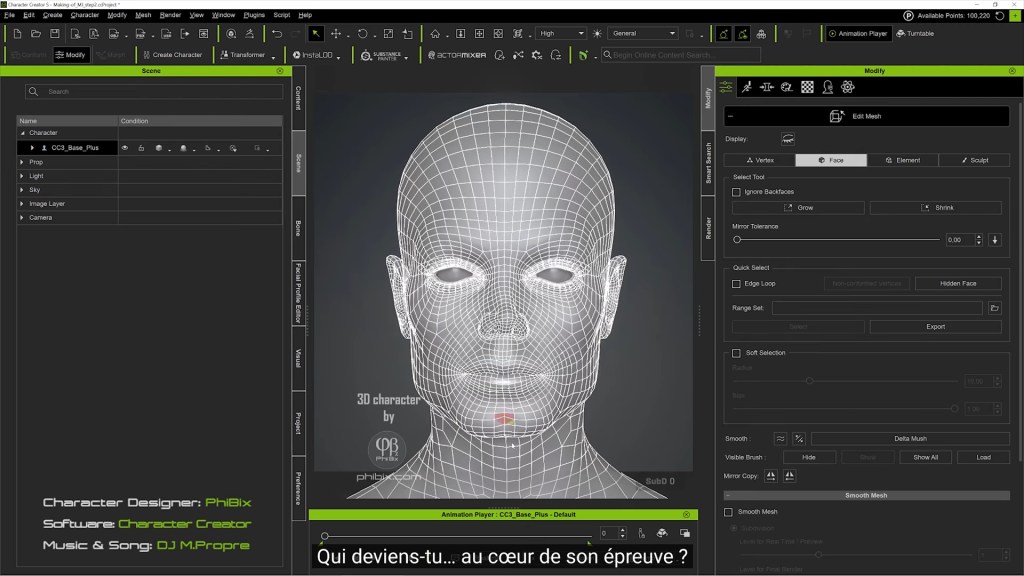
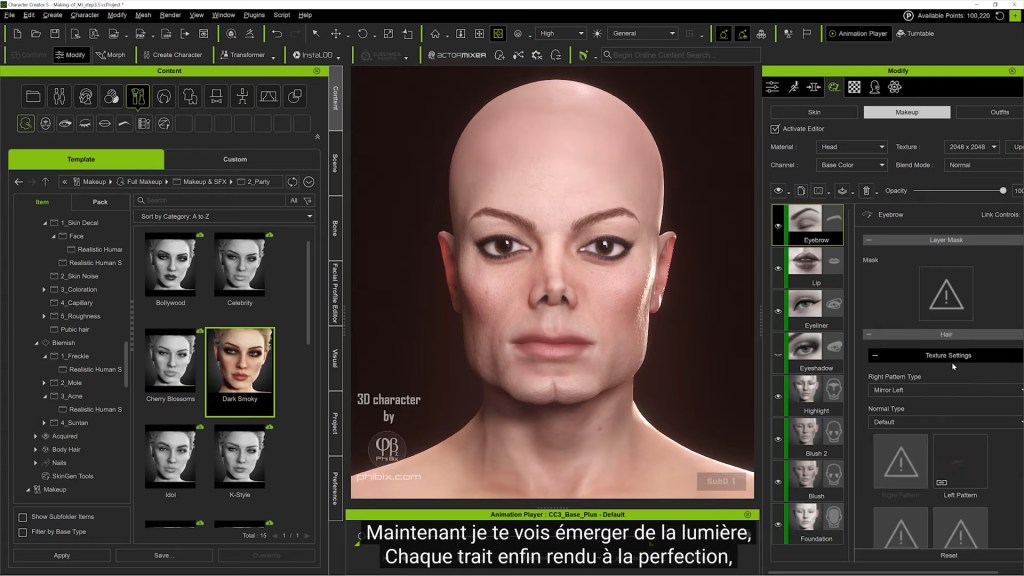
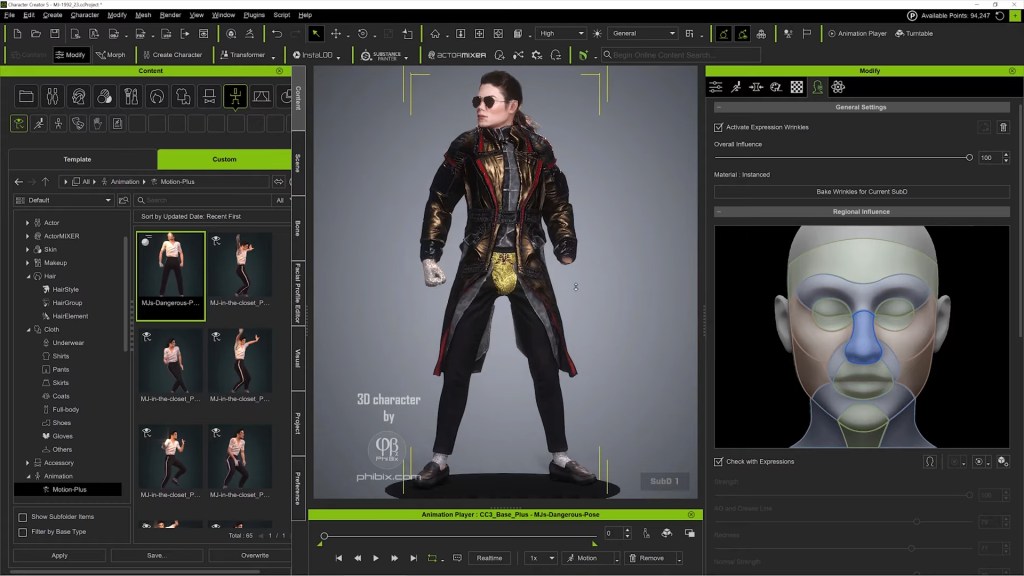
TL;DR: Solo 3D artist PhiBix built a photoreal Michael Jackson character creator digital double starting from a hand-drawn pencil sketch and finishing inside iClone, using nothing but Reallusion’s own tools: Character Creator 5 morph sliders, Mesh Editing, SkinGen, and Content Store hair and wardrobe. No ZBrush. No Blender. No Substance. The project, capped off by a Smooth Criminal-flavored musical that turns the sculpting process itself into lyrics, is a working argument that the King of Pop’s likeness can be achieved entirely inside one ecosystem.
When most digital double case studies say “all-in-one,” they still pass through ZBrush for sculpting and Substance for textures. PhiBix’s MJ tribute project does not. Working from a private studio under the handle phibix.com, the artist has been quietly building one of the most recognizable musician digital doubles on YouTube, a likeness used across multiple short films including a recreation of the demolished In the Closet set in Bombay Beach, California. The pipeline runs entirely on Character Creator 5 and iClone.
A King of Pop Built Without a Pipeline
The MJ digital double is the spine of PhiBix’s tribute work, a single character asset reused across multiple shorts, each one rebuilt around it. What makes the project notable isn’t just the likeness; it’s the route PhiBix took to get there. The entire character (head, skin, hair, wardrobe, performance) is built without ever leaving Reallusion’s own tools. No ZBrush. No Substance. No Blender. The “pipeline” most digital double artists assume is required simply isn’t part of his.
The work doesn’t start in 3D, though. Before opening Character Creator, PhiBix grounds each MJ build in a hand-drawn pencil sketch, a traditional portrait study that fixes the proportions, the bone structure, and the era-specific likeness he’s chasing before a single morph slider gets touched. The sketch becomes the brief he sculpts against. It’s an old-school move that anchors a very new-school pipeline.
The most recent release is a Smooth Criminal-flavored musical in which PhiBix writes the modeling process into the lyrics themselves. The song opens on “a whisper of bone, curves of a skull like the half-remembered home,” and walks the listener through jawline, eyes, lips, skin pores, and final lighting. Every verse is a stage of the build. By the chorus, the face has rendered into recognizability and the lyric drops the reveal: “From data to identity. I know that face.” A self-aware framing that doubles as a thesis: a digital double is an act of recognition, not just reconstruction.
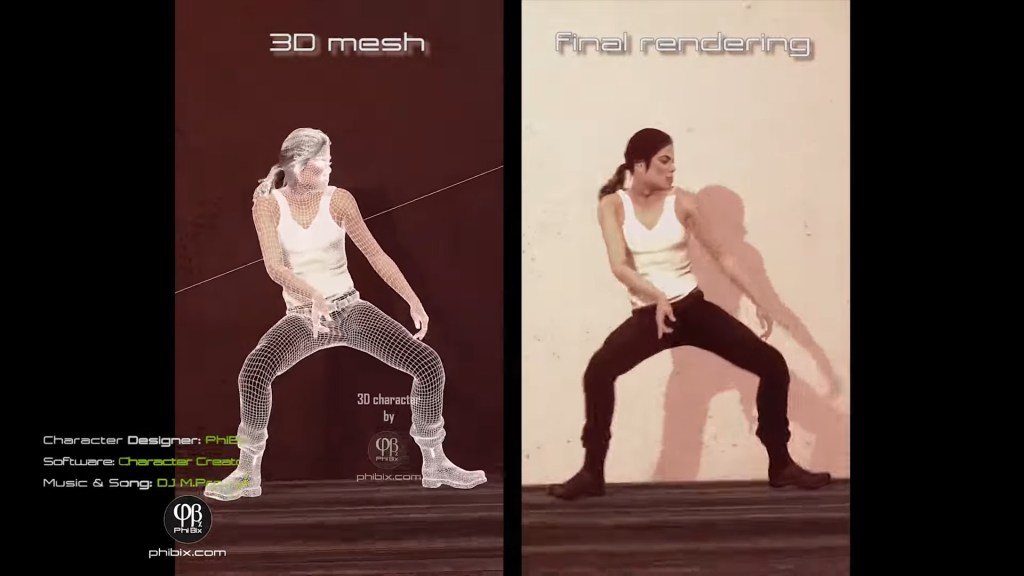
The earlier In the Closet recreation short shows the same MJ asset in a fully rebuilt 1992 Herb Ritts environment, including the demolished Bombay Beach location, a working saqiya, and the sepia desert palette of the original music video. Same character, different scene. That asset reuse is only possible because the character was built inside a system designed for it.
The All-Reallusion Pipeline
The question PhiBix’s work answers: can a single artist hit musician-level likeness without leaving the Reallusion stack?
Stage 1, Pencil sketch for the brief
A traditional hand-drawn portrait of MJ fixes the proportions and era-specific likeness before any 3D work begins.
Stage 2, Character Creator 5 for the head, body, and likeness
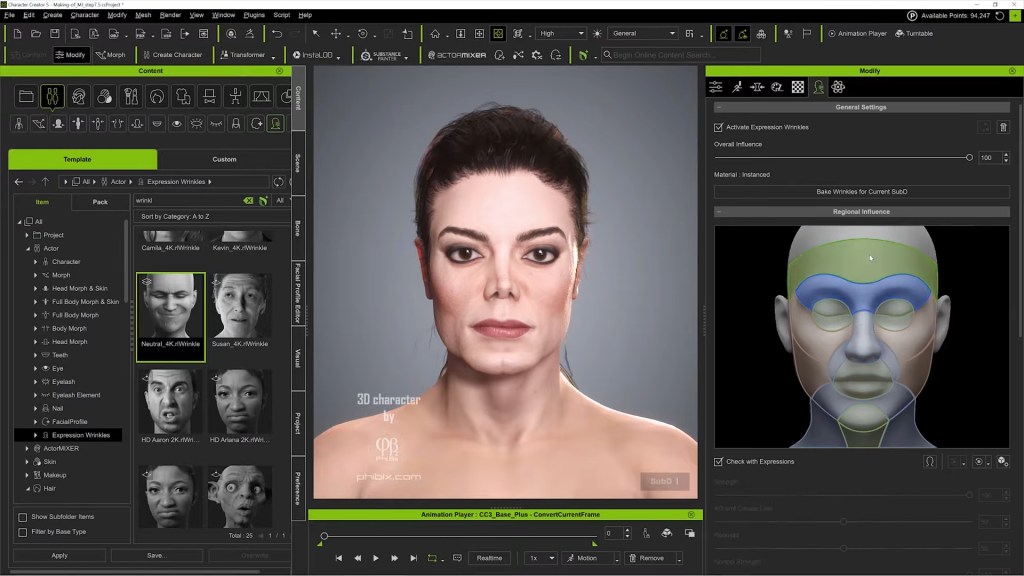
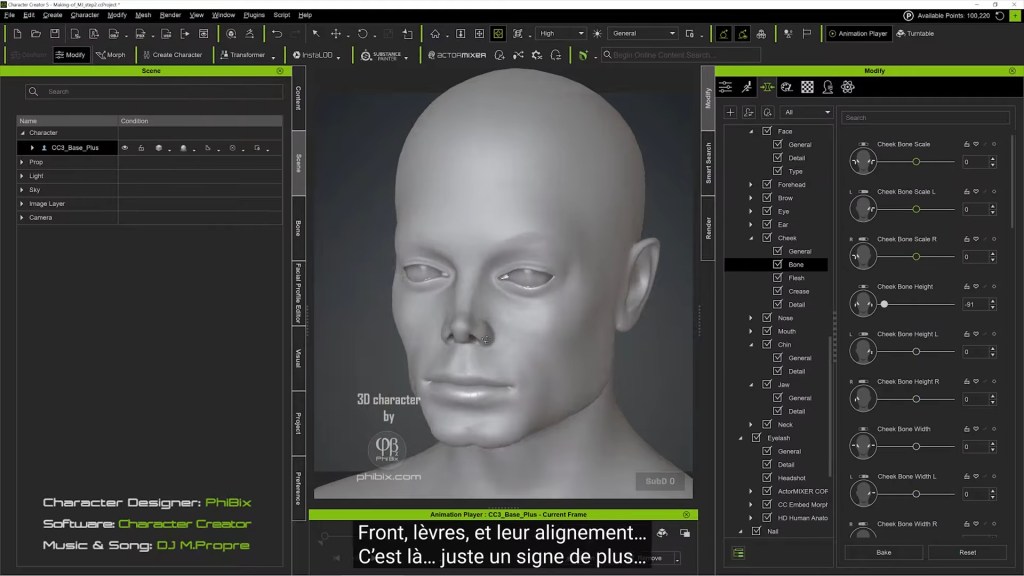
Morph sliders and Mesh Editing shape the skull, jaw, brow, and facial structure to match MJ’s distinctive bone structure, no external sculpting required.
Stage 3, SkinGen for the skin
Layered material synthesis builds the pore detail, blemish maps, and subsurface depth that sell the close-up shots.
Stage 4, Content Store hair and wardrobe
Curls, jackets, and the In the Closet outfit are sourced from Reallusion’s own content ecosystem and conformed to the character.
Stage 5, iClone for performance and staging
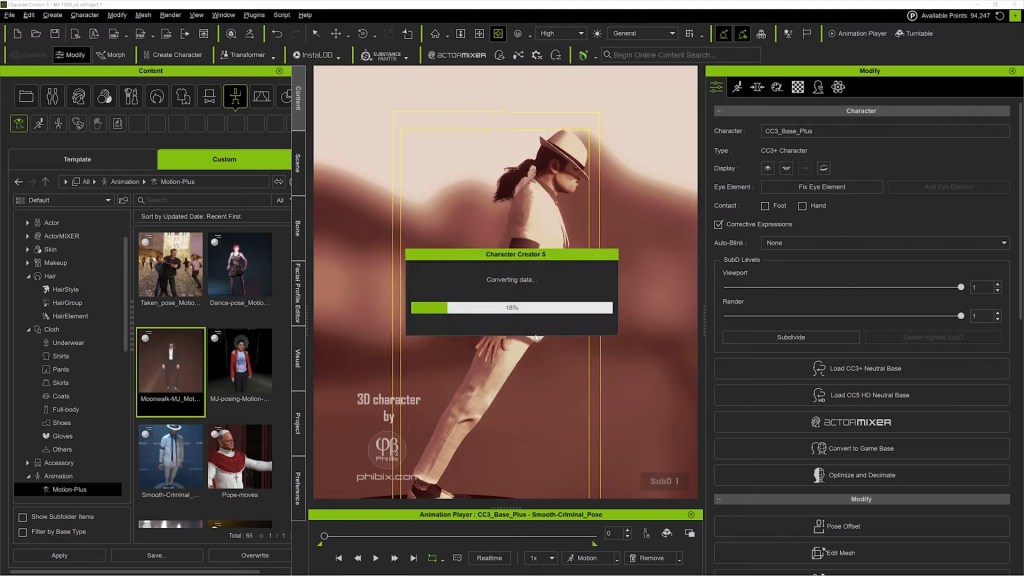
The finished CC5 character is sent to iClone for facial animation, dance choreography, and multi-camera direction.
The core insight: when the character base, the skin system, and the wardrobe library all live inside the same topology, the “asset-handoff tax” disappears.
Character Creator 5: The Likeness Engine
PhiBix’s MJ proves that character creator digital double work no longer needs to escape to ZBrush for the hard sculpting calls. Two CC5 capabilities carry the weight.
Morph sliders and Mesh Editing as a sculpting language
The lyrics describe the process explicitly: “Curves of a skull like the half-remembered home. Jawline drifting into place.” That’s morph-slider work, not freeform polygon pushing. CC5’s Morph System gives PhiBix directional control over the skull, brow ridge, cheekbones, and jawline without entering a sculpt application. For the corrections that morphs can’t reach, Mesh Editing handles the targeted vertex-level work directly inside Character Creator. Together, the two tools cover the territory most workflows hand off to ZBrush, and the character stays on CC3+ topology throughout, so animation deformation never gets compromised.
For a face as scrutinized as Michael Jackson’s, that matters. The eyes have to read MJ. The jawline has to read MJ. PhiBix’s lyric, “Every angle, story untold. Every shadow rendered in gold. I’m watching hard in suspense, who are you behind that sense?”, captures the iterative recognition test. The artist watches the face accumulate identity slider by slider, vertex by vertex, against the pencil-sketch brief.
SkinGen for the texture layer that sells the close-up
Photoreal celebrity likeness fails most often in skin, not bone structure. SkinGen handles that layer natively inside Character Creator: pores, micro-detail, blemishes, subsurface tone, through stackable material layers rather than a separate texturing application. The lyric “Every pore, every glance, every subtle hue. Now the truth is undeniable. It’s you” is functionally a description of what SkinGen contributes to the build: the final 5% of photoreal recognition that lives in the skin.
The outcome: a character that holds up under iClone’s close-up camera rigs without round-tripping through Substance Painter.
Content Store: Find MJ’s clothes and hair
The MJ outfit and signature curls are sourced from the Content Store and the marketplace ecosystem, assets built natively against CC topology, so they conform without breakage. For a tribute project where wardrobe accuracy carries the period (this is 1992 MJ, not 1987 MJ), having a deep first-party library matters more than a generic universal-fit system.
Why an All-Reallusion Digital Double Matters
The dominant assumption in the digital double space is that getting from “good 3D character” to “convincing real person” requires a tool chain: ZBrush for the hard sculpting, Substance for the textures, Marvelous for the wardrobe, then somewhere downstream for animation. Each handoff costs time, file-format friction, and topology integrity.
PhiBix’s MJ project is a counter-example. The whole likeness (head, skin, hair, wardrobe, performance, camera) lives inside one ecosystem. For a solo artist or small studio chasing musician-grade likeness on a release cadence, that’s the difference between shipping a music video and shelving one.
It also reframes what Character Creator is for. Most marketing positions CC as a fast character base that you finish elsewhere. PhiBix’s work positions it as the finishing tool, the place the digital double becomes the digital double, not the place you start before going somewhere serious.
Key Takeaways for Solo Digital Double Artists
Start with a pencil sketch, not a Character Creator preset. A traditional portrait study fixes proportions and era-specific likeness before any 3D work begins, and gives the artist a brief to sculpt against.
Treat morph sliders and Mesh Editing as a primary sculpting pair. CC5’s Morph System plus vertex-level Mesh Editing can carry full musician-grade likeness work without an external sculpt application.
Let SkinGen own the texture pass. Native skin layering inside Character Creator hits the photoreal threshold that usually requires Substance Painter, and it stays in the same scene as the morphs.
Build the digital double to be reused. One MJ asset, many shorts. The investment pays back across a portfolio, not a single release.
Direct inside iClone, don’t just animate inside it. Multi-camera staging, lighting, and the virtual set should live in the same scene as the performance, that’s where the solo-director workflow becomes possible.
FAQ: Character Creator Digital Double
Q: Can I build a celebrity-likeness digital double using only Character Creator and iClone, with no third-party tools? A: Yes. PhiBix’s Michael Jackson project demonstrates exactly that. CC5 morph sliders and Mesh Editing handle the structural likeness, SkinGen handles the photoreal skin pass, and Content Store hair and wardrobe finish the look. The character animates and performs in iClone. No ZBrush, no Substance, no Blender required.
Q: Do I need Headshot 3 to create a digital double in Character Creator 5? A: Headshot 3 accelerates the process by generating a likeness base from photo reference and AI image-to-3D reconstruction, but it isn’t strictly required. Pure morph-slider and Mesh Editing sculpting can reach the same destination, as PhiBix’s work shows. Headshot 3 simply gets you there faster, especially for first-time digital-double artists.
Q: How do I get Character Creator 5 and iClone for digital double work? A: Both are available from the Reallusion Software Store. Character Creator 5 also offers a 30-day free trial, which is enough time to test a full digital-double build end-to-end before committing.
Q: Does the digital double from Character Creator work with other 3D tools if I want to expand later? A: Yes. CC5 characters export cleanly to Blender, Unreal, Unity, and Maya through Reallusion’s Auto Setup plugins. PhiBix’s project keeps everything inside CC5 + iClone by choice, but the same character asset is portable when a project needs it.
About the Artist
PhiBix is a 3D artist and animator producing musician tribute work centered on Michael Jackson, with shorts and music videos released on YouTube and full build documentation available to subscribers at phibix.com. His pipeline relies entirely on Reallusion’s Character Creator and iClone, including a fully recreated 1992 In the Closet set built around the demolished Bombay Beach location used in Herb Ritts’s original video. PhiBix grounds each build in a hand-drawn pencil sketch before any 3D work begins, and his recent Smooth Criminal-flavored musical weaves the modeling process into the song’s lyrics, a working statement that, for him, the craft and the homage are the same act.
TL;DR: This tutorial breaks down how Paris-based artist PhiBix builds a photorealistic digital double from photos using Character Creator 5 and Headshot 3.1. You will follow his full pipeline: standardizing reference images, aligning the mesh with Vector and morph tools, projecting texture from four camera angles with Stencil & Clone, repairing coverage gaps in Photoshop and AI Studio, and detailing skin, eyes, and expression until the likeness survives a full 360-degree rotation.
Step 1: Standardize the Reference Photos and Generate a Body Base
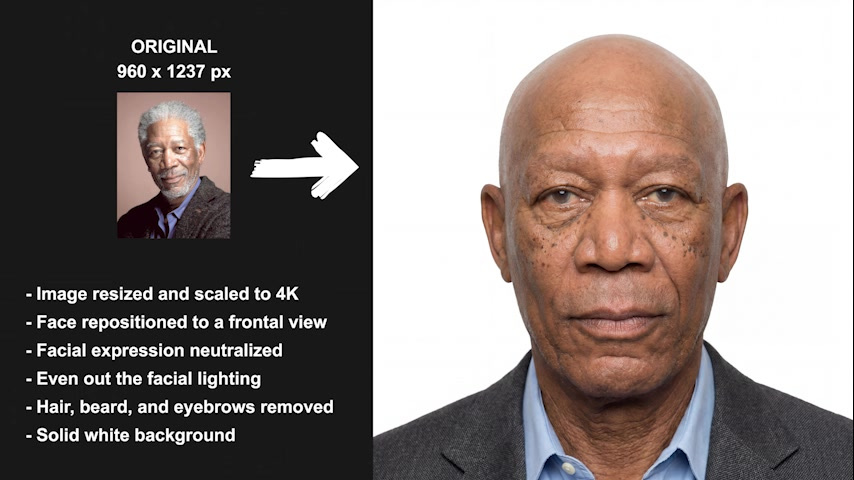
Before any geometry work, PhiBix removes hair, beard, and eyebrows from the source photograph. Headshot 3.1 then produces a 4K frontal reference: it moves the face to a frontal view, neutralizes the expression, replaces uneven light with diffuse light, and generates a matching profile reference from the cleaned result.
The generated profile is inspected as a usable secondary reference for the later profile alignment.
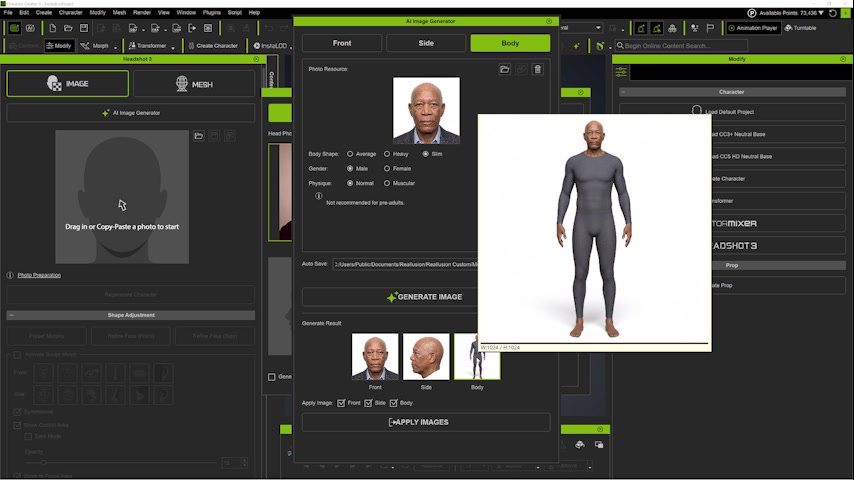
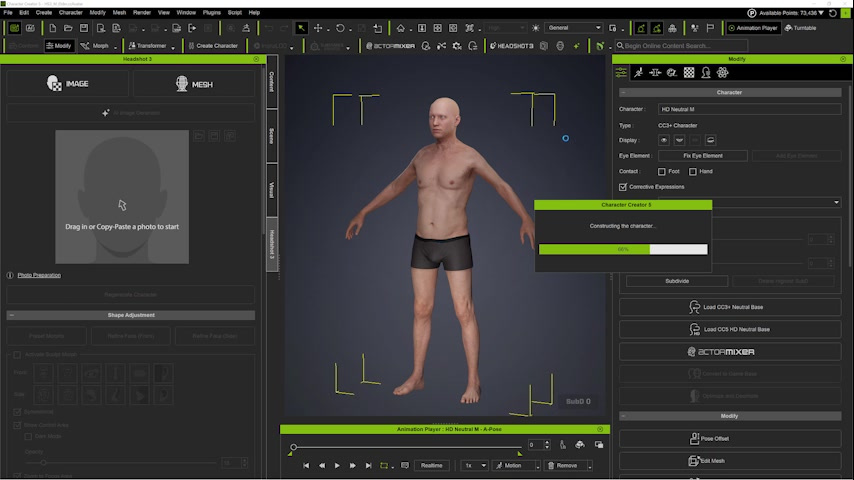
The first generated body comes back too muscular for the subject’s age, so PhiBix rejects it. In the Body tab he specifies an elderly, slender man, and the regenerated body matches the intended physique.
The first generated body is rejected because it appears too muscular for the subject’s age. In the Body tab, PhiBix specifies an elderly, rather slender man. The regenerated body becomes more consistent with the intended age and physique
Pro Tip: Treat the first body as a proposal, not a final result. Normalize lighting, pose, and facial hair first, then confirm the body supports the subject’s age and silhouette before moving on.
Step 2: Align the Frontal Structure with the Vector Tool
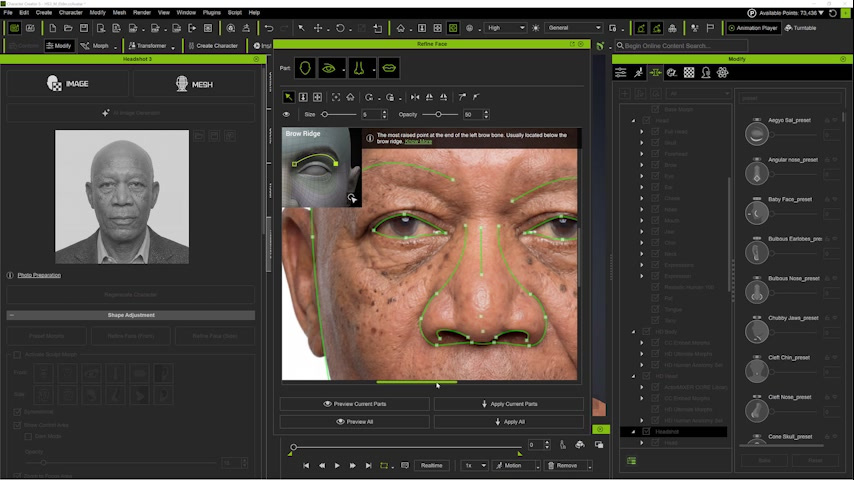
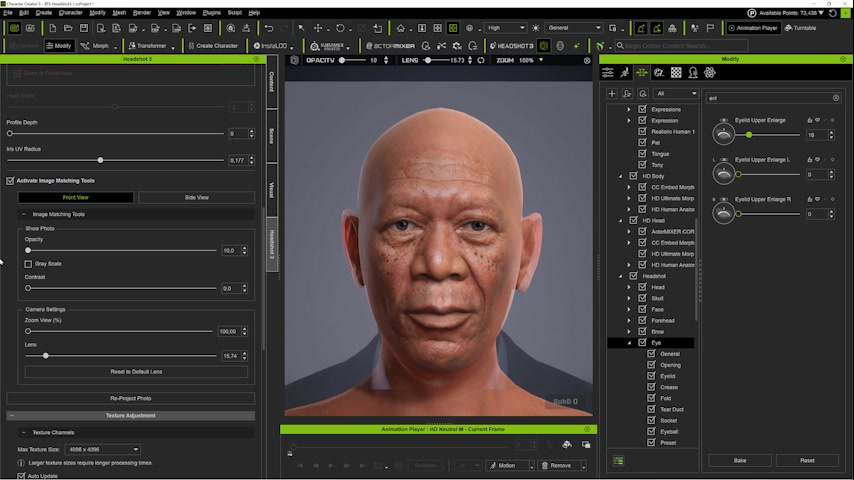
PhiBix uses vector-based Bezier curves to align facial landmarks point by point, guided by the small reference tutorial in the upper-left corner of the interface. The goal is structural alignment, not tracing visible makeup, hair, or shadow. He places the eye curve just below the eyebrow and adds a double eyelid because it is a distinctive structural feature of this face.
Frontal Vector alignment. The eye curve is placed just below the eyebrow, and a double eyelid is added because it is a distinctive structural feature
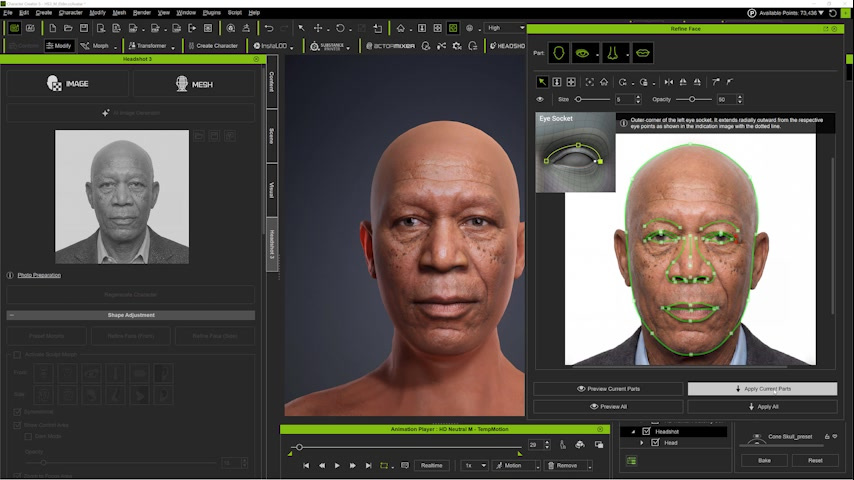
Once the curves and the side contour look right, a fast preview converts the vector corrections into a 3D result. This preview is a checkpoint: it shows whether the new landmarks improve the volume before the change is committed.
Preview of the frontal correction. The updated 3D head is compared with the reference before PhiBix applies the change
Note: Align the anatomical feature the guide points to. The eyelid curve follows the eyelid structure, not the eyebrow above it.
Step 3: Complete the Profile Alignment and Refine the Head
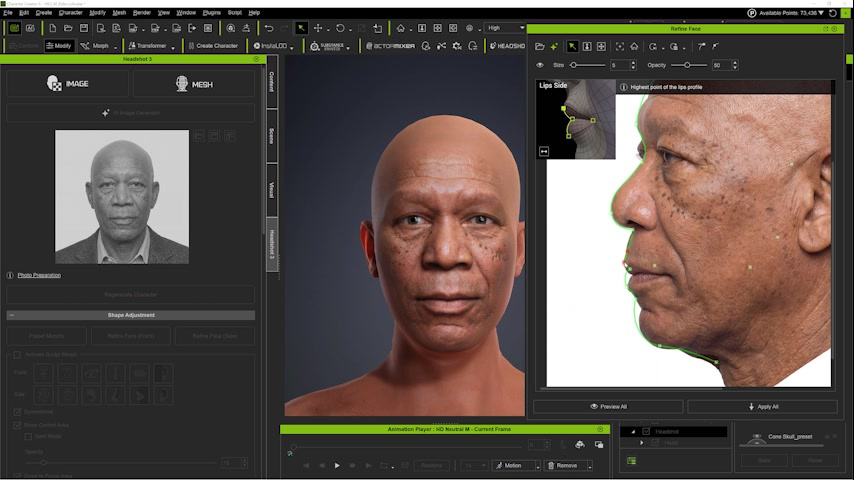
On the profile, PhiBix matches nose, lips, chin, forehead, ear, and skull depth to the side photograph. After applying the profile curves, he switches to Character Creator 5 morph controls and works exclusively on the head.
Profile Vector alignment. Nose, lips, chin, forehead, ear, and skull depth are matched to the profile photograph.
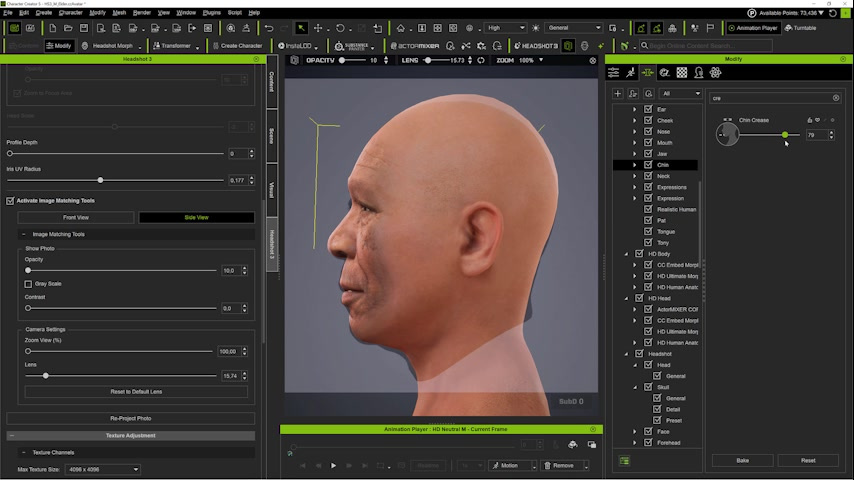
The reason is practical: every visible feature must sit under the corresponding region of the photograph before texture projection begins. He repeatedly toggles the reference opacity to compare the 3D head against the photo, aligning the mouth, nose, nostrils, eyes, chin, ears, forehead, brow ridges, eye shape, and skull silhouette. A correction that works in the front view but breaks the profile is not accepted. Once the alignment is close, he applies the projection, removes skin shine to get a matte working surface, and continues with local morph corrections.
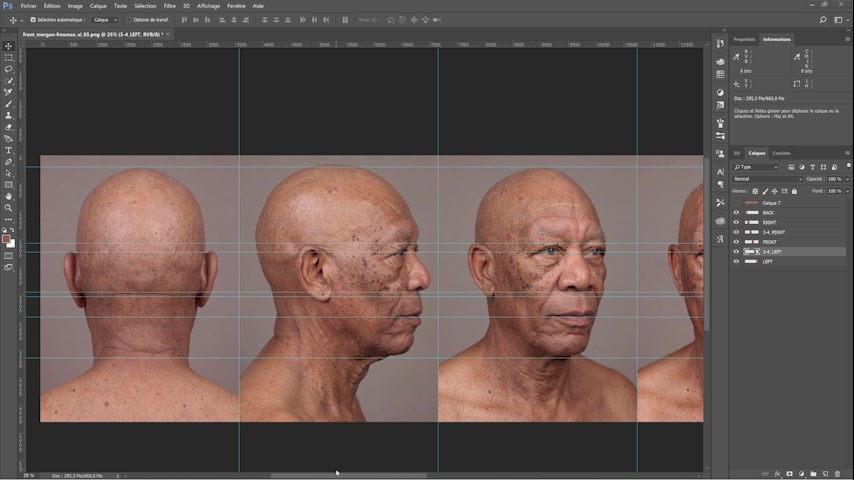
The generated source set. Five views were created, but PhiBix uses four: front, one profile, back, and the opposite profile.
Pro Tip: Keep the body unchanged while you solve the facial projection problem, and make the working skin matte so highlights do not hide proportion errors.
Step 4: Lock the Base Mesh and Generate the Multi-Angle Source Set
PhiBix narrows the left eye, adjusts the brow ridges, and changes the eyelid height, then applies the result. This is the last major geometry pass before texture work begins, and the likeness is already readable.
Refined base head after corrections to the eye width, brow ridges, and eyelid height. The likeness is readable before multi-angle texture work begins
Headshot 3.1 generates five views, but PhiBix uses four: front, one profile, back, and the opposite profile. He deliberately keeps both profiles because faces are not symmetrical. Moles, wrinkles, and skin variation cannot be assumed to match from one side to the other.
The generated source set. Five views were created, but PhiBix uses four: front, one profile, back, and the opposite profile
Step 5: Project a Digital Double from Photos Using Stencil & Clone
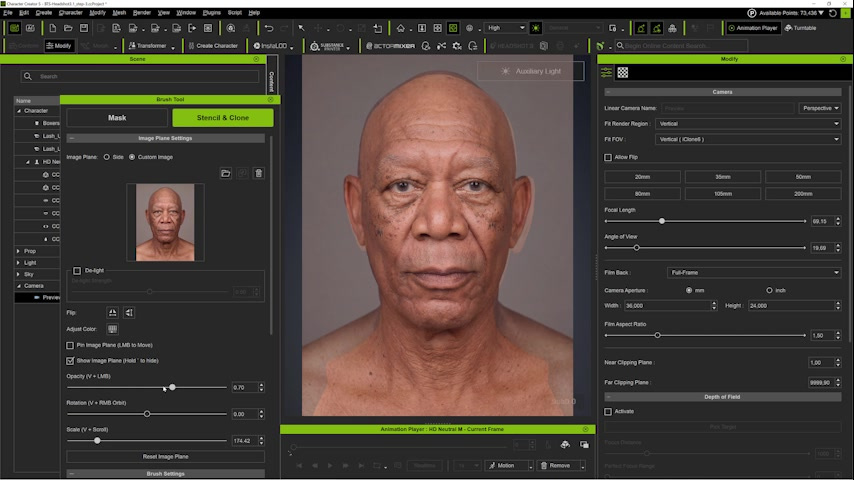
This is where the digital double from photos really takes shape. In Stencil & Clone, PhiBix loads the frontal reference and matches the 3D camera angle, scale, and framing to the photograph rather than trusting the nominal lens value used when the image was generated. For this source, the match lands near a 69 to 70 mm focal length with a viewing angle of roughly 20 degrees.
Front-view camera matching in Stencil & Clone. The photo and the 3D head are brought to the same framing and perspective before any texture is painted.
He removes remaining shine, selects the Constant brush, sets Strength to 1, and begins the unifying pass only after the facial regions are positioned consistently.
Note: Geometry first, projection second. The brush cannot compensate for a nose, ear, mouth, or skull that is in the wrong place. Stop and realign whenever the projection stops landing on the correct anatomy.
Step 6: Project the Profile, Back, and Opposite Profile
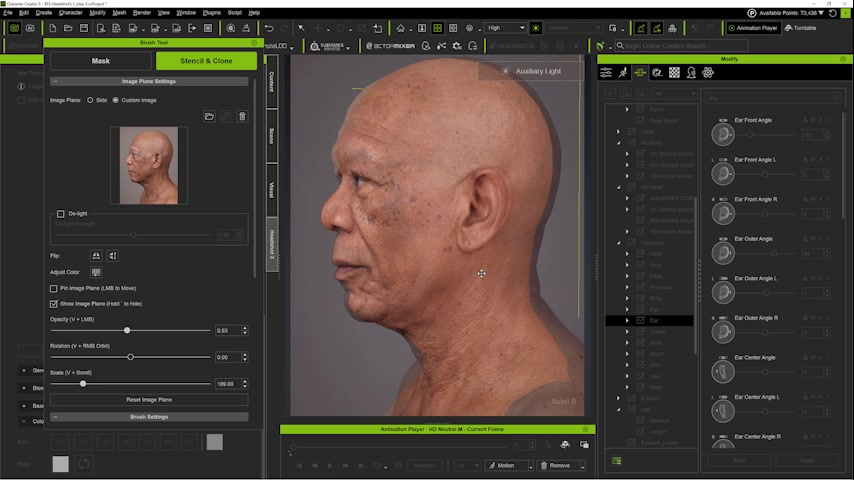
On the first profile, PhiBix corrects skull depth, mouth, ear size, chin, forehead depth, and ear angle, with a 2-degree tilt and a scale of 189 percent producing a close match. The Constant brush stays at Strength 1, but he avoids the frontal face to protect the work already done there.
Profile alignment. A 2-degree tilt and a scale of 189% produce a close match for this reference.
For the rear skull he uses full strength to unify coverage, then reduces strength behind the ears. A smaller brush handles narrow areas such as the nostril wing and the corner of the mouth. The second profile repeats the same logic, because the two sides carry different wrinkles and moles.
Opposite-profile and rear coverage. The brush is concentrated on the sides, neck, and regions around the ears.
Pro Tip: Do not force the ears. When an ear outline is not aligned well enough, postpone its texture and repair it later in the diffuse map.
Step 7: Review the Projection and Map the Cleanup Zones
PhiBix does not treat the combined projection as finished. He moves around the head and inspects it for three categories of problems: incomplete coverage, visible overlaps, and lighting baked into the source photographs. His review loop is consistent: project, inspect the complete head, identify exactly what the projections could not solve, and choose a targeted repair for each remaining area.
Combined projection after moving around the head. Front, profiles, back, neck, and side regions are present, but the result still requires cleanup behind the ears, under the chin, and in shiny areas.
The cleanup list here is specific: baked highlights on the chin, nose, cheekbones, forehead, and philtrum; imperfect seams around the ears; an incompletely covered scalp; and a gap directly under the chin.
Step 8: Clean and Consolidate the Diffuse Map in Photoshop
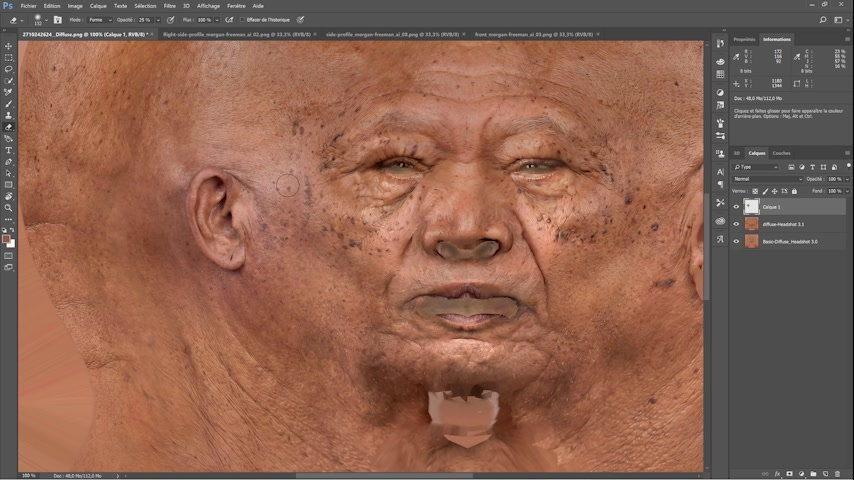
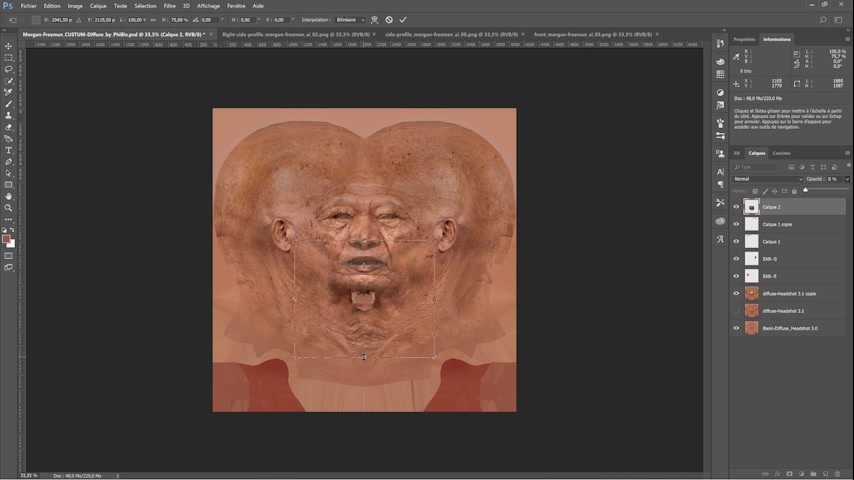
Starting from both the default Headshot projection and the Stencil & Clone projection, PhiBix transforms a generated right-profile photograph to fit the diffuse map, then adjusts it for matte finish, hue, tone, contrast, and brightness, blending precisely with the eraser. He repeats the approach around the eyes and mouth, and addresses the scalp with transformed material and a symmetry pass.
Diffuse-map cleanup. Profile material is transformed, made more matte, color-corrected, and blended with the eraser.
For the underside of the chin he demonstrates a manual route: use a frontal source, match proportions, switch between the source and the diffuse map, apply Warp and Puppet Warp, blend with the eraser, and correct color and brightness. The image is then flattened so the matte finish and the head-to-body transition stay coherent.
Manual under-chin repair. A frontal photograph is warped and aligned while PhiBix alternates between the photo and the diffuse map.
Note: Ear mirroring is not a universal rule. PhiBix mirrors the ear here only because this subject has no distinctive asymmetrical ear marks to preserve.
Step 9: Generate an Under-Chin Reference with AI Studio
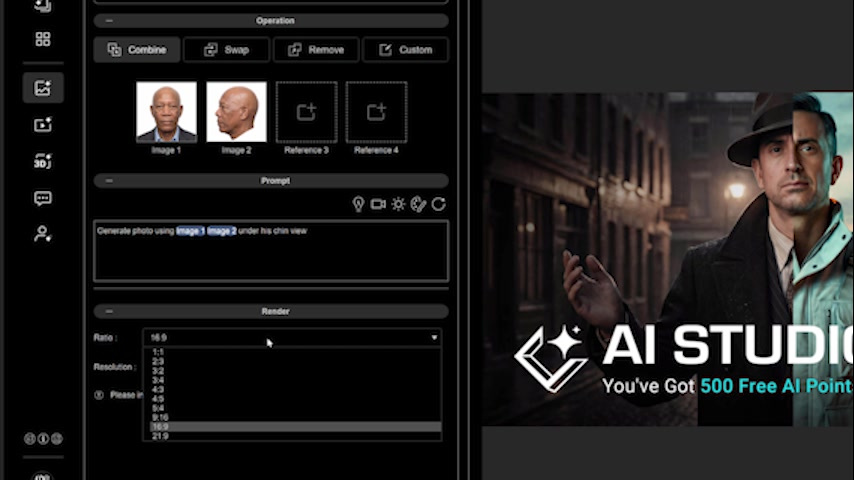
For an integrated alternative that stays inside Character Creator 5, PhiBix opens AI Studio, chooses Image Gen and Edit, selects the Headshot front and profile images, and asks Nano Banana Pro to create an under-the-chin view from the two references. He sets the aspect ratio to 1:1 and the resolution to 2048 pixels, and generates the view with the chin tilted upward. When the first result casts a shadow below the jaw, he adds an even-tone lighting instruction and regenerates.
AI Studio setup: Image Gen > Edit, front and profile references selected, square 1:1 output, and 2048-pixel resolution.Generated under-chin view after adding an even-tone-light instruction to avoid a cast shadow below the jaw.
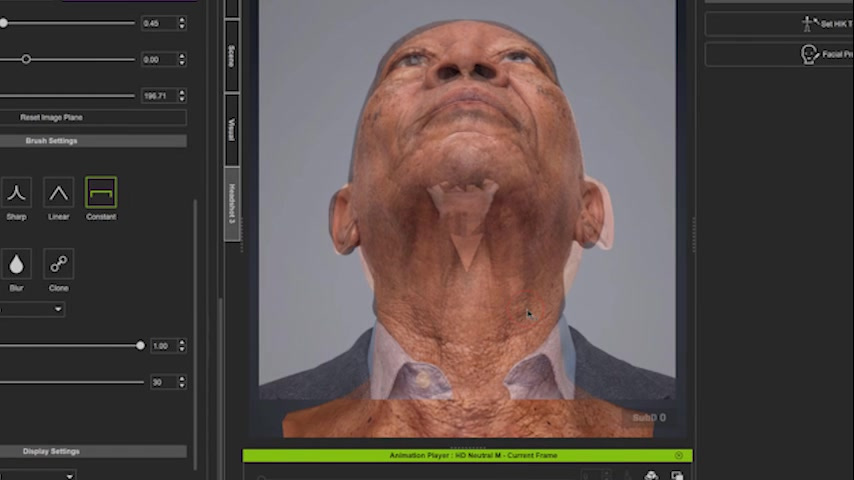
He then imports the generated image into Headshot 3.1 as a custom image, uses Edit Pose to put the 3D character into the same pose, aligns scale and proportions, and projects only the under-chin region. That projection also produces normal and roughness information for the repaired area.
The generated under-chin image is aligned to the posed 3D head and projected onto the missing area. The projection also produces normal and roughness information.
Step 10: Extend Map Coverage and Refine Identity Detail
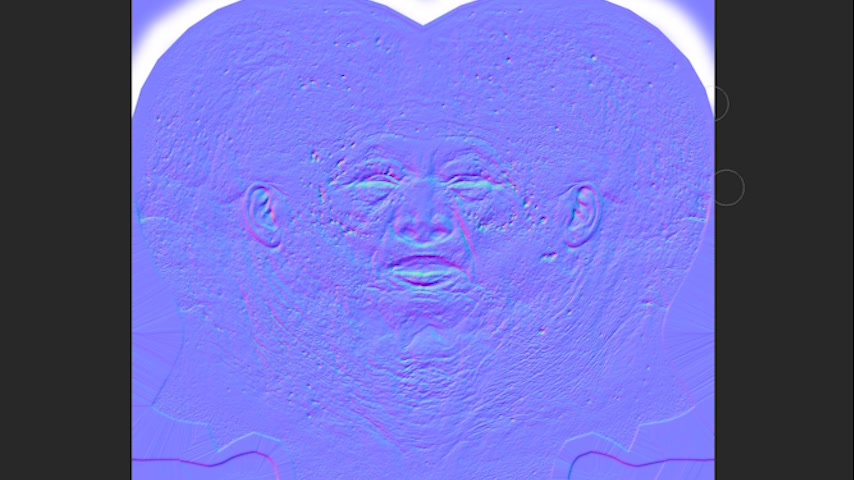
Because the character has a shaved head, scalp and neck detail cannot stay incomplete. PhiBix generates a normal map from the diffuse map in Photoshop and fills the areas that hair would normally hide, so skin relief continues across the scalp and neck.
Normal-map comparison. The Headshot result emphasizes the face, while PhiBix’s Photoshop-derived normal map extends skin detail over the visible scalp and neck.
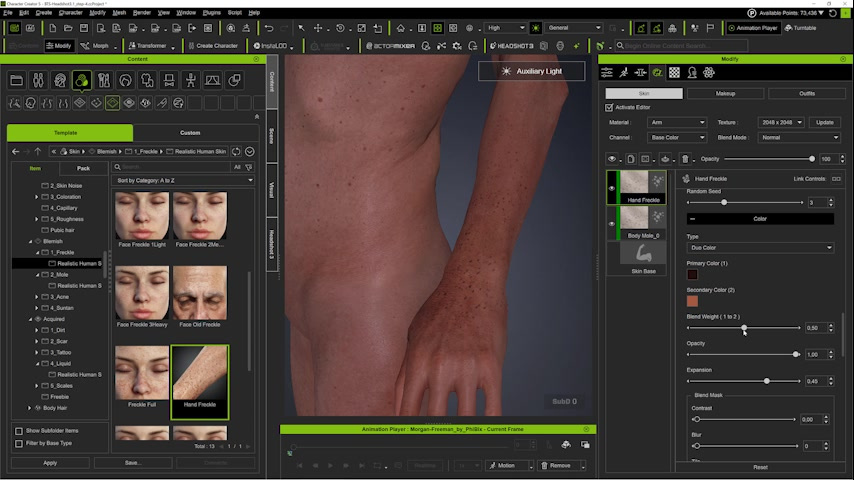
He then darkens the overall skin tone and refines the eyes: a bluish iris rim, more bloodshot sclera, adjusted pupil and iris proportions, added iris depth, and the slightly bulbous eye shape. Makeup tools add a watery effect along the lower lash line, define the lips, harmonize the eye contours without erasing beauty marks, add subtle cheek veins, and restore localized sheen where moisture naturally appears. The same identity logic extends to the hands, where SkinGen adds age spots and vascular detail so the body matches the aged facial skin.
Eye refinement: bluish iris rim, more bloodshot sclera, pupil and iris proportions, iris depth, and the slightly bulbous eye shape.SkinGen is used to add age spots and vascular detail to the hands so the body matches the aged facial skin.
Step 11: Build the Expression, Style the Character, and Run Technical Checks
PhiBix shapes the characteristic expression first, then refines it with Edit Facial: the head tilts slightly sideways and down, the eyes look upward, the eyebrows raise, the forehead furrows, and a subtle half-smile appears. He adds tight curls, earrings, a dark suit, a tie, and a pocket square, and adjusts the default pose to preserve the intended head tilt and gaze.
Expression design: head tilted slightly sideways and down, eyes looking upward, raised eyebrows, forehead furrows, and a subtle half-smile.
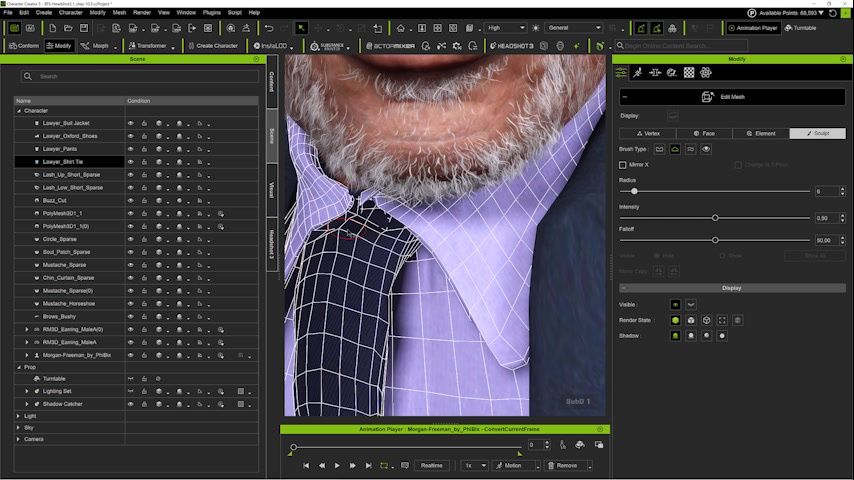
Finally, he validates. Different light sources are tested so reflections and shadows do not hide texture problems. When the tie knot intersects the shirt collar, he corrects it with Edit Mesh. A full 360-degree turnaround confirms that geometry, seams, map coverage, and identity cues all hold together, not just in the hero angle.
Final technical cleanup. With hair, earrings, suit, tie, and pose in place, PhiBix uses Edit Mesh to stop the tie knot from clipping through the collar.
Pro Tip: Clothing is part of the final validation, not an afterthought. Check that hair, accessories, shirt, tie, and jacket do not collide with the mesh before you call the model done.
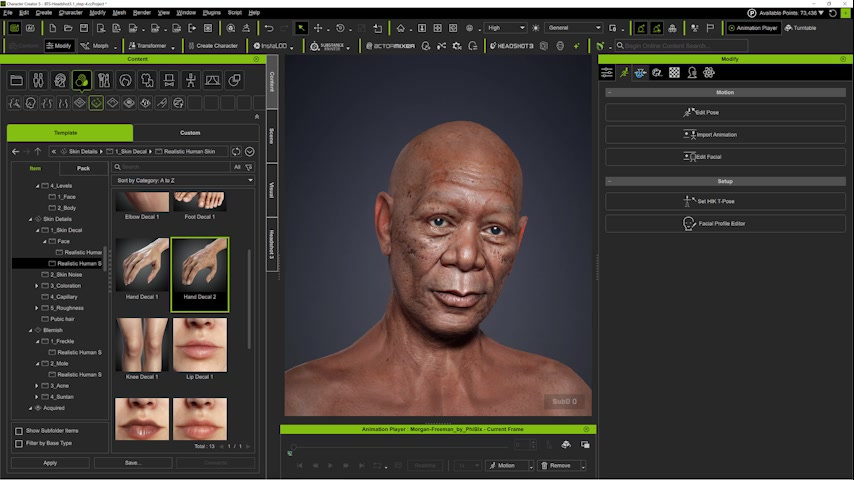
Final frontal view with hair and direct camera gaze.Three-quarter portrait: overall likeness, expression, hair, earrings, suit, and skin response under final lighting.Rear scalp and neck: continuity of pores, age marks, creases, and texture around the back of the head.Frontal close view: beauty marks, wrinkles, beard transition, eye treatment, and balanced skin tone. Extreme facial close-up: pores, tiny vessels, tonal variation, and localized moisture sheen. Top-scalp inspection: skin relief and roughness coverage remain visible under direct light.
Summary
PhiBix’s method comes down to a repeatable sequence: standardize the references, match the mesh, match the camera, project only aligned regions, repair coverage gaps, refine identity-specific detail, and validate under rotation, close-up framing, and varied light. Because of long experience with Character Creator, he completed this build in under four hours, and he estimates a newcomer who already knows the tools could reproduce it in roughly one to two days. You can watch the complete walkthrough in the full video tutorial.
Key Takeaways
Standardize the reference before touching geometry. Neutralize expression, remove hair and facial hair, and flatten lighting first, or the geometry and texture projection will inherit every flaw in the source photo.
Align the mesh to the photo before you project any texture. Toggle reference opacity constantly and confirm both front and profile, because the brush cannot fix a feature that sits in the wrong place.
Capture both profiles, not just one. Faces are asymmetrical, so moles, wrinkles, and skin variation on the left will not match the right, and a single profile leaves half the identity guessing.
Match the camera, not the nominal lens value. Dialing the 3D camera to roughly 69 to 70 mm and a 20-degree viewing angle for this source gave a far closer projection than trusting the generated metadata.
Treat coverage gaps as a repair list, not a failure. Behind the ears, the top of the scalp, and under the chin will almost always need targeted work in Photoshop or AI Studio after the main projection.
About Phibix
PhiBix is a digital-double specialist at RL-FRANCE, a multimedia production company on the Champs-Elysees in Paris that builds photorealistic doubles for trailers, commercials, music videos, and films, usually as a white-label partner for professional clients. He has created more than 250 commissioned hyperrealistic celebrity doubles and also works as a trainer and technical consultant for schools and companies developing character-production skills. He has used Character Creator since its earliest versions. You can follow his work on YouTube and Instagram.
FAQ: Building a Digital Double from Photos
Q: Can I use this digital-double-from-photos workflow on a subject I photograph myself? A: Yes. The workflow starts from a standardized frontal image, so a well-lit, face-on photo with a neutral expression is the ideal input. Headshot 3.1 handles the frontal and profile reference generation, and the rest of the pipeline is the same whether the source is a commissioned shoot or your own camera.
Q: Why does PhiBix use four camera angles instead of a single front photo? A: Because faces are not symmetrical. Keeping the front, both profiles, and the back lets the Stencil & Clone projection capture moles, wrinkles, and skin variation that differ from one side to the other, which a single-photo projection would flatten or mirror incorrectly.
Q: What versions do I need to follow this tutorial? A: The workflow uses Character Creator 5 with the Headshot 3.1 plugin, plus SkinGen for skin detailing and Edit Mesh for the final collision cleanup. Photoshop is used for diffuse and normal-map repair, though AI Studio inside Character Creator 5 offers an integrated alternative for the under-chin region.
Q: Do I have to leave Character Creator for the texture repairs? A: Not necessarily. PhiBix shows both routes. Photoshop gives the most manual control for diffuse cleanup, but the AI Studio Image Gen and Edit workflow with Nano Banana Pro can generate and project a missing view, such as the under-chin area, without leaving Character Creator 5.
Q: How long does building a digital double this way take? A: PhiBix completed this build in under four hours thanks to years of practice. He estimates a beginner who already knows the tools could reproduce the same workflow in roughly one to two days.
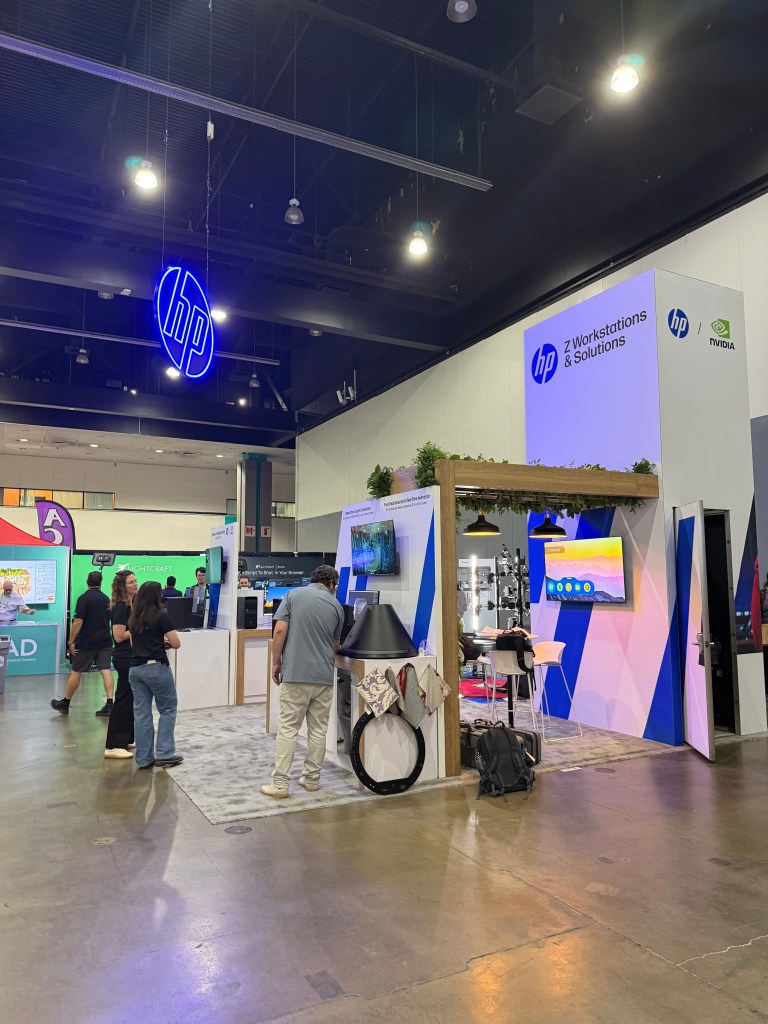
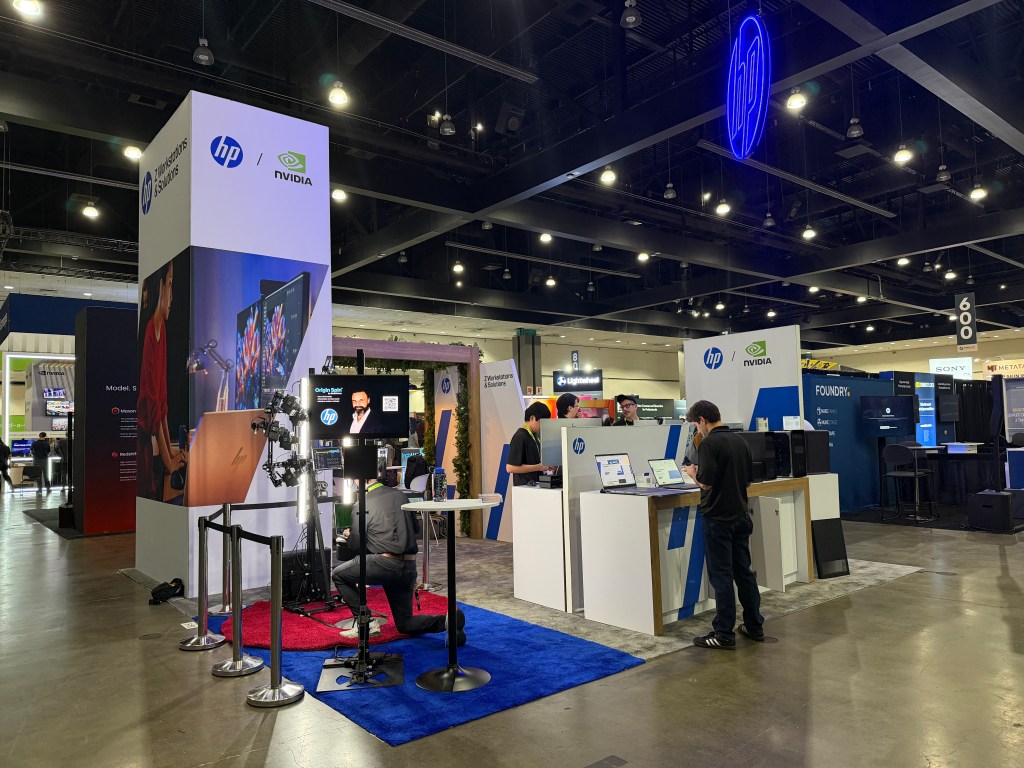
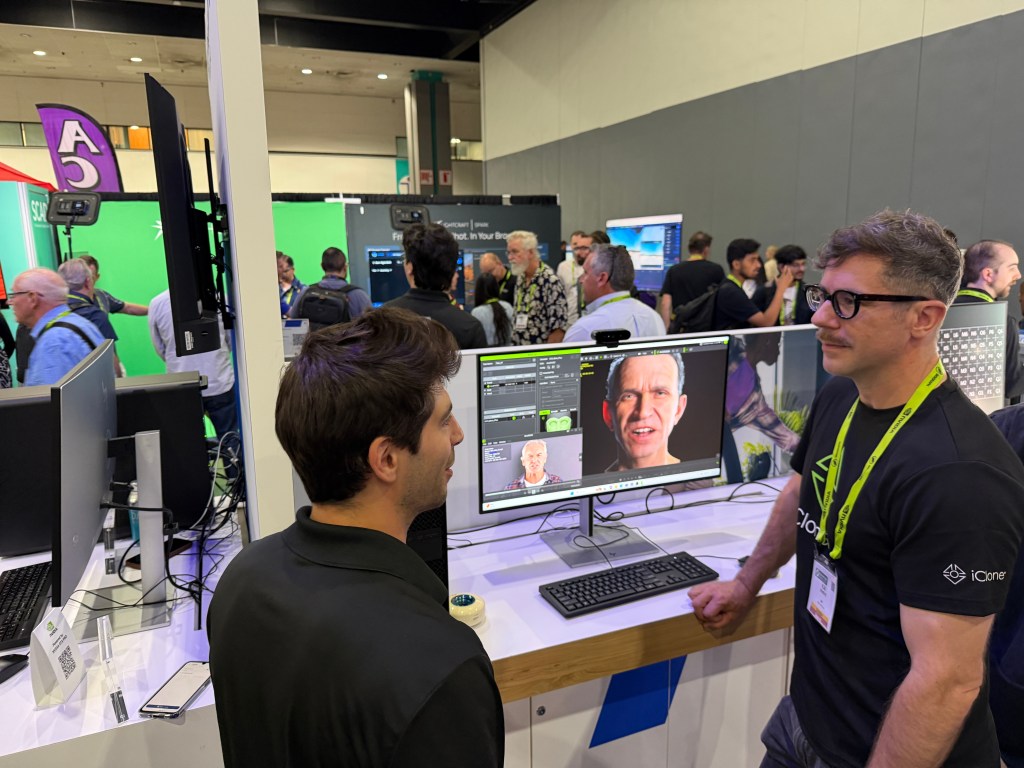
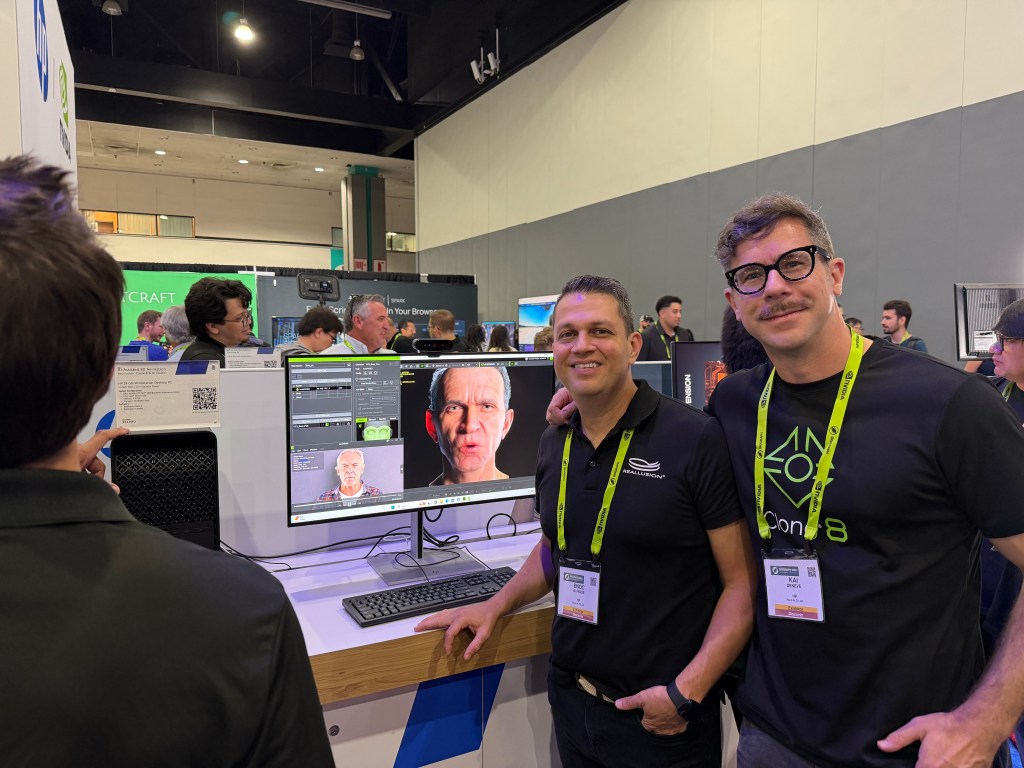
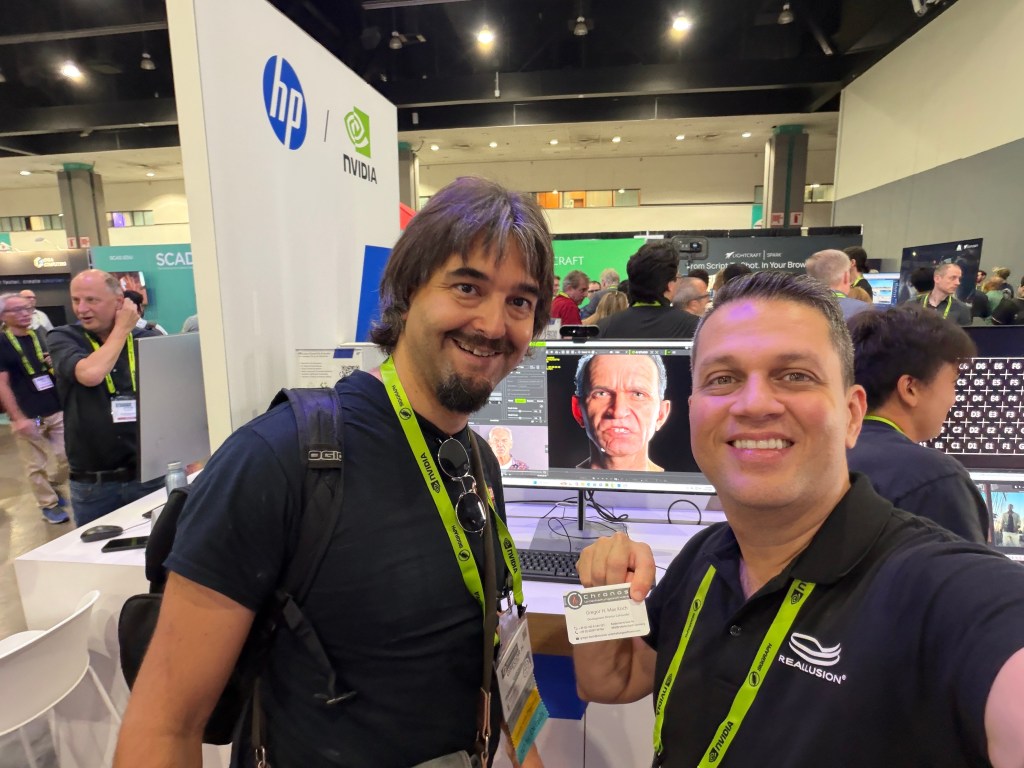
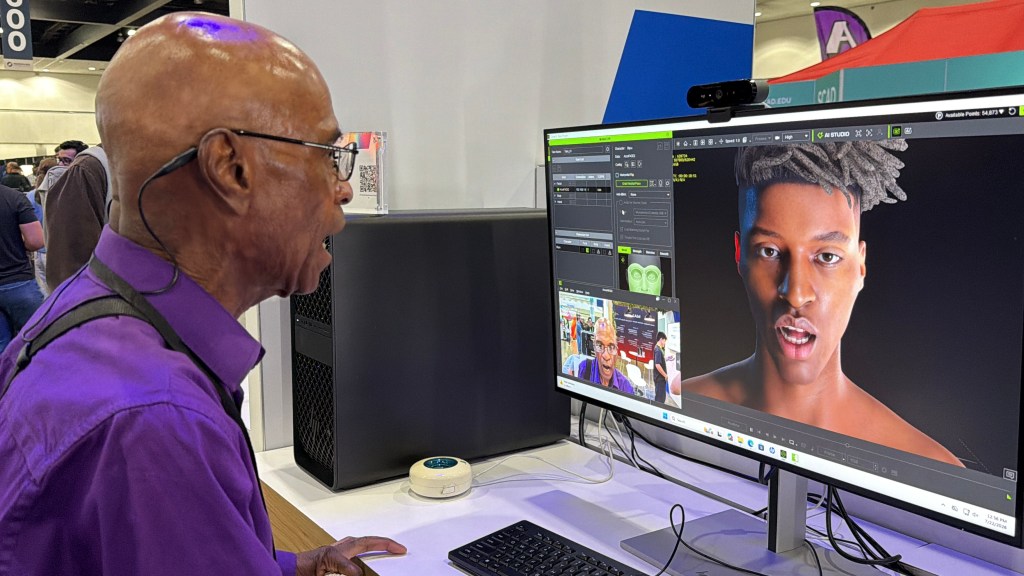
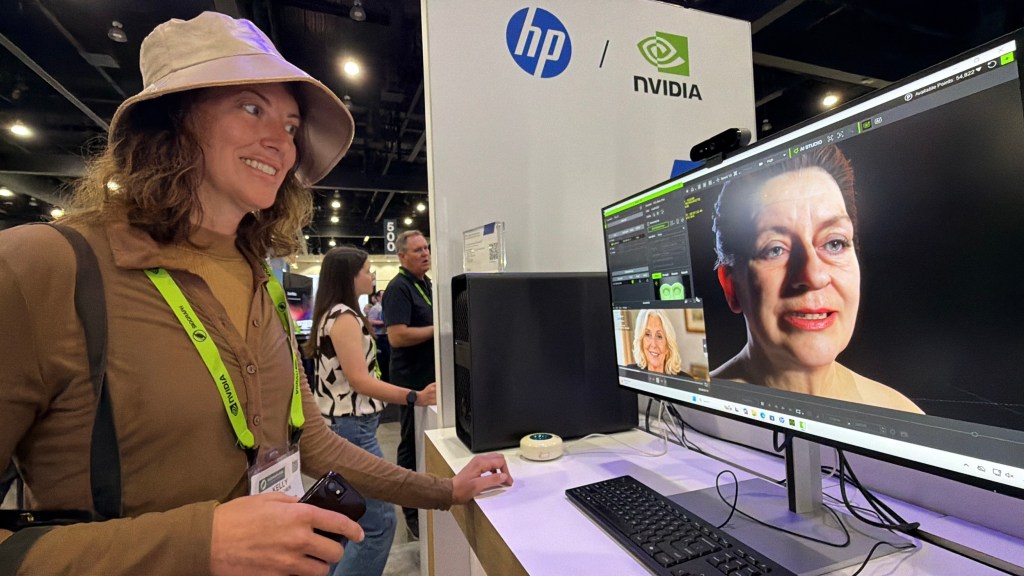
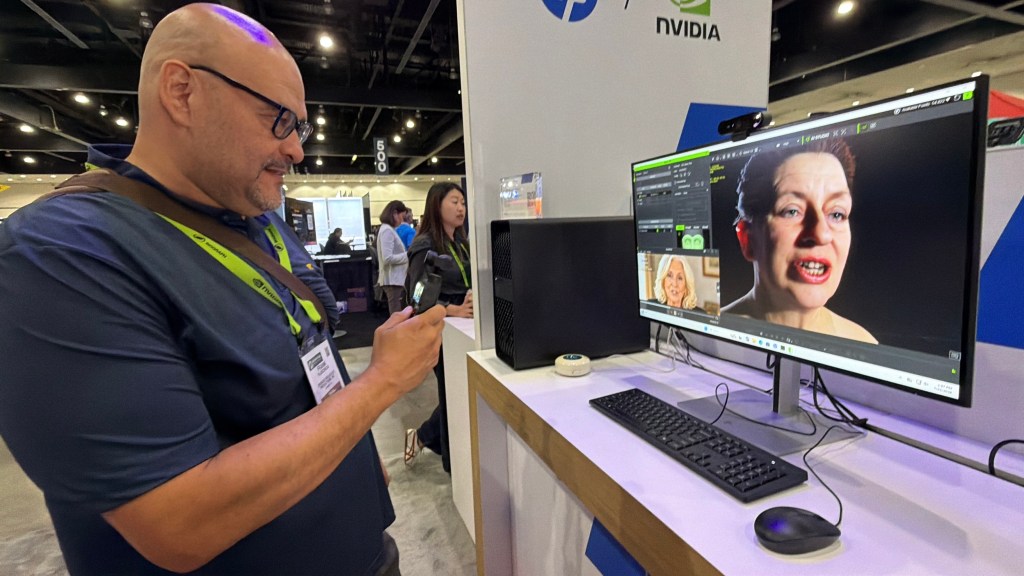
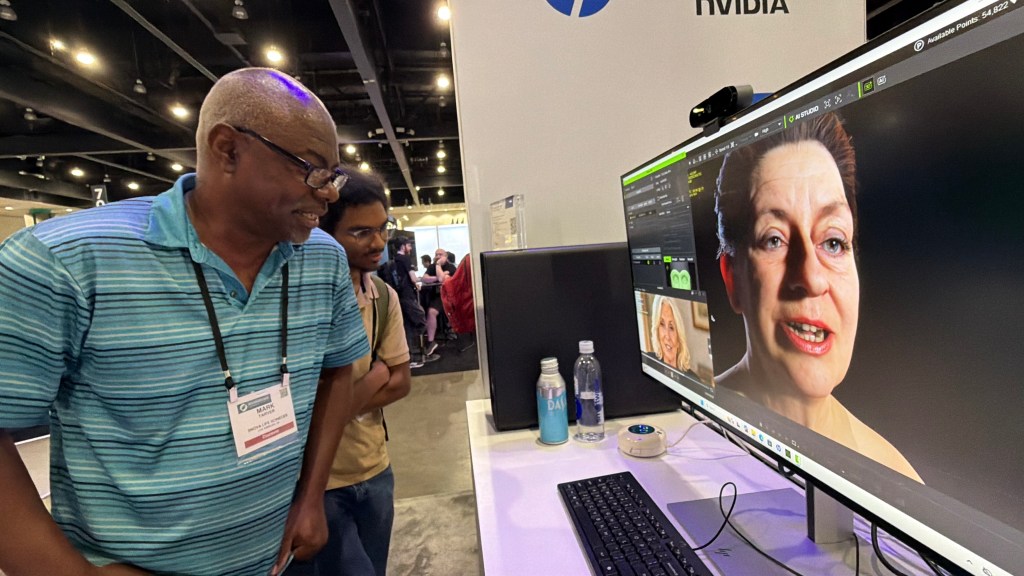
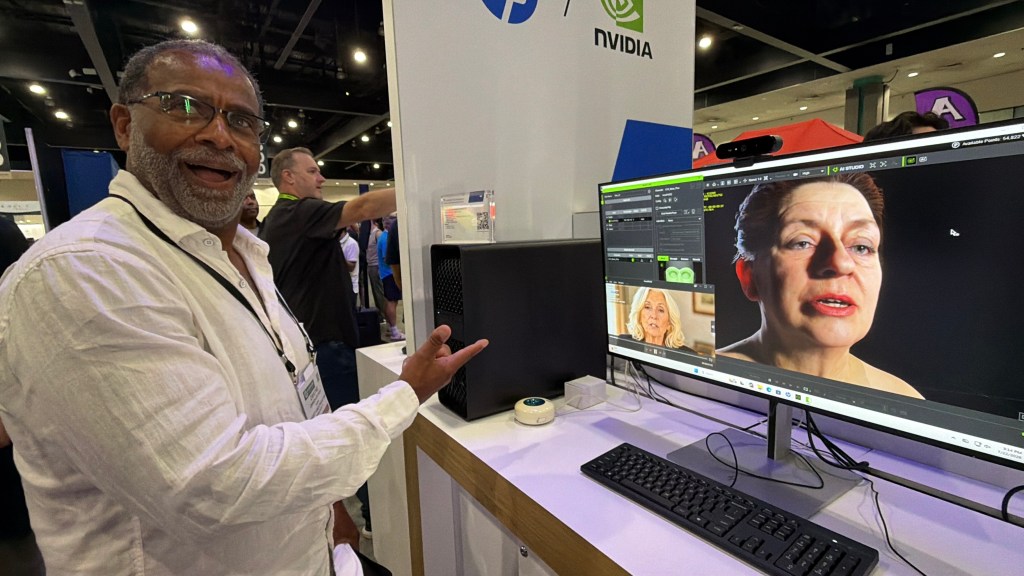
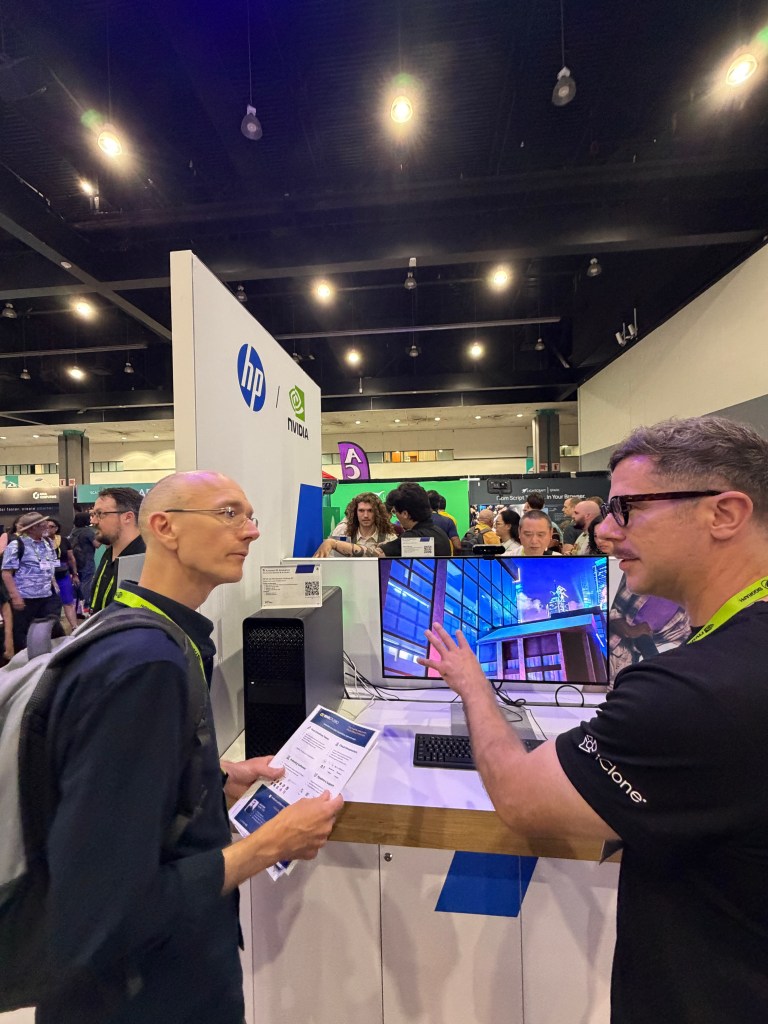
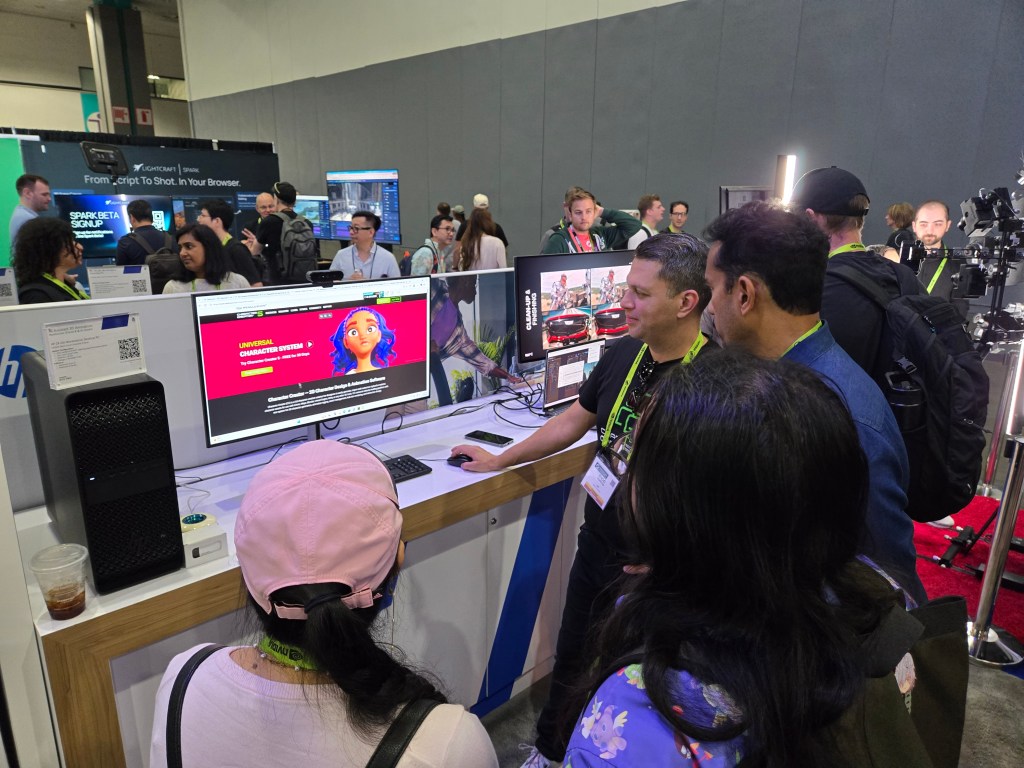
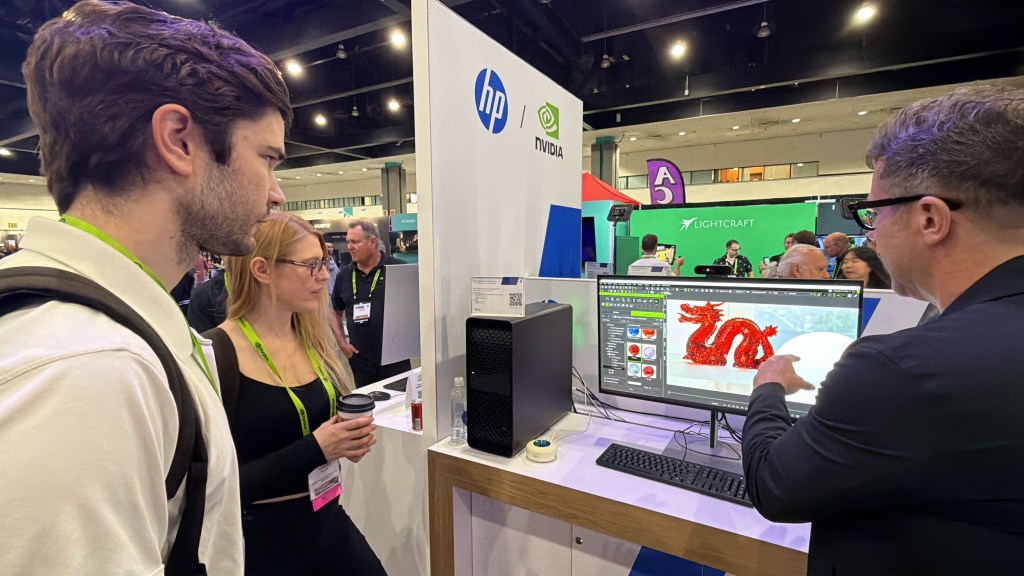
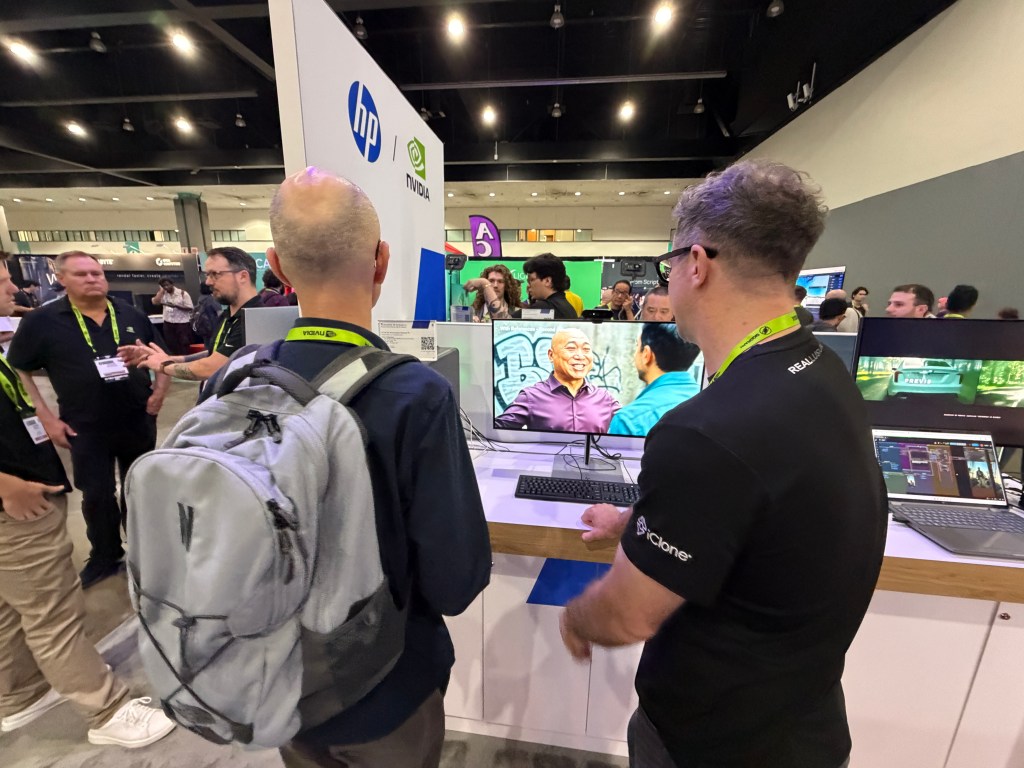
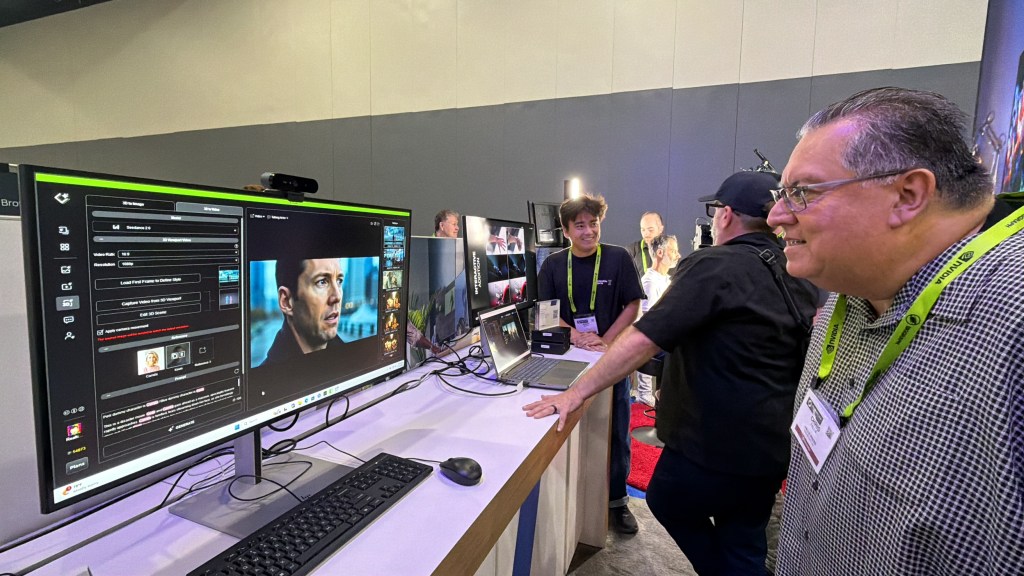
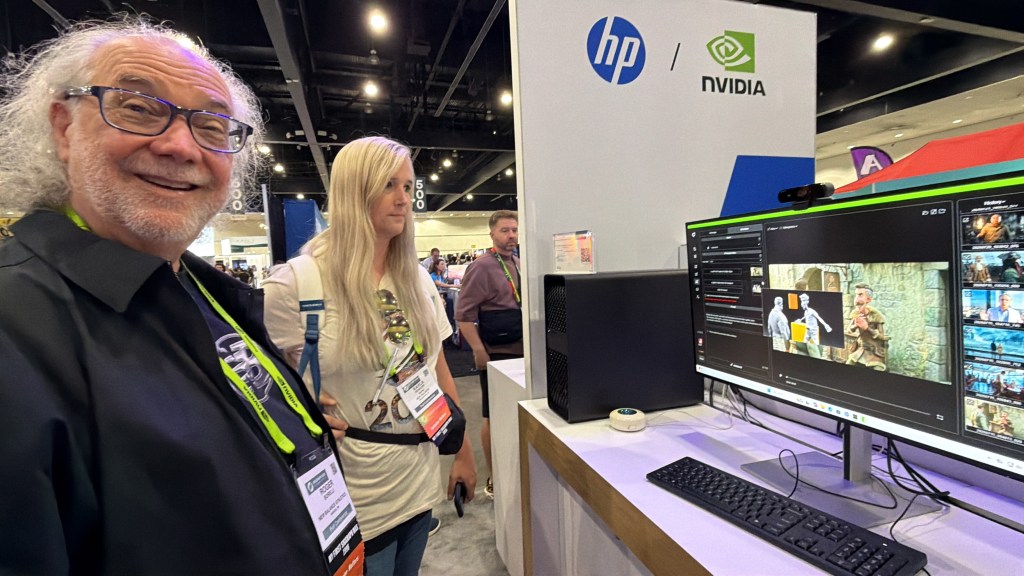
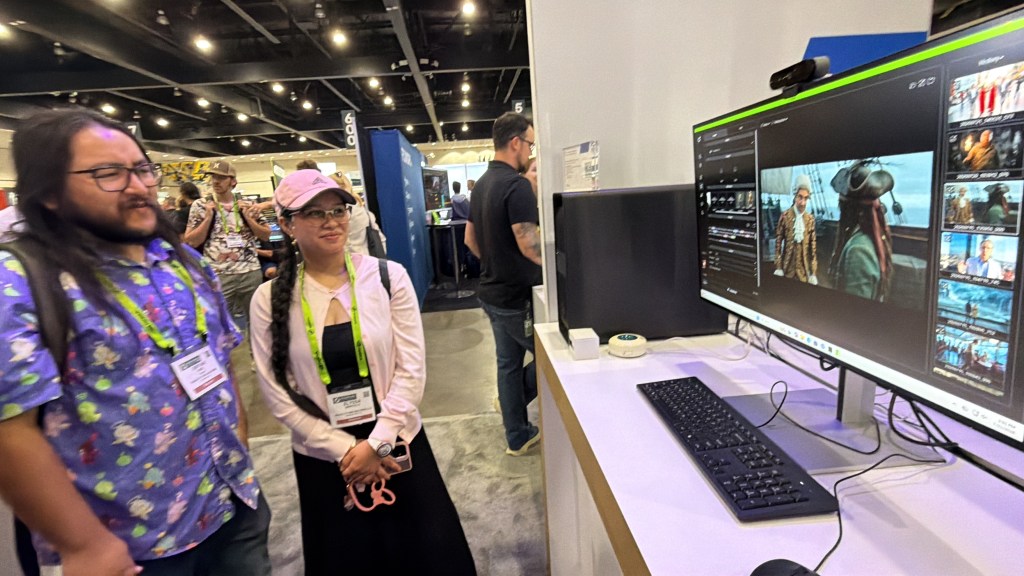
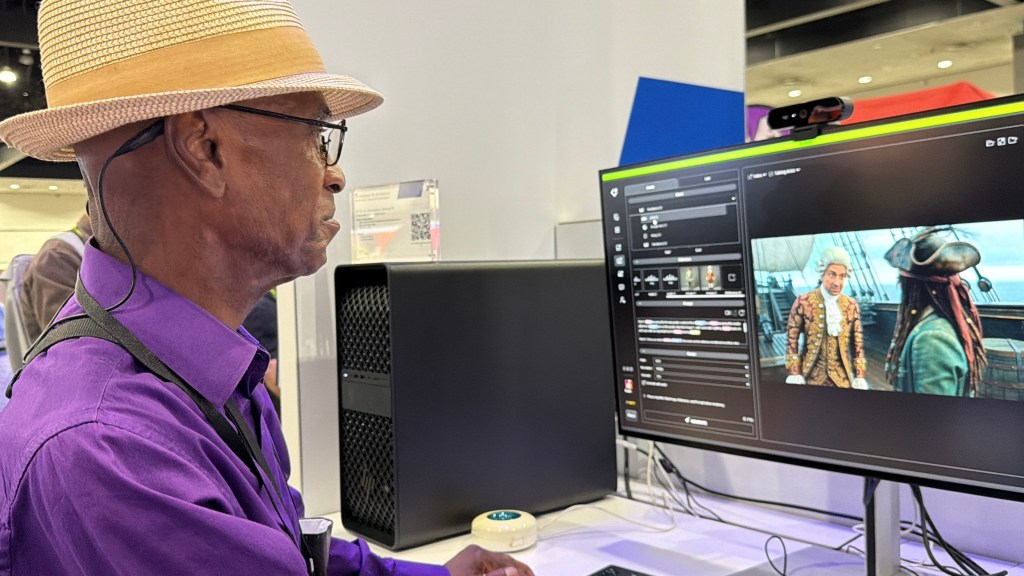
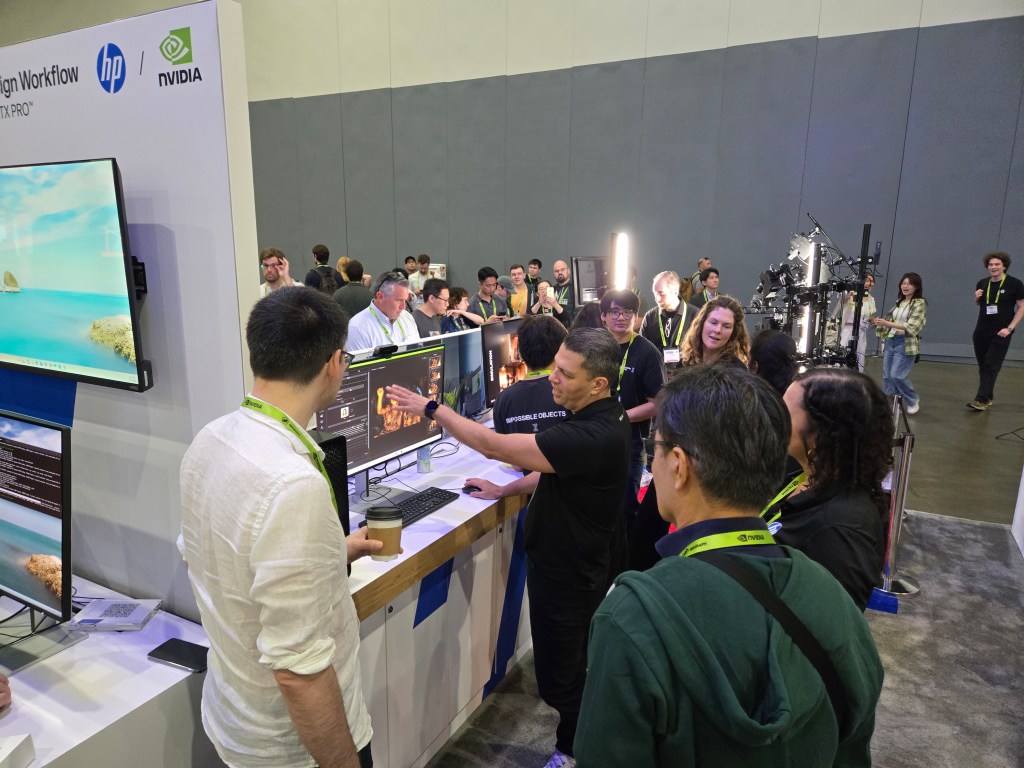
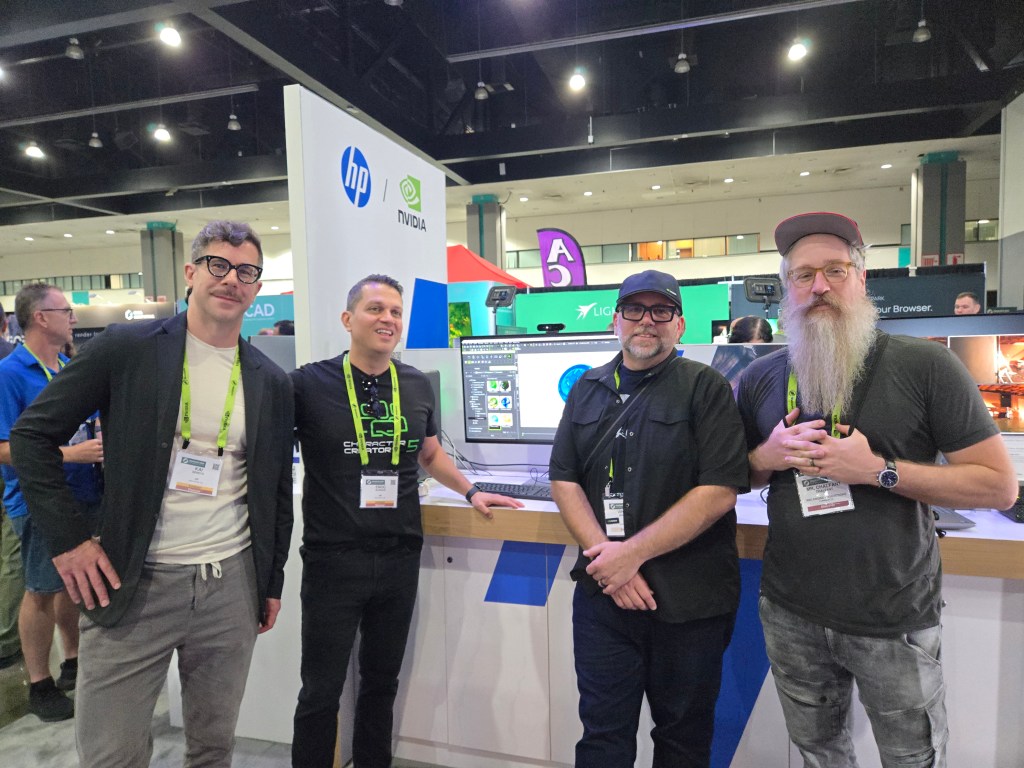
SIGGRAPH 2026 in Los Angeles SIGGRAPH 2026 brought a week of incredible innovation to Los Angeles, gathering the world’s leading artists, developers, and technology pioneers in digital creation. This year, Reallusion was exclusively invited by NVIDIA to participate in the HP booth.
Positioned at the forefront of digital creation, this synergistic showcase combined Reallusion’s Character Creator and iClone software with NVIDIA’s advanced RTX GPU technology and HP’s top-tier hardware, specifically the Z4 Workstation and the HP ZGX Nano AI Station.
Reallusion’s Presence at SIGGRAPH 2026
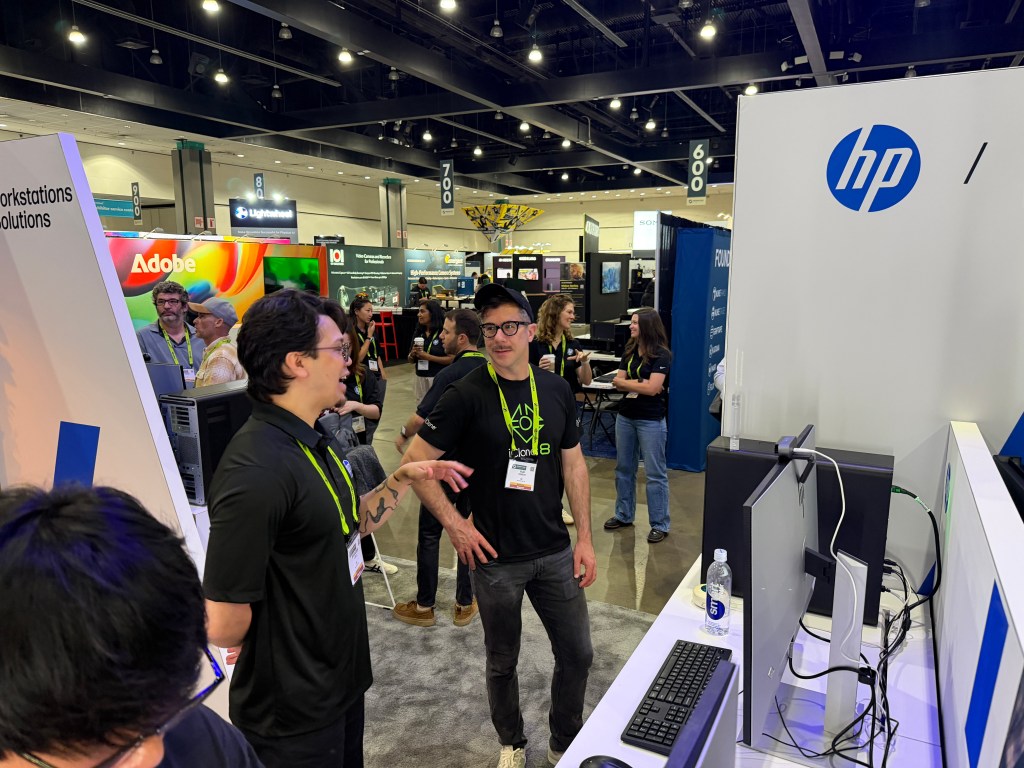
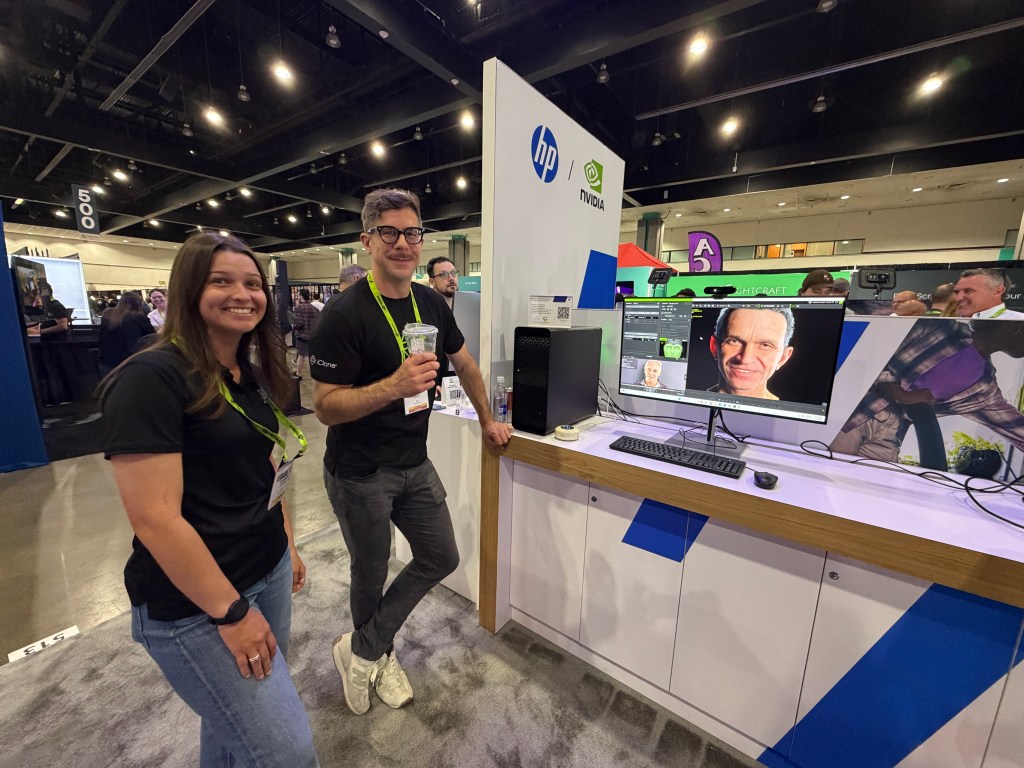
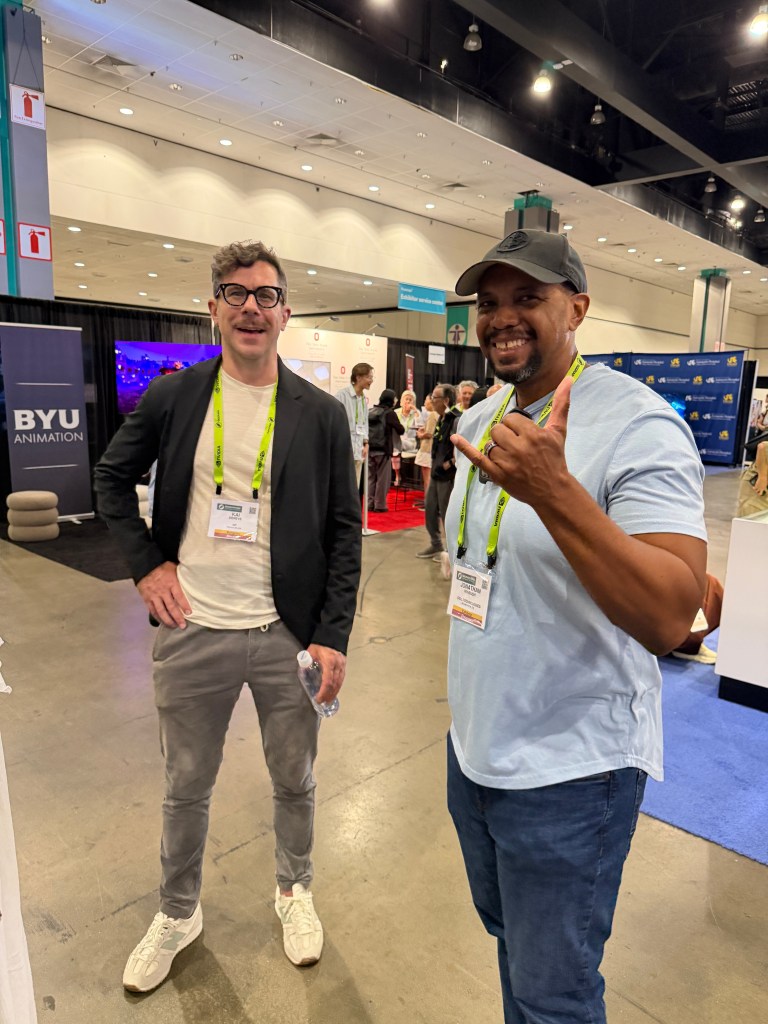
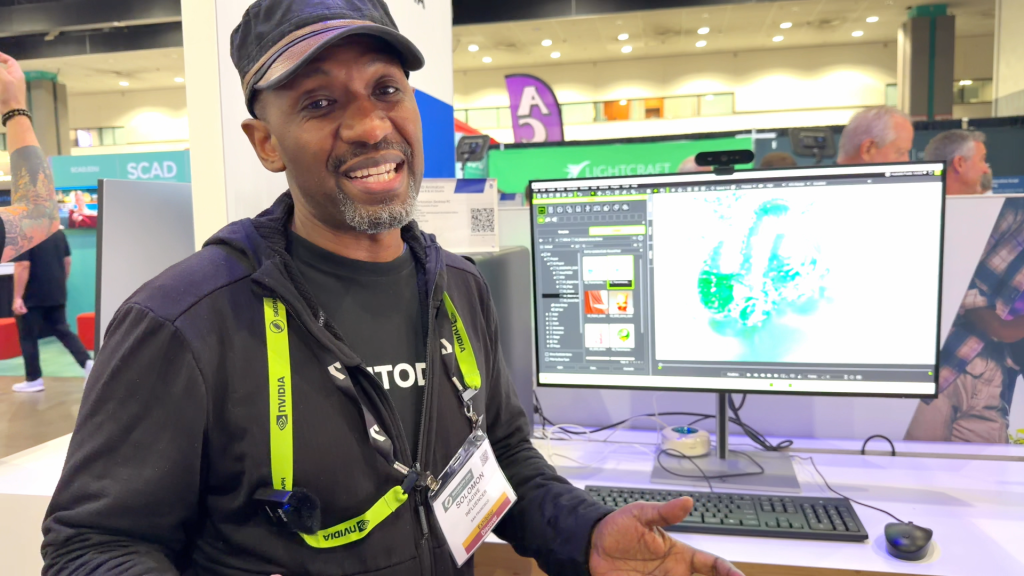
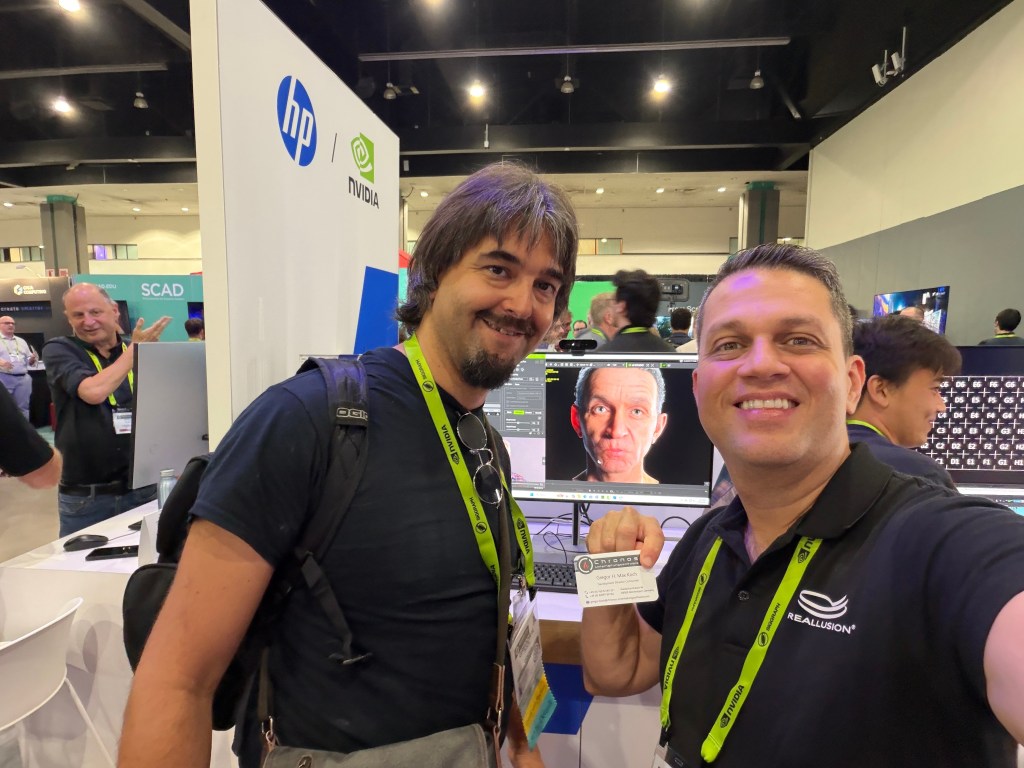
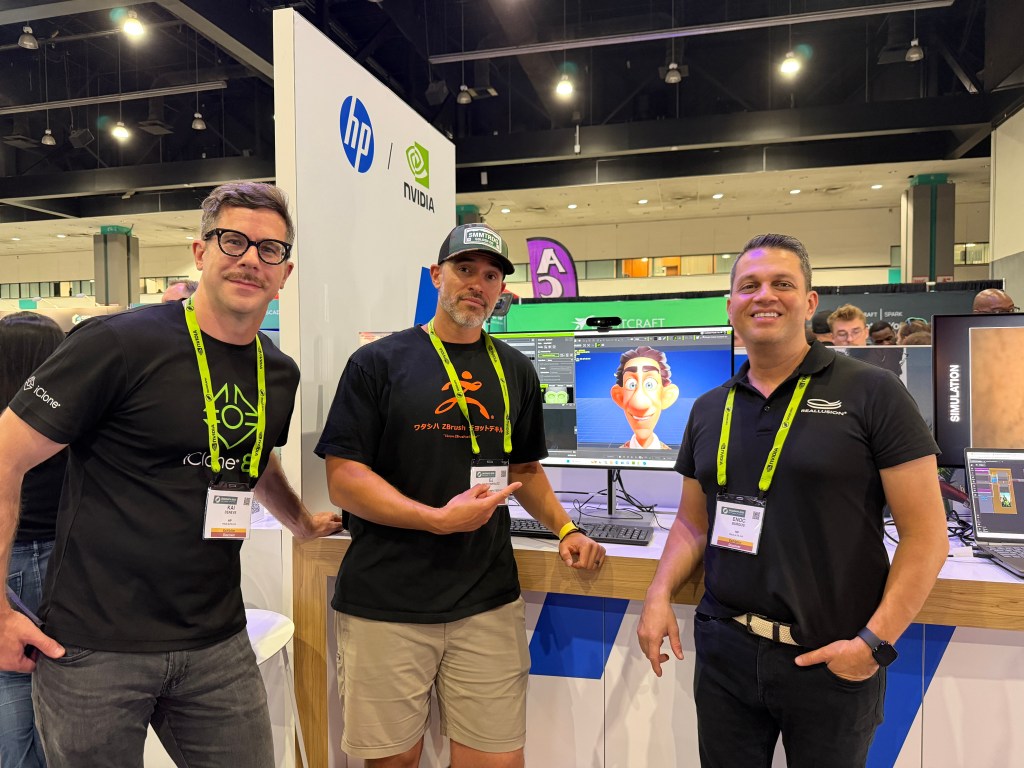
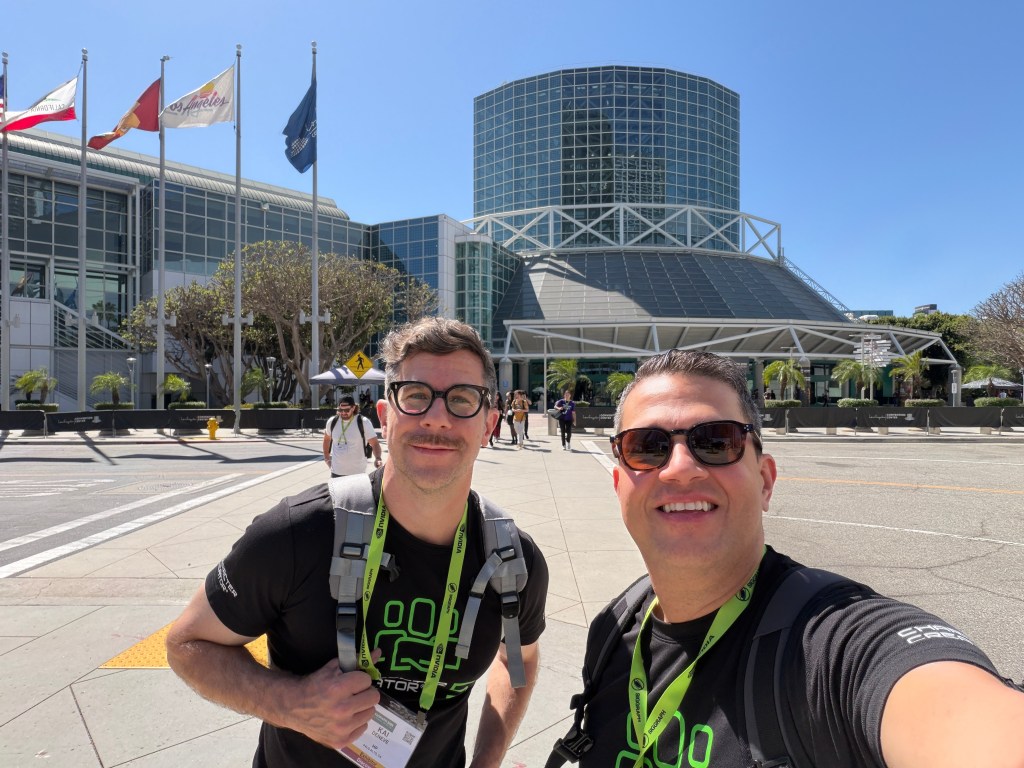
From July 21st to July 23rd, the Reallusion team hosted active, high-traffic live demonstrations at the HP booth. Reallusion’s Director of Partnership Marketing – Enoc Burgos, and Senior Account Manager – Kai Deneve, engaged directly with fans, friends, clients, and industry partners to provide hands-on experiences. These daily interactions led to recorded testimonials from some of Reallusion’s closest allies and media systems integrators, demonstrating the industry-wide impact of the software.
Showcasing RTX Render, AccuFACE2, and AI Studio
Throughout the event, Reallusion featured hands-on showcases of AccuFACE 2 at the HP booth.
AccuFACE 2 features a newly trained AI model designed for accurate facial tracking and enhanced stability, specifically optimized for CC5 HD characters. With GPU acceleration support, AccuFACE 2 enables real-time, full-frame facial capture for faithfully reproducing nuanced lip movements and dynamic facial expressions.
Reallusion also had the chance to demo its latest RTX Render update for iClone, which leverages NVIDIA’s RTX GPU acceleration for real-time path tracing.
A major highlight was the new AI Studio intergration with iClone and Character Creator. Powered 3D assets exoprted from iClone to AI Studio, users can now strictly control consistency while retaining IP ownership when rendering with AI video generative models.
LIVE Demos on CenterGrid Virtual Machine
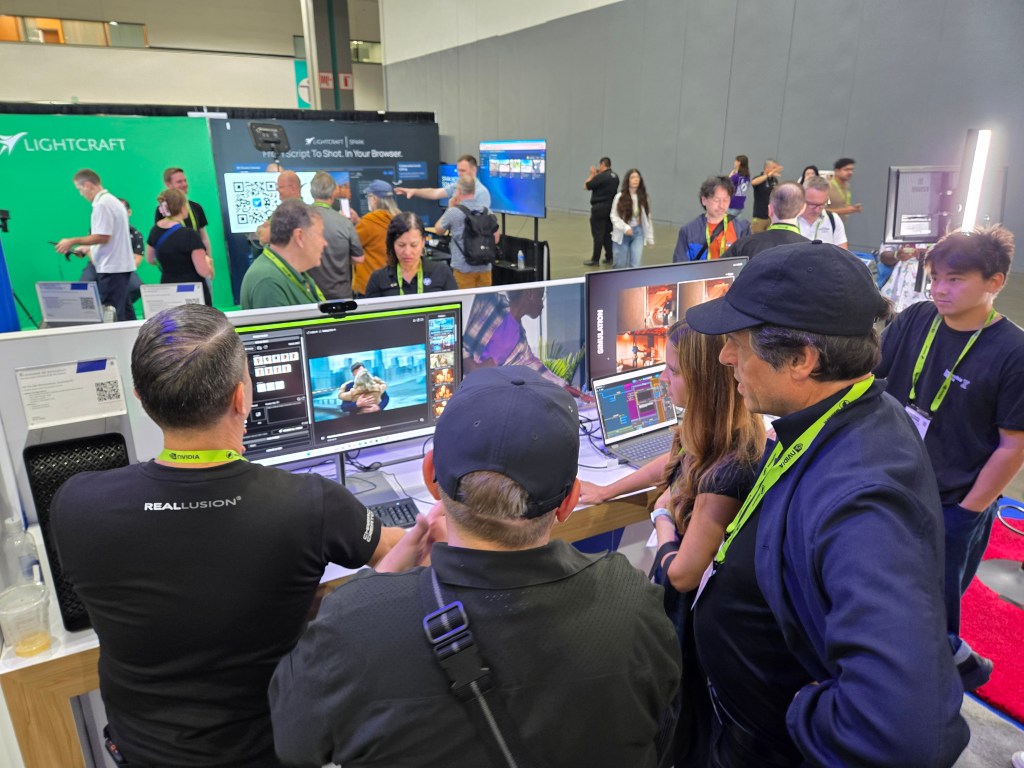
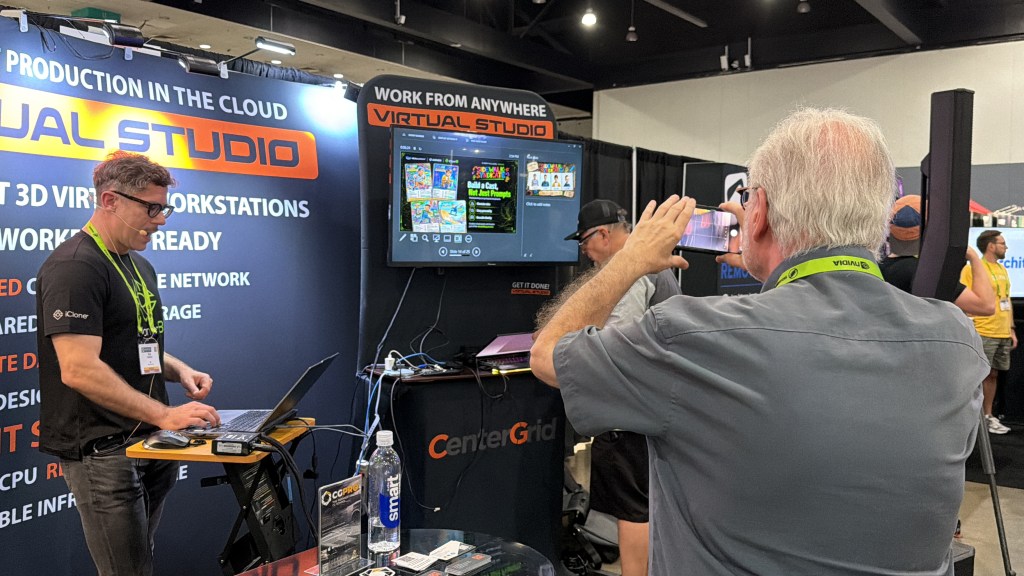
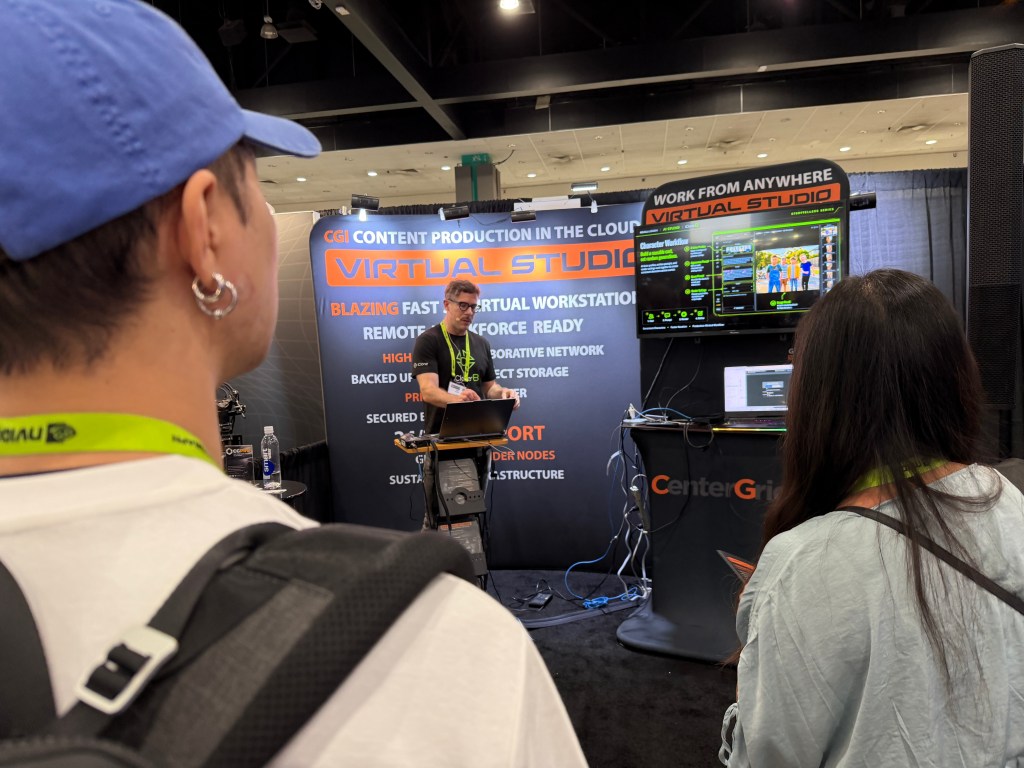
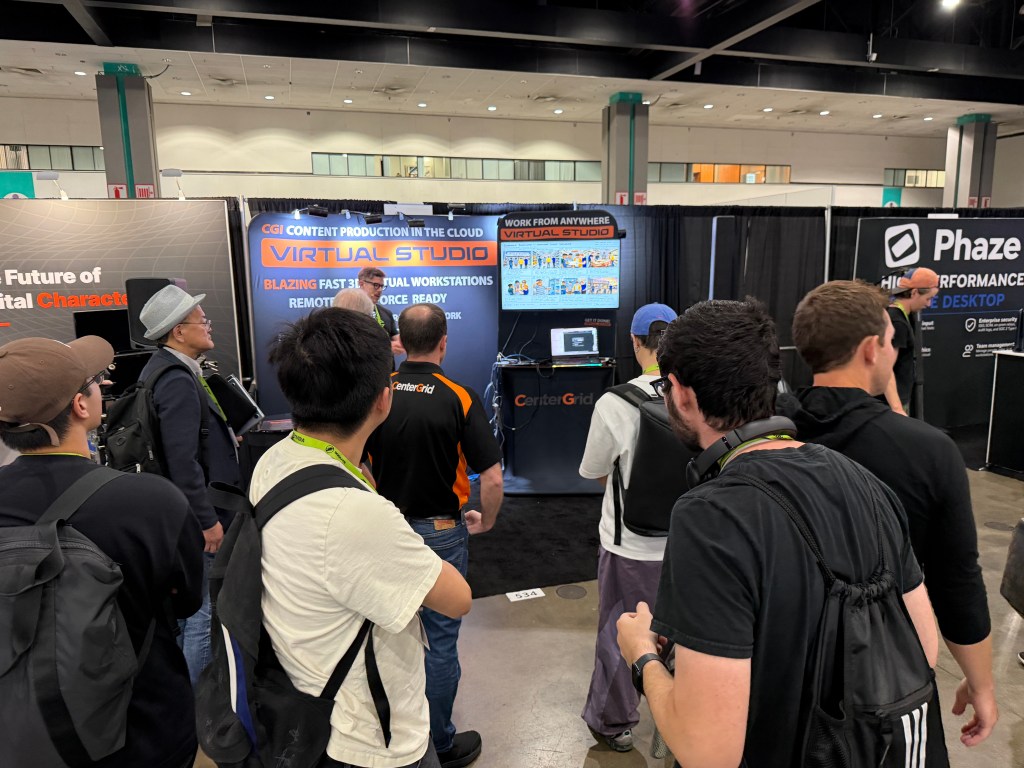
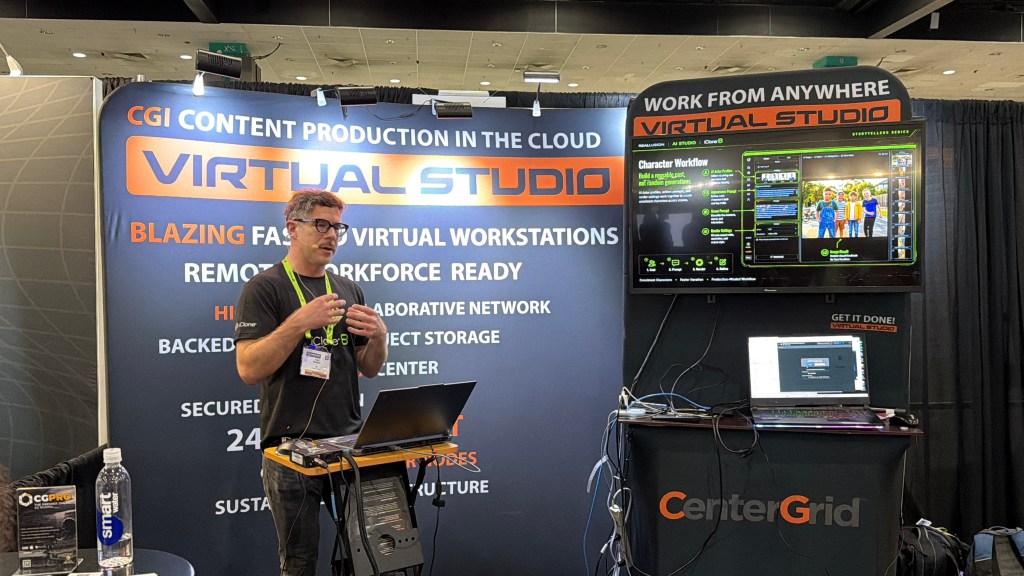
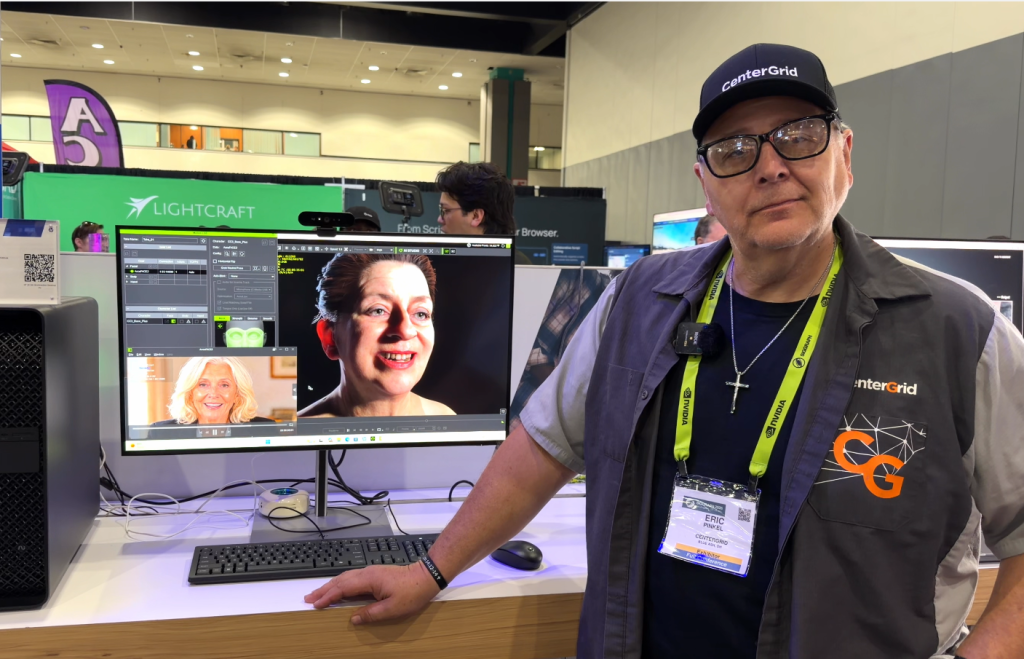
Beyond the HP showcase, Reallusion took center stage at theCenterGrid booth with daily, hands-on demonstrations of AI Studio. These presentations highlighted the sheer power of CenterGrid’s virtual studio services, demonstrating how users can scale their hardware by choosing from a flexible lineup of high-end GPUs designed to meet any project scope or budget.
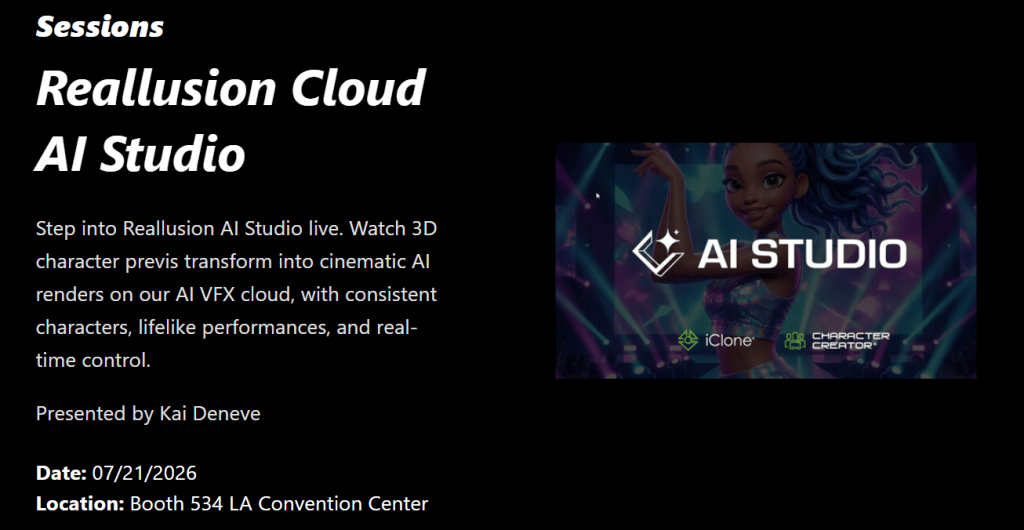
At the CenterGrid booth, Reallusion Senior Account Manager – Kai Deneve led a captivating live demonstration of Reallusion’s AI Studio running entirely on a high-performance M4 Raptor cloud workstation with NVIDIA RTX A6000.
Kai walked attendees through the complete digital human pipeline, seamlessly linking Character Creator, iClone, AccuLIPS, Motion LIVE, and AI Studio, to showcase how artists can create, animate, and deploy production-ready characters without the constraints of local hardware.
By leveraging CenterGrid’s secure, cloud-based creative infrastructure, studios and independent creators alike can tap into powerful GPU resources for rapid, AI-assisted workflows and global collaboration, ultimately redefining the future of content creation for film, games, and virtual production.
Connecting with Friends, Fans and Long-time Allies
SIGGRAPH is always a fantastic opportunity to reconnect with the passionate creators who push our software to new heights. This year, the Reallusion team was thrilled to meet up with veteran power users and long-time champions of iClone and Character Creator.
We had great conversations with industry trailblazers like Jonathan Winbush, Solomon Jagwe, and E.J. Hassenfratz (School of Motion), sharing insights, workflows, and celebrating their continued success. It was also a special highlight to connect in person with our talented Reallusion content developer, Gregor Hoch, whose ongoing contributions remain a vital part of our vibrant creative community.
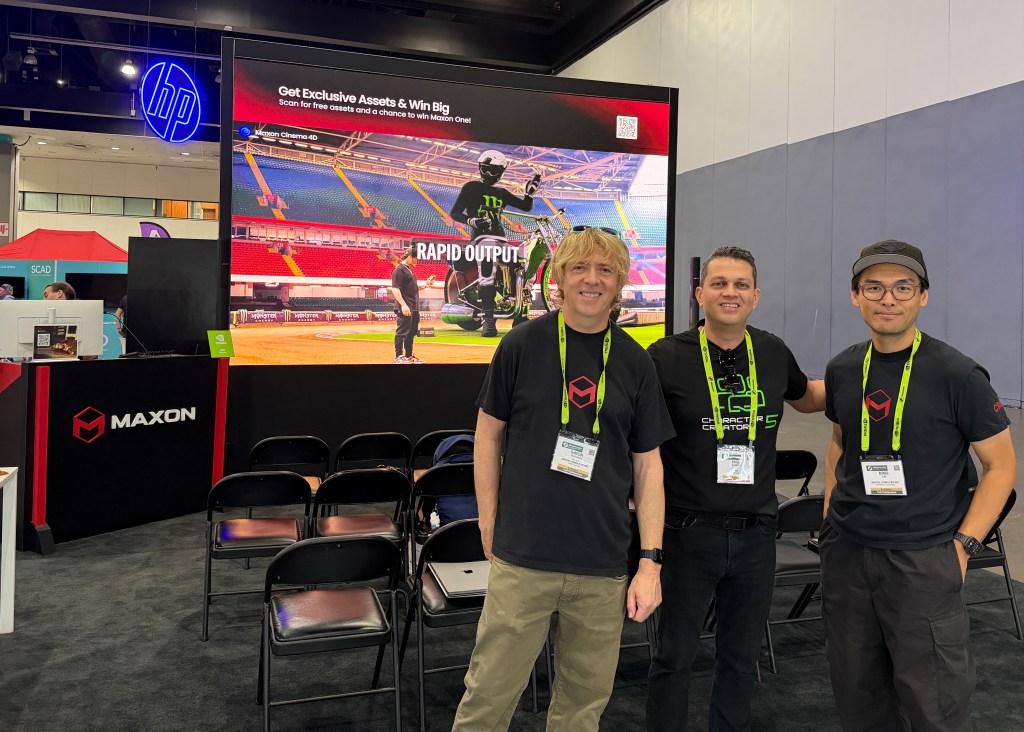
SIGGRAPH 2026 was a great success for Reallusion. The event solidified strong partnerships with NVIDIA, HP, CenterGrid, and Maxon, and allowed the team to demonstrate robust technological leadership through RTX GPU-Accelerated tools and AI Studio. Reallusion extends a heartfelt thank you to all the partners, academic leaders, and creators who visited our booths and participated in the live demonstrations.
Reallusion with NVIDIA TeamReallusion with HP TeamCenterGrid’s Eric Pinkel at the Reallusion StationReallusion with the MAXON teamReallusion’s Kai Deneve and Enoc Burgos at SIGGRAPH 2026
FAQ
Q: Where was Reallusion located at SIGGRAPH 2026? A: Reallusion was exclusively invited by NVIDIA to showcase inside the HP booth. Additionally, the team ran daily demonstrations of AI Studio at the Centergrid booth.
Q: What hardware powered the Reallusion demos? A: The demonstrations were powered by NVIDIA’s advanced GPU technology running on HP’s Z4 Workstation and the HP ZGX Nano AI Station.
Q: How can users access AI Studio for free? A: Users can access AI Studio for free through the latest iClone Personal Edition, giving creators a hands-on opportunity to explore AI-driven character creation and animation workflows directly.
Q: Which core technologies were highlighted at the event? A: Reallusion provided hands-on showcases of RTX Render and AccuFACE2 at the HP booth, alongside daily demonstrations of AI Studio at the Centergrid booth.
TL;DR: This tutorial walks through a completeDaz-to-Character Creator 5 workflow for creating original stylized characters. Multimedia designer CYING begins with a Daz Genesis 9 base, brings it into CC5 using the Transformer, then refines the character’s face and body with morph tools, adds tattoos and custom materials, and creates additional props in Blender before final integration. The finished result is an animation-ready original character, built far faster than sculpting from scratch.
Malaysia-based multimedia designer CYING creates original characters, stylized digital humans, and visual designs, and relies on a hybrid pipeline to do it. Rather than choose one tool, CYING combines three: Daz 3D for a fast base,Character Creator 5 as the central hub, and Blender for custom assets. This breakdown follows the Daz to Character Creator 5 workflow behind one character, Bu Ra En, then shows how the same process scales to an entire cast.
Step 1: Locking in the Character Concept
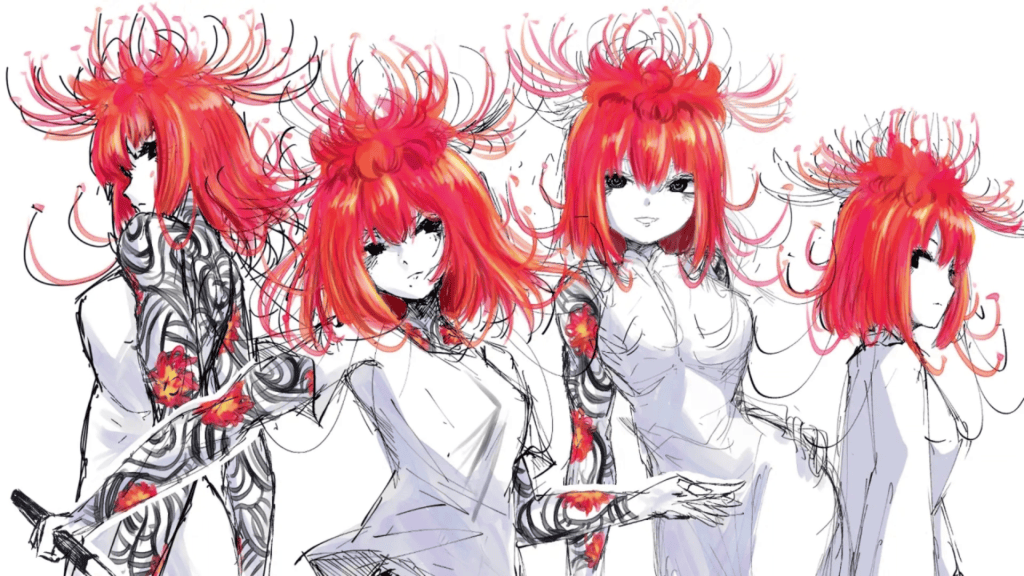
Before any 3D work begins, CYING defines the character’s personality, color palette, and overall visual direction. This front-loaded planning keeps the design consistent later and guides every asset choice.
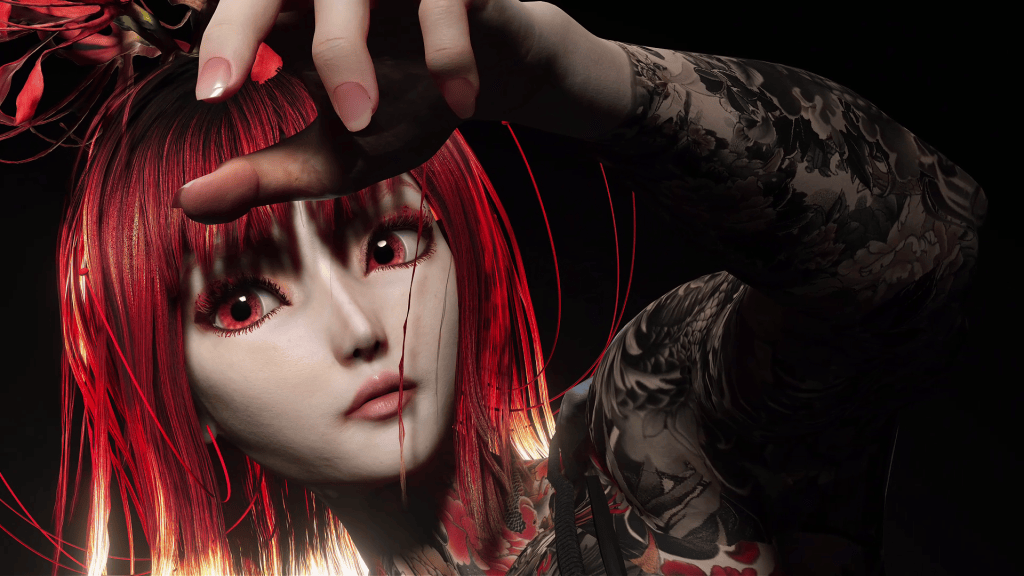
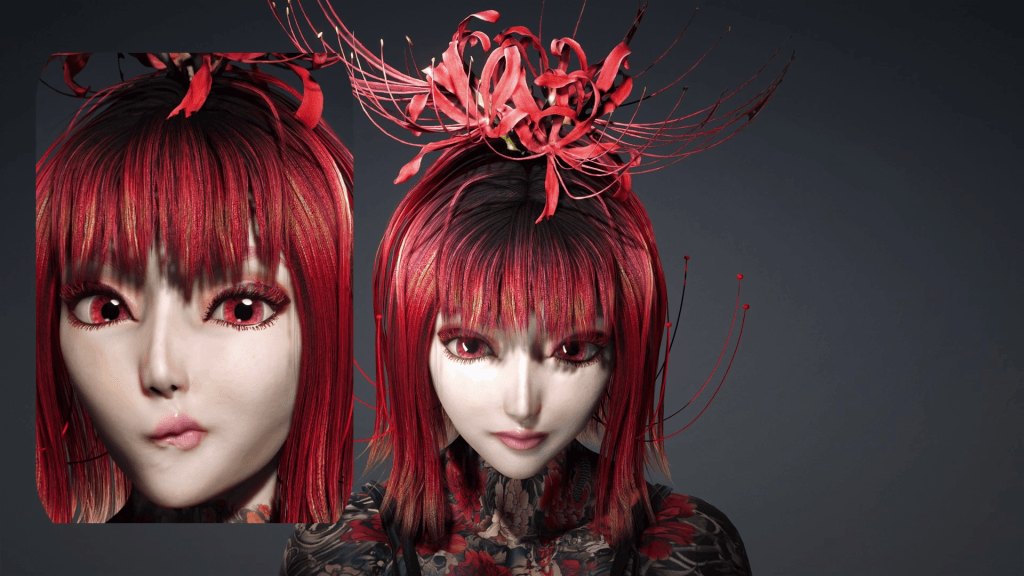
For Bu Ra En, the brief was powerful, mysterious, dramatic, and slightly dangerous. The core design elements followed from that: red hair, dark clothing, strong contrast, sharp accessories, and full-body tattoos.
Pro Tip: A clear concept is not just a mood board. It becomes the filter for which Daz base, textures, and outfits are worth pulling in, which prevents the design from drifting once you are deep in the tools.
Step 2: Finding a Base Model in Daz 3D
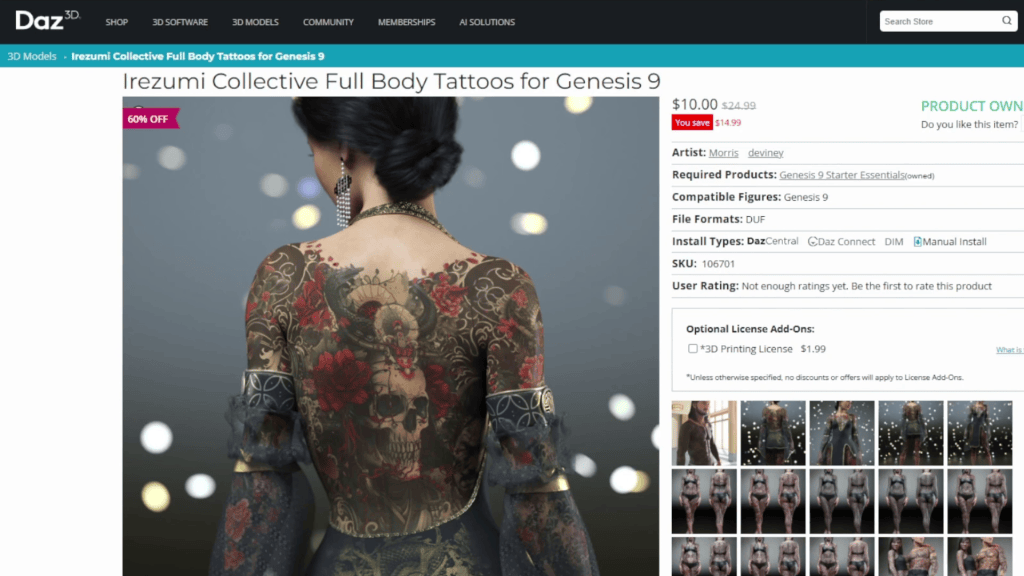
With the direction set, Daz 3D provides the starting foundation. For Bu Ra En, CYING selected a Genesis 9 model and a full-body tattoo texture that matched her personality, then made first-pass adjustments to the face, body shape, skin, tattoo placement, and outfit direction.
The important mindset here: the Daz character is not the final result. It is a foundation to build on, chosen for speed and for the range of ready-made assets Daz offers.
Step 3: Importing the Character into Character Creator 5 with Transformer
This is the bridge that makes the Daz to Character Creator 5 workflow efficient. Once the Daz character is ready, CYING exports it and brings it into CC5 using the built-inTransformer.
Transformer converts the Daz character into the Character Creator system while preserving the important elements: body shape, face, textures, hair, and clothing. Because the conversion carries those pieces across, there is no need to rebuild the character from the ground up.
Note: CC5’s Transformer supports Genesis 3, 8, 8.1, and 9, converting them into CC3+ topology HD characters that support multiple subdivision levels. That topology is what unlocks the morph and material work in the next steps.
Step 4: Refining the Character in CC5 with Morph Tools
Inside CC5, the character stops being a standard base and starts becoming an original design. Using themorph tools, CYING reshaped Bu Ra En’s face, eyes, jawline, expression, and body proportions.
This is the stage where personality becomes recognizable. The goal is to move the character away from the generic base likeness and toward the concept locked in Step 1.
Step 5: Testing Tattoos, Materials, and Clothing
With the shape refined, CYING checks the tattoo texture, skin materials, clothing, and overall color balance together, because they interact.
Bu Ra En’s tattoos cover a large part of her body, so they have to read cleanly against her skin, outfit, lighting, and hairstyle rather than competing with them. CYING also tests the clothing from multiple angles to confirm the full silhouette stays clear and visually balanced from every view, not just the front.
Pro Tip: Judge tattoos and materials in context, not in isolation. A texture that looks sharp on a flat preview can flatten out or clash once hair, wardrobe, and lighting are in the scene.
Step 6: Creating Custom Assets in Blender
For design elements that do not exist in any content library, CYING turns to Blender. This is where accessories, ornaments, decorative shapes, and character-specific props get built or adjusted.
These custom pieces are what push a character past “assembled from existing content” and into something genuinely unique. Once the assets are ready, CYING exports them from Blender and brings them back into Character Creator 5.
Step 7: Final Integration and Animation Testing
Back in CC5, everything comes together: the character, materials, clothing, hair, tattoos, and the custom Blender assets are combined into one file.
CYING then tests poses, facial expressions, camera angles, and simple animations. This motion check catches problems a static render hides, such as accessories or clothing that intersect or behave badly once the character moves. In this pipeline, CC5 acts as the central hub where every part of the character is refined, organized, and prepared for presentation or future animation.
Applying the Workflow to Your Own Cast
The same process scales across an entire character lineup. CYING uses it for a full set of original characters, each with a distinct identity:
Xiao Lian has a softer, dreamy design inspired by lotus flowers.
Nakhari has a mysterious, elegant, snake-inspired appearance.
Xiao Fu has a gentle, natural identity drawn from plants and flowers.
Bu Ra En carries the darker, stronger, more dramatic personality featured throughout this breakdown.
The production steps stay the same, but morphs, materials, clothing, accessories, and styling produce very different results. That repeatability is the real payoff: one reliable pipeline, many original characters.
Summary
The Daz to Character Creator 5 workflow gives each tool a clear job. Daz 3D delivers a fast starting point and a deep asset pool. Blender adds the custom props and accessories that make a character feel one of a kind. Character Creator 5 sits at the center, where the character is refined, all the parts are combined, and poses and expressions are tested before animation. Worked this way, an original stylized character comes together efficiently without giving up a distinct personality or visual identity.
Want to learn more about the DAZ to Character Creator 5 workflow? Explore theDAZ Character Transformer Course for expert tips and techniques.
Key Takeaways
Design before you model. Locking personality, palette, and key elements first keeps asset choices consistent and stops the character from drifting once you are inside the tools.
Treat the Daz base as a foundation, not the finish. A Genesis 9 model plus a matching texture is a fast starting point, not the final look.
Let Transformer do the heavy lifting. Converting a Daz character into CC5 preserves body, face, textures, hair, and clothing, so you refine instead of rebuild.
Judge tattoos and materials in context. Skin, outfit, hair, and lighting all interact, so evaluate them together and from multiple angles.
Use Blender for what libraries can’t give you. Custom accessories and props are what separate an original character from an assembled one.
About the Creator
CYING is a multimedia designer and 3D character creator based in Malaysia, specializing in original characters, stylized digital humans, animation, and visual design. CYING’s approach favors a hybrid pipeline that borrows the strengths of Daz 3D, Character Creator 5, and Blender rather than committing to a single tool, using CC5 as the hub that ties the whole process together.
FAQ: Daz to Character Creator 5 Workflow
Q: Can I use this workflow for my own original characters? A: Yes. The pipeline is built to be repeatable. As CYING’s cast shows, the same Daz to CC5 to Blender steps produce very different characters simply by changing morphs, materials, clothing, and custom assets.
Q: Which Daz characters can the Transformer convert into CC5? A: Character Creator 5‘s Transformer supports Daz Genesis 3, 8, 8.1, and 9, converting them into CC3+ topology HD characters with multiple subdivision levels. Older legacy figures are only supported in Character Creator 4.
Q: Do I need Blender to follow this workflow? A: Not for the core pipeline. Daz plus Character Creator 5 covers concept, conversion, refinement, materials, and animation testing. Blender is optional, used only when you want custom props and accessories that no existing content library provides.
Q: Why route Daz characters through Character Creator instead of animating them directly? A: Converting into CC5 gives you a standardized, animation-ready rig plus the full CC toolset for morphs, materials, and pipeline export, while still keeping the Daz likeness you started from.
Consistency is one of the biggest challenges in AI filmmaking. Characters drift, environments change unexpectedly, and maintaining continuity across multiple scenes often becomes more difficult than creating the shots themselves.
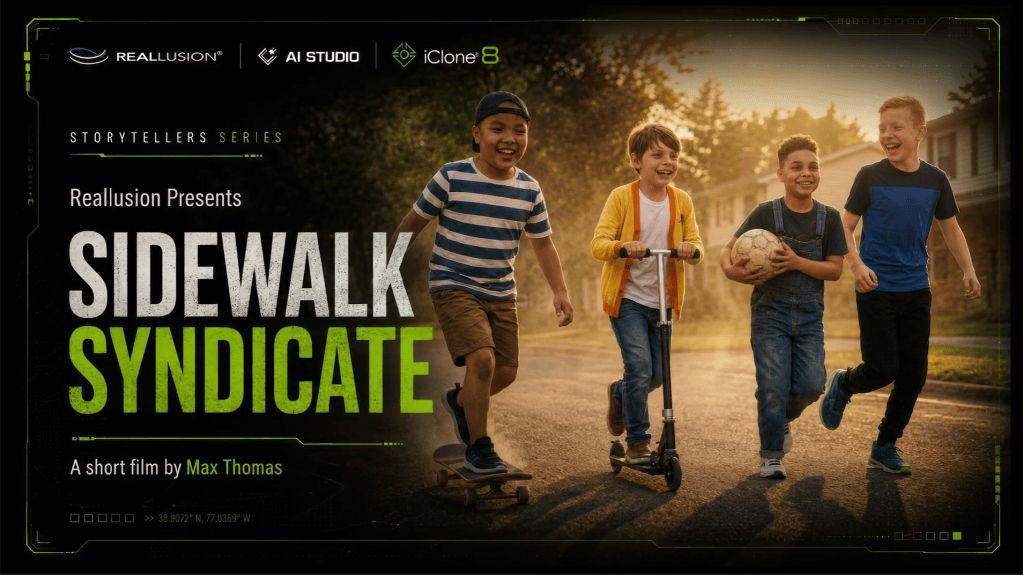
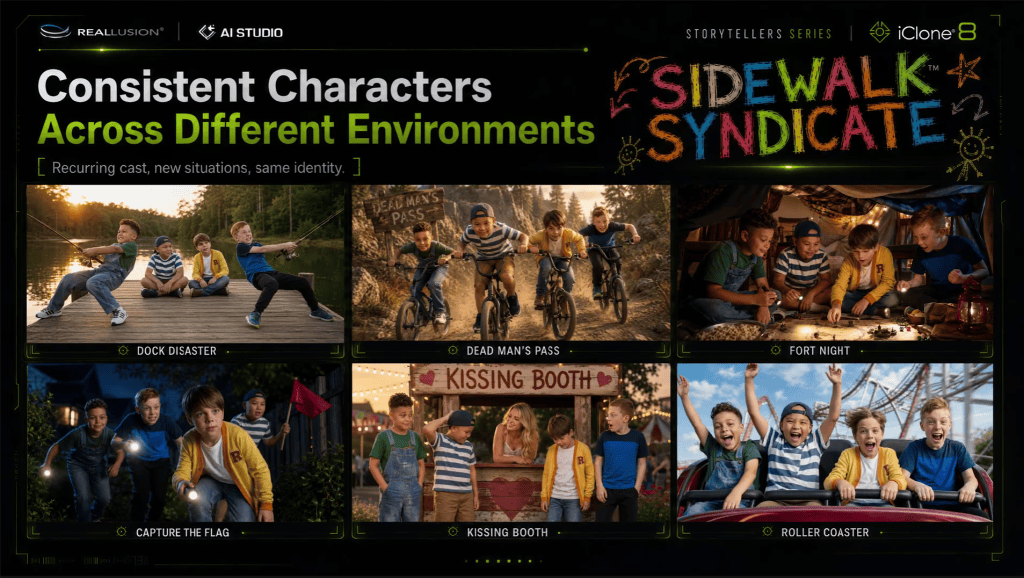
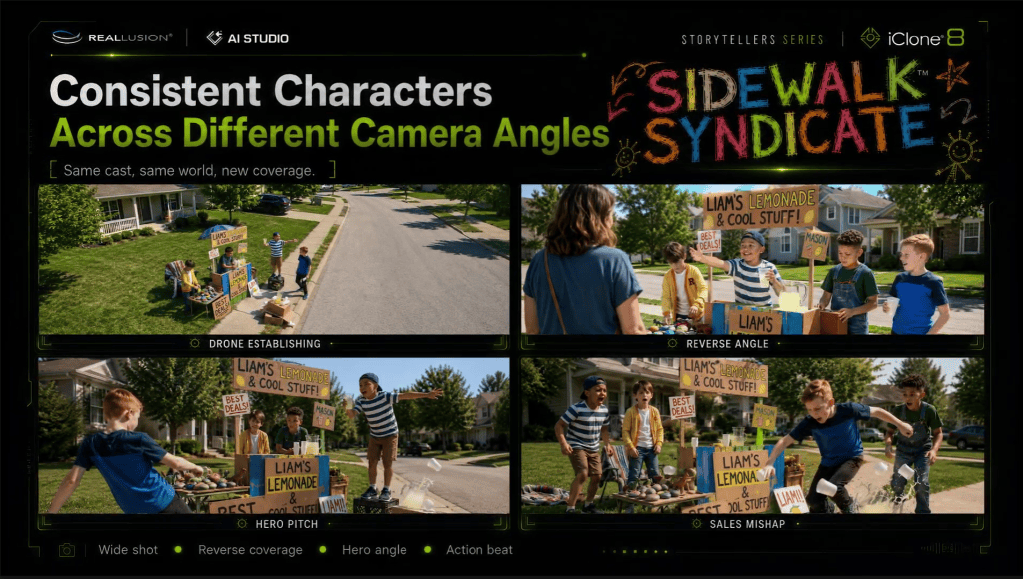
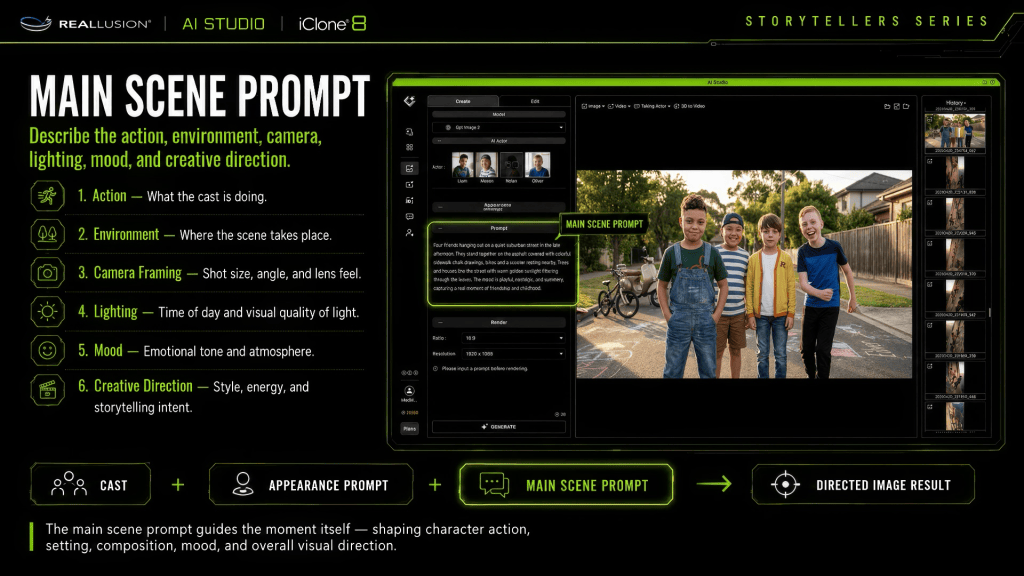
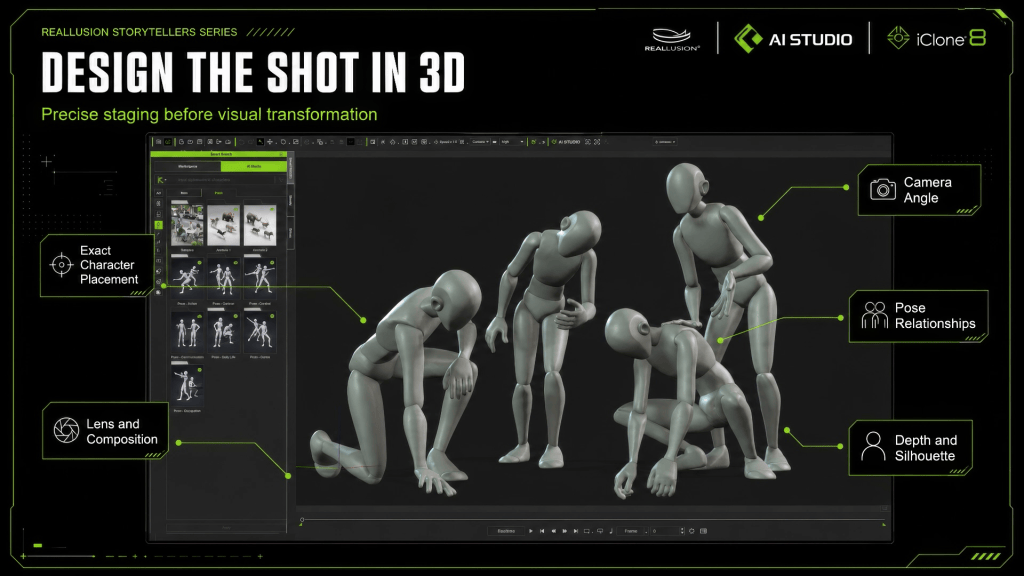
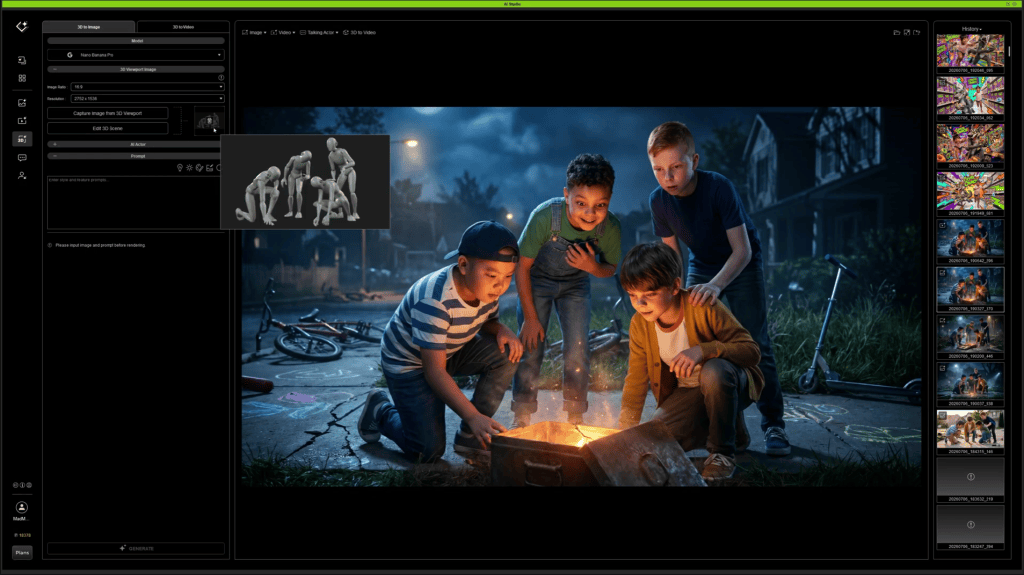
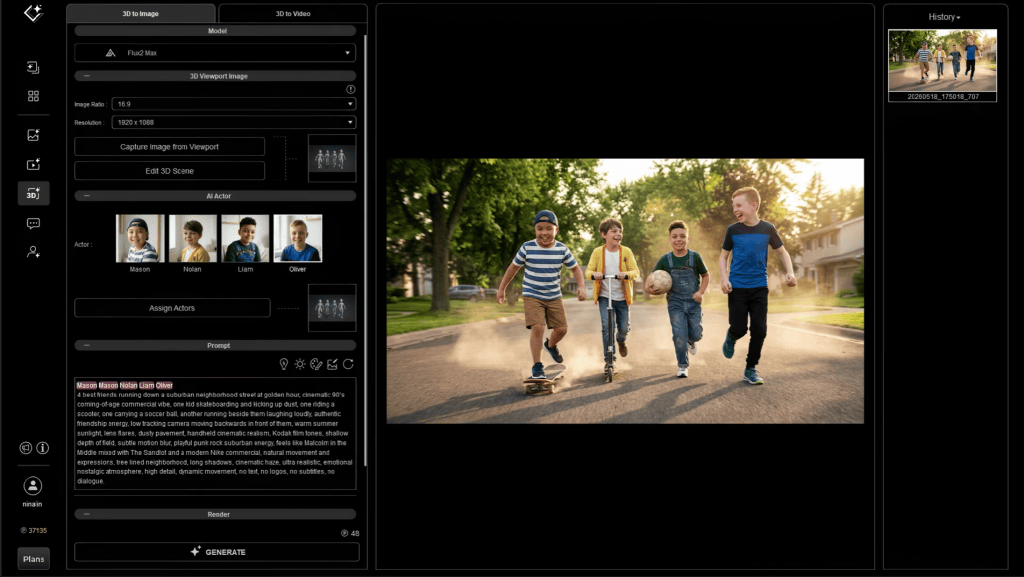
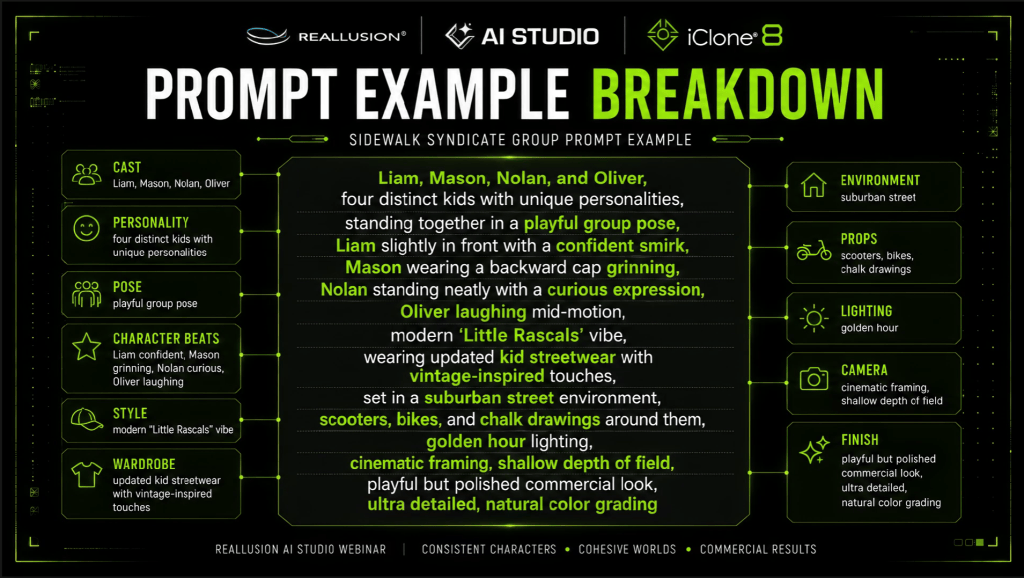
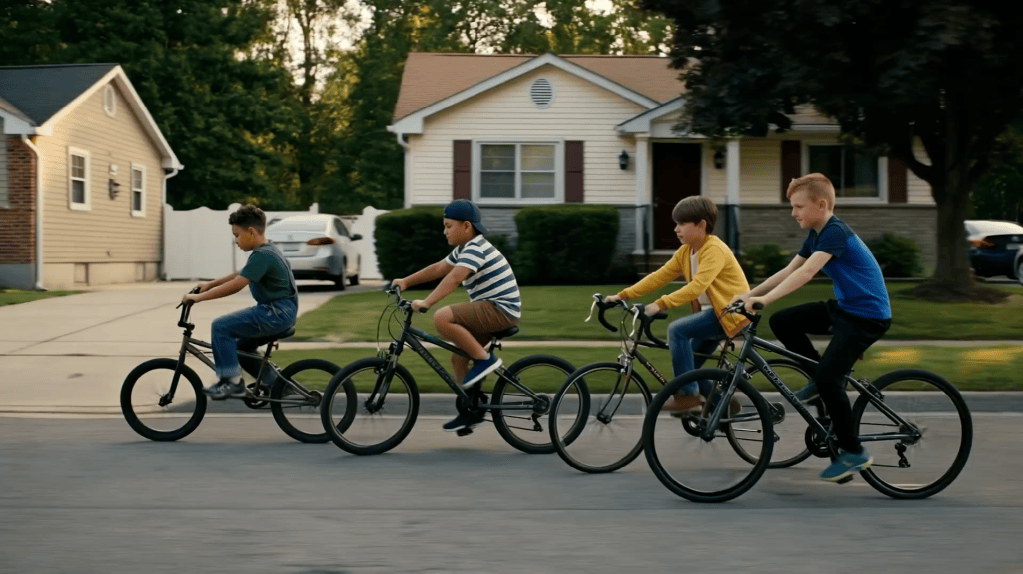
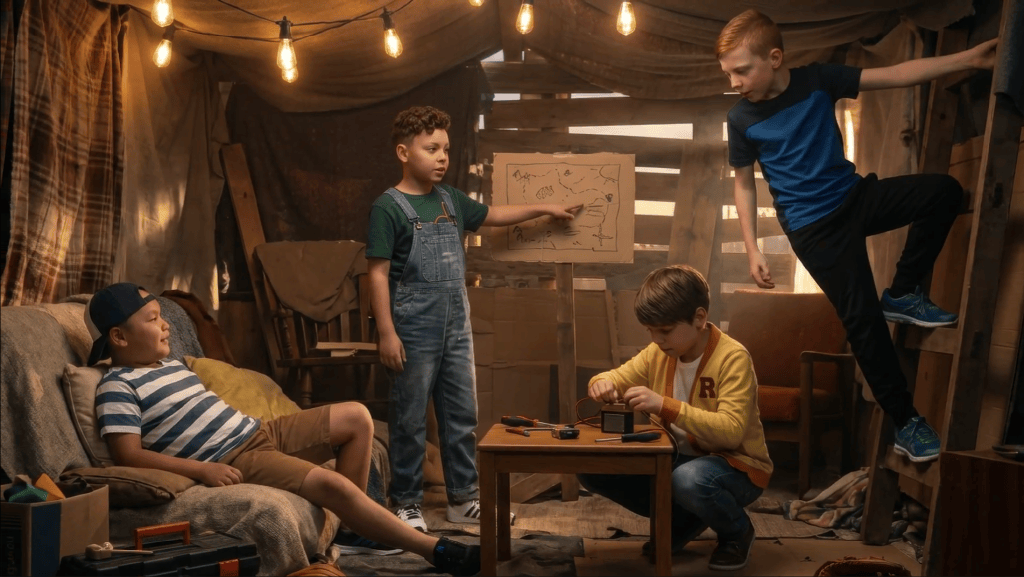
In the latest AI Studio Storytellers, creator Max Thomas demonstrates a production workflow designed to solve those problems. Using AI Studio alongside traditional 3D production techniques, he created Sidewalk Syndicate, a neighborhood story that follows a recurring cast of characters through multiple locations, situations, and camera setups while maintaining visual continuity.
Rather than treating each prompt as an isolated image, Max approaches AI filmmaking much like a live-action production—developing actors, establishing locations, planning coverage, and using 3D when precise direction is required.
The Sidewalk Syndicate Experiment
At its core, Sidewalk Syndicate was never just about generating attractive images. It was an experiment in building a believable world populated by recognizable characters that audiences could follow from one scene to the next.
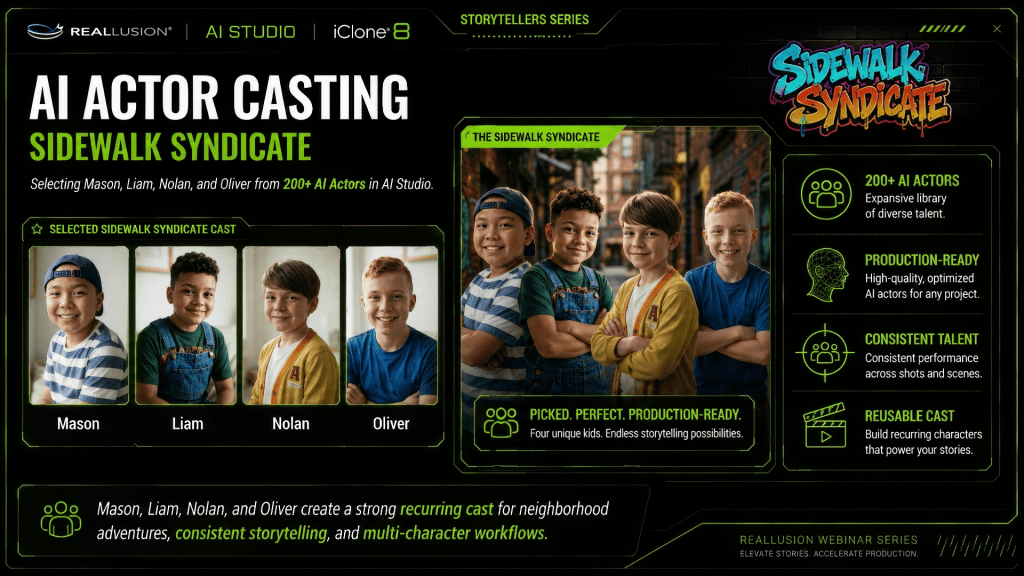
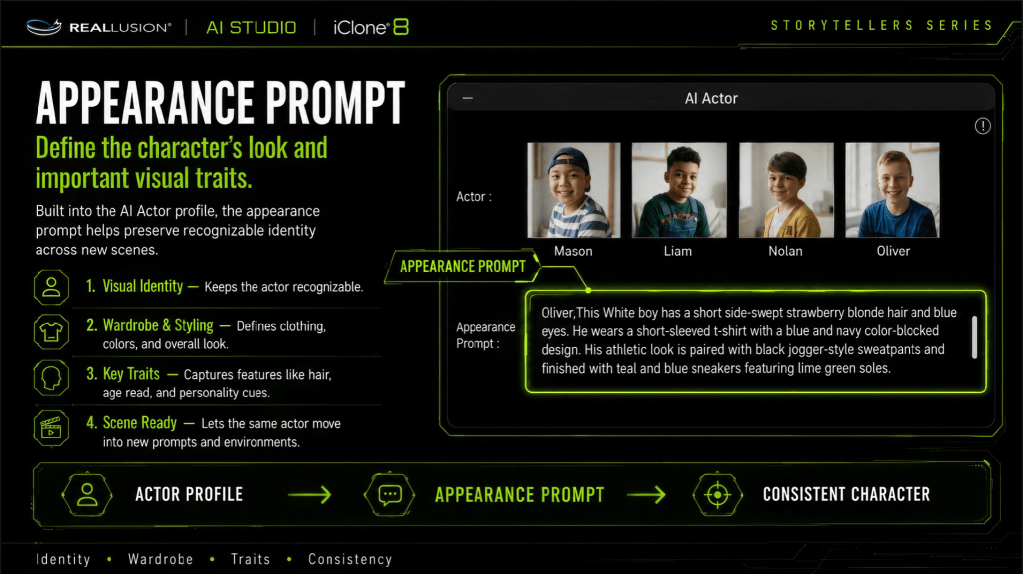
Instead of creating new characters for every sequence, Max developed a small recurring cast consisting of kids: Mason, Liam, Nolan, Oliver
Each character was given a distinct appearance, personality, wardrobe, and visual identity before production began. Once defined, these digital actors could appear throughout the story while maintaining consistency regardless of the scene, lighting, or camera angle.
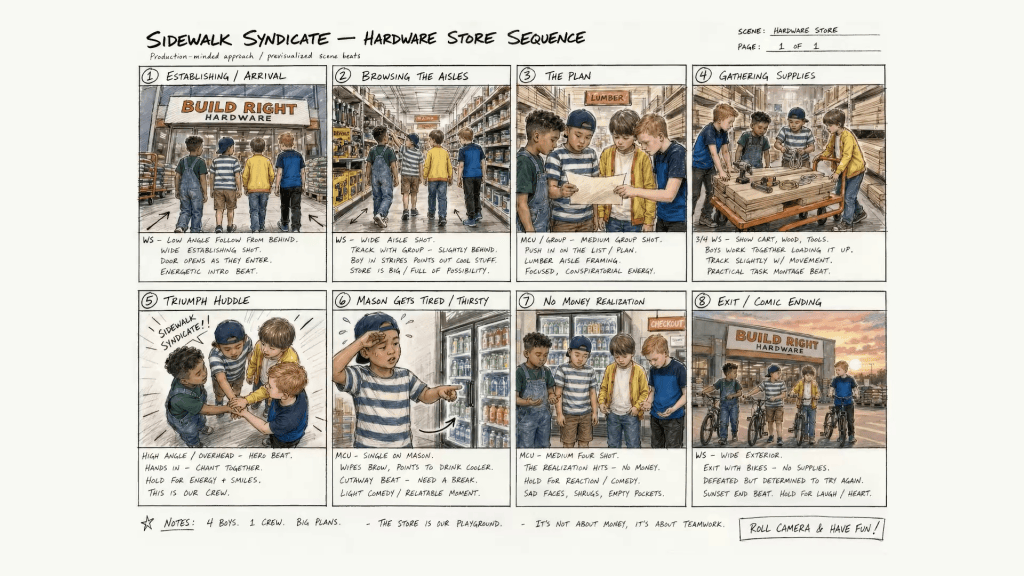
The storyboard process can easily flow with shot ideas and characters. A good shot plan will keep production on schedule and allow for budgeting of points to achieve the goal.
This production-first mindset transforms AI generation from isolated shots into a cohesive narrative experience.
Building a Reusable Cast
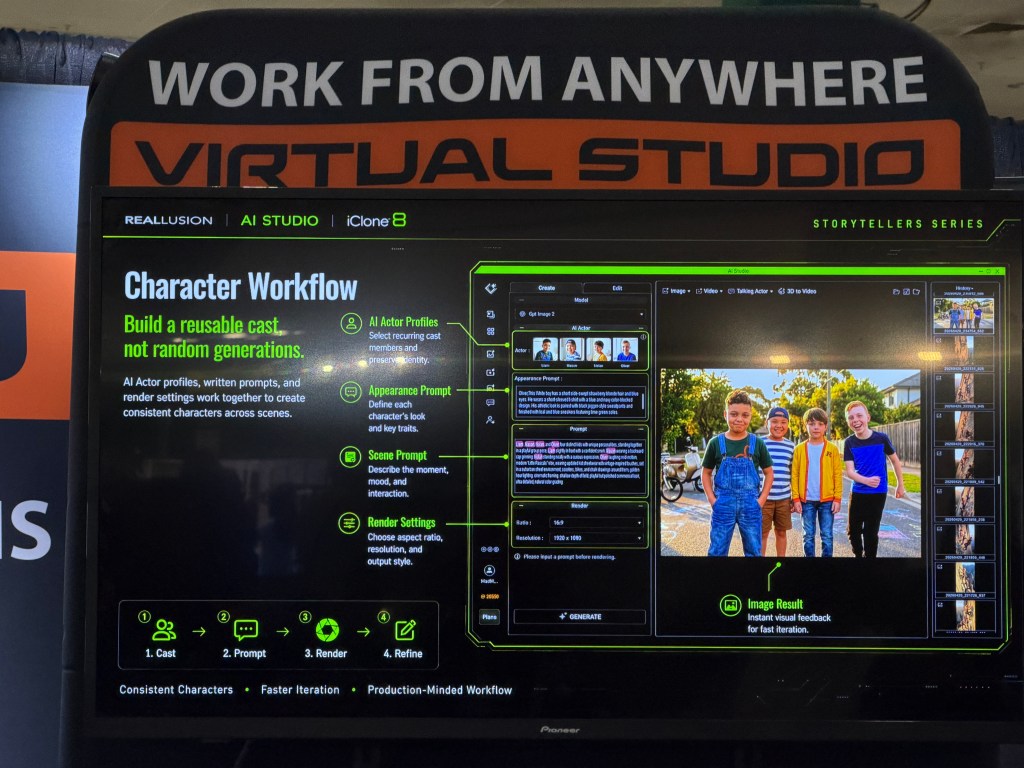
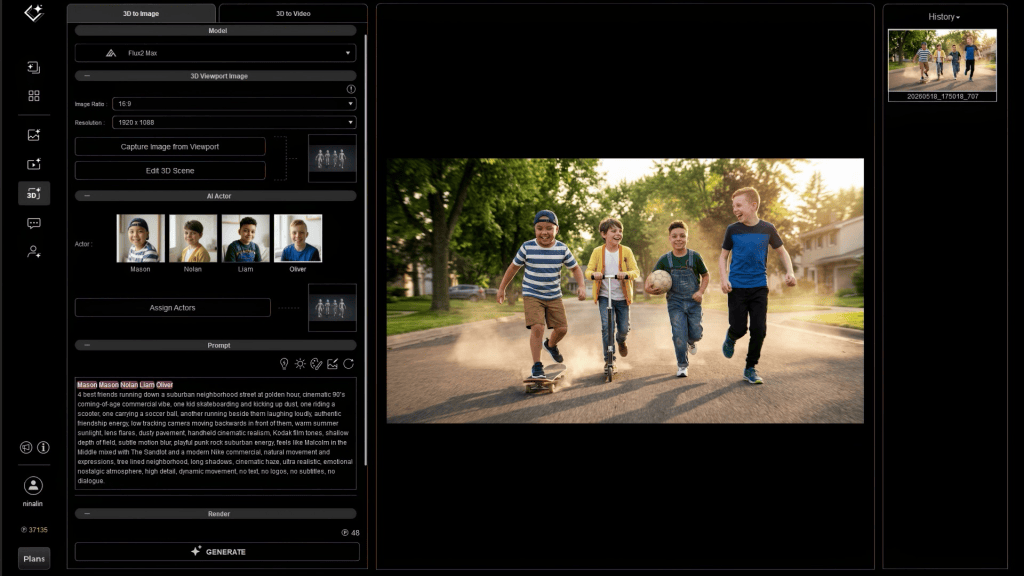
One of the strengths of AI Studio is its AI Actor Library, allowing creators to establish reusable digital performers before building scenes. AI Studio has 200 ready to use actors that can be cast to your scenes or you can easily create custom AI Actors using images or Character Creator and iClone.
Once each character has been defined as an AI Actor, they become reusable assets that can be directed repeatedly throughout production. The AI Actors selected from the AI Studio library or AI Actors created by each user can be accessed and assigned to any scene, along with the included character prompts.
This mirrors traditional filmmaking, where actors remain consistent while the sets, camera positions, and story situations change around them. Because the characters remain stable, prompts become cleaner, direction becomes easier, and continuity improves dramatically over longer productions.
Creating Stable Environments
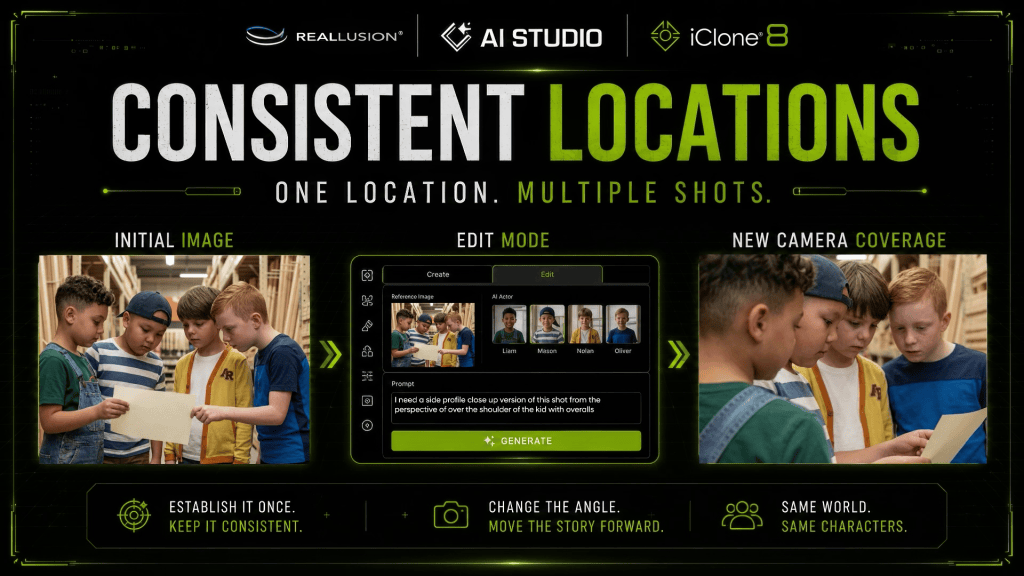
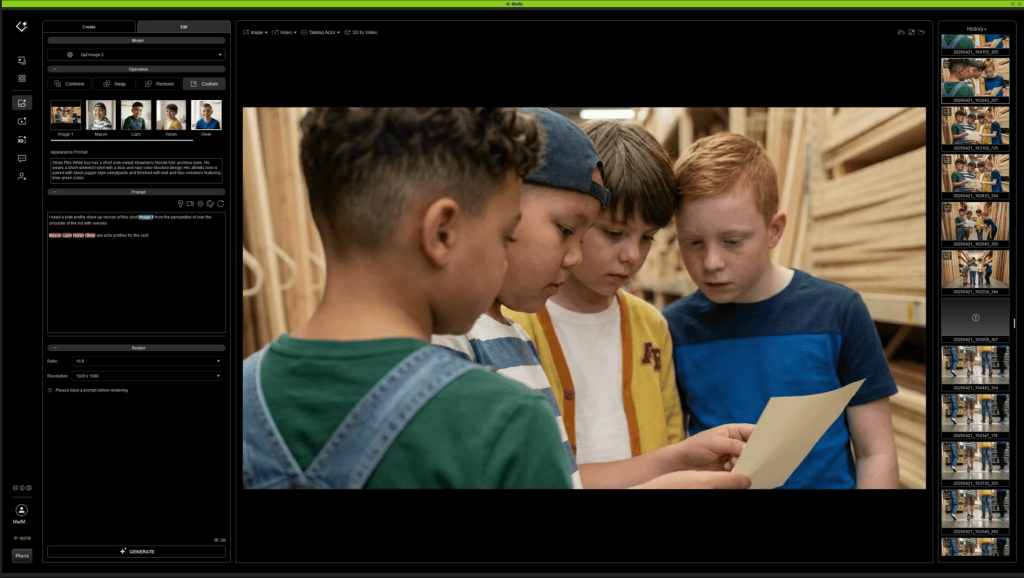
Just as important as character consistency is environmental consistency. Whether the environment is provided in images or as a concept, AI Studio image generation can build essential shots and alternate views of locations to get camera angles, and locations established before video generation.
Max begins by generating images that establishes the location’s architecture, lighting, mood, and visual language.
With a strong environmental reference established, AI Studio can produce different camera angles, compositions, and staging while preserving the identity of the location.
This allows scenes to feel like they all occur within the same physical space instead of unrelated AI generations. Whether following the boys through suburban streets, neighborhood hangouts, or new story moments, the world remains visually recognizable.
Directing Multiple Characters
As scenes become more complex, direction becomes increasingly important. Prompting scene elements, action and direction is essential to support the image input.
Max recommends treating AI actors much like performers on a film set by calling each character by name and assigning individual actions instead of describing the group as a whole. The character dialogue is capable inside prompts to allow the video model to generate the voices with text, audio or by using the Talking Actor feature inside AI Studio to create custom voices.
For example, instead of prompting: “Four boys stand together.” Each actor receives specific direction.
Mason reacts first. “Trust me. I definitely have a plan.”
Liam turns toward him.
Nolan laughs.
Oliver says: “That is what worries me.”
Follow some of these best practices for more believable staging while reducing confusion inside multi-character generations.
For dialogue scenes, Max also recommends:
Keeping spoken lines short and conversational.
Including dialogue directly inside prompts.
Building complete scene coverage using the AI Studio camera preset library:
Wide establishing shots
Medium shots
Close-ups
Reaction shots
Maintaining Continuity with AI Studio’s Edit Mode
Even with consistent characters, productions often require revisions. AI Studio’sEdit Mode provides a workflow for preserving continuity while refining individual shots. In this next shot, Max wanted another angle with closeup as the boys chatted at the hardware store.
Instead of regenerating an entire image, creators can adjust poses, expressions, compositions, or details while maintaining the established cast and environment. Max chose to edit the image and create a new camera angle for the interaction.
This iterative workflow allows filmmakers to improve performances without sacrificing continuity that has already been established earlier in production.
For longer-form storytelling, this becomes one of the most valuable tools in maintaining visual consistency from scene to scene.
Using 3D as a Production Foundation
While many scenes can be directed entirely inside AI Studio, some sequences require more precise control over camera placement, staging, and performance.
For these moments, Max incorporates a traditional iClone 3D workflow.
Characters and cameras are first blocked inside iClone, allowing complete control over Camera composition, Character placement, Silhouettes, Timing, Performance, Shot design.
The rendered frame then becomes the visual foundation for AI image generation. The frame can use the AI Studio tool to assign the AI Actors to the reference frame from iClone. The assignment allows Max to associate the intended actor’s performance, mood and gesture in the 3D reference to the AI Actors loaded into the AI Studio project.
Instead of asking AI to invent composition, the creator provides a carefully designed layout that preserves the original cinematic intent.
This hybrid workflow combines the precision of 3D filmmaking with the speed and visual quality of AI generation.
Production Mindset and Prompt Engineering
Perhaps the biggest lesson from Sidewalk Syndicate is that successful AI storytelling is less about discovering the perfect prompt and more about adopting a production workflow along with prompting.
By treating AI actors as a recurring cast, establishing reusable environments, directing performers individually, planning editorial coverage, and incorporating 3D when precision is required, creators gain significantly greater control over the final story.
The result is a workflow that scales beyond single images into connected narratives with consistent characters, recognizable locations, and cinematic storytelling.
As AI filmmaking continues to evolve, production-minded workflows like the one demonstrated by Max Thomas offer a practical blueprint for creators who want to build believable worlds instead of isolated scenes.
AI Studio Storytellers
AI Studio Storytellers highlights creators who are pushing the boundaries of digital storytelling through Reallusion’s AI Studio workflow. Through behind-the-scenes breakdowns, production insights, and real-world projects like Max Thomas’s commercial lifestyle campaign, the series explores how artists combine Character Creator, iClone, AI Studio, and leading AI models to develop consistent digital actors, direct scenes in 3D, craft effective prompts, generate music and performances, and transform creative ideas into polished productions. Each episode reveals practical techniques and creative workflows that demonstrate how creators can direct AI with purpose while maintaining artistic control from concept to final delivery.
Max Thomas is a Professor of Practice at Georgia State University’s Creative Media Industries Institute (CMII) and Co-Founder & CTO of Actor Capture. His work focuses on virtual production, digital humans, motion capture, real-time animation, and AI-assisted content creation. As an educator and industry practitioner, Max specializes in helping creators combine traditional production techniques with emerging AI tools to accelerate storytelling and creative development. He regularly speaks on the future of production workflows and the growing role of AI in media, education, and entertainment.
This is another one of those tasks I look forward to… reviewing a product that was made for beginners and pros by a company that understands both markets. I never thought I’d make that statement, as 3D work can be difficult and time-consuming, which leads me to my favorite keyword “tedious,” of which a product like this eliminates or at the very least greatly reduces it.
There was a time when making characters was so complex that advanced skills were applied from blocking out a mesh, sculpting it, then rigging it for animation. Sure, it was fun the first time, maybe even the first one hundred times, but after a while it just gets to be a buzzkill and was a major reason I focused on props and scenes to avoid burnout. I loved making the character mesh, but the rigging was the deal killer, particularly in 3DS Max, creating and tuning envelopes for each finger and knuckle.
For those of you new to these products, they have been a long time in the making, based on collaboration with users, including pros, hobbyists, and beginners, to put a tool into our hands that follows the philosophy of using what you need while not overcomplicating basic features for beginners. In fact, there are so many features in Character Creator 5 and iClone 8 that I can’t even remember them all, and I, like other original users, have been along for the entire evolution of these products.
For the current users of CC5, I’ll stop the history lesson here, and we will focus on what Headshot 3 has brought to the table in terms of IMAGE-BASED facial creation. The mesh-based side of CC5 remains the same, but the image side of it has been refined and improved with more AI functionality while not stifling the creative nature of its users.
AI as a Tool
Not all of us can agree on the use of AI in digital art, but that also leaves out the fact that when used as a tool to enhance creativity by eliminating the tedious nature of things that kill the creative urge, this tool can empower the digital artist by spending more time being creative and less time being technical. I’m not sure myself where I stand on all things AI, but I know if we don’t learn, we could be left behind, and Reallusion is not here to create the artistry for you but to facilitate the tech needed to create and showcase that artistry.
Let AI do the Sculpting
Not all of us are able to sculpt 3d mesh into a character, and even those of us who can are finding ourselves under decreasing time constraints. If you are a pro, then time is money; if you are a hobbyist, then time should be fun. Frustration comes if you are not using applications that remain consistent and approachable by anyone.
For example, ZBrush is great, but it’s the most oddball interface new users might ever see. While Maxon is mainstreaming some features of ZBrush, the interface is so unique that it can take weeks to months just getting familiar with it. Even after all the years I’ve used it, I haven’t scratched the surface of what it can do. That is what I call AAA complexity for AAA results.
Reallusion products, on the other hand, can produce AAA results with little to no experience in 3D animation. In its simplest form, Headshot 3 allows us to load an image for reference, then let the AI create the head and put it on the body. No sculpting unless you want to tweak the mesh, but even in this simple straight-through run, you can get an amazing custom character. As you learn how to refine characters with experience, you can use more of the advanced sculpting tools, but you don’t have to use them.
Test Character One – 2K Generation
This is my first run to test it for myself. The goal was to get a young Mexican female in her late teens or early twenties. To do this, I used the AI-Generation feature in Headshot 3. I’m not sure at this point how the AI interprets a prompt, so I had a chatbot prepare a generic prompt for me, as I’m not that flowery with prompting, and it gave me the prompt below:
Young, beautiful Mexican American woman with smooth sun‑kissed skin, no hair, warm brown eyes, soft natural makeup, calm, confident expression. Even studio lighting, crisp focus, ultra‑realistic detail, 85mm portrait lens look, clean professional aesthetic.
I let Headshot 3 AI create the three views as shown, so I could see how it worked for the head and body. The process is covered in the video linked at the end of this article. This was strictly a straightforward run through the system without major tweaking, letting the tool do the work.
The face could use a little reshaping along with the nose, but for an unaided run using just AI, it went well and produced a character in minutes. The process is easy, like its predecessor, even though there are a lot more tools to fine-tune the mesh to better match the image. For a few minutes’ work, it’s a quick way to get filler characters, and depending on the quality resolution, they will work for main characters, as this first test was at 2k and went very smoothly.
Test Character 2 – 4K Generation
For the 4K generation, I chose a Persian male and once again let a chatbot create a more detailed prompt based on my basic requirements.
A handsome, striking young Persian man with a clean‑shaven head and smooth jawline, facing the camera with confident, magnetic charm. His dark, expressive eyes hold a calm intensity, and his features are sharp and sculpted. Soft, cinematic lighting highlights the warm undertones of his skin. The background is white to keep full focus on his commanding gaze and poised posture. High‑resolution, portrait, headshot photography style.
Some elements of the prompt might have been unnecessary, but it produced good results the first time, so I’ll didn’t edit anything out. I also didn’t specify a specific age as Reallusion did in the manual, but that can be a part of the prompt as well.
Just as I did with the first run, I let the plugin AI handle most of the work. I did a few sculpting tweaks with the new, more refined sculpting tools, and it worked fine. I was able to easily adjust what little needed to be adjusted, and I wasn’t looking for an exact copy anyway. I just wanted to verify that the first run wasn’t a fluke, and it produced another great character that would be at home close to the camera or as a scene filler. The great thing about using Headshot 3 is that the character is fully functional with all the bells and whistles we’ve become accustomed to.
The end result produces a very good, high-quality 4K character that looks good on screen, has all the functionality of an iClone character, and projects a very nice image or screen presence. Again, this was done with only a few minor sculpts, mainly to test the sculpting features, but it wasn’t necessary to produce a good character. I also lengthened the jaw and lowered the mouth a bit with sliders.
Why No Hair or Facial Hair in the Prompt?
I do this in the prompt so I can use the Beard tool and packs to add more realism, as photo beards are more like the late 1990s and can detract from the production, causing the audience to lose the story and focus on the funny-looking beard. Having no beard in the reference image makes the face a lot cleaner on the character than having to deal with a beard plastered on the face in the image.
Test Character 3 – U.S. Historical Figure
For this test, I dug out an old Abraham Lincoln character I made a long time ago when Character Creator was still new. I hadn’t updated it in years, and I created the clothes in Marvelous Designer to match the suit he wore at a famous speech. The mesh turned out to be too old to use in the process, as you’ll see in the video, but CC5 took care of it by substituting a new compatible male mesh without missing a beat. I added a beard, hair, and his famous top hat to round out the character.
I did edit the processing time in the video so you wouldn’t have to wait it out, but it was only a few minutes at most, so it wasn’t that long of a wait, and in under 5 minutes, I had a fully functional, updated Abe Lincoln character, not counting the clothing.
You can see from the video that it was simple to update my Abe Lincoln character to a cleaner face. This was an older CC mesh, so it was incompatible, but Headshot 3 let us use other body meshes without skipping a beat. I didn’t tweak this character as I wanted you to see what it looks like just going through the process. The chin could be longer, the mouth lower, and the top of the head shorter, which you can do with more time.
I was amazed at Headshot 3’s ability to enhance the photo I used, as it was far from optimal and broke most of the good practices rules for image to face, but as you can see, it turned out just fine. I only needed the one forward-facing headshot, so a side and body generation were not needed. As you can see in the video, all I had to do was load the image and click a few checkboxes, then start the process. Perfect for beginners that don’t want to fiddle with the sculpting or other edits, as this character was usable straight out of generation without refinement, as many are.
Summary
I spent over two weeks with Headshot 3 before I wrote this article, and I rarely looked at the manual. For me, this is one of the biggest selling points, and I’ve brought it up many times: the ease of use. You can refine and sculpt to your heart’s content or just run it through the process and let AI handle the technical aspects, with many options in between.
Is it worth the upgrade? In my opinion, yes, the mesh part is the same as before, but the AI generation is a real step forward in how I used Headshot 3, so it might be the same for many other people. I can’t find any reason not to upgrade unless you will not be using the AI, but you will miss out on learning the new refinement tools that anyone can use, and Pros can really take advantage of.
Headshot 3 is another tool that is as easy or as complicated as you want it to be. Use only what you need while learning the more advanced features at your leisure. Even beginners can be pros within 6 months to a year of experience using tools like Headshot 3, which really simplifies the process.
Digital Artist MD “Mike” McCallum, aka WarLord, is a longtime iClone user. Having authored free tutorials for iClone in its early years and selected to write the iClone Beginners Guide from Packt Publishing in 2011, he was fortunate enough to meet and exchange tricks and tips with users from all over the world, and loves to share this information with other users. He has authored hundreds of articles on iClone and digital art in general while reviewing some of the most popular software and hardware in the world. He has been published in many of the leading 3D online and print magazines while staying true to his biggest passion, 3D animation. For more information, click here.